Privacy-focused document scanner with OCR and PDF export
MakeACopy is an open-source document scanner app for Android that allows you to digitize paper documents with offline OCR functionality. The app is privacy-friendly and works completely offline — no cloud connection, no tracking.
Features:
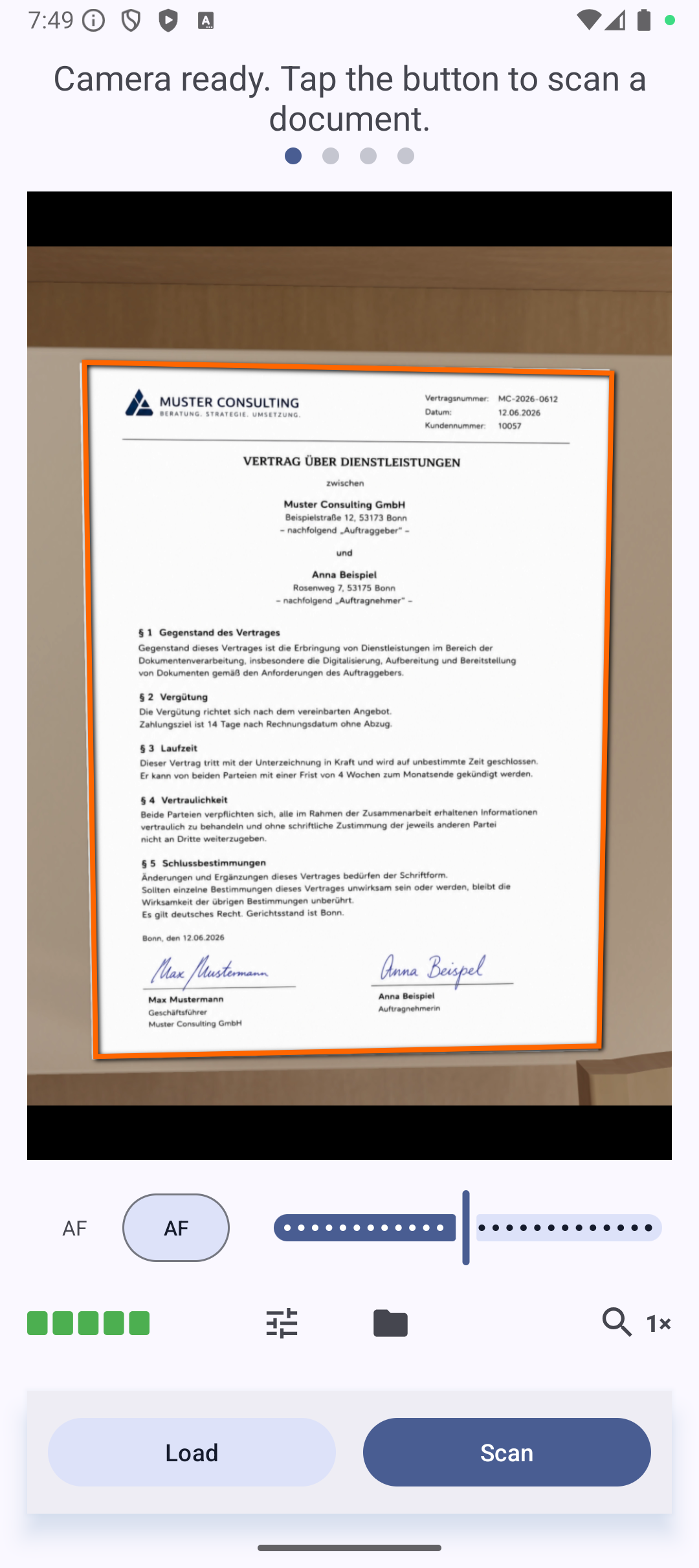
• Camera scanning: Capture documents using your device’s camera
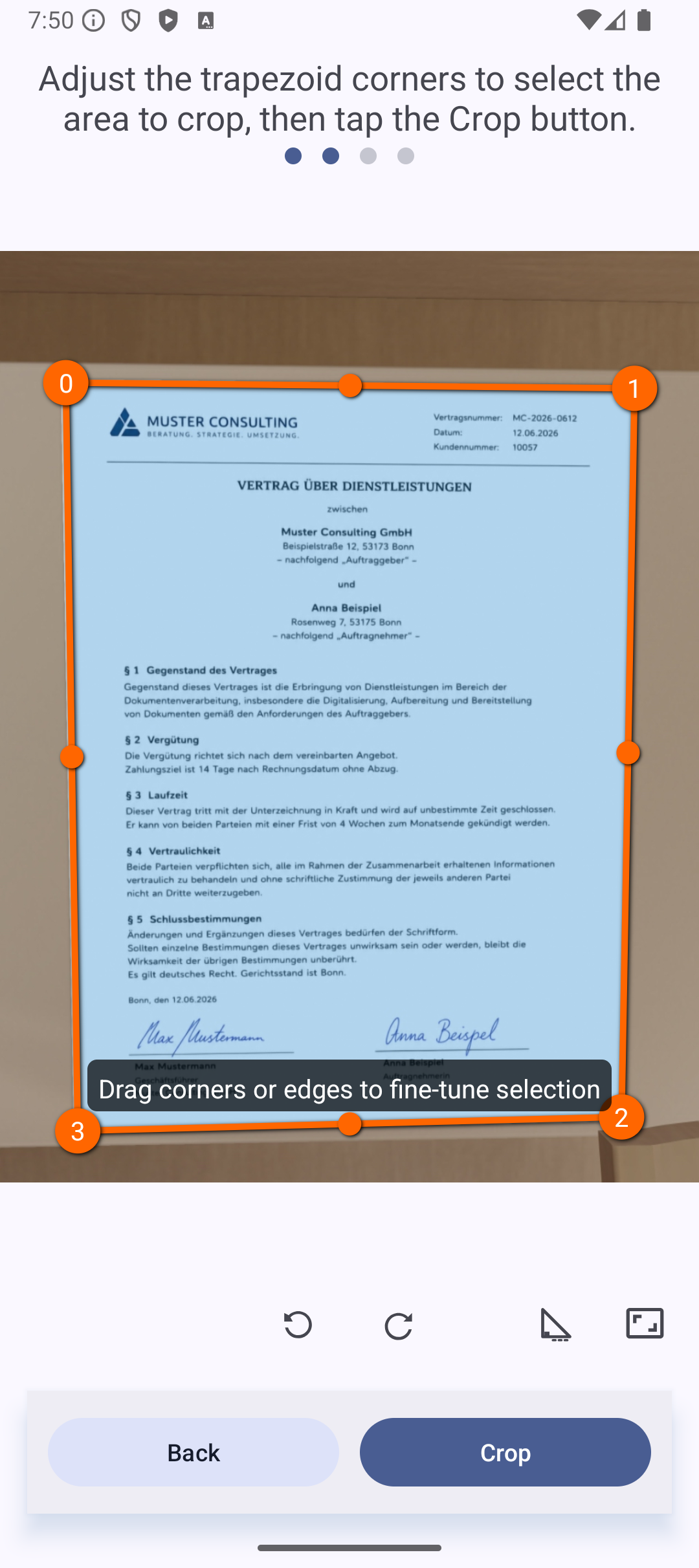
• Edge detection: Automatic document boundary detection using OpenCV, enhanced by a custom-trained ONNX inference model
• Perspective correction: Manually or automatically adjust document perspective
• Grayscale export: Optional grayscale filter applied during PDF creation
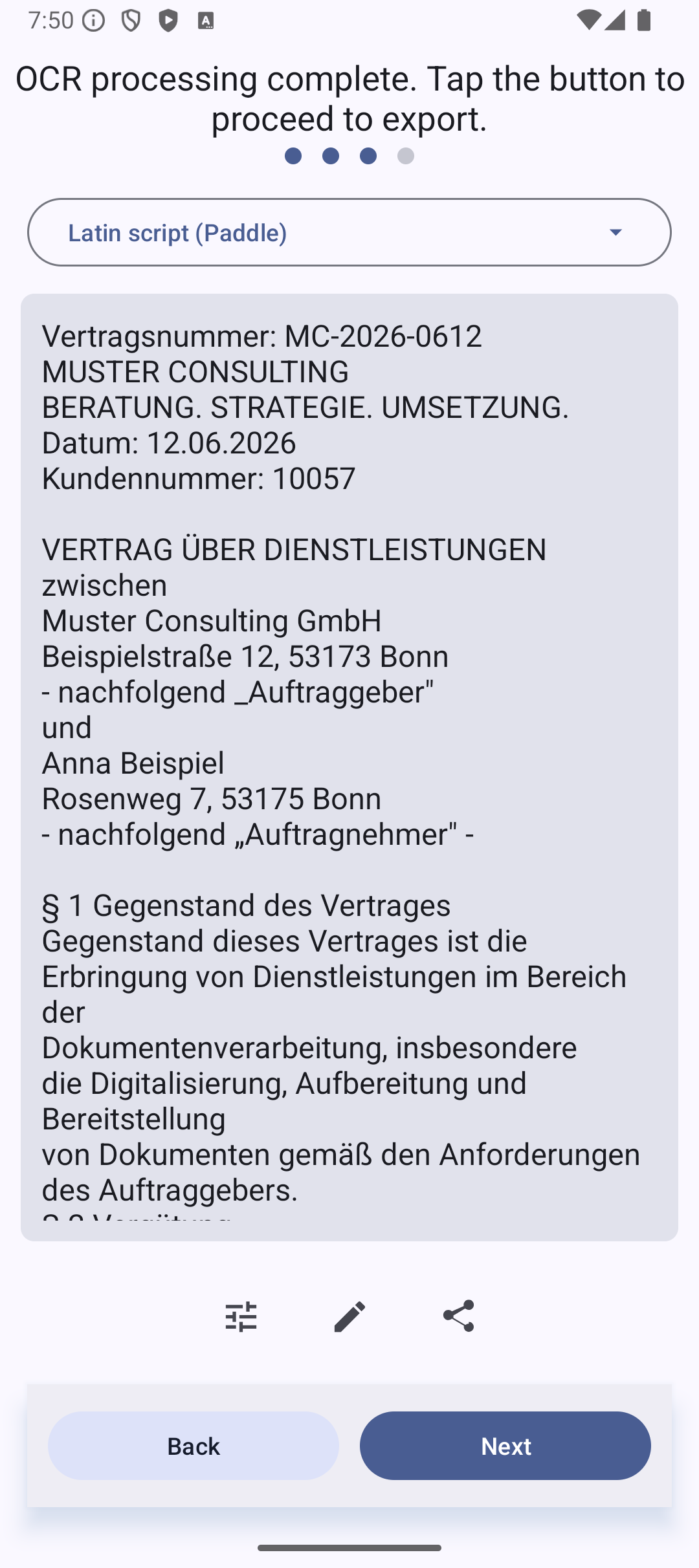
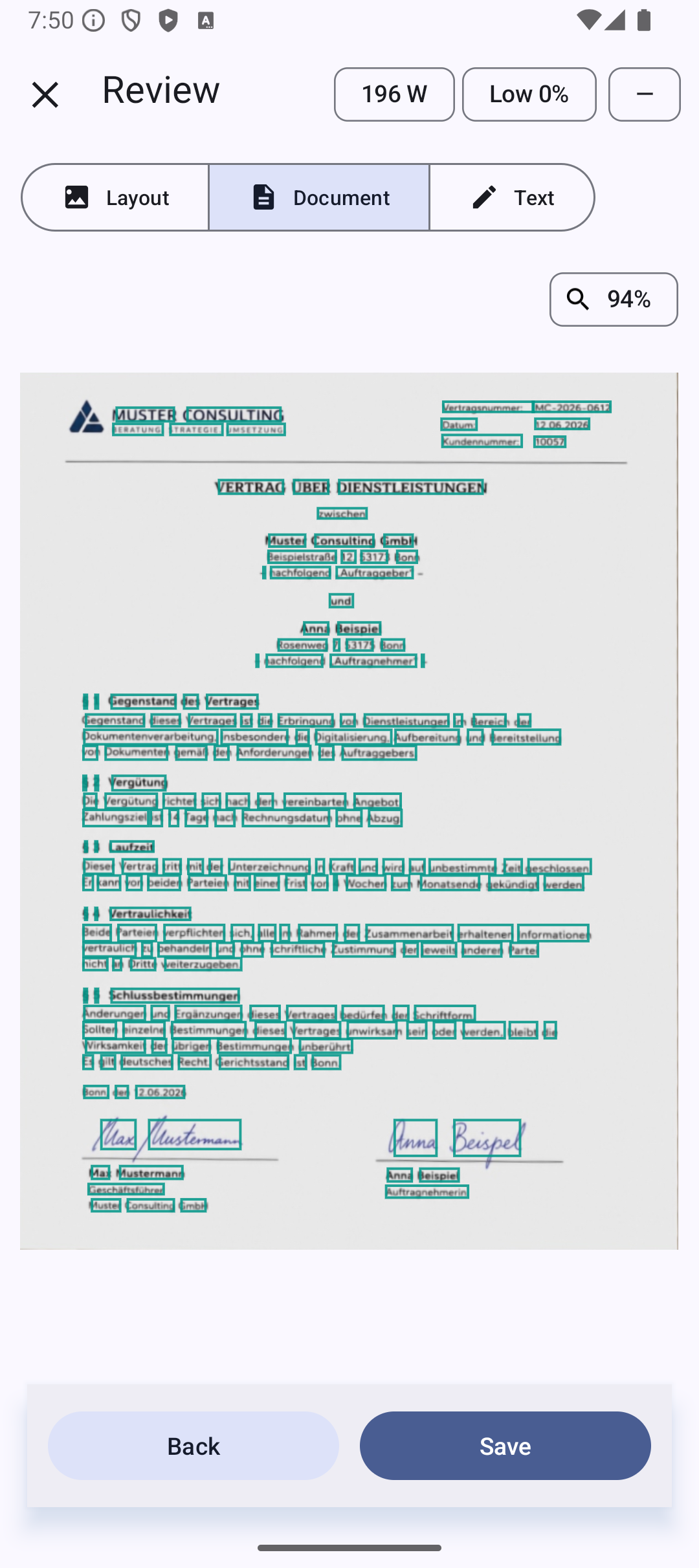
• OCR: Offline text recognition using PaddleOCR in the published paddle flavor
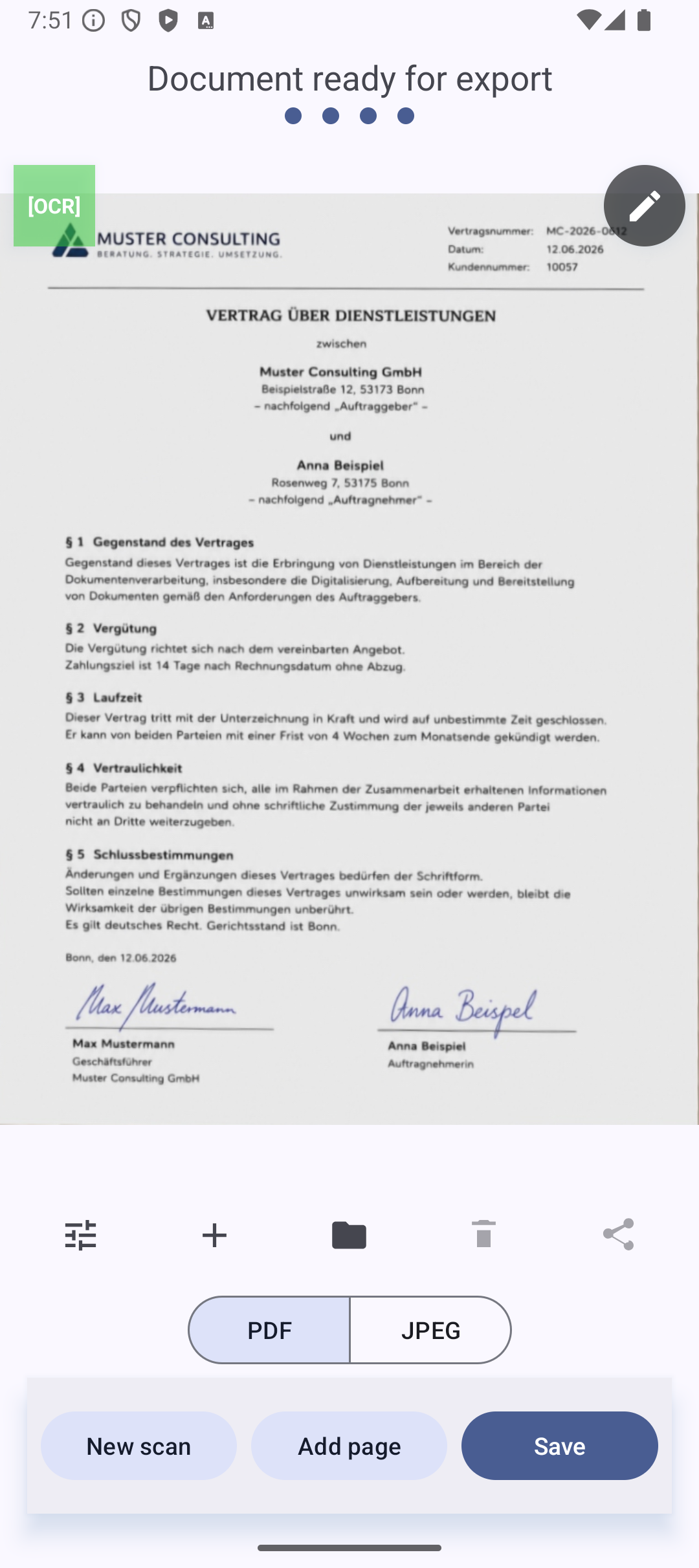
• PDF export: Save scanned documents as searchable PDFs
• Share & save: Export locally or share via other apps
• Dark mode: System-based Material 3 theme with light and dark appearance
• Privacy-focused: Fully offline — no data leaves your device
The F-Droid and Google Play listings provide the paddle flavor with PaddleOCR. The standard flavor with Tesseract remains available through GitHub Releases for users who still need Tesseract language data or workflows.
MakeACopy is F-Droid compliant and builds native libraries from source during the build process, ensuring that no prebuilt binaries are included in the repository. All components are open source and respect your privacy.
MakeACopy is free and open source. If you find it useful, please consider supporting development: https://ko-fi.com/egdels
License: Apache License 2.0
Screenshots
What’s new
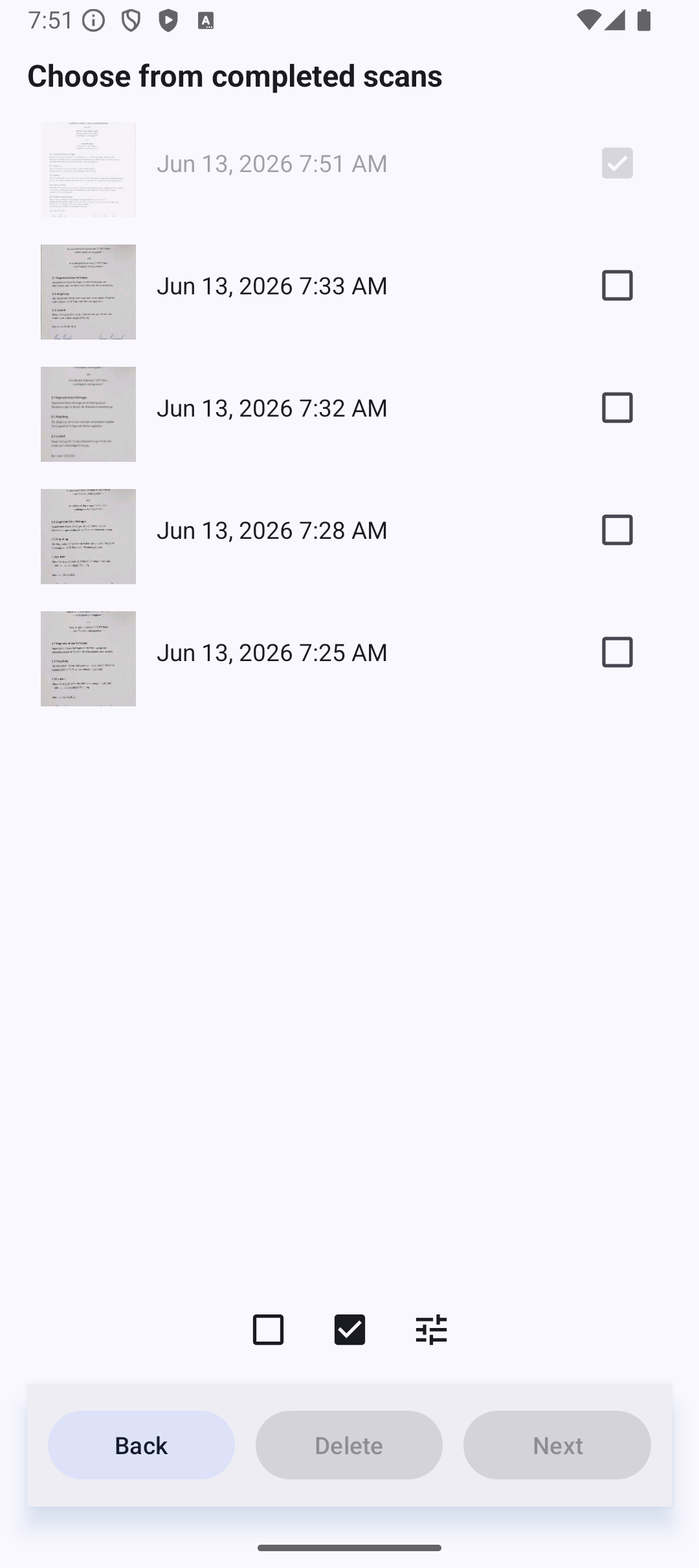
MakeACopy 4.7.0 * New: manual dewarping for curved book pages in the crop screen. * New: multi-page workflow – import several PDF pages, batch OCR, memory-friendly export; unfinished documents survive a restart. * New: re-crop any page of a multi-page document from its original photo; a curved-page crop comes back with its curves. * Corner detection: about 9× faster; retrained model is far better with tilted documents. * Fixed: a separate TXT file is only exported when OCR found text; the camera
How to install
Download the APK from the button at the top of this page.
Allow “Install unknown apps” for your browser or file manager only, not for every app.
Open the downloaded file and confirm the installation.
If installation fails with “App not installed,” remove an earlier build of the same app first. A signature conflict is the usual cause.
Data safety
Every file is checked against its published SHA-256 before it is listed.
Files are scanned for malware on every update.
The permissions each app requests are listed on its own page.
Read the full safety policy for how we test, flag, and delist files.
Frequently asked questions
What is MakeACopy?
Privacy-focused document scanner with OCR and PDF export