Podcini, an open source podcast instrument, attuned to Puccini, adorned with pasticcini and aromatized with porcini, invites your harmonious heartbeats.
Do I hear your heartbeats? Great!
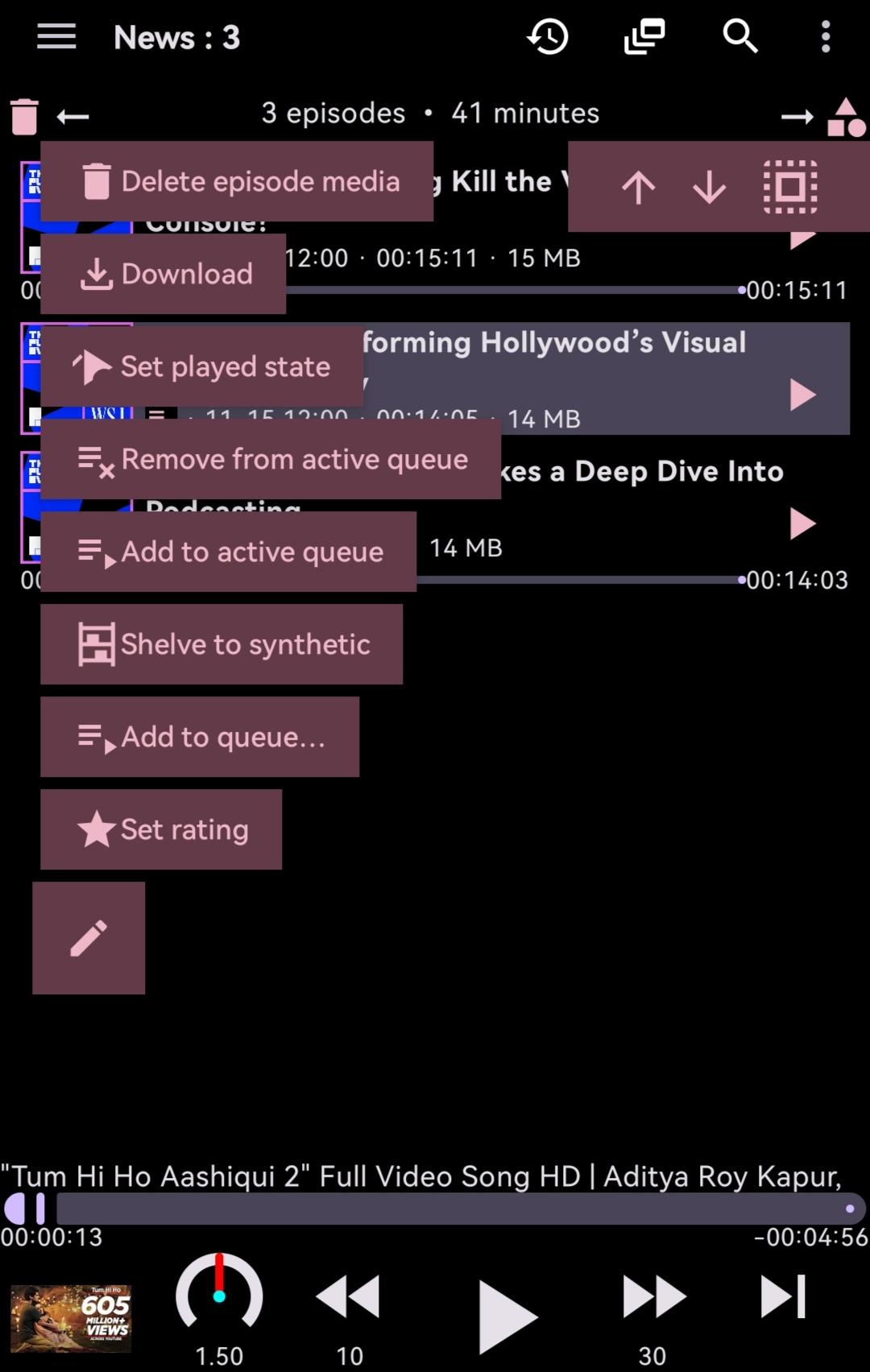
Common functionalities of a podcast player are well-supported:
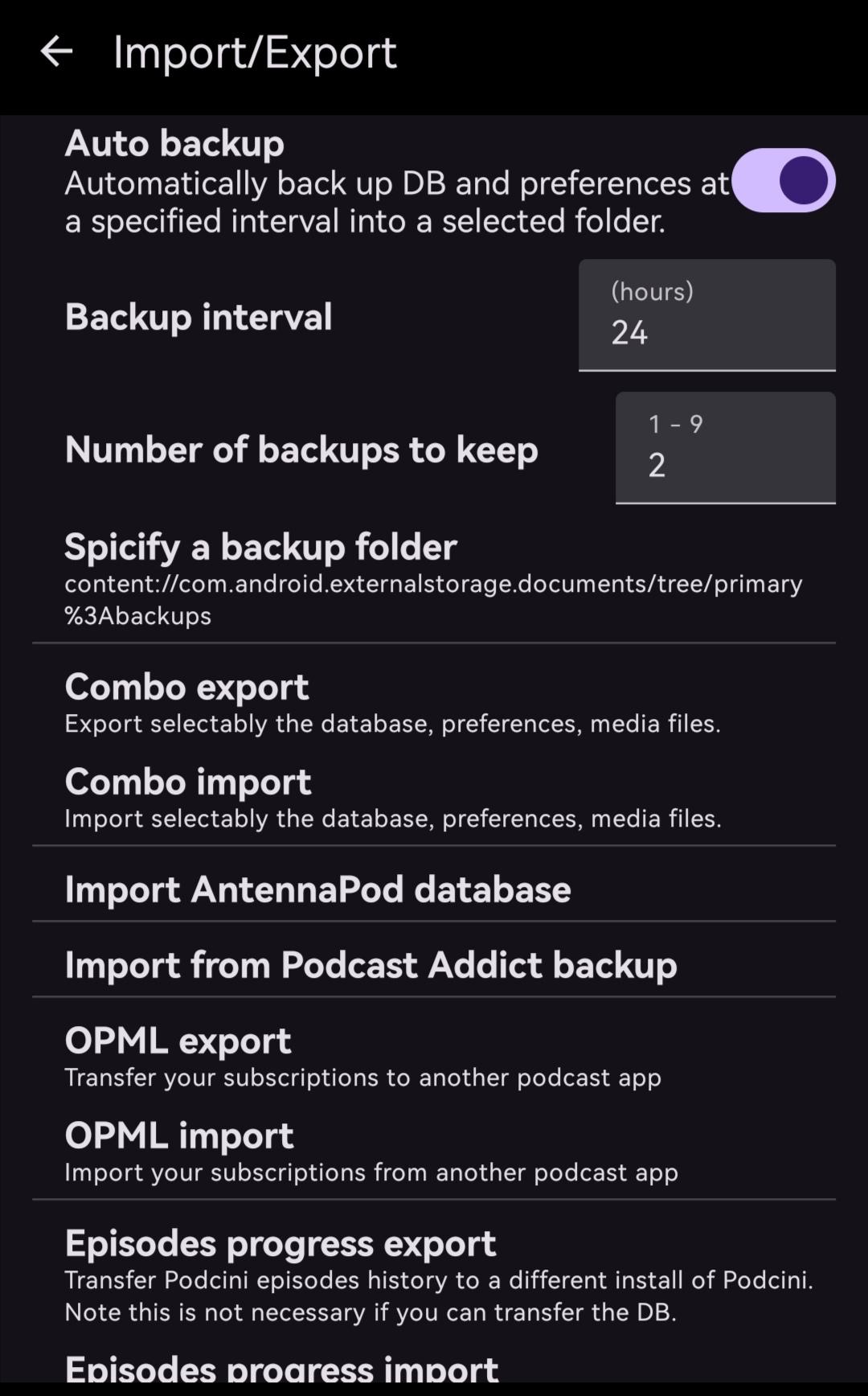
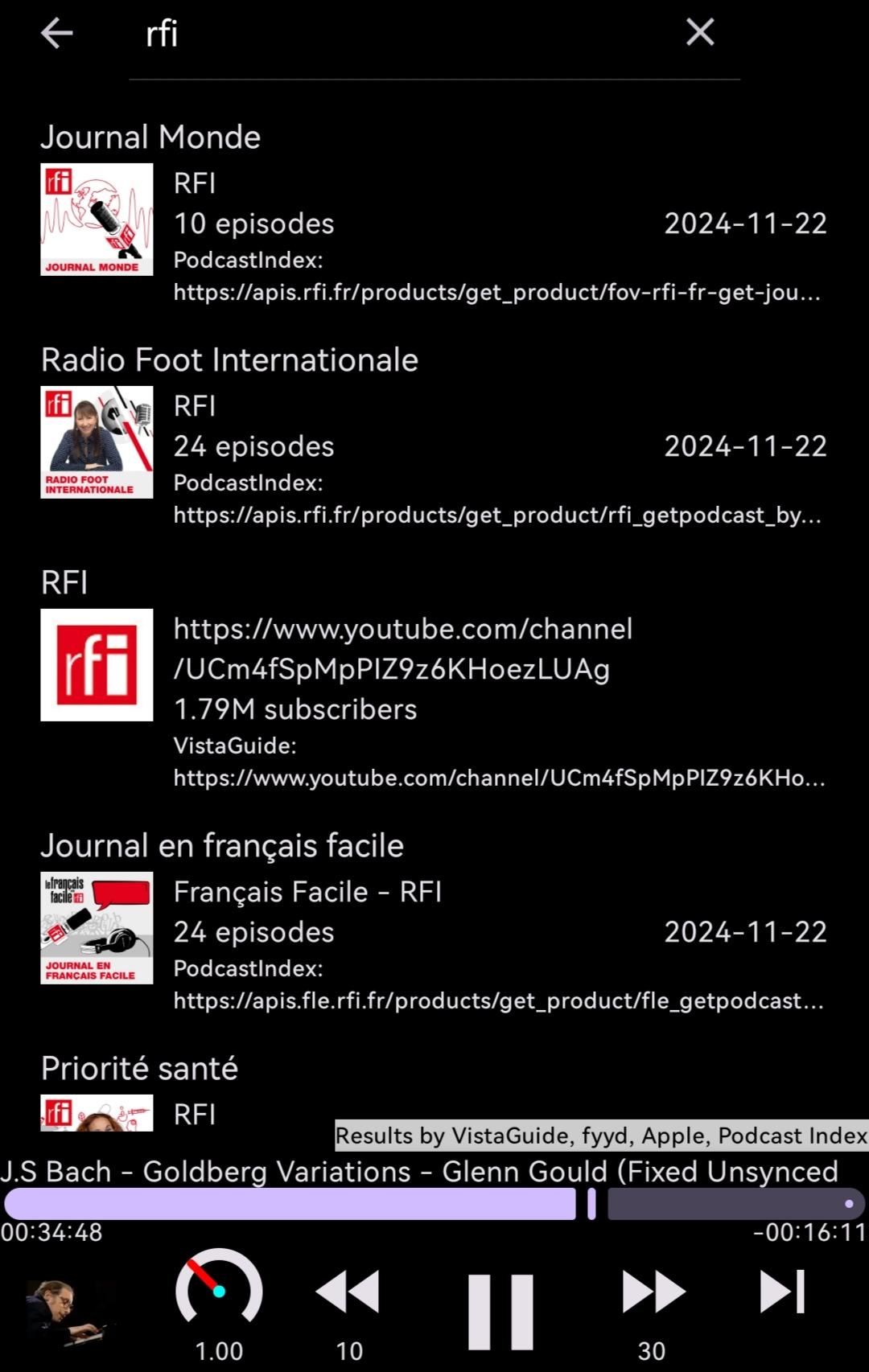
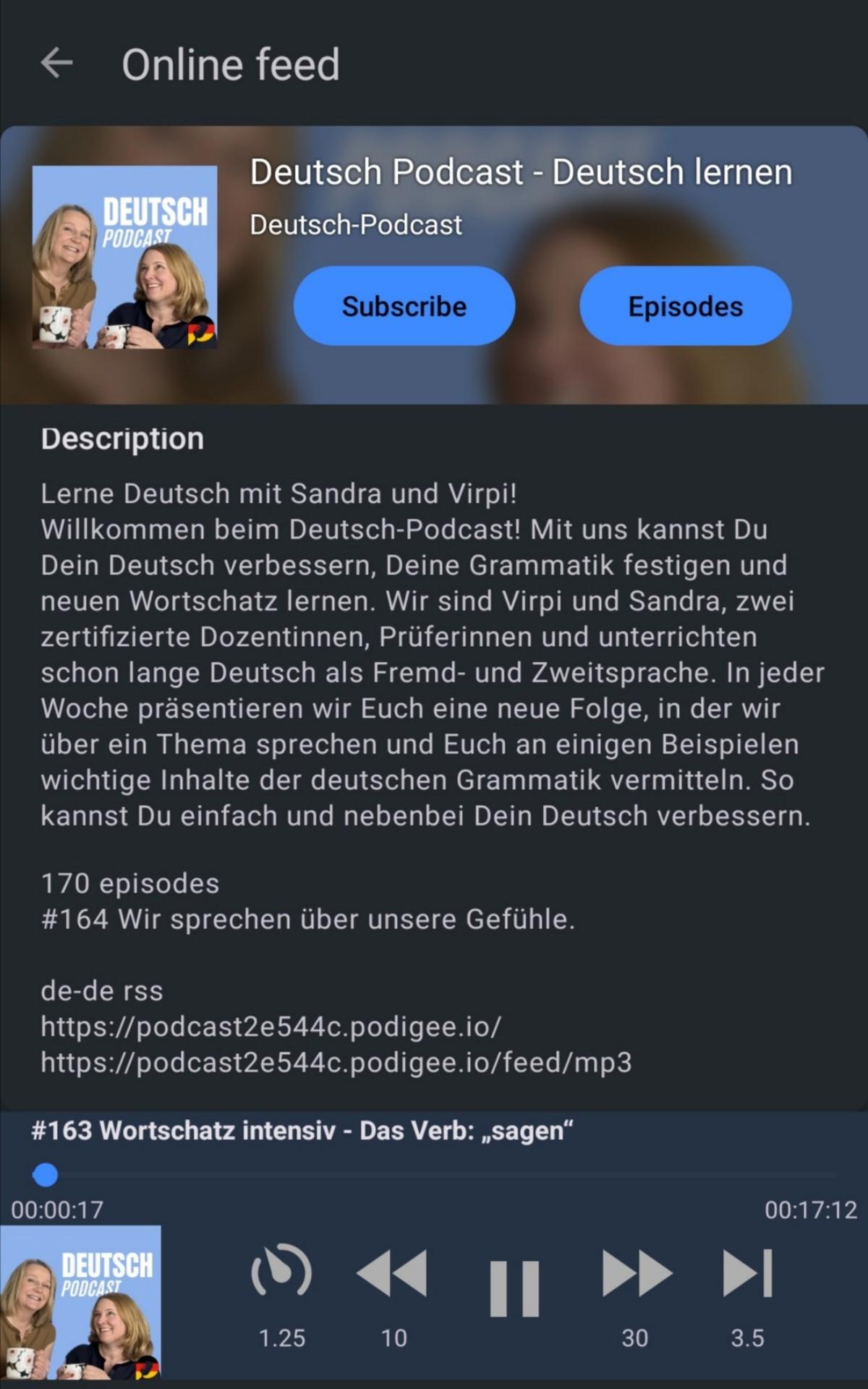
Search, discover and subscribe to podcasts, by keywords, simple RSS URLs, or OPML files.
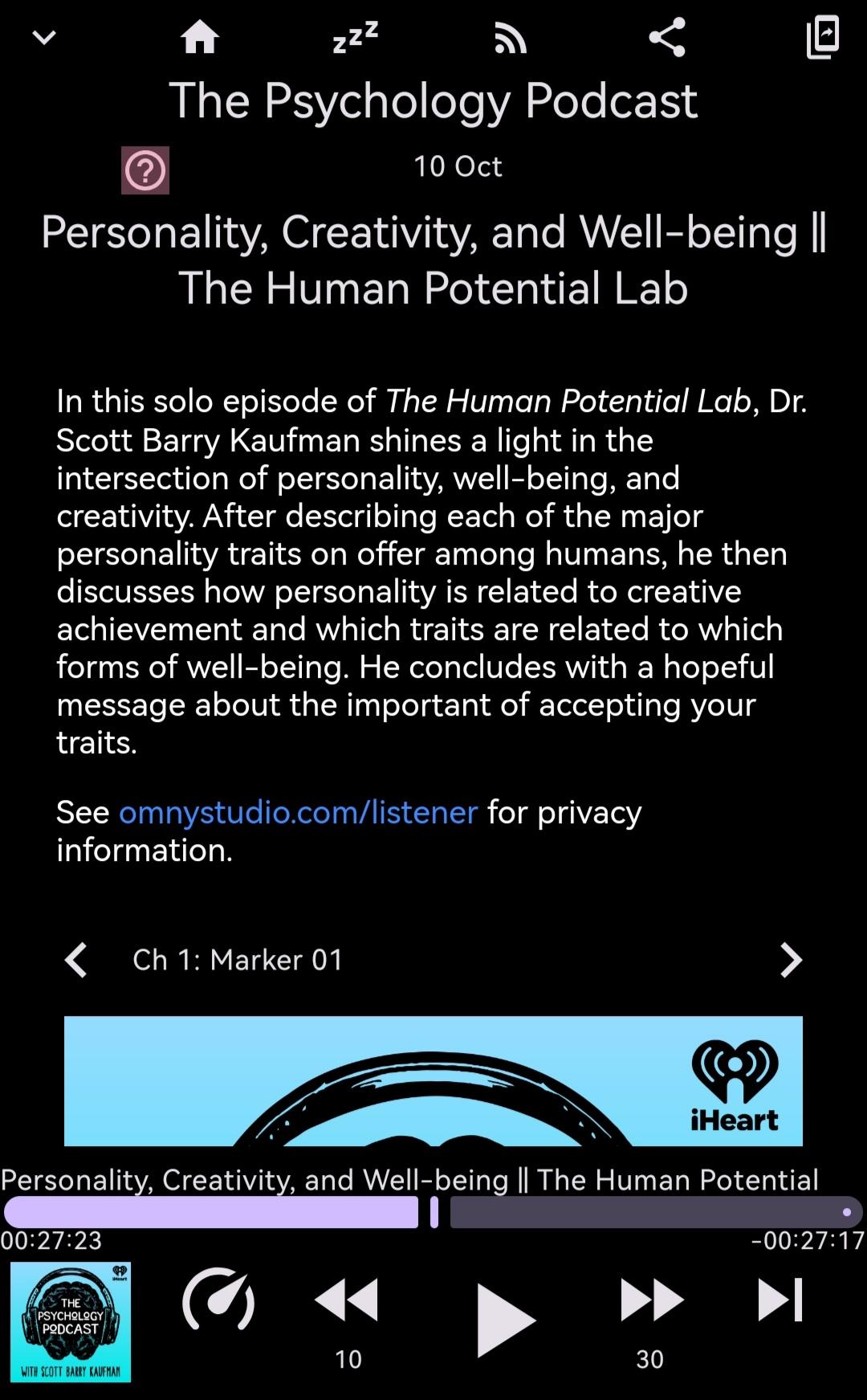
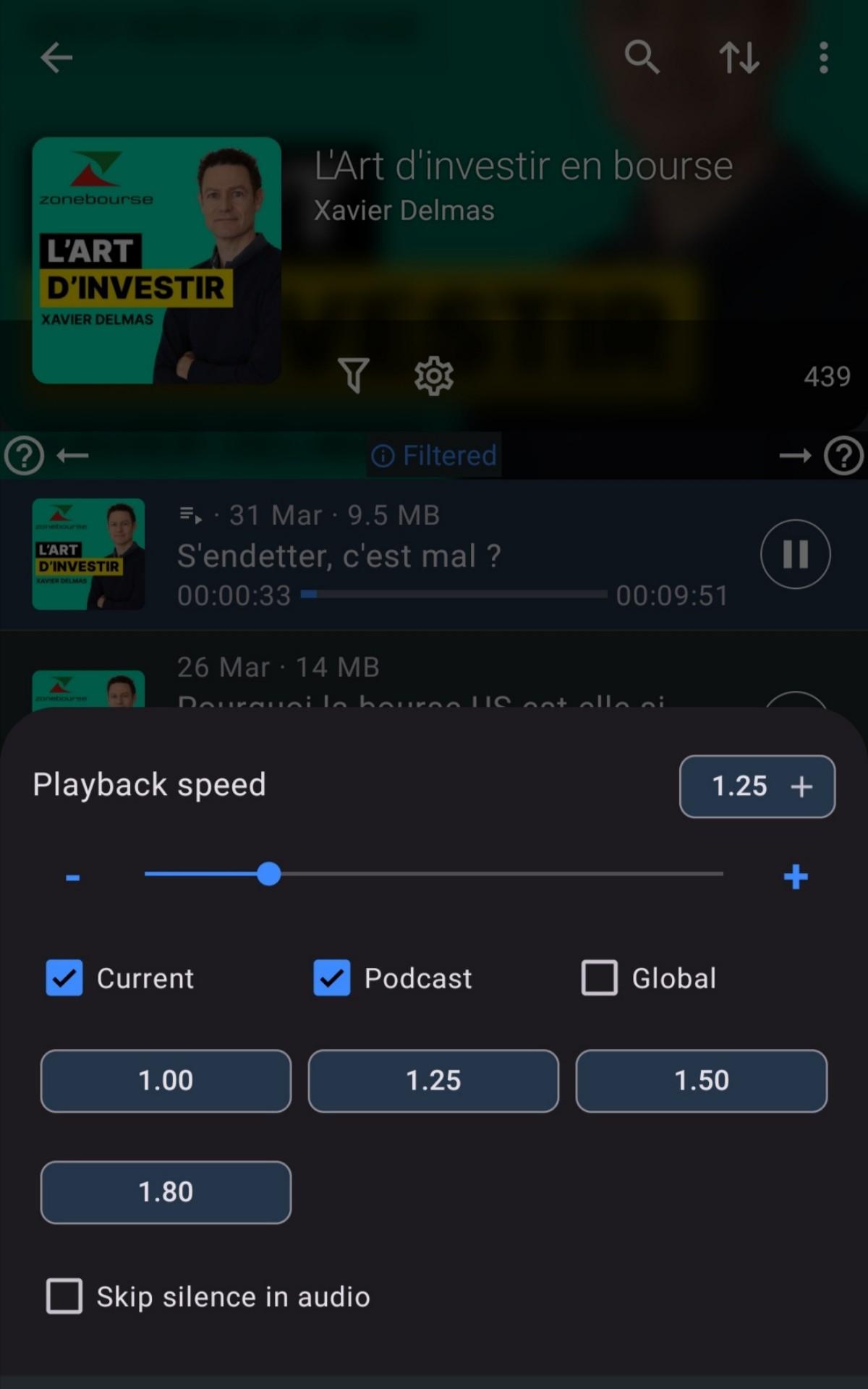
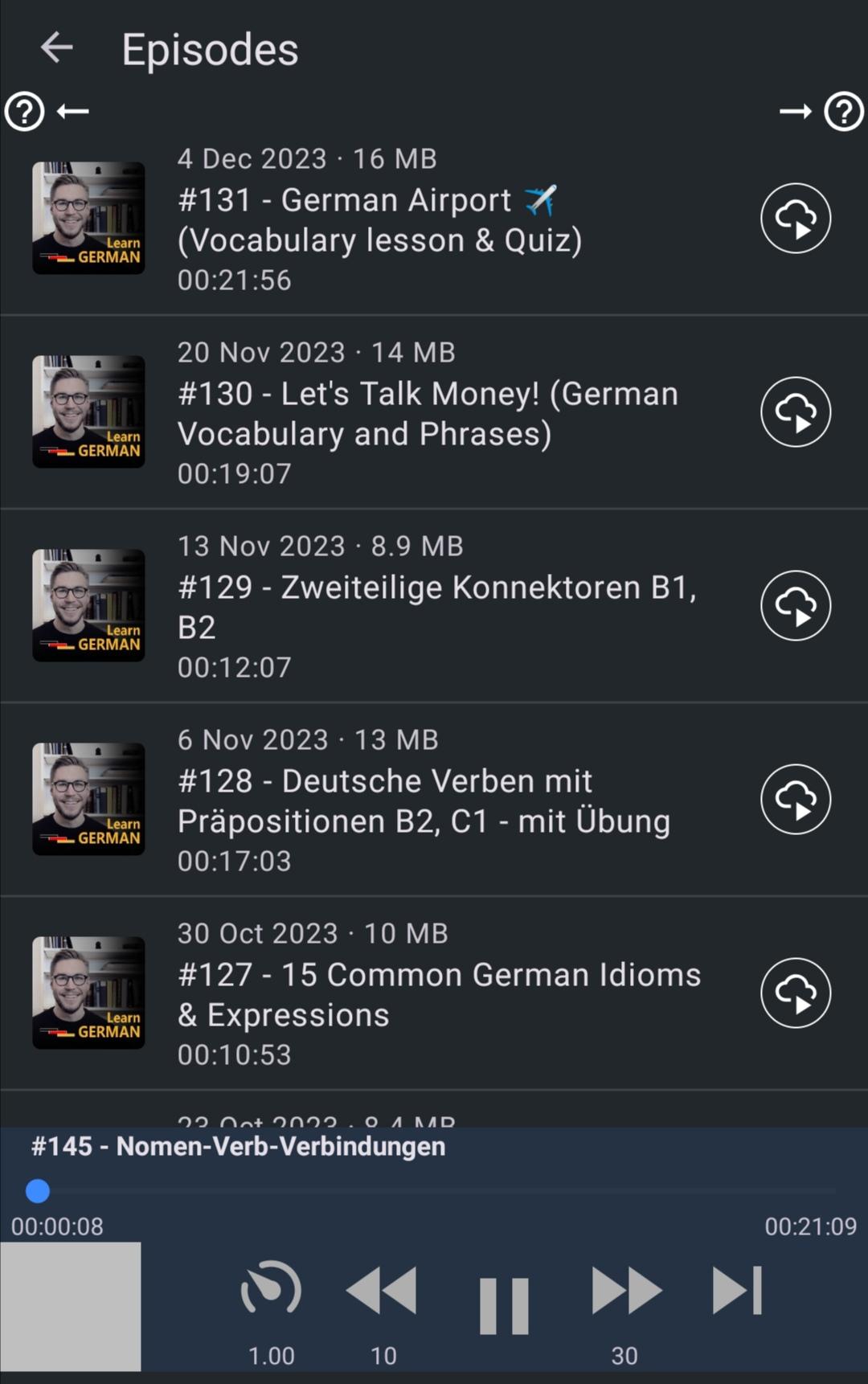
Download, stream or queue episodes, and enjoy them the way you like with adjustable playback speeds.
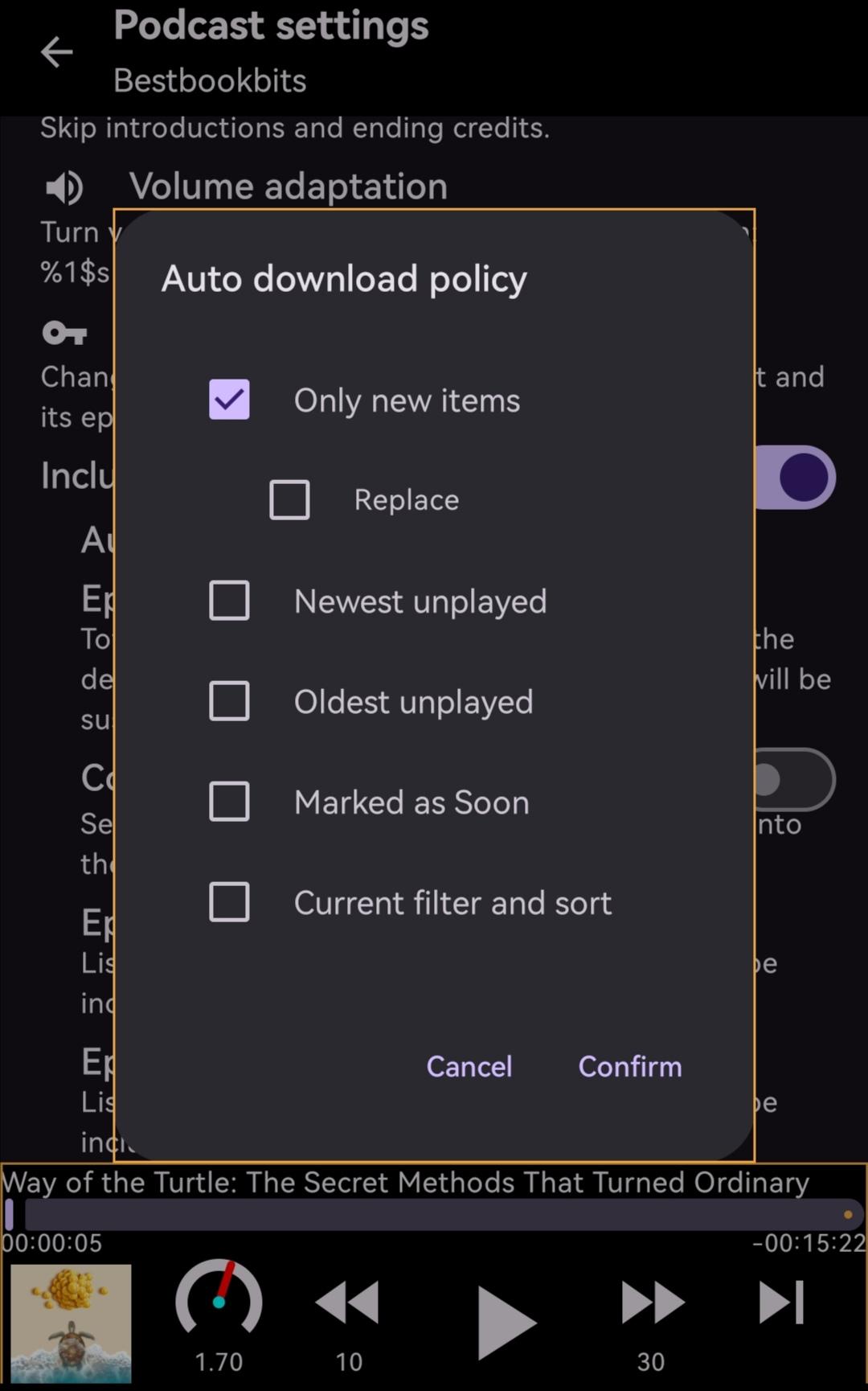
Save effort, battery power and mobile data usage with powerful automation controls for auto-downloading/auto-enqueuing episodes.
If the feed contains no media (plain RSS feed), Text-to-Speech engine is used to play the text.
Listening progress can be instantly synced through a NextCloud server or across devices in the same Wi-Fi network without a server.
So what's special with this podcast app among the many?
Well, aside from doing the above well, the following make it stand out:
It's open sourced, free to use and free of ads, free as in beer and free as in speech!
It takes advantage of modern frameworks to be efficient and conserve energy.
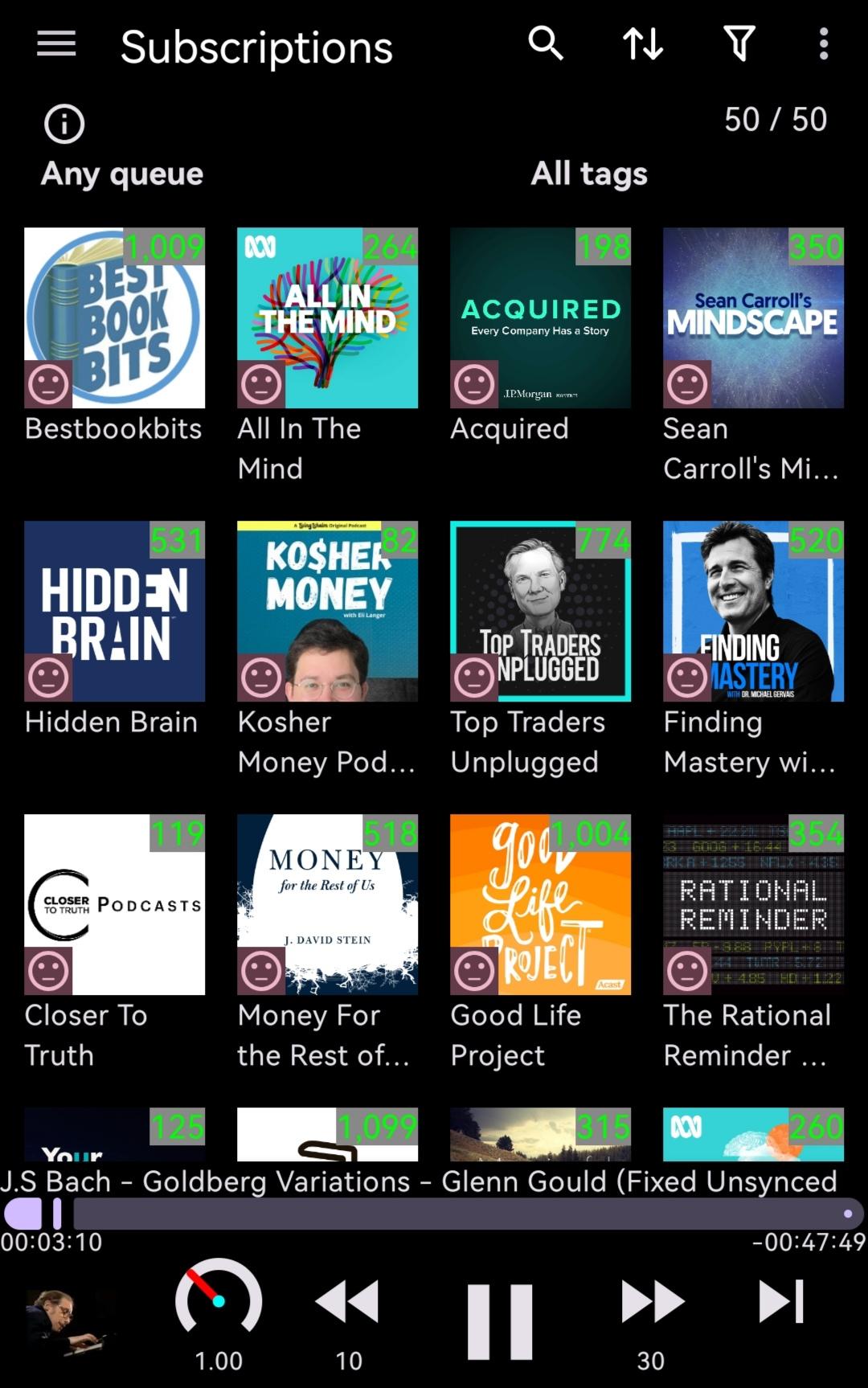
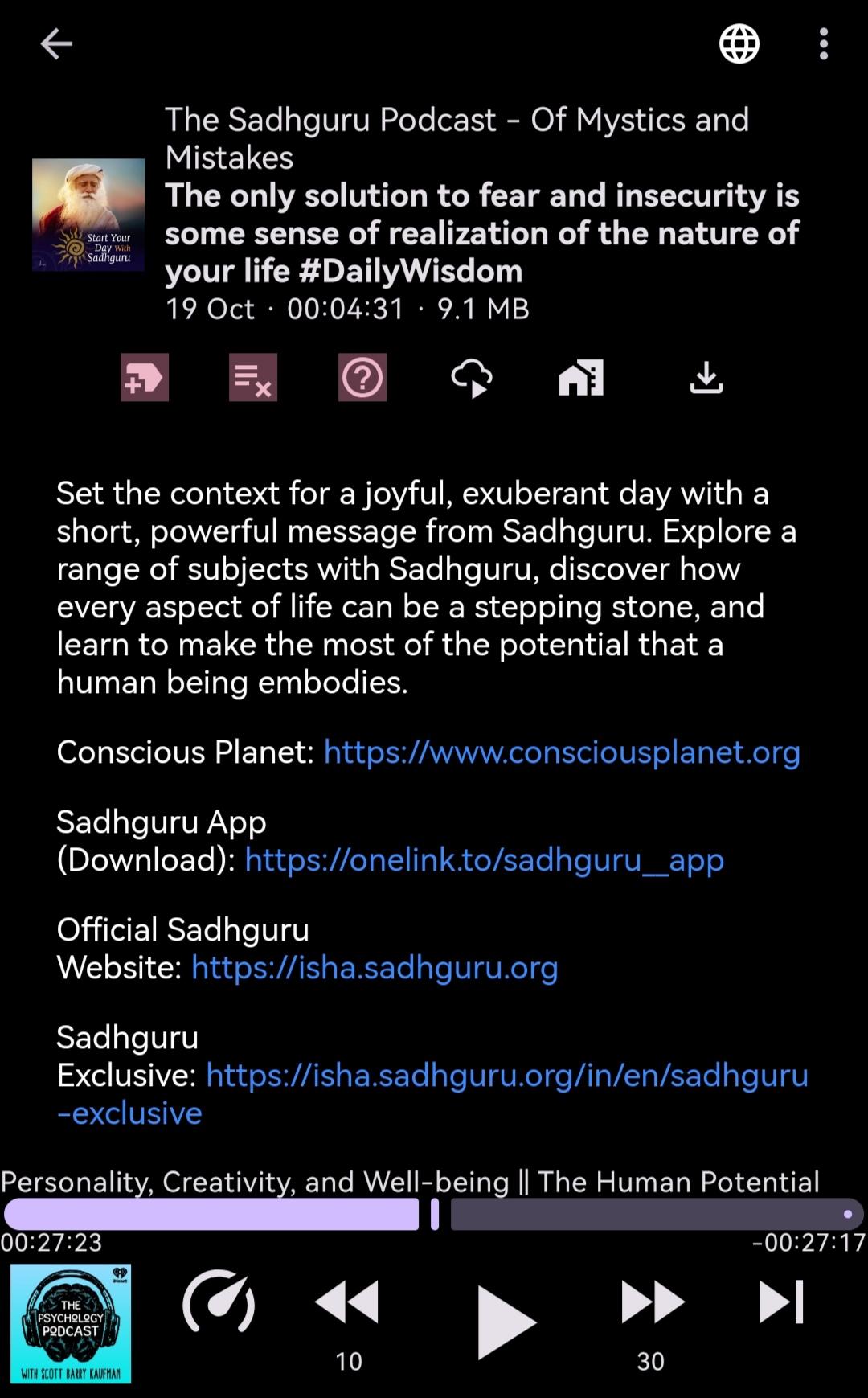
In addition to subscriptions, it allows you to create your own synthetic podcasts to compile your interested episodes from various sources to better focus on your interests.
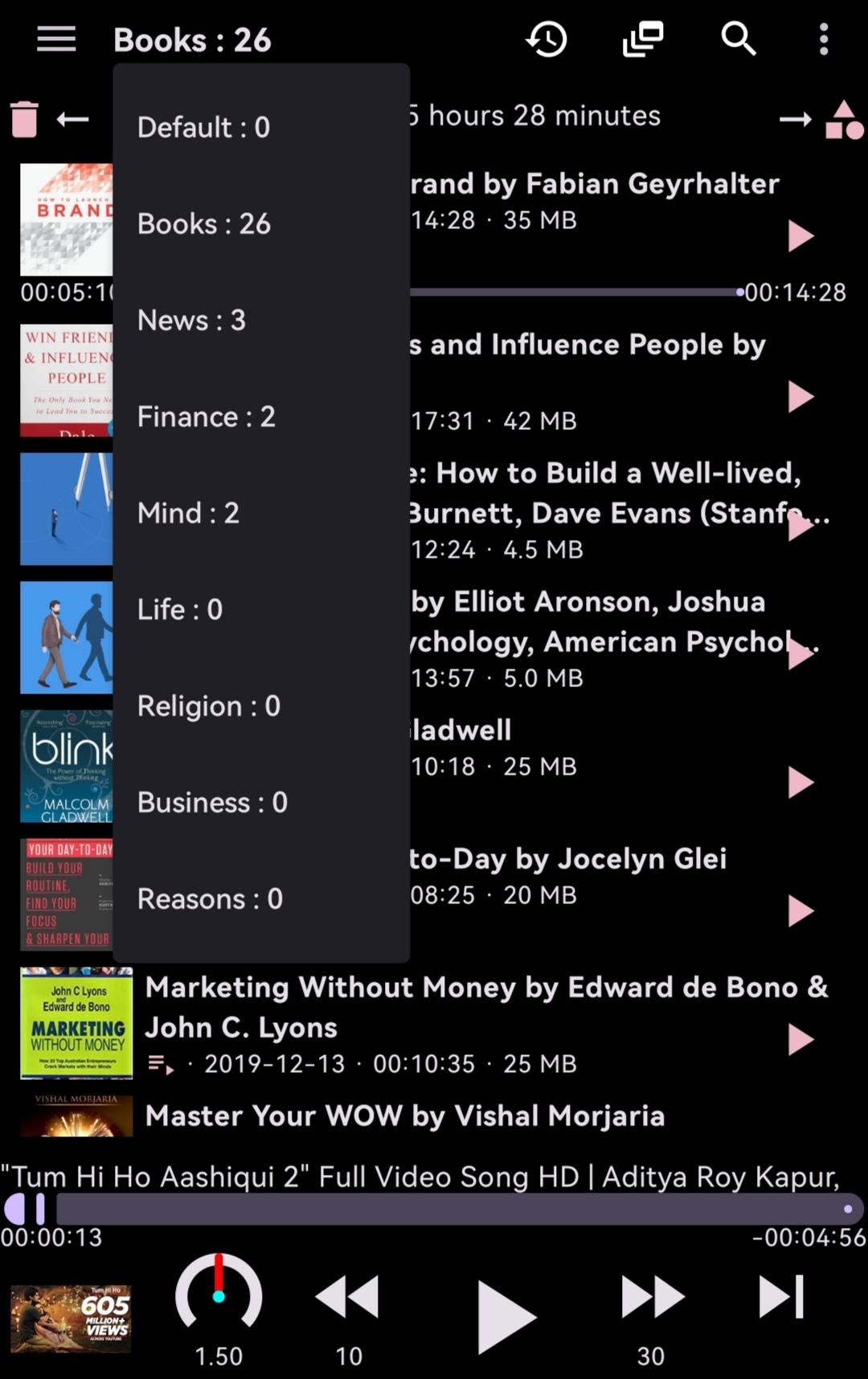
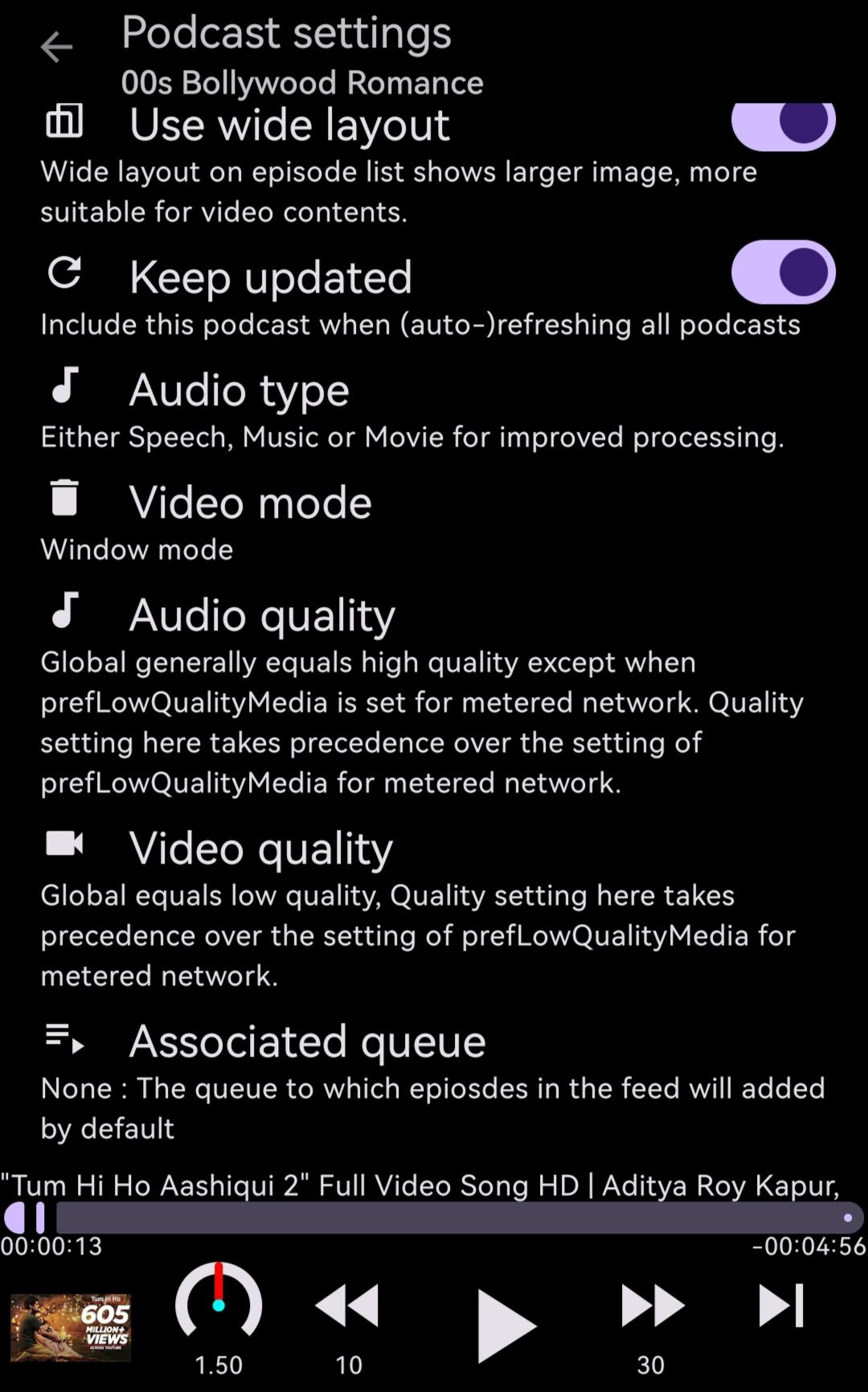
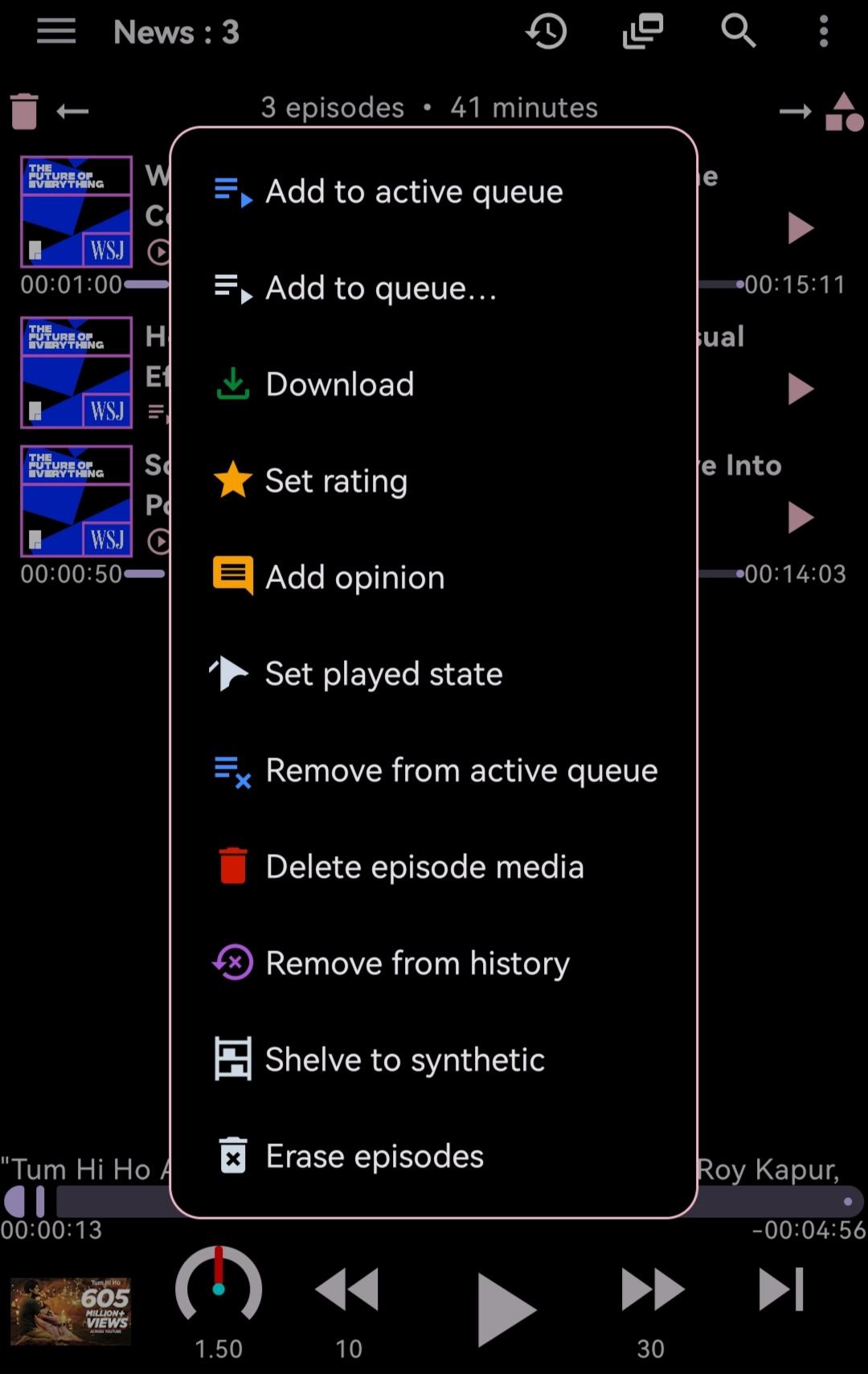
While the list of episodes (filtered and sorted by you) in each podcast serves a natural playlist for you, it also empowers you with multiple queues each associable with any podcasts to group similar contents for better listening.
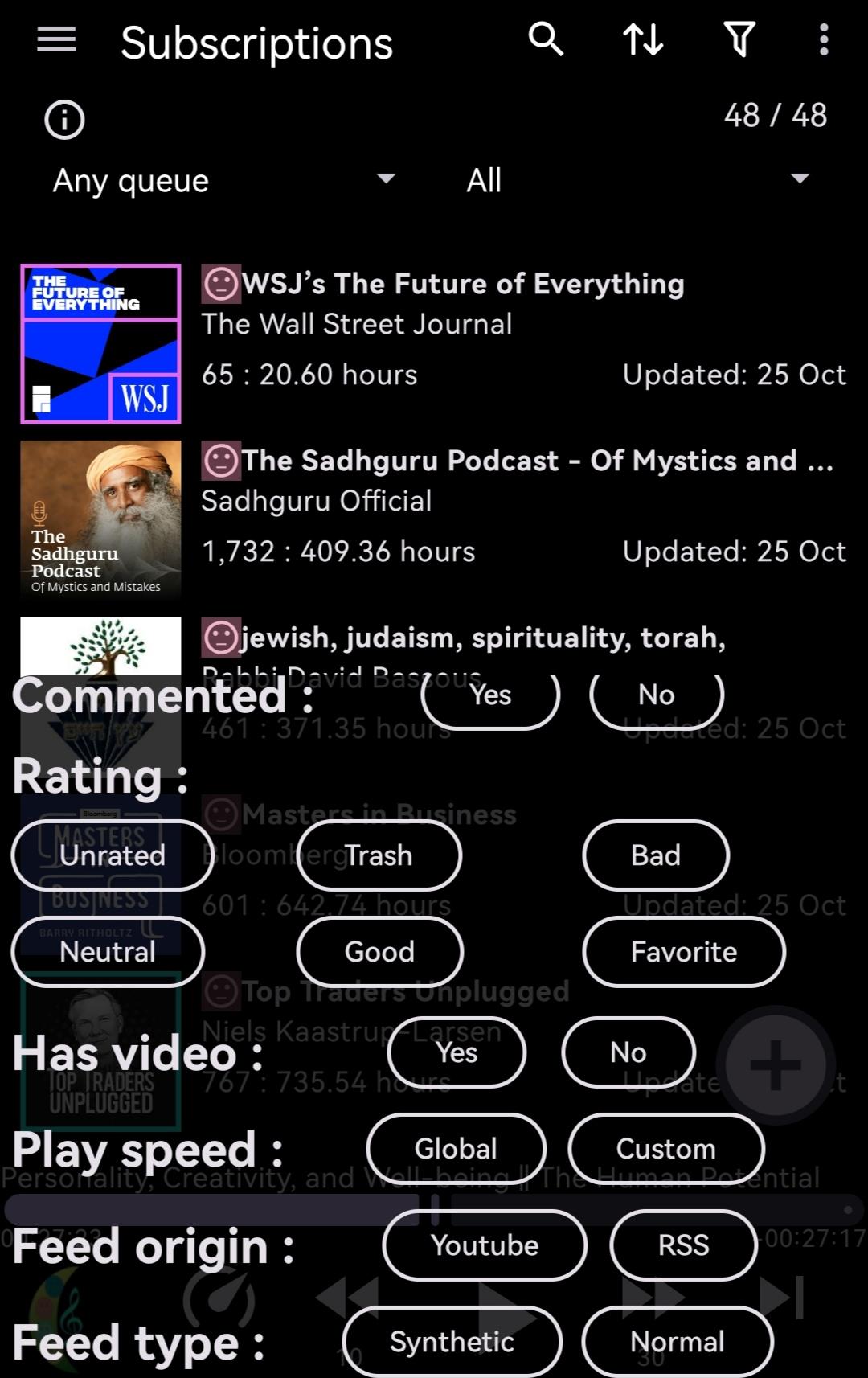
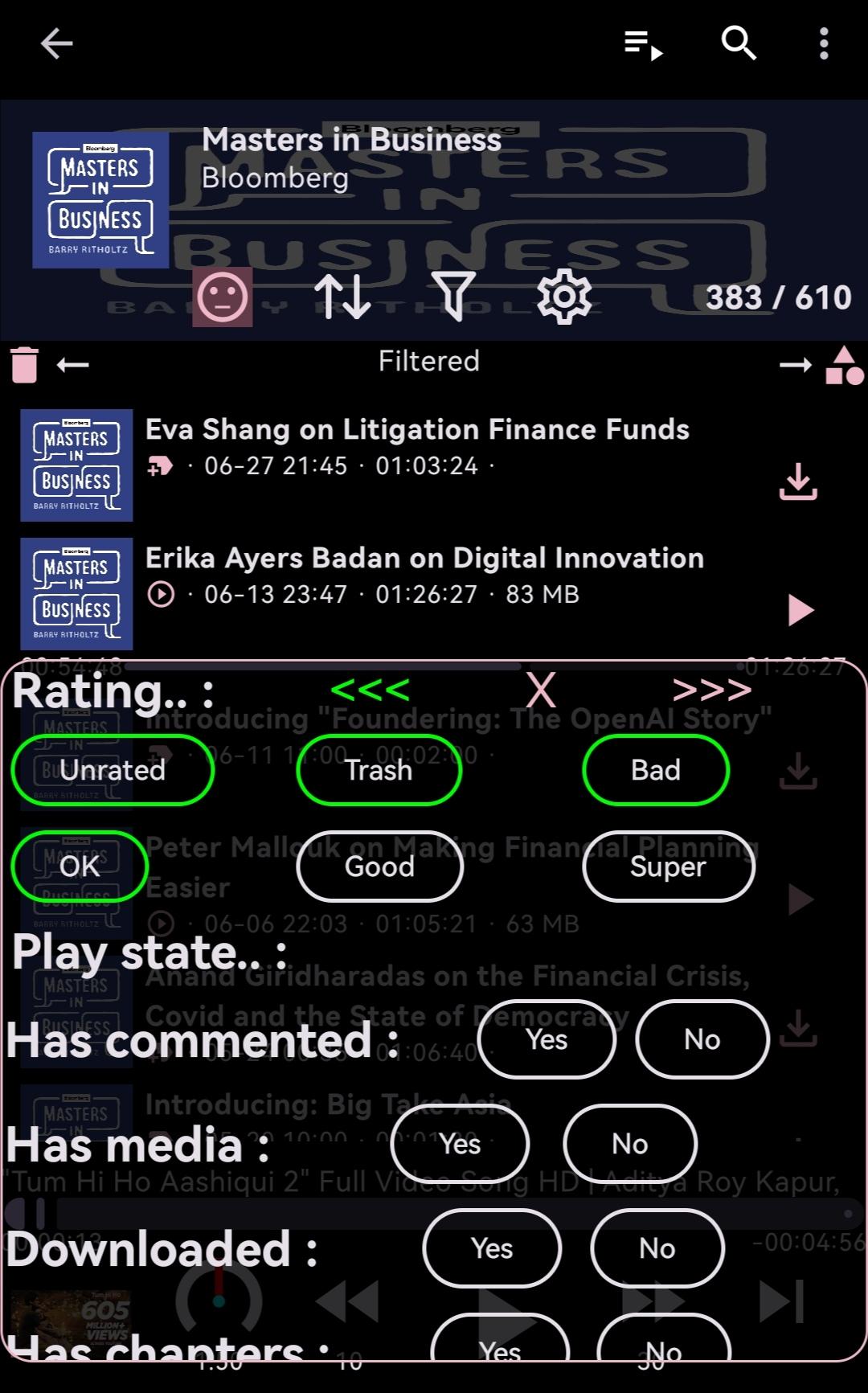
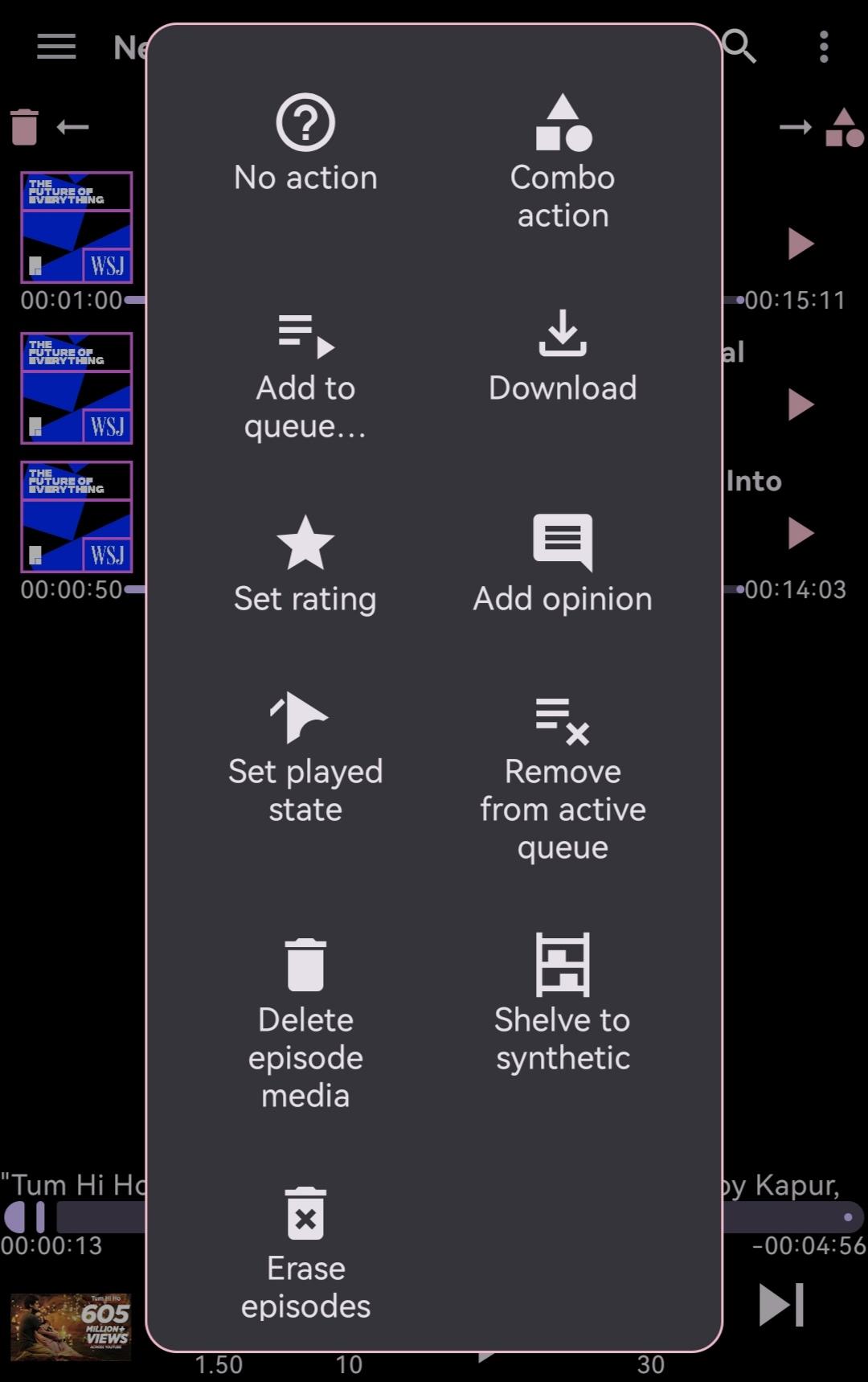
On any podcast/episode, you can assign 5 levels of rating allowing you to make better decisions on where to put your attention.
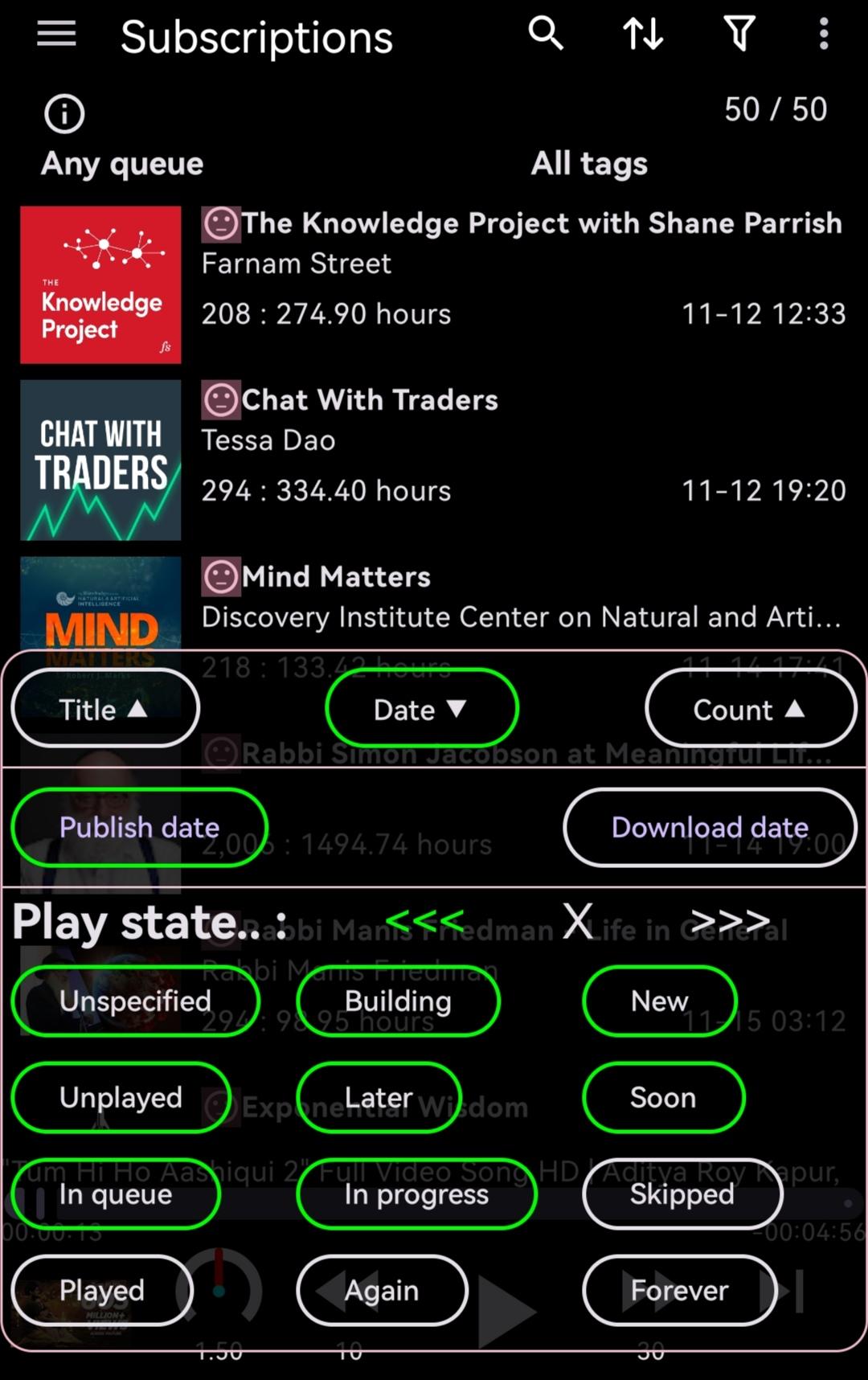
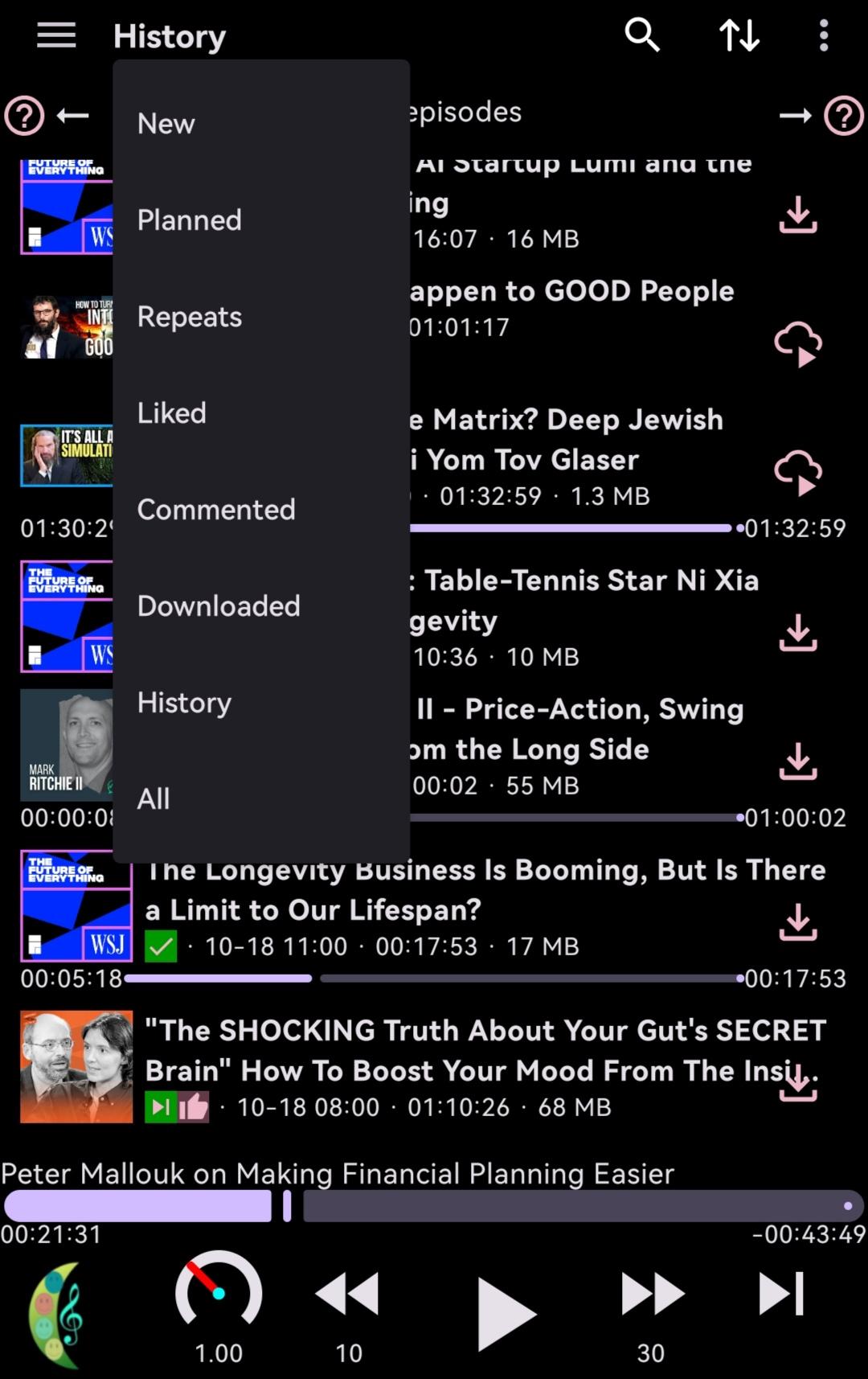
You have 12 levels of play states (like to play soon, play again, etc) to better plan and enhance your listening experiences.
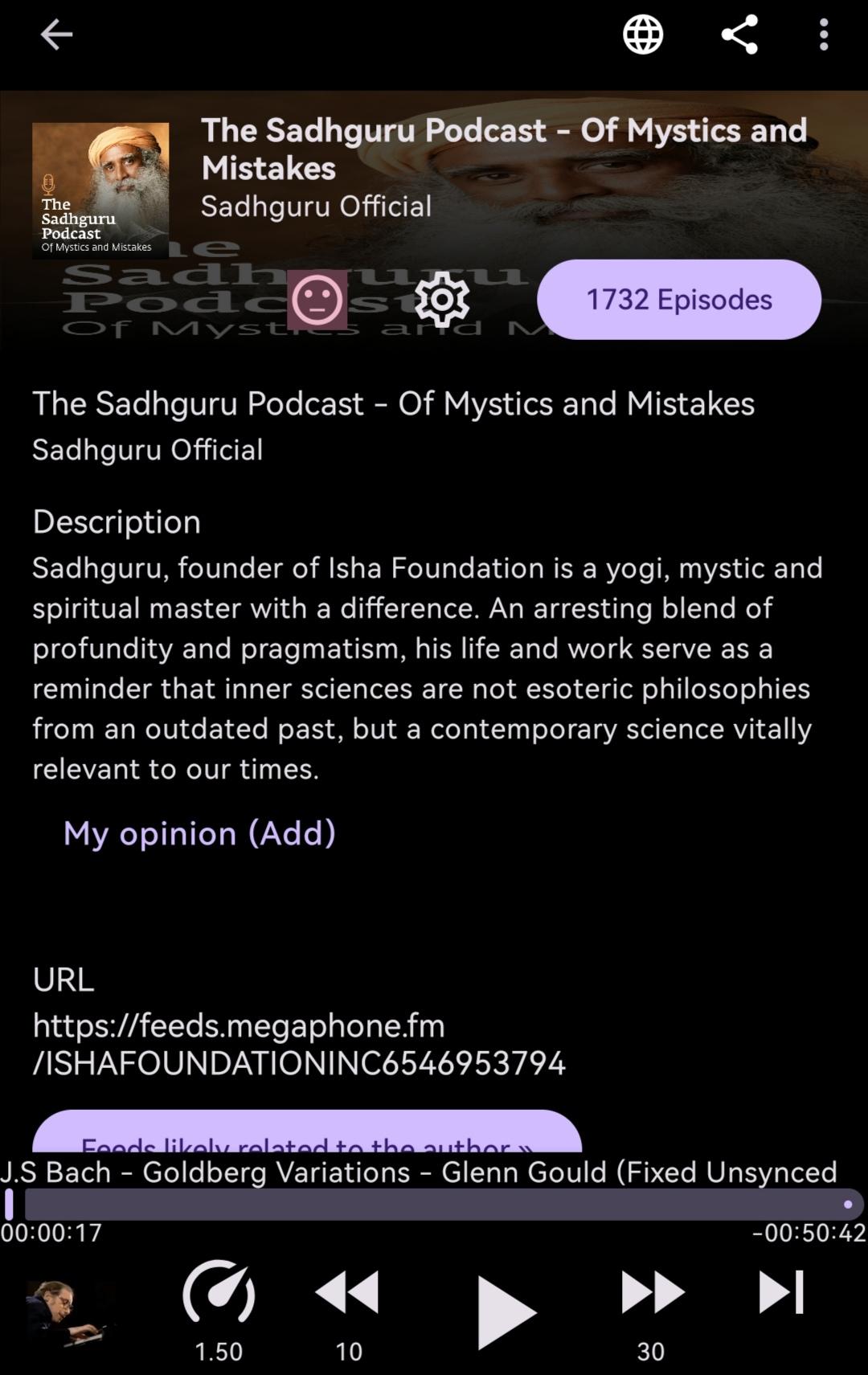
You can also keep your personal notes with your opinions/comments on each podcast/episode.
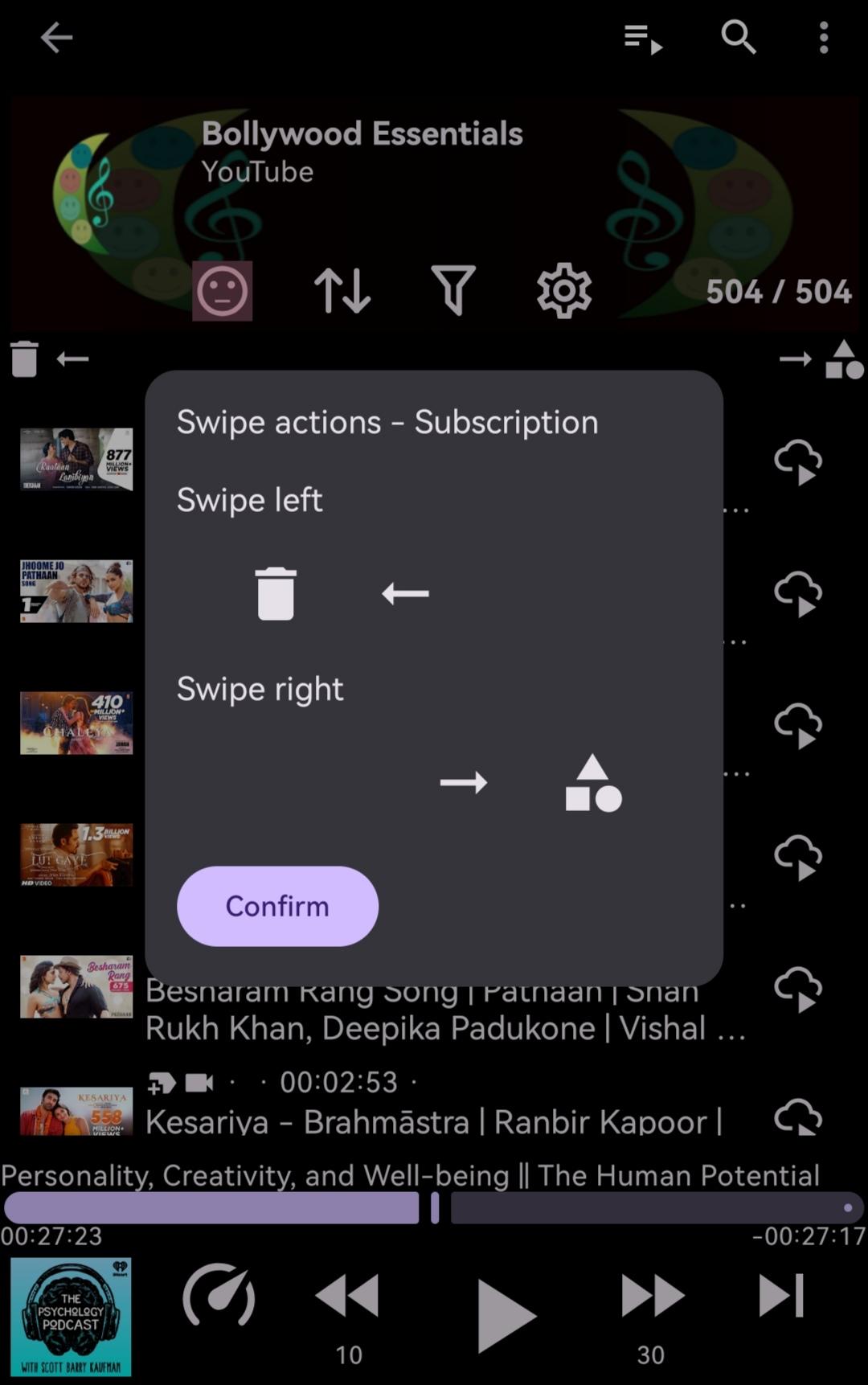
It has sophisticated sorting and filtering options for you to better select contents.
When you unsubscribe a podcast, it allows you to preserve your important episodes of the podcast in a synthetic feed.
It keeps a record of your unsubscribed podcasts and notifies you if you unknowingly try to re-subscribe to some.
It caches streamed audio for seamless local rewind and replay.
You can record audio clips or mark positions on any episodes for better review.
You can also set selected episodes related for better grouping.
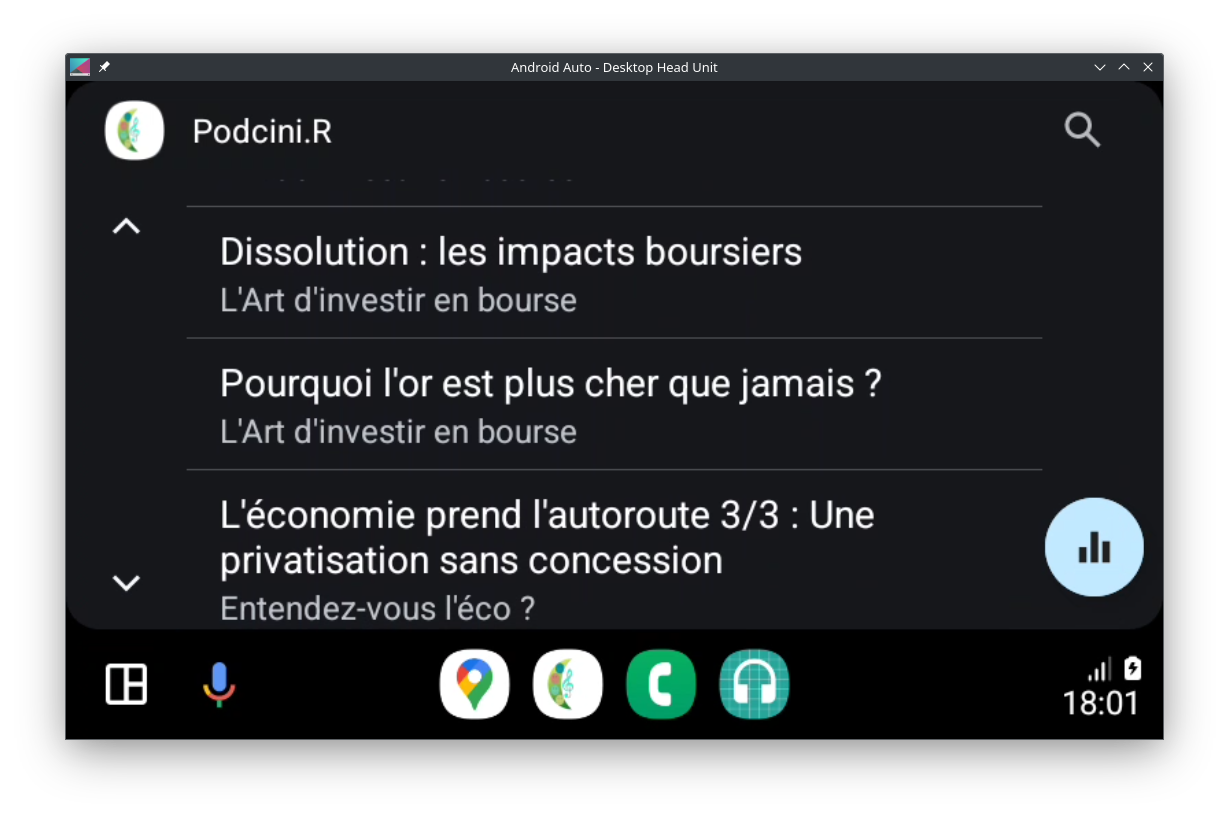
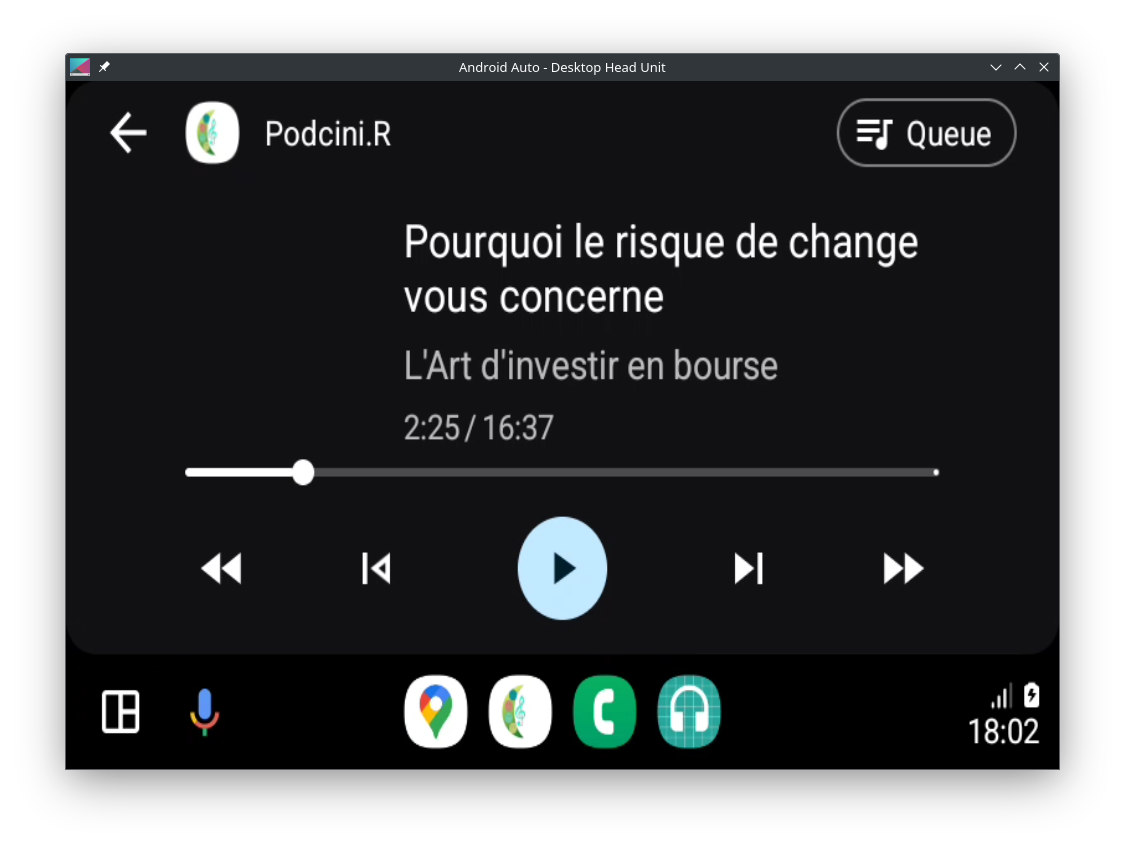
Sure, you can play any episodes in your car's speakers.
And, it's not all about audio, video is well handled.
You can cast the audio/video to Chromecast speakers/screens.
Some other podcast players can also do all of the above?
Join the Podcini community!
Podcini is under active development by volunteers.
You can contribute too, with code, comments or improvements.
See source code on github.com/XilinJia/Podcini.X
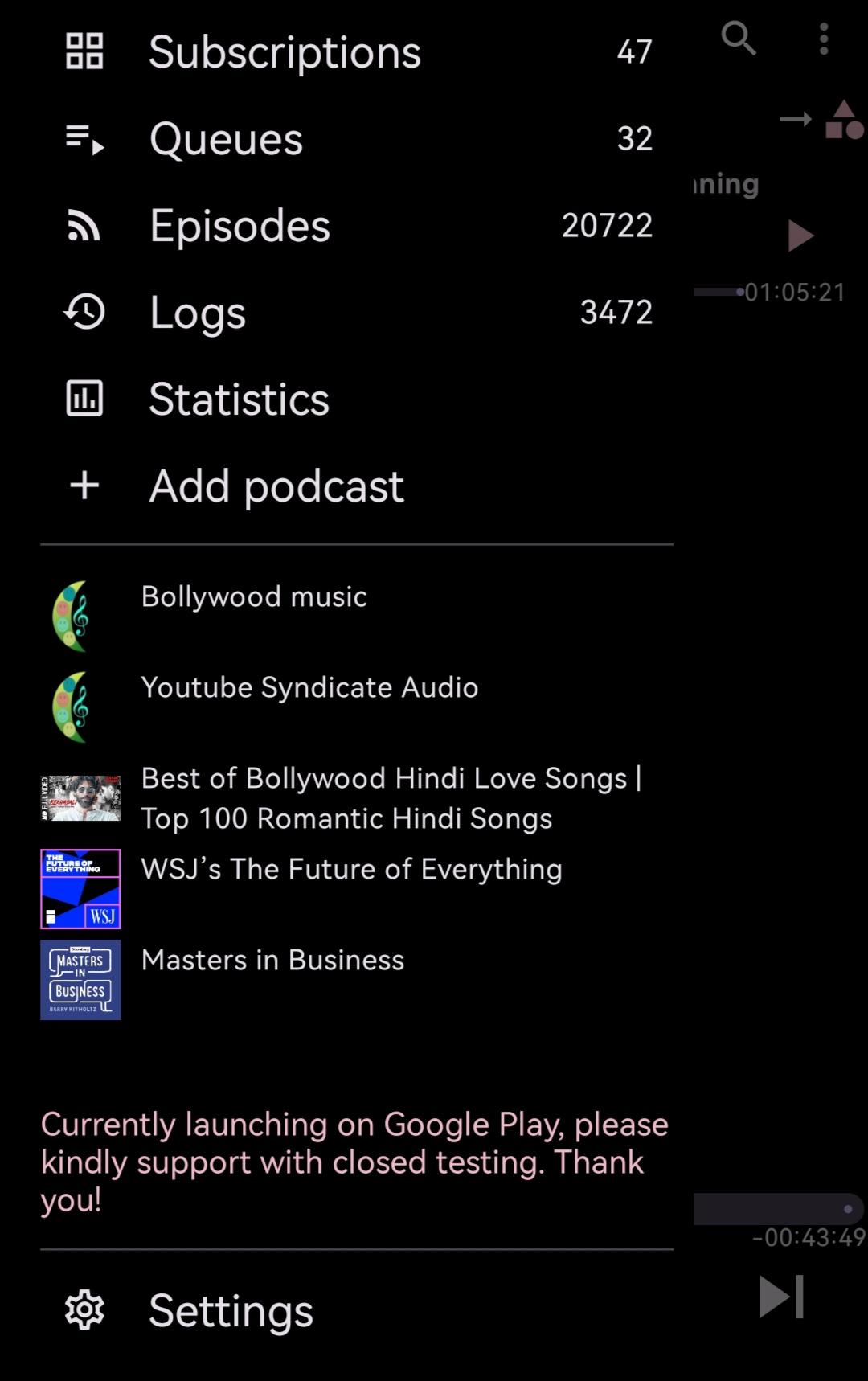
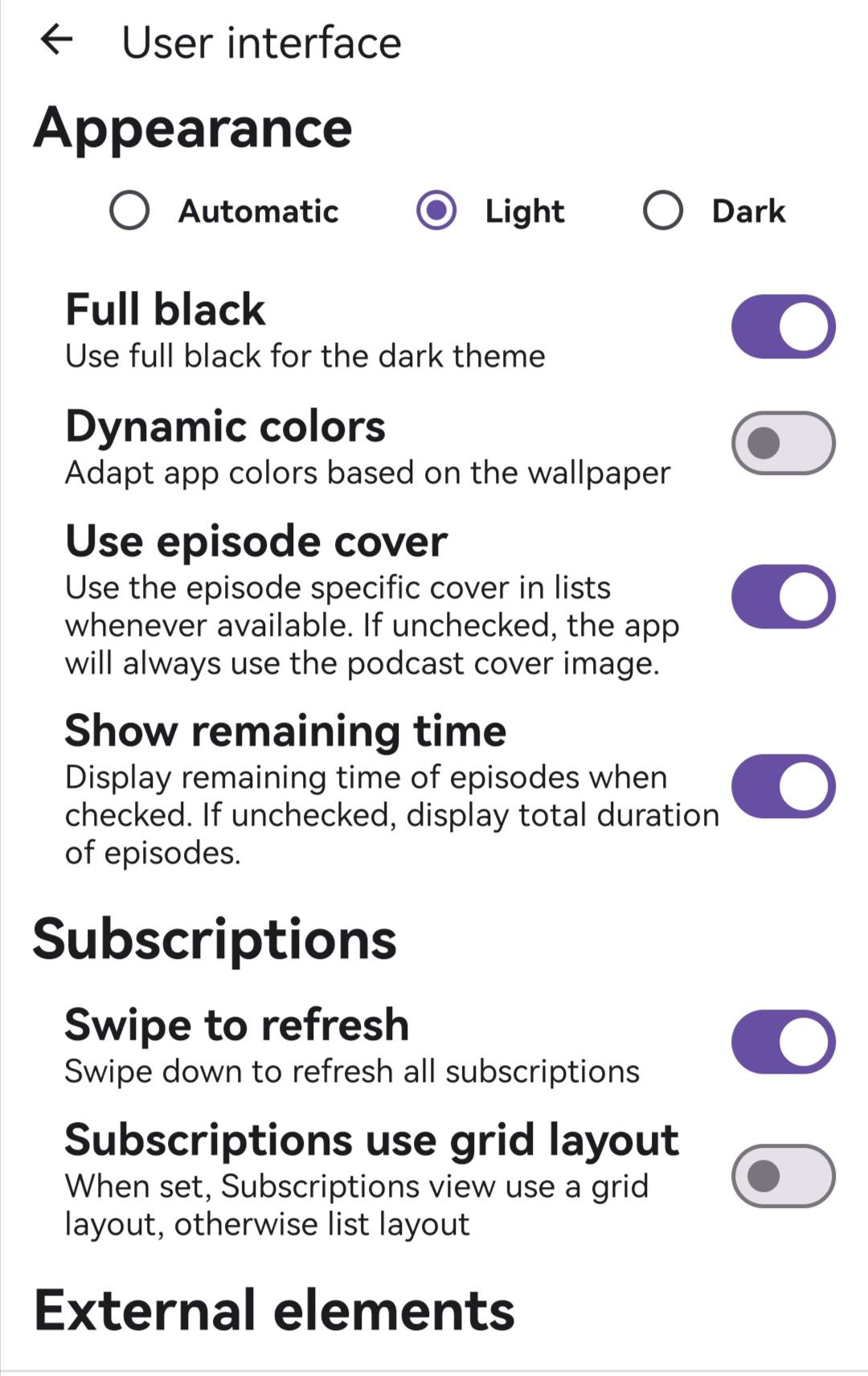
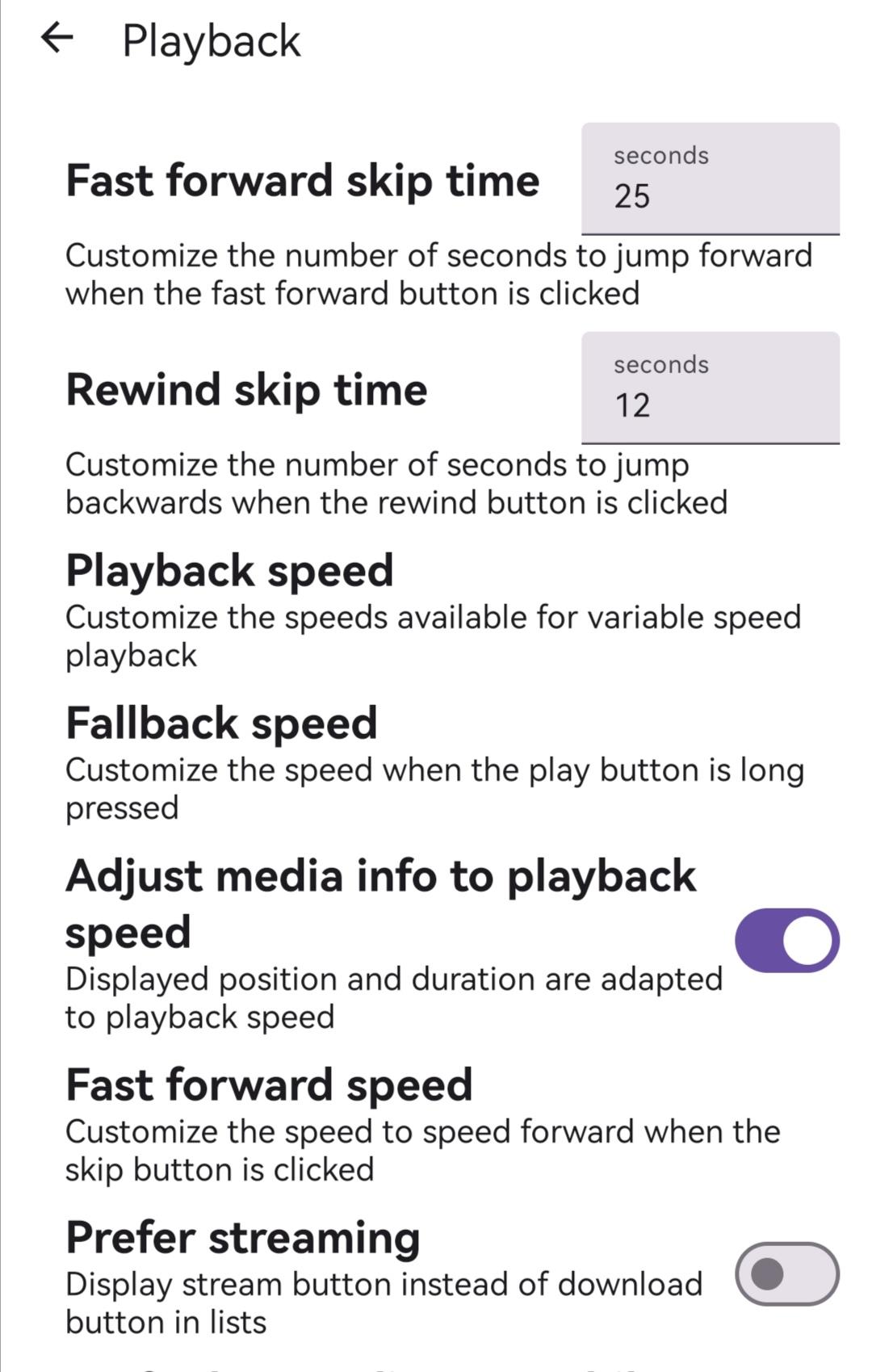
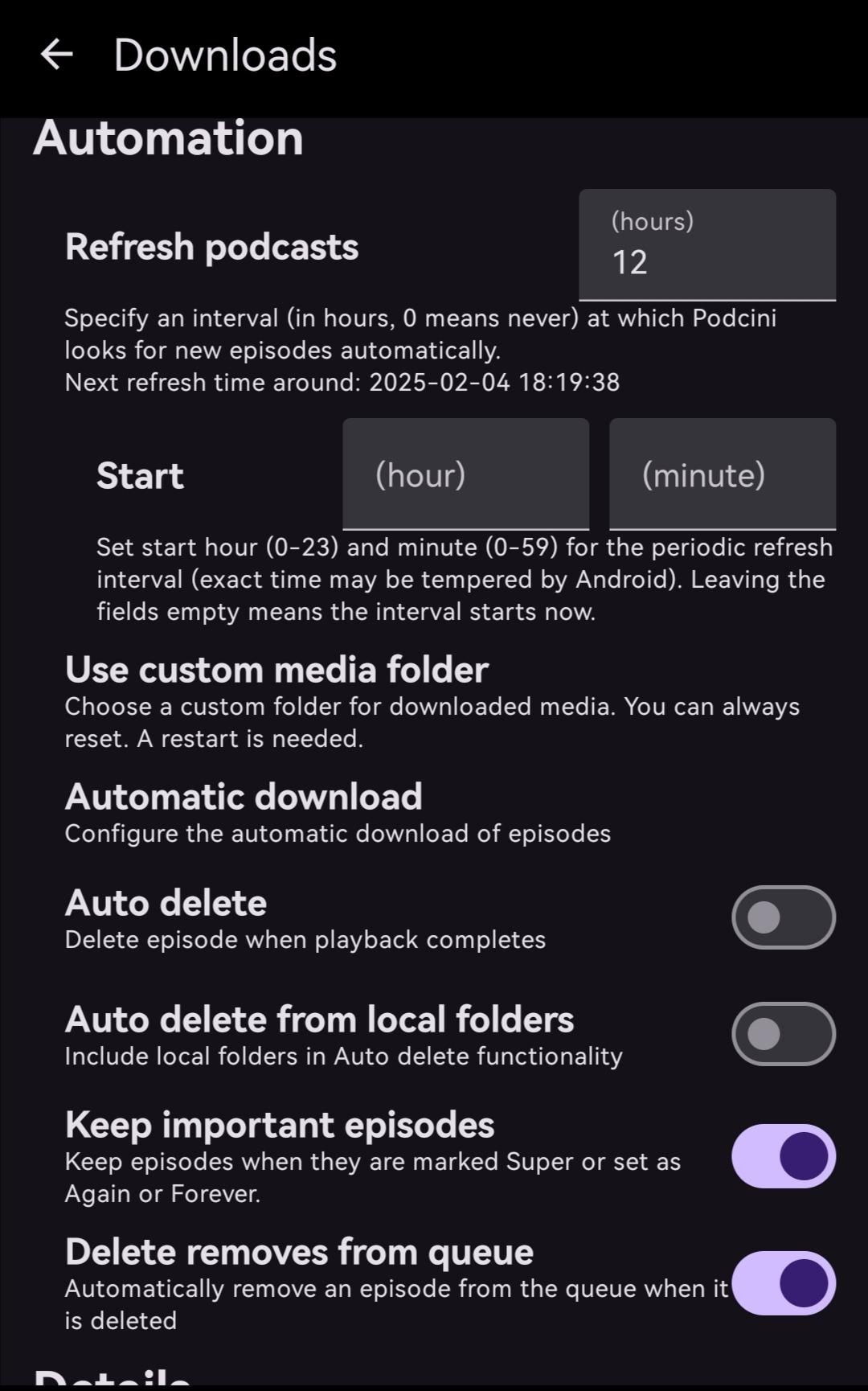
Screenshots
What’s new
* fixed local media not playing
How to install
Download the APK from the button at the top of this page.
Allow “Install unknown apps” for your browser or file manager only, not for every app.
Open the downloaded file and confirm the installation.
If installation fails with “App not installed,” remove an earlier build of the same app first. A signature conflict is the usual cause.
Data safety
Every file is checked against its published SHA-256 before it is listed.
Files are scanned for malware on every update.
The permissions each app requests are listed on its own page.
Read the full safety policy for how we test, flag, and delist files.