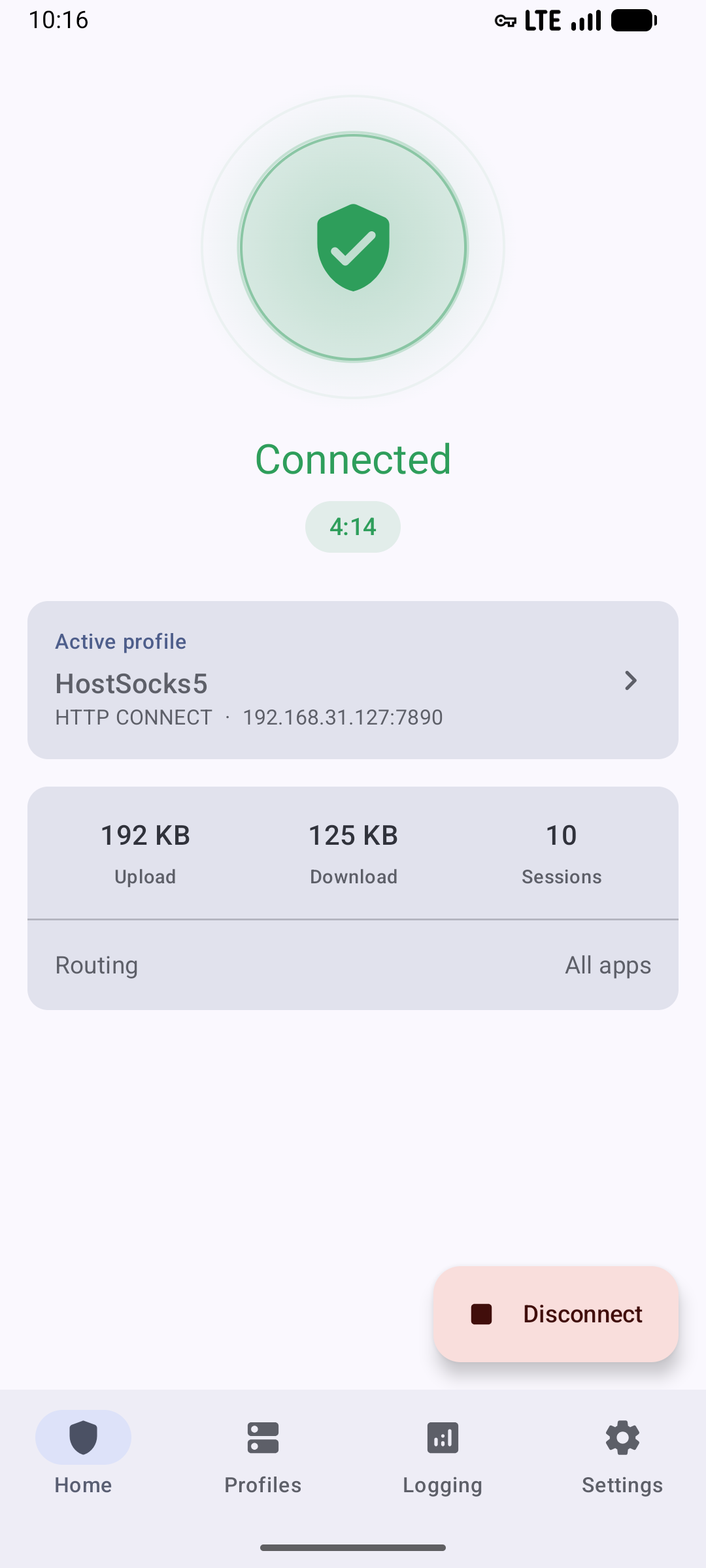
FreeProxy turns any SOCKS5 or HTTP CONNECT proxy into a system-wide VPN on Android.
Traffic from every app — or only the apps you pick — is captured by VpnService as raw IP packets, reassembled into TCP/UDP sessions in userspace, and forwarded through your upstream proxy. Apps with no proxy support of their own end up going through it anyway.
There is no NDK code and no bundled tun2socks binary: the TCP/IP stack is written in plain Kotlin.
Features
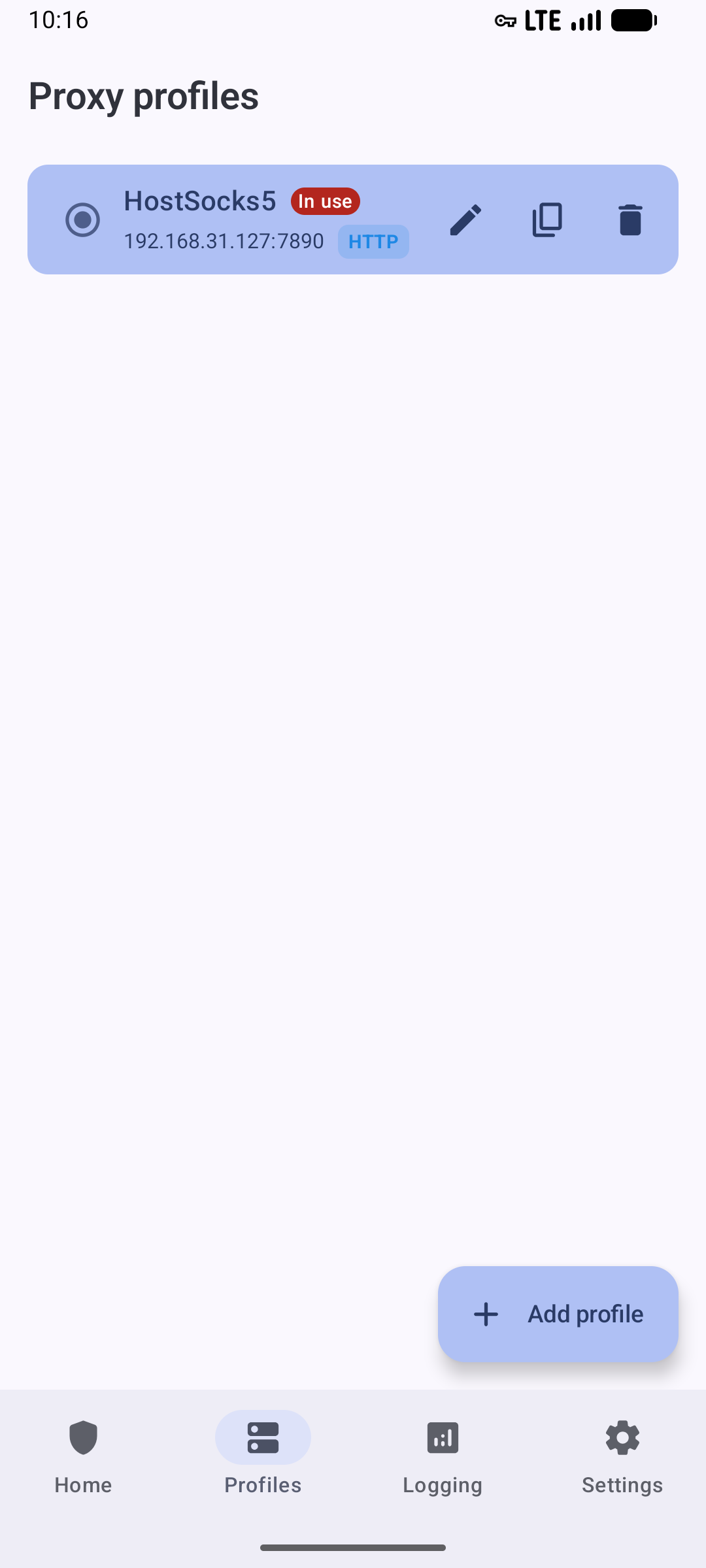
* Multiple SOCKS5 / HTTP CONNECT profiles, with optional username and password auth
* Connectivity test that performs a real handshake before you save a profile
* Per-app routing: all apps, an allow list, or a bypass list
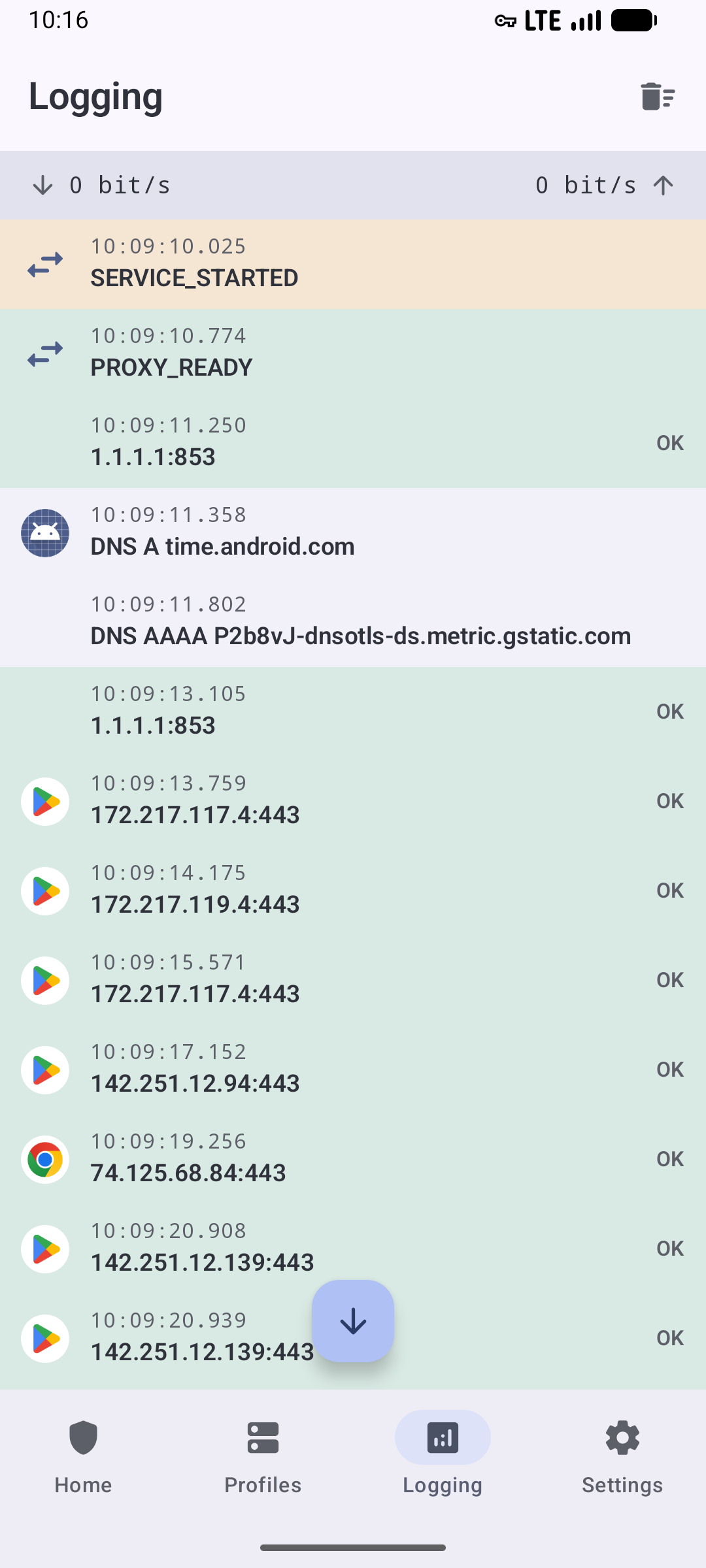
* Live activity log — DNS lookups and every connection, colour-coded, showing the app that opened it and the resolved hostname instead of a bare IP
* Per-profile DNS mode: resolve through the proxy (private) or directly (fast)
* Persistent notification with live upload/download counters and a one-tap disconnect
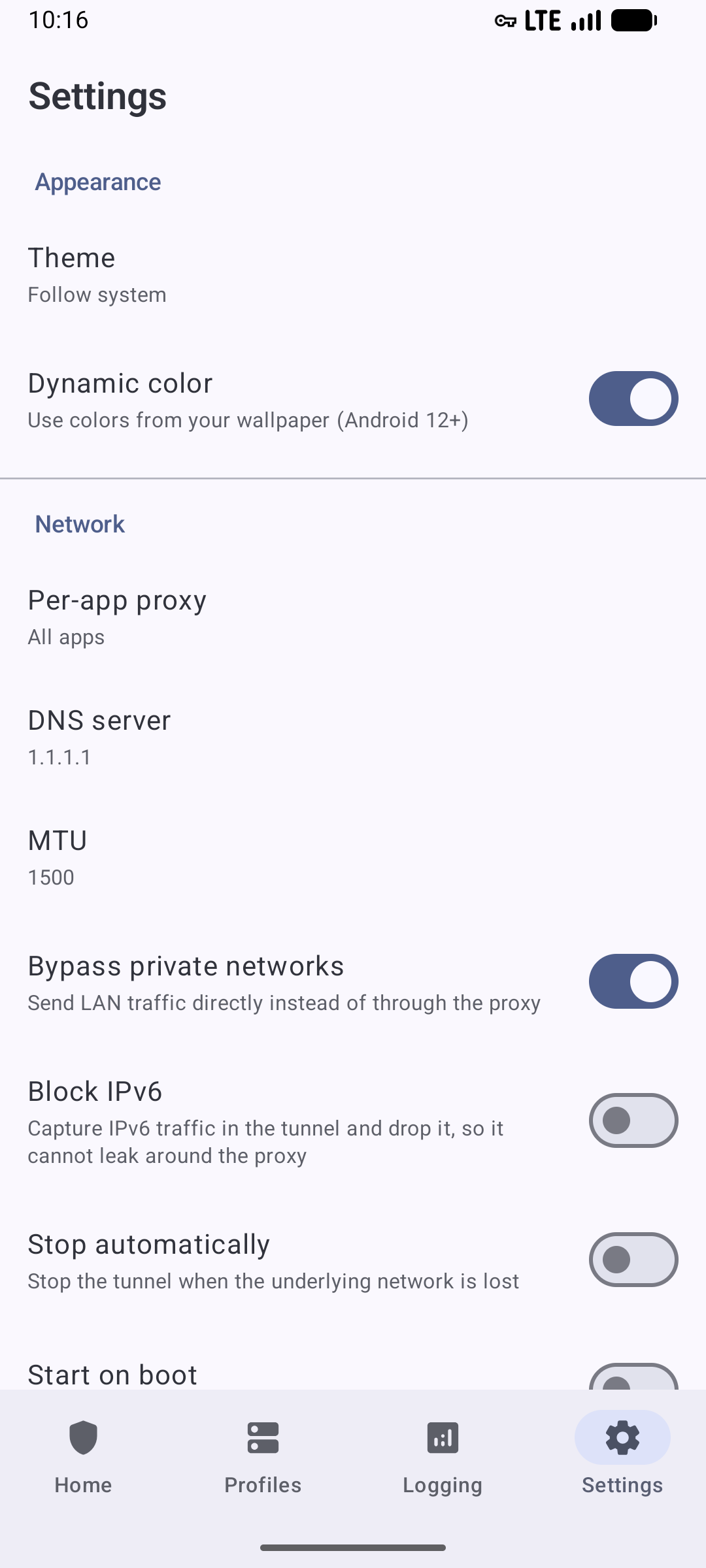
* Bypass private networks, block IPv6 leaks, stop automatically when the network drops, start on boot
* Material 3 interface with dynamic colour, light and dark themes, and a tablet layout
* English and Simplified Chinese
Known limits
IPv4 only. ICMP cannot be carried by proxy protocols, so ping inside the tunnel will not work. UDP forwarding needs a SOCKS5 proxy that supports UDP ASSOCIATE — without it, DNS falls back to DNS-over-TCP and other UDP traffic is dropped. Proxy credentials are stored unencrypted in the app's private directory (excluded from cloud backup). Per-app attribution in the log requires Android 10 or newer.
FreeProxy does not provide any proxy servers. You bring your own.