
Quick answer
Holos: Mobile-first Fediverse client with your own ActivityPub identity
F-Droid repository metadata
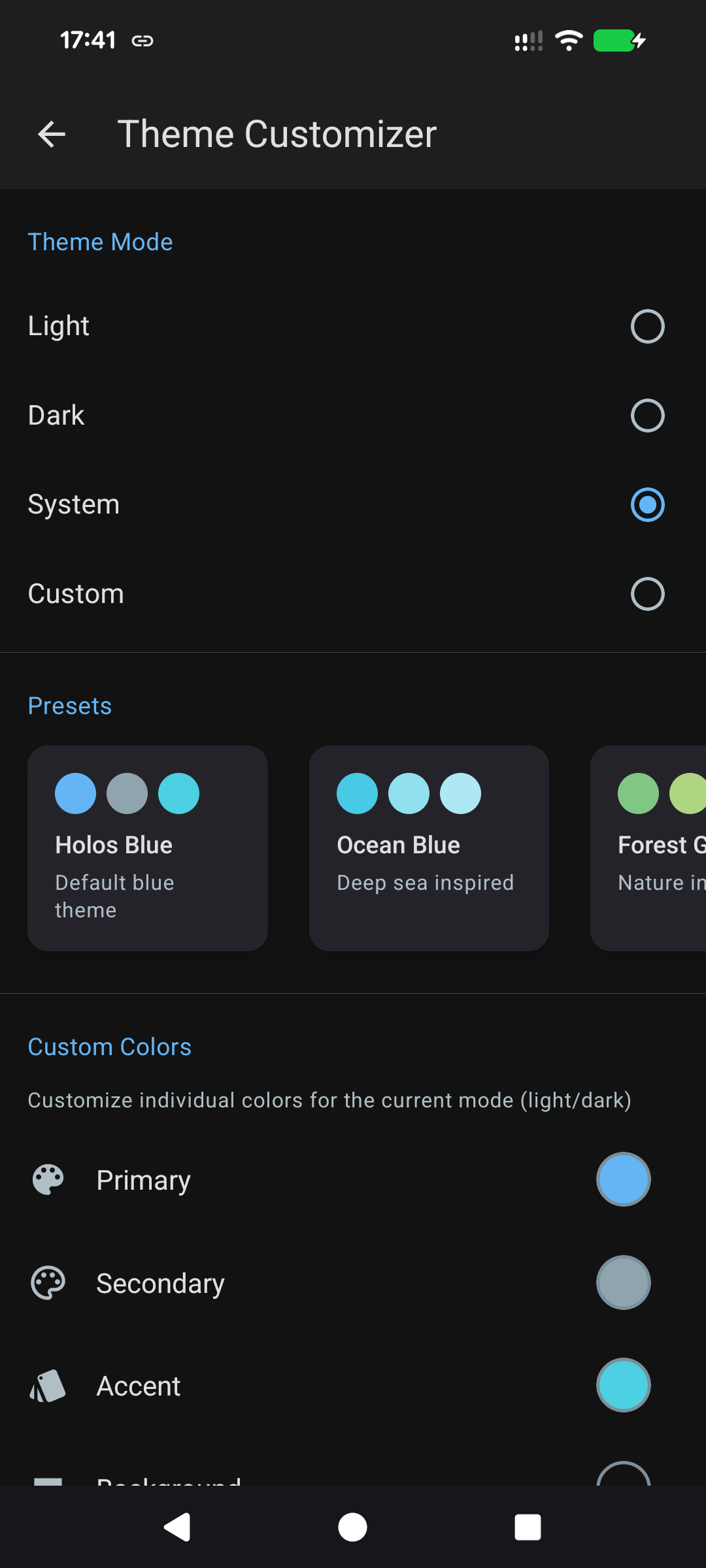
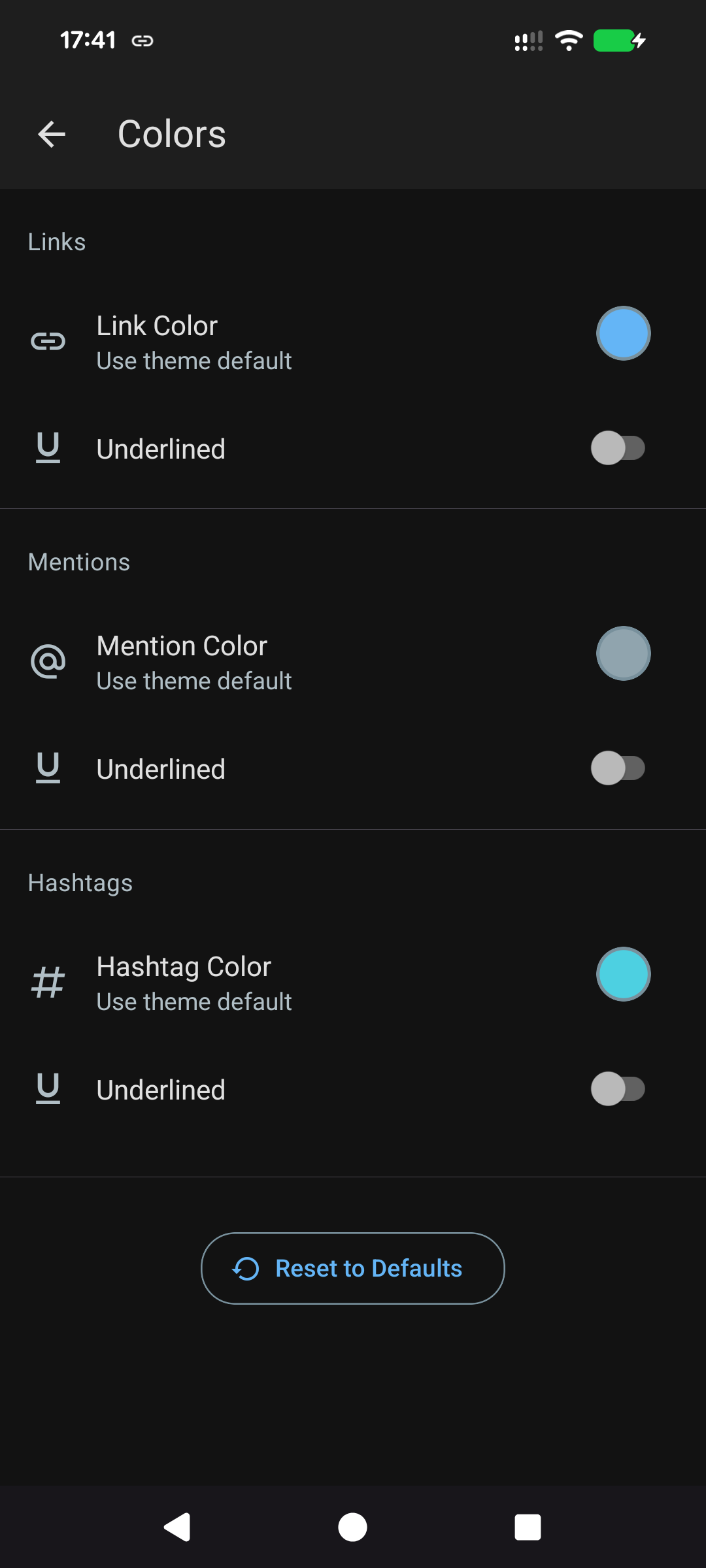
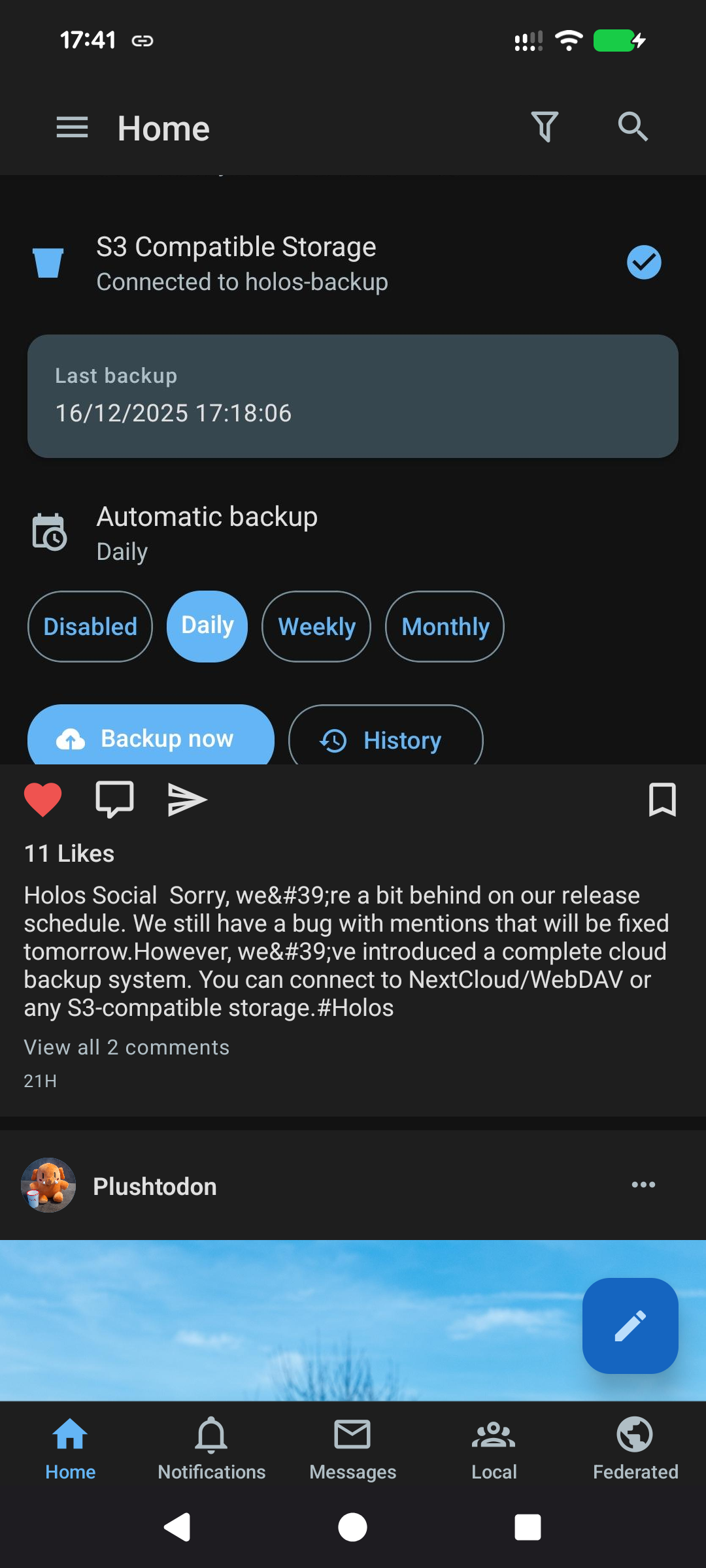
Holos is a mobile-first Fediverse client that gives you your own ActivityPub identity directly on your phone. Unlike traditional Mastodon apps that require an account on a server, Holos runs a full ActivityPub server on your device.
Key Features:
- Your Own ActivityPub Server - Full ActivityPub server running on your phone - Your data stored locally on your device - Relay server provides a stable address for federation
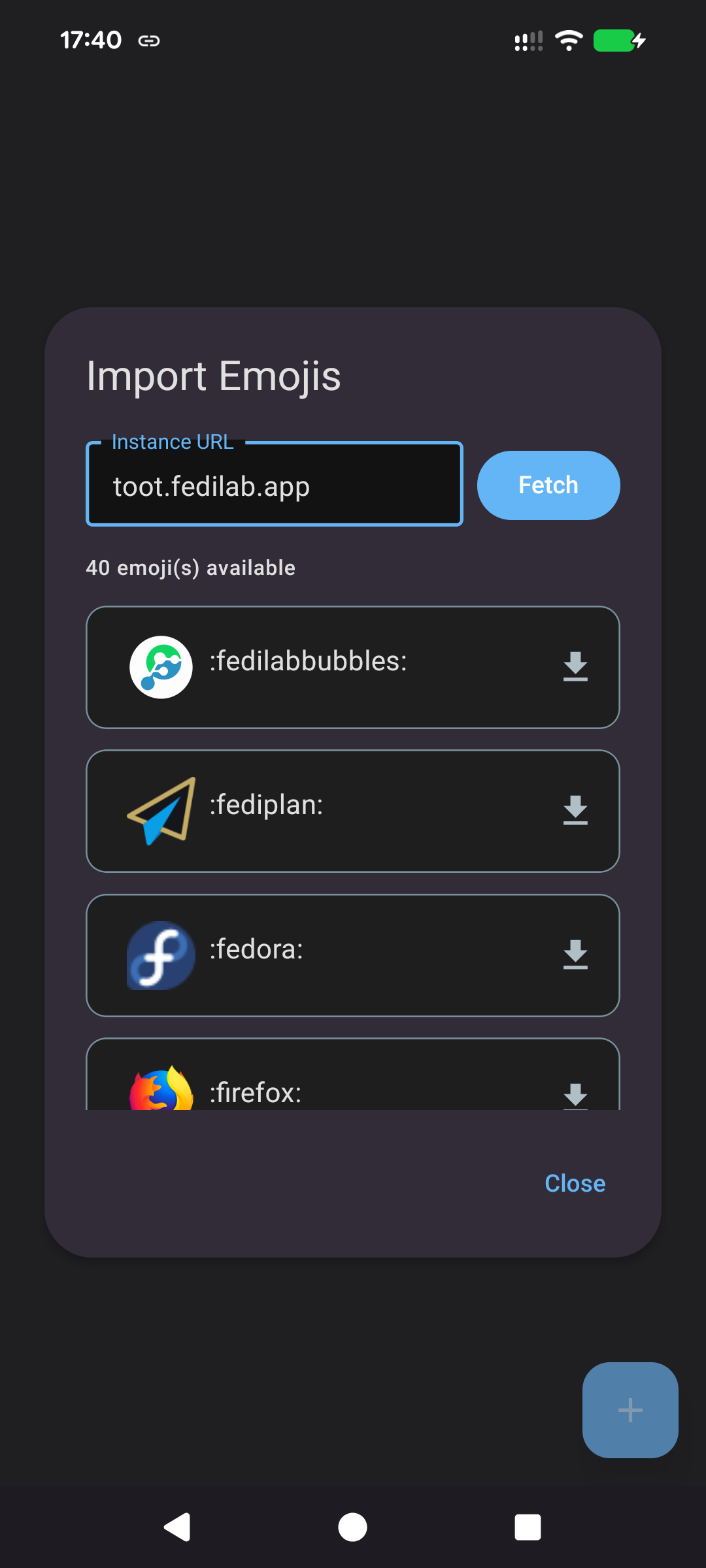
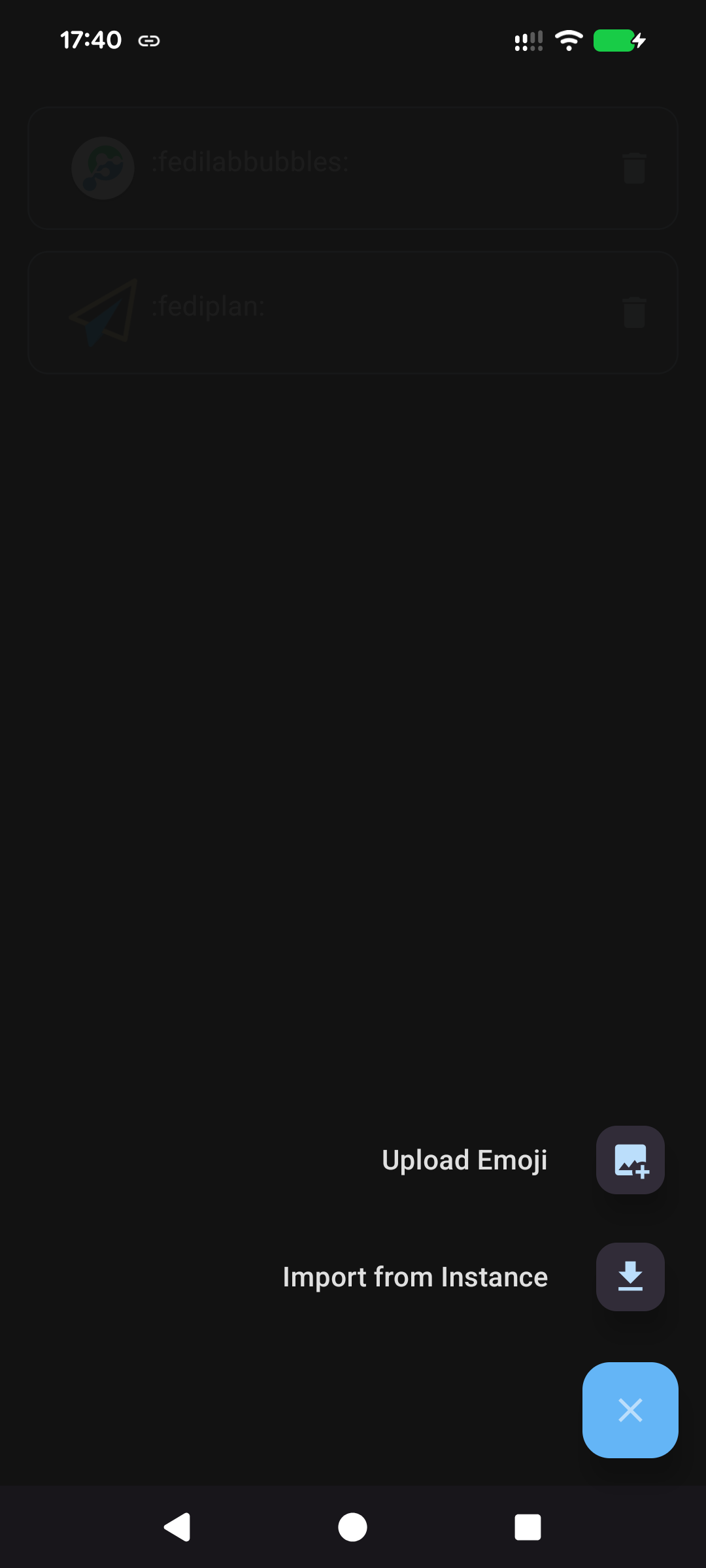
- Full Fediverse Compatibility - Follow and interact with users on Mastodon, Pleroma, Misskey, Pixelfed, and more - Full ActivityPub support: posts, likes, boosts, replies, quotes, and mentions - Direct messages with real-time delivery
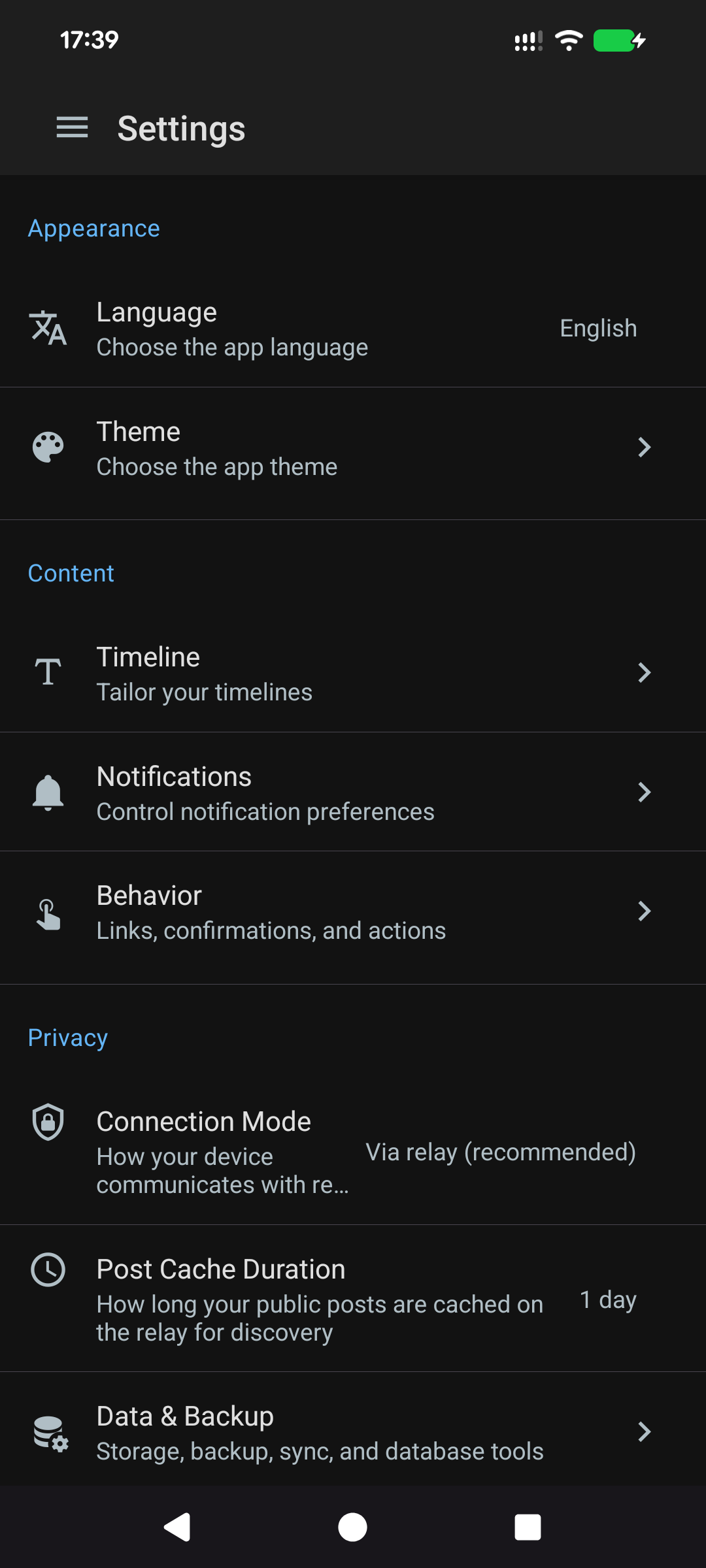
- Flexible Timeline Views - Switch between All, Media only, Videos only, or Text only - Quickly adapt your feed to your current mood - Filter content the way you want
- Mobile-First Design - Built from the ground up for mobile - Works offline with automatic sync when reconnected - Battery-efficient with smart background sync
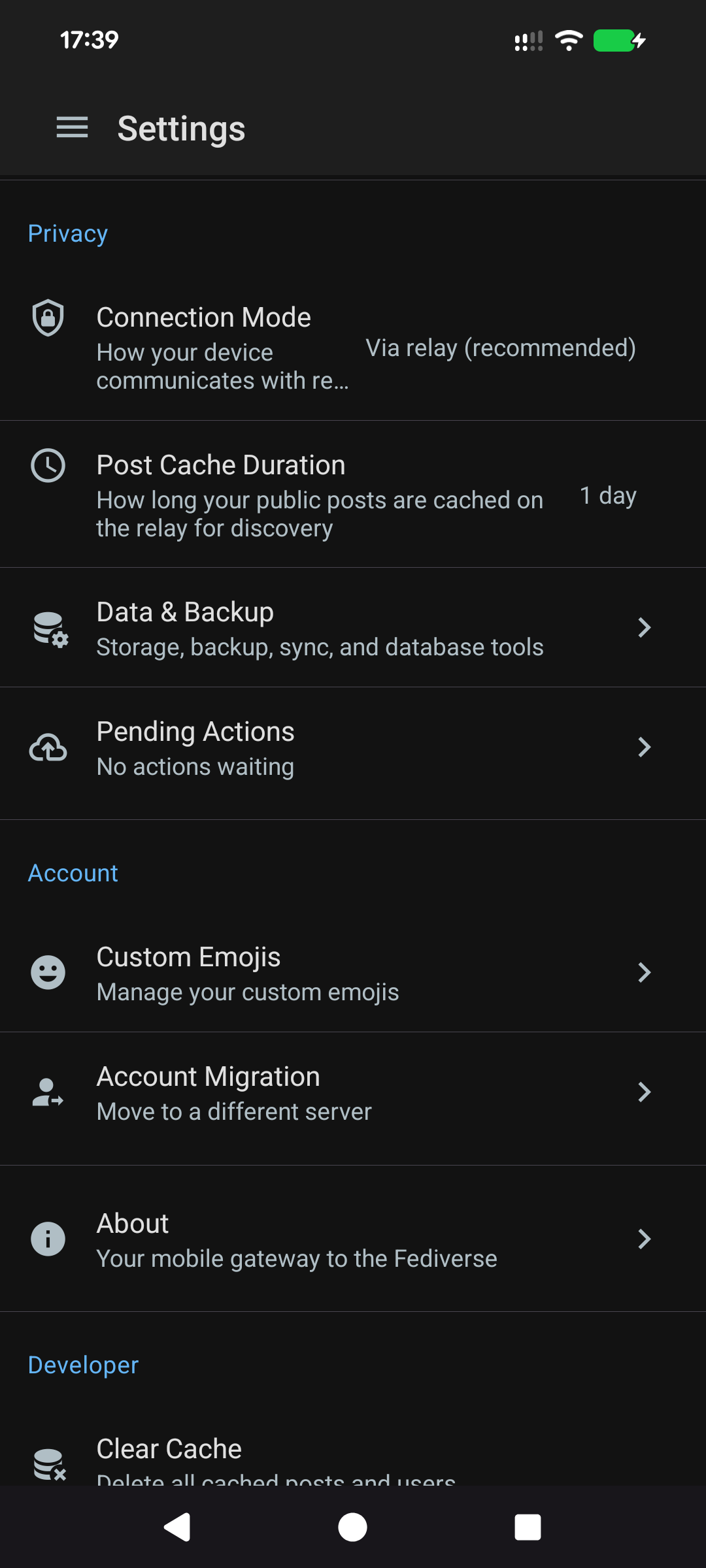
- Privacy Focused - Your posts and messages stored locally in SQLite - All traffic proxied through relay for IP privacy - RSA keys generated on-device, private key never leaves your phone
- Real-Time Sync - WebSocket connection for instant notifications - Activity queue with priority-based delivery - Automatic catch-up after offline periods
Screenshots
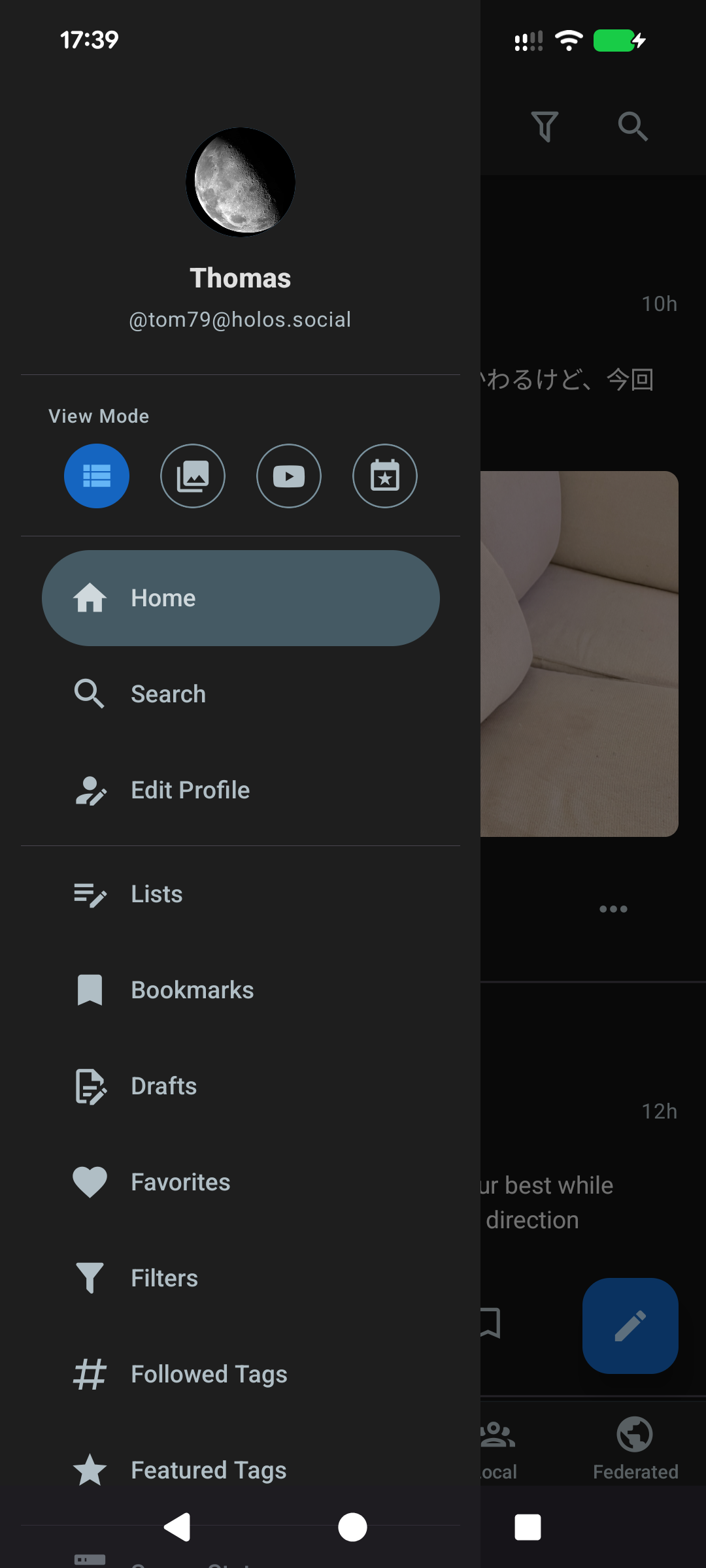
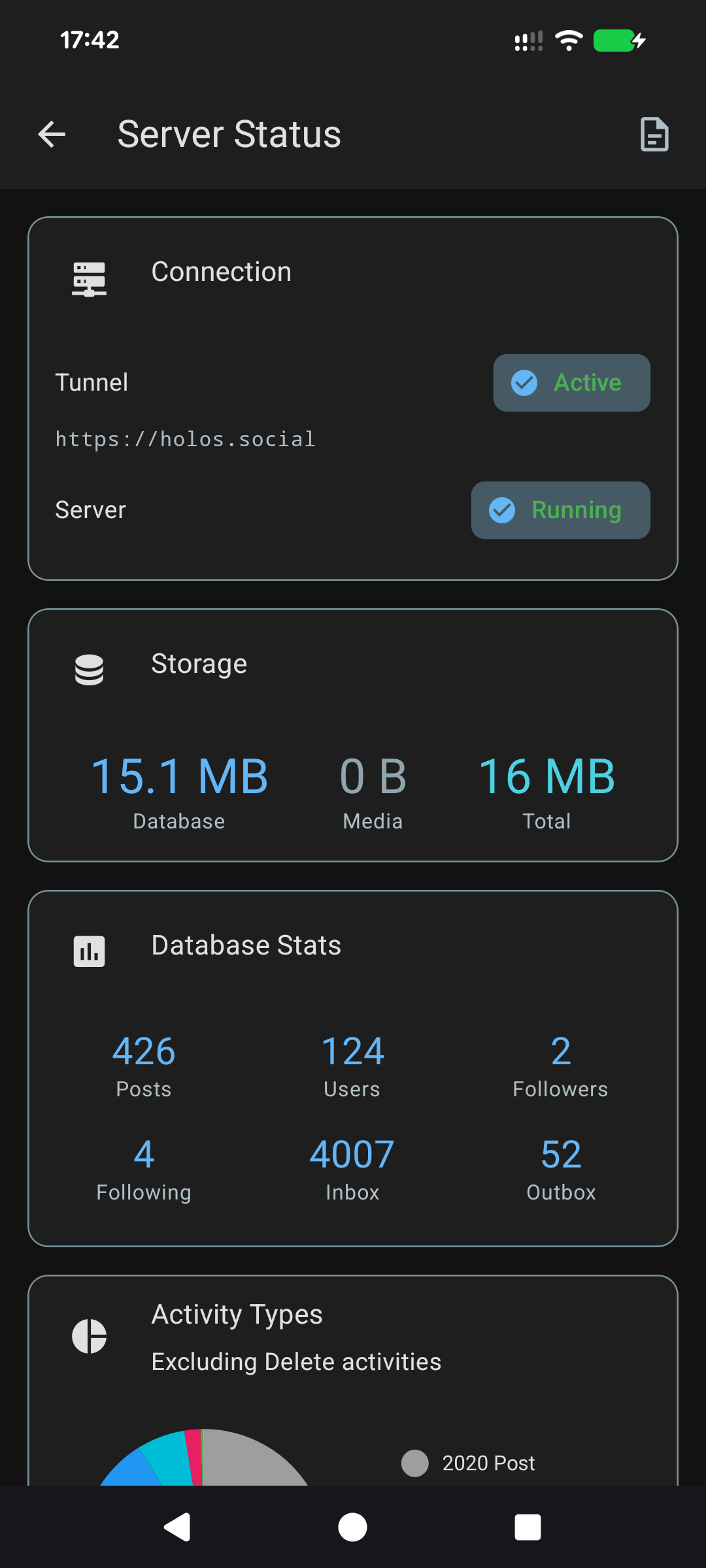
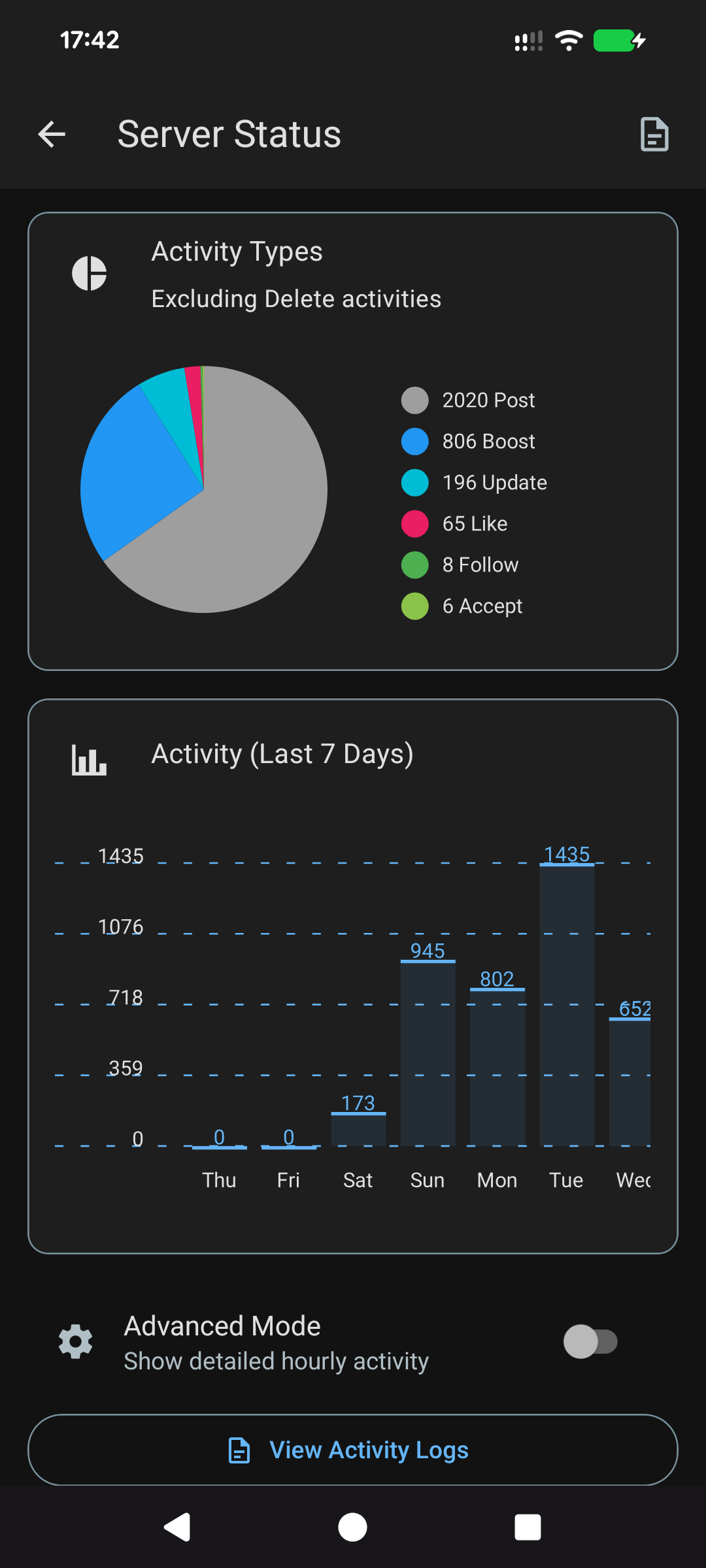
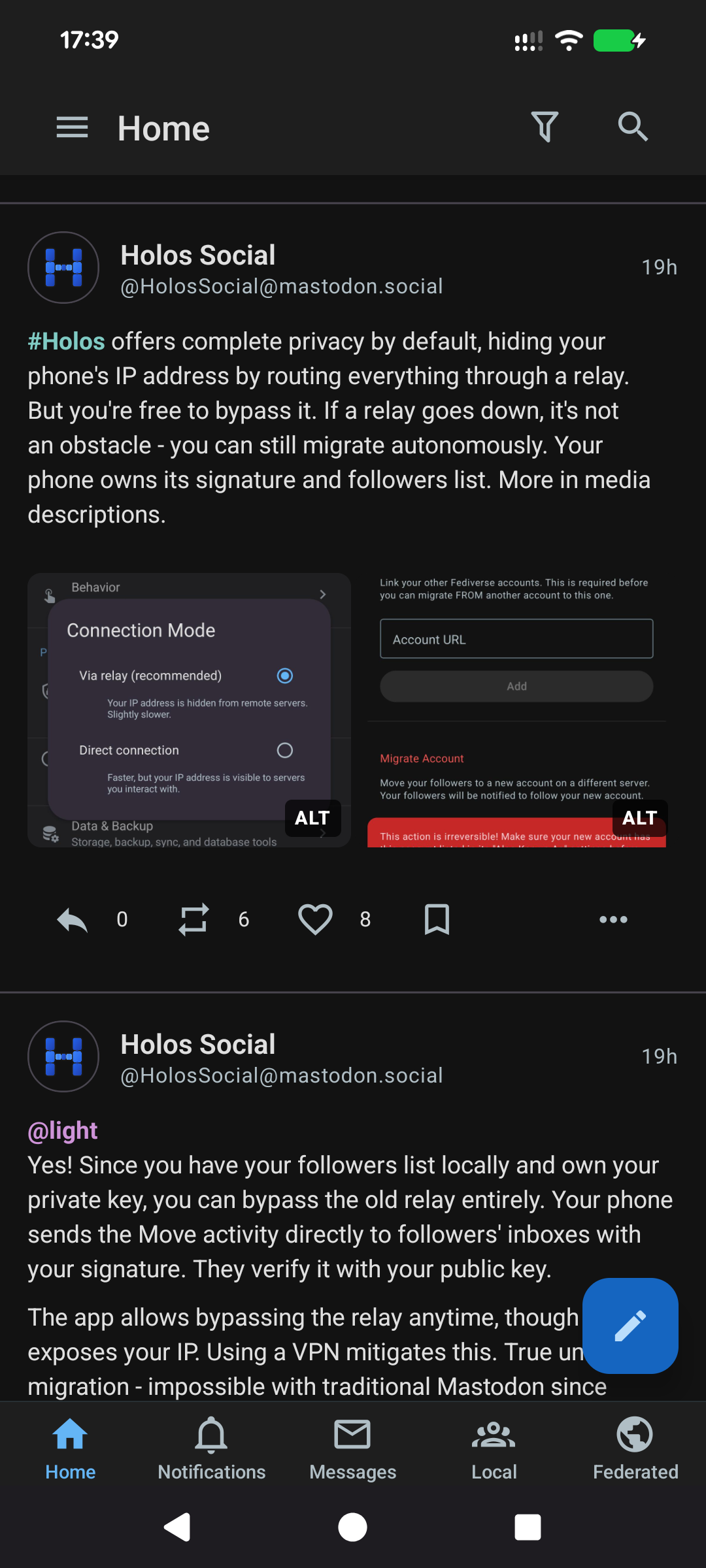
How to install
- Download the APK from the button at the top of this page.
- Allow “Install unknown apps” for your browser or file manager only, not for every app.
- Open the downloaded file and confirm the installation.
- If installation fails with “App not installed,” remove an earlier build of the same app first. A signature conflict is the usual cause.
Data safety
- Every file is checked against its published SHA-256 before it is listed.
- Files are scanned for malware on every update.
- The permissions each app requests are listed on its own page.
- Read the full safety policy for how we test, flag, and delist files.
Comments
Recent approved comments · sorted by newest
View all comments