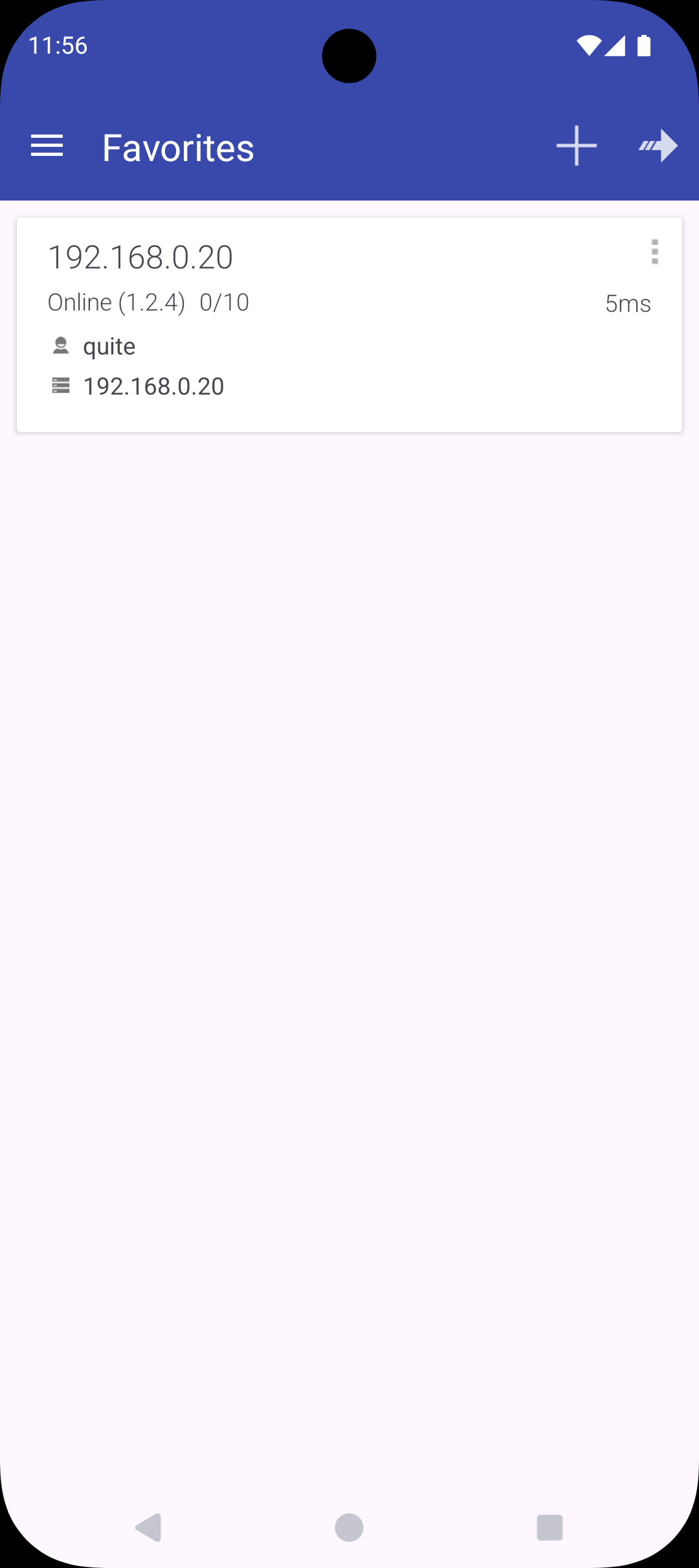
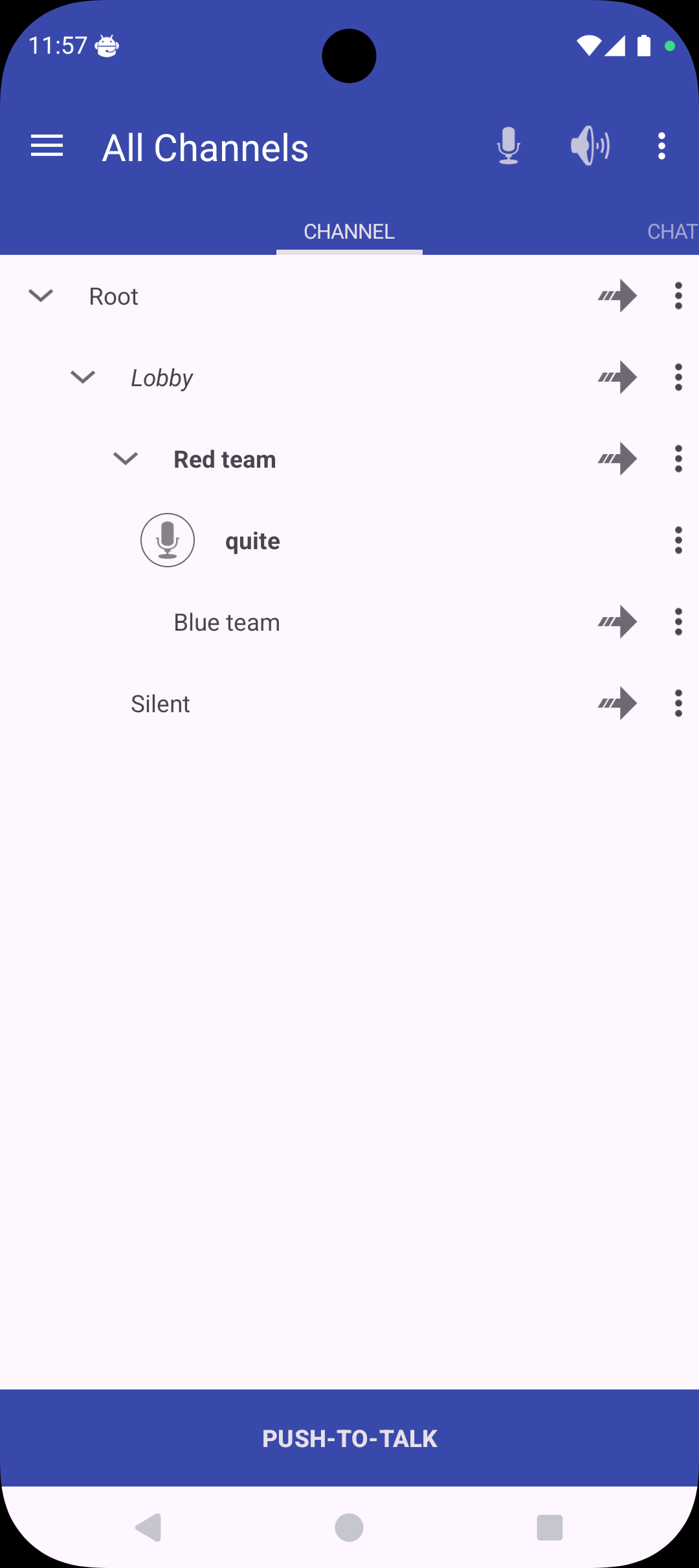
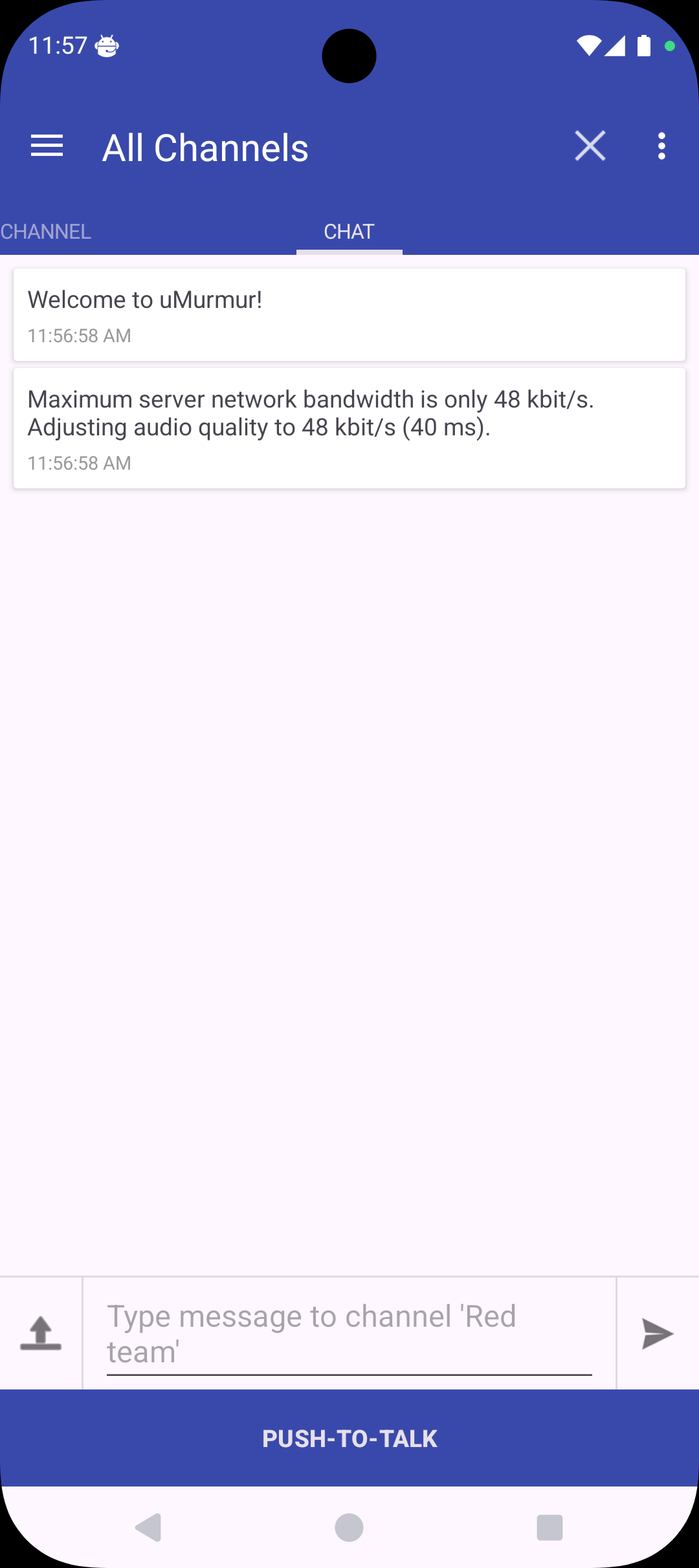
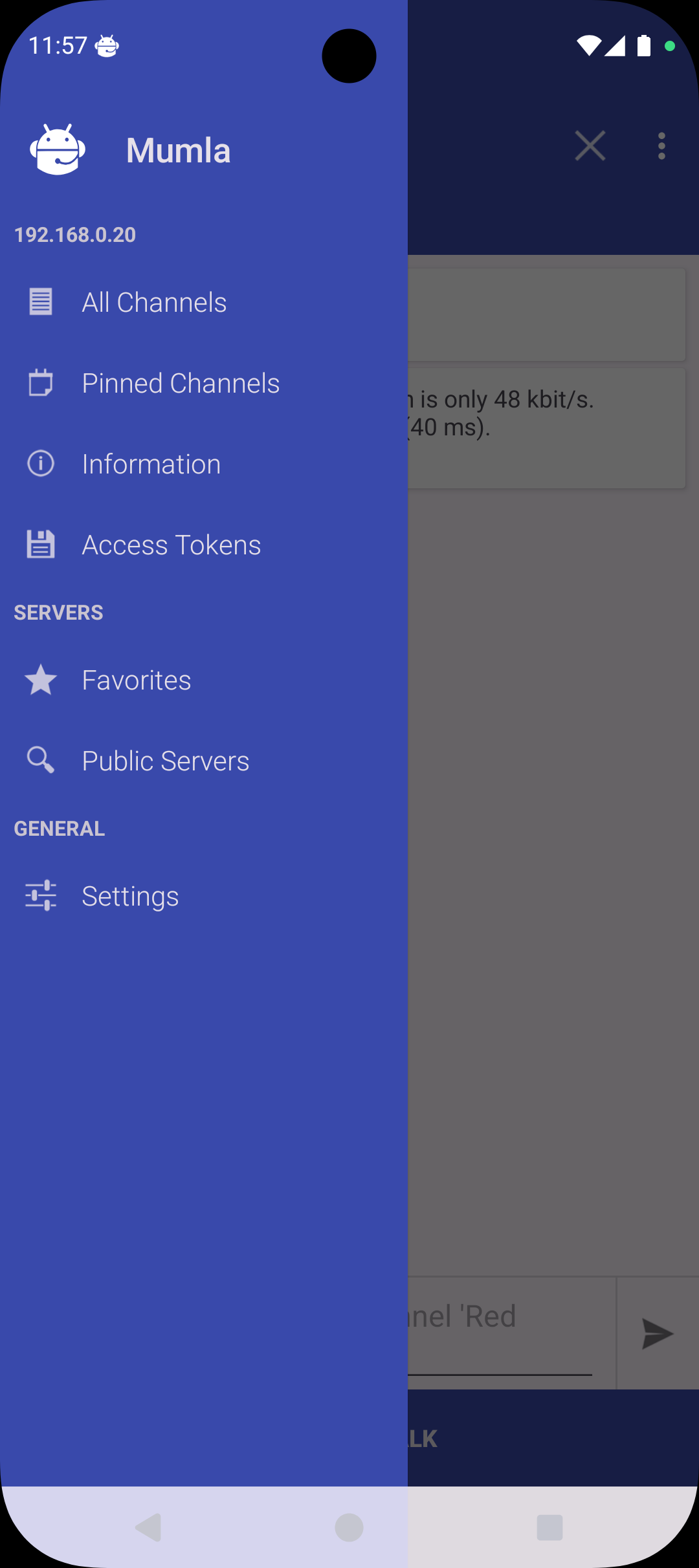
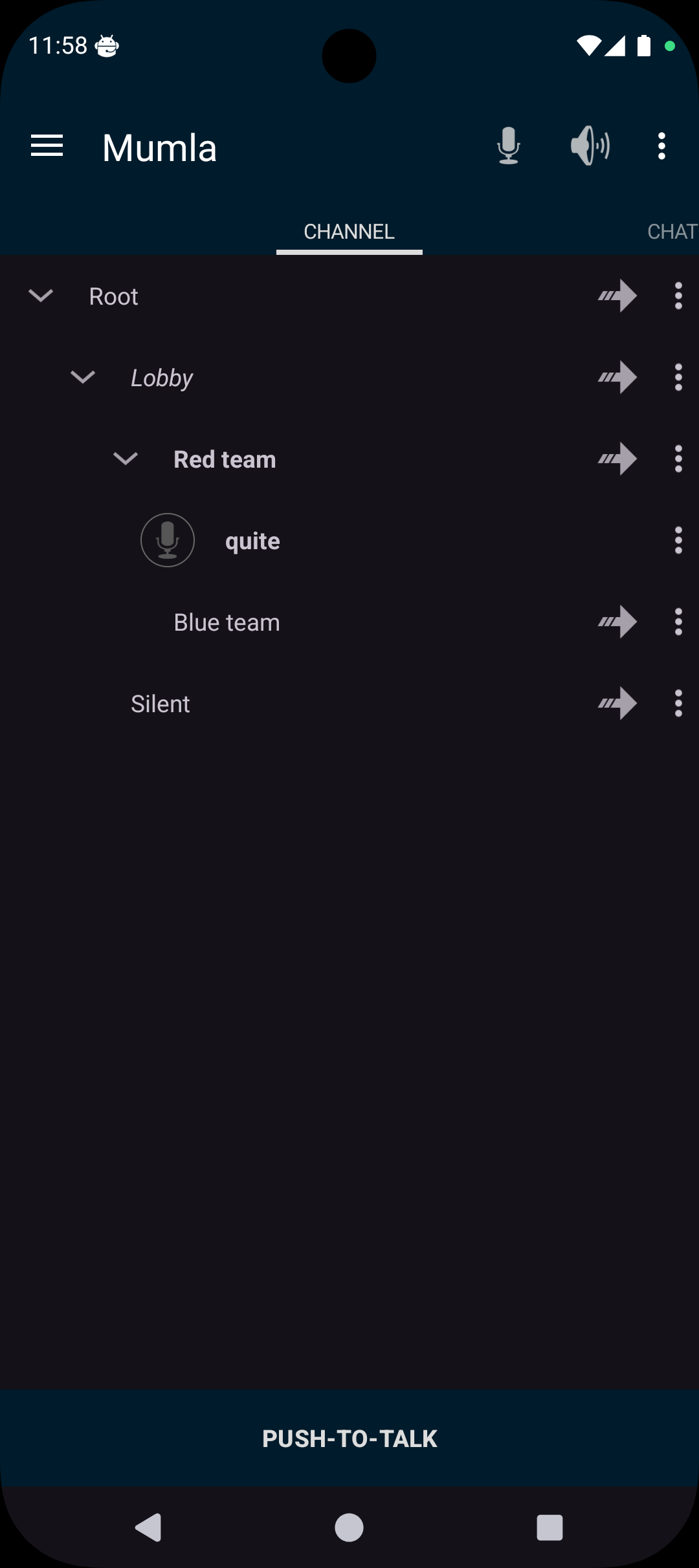
A client for the Mumble voice chat system. Host or connect to one of the many community run public servers (see https://www.mumble.info). Mumla is an updated and maintained version (a fork) of the app Plumble.
Some of the features:
* Certificate generation, import and export
* Browse public servers
* Voice activated transmission (the default), or different Push-to-talk buttons
* Bluetooth headset support
* Self-registration on server
* Access tokens
* Opus, CELT, and Speex codec support
* Automatic reconnection
* Tor support through the Orbot app
* Text-to-speech for messages (turned on by default)
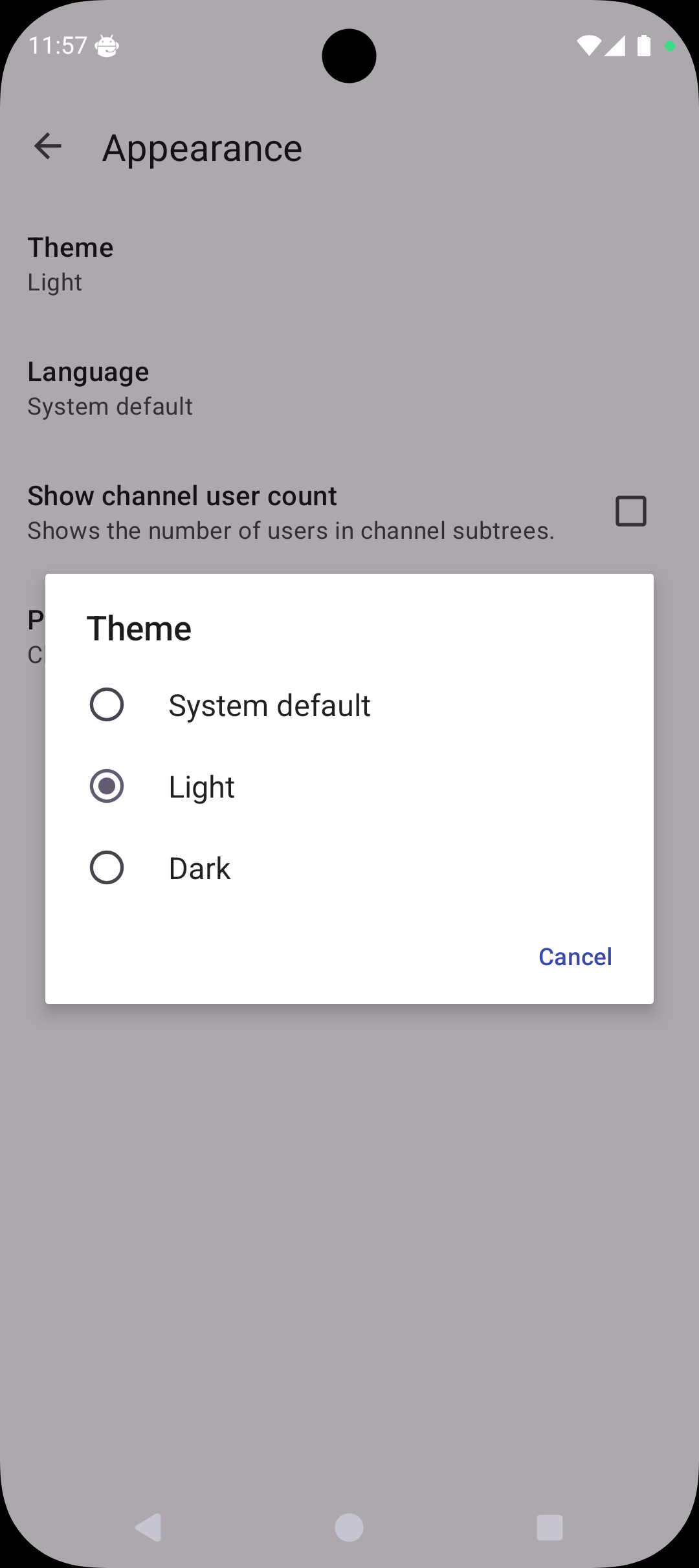
* Light and dark theme
Voice activated transmission currently works best when using a headset. Echo cancellation and noise reduction needs work.
Tweaking the Detection threshold in the settings helps.
Mumla is copylefted libre software. Find out more at: https://mumla-app.gitlab.io/
Screenshots
What’s new
A lot of work was done to update Mumla for Android 15 and 16 (API 35 & 36). As a consequence Android 5.0 (API 21) or later is now required. Theming was modernized to support system light/dark modes. The settings screen had to be adapted to newer APIs. Added in-app language preference.
The languages available in Mumla are those which have been translated to 40% or more. You can help translating Mumla at https://hosted.weblate.org/engage/mumla/
How to install
Download the APK from the button at the top of this page.
Allow “Install unknown apps” for your browser or file manager only, not for every app.
Open the downloaded file and confirm the installation.
If installation fails with “App not installed,” remove an earlier build of the same app first. A signature conflict is the usual cause.
Data safety
Every file is checked against its published SHA-256 before it is listed.
Files are scanned for malware on every update.
The permissions each app requests are listed on its own page.
Read the full safety policy for how we test, flag, and delist files.