* One-click connection (batch mode)
* Supports RSA SecurID and TOTP software tokens
* Keepalive feature to prevent unnecessary disconnections
* Compatible with ARMv7, x86, and MIPS devices
* No root required
* Based on the popular OpenConnect Linux package
Requirements:
* Android 6.0 or higher
* An account on a suitable VPN server
This product includes software developed by the OpenSSL Project for use in the
OpenSSL Toolkit (https://www.openssl.org/).
This product includes cryptographic software written by Eric Young
([email protected]).
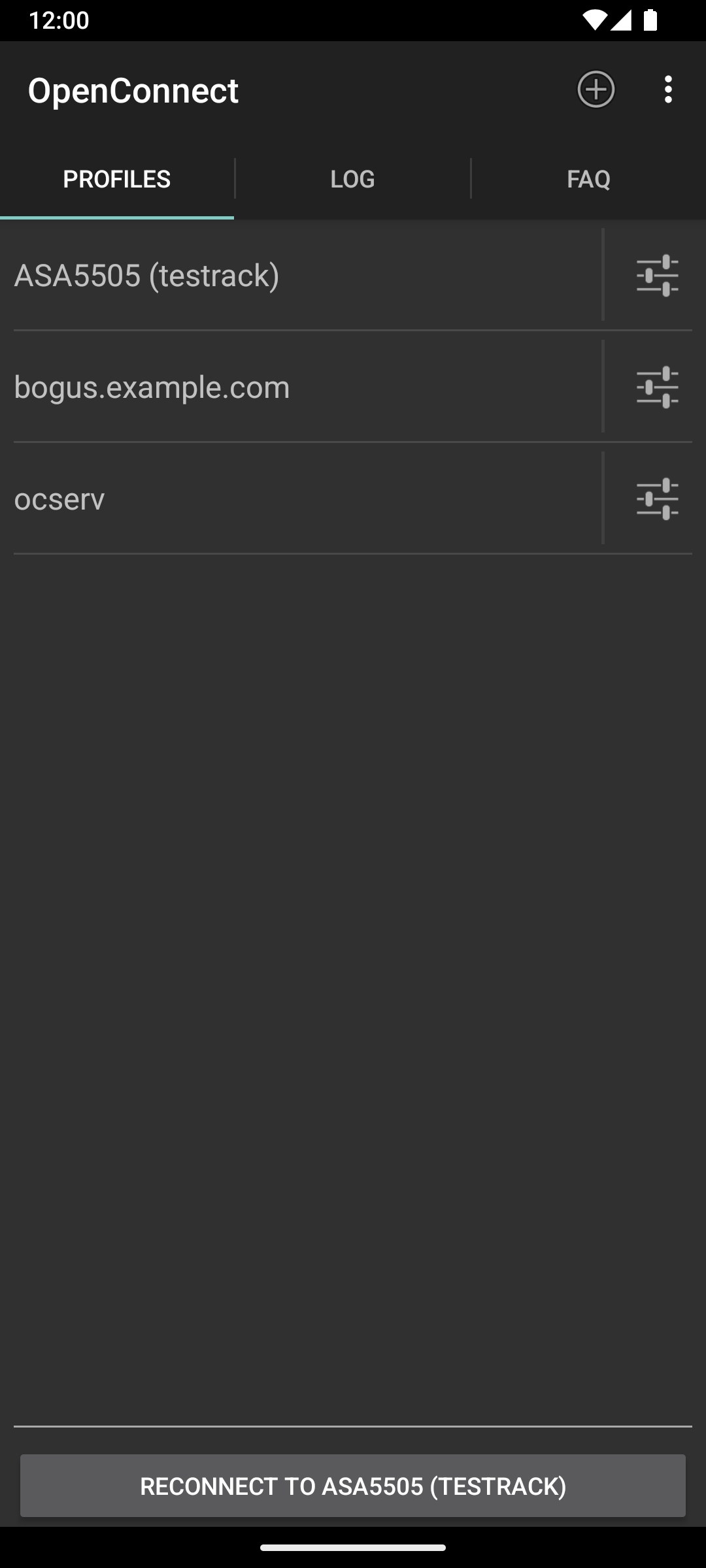
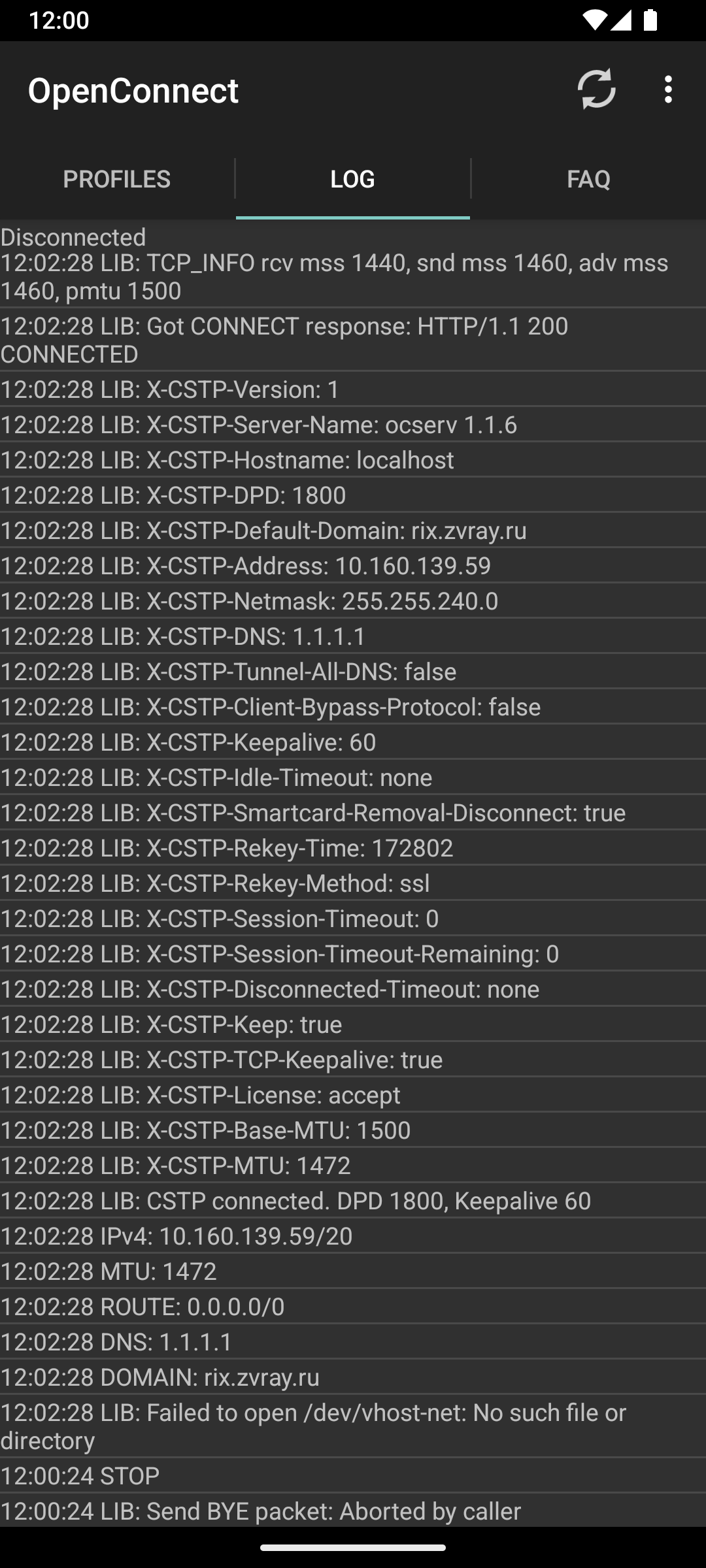
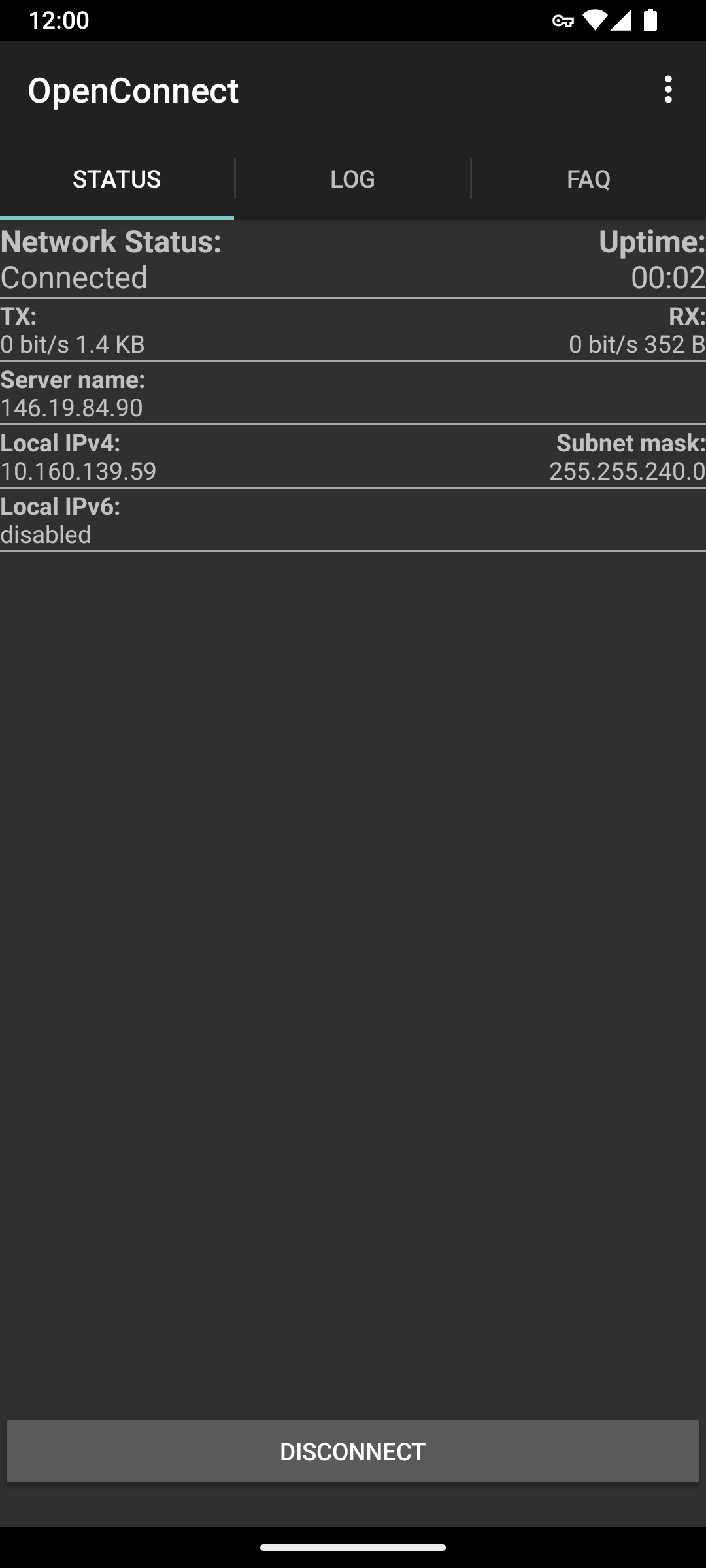
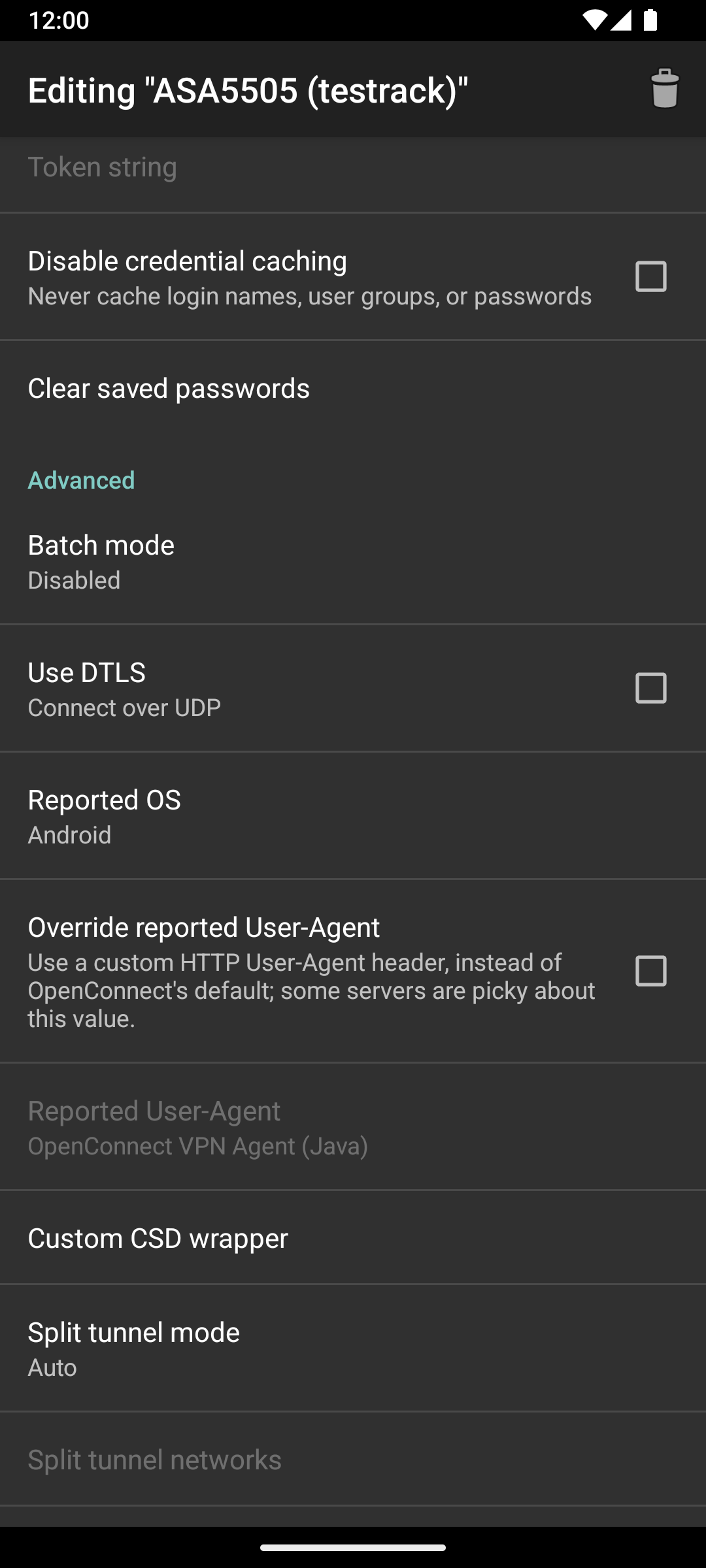
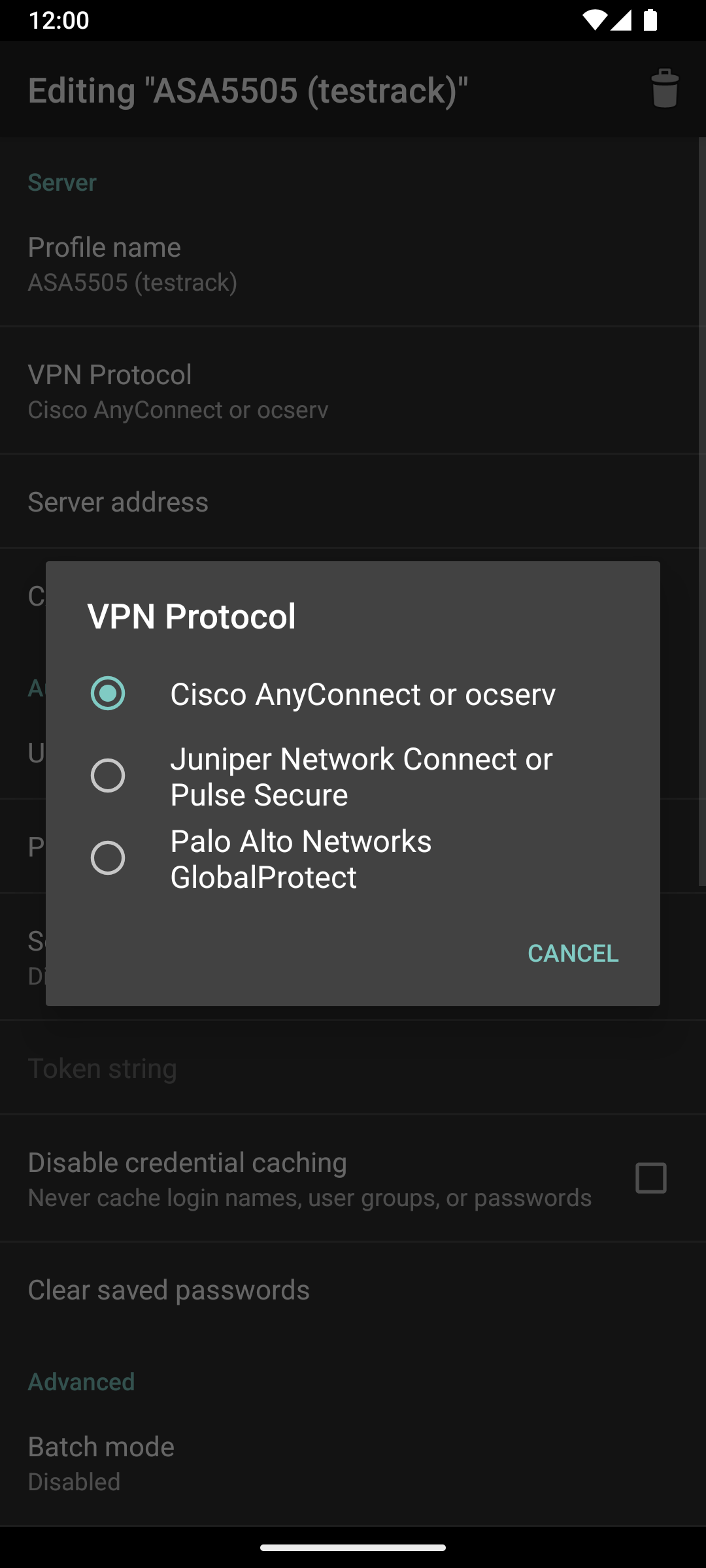
Screenshots
What’s new
* Drop support for < Android 6 devices * Add support for latest Android versions * Update Chinese and Russian translations (thanks to mkevinstever) * Add Android TV support to AndroidManifest.xml * Add custom SNI option * Add DTLS option * Transition to native Android file selection dialog * Lots of tiny fixes
How to install
Download the APK from the button at the top of this page.
Allow “Install unknown apps” for your browser or file manager only, not for every app.
Open the downloaded file and confirm the installation.
If installation fails with “App not installed,” remove an earlier build of the same app first. A signature conflict is the usual cause.
Data safety
Every file is checked against its published SHA-256 before it is listed.
Files are scanned for malware on every update.
The permissions each app requests are listed on its own page.
Read the full safety policy for how we test, flag, and delist files.