
Quick answer
Upload documents to a Paperless-NGX server using the native share intent
F-Droid repository metadata
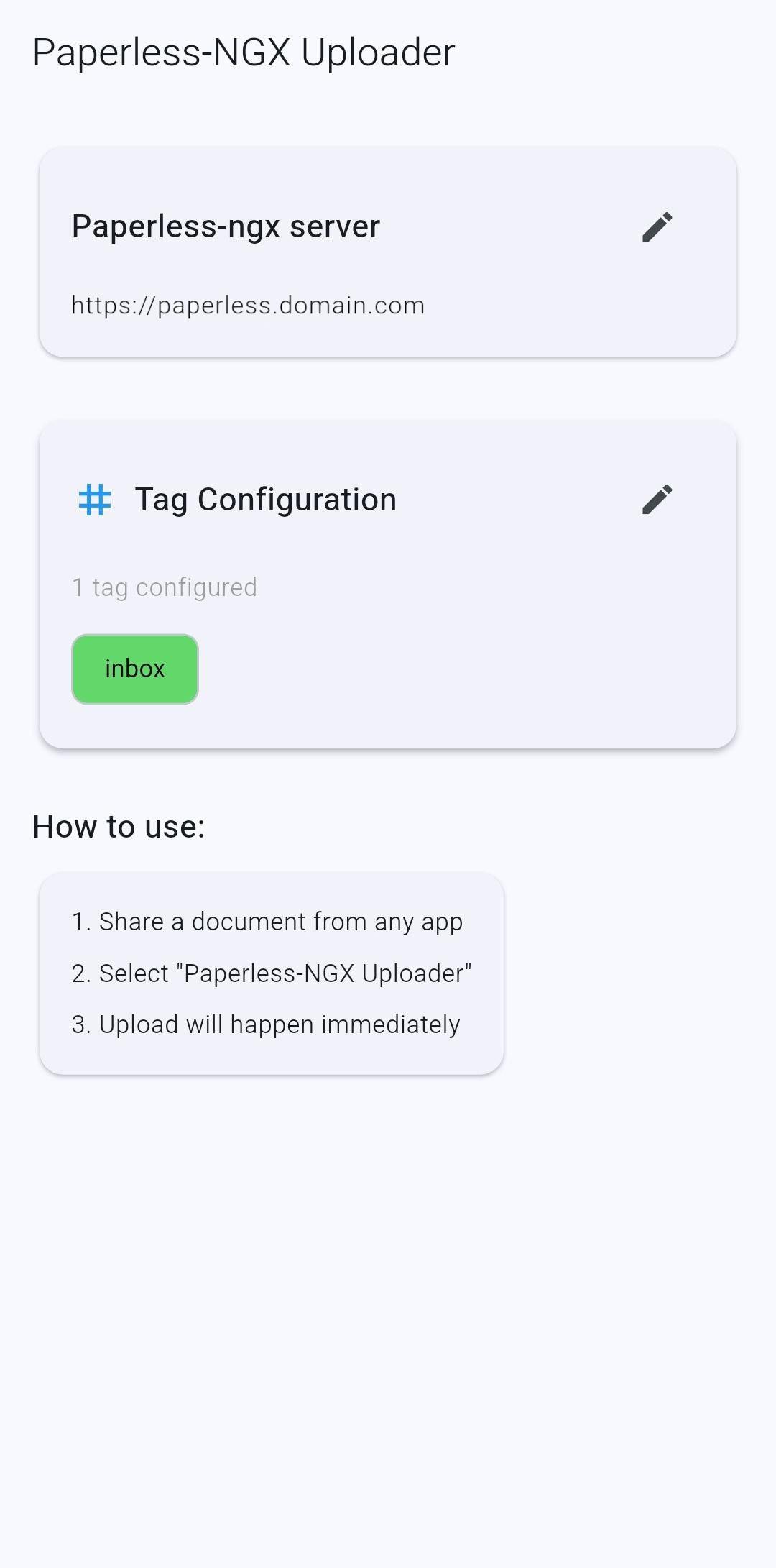
Paperless‑NGX Uploader uploads single or multiple documents to Paperless‑NGX directly from the system Share menu. This project updates and adapts the original “Paperless Share” by qcasey to modern Android versions while keeping the same simple “share and upload” workflow.
Features:
- Android native Share Intent integration (one action = one file).
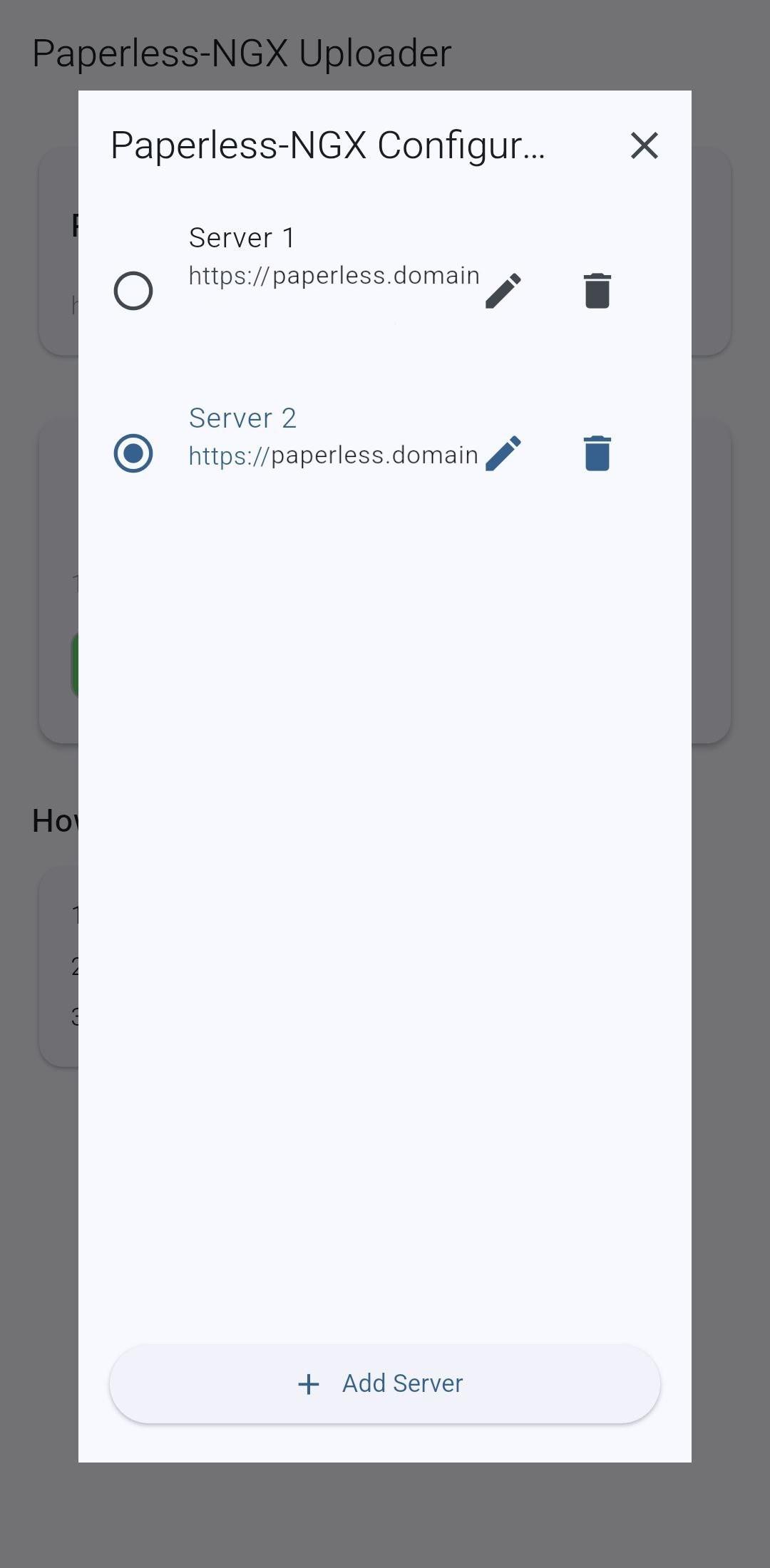
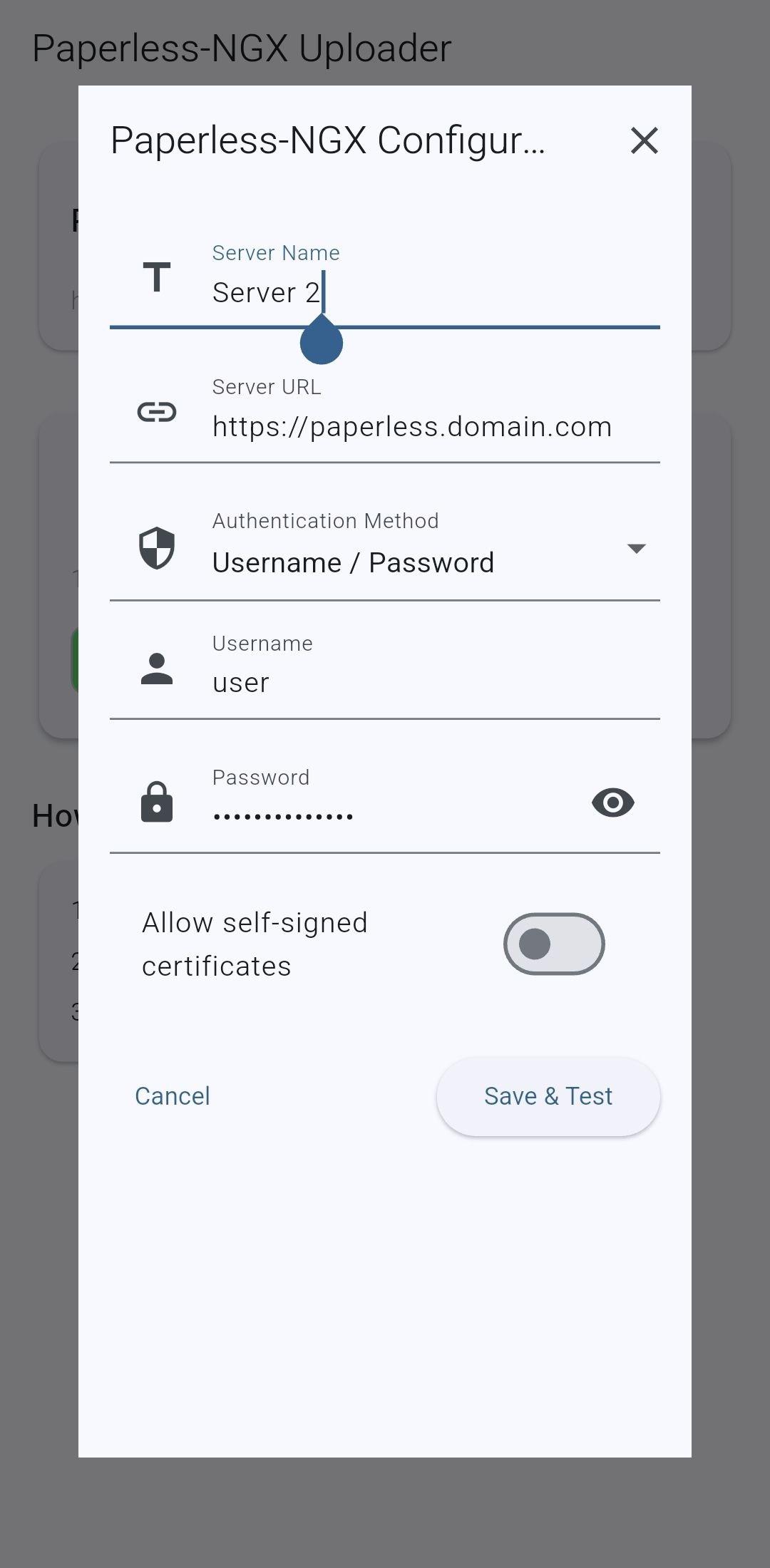
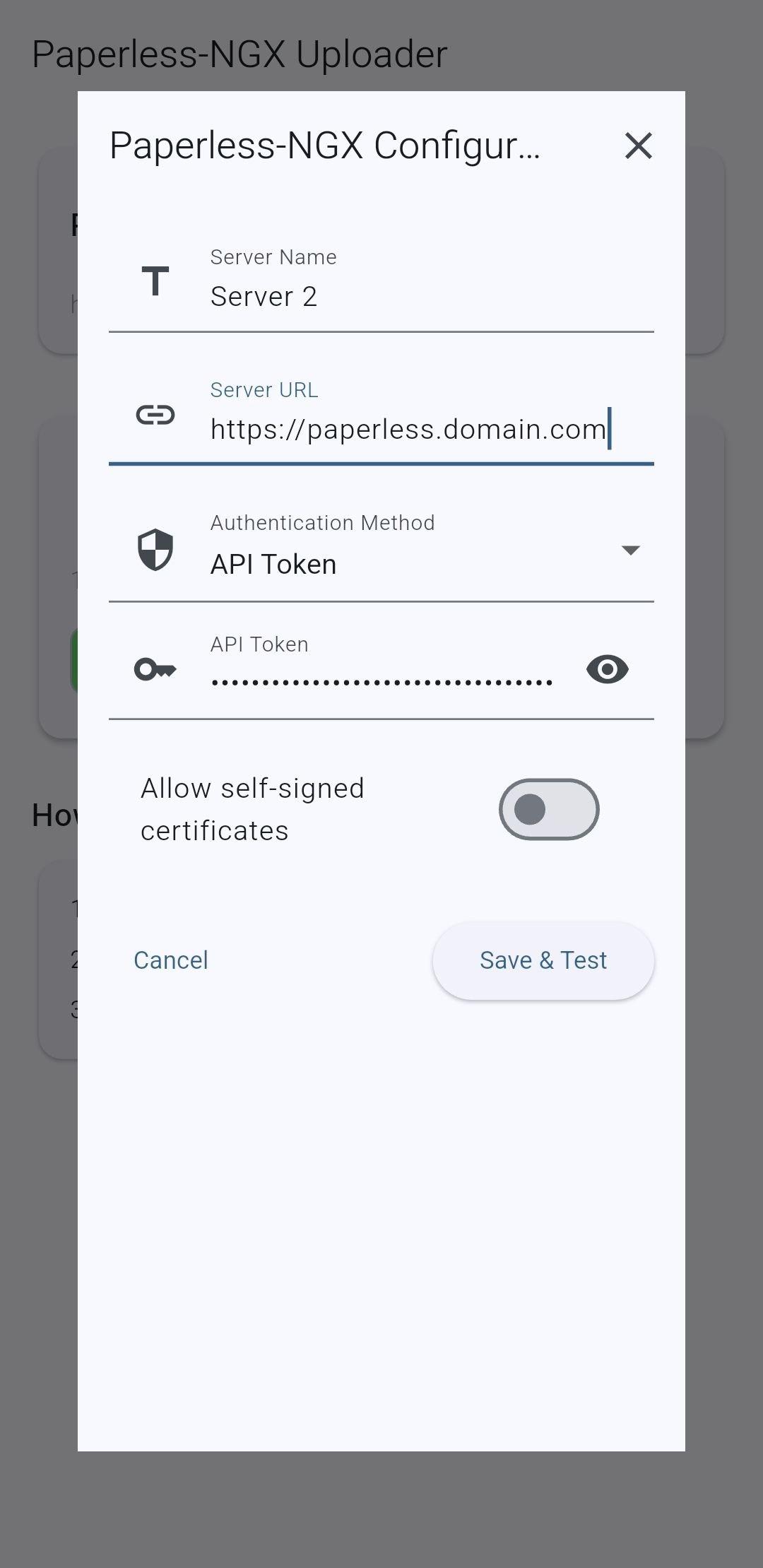
- Paperless‑NGX server configuration (URL), username and password.
- Secure credential storage with automatic recovery on startup.
- Connection test with feedback (success, invalid credentials, unreachable host).
- Tag management:
- Fetches tags from Paperless‑NGX after a valid connection.
- Tag selection dialog with search/filter.
- Option to set default tags for uploads.
- Selected tags are persisted and restored on startup.
- Uploads the shared document with the configured/default tags.
- Upload status indicator; on failure, a Snackbar notifies the user.
- On success, the app returns to background.
Screenshots
How to install
- Download the APK from the button at the top of this page.
- Allow “Install unknown apps” for your browser or file manager only, not for every app.
- Open the downloaded file and confirm the installation.
- If installation fails with “App not installed,” remove an earlier build of the same app first. A signature conflict is the usual cause.
Data safety
- Every file is checked against its published SHA-256 before it is listed.
- Files are scanned for malware on every update.
- The permissions each app requests are listed on its own page.
- Read the full safety policy for how we test, flag, and delist files.
Comments
Recent approved comments · sorted by newest
View all comments