
Quick answer
Minimalistic yet powerful news reader with text to speech capability
F-Droid repository metadata
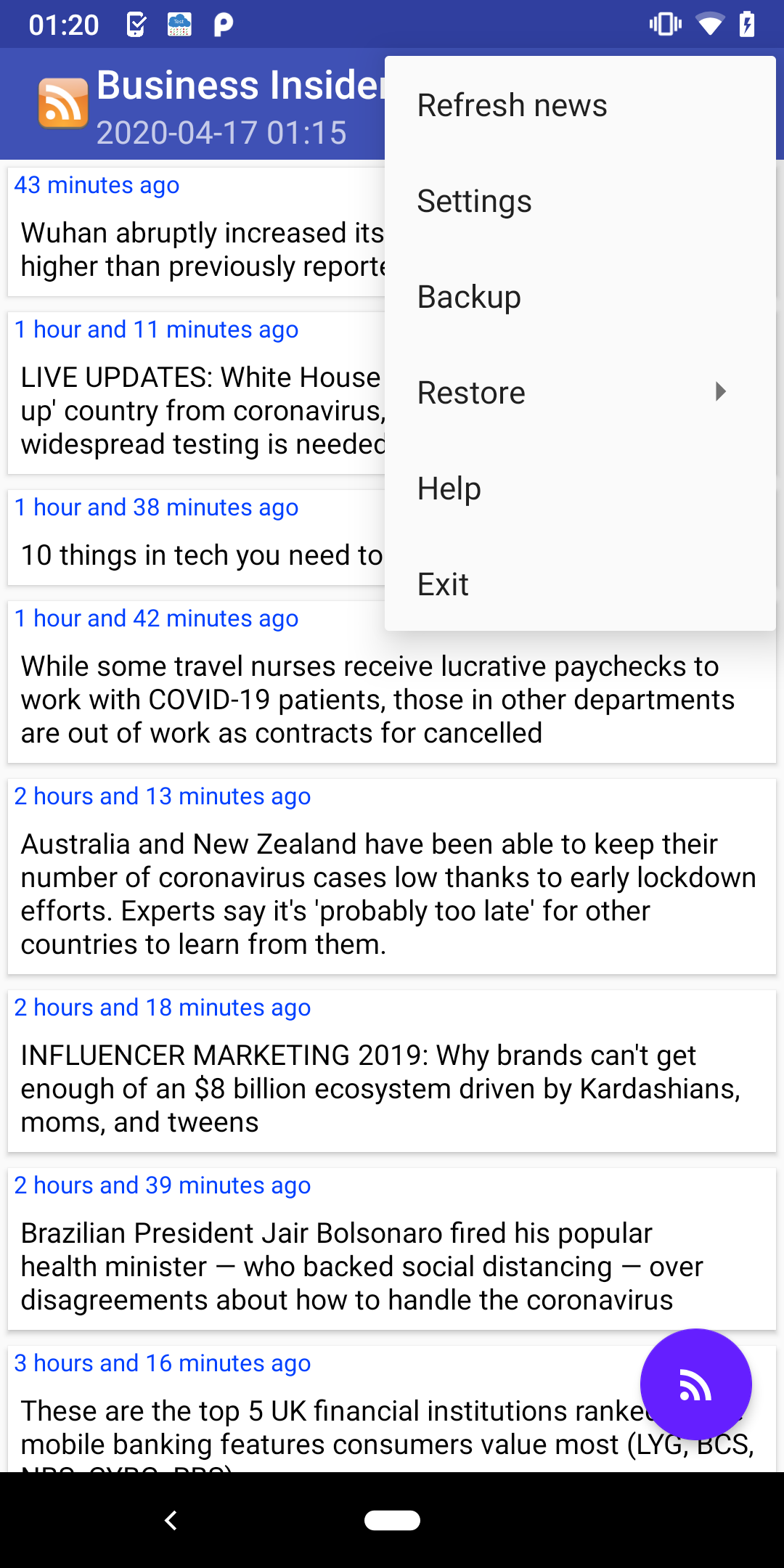
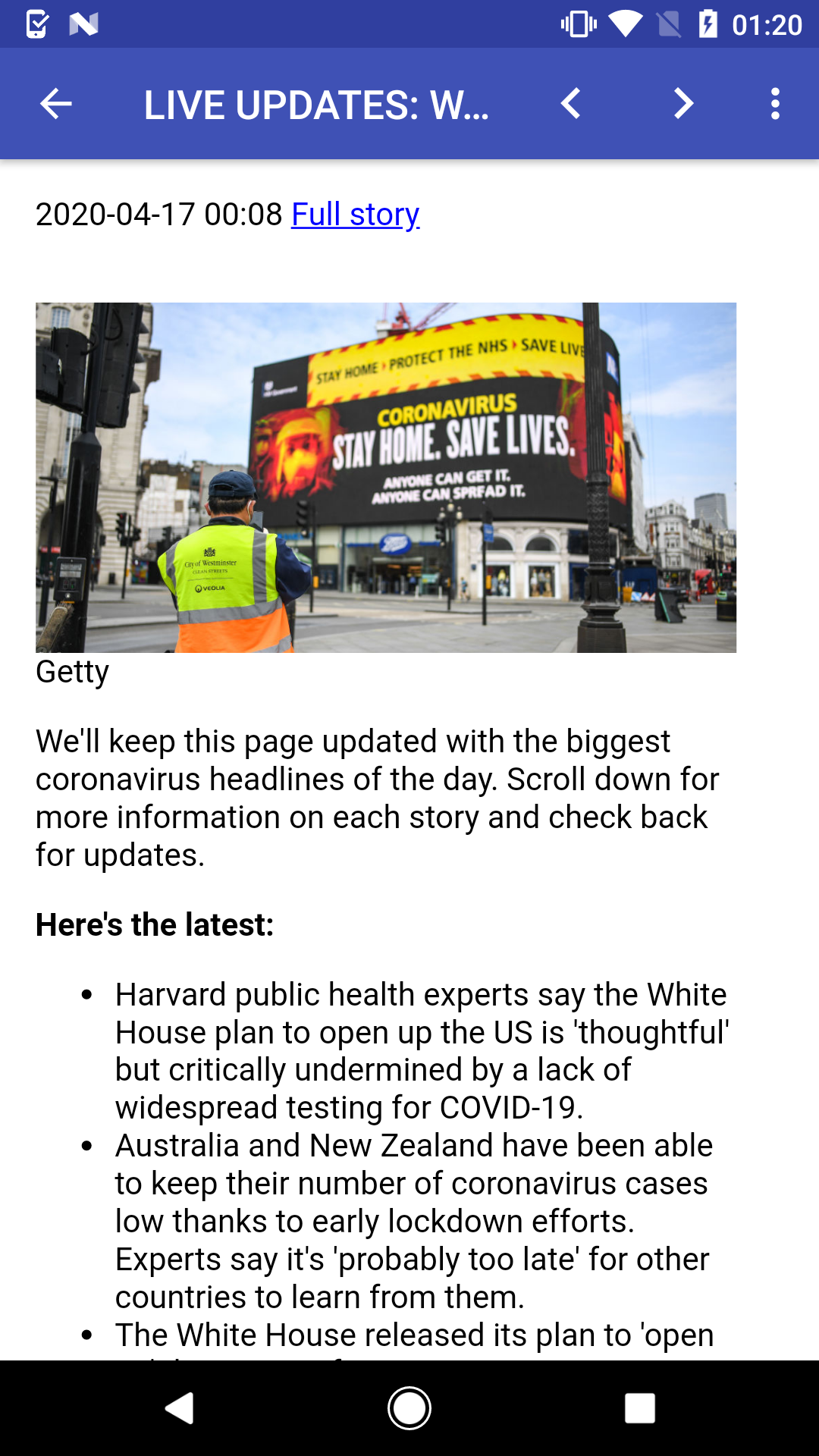
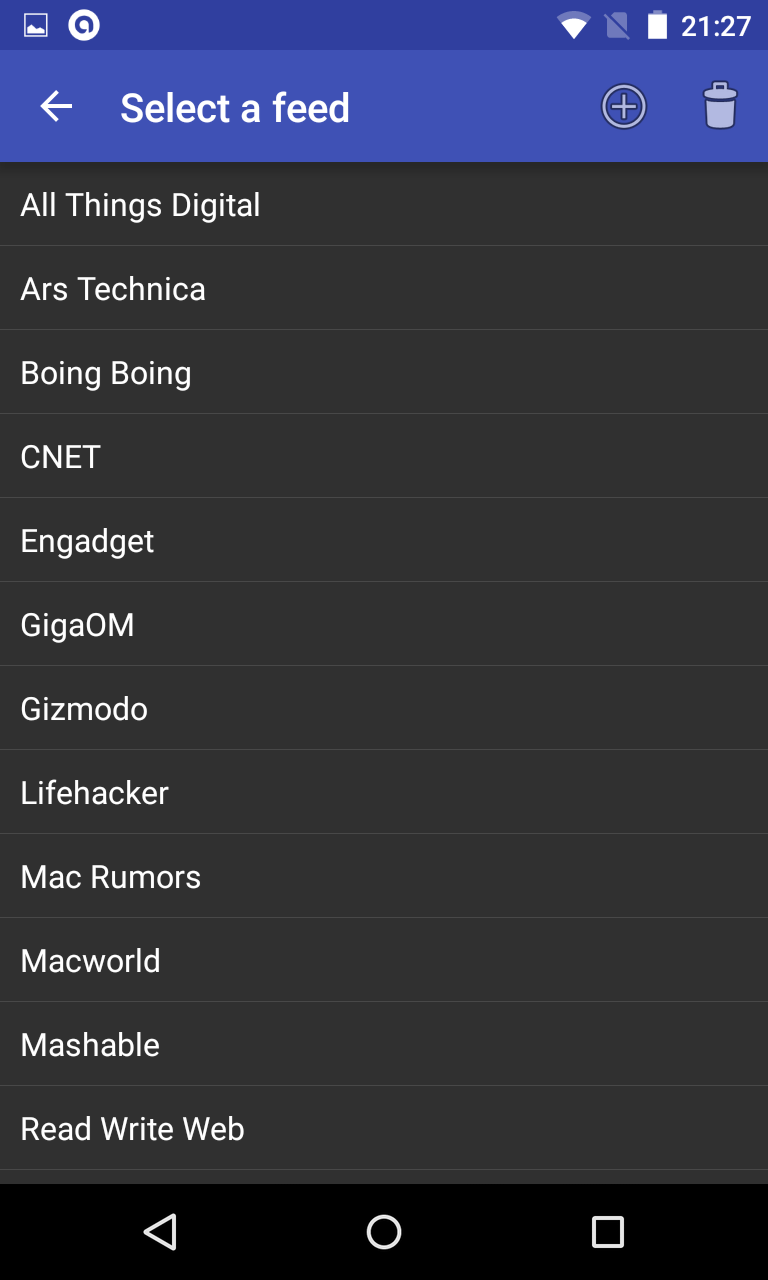
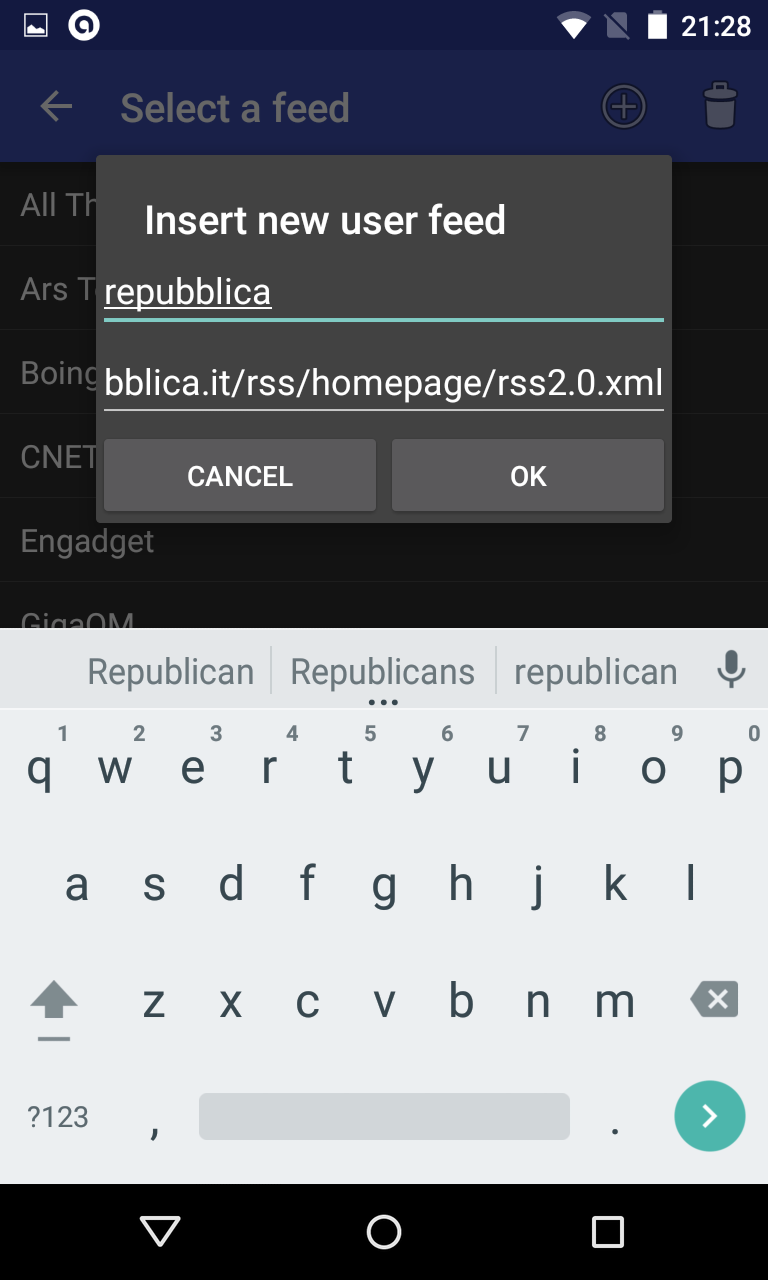
This minimal RSS news reader brings you the latest news. It includes several feeds in different categories, including news, technology, science, sports and others! You can also add your own feeds.
News feeds are available in the following languages: German, English, Spanish, French, Italian, Portuguese and Russian.
Features
This application requires the following permissions:
News feeds are available in the following languages: German, English, Spanish, French, Italian, Portuguese and Russian.
Features
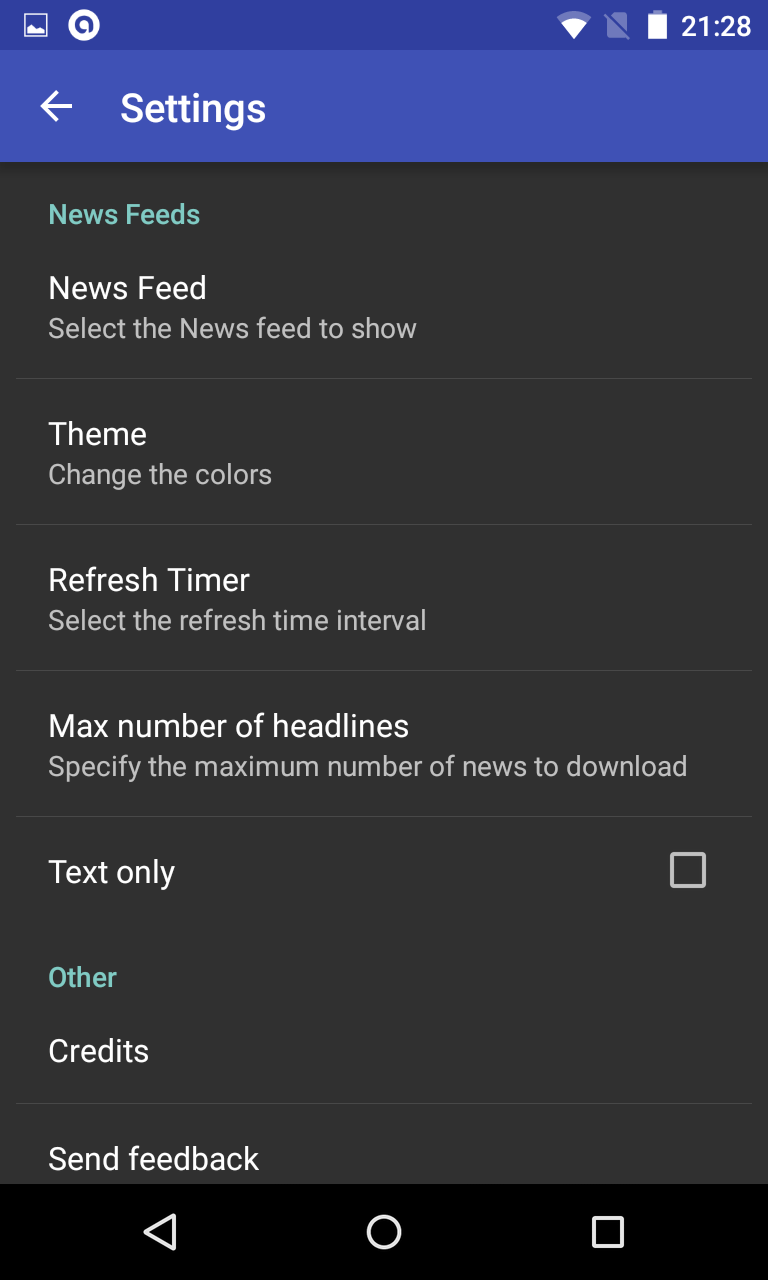
- easy to use and lightweight with wide selection of news feeds
- text to speech: listen to your news
- choose your theme, add your personal feeds
- mini widget showing latest news headline
- backup and restore settings
- designed for speed and low battery consumption
- language of news feeds can be changed: please select "Settings" and then click on "Feeds language" to choose the language of news feeds
This application requires the following permissions:
- INTERNET - to retrieve news
- WRITE_EXTERNAL_STORAGE (aka Photos/Media/Files) - to backup settings
Screenshots
How to install
- Download the APK from the button at the top of this page.
- Allow “Install unknown apps” for your browser or file manager only, not for every app.
- Open the downloaded file and confirm the installation.
- If installation fails with “App not installed,” remove an earlier build of the same app first. A signature conflict is the usual cause.
Data safety
- Every file is checked against its published SHA-256 before it is listed.
- Files are scanned for malware on every update.
- The permissions each app requests are listed on its own page.
- Read the full safety policy for how we test, flag, and delist files.
Comments
Recent approved comments · sorted by newest
View all comments