
Quick answer
View and edit notes on Nextcloud
F-Droid repository metadata
Android client for Nextcloud Notes.
🚀 Features
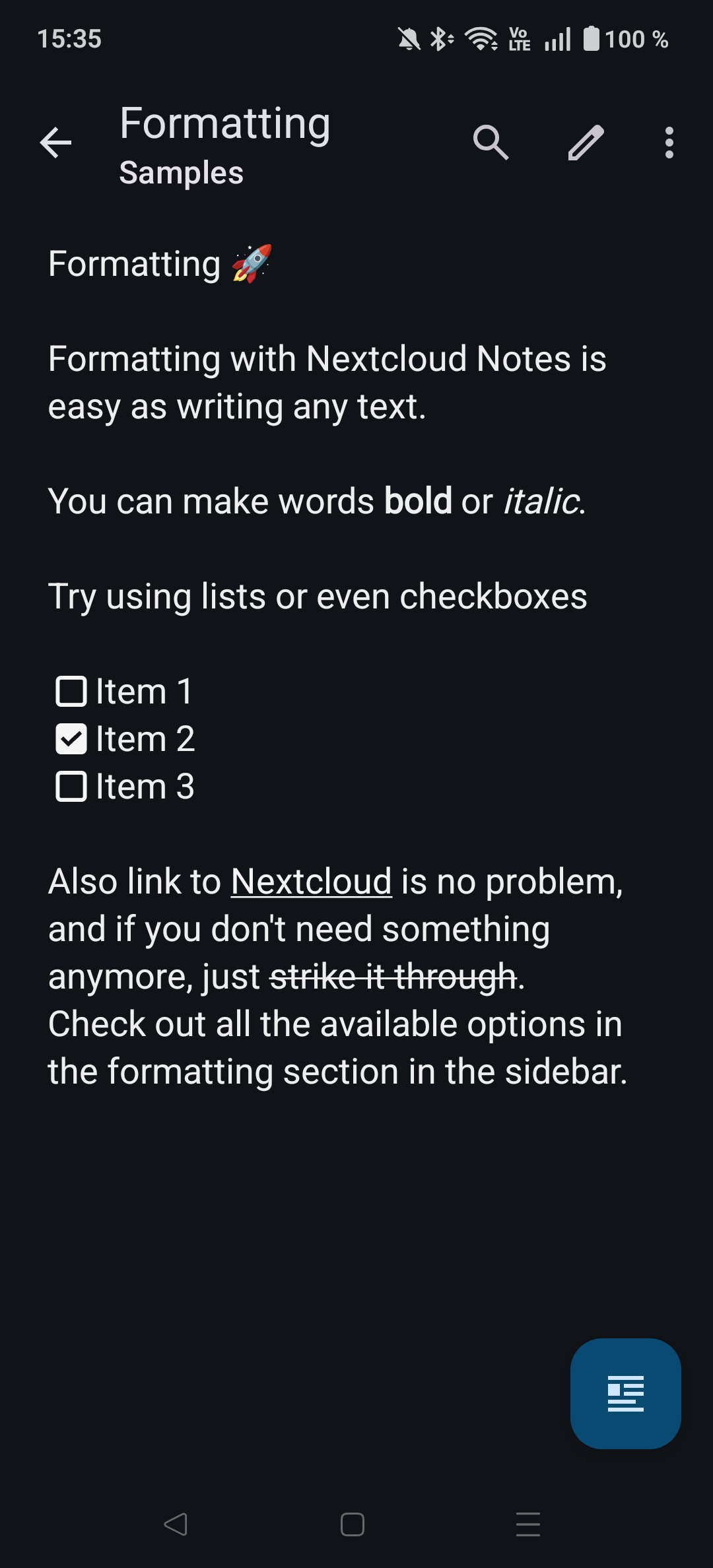
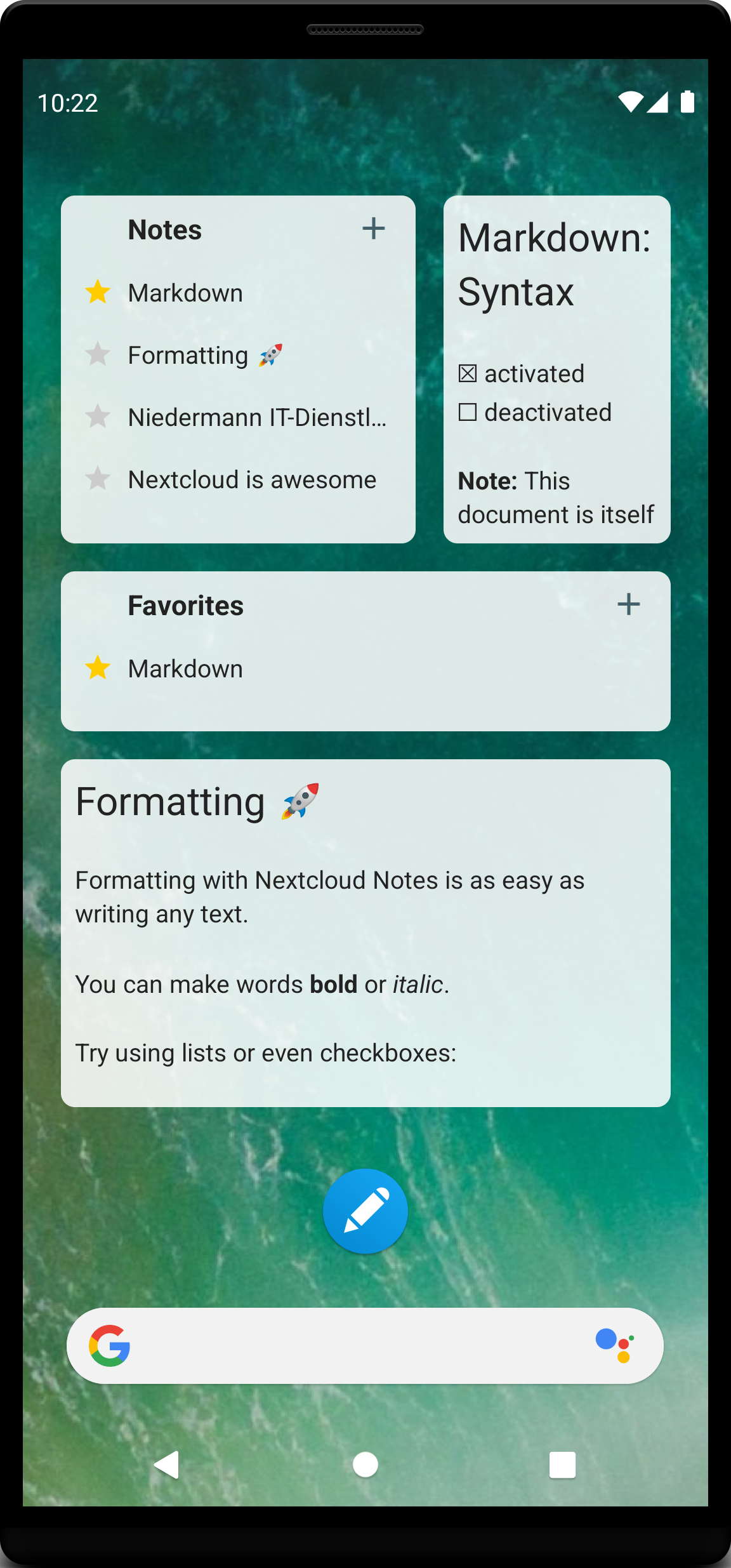
* Multiple accounts 👥 * List, create, edit, share, search and delete notes 📝 * Share text and links as new note into the app 📩 * Toggling checkboxes in view mode ✅ * Mark notes as favorite ⭐ * Bulk delete 🗑️ * In-note search 🔍 * Single note widget and note list widget 📊 * Dark Mode 🌙 * Render Markdown ✨ * Translated in many languages 🌎 * Context based formatting 🧰 * App-lock 🔒
🔗 Requirements
* Nextcloud Server (https://nextcloud.com/) * Nextcloud Notes Server App (https://apps.nextcloud.com/apps/notes) * Nextcloud Files Android App (https://play.google.com/store/apps/details?id=com.nextcloud.client)
👨👩👦 Join the team
* https://github.com/nextcloud/notes-android#family-join-the-team
Screenshots
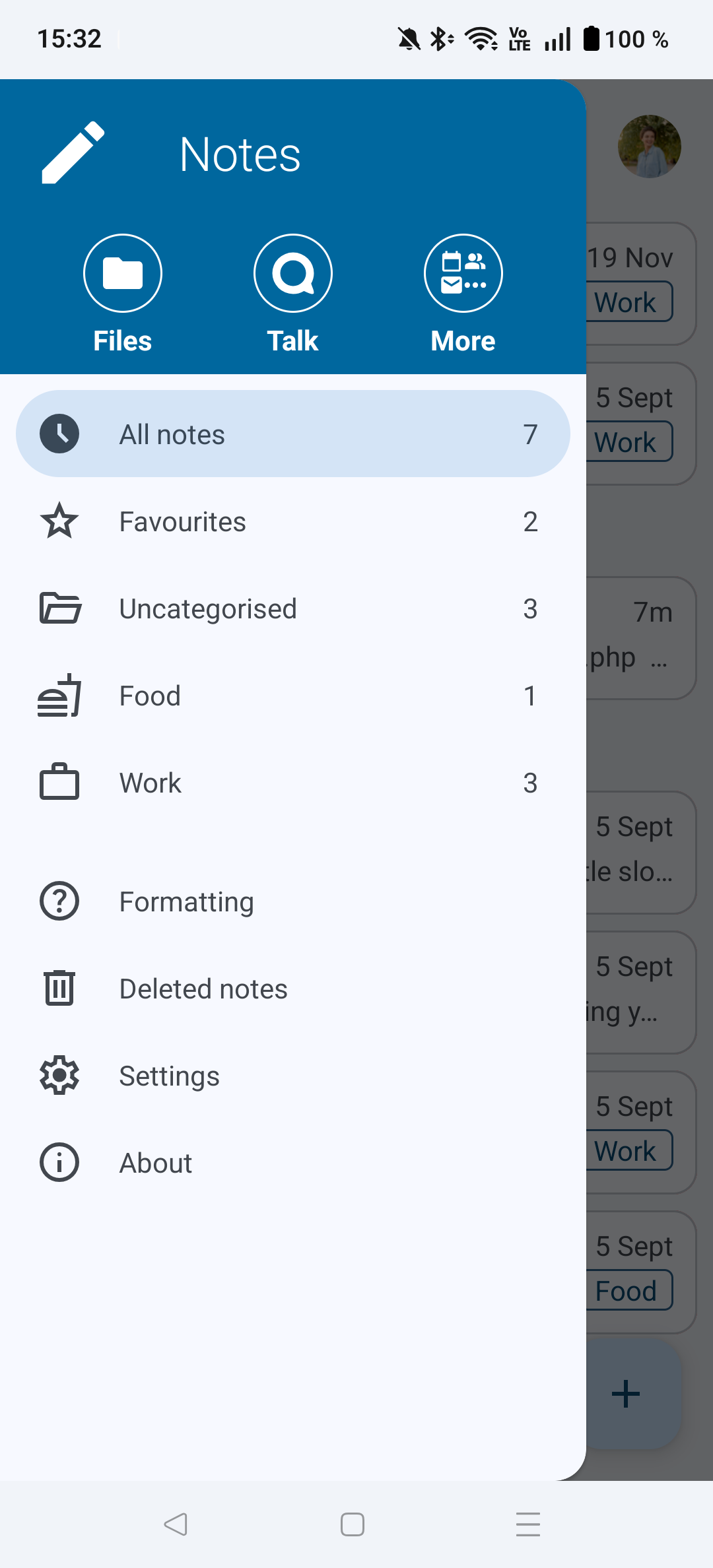
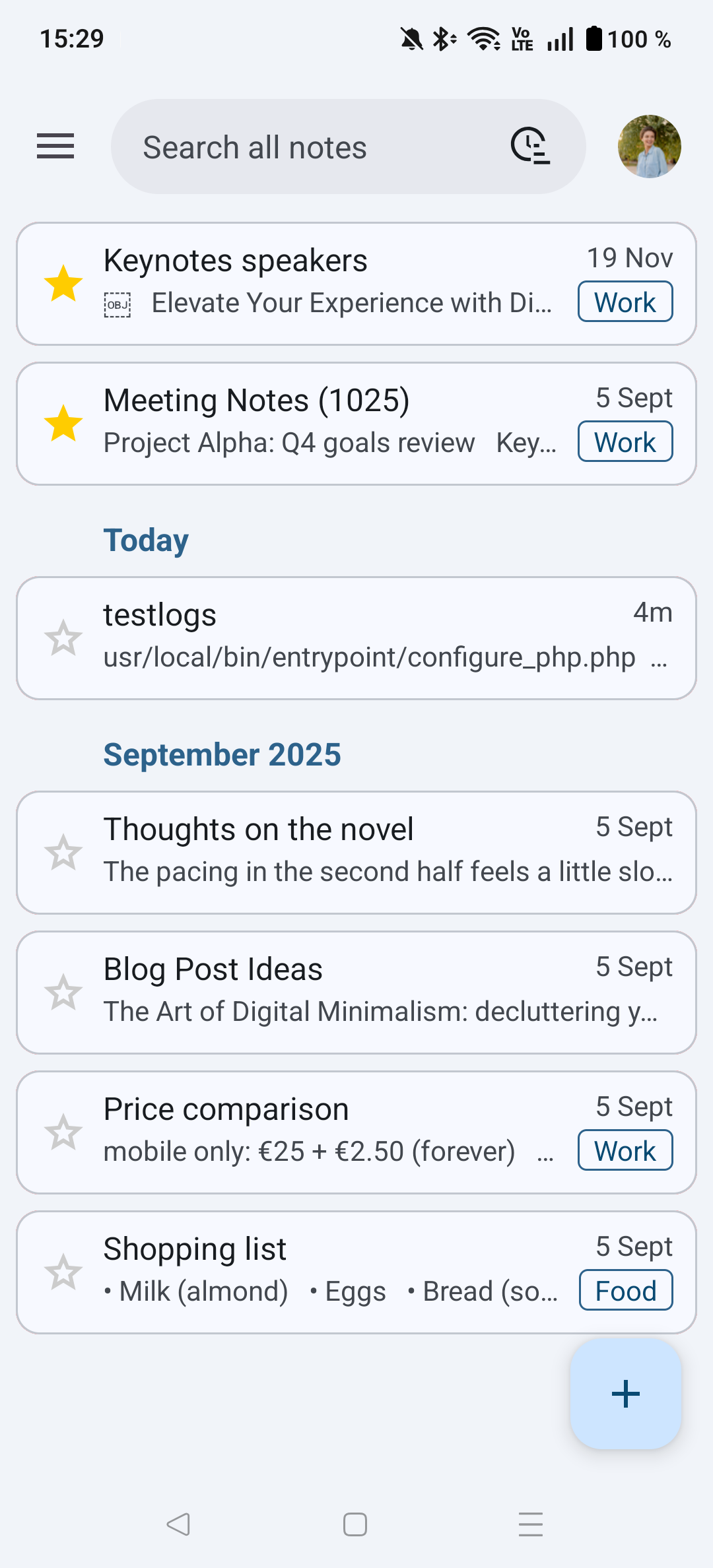
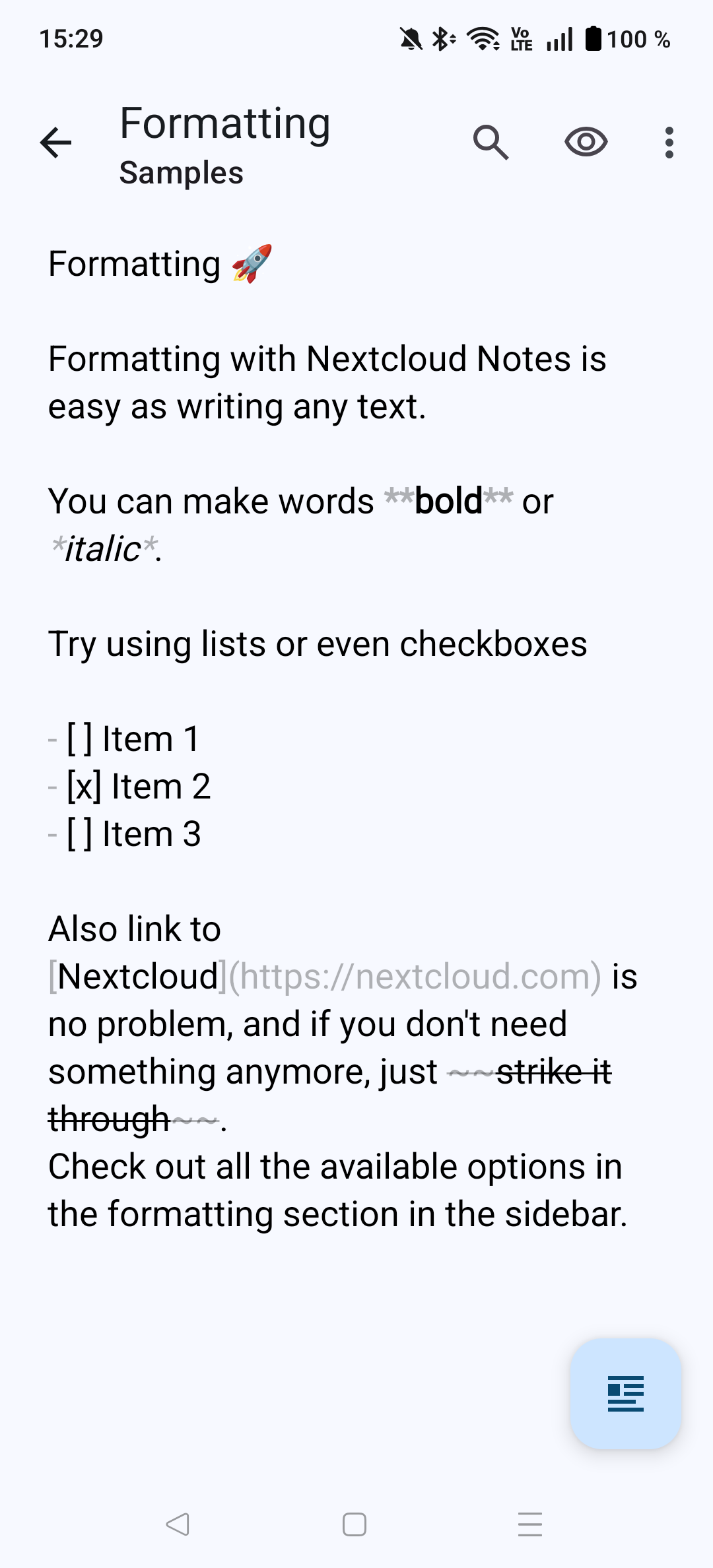
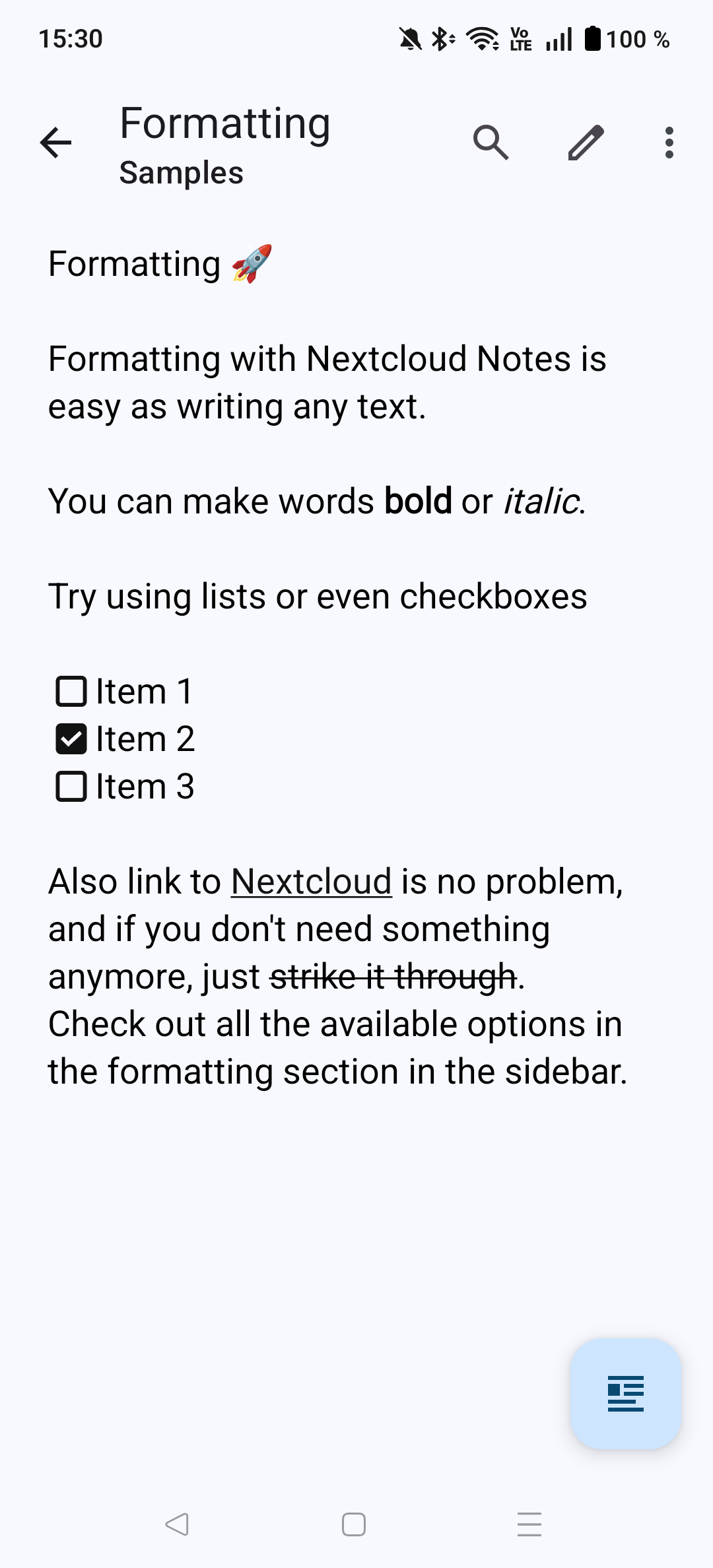
How to install
- Download the APK from the button at the top of this page.
- Allow “Install unknown apps” for your browser or file manager only, not for every app.
- Open the downloaded file and confirm the installation.
- If installation fails with “App not installed,” remove an earlier build of the same app first. A signature conflict is the usual cause.
Data safety
- Every file is checked against its published SHA-256 before it is listed.
- Files are scanned for malware on every update.
- The permissions each app requests are listed on its own page.
- Read the full safety policy for how we test, flag, and delist files.
Comments
Recent approved comments · sorted by newest
View all comments