What’s new
* Change how F-Droid picks the Flutter version it builds with. The app itself is unchanged.

Updated Sep 22, 2026
Read your Plausible Analytics stats, from plausible.io or a self-hosted server
F-Droid repository metadata
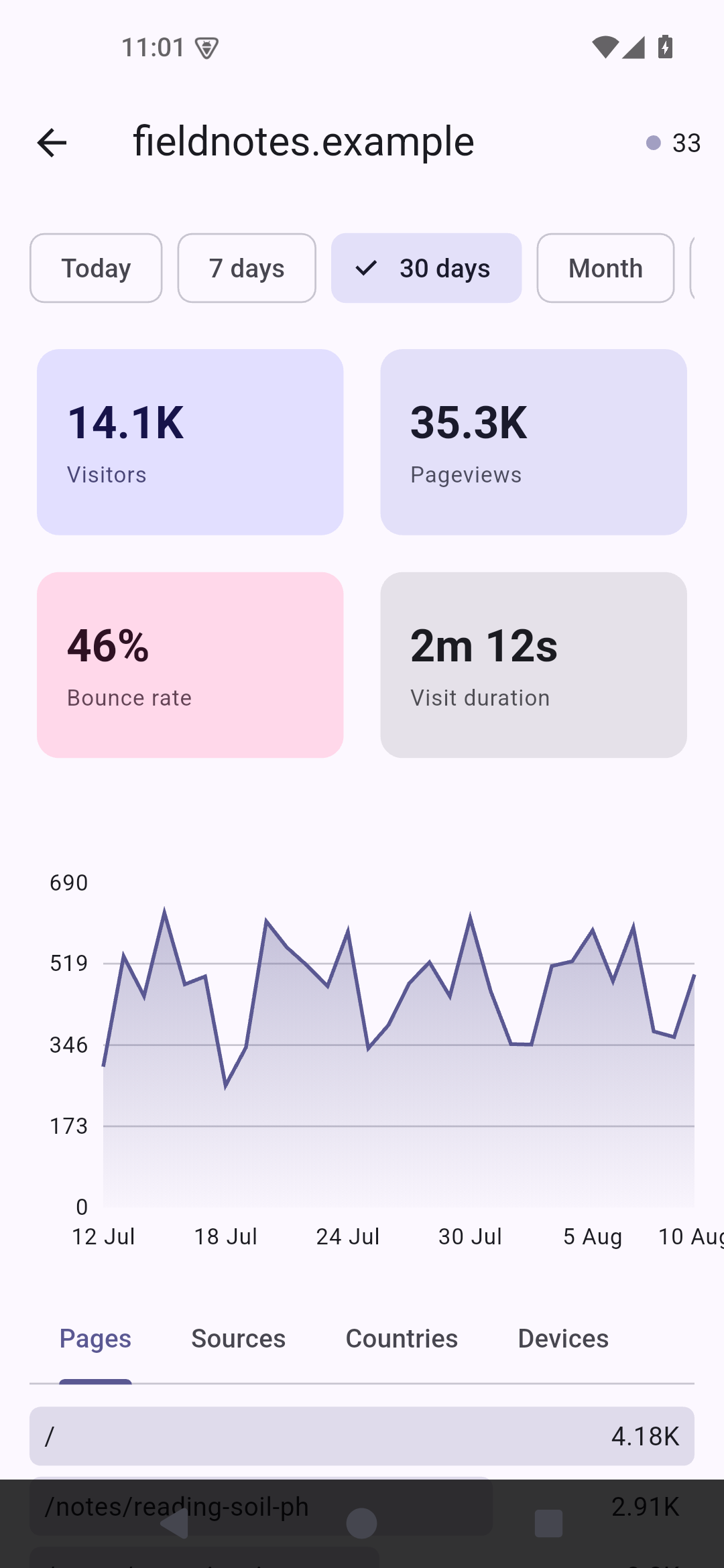
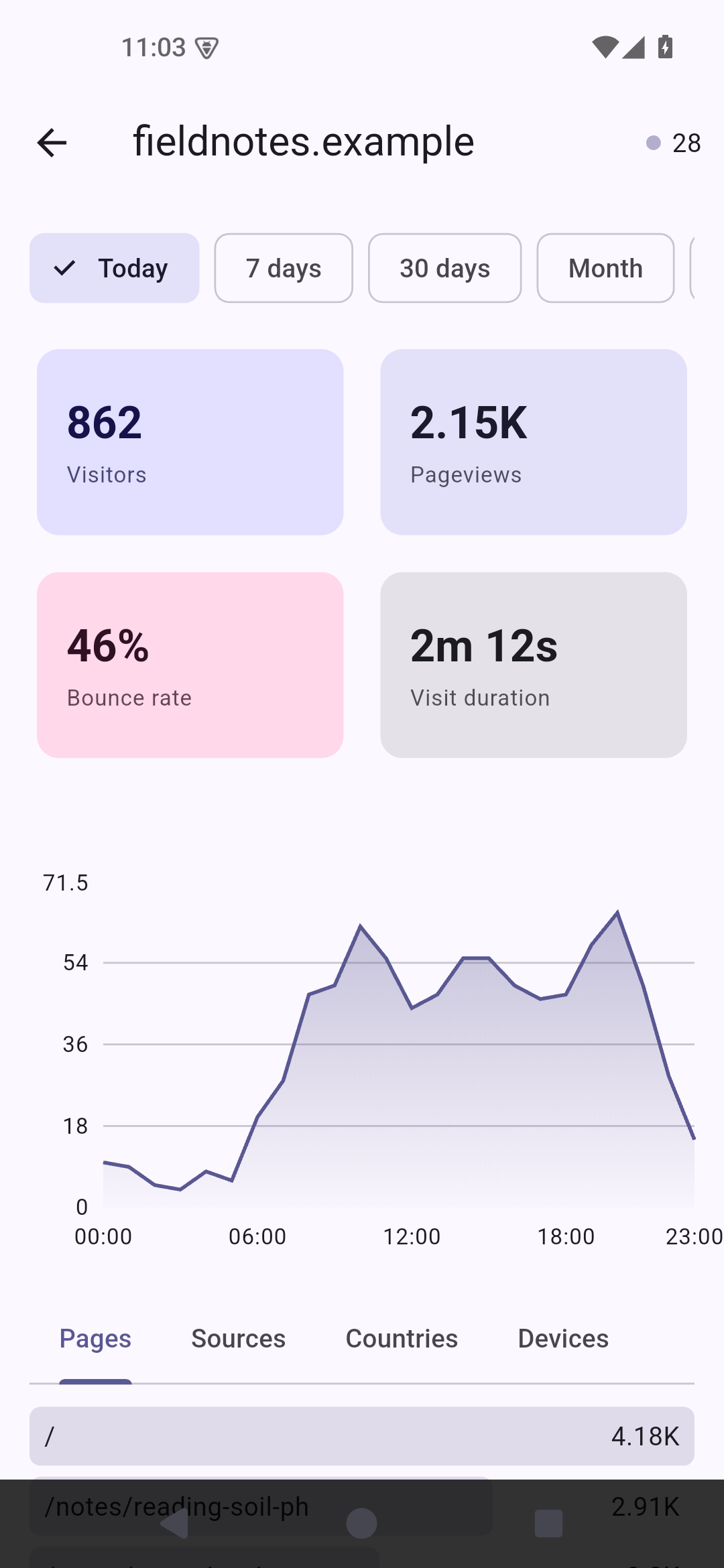
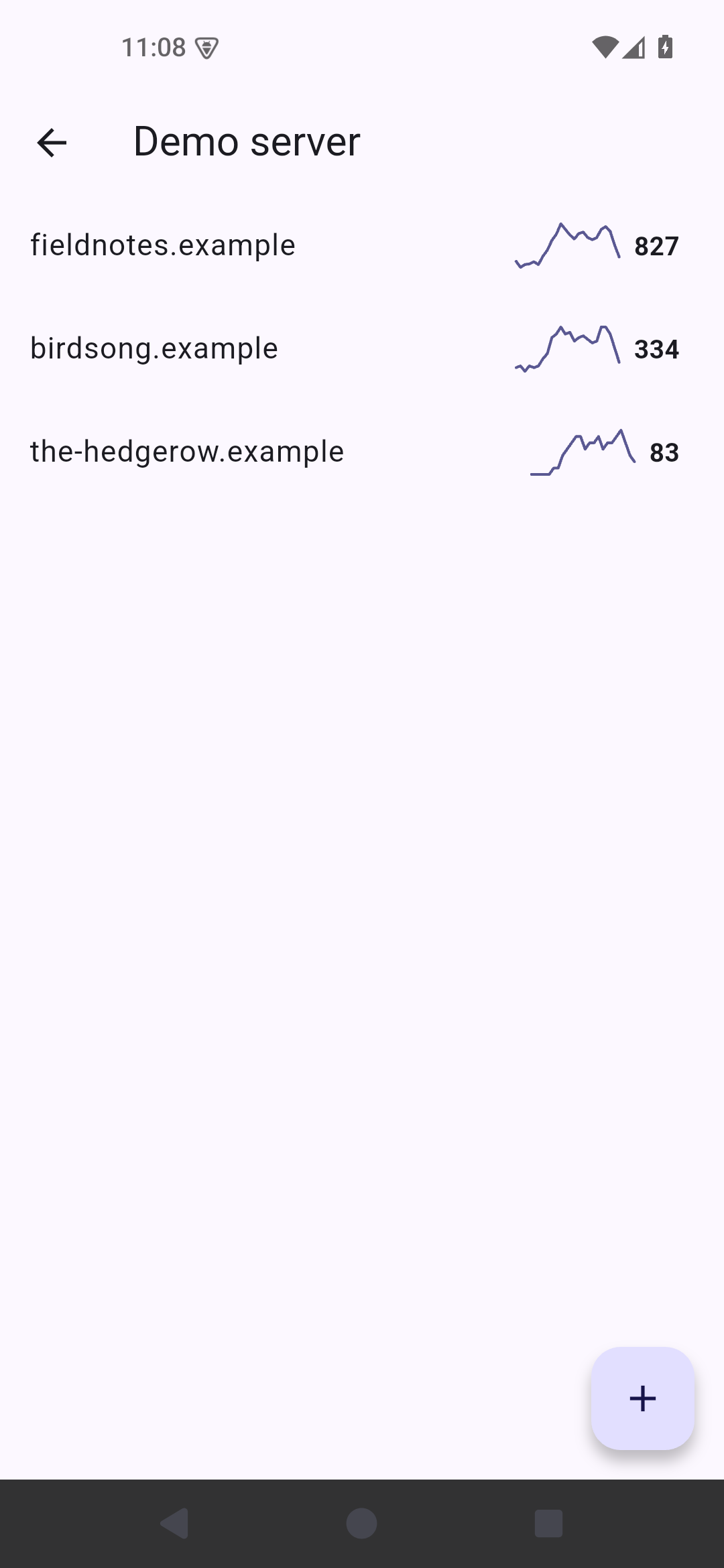
Drausible shows your Plausible Analytics stats on your Android phone. Add the server, whether that is plausible.io cloud or a Community Edition one you run yourself on your hardware, add the sites you want to observe, and you get the dashboard without opening a browser.
No account, you issue the API key which you feed to the application. You need to add sites manually, as site listing is not a part of Community Edition API.
Stats per site:
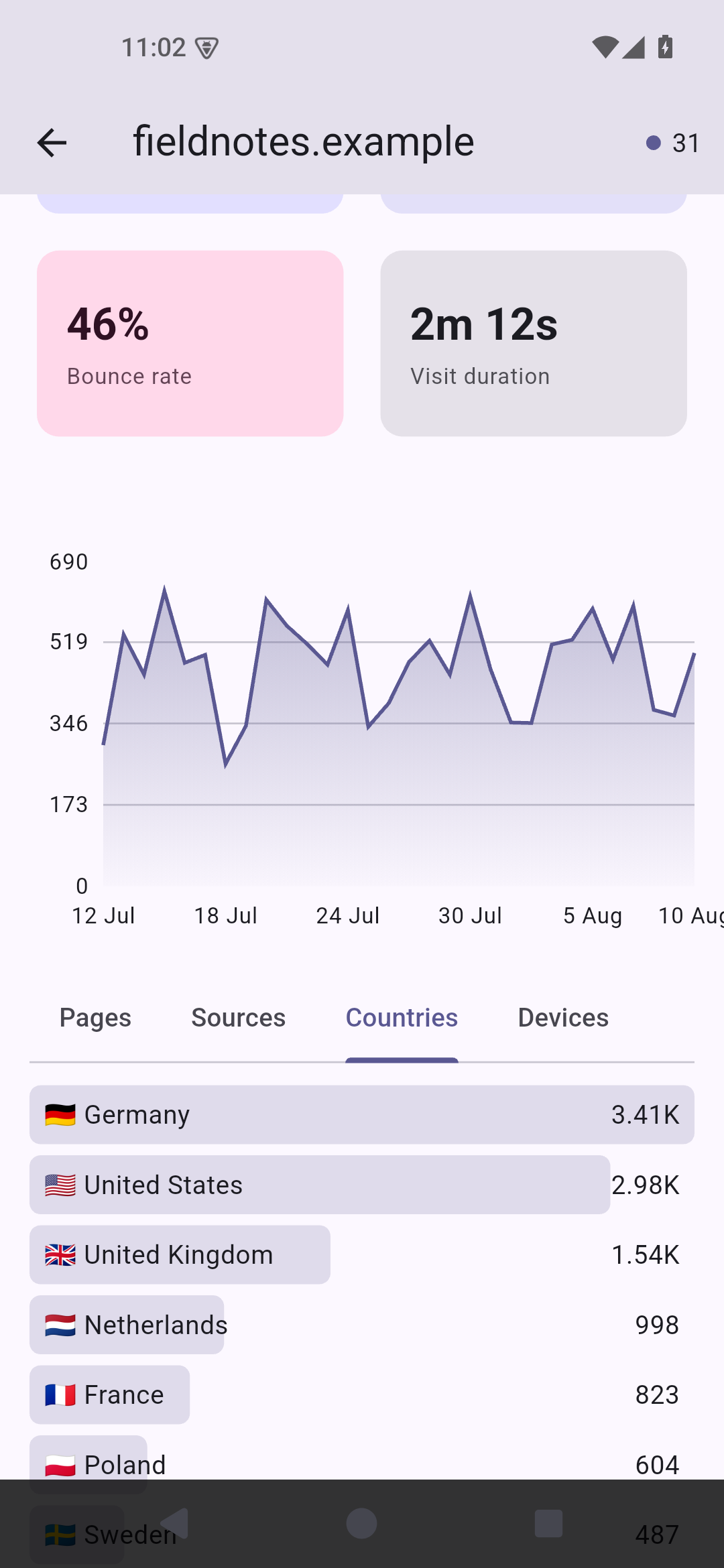
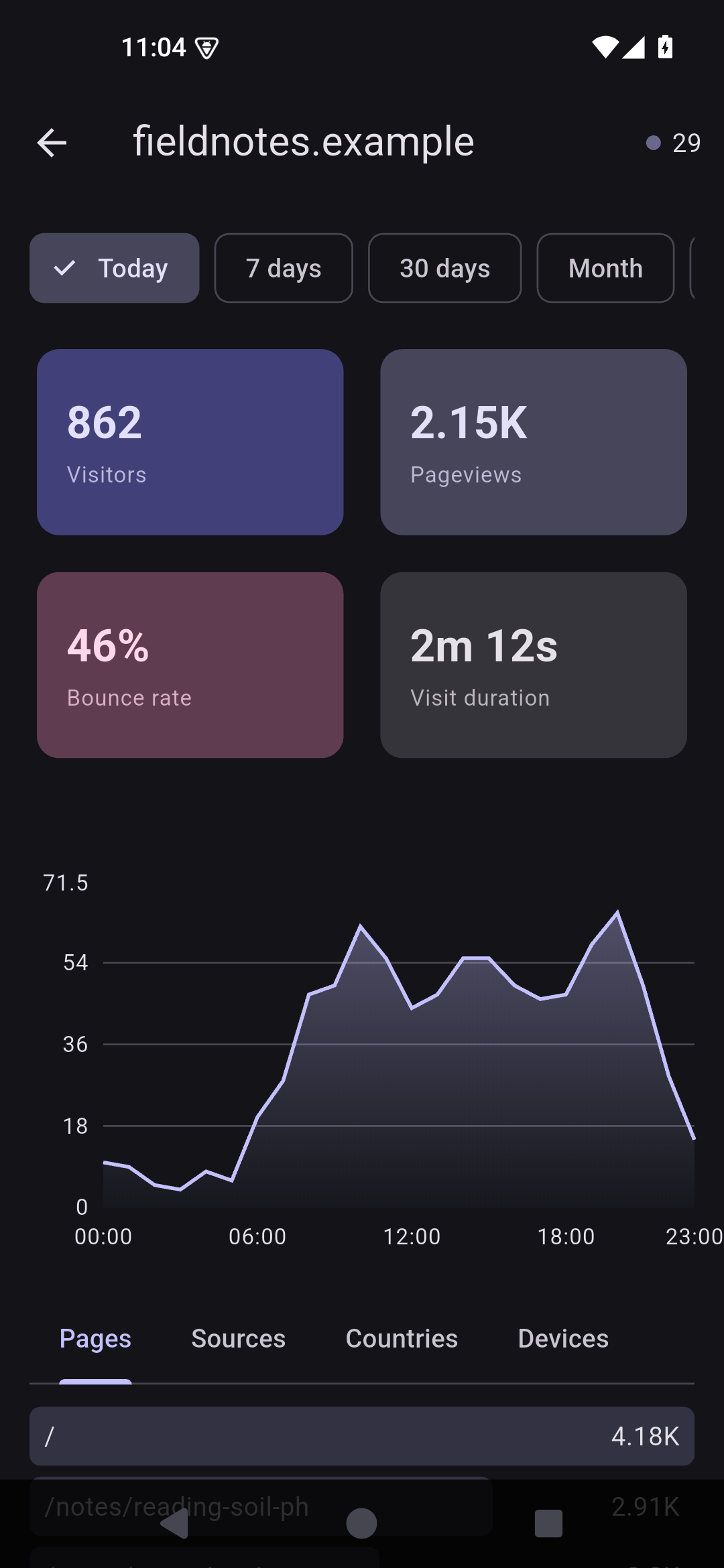
* Visitors, visits, pageviews, views per visit, bounce rate and average visit duration * Visitors over time chart, bucketed by the hour when you look at a single day * Top pages, sources, countries, devices with a switch between type, browser and OS * How many visitors are on the site right now, kept up to date while the screen is open
A few things that matter if you self-host:
* Servers too old for the v2 stats API will fall back to v1 automatically * Plain HTTP works too, as instances on a home network often run without TLS * Each server can go through its own SOCKS5 proxy, so a .onion address works with Orbot
* Change how F-Droid picks the Flutter version it builds with. The app itself is unchanged.
Recent approved comments · sorted by newest
View all comments