
Quick answer
Moodle client — e-learning platform
F-Droid repository metadata
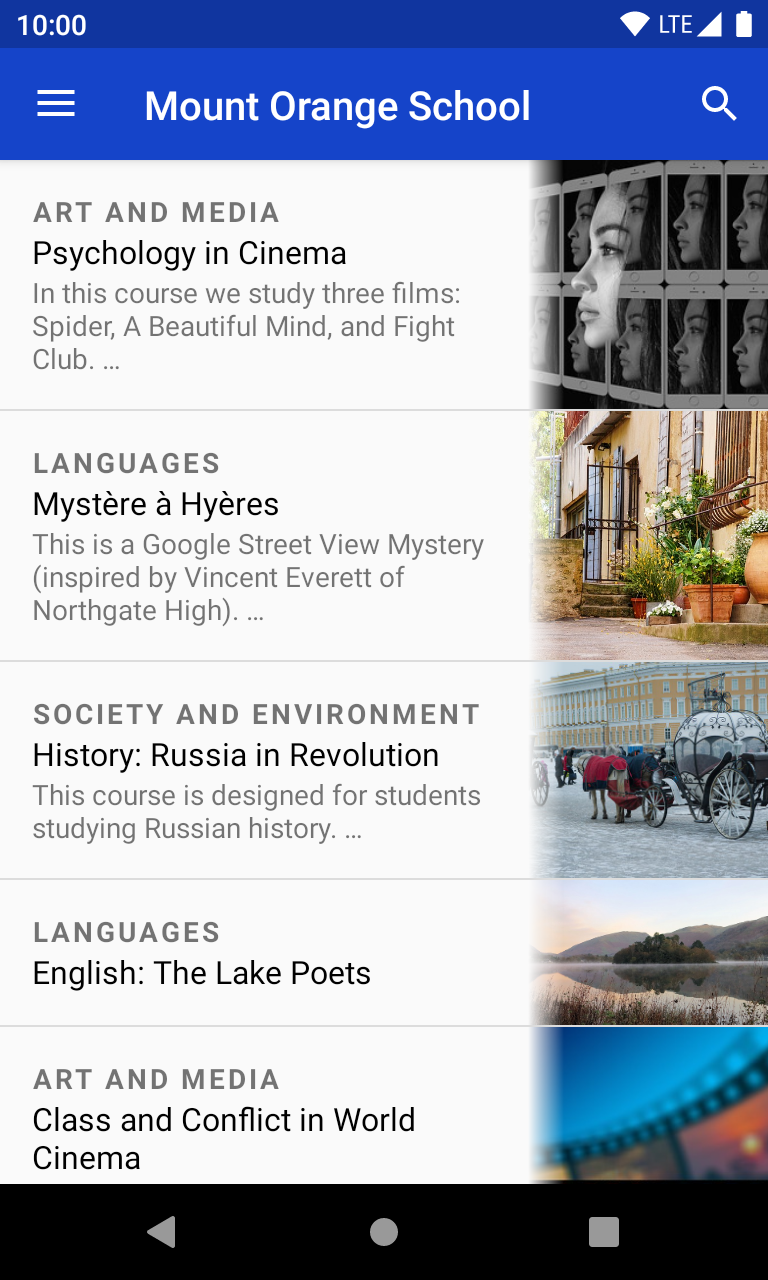
dawdle is a performant and native client for the Moodle e-learning platform. This platform is oftentimes self-hosted by universities, schools and other institutions to provide teaching material to learners.
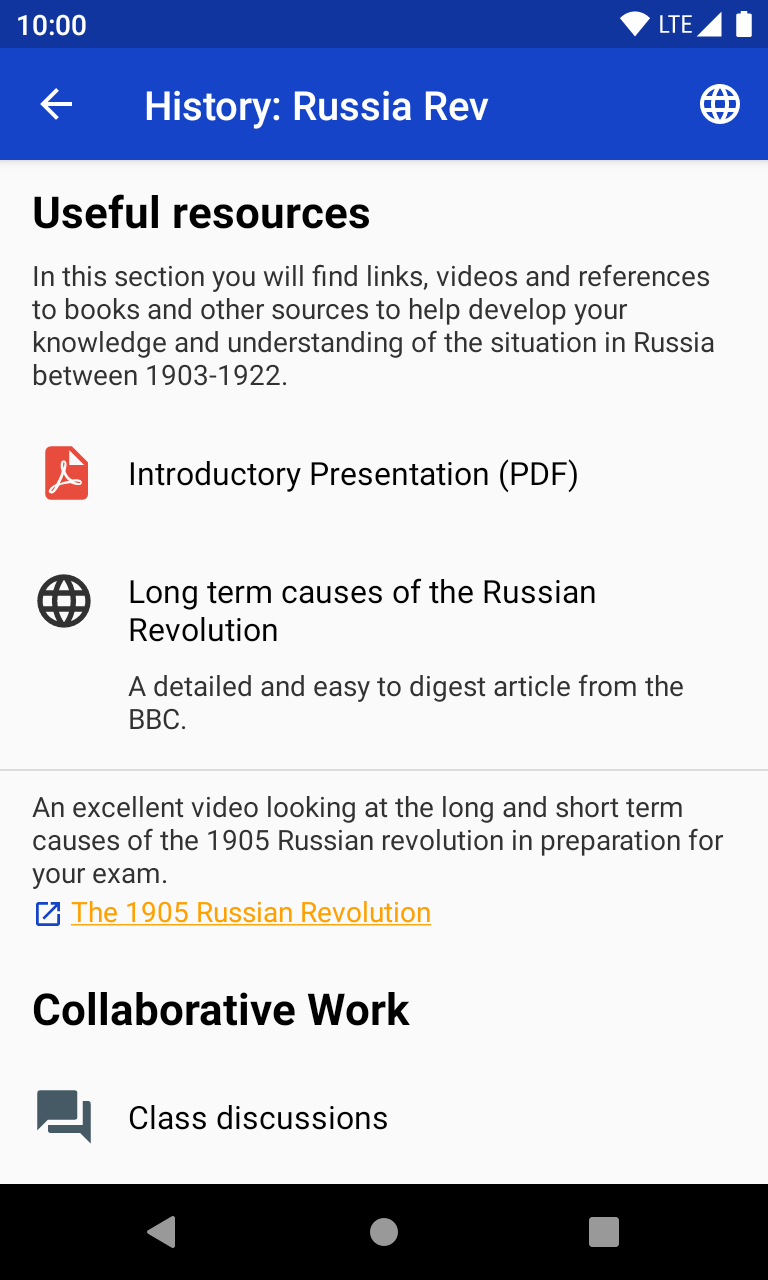
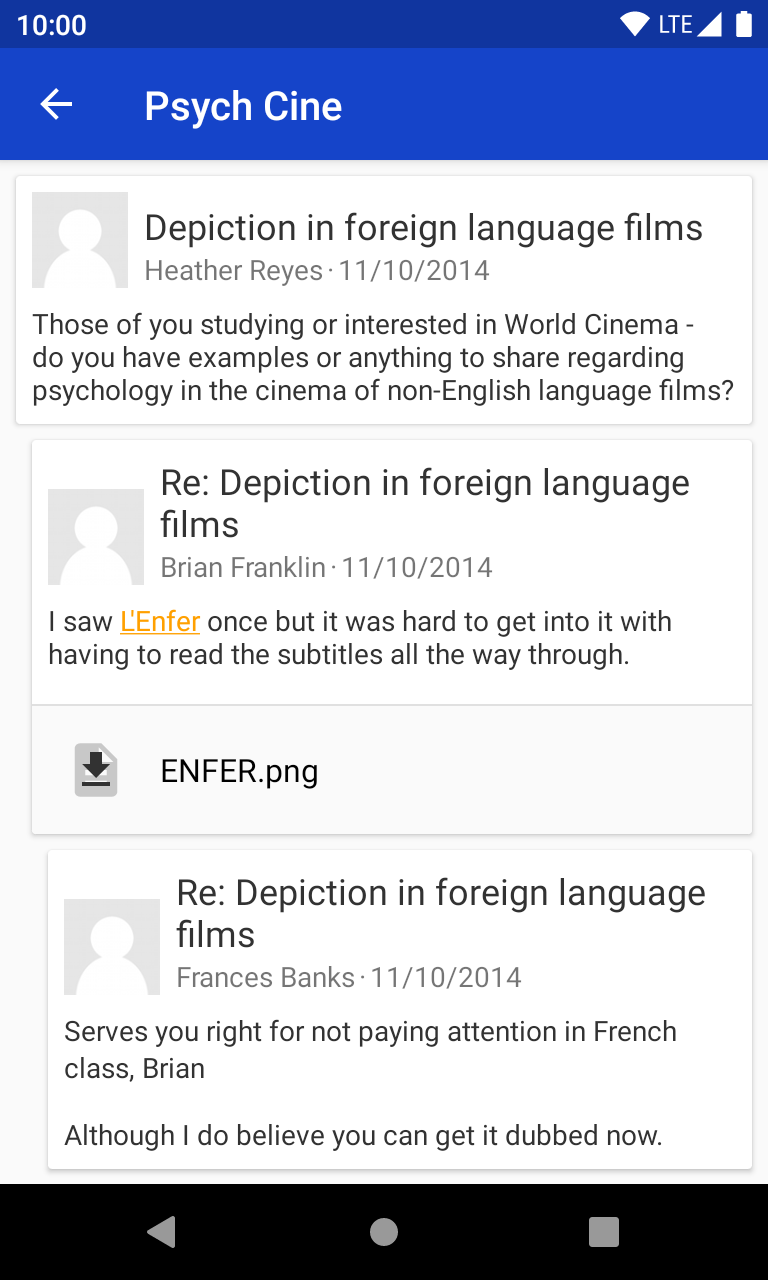
Connections to arbitrary Moodle instances are supported. You may log in with username and password or, if your instance requests this, you can also sign in through a web browser (for single-sign-on). Course contents are queried from the server and stored for offline usage. Marked-up content and embedded images are usually displayed correctly. An in-app user help menu documents many of the application's features.
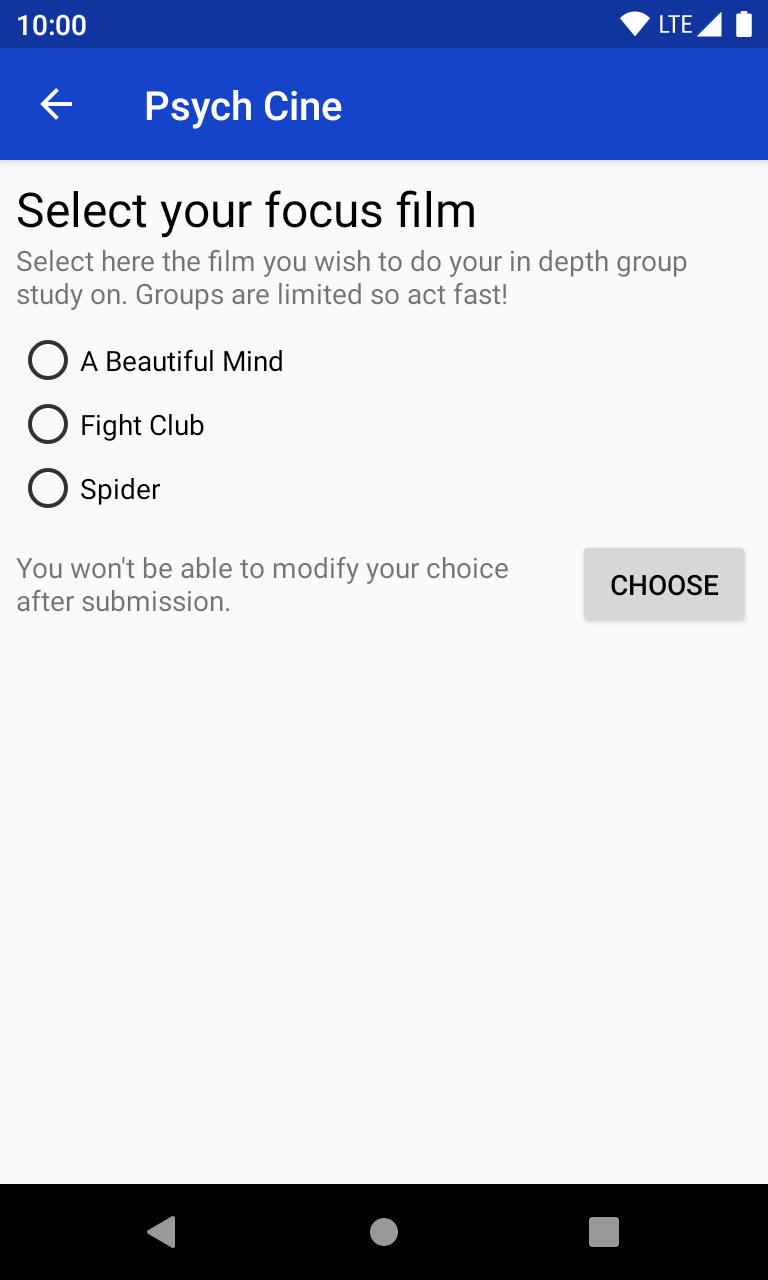
At this moment, only some of the basic modules are supported. However, opening an unsupported module will, through magic, automatically sign you in to your browser before opening there – providing a very convenient access to all types of content.
Note: dawdle can only operate if mobile web services are enabled on your Moodle instance. This is oftentimes the case, as it is also required for using the official Moodle Pty Ltd. app.
Screenshot material from https://school.moodledemo.net by Mary, Chris, and Estelle Cooch licensed CC BY-SA, with adaptions.
Screenshots
How to install
- Download the APK from the button at the top of this page.
- Allow “Install unknown apps” for your browser or file manager only, not for every app.
- Open the downloaded file and confirm the installation.
- If installation fails with “App not installed,” remove an earlier build of the same app first. A signature conflict is the usual cause.
Data safety
- Every file is checked against its published SHA-256 before it is listed.
- Files are scanned for malware on every update.
- The permissions each app requests are listed on its own page.
- Read the full safety policy for how we test, flag, and delist files.
Comments
Recent approved comments · sorted by newest
View all comments