
Quick answer
Encrypted, easy-to-use XMPP instant messenger for your mobile device
F-Droid repository metadata
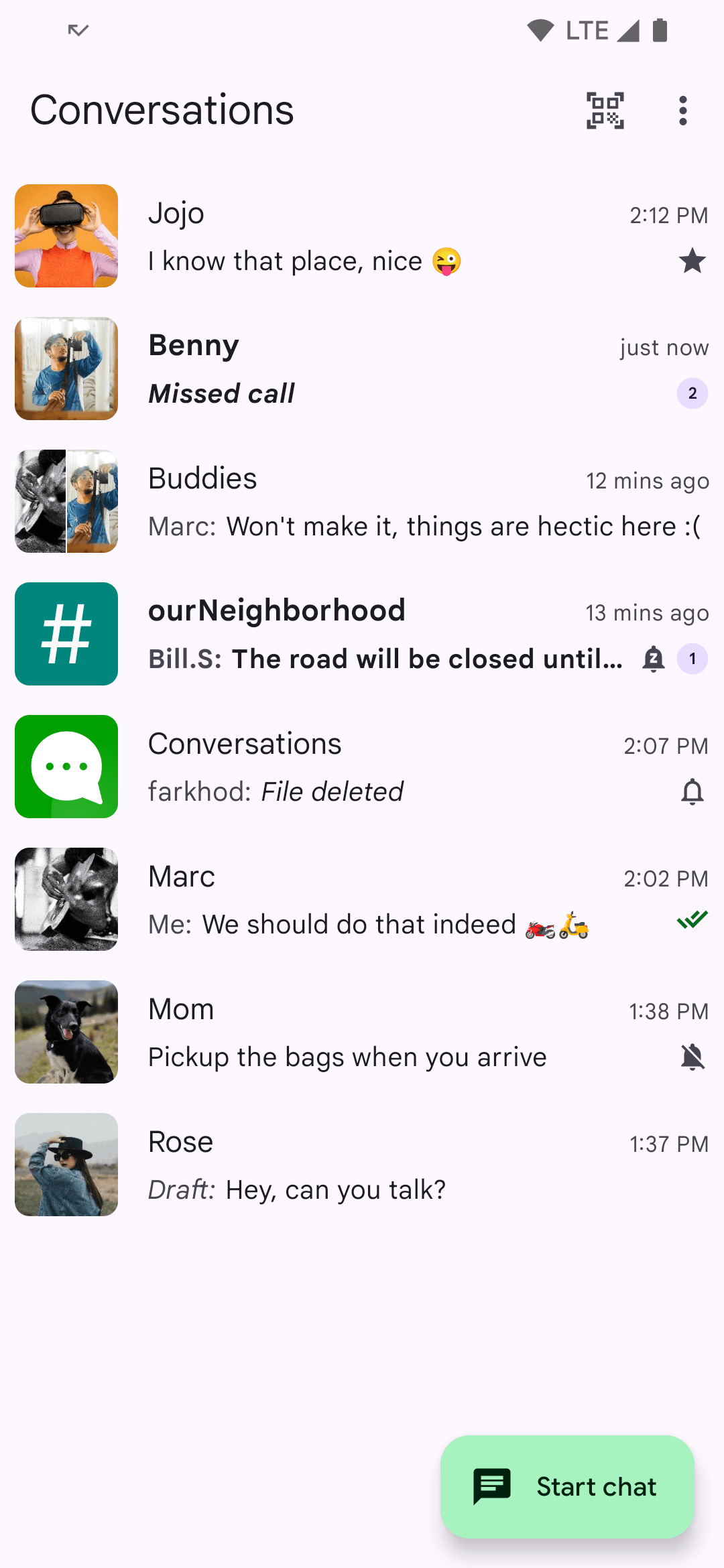
A free and open source Jabber/XMPP client for Android. Easy to use, reliable, battery friendly. With built-in support for images, group chats and location sharing. End-to-end encrypted by default. Connects to all modern Jabber, XMPP and Snikket servers.
Features
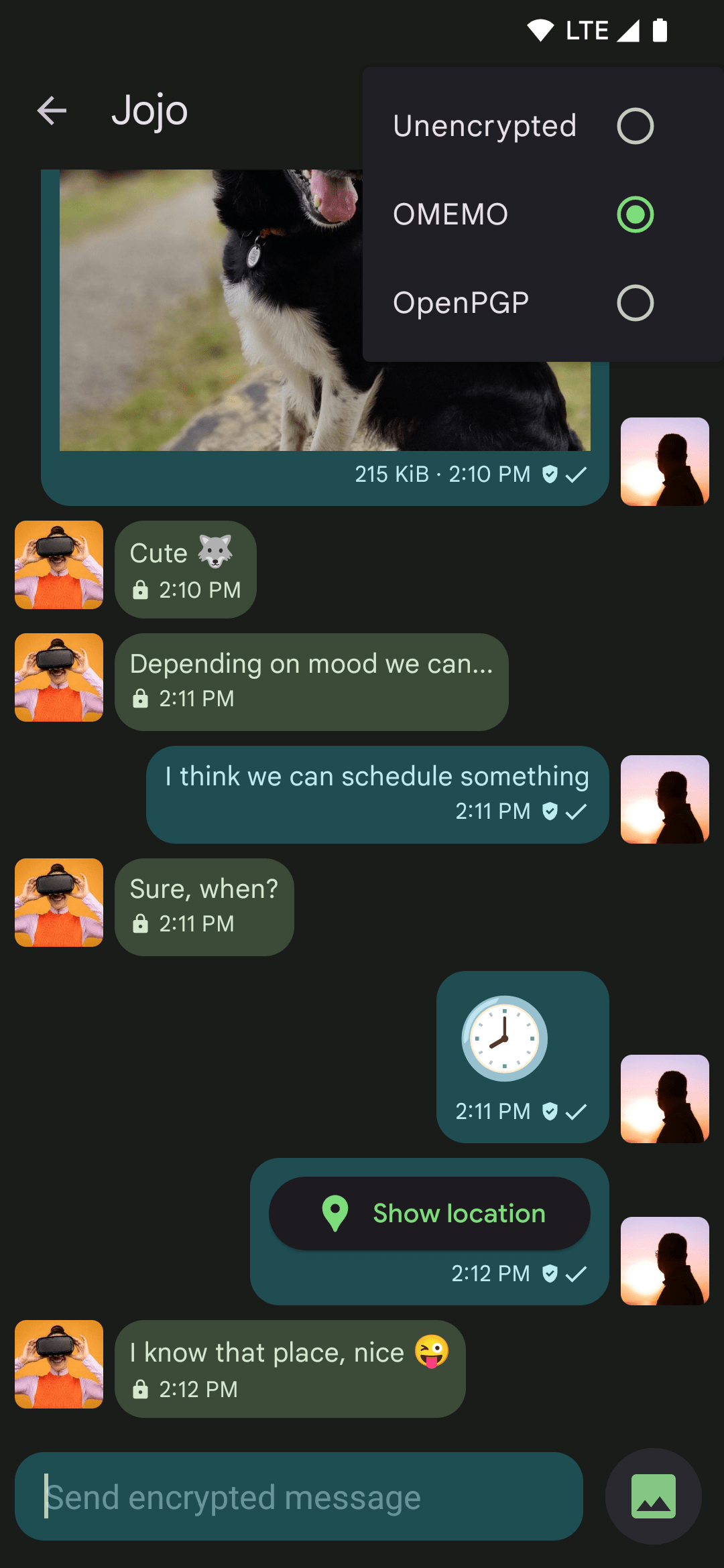
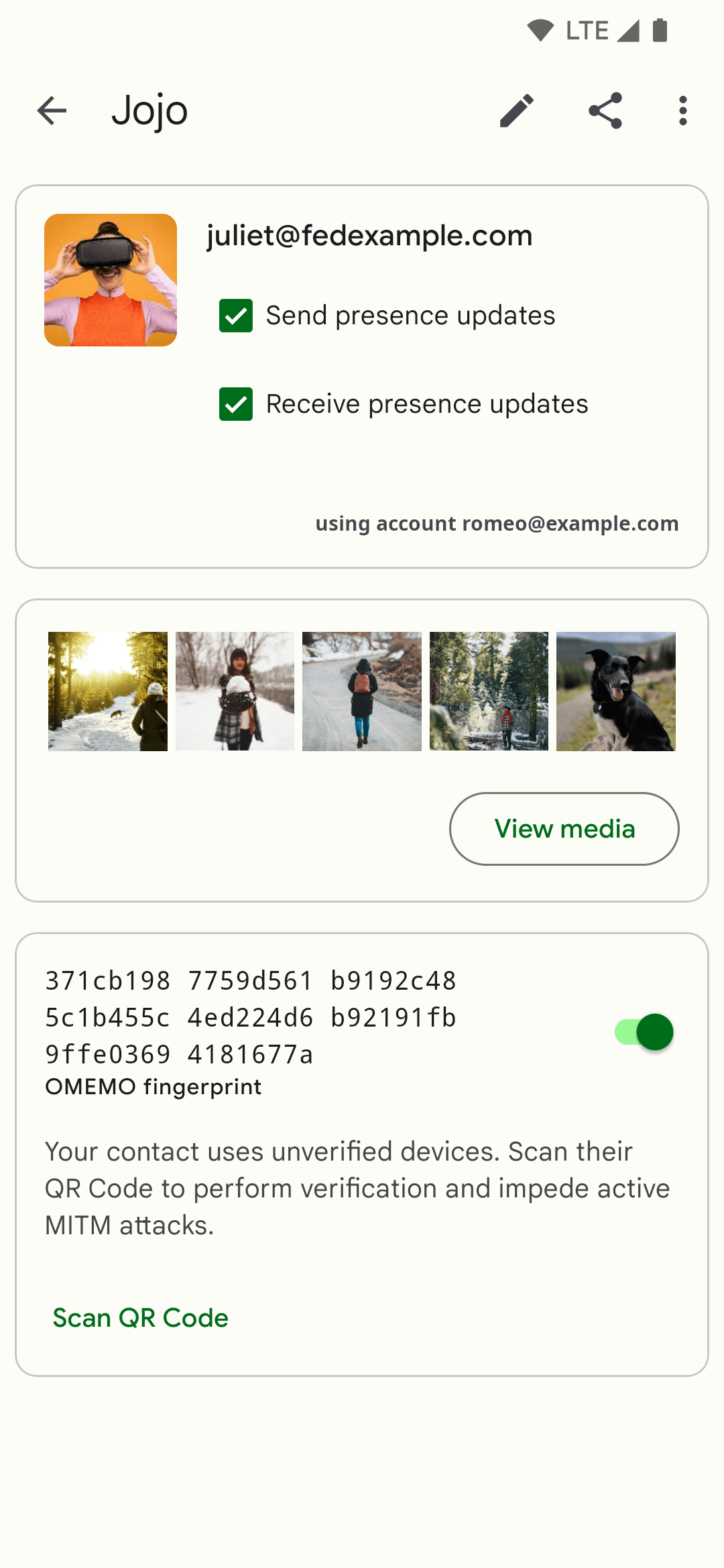
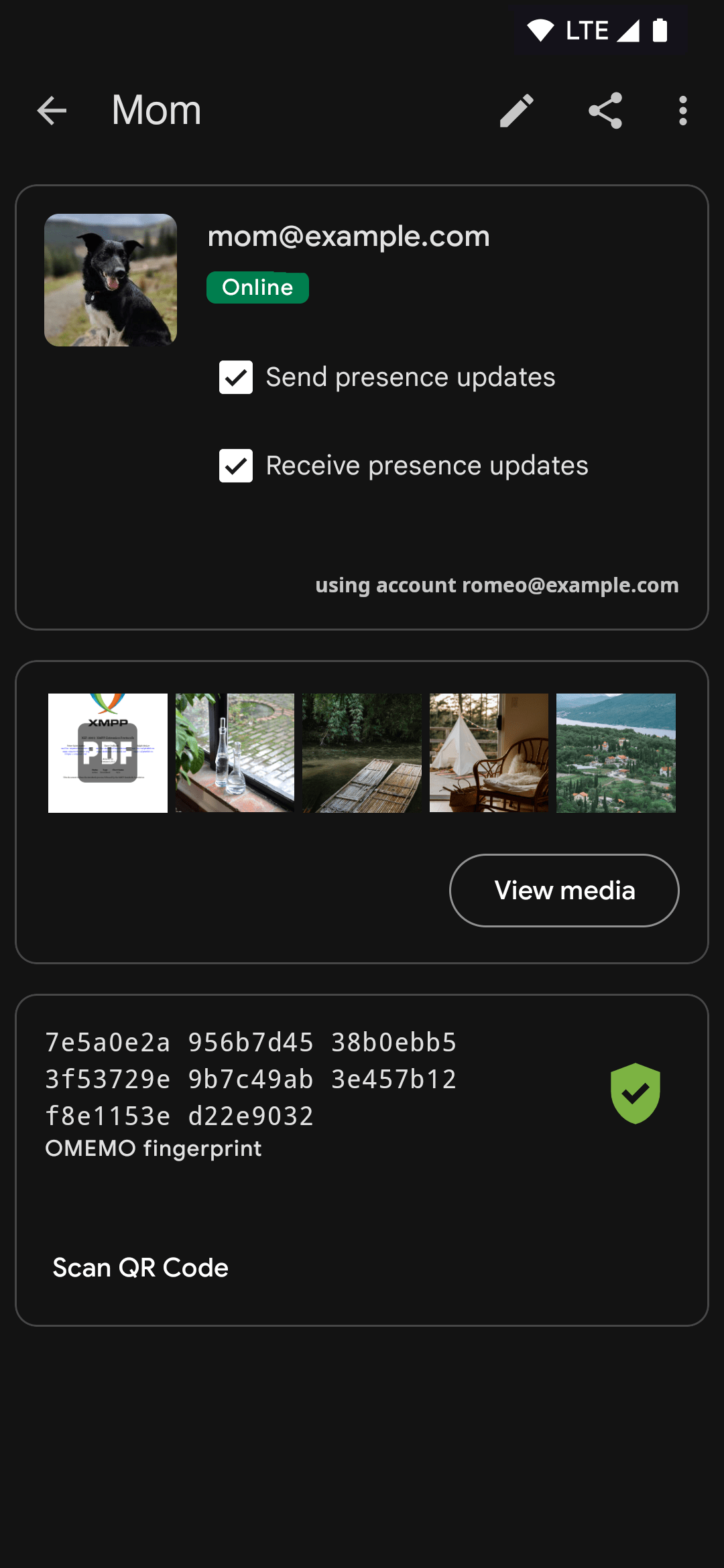
• End-to-end encryption with OMEMO or OpenPGP
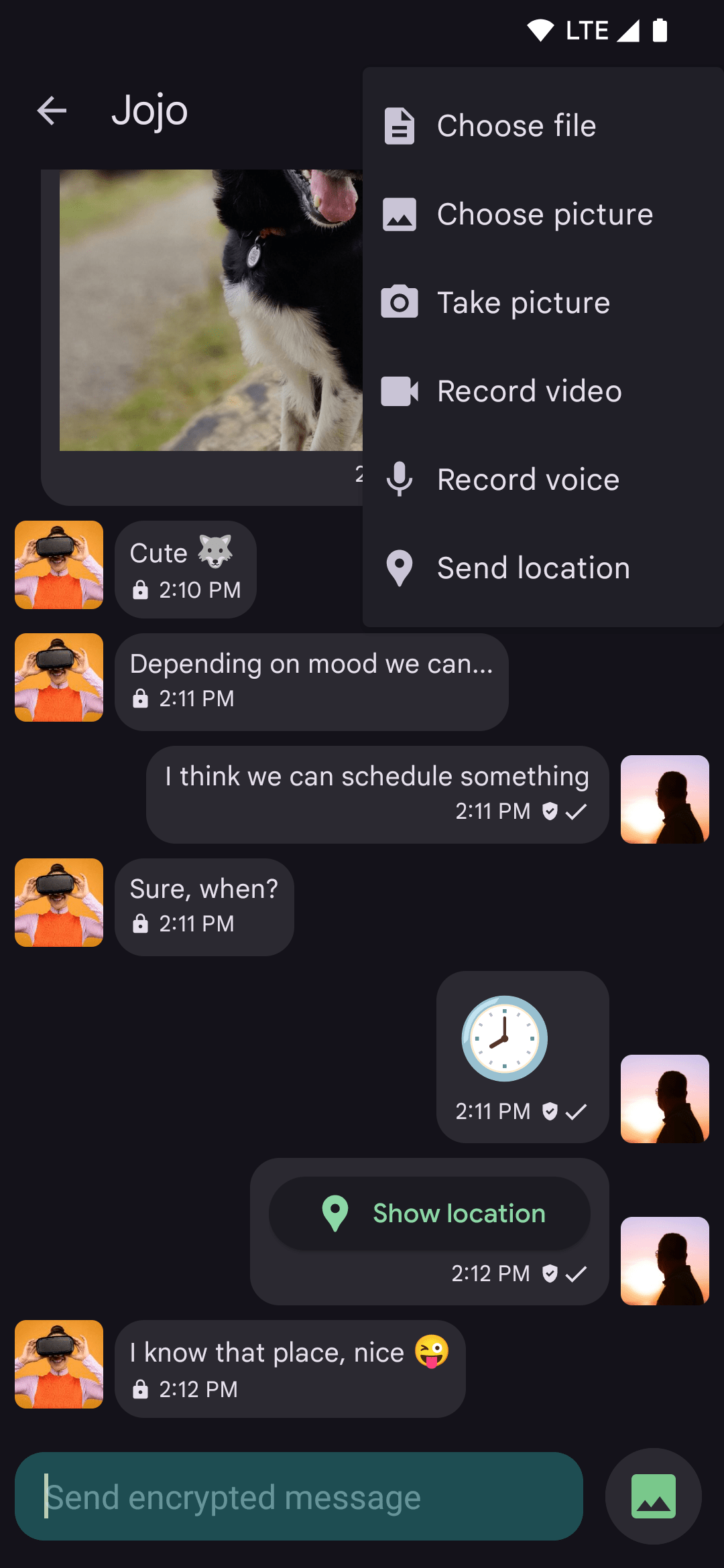
• Send and receive images and other kinds of files
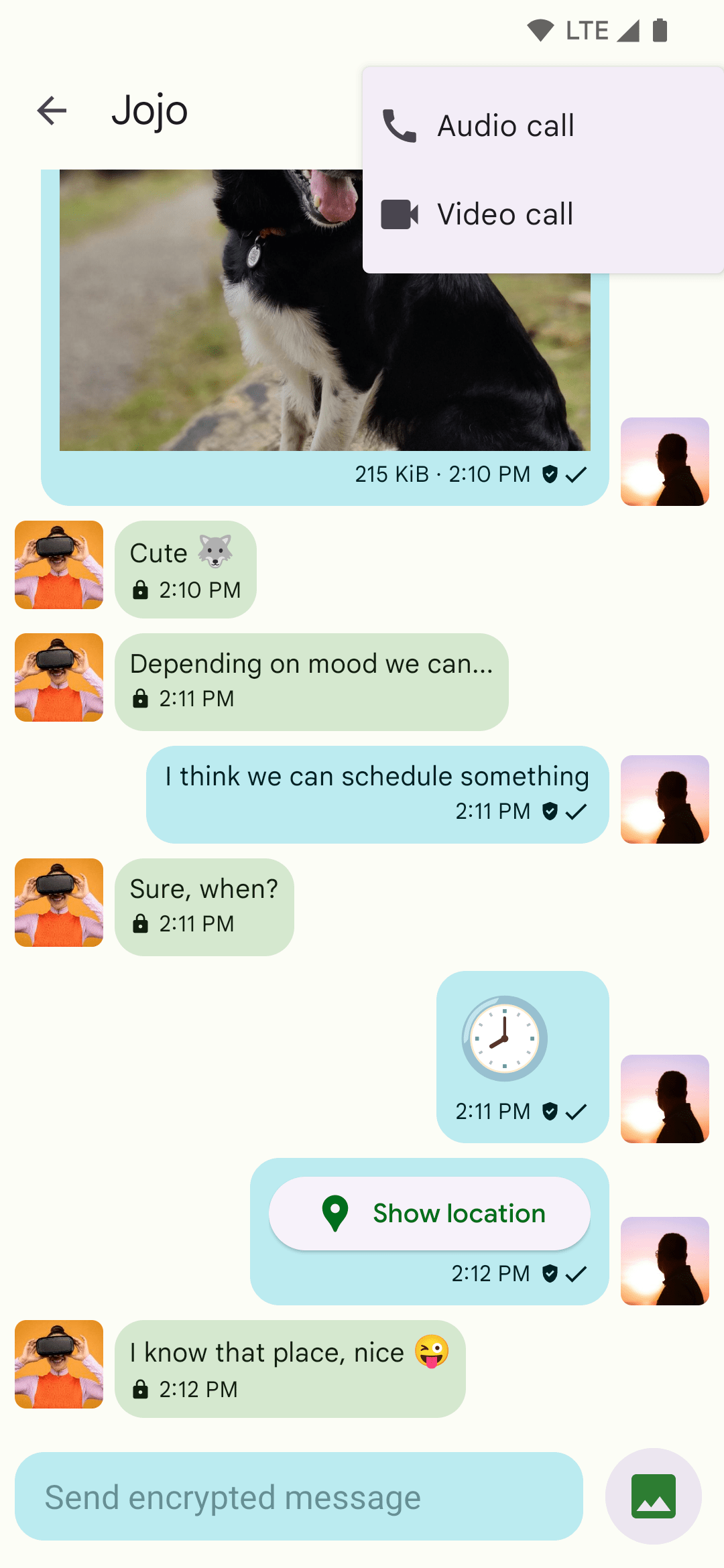
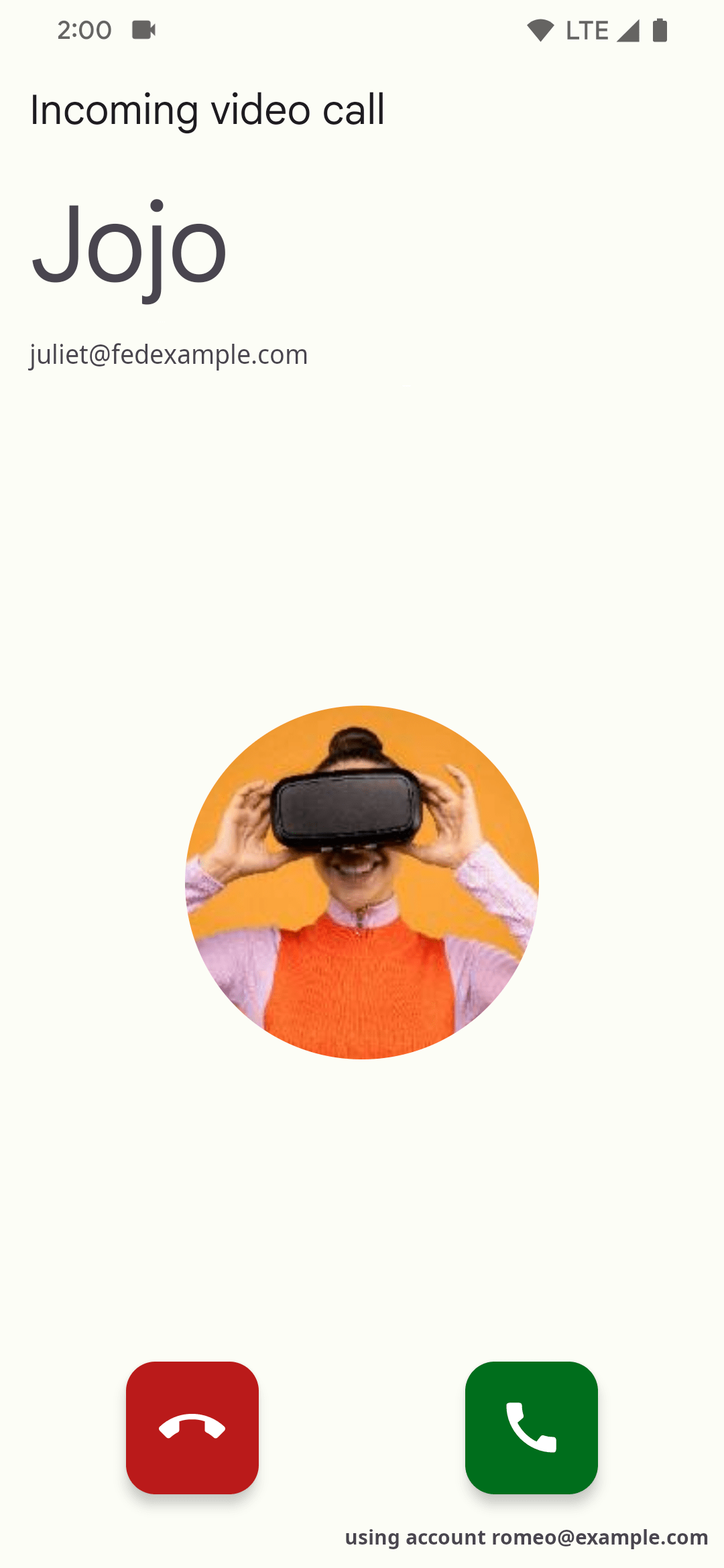
• Encrypted audio and video calls (DTLS-SRTP)
• Advanced machine-in-the-middle detection via channel binding (requires opt-in)
• Share your location
• Send voice messages
• Emoji reactions
• Indication when your contact has read your message
• Intuitive UI that follows Android design guidelines (Material Design 3 with Dynamic Colors)
• High-resolution contact photos (avatars)
• Synchronizes with desktop clients (Gajim and Dino)
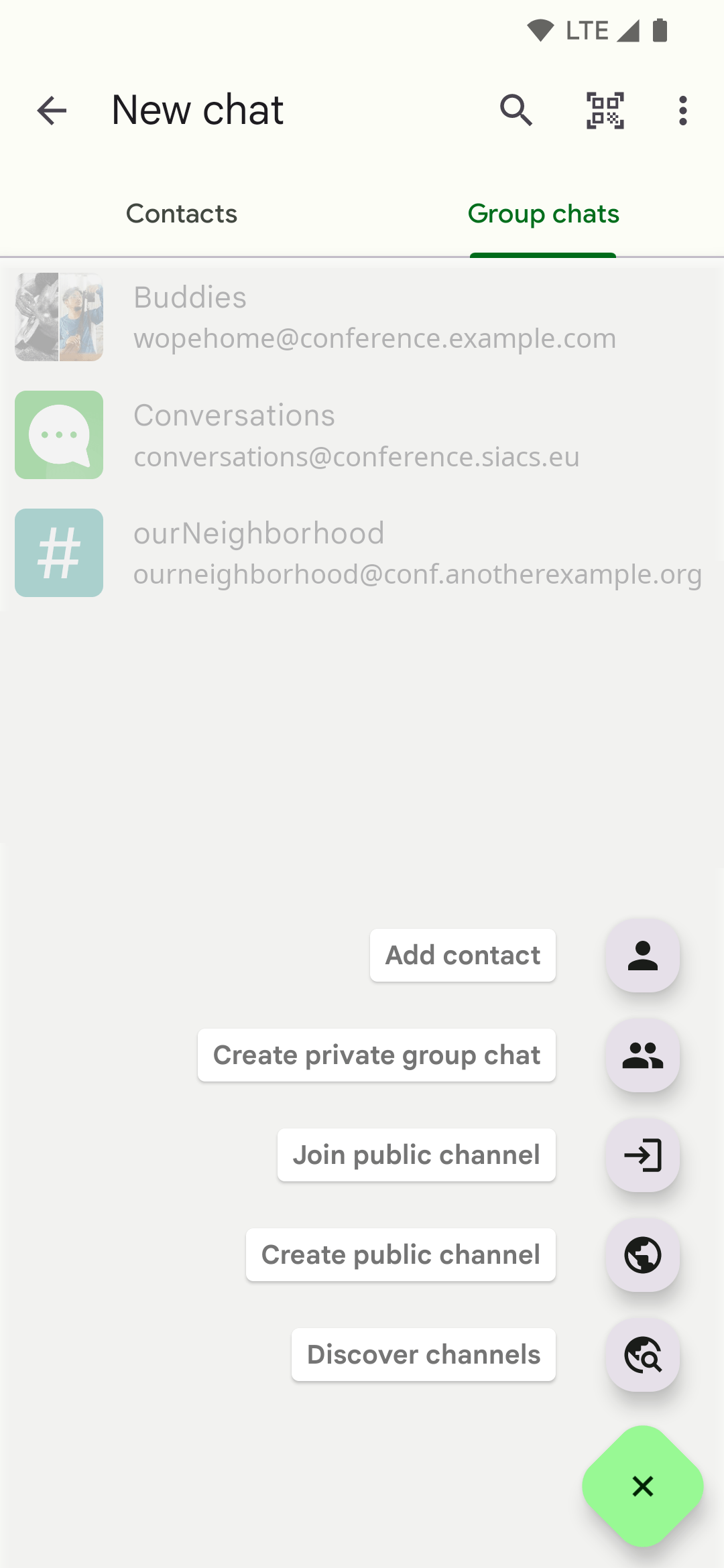
• Private group chats and public conferences (with support for bookmarks)
• Message moderation for admins in public conferences
• Address book integration
• Multiple accounts (unified inbox)
• Deliver push notifications to other compatible apps like Tusky, Ltt.rs, DAVx⁵ and Fennec via UnifiedPush
• Very low impact on battery life
Note: Some of these features require server support. Go to account details and select 'Server Info' from the overflow menu to see if your server has all necessary extensions.
Design principles
• Be as beautiful and easy to use as possible without sacrificing security or privacy
• Rely on existing, well-established protocols
• Do not require a Google account or specifically Firebase Cloud Messaging (FCM)
• Require as few permissions as possible
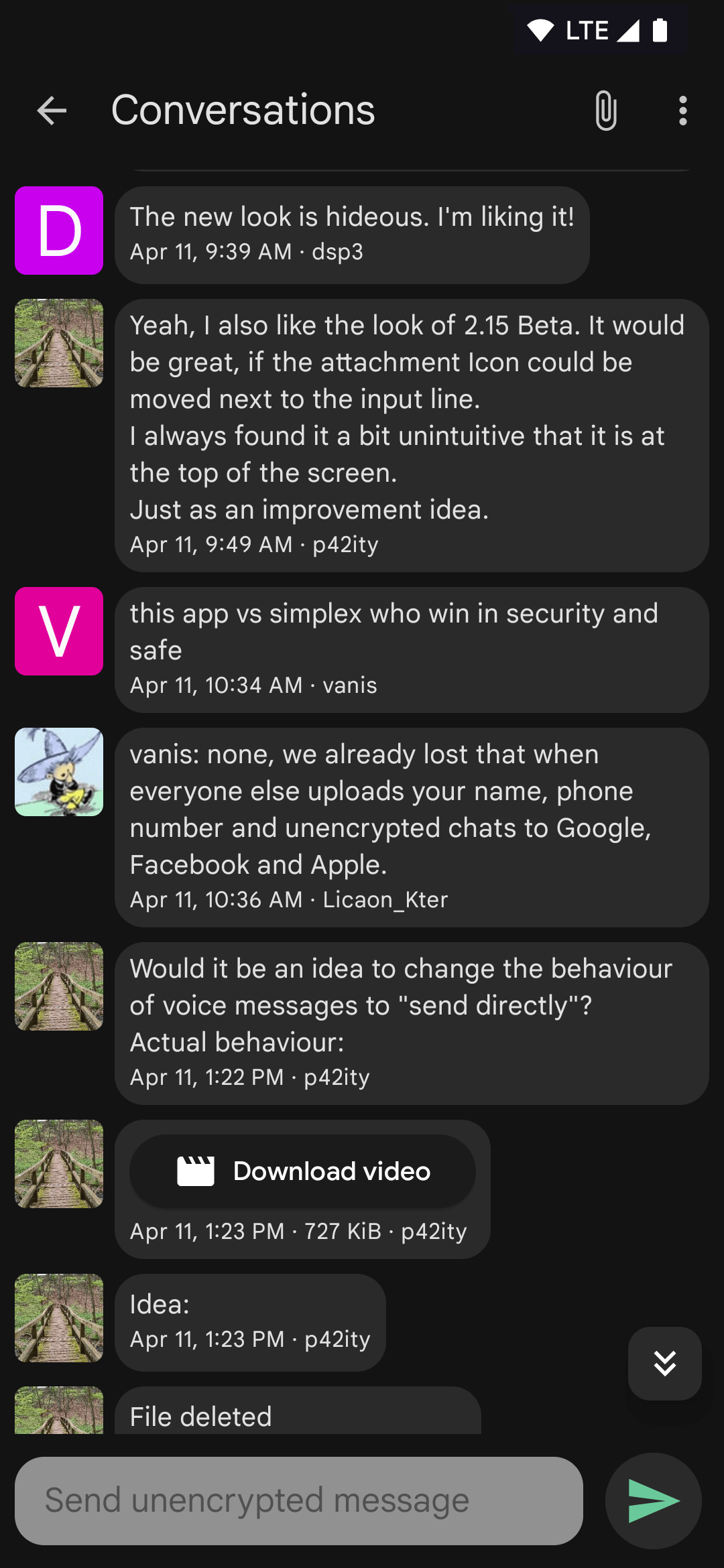
Screenshots
How to install
- Download the APK from the button at the top of this page.
- Allow “Install unknown apps” for your browser or file manager only, not for every app.
- Open the downloaded file and confirm the installation.
- If installation fails with “App not installed,” remove an earlier build of the same app first. A signature conflict is the usual cause.
Data safety
- Every file is checked against its published SHA-256 before it is listed.
- Files are scanned for malware on every update.
- The permissions each app requests are listed on its own page.
- Read the full safety policy for how we test, flag, and delist files.
Comments
Recent approved comments · sorted by newest
View all comments