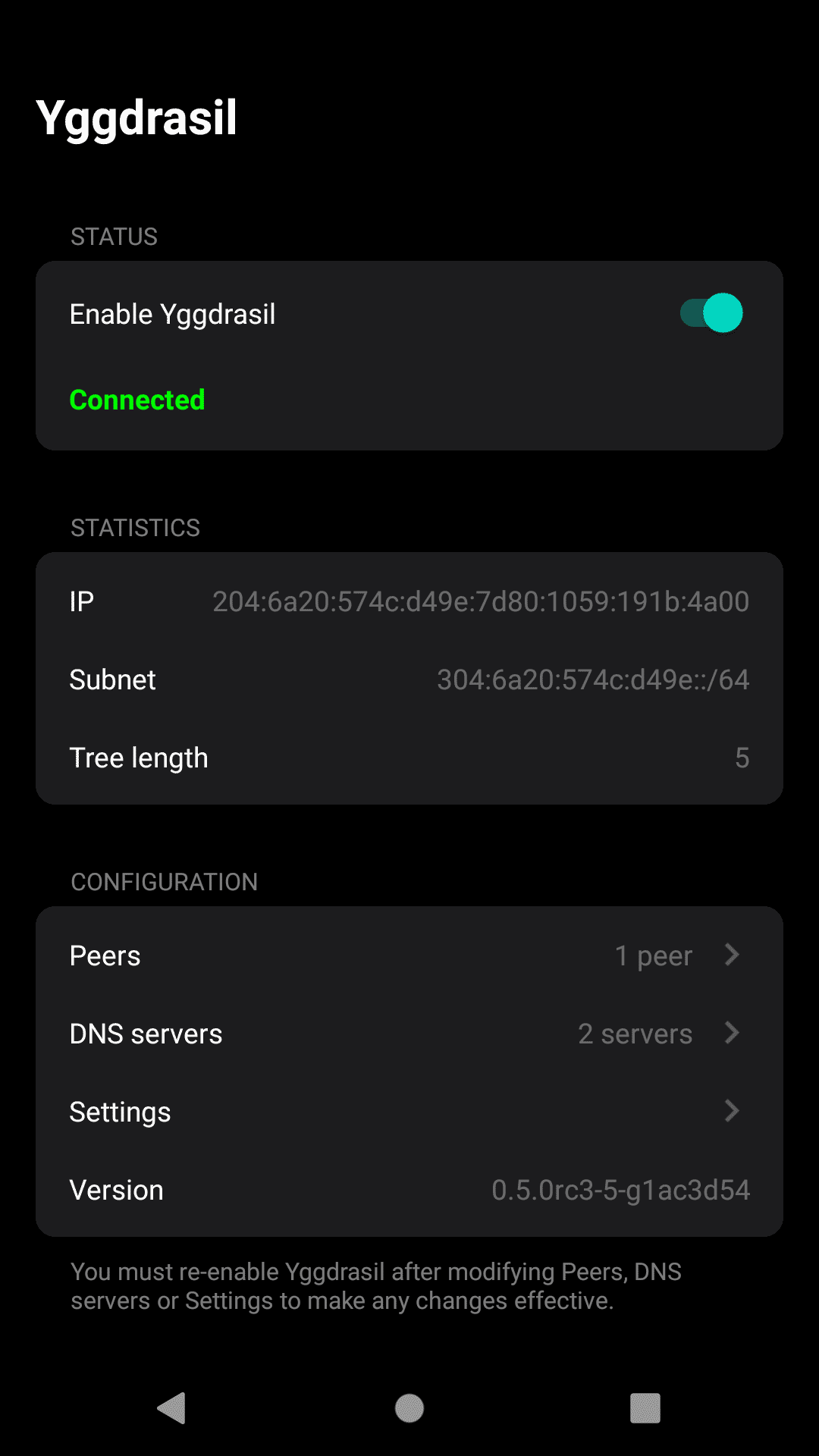
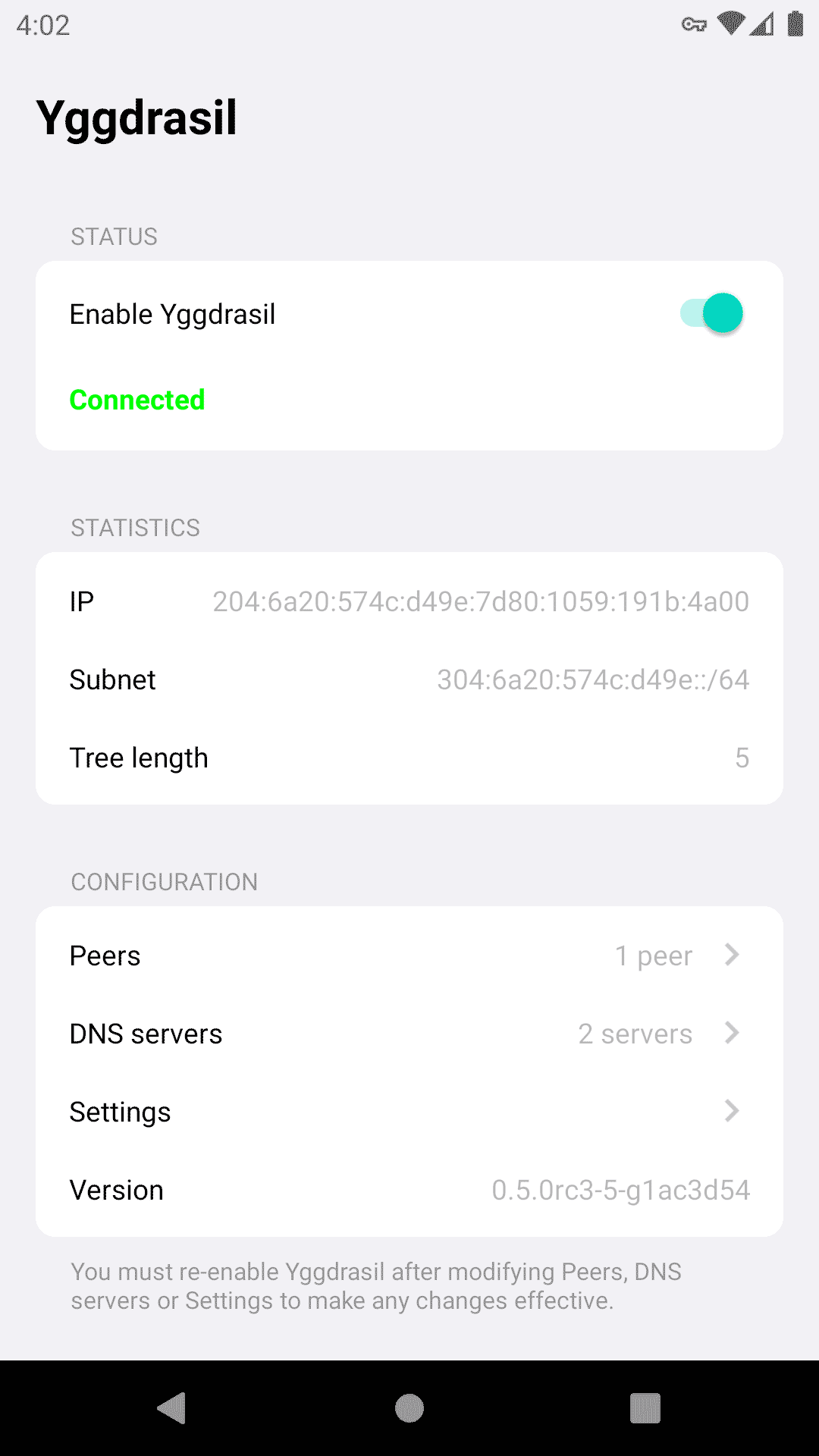
Official implementation for connecting to the Yggdrasil Network from Android
F-Droid repository metadata
Yggdrasil is an early-stage implementation of a fully end-to-end encrypted IPv6 network.
It is lightweight, self-arranging, supported on multiple platforms and allows pretty much any IPv6-capable application to communicate securely with other Yggdrasil nodes.
Yggdrasil does not require you to have IPv6 Internet connectivity - it also works over IPv4.
This app allows you to connect to Yggdrasil Network and use any service located in this network. It works as VPN service, but all your usual traffic will go trough your provider, not through Yggdrasil Network.
Also, it is not a goal of the Yggdrasil project to provide anonymity. Direct peers over the Internet will be able to see your IP address and may be able to use this information to determine your location or identity. Multicast-discovered peerings on the same network will typically expose your device MAC address. Other nodes on the network may be able to discern some information about which nodes you are peered with.
All traffic sent across the Yggdrasil network is encrypted end-to-end. Assuming that our crypto is solid, it cannot be decrypted or read by any intermediate nodes, and can only be decrypted by the recipient for which it was intended. However, please note that Yggdrasil has not been officially externally audited.
Screenshots
What’s new
Updated core library to 0.5.9, presenting these changes:
Changed The routing algorithm has been updated with RTT-aware link costing, which should prefer lower latency links over higher latency links where possible The calculated cost is an average of the link RTT, but newly established links are costed higher to begin with, such that unstable peerings can be avoided Link costs are only used where multiple next-hops are available and will be ignored if there is only one loop-free path to the des
How to install
Download the APK from the button at the top of this page.
Allow “Install unknown apps” for your browser or file manager only, not for every app.
Open the downloaded file and confirm the installation.
If installation fails with “App not installed,” remove an earlier build of the same app first. A signature conflict is the usual cause.
Data safety
Every file is checked against its published SHA-256 before it is listed.
Files are scanned for malware on every update.
The permissions each app requests are listed on its own page.
Read the full safety policy for how we test, flag, and delist files.