What’s new
- various bugfixes (see full changelog for details)
- improved translations

Updated Sep 22, 2026
Weather forecast based on open data from the Deutscher Wetterdienst.
F-Droid repository metadata
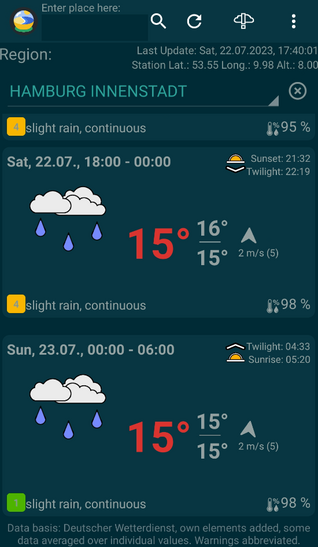
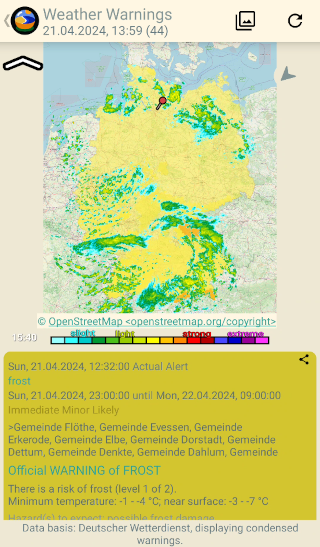
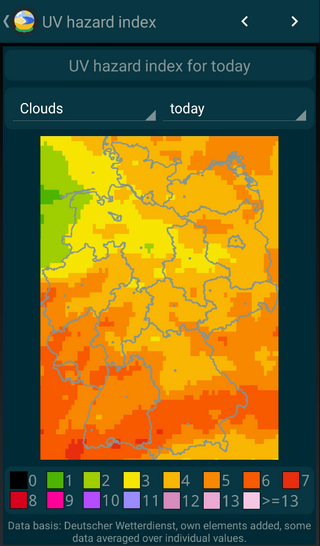
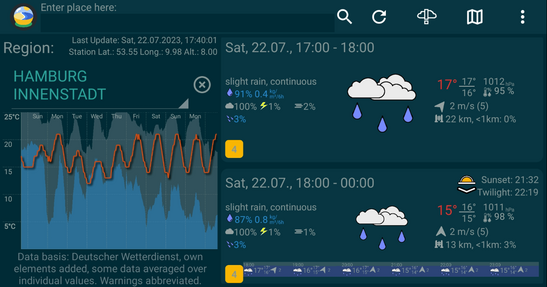
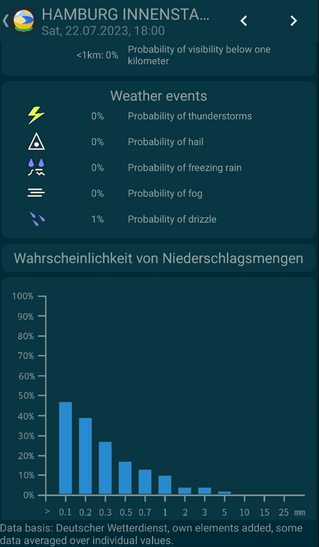
Detailed weather forecast for up to 10 days, based on open data of the Deutscher Wetterdienst (DWD). Weather warnings from the DWD are also displayed.
The weather forecast of the desired weather station is displayed. Stations can be searched by name, by geo-coordinates or by the own location. A weather forecast is available for over 5000 weather stations in Germany and worldwide.
The app has a slim design. It optionally supports wearables over Gadgetbridge, so that weather data can be displayed on wearables, too.
Moreover, various possibilities exist to adapt the display of weather data to your own needs. The time of sunrise, sunset and twilight can be shown for the chosen location as well.
The app also has a list of favorites, which can be used to switch fast beween multiple weather stations. It also offers multiple, differently sized widgets with a weather forecast that can be placed on the home screen and that get updated automatically.
- various bugfixes (see full changelog for details)
- improved translations
Recent approved comments · sorted by newest
View all comments