What’s new
The following has been improved:
• Fix crash with too many news items on startup
• Optimized the expanding the news items in the list
• Updated translations (thanks to contributors)

Updated Sep 22, 2026
Newsreader for miniflux backend
F-Droid repository metadata
Flux News: High-Performance Miniflux Client Elevate your reading experience. Flux News is a fast, fluid, and deeply integrated newsreader designed specifically for the Miniflux backend. Built to outperform standard web interfaces, it provides a seamless workflow that keeps your content accessible, even when you're offline.
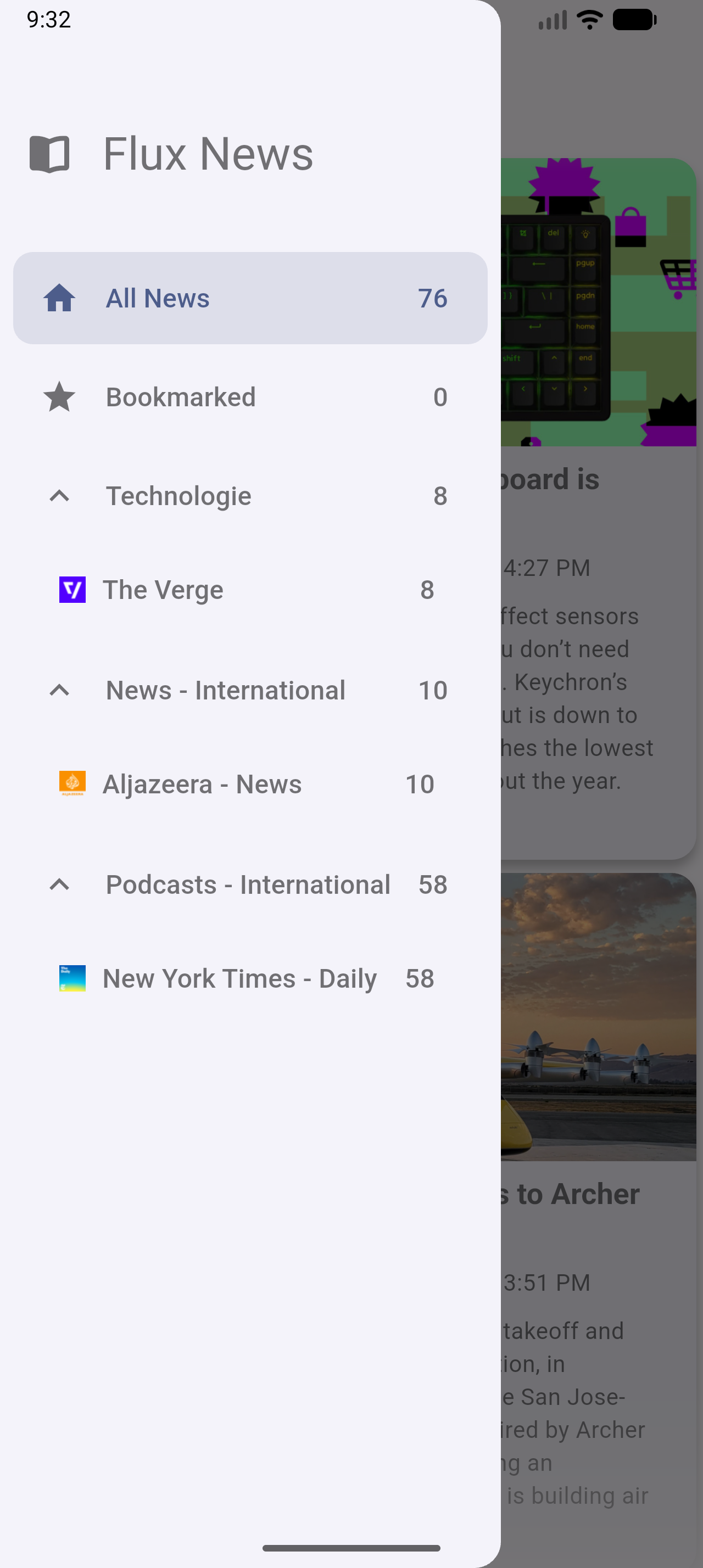
Master Your Feed with Ease • Offline-Ready: Unlike a browser, Flux News stores your articles locally. Sync your feeds once and read them anywhere, on the plane, in the subway, or in remote areas without an internet connection. • Intuitive Gesture Control: Navigate your news with natural swipe gestures. Quickly triage your articles, mark them as read, or save them for later with a simple flick of your finger. • Effortless "Scroll-to-Read": Experience a friction-free "inbox zero" workflow. Articles are automatically marked as read as you scroll over them, so you never have to manually clear your queue again. • Deep System Integration: Share interesting finds instantly using the System Share Sheet or send articles directly to your configured third-party services. • Direct App Linking: Open articles directly in their respective installed apps for a cohesive experience that feels right at home on your device.
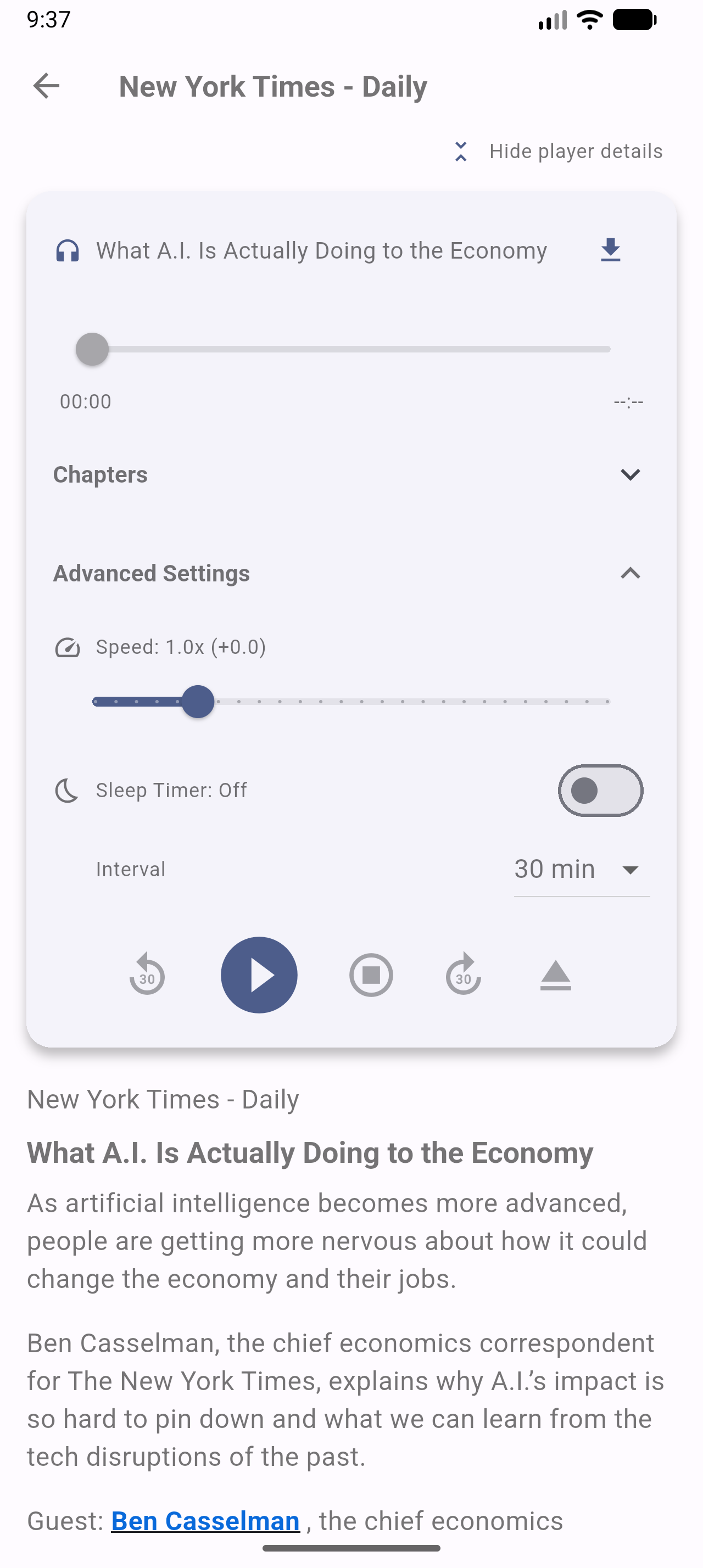
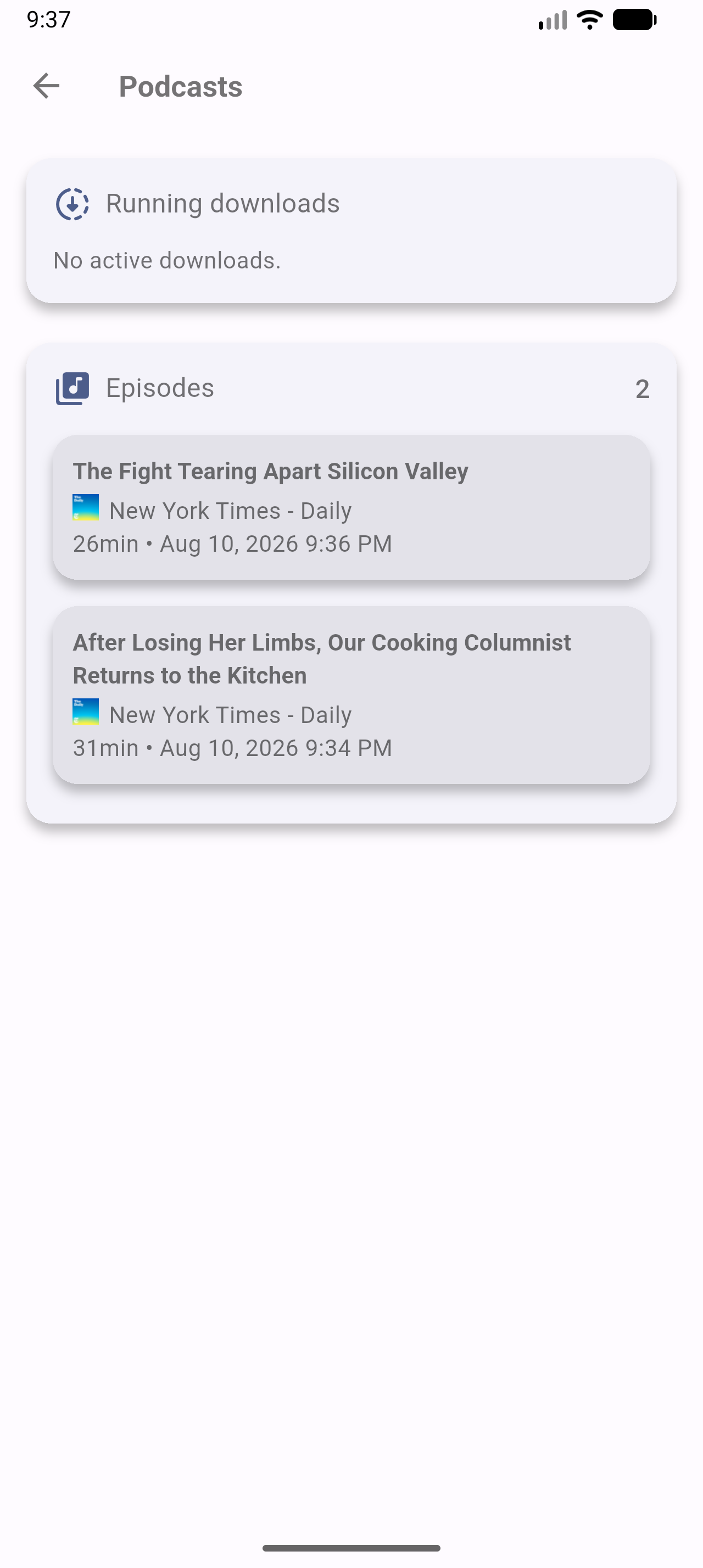
Podcast Excellence • Integrated Player: High-performance playback with variable speed control. • Smart Management: Automatic download of new episodes and automatic deletion after listening to save space. • Advanced Audio Features: Full chapter recognition for easy navigation and a built-in sleep timer. • Backend Sync: Your playback progress is synchronized with Miniflux, so you never lose your spot. • Dedicated Downloads View: Manage all your offline audio content in one place.
On the Road • CarPlay: A safe, audio-centric interface for your vehicle's dashboard. • Seamless Integration: Access your downloaded podcasts and control playback safely while driving.
Tailored for Your Device • OLED-Optimized Design: Choose between Light, Dark, and a specialized True Black mode designed specifically to save battery and look stunning on high-end displays. • Precision Filtering & Search: Instantly sort through your content by status (Unread, Read, Starred), category, or individual feeds. Use the powerful search to query your entire Miniflux backend in seconds. • Quick Access to Discussions: Open article comments directly within the app to stay on top of the conversation. • Home Screen Widgets: Access your articles directly from your device's home screen with the new native widgets. • Background Sync: The app now can automatically synchronizes in the background, keeping your news updated with your Miniflux server.
Privacy by Design Your data belongs to you. Flux News acts as a transparent window to your own server. • Direct Sync: The app communicates directly with your Miniflux API. • No Third-Party Tracking: We do not collect, store, or analyze your reading habits. • No Middlemen: Your credentials and content never pass through any external servers other than your own.
Please Note: This app requires an existing Miniflux server instance or a Miniflux Cloud account.






The following has been improved:
• Fix crash with too many news items on startup
• Optimized the expanding the news items in the list
• Updated translations (thanks to contributors)
Recent approved comments · sorted by newest
View all comments