Paperless Go icon

Paperless Go

bearyjd
Reading Internet
Version
1.1.7
Size
22.6 MB
Requires
Android API 24+
4.8 / 5 · 4,278 ratings 0 downloads

Updated Sep 22, 2026

Quick answer

A modern mobile client for your Paperless-ngx document management server.

F-Droid repository metadata

Paperless Go is a mobile client for Paperless-ngx, the popular self-hosted document management system.

Manage your documents on the go with a clean, modern interface:

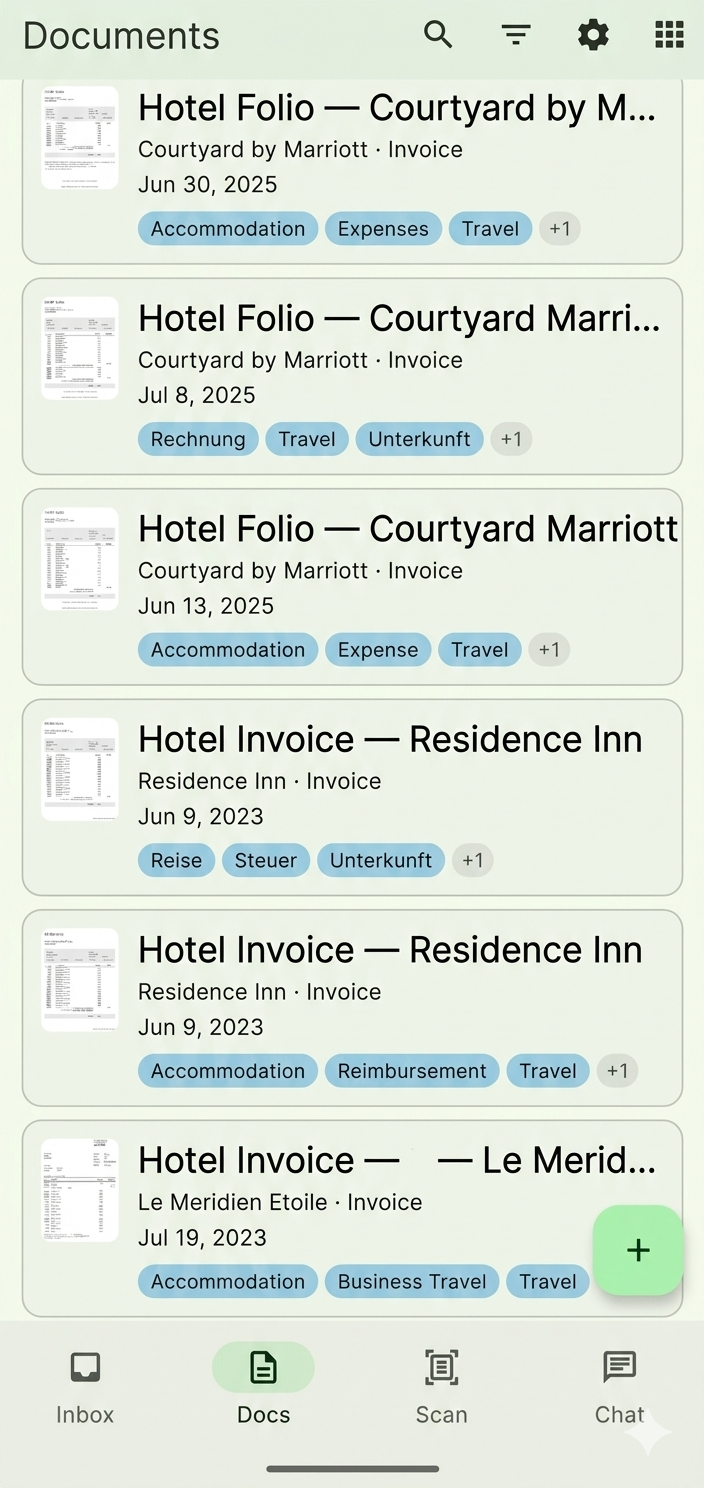
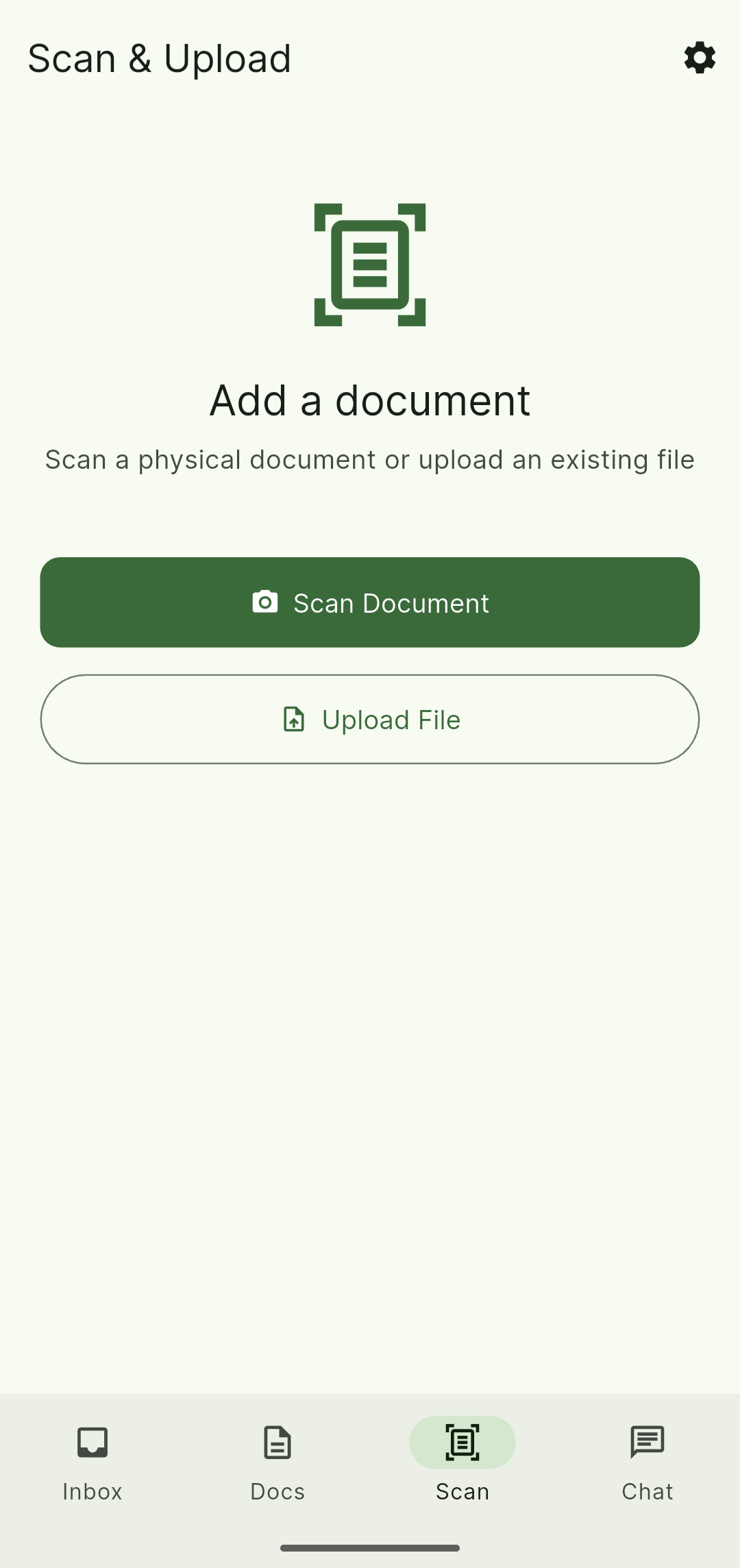
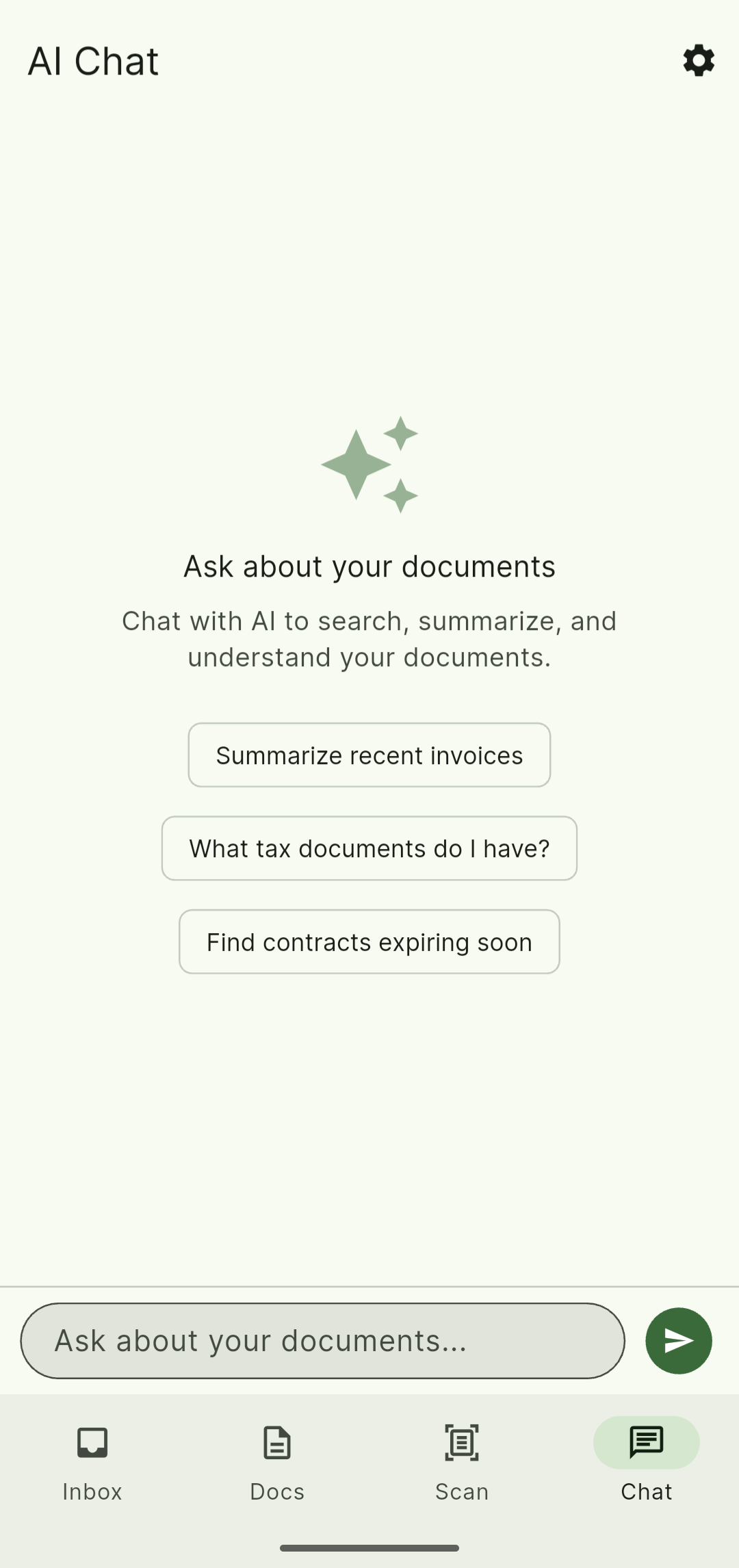
• Browse, search, and filter your document library • View document details, thumbnails, and PDF previews • Upload new documents via camera scan or file picker • Receive shared files from other apps for quick upload • Manage tags, correspondents, document types, and storage paths • Edit document metadata and custom fields • Create and manage custom field definitions • Dashboard with library statistics overview • Saved views: create, apply, rename, and delete filter sets • Workflows: view, toggle, and delete automation rules • PDF tools: rotate, split, compress, annotate, and redact • Bulk operations: tag, re-tag, delete, merge, and more • Biometric authentication for secure access • Offline-capable with full SQLite caching • Full-text search with autocomplete

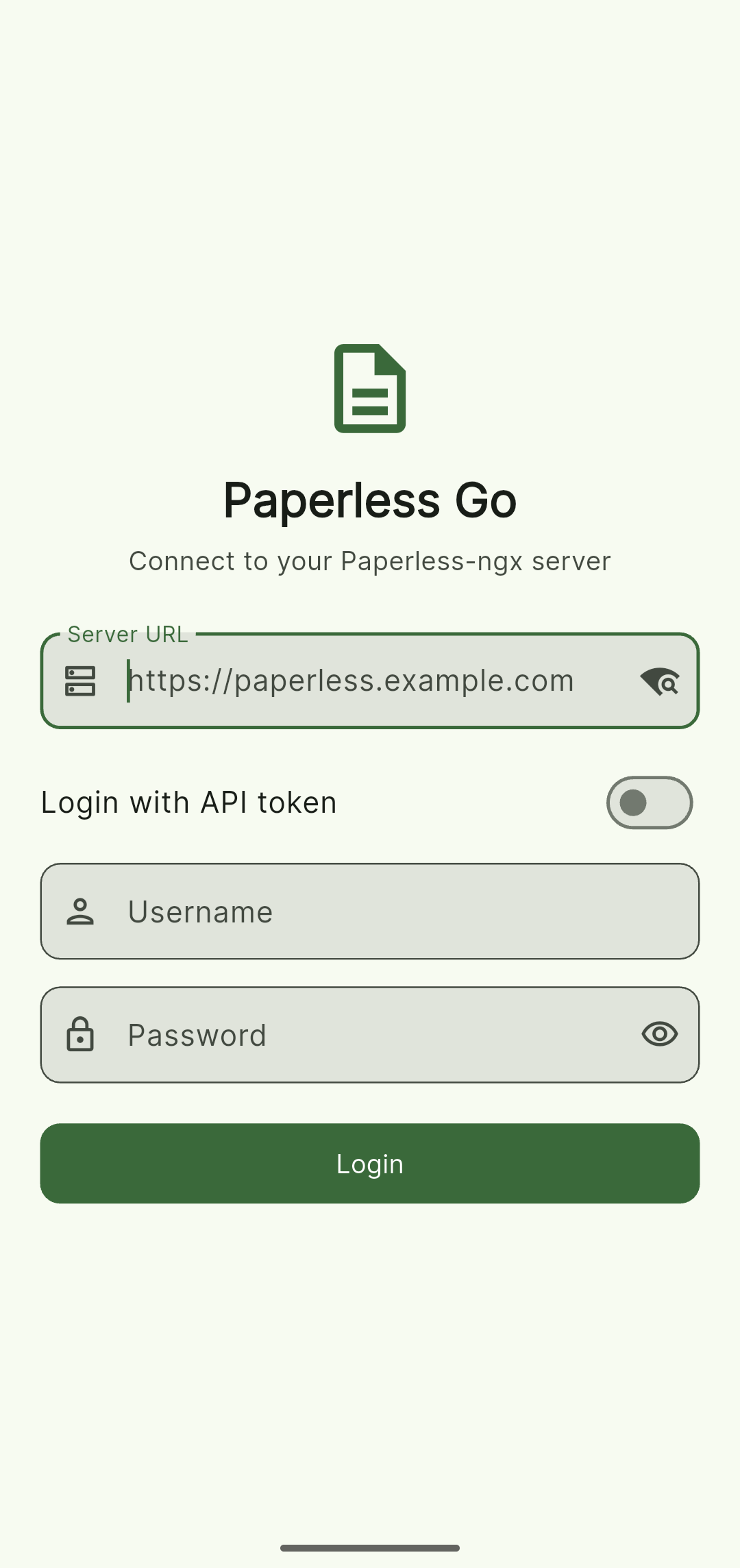
Paperless Go connects to your self-hosted Paperless-ngx server using token-based authentication. You need a running Paperless-ngx instance to use this app.

Note: The F-Droid build does not include Google ML Kit or the Google Play Services-based camera document scanner (both proprietary). Camera scan is replaced by importing existing images via the file/gallery picker, document deskew uses a pure-Dart algorithm, and OCR-based metadata suggestions are disabled.

This app is free and open source software, licensed under AGPL-3.0.

Screenshots

Paperless Go screenshot 1
Paperless Go screenshot 2
Paperless Go screenshot 3
Paperless Go screenshot 4

What’s new

* Fixed: uploads that permanently fail (e.g. rejected by the server) now stop retrying instead of looping forever, and are recorded as terminally failed
* Fixed: login now blocks http:// server URLs upfront with a clear explanation, instead of accepting them and failing confusingly later
* Removed "Password Protect & Share" — it never actually encrypted the file, so it gave a false sense of protection; real encryption needs a dedicated security-reviewed implementation and will return separately

How to install

  1. Download the APK from the button at the top of this page.
  2. Allow “Install unknown apps” for your browser or file manager only, not for every app.
  3. Open the downloaded file and confirm the installation.
  4. If installation fails with “App not installed,” remove an earlier build of the same app first. A signature conflict is the usual cause.

Data safety

  • Every file is checked against its published SHA-256 before it is listed.
  • Files are scanned for malware on every update.
  • The permissions each app requests are listed on its own page.
  • Read the full safety policy for how we test, flag, and delist files.

Comments

Recent approved comments · sorted by newest

Verification code
Be specific and keep it about the app. No links. Comments are reviewed before publication. Device and Android details are recorded automatically. Privacy policy.

Loading recent comments...

View all comments