Quick answer
Manage Your Linode Cloud with NexNode
F-Droid repository metadata
A powerful native Android app to control your Linode instances, domains, support tickets and more...
Features
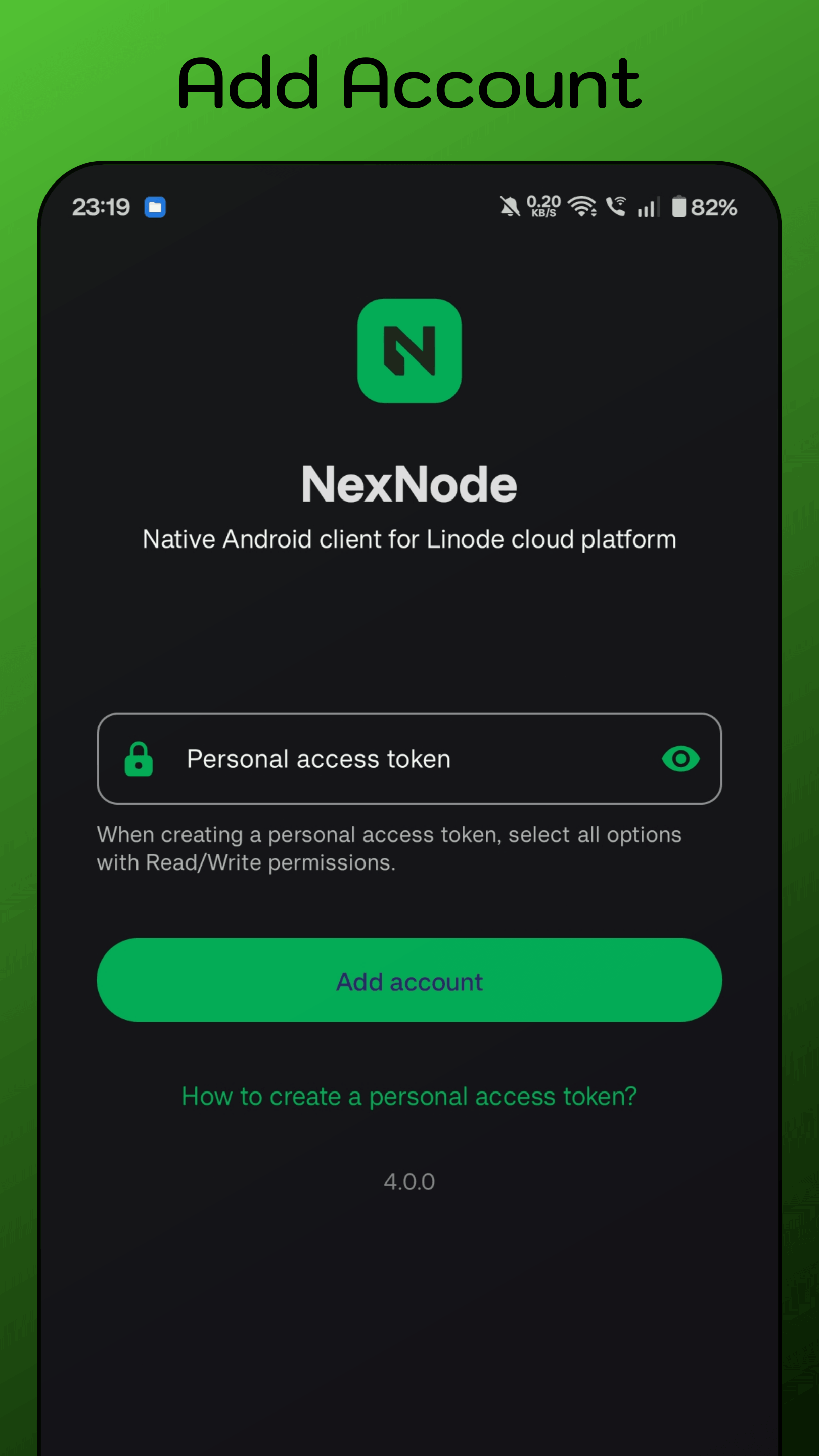
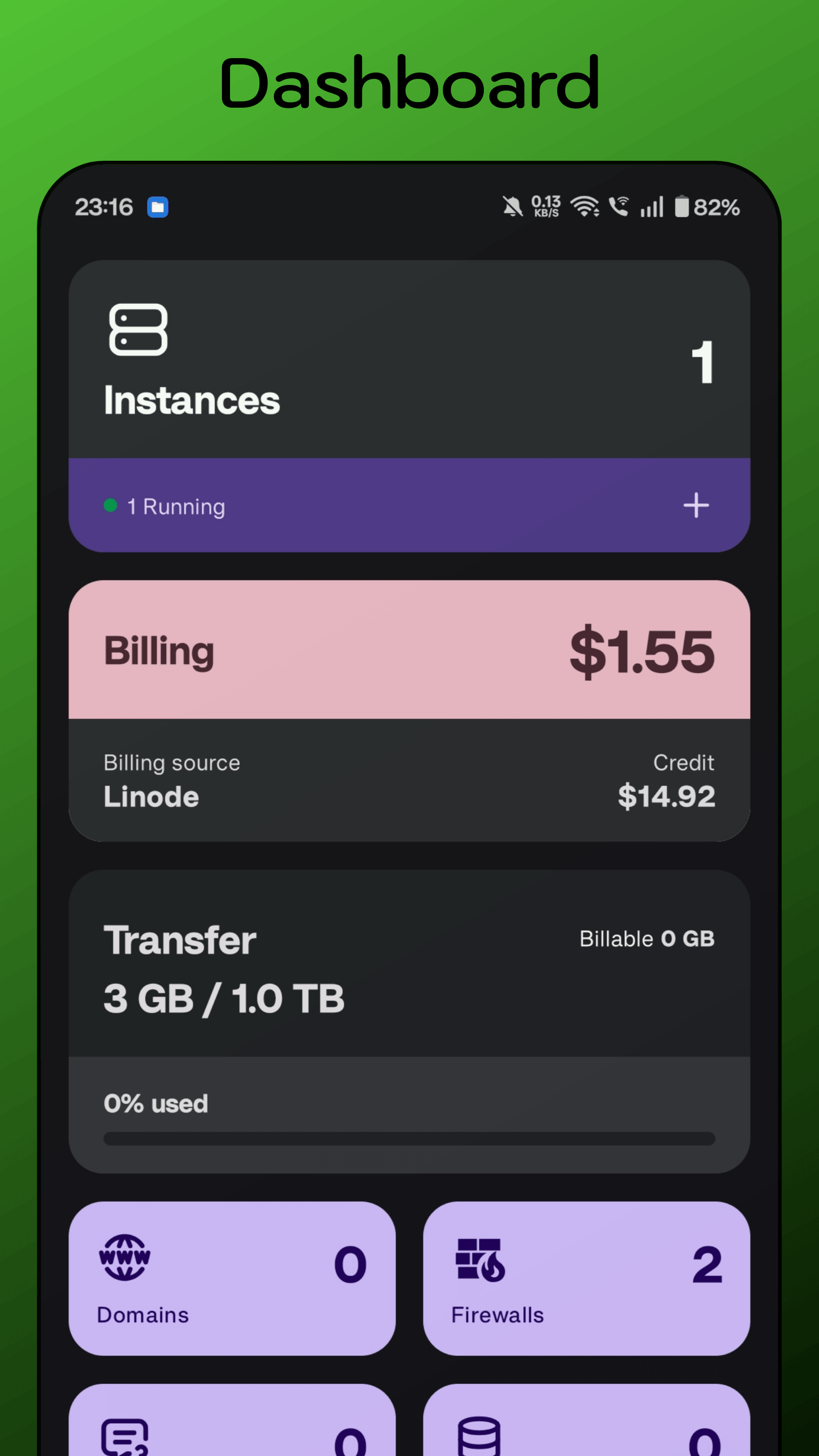
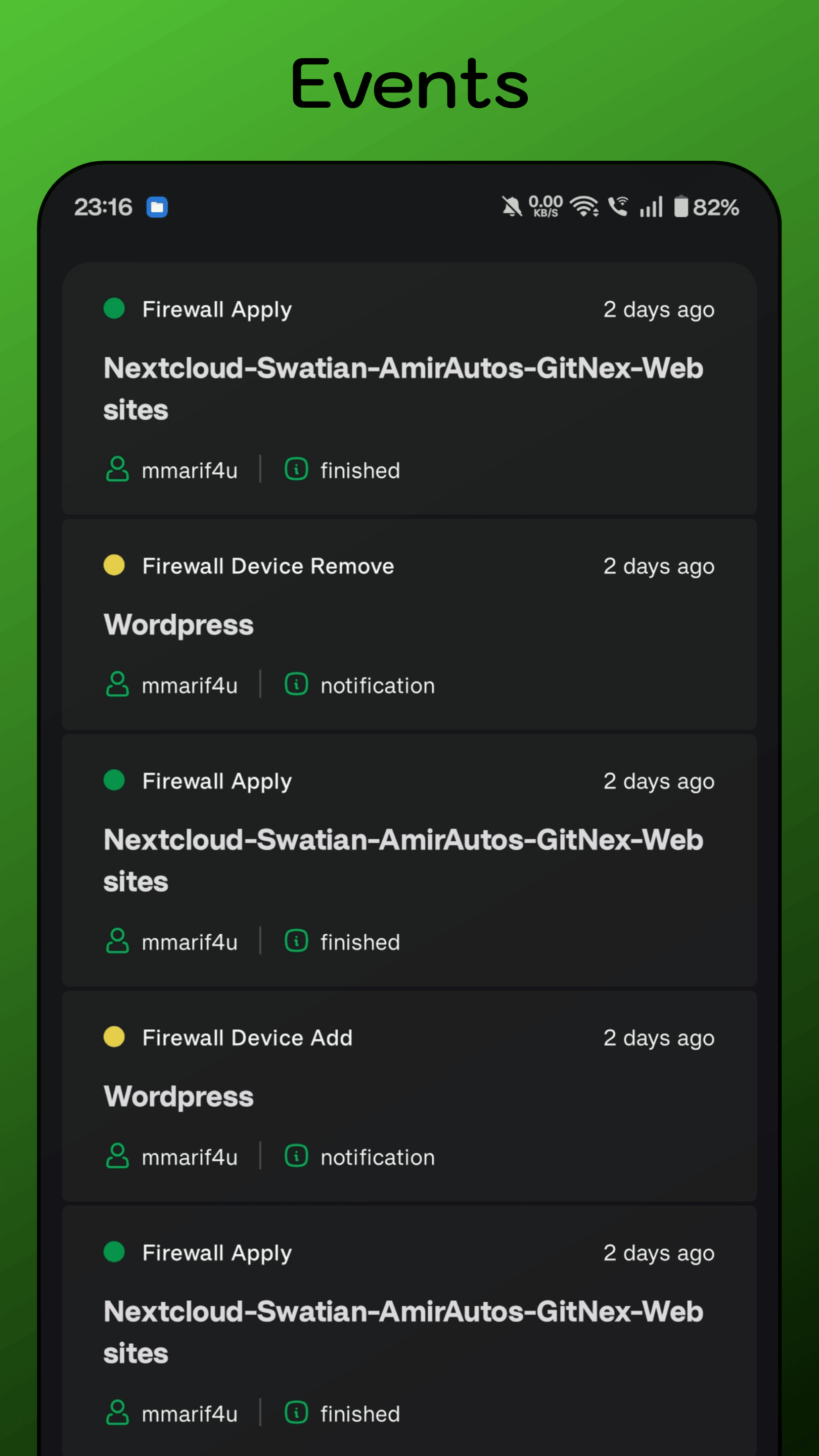
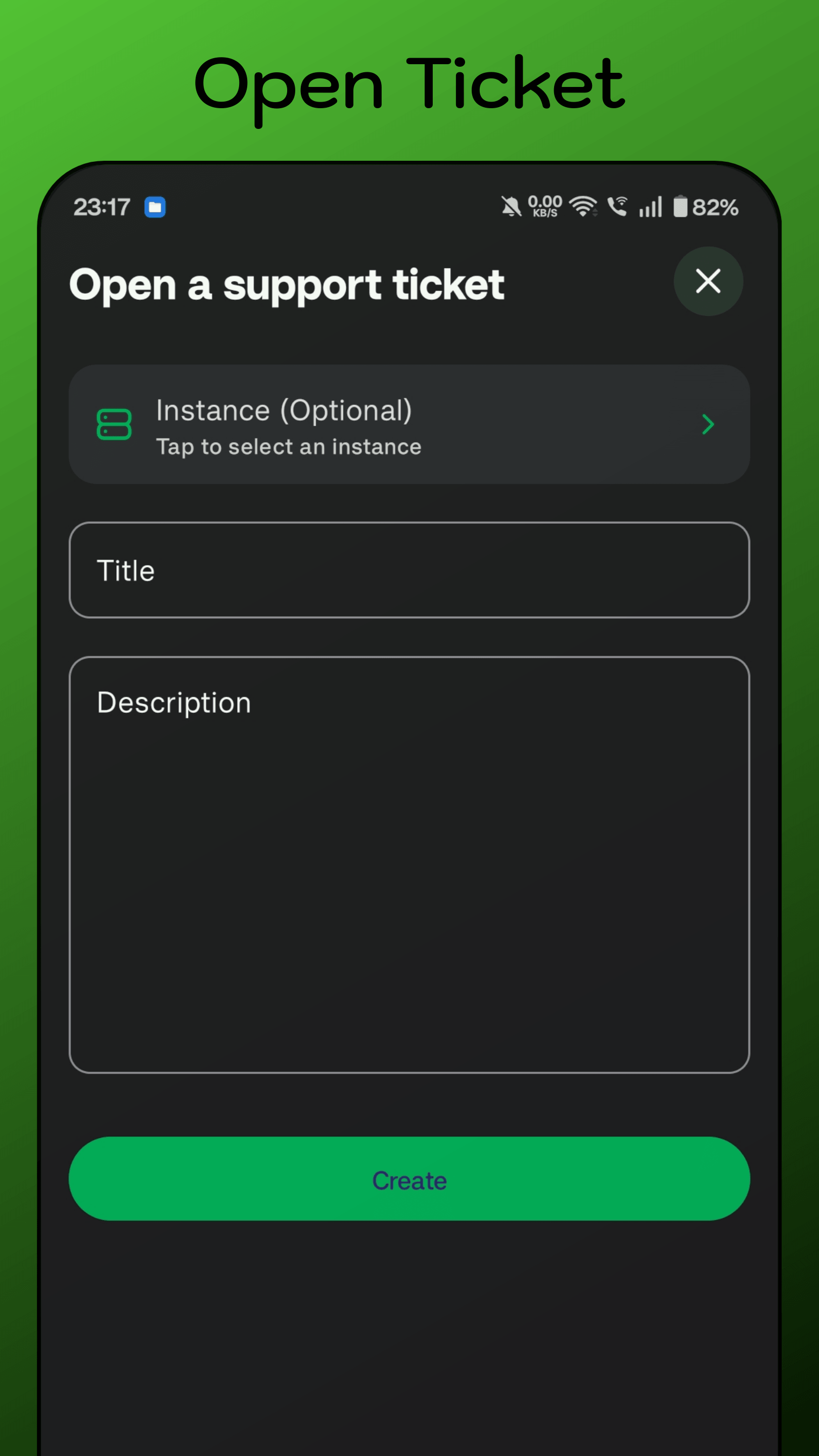
- Multiple accounts - Create a domain - Import a domain - Add a domain record - Edit a record - Add a payment method - Create a support ticket - Reply to a support ticket - Stop a server - Change a server's root password - Enable server rescue mode - Delete a server - Enable server backups and create snapshots - Dashboard (quick overview) - Create an instance - Update account token - View all instances - View events - View profile - Reboot a server - Delete a domain record - View support tickets (open and closed) and their replies - View domains - View domain records - View payment methods - View payments - View invoices - View volumes - View Linode plans - View regions - View NodeBalancersComplete list of features: https://codeberg.org/swatian/NexNode/wiki/Features
Source code: https://codeberg.org/swatian/NexNode
Developer: https://mastodon.social/@mmarif
Screenshots
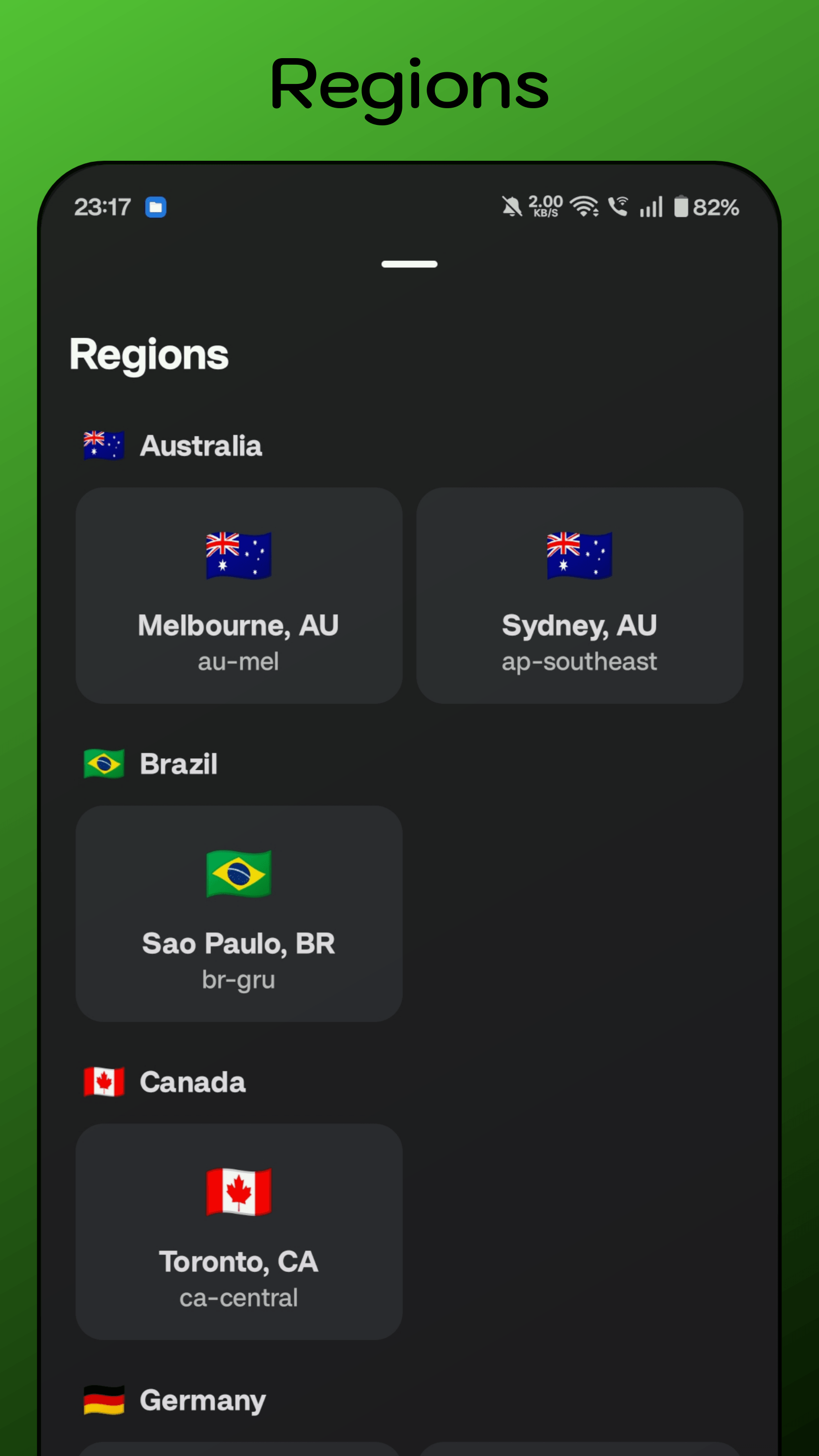
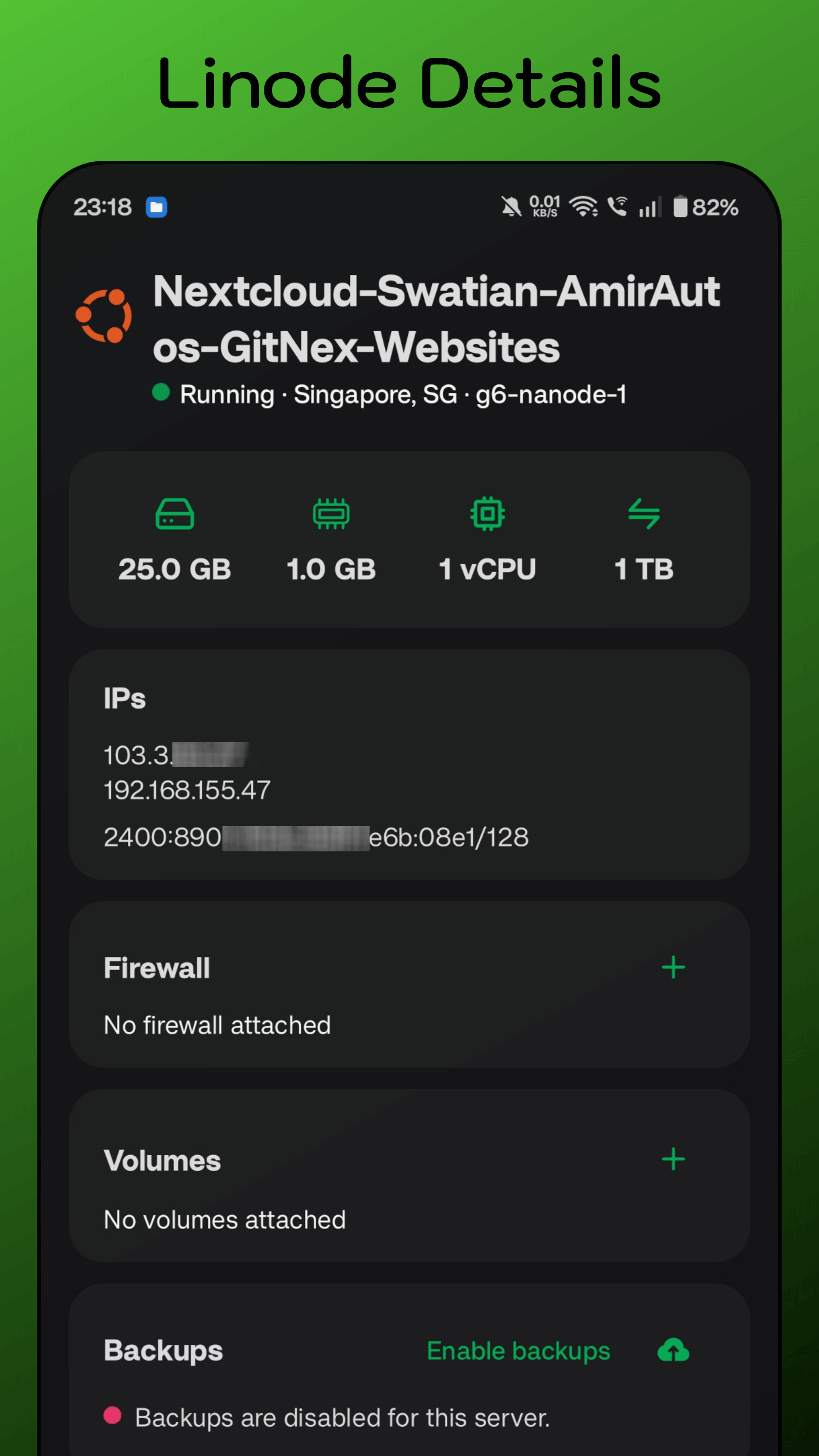
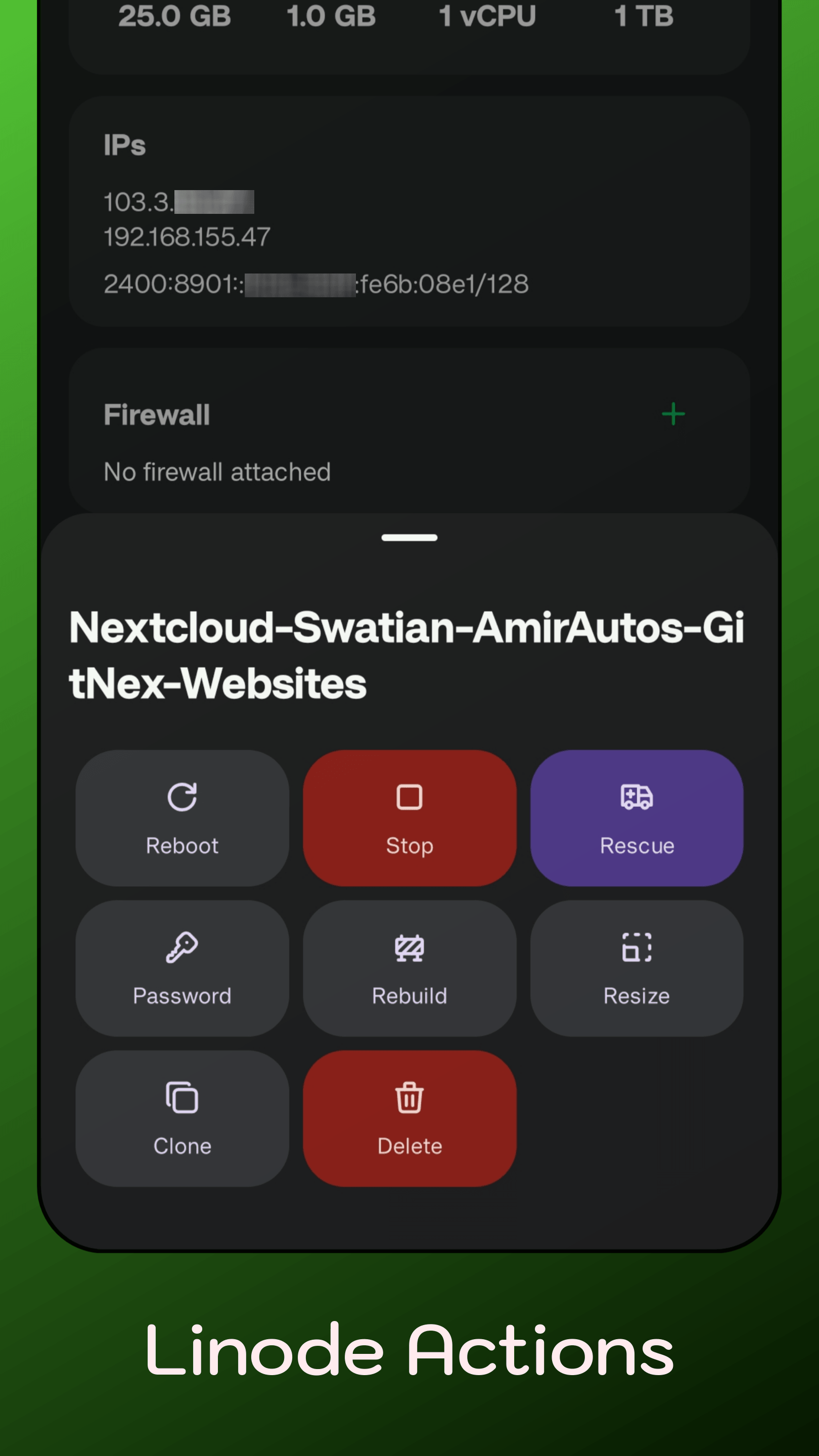
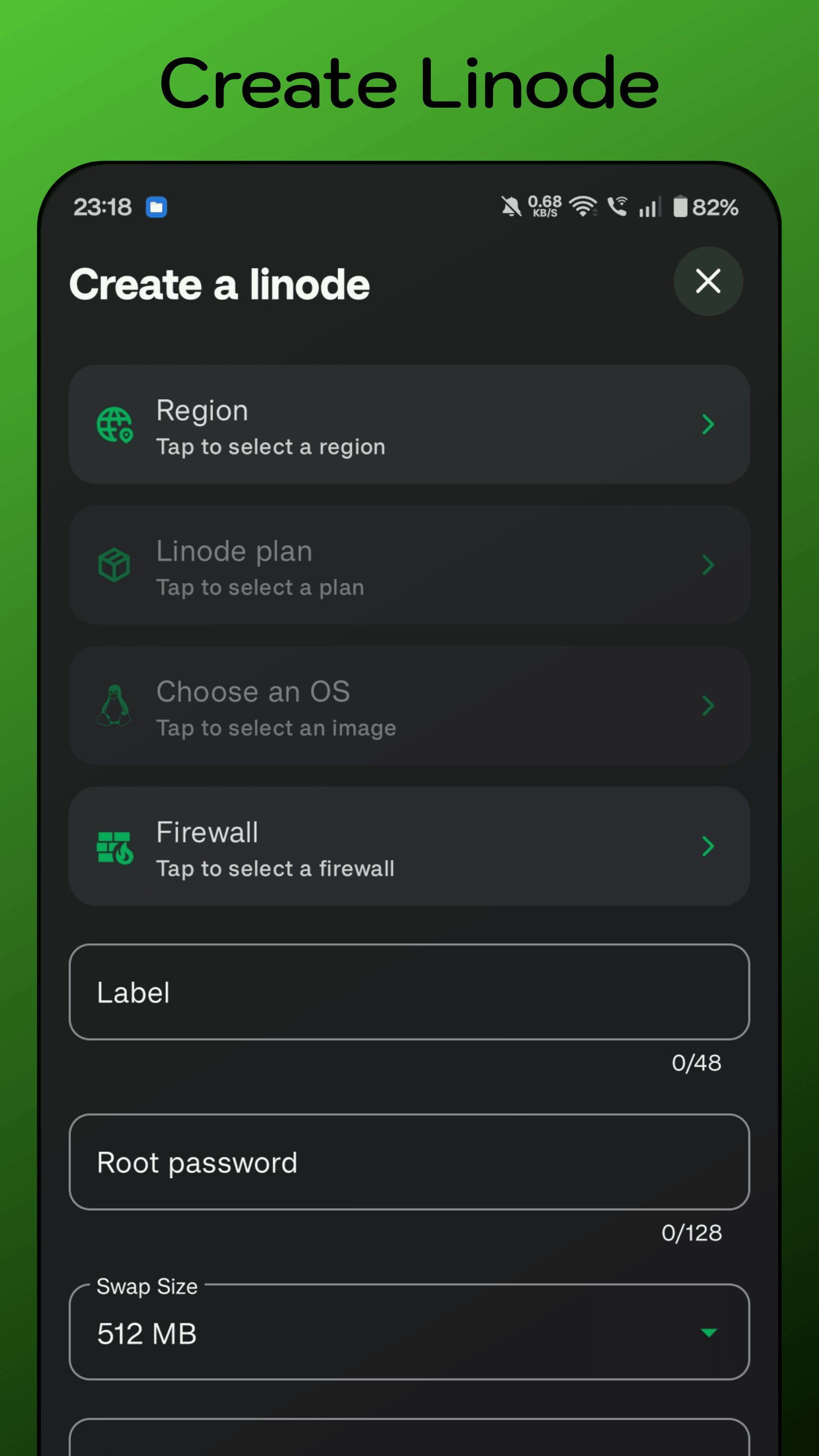
How to install
- Download the APK from the button at the top of this page.
- Allow “Install unknown apps” for your browser or file manager only, not for every app.
- Open the downloaded file and confirm the installation.
- If installation fails with “App not installed,” remove an earlier build of the same app first. A signature conflict is the usual cause.
Data safety
- Every file is checked against its published SHA-256 before it is listed.
- Files are scanned for malware on every update.
- The permissions each app requests are listed on its own page.
- Read the full safety policy for how we test, flag, and delist files.
Comments
Recent approved comments · sorted by newest
View all comments