What’s new
- Minor bug fixes and improvements
Thank you for using Notesnook!

Updated Sep 22, 2026
A fully open source & end-to-end encrypted note taking app
F-Droid repository metadata
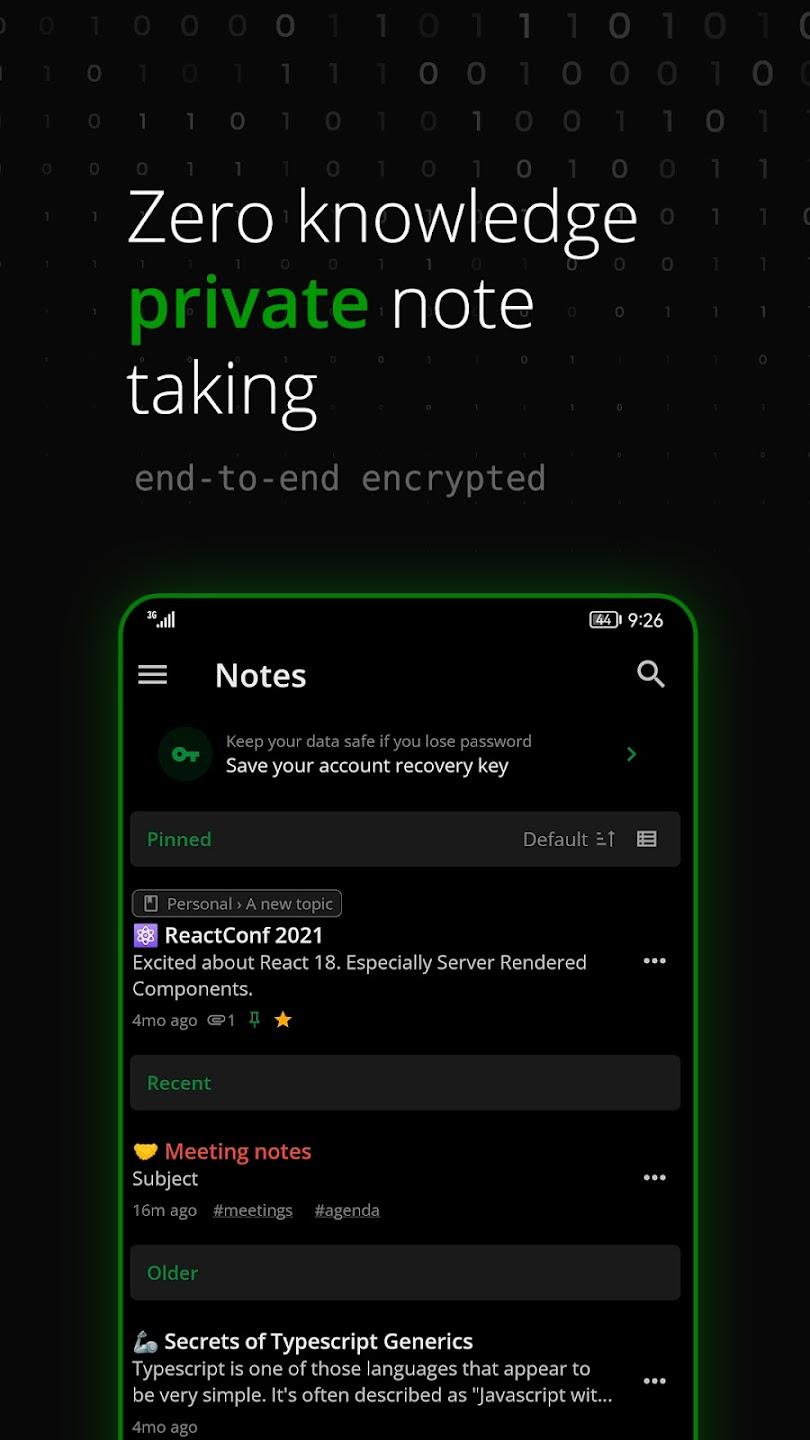
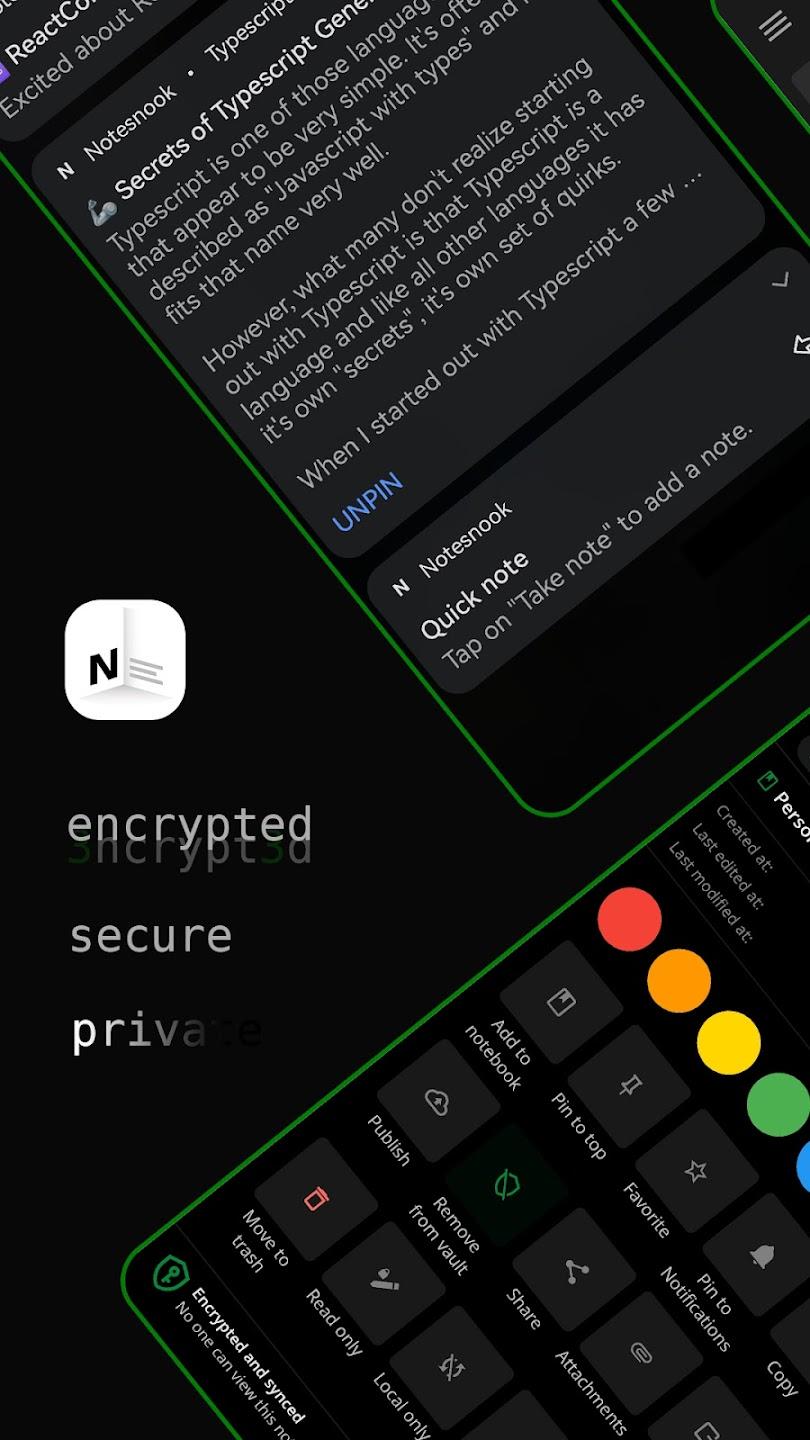
Notesnook is a life changing notes app. With privacy at it's core, all your notes are end-to-end encrypted by default. Keep notes and save ideas with freedom. Unlike other privacy focused productivity apps, our online notepad app has great note taking features while being 100% private.
A notes app with no spying or tracking Great and simple note taking experience. Be focused and productive by boosting your workflow. Keep tasks, ideas & lists in one place.
• Zero trackers or ads • 100% cross platform notes app • Encryption and privacy friendly note taking
Take notes on any device Access your notes from anywhere. Keep your notes app on any device. Make notes, outlines & task lists. Your private digital notepad makes your workflow productive & organized.
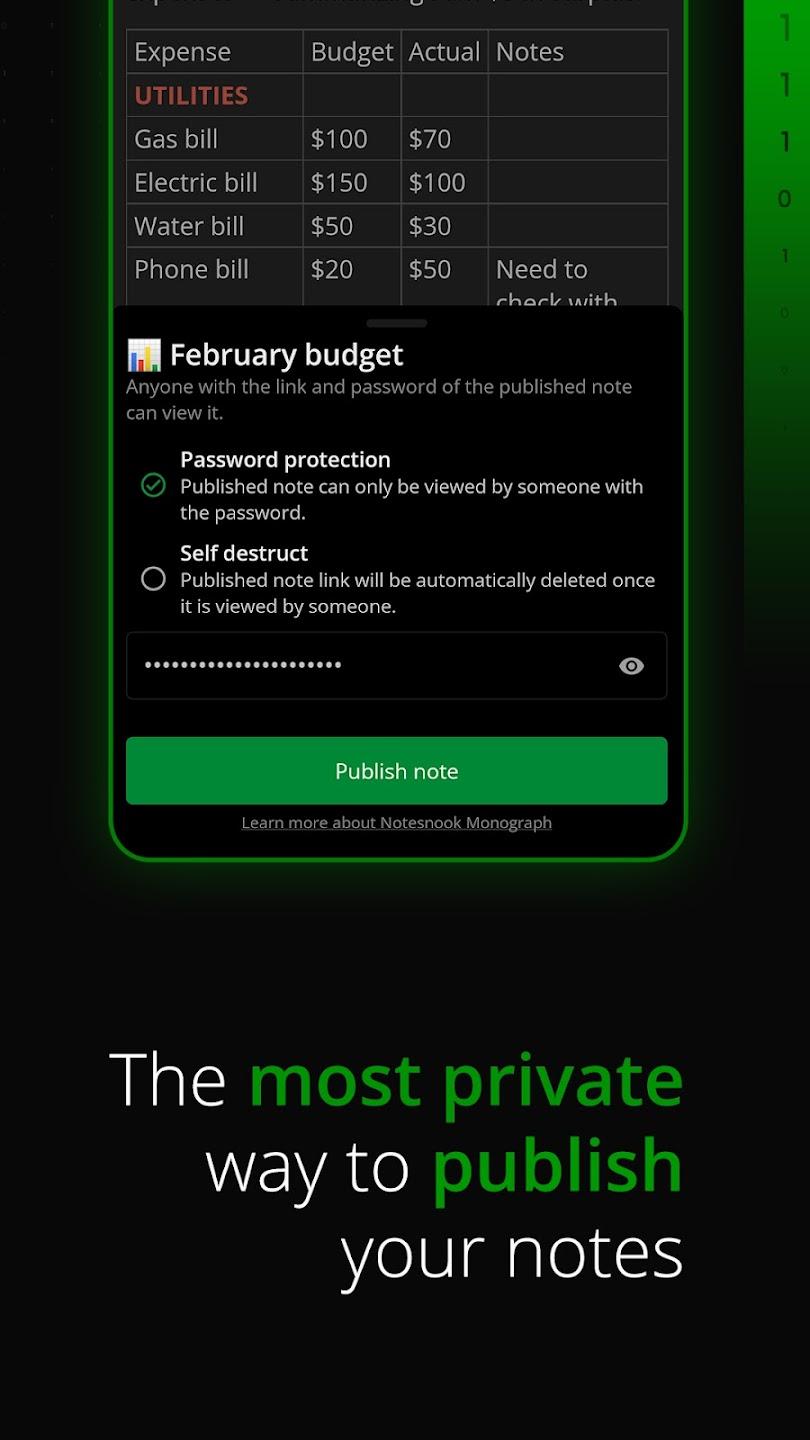
Monographs: Encrypted note sharing Sharing notes is easier than ever with our online notes app. You can lock important notes with password before sharing as a public link with anyone.
Todo lists and tasks Manage your day-to-day tasks and stay organized. Use Notesnook to make todo lists, shopping lists, outlines and record notes. Share lists with your friends, family or colleagues. Make lists for any purpose.
• Shopping list • Task management • Take notes • Make lists for ideas and tasks
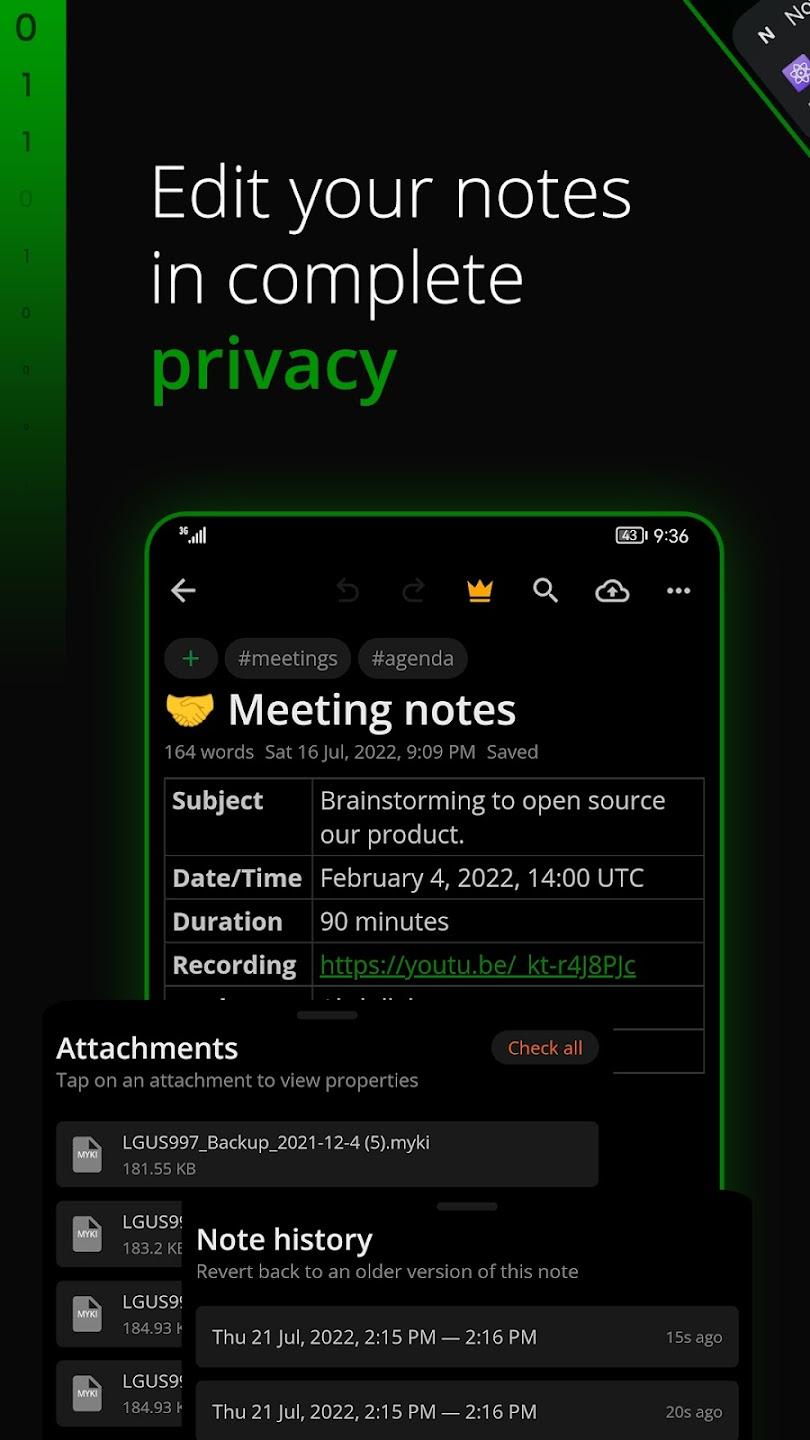
Rich note taking experience Write notes with full control. Keep notes simple or add images, tables, embeds, lists and even embeds and files. Take notes with math and chemistry formulas. Personalise your note taking by configuring the toolbar.
• Images, embeds & videos • Make notes with file attachments • Tables, task lists & outline lists • Full Math and Chemistry Formula support. • Full markdown editor - Most markdown shortcuts are supported • Code blocks with support for all programming languages • Written Notes history • Powerful search in notes
Notepad with offline support Write notes offline. Jot down your ideas anytime even without internet. Sync your written notes when you open the notepad online instantly.
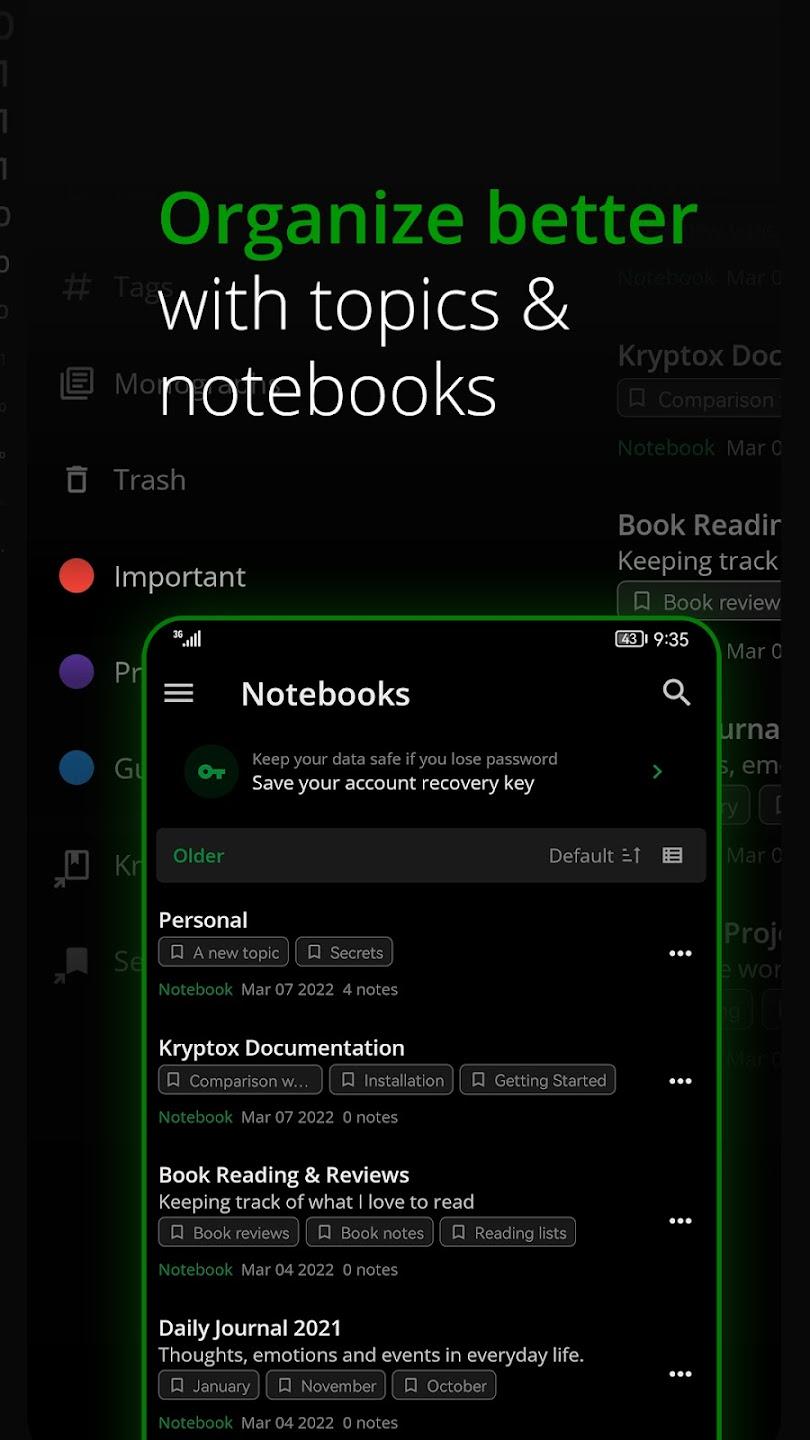
Organize notes with Notebooks Create multiple notebooks in our notepad. Organize & make notes and task lists in topics. Create shortcuts for Notebooks to access them quickly.
Color notes and add tags Make your Notesnook colorful. Color notes and add tags to quickly find similar or related ideas in one place. Color notes also appear in side menu so they are easy to access.
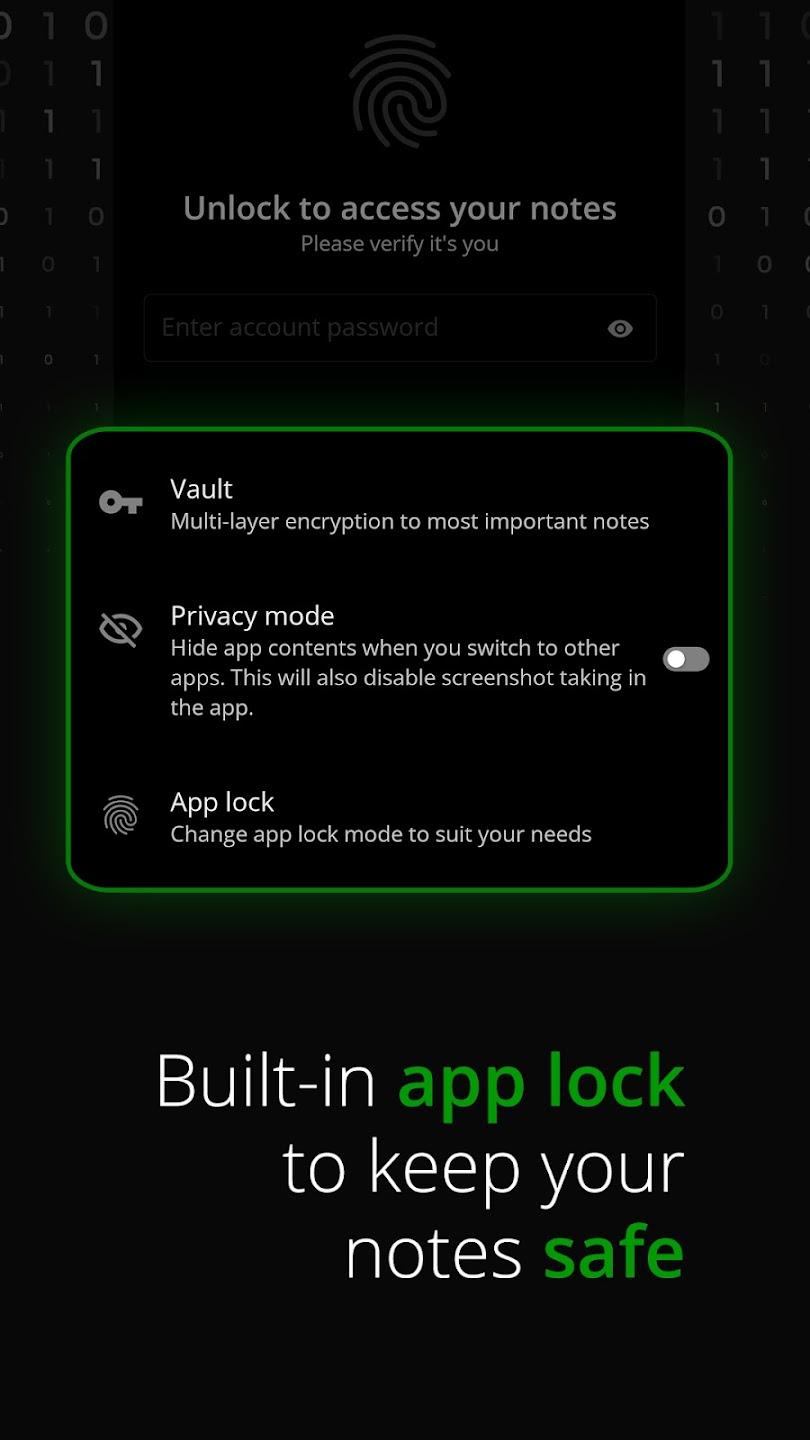
Protect notes with privacy lock Lock your online notepad with privacy lock. No one can open the notes app even if your phone is left unlocked. Take notes with complete privacy. You can also lock notes with password.
Say yes to private note taking A good notes app is one that doesn't spy on you. It's as simple as, "No one should be able to read my notes, even the possibility that someone can open my online notepad is scary".
Open source notes app (August 2022) Any privacy respecting service should be open source. Notesnook is no different. We are soon going fully open source and are working on open sourcing all our notes app clients.
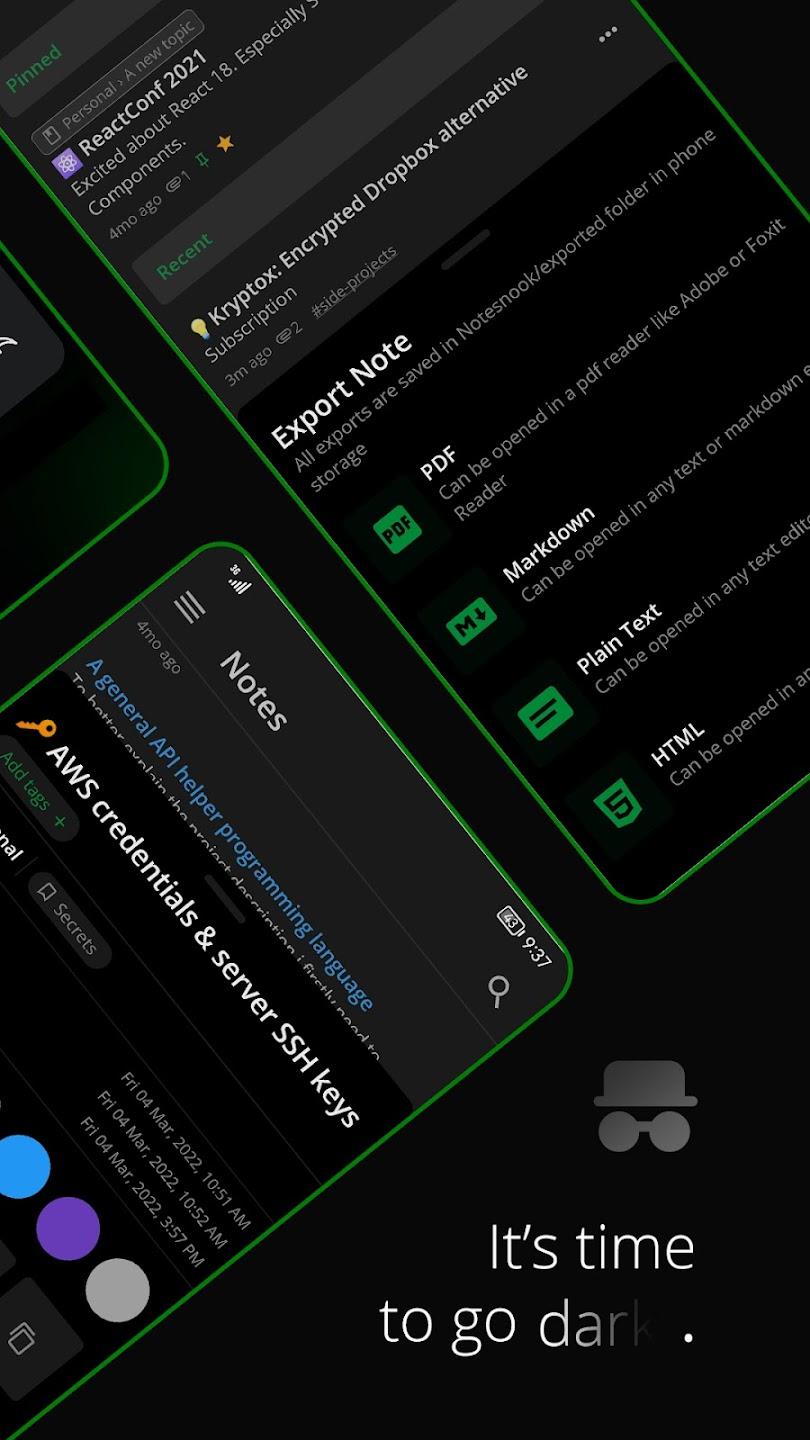
Export your notes anytime Export your data from our online notepad as PDF, HTML, markdown or plain text. We have a zero lock-in policy. You can take your data anywhere, anytime.
Say yes to privacy Choose privacy today for your notes and never look back. Notesnook is here. The online notepad that protects you and your data. Stay safe and take notes with freedom.
Source Code: https://github.com/streetwriters/notesnook
- Minor bug fixes and improvements
Thank you for using Notesnook!
Recent approved comments · sorted by newest
View all comments