What’s new
Improved performance, resulting in faster loading times
Updated Dutch translation (by @thomasboom)
Updated Polish translation (by @Nieznany237 and @tmpjx555)

Updated Sep 22, 2026
OpenBible provides the Bible with as little distractions as possible
F-Droid repository metadata
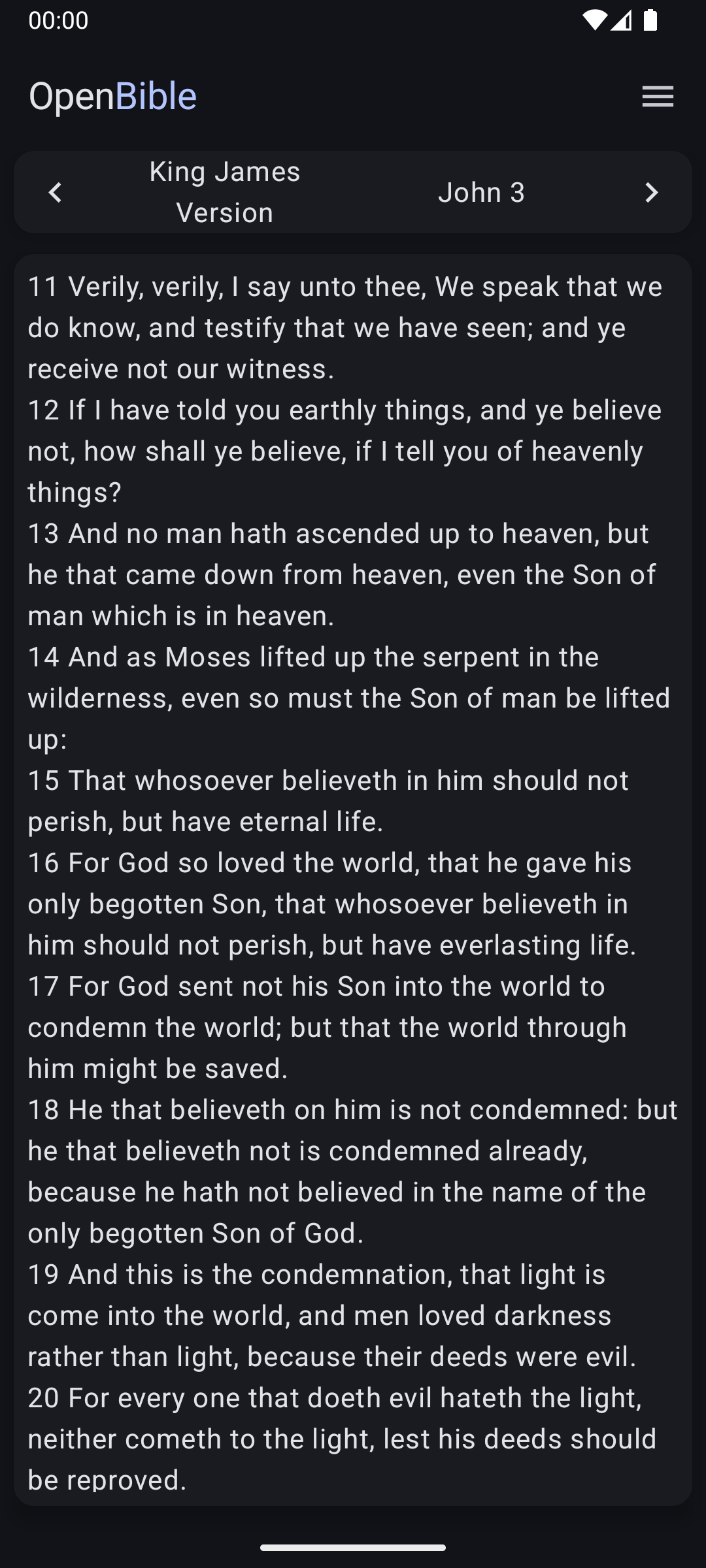
OpenBible aims to be an open, simple and lightweight Android application for reading the Bible without any additional inputs. This means that the app contains only the Bible without items like section headings, comments, reading plans or tips.
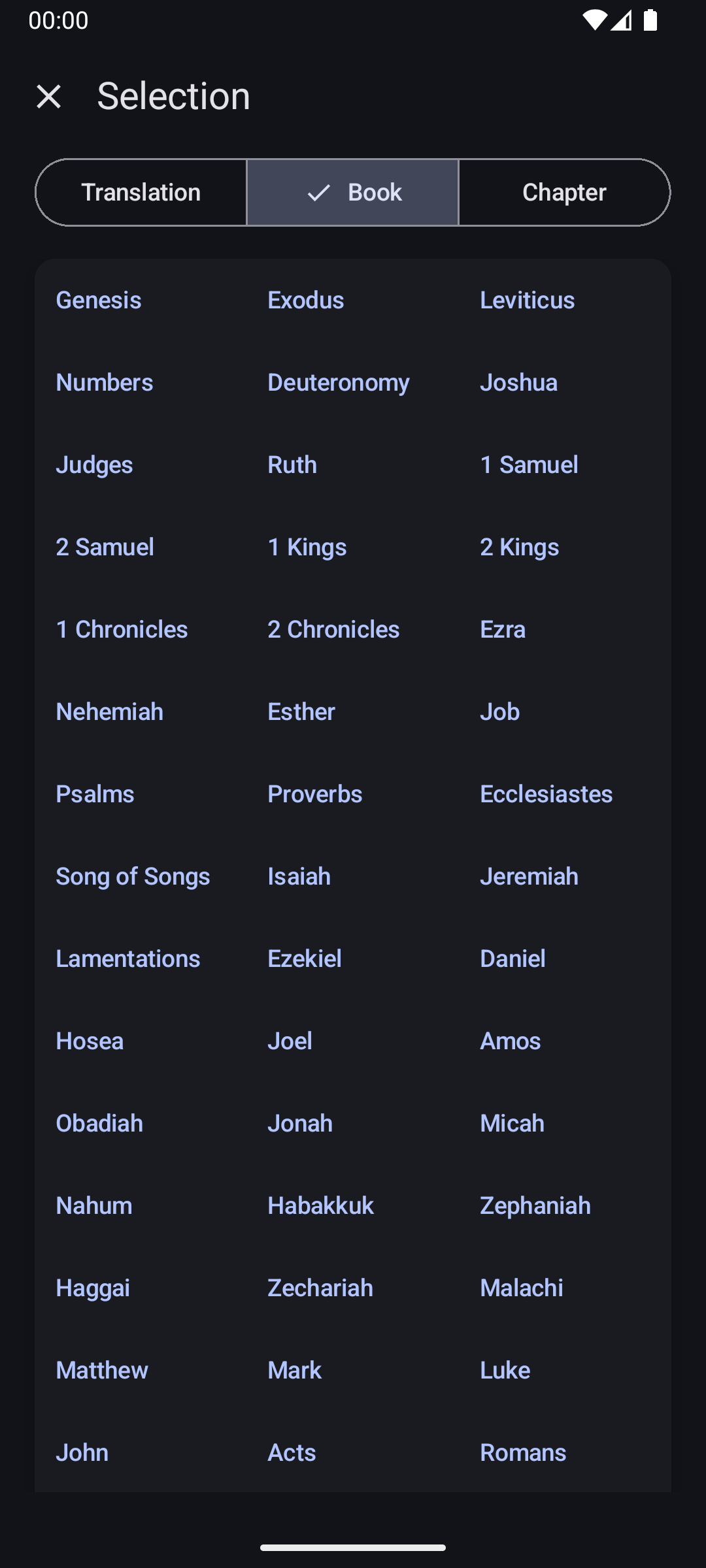
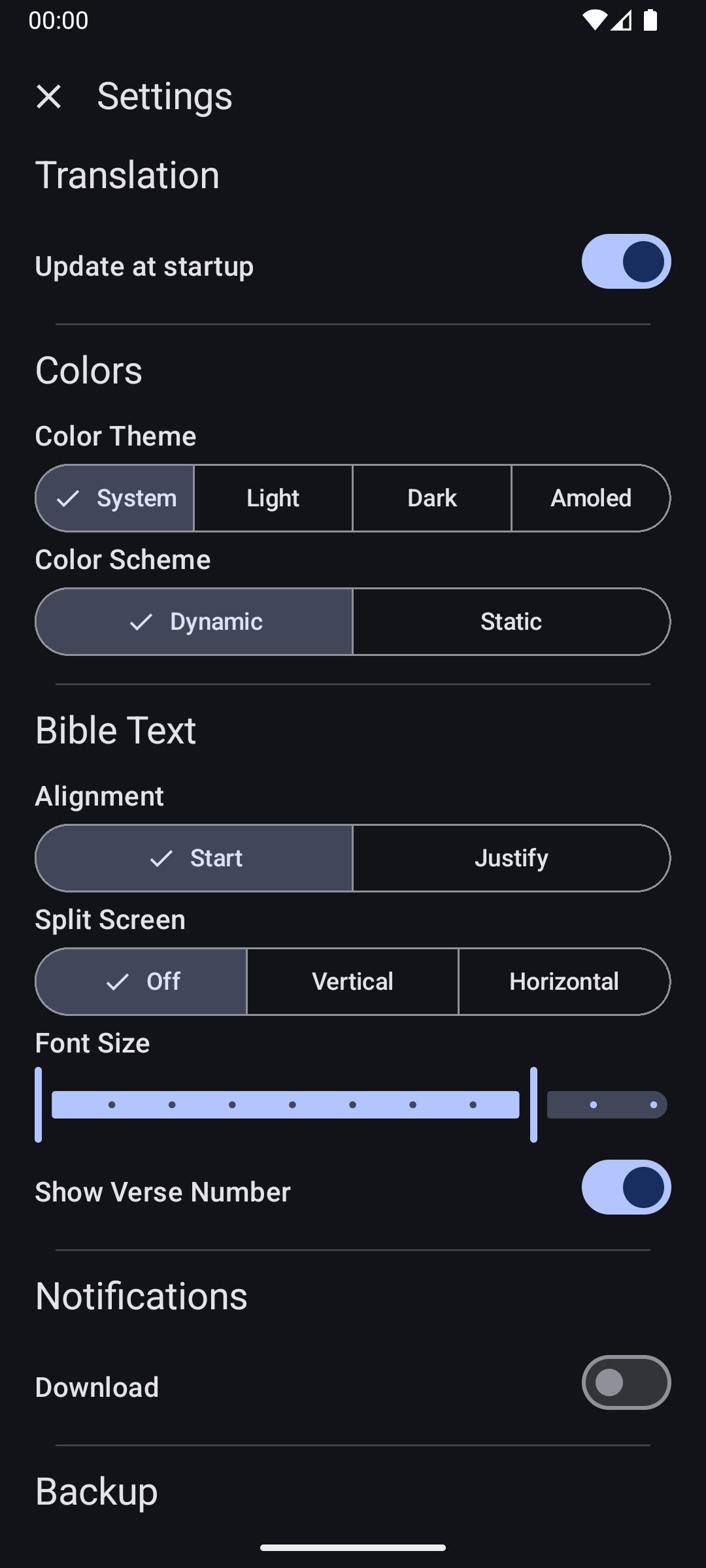
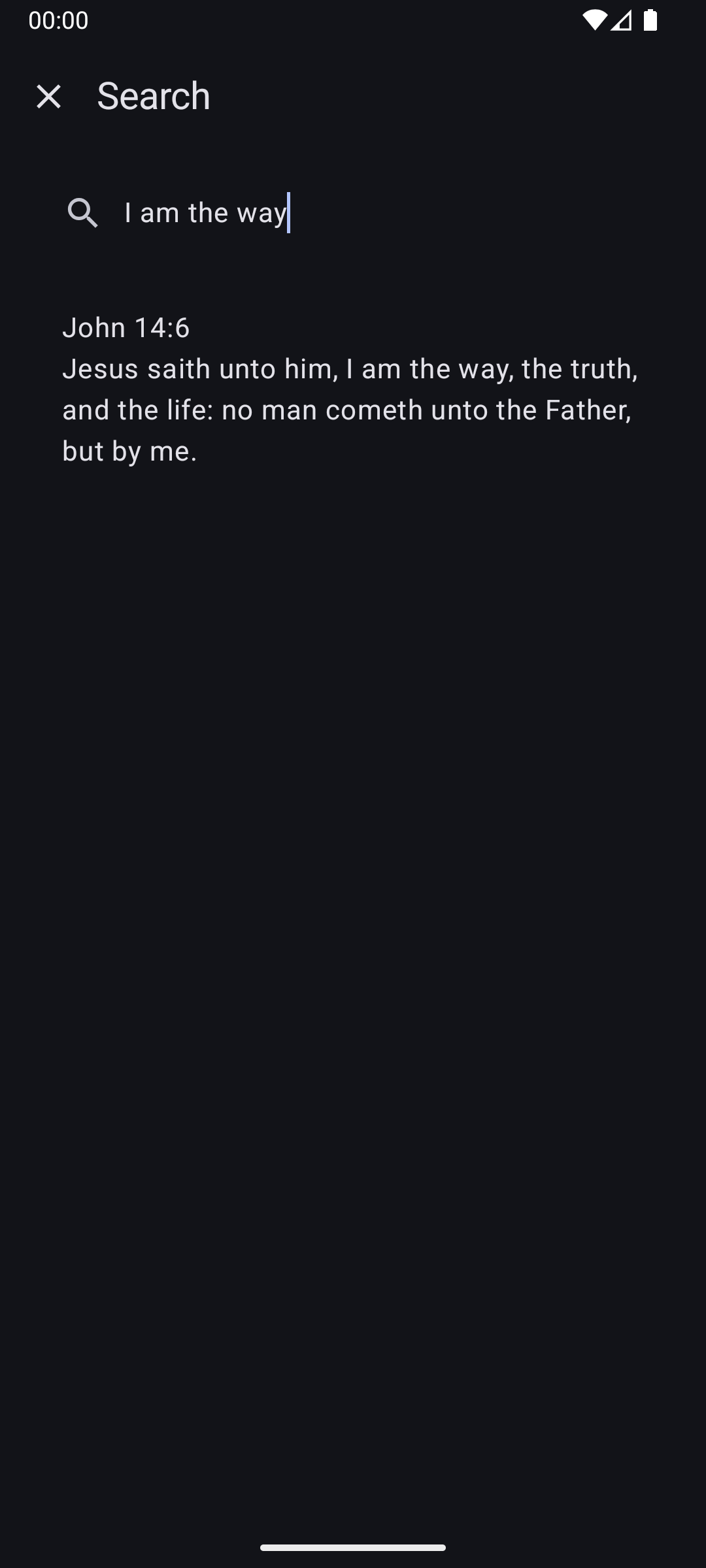
OpenBible allows you to download the Bible in many different languages and translations. It strives to keep these translations up to date to address formatting or similar issues. You can select the translation, book and chapter or find verses by searching their content. The app lets you customize your reading experience through color themes, color schemes, text alignment, split screen mode, font size and verse number visibility. These settings default to your system preferences to reduce the need for manual adjustments. While reading, you can pinch or double click the screen to temporarily change the font size. Additionally, you can select text to copy or share it. Your settings, selections and translations are saved and can be backed up for convenience.
Improved performance, resulting in faster loading times
Updated Dutch translation (by @thomasboom)
Updated Polish translation (by @Nieznany237 and @tmpjx555)
Recent approved comments · sorted by newest
View all comments