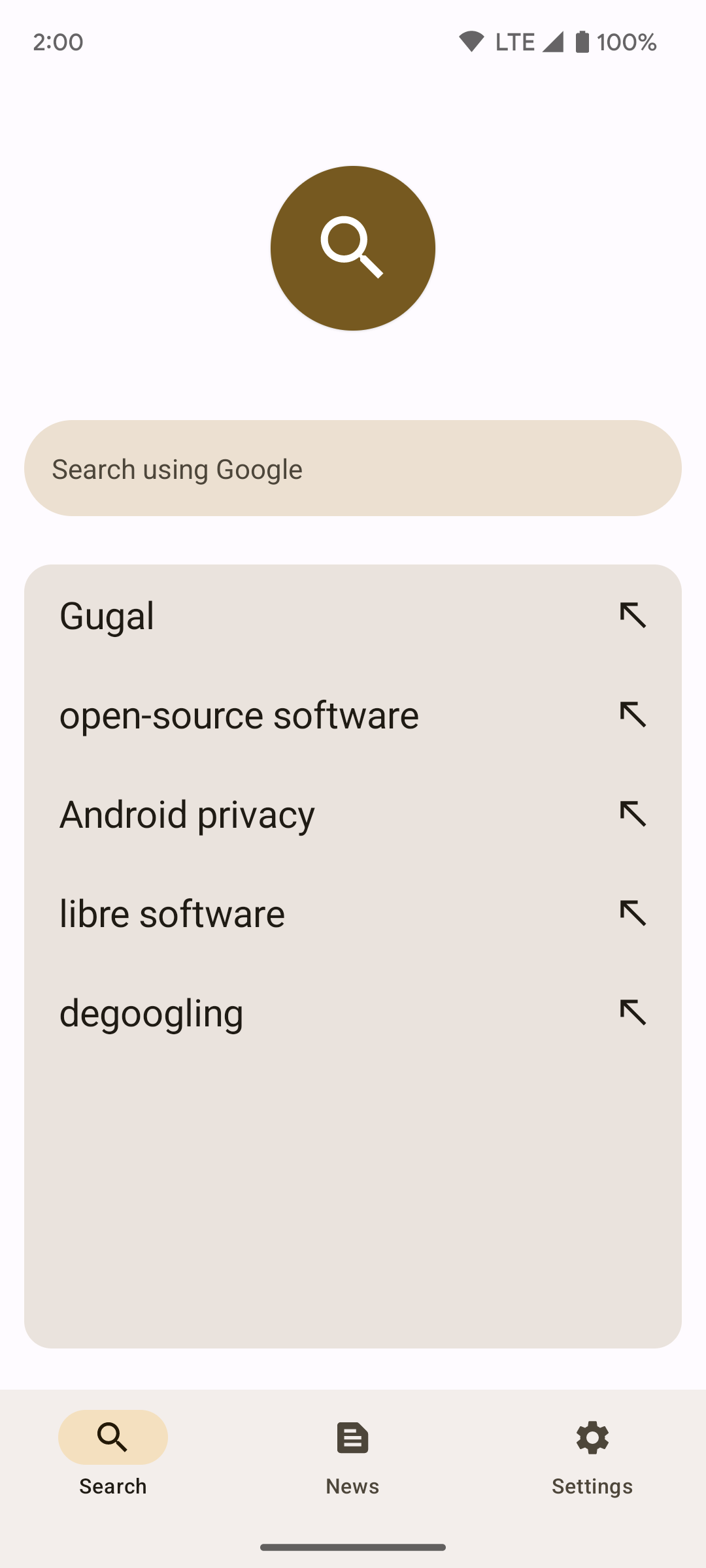
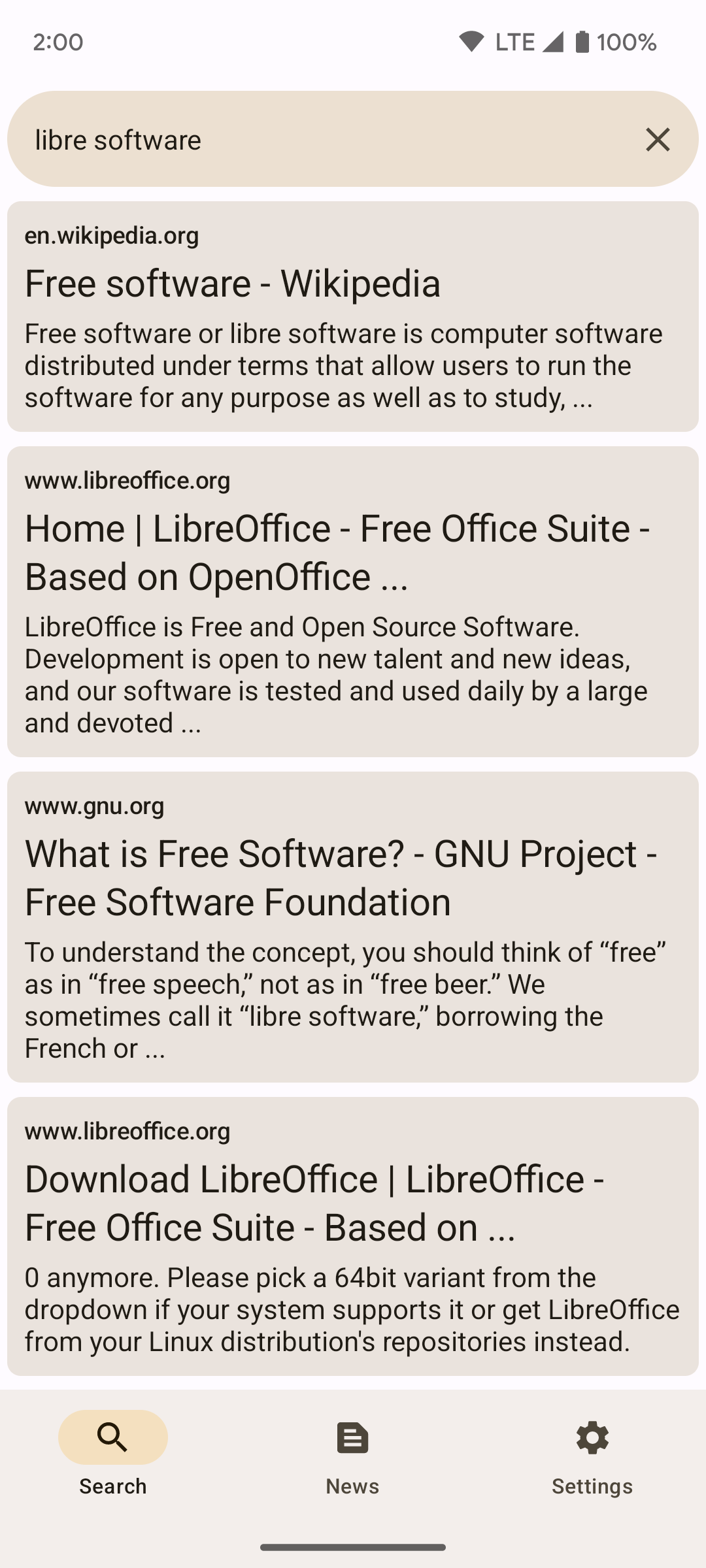
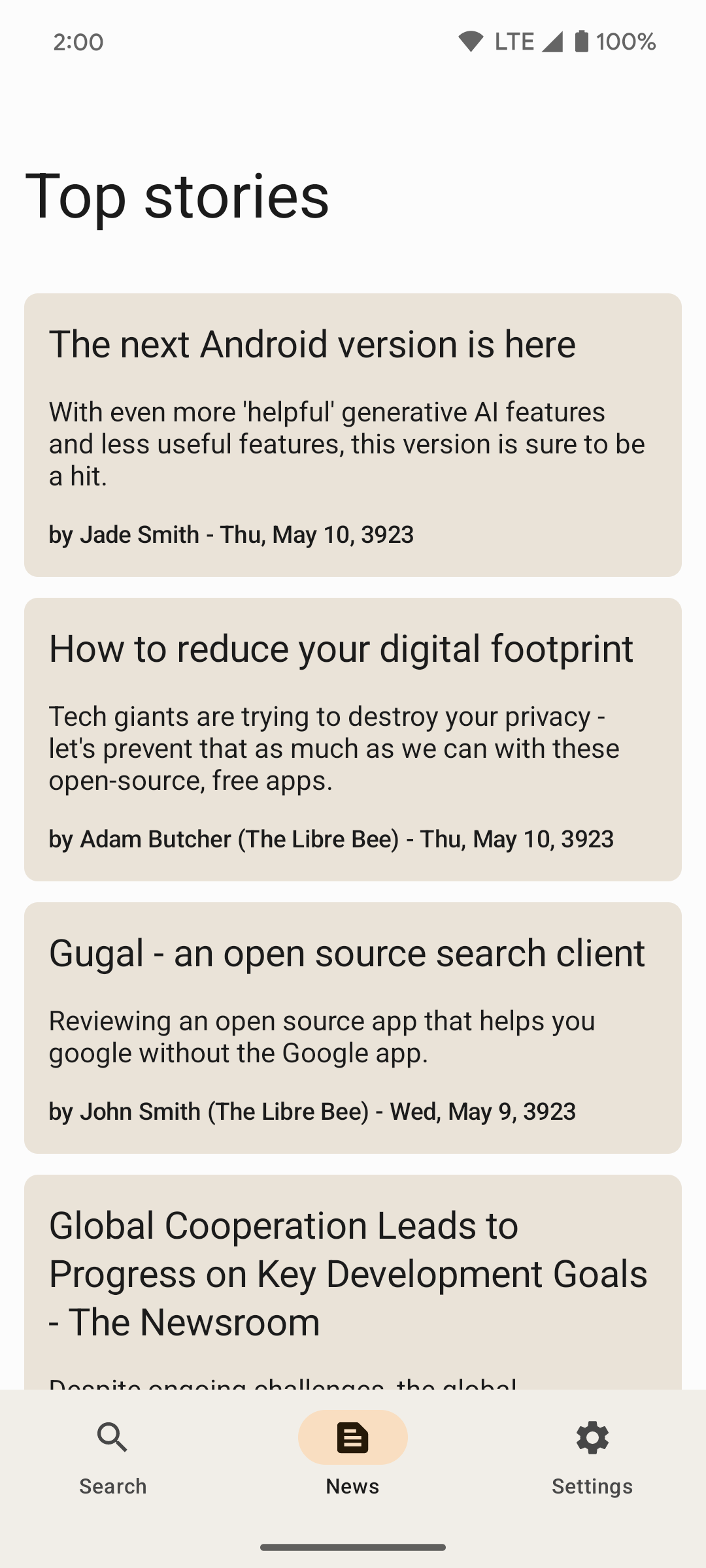
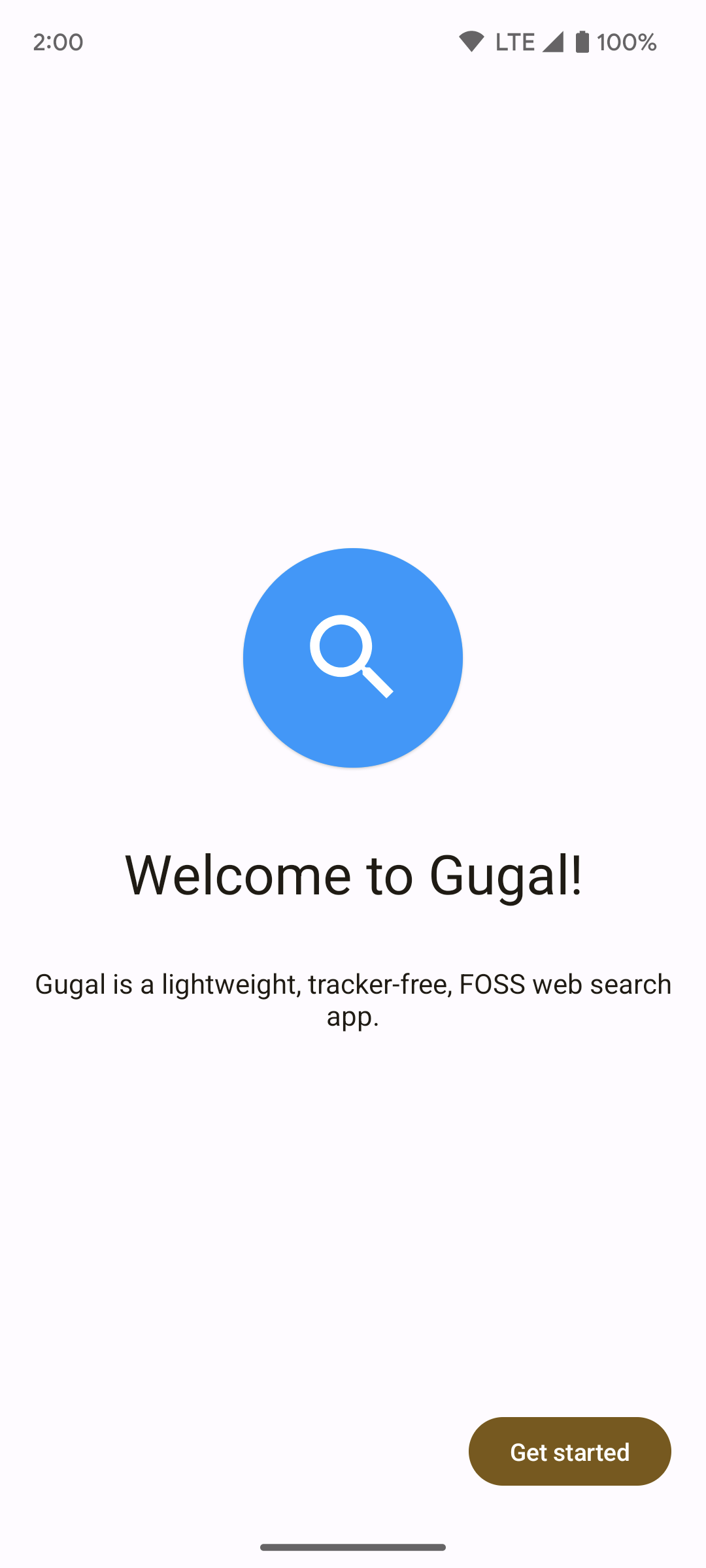
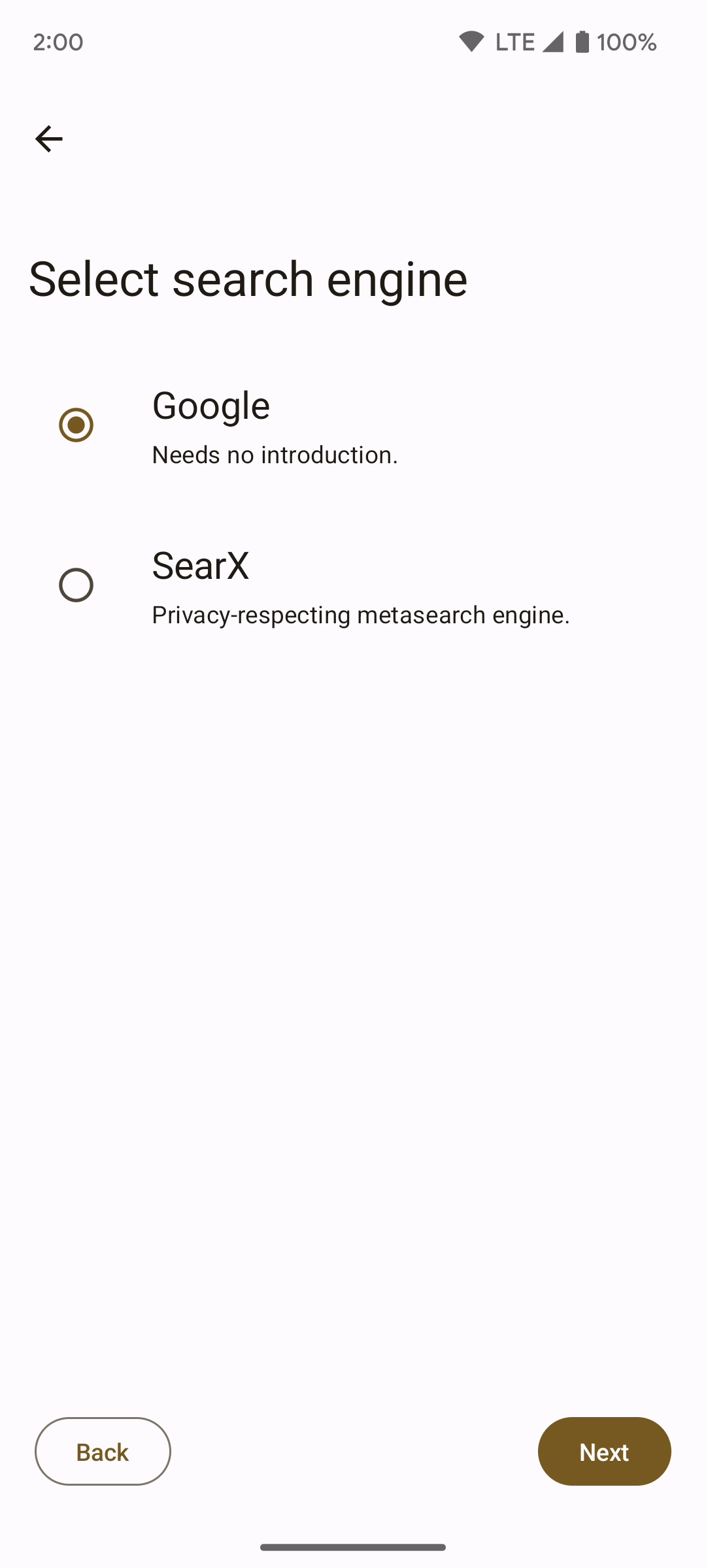
Gugal is a clean and lightweight web search app, with a modern, Material 3/You UI.
It supports 2 search engines - Google and searx/SearXNG. Developers are free to add more search engines.
To use Gugal with Google Search you need a CSE ID and API key. Instructions for obtaining both can be found in the app. To get these you have to have a Google account, therefore Google might still link searches to your account. If you want to use a search engine that respects your privacy more, use Gugal with a searx/SearXNG instance.
Google and Google Search are trademarks of Google LLC.
Screenshots
What’s new
Support for new versions of SearXNG has been added. Note that there is a limit on the amount of searches done in 10 minutes in these versions. Gugal will notify when that limit is reached.
How to install
Download the APK from the button at the top of this page.
Allow “Install unknown apps” for your browser or file manager only, not for every app.
Open the downloaded file and confirm the installation.
If installation fails with “App not installed,” remove an earlier build of the same app first. A signature conflict is the usual cause.
Data safety
Every file is checked against its published SHA-256 before it is listed.
Files are scanned for malware on every update.
The permissions each app requests are listed on its own page.
Read the full safety policy for how we test, flag, and delist files.