What’s new
Updated
- added predictive back gestures
Fixed:
- fixed export for older android versions (9 and lower)
- small material 3 theme improvements
Development
- target sdk 36
- updated dependencies

Updated Sep 22, 2026
An Android Open Source Movie App
F-Droid repository metadata
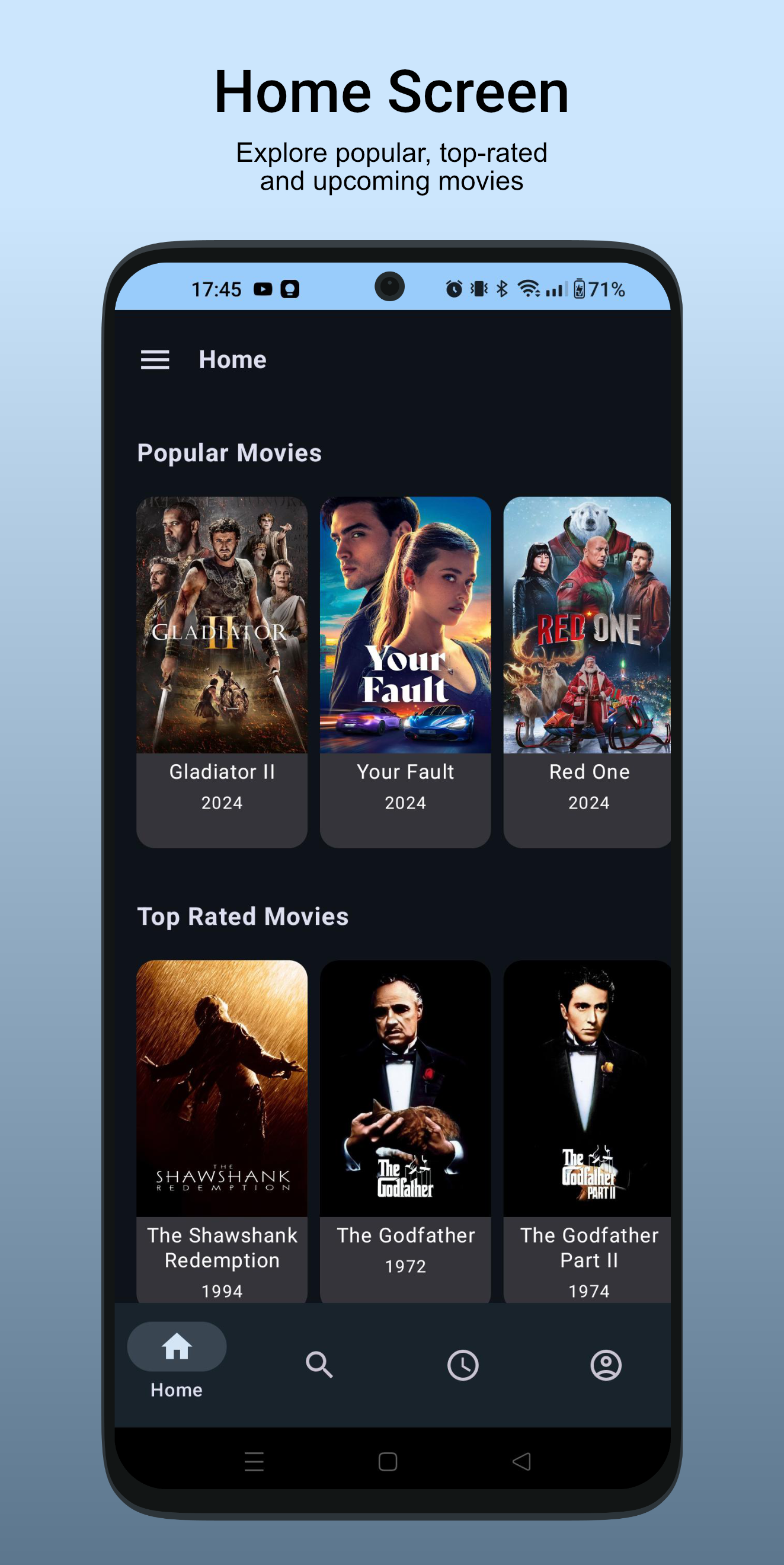
Logline is an open-source Android app that provides a seamless movie browsing experience with an emphasis on user privacy and transparency. The app offers core functionality to discover, organize, and rate movies while ensuring that user data remains under their control.
Features
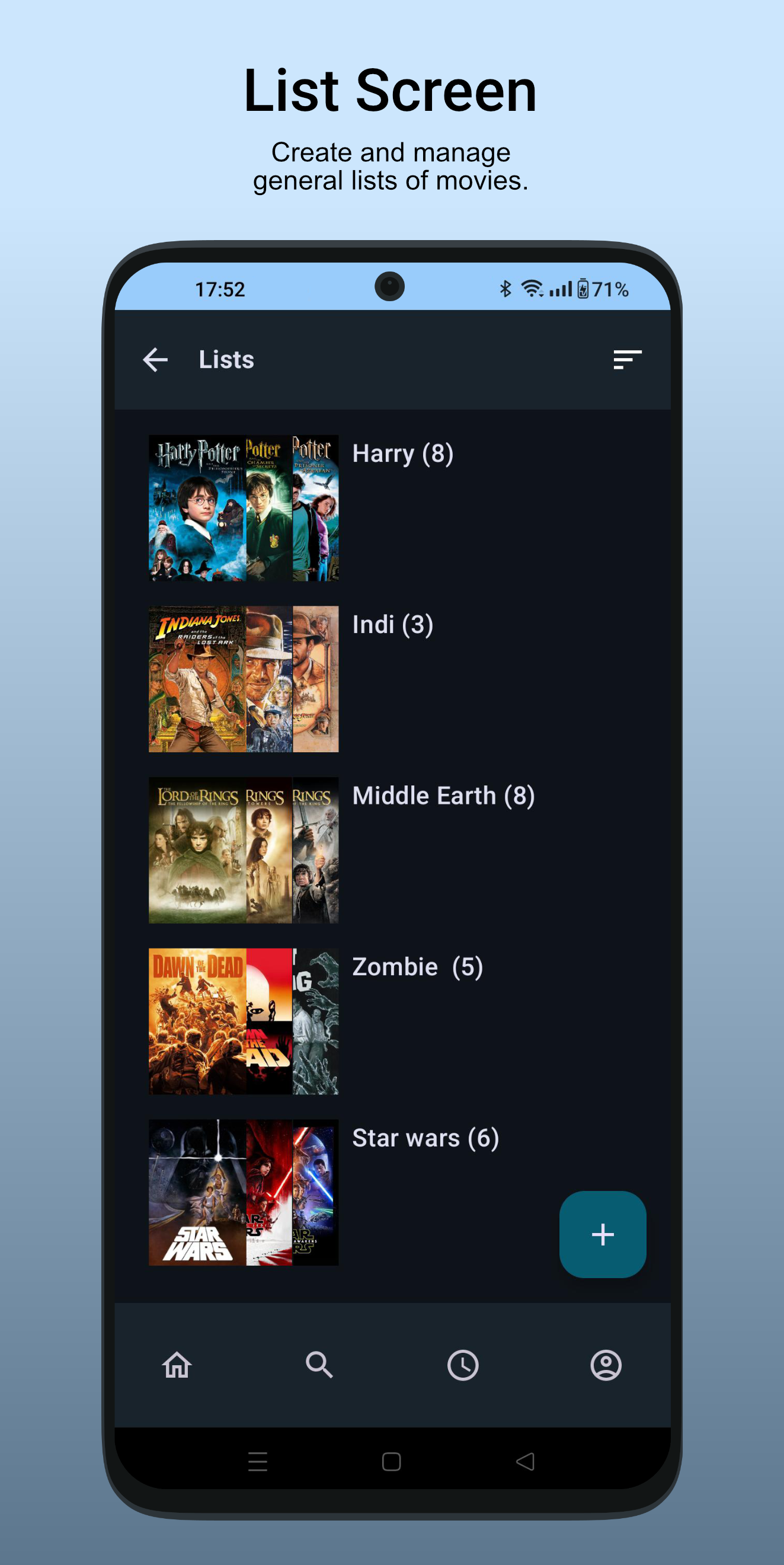
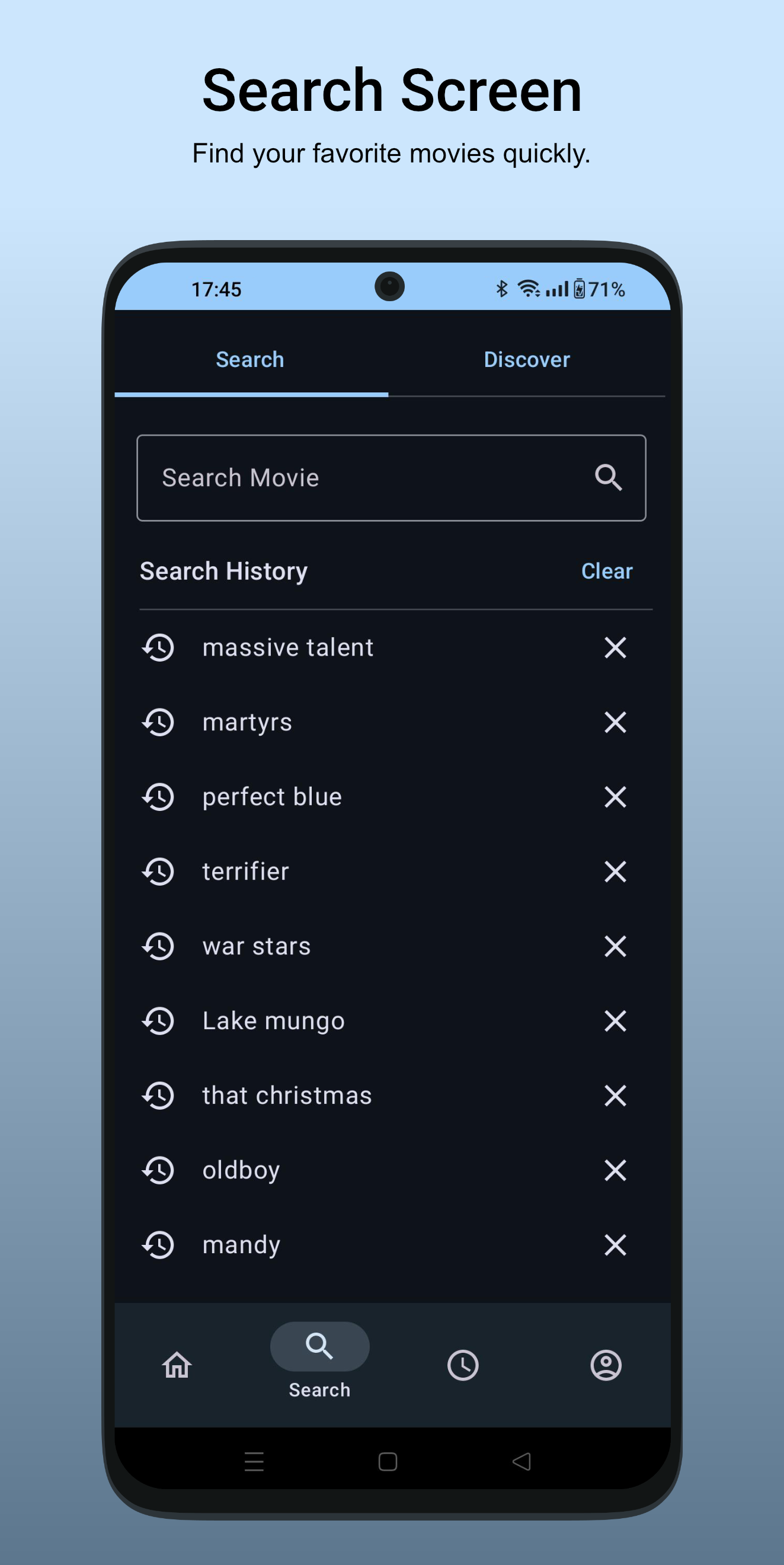
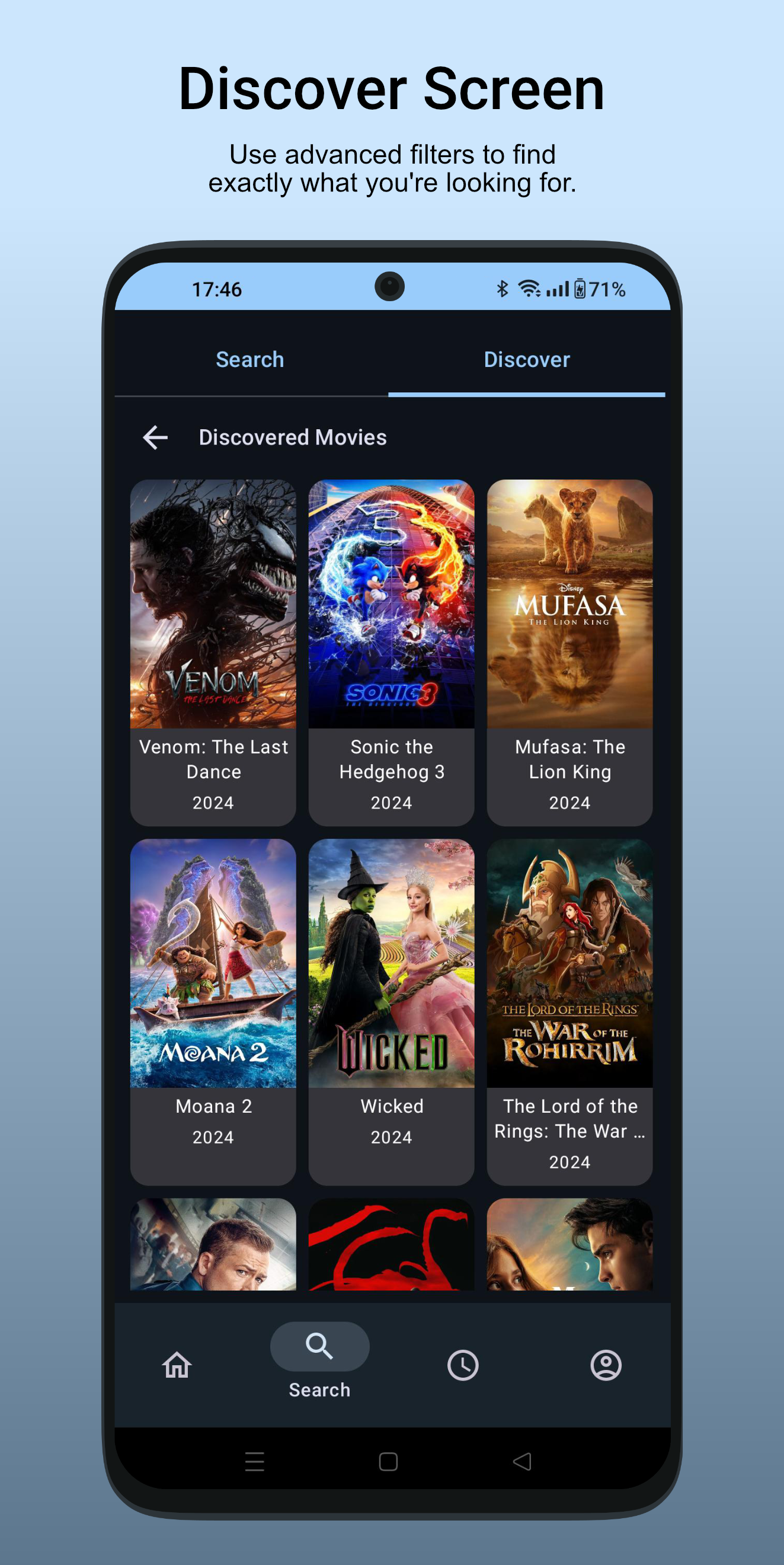
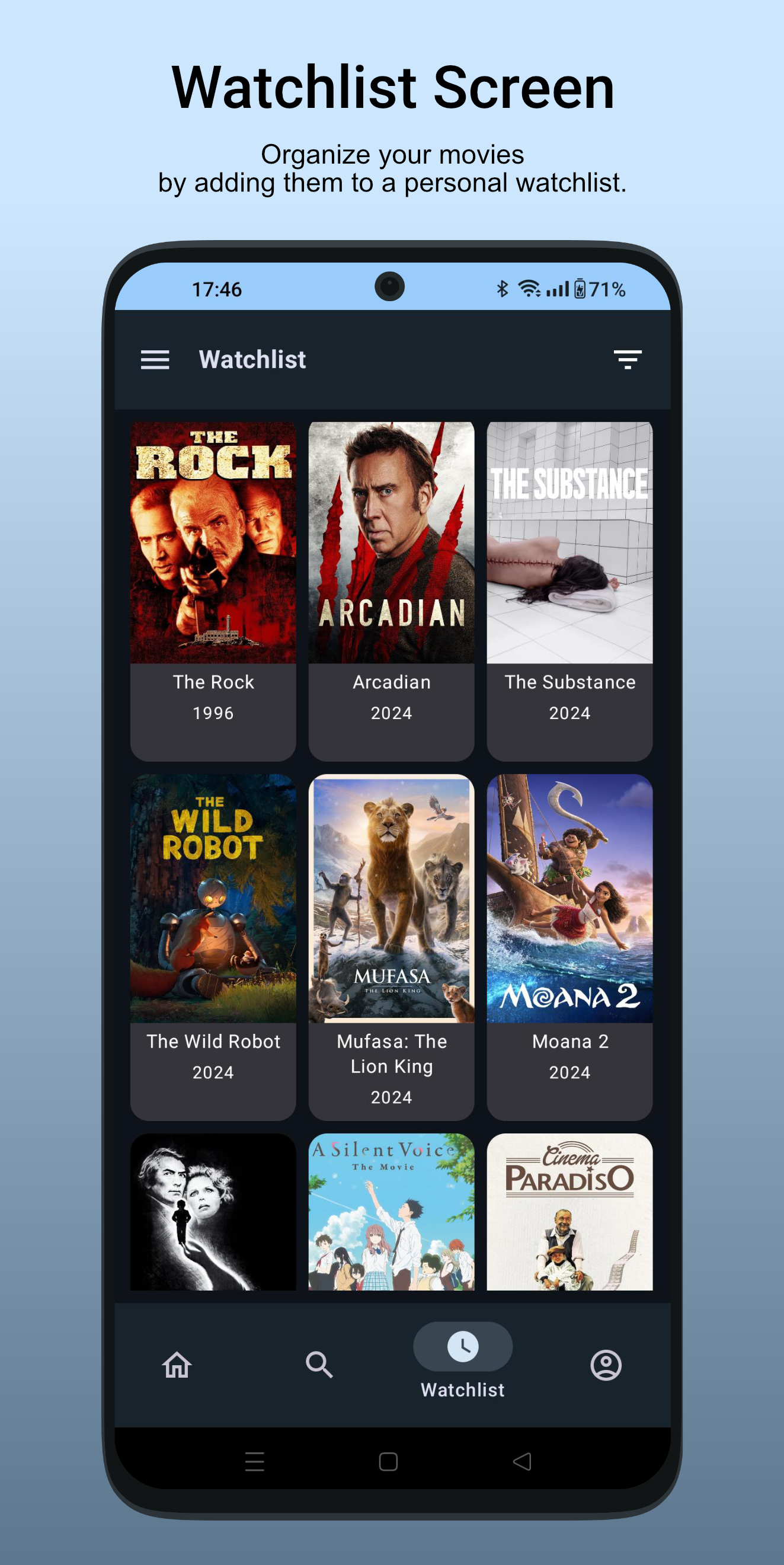
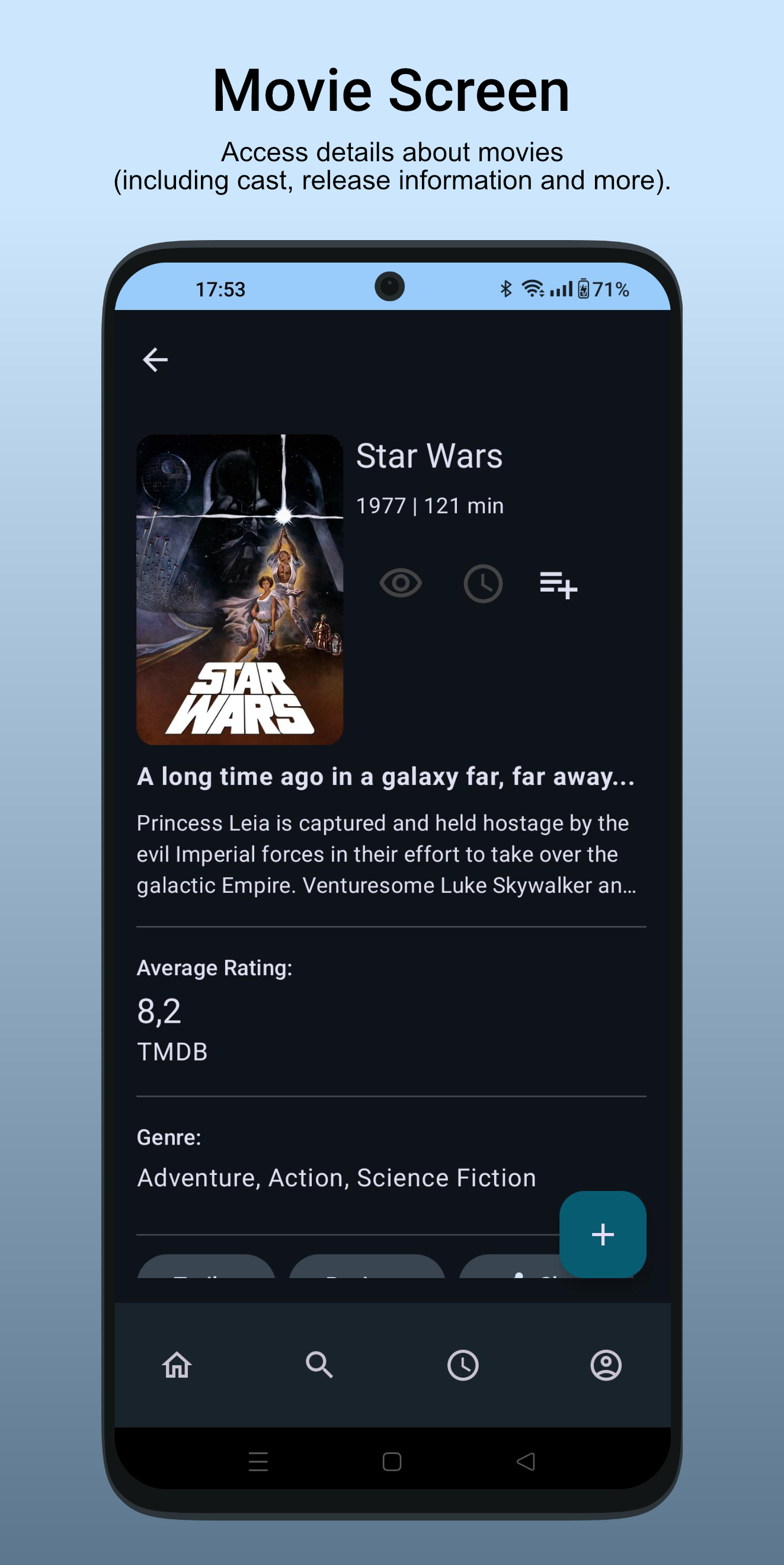
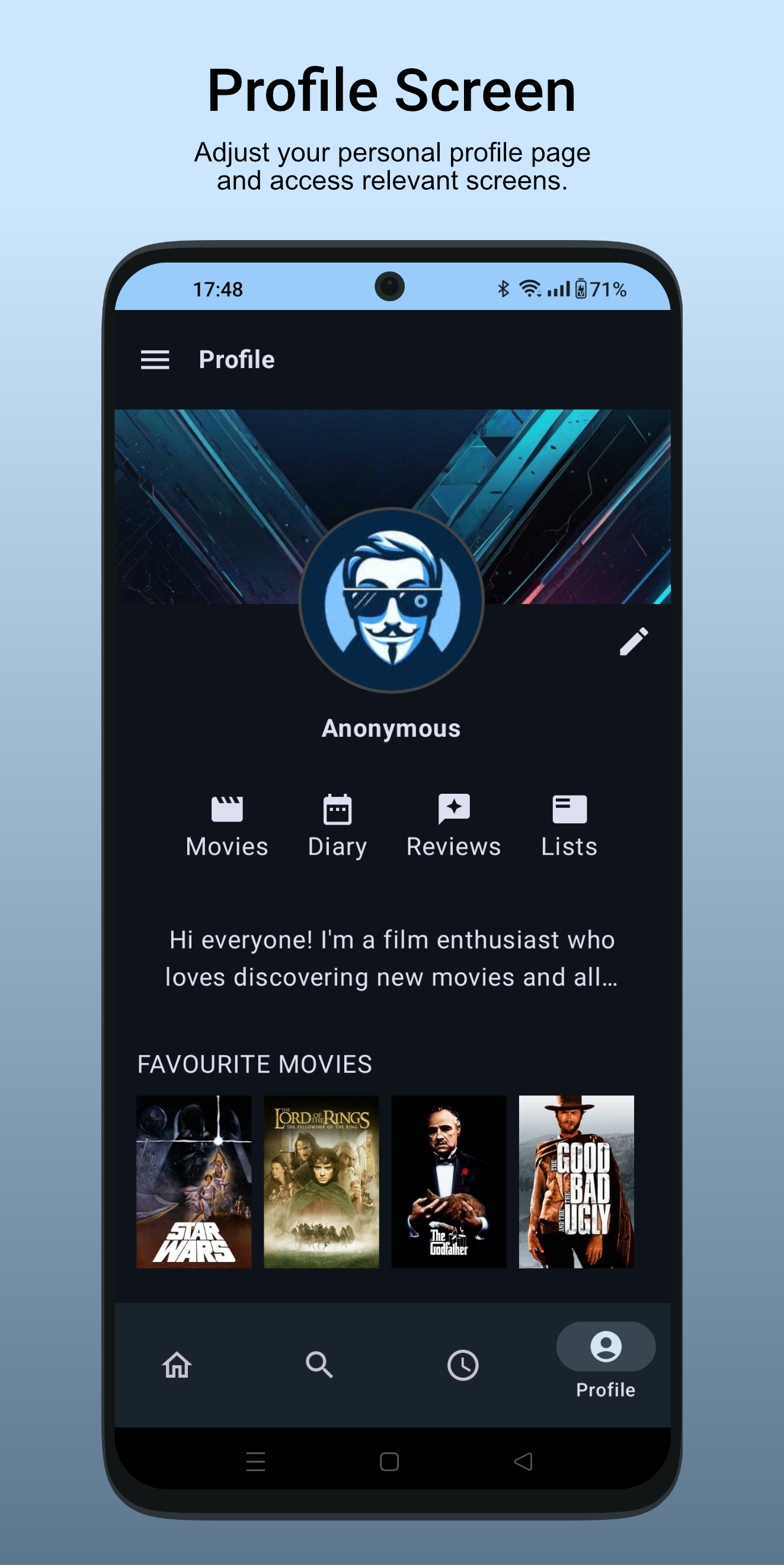
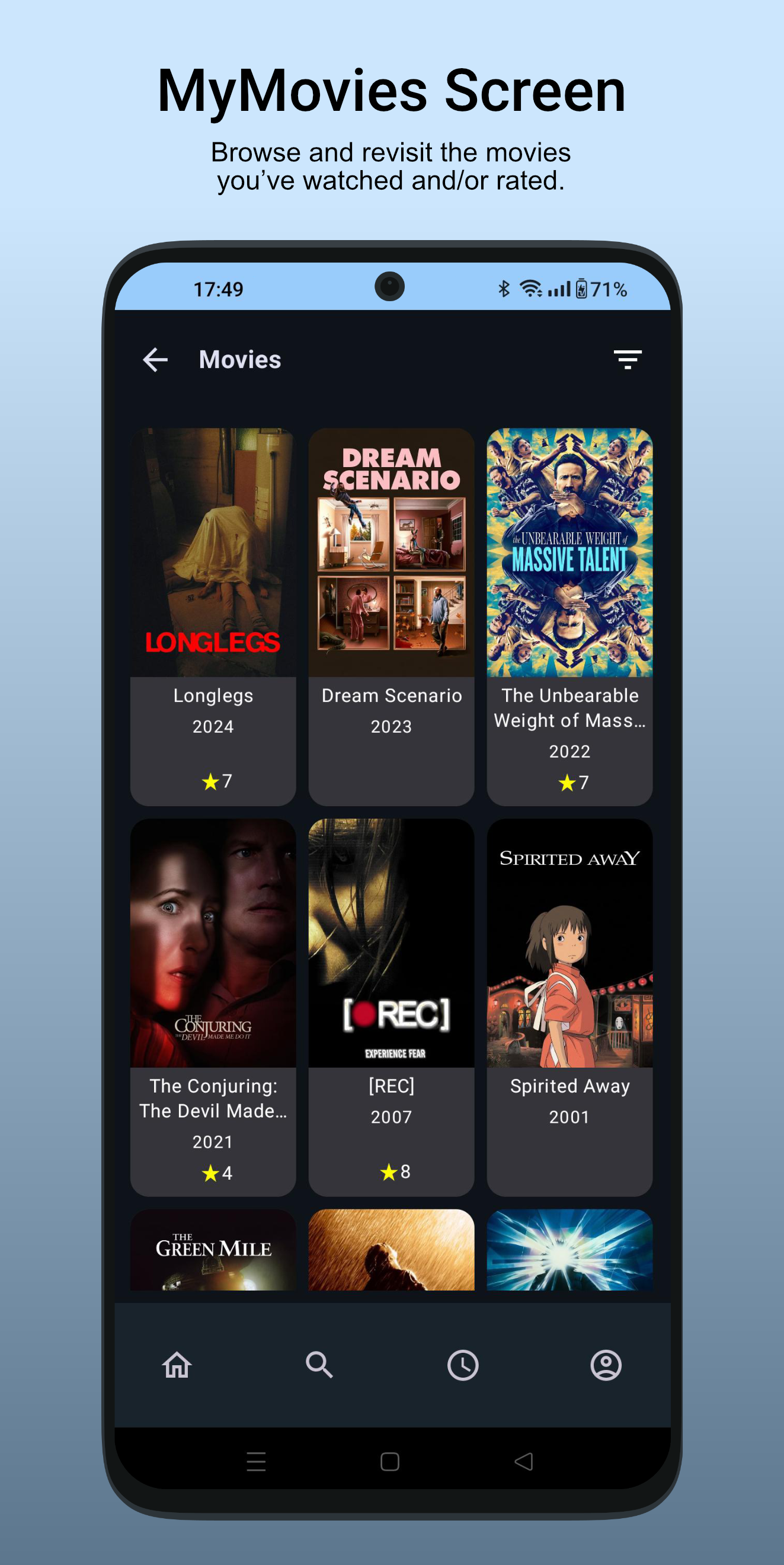
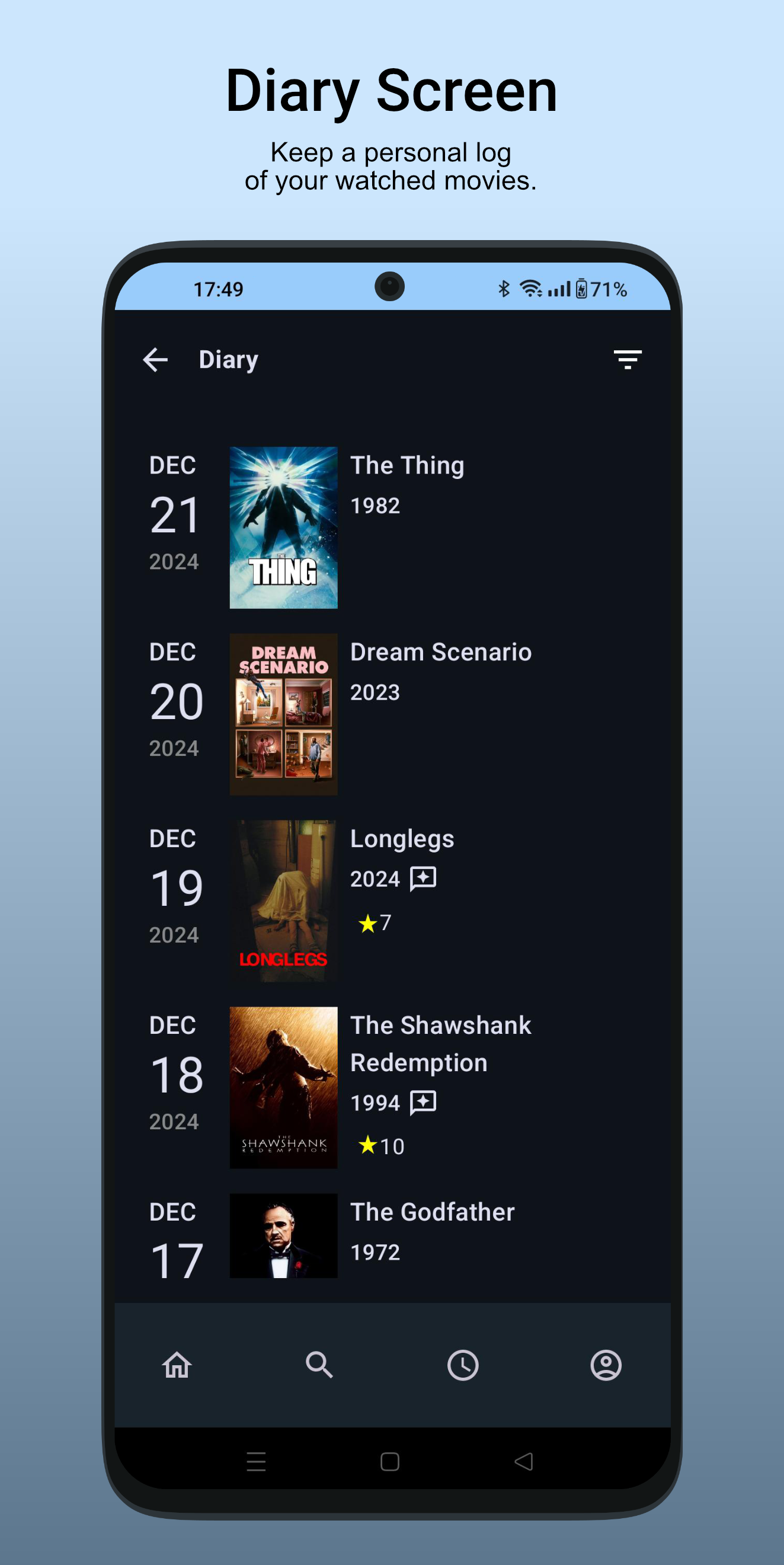
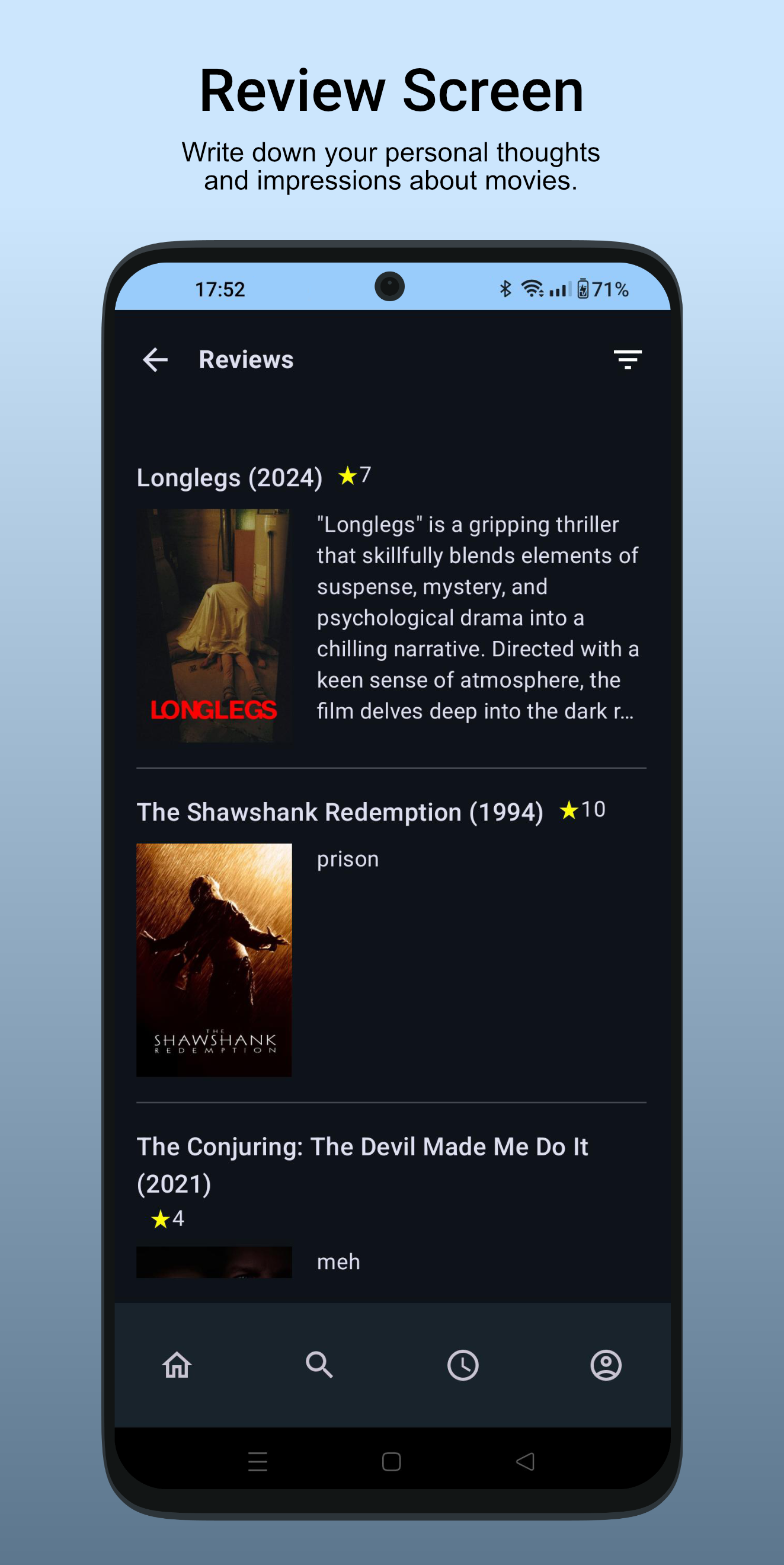
- Discover new Movies: Explore popular, top-rated, and upcoming movies. Use advanced filters to find exactly what you're looking for, from genres to release years and more. - Search Functionality: Find your favorite movies quickly. - Detailed Movie Information: Access details about movies (including cast, release information and more). - Watchlist: Organize your movies by adding them to a personal watchlist. - Rate Movies: Privately rate movies you’ve watched. - Activity Tracking: Keep a personal log of your watched movies. - Write Personal Reviews: Write down your personal thoughts and impressions about movies. - Custom Lists: Create and manage general lists of movies. - Export/Import Data: Securely back up your data or transfer it to a new device. - Privacy First: Local data storage ensures full control of your personal information.
Updated
- added predictive back gestures
Fixed:
- fixed export for older android versions (9 and lower)
- small material 3 theme improvements
Development
- target sdk 36
- updated dependencies
Recent approved comments · sorted by newest
View all comments