Auto reply bot for WhatsApp, FB Messenger and more soon
F-Droid repository metadata
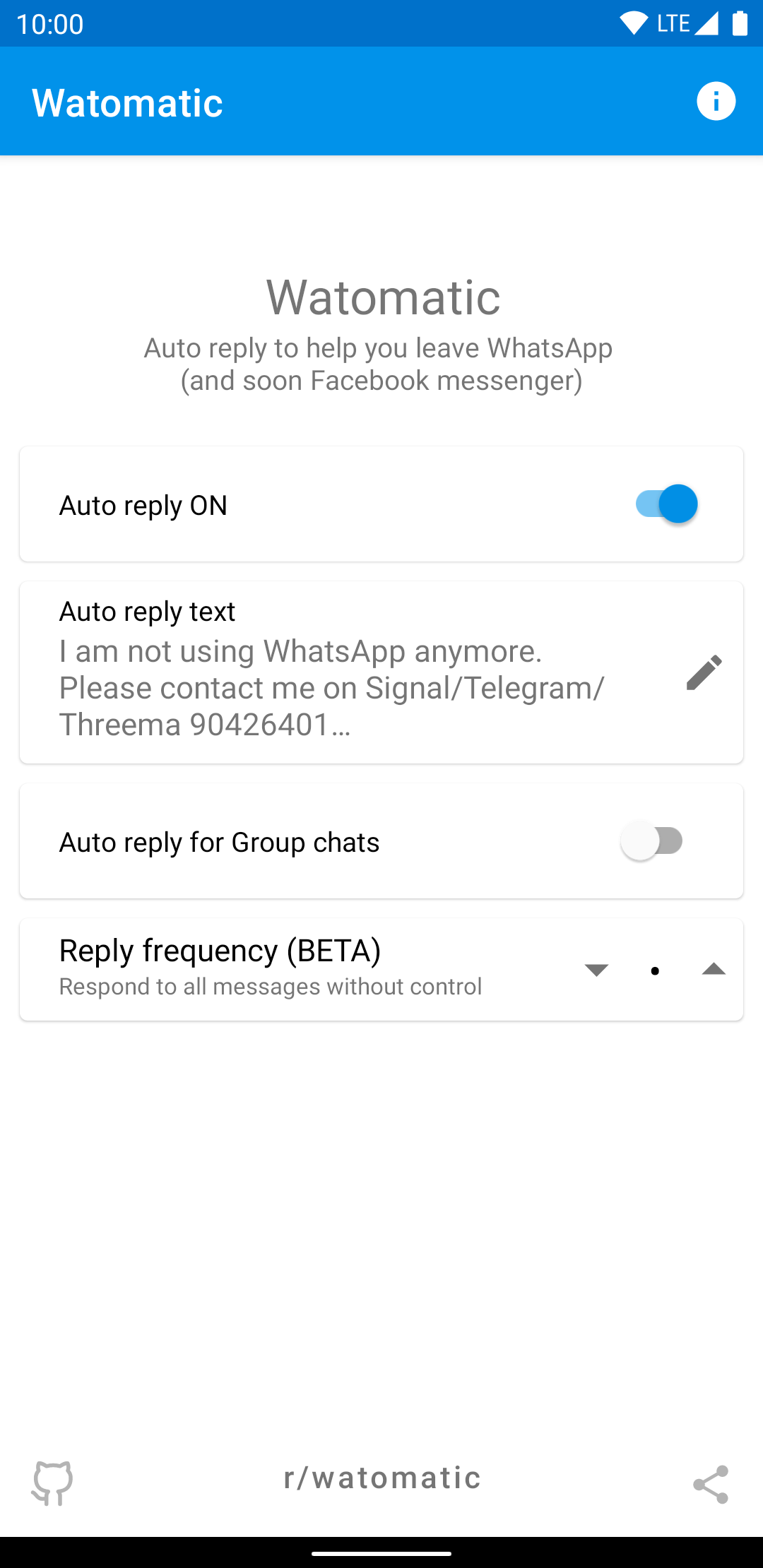
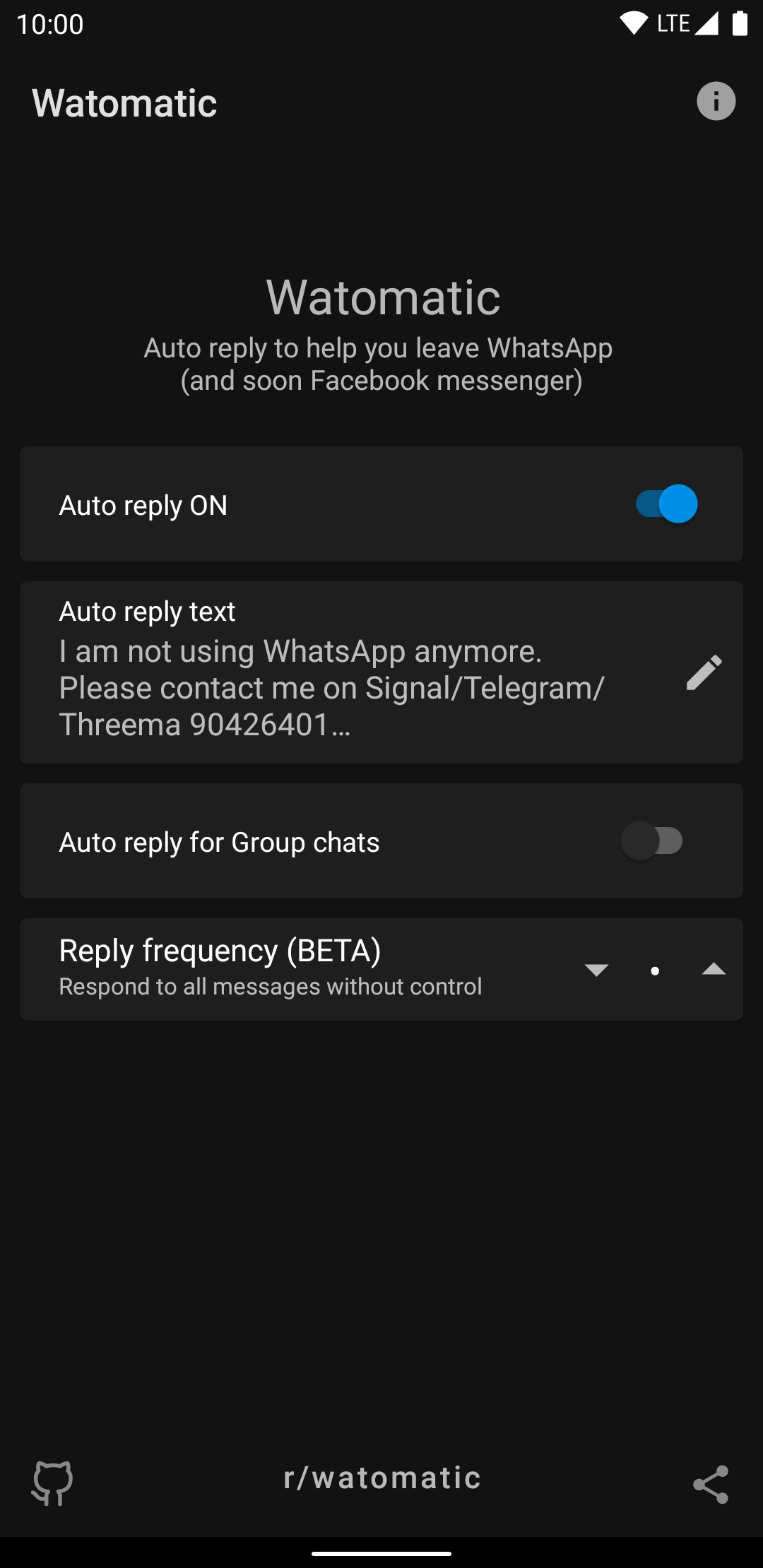
Watomatic automatically replies to all your WhatsApp and Facebook messages. This is especially useful if you are planning to migrate away from WhatsApp but can also be used as a simple vacation responder.
Features:
* Auto reply to every WhatsApp and Facebook messages
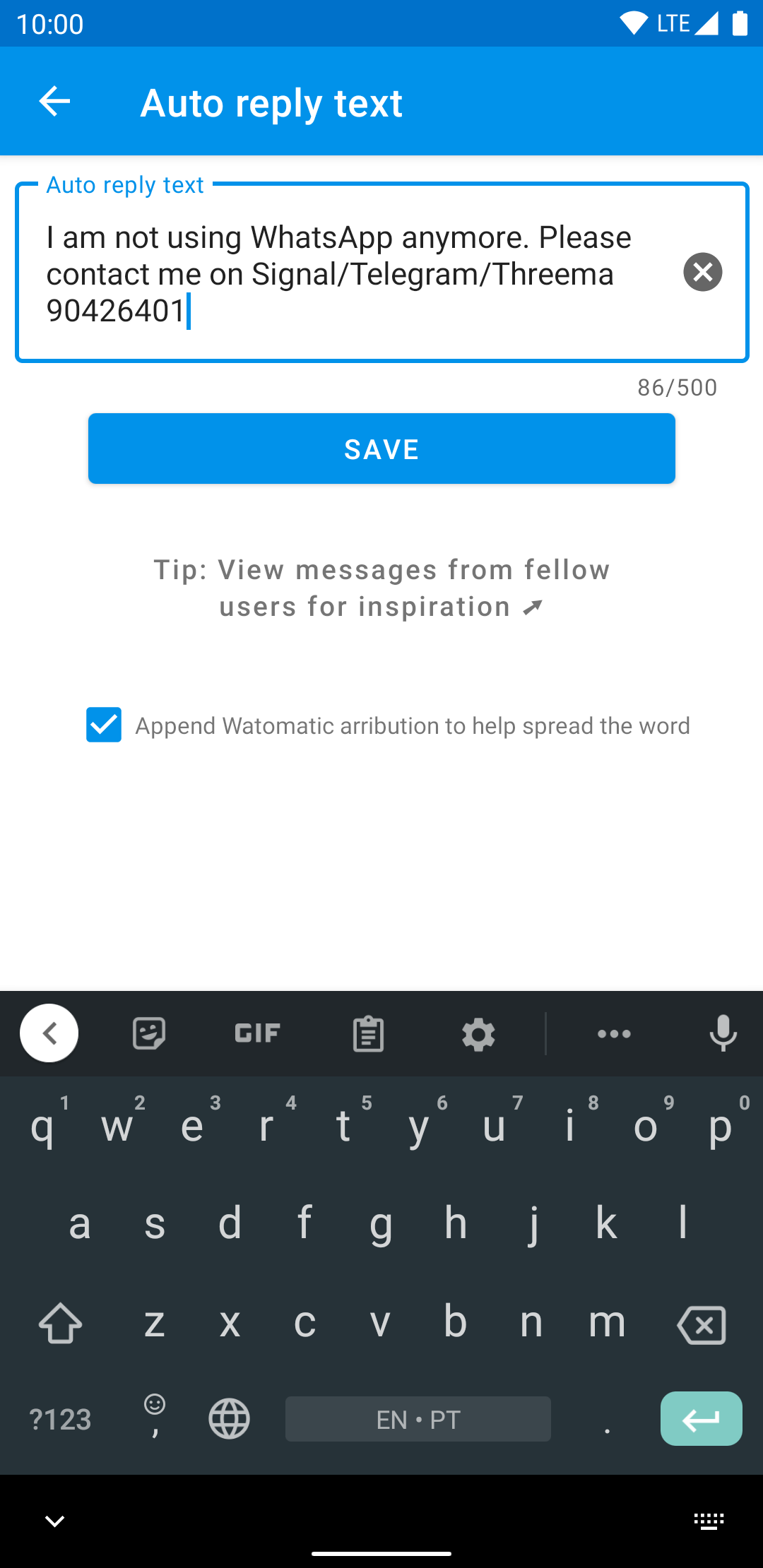
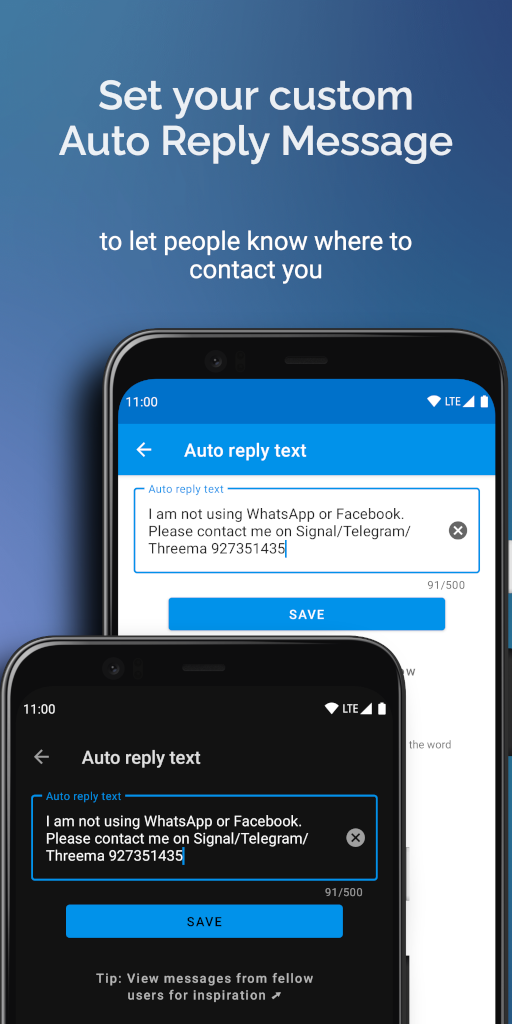
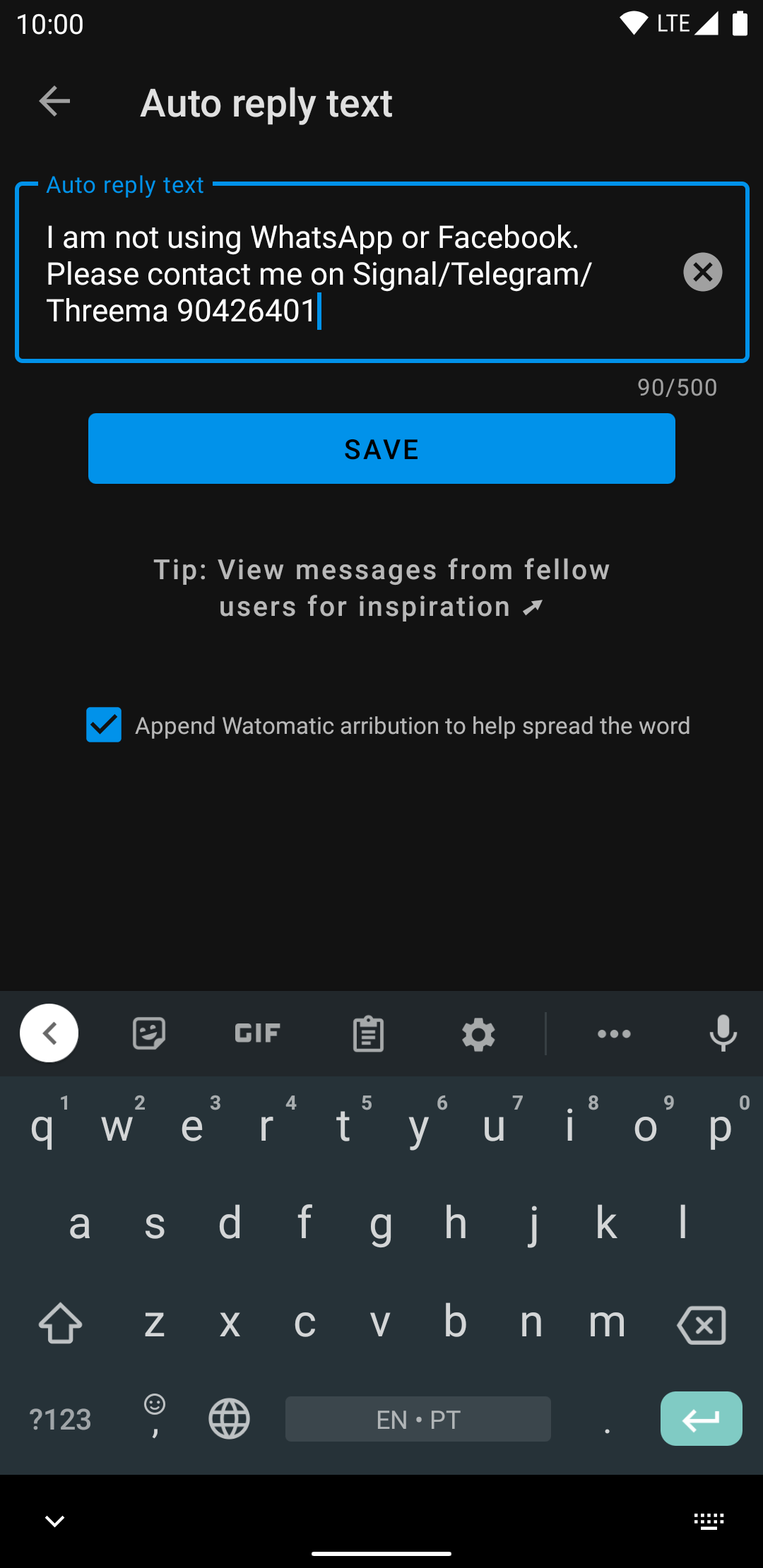
* Set your own auto reply message
* Auto reply to group chats
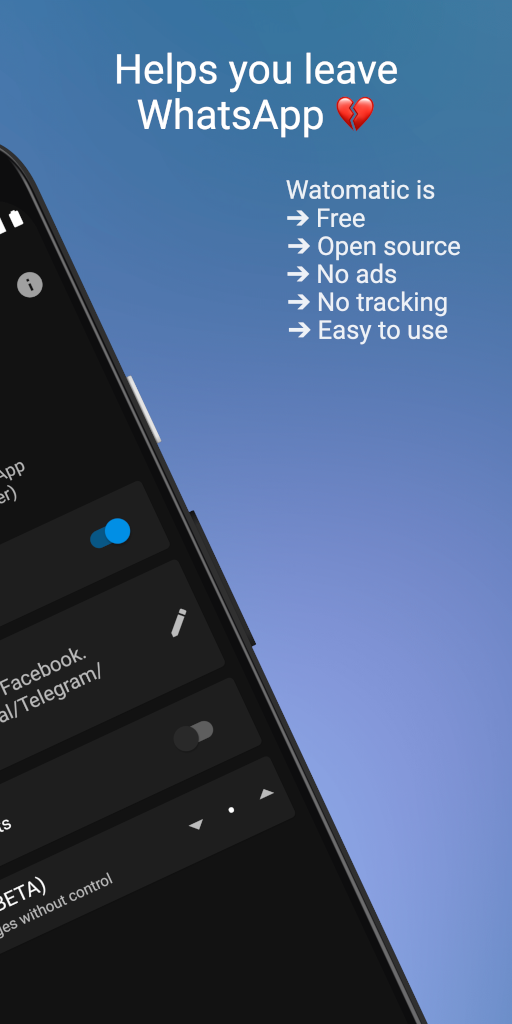
* Respects your privacy
* Does not connect to the internet
* No Ads
* Open Source
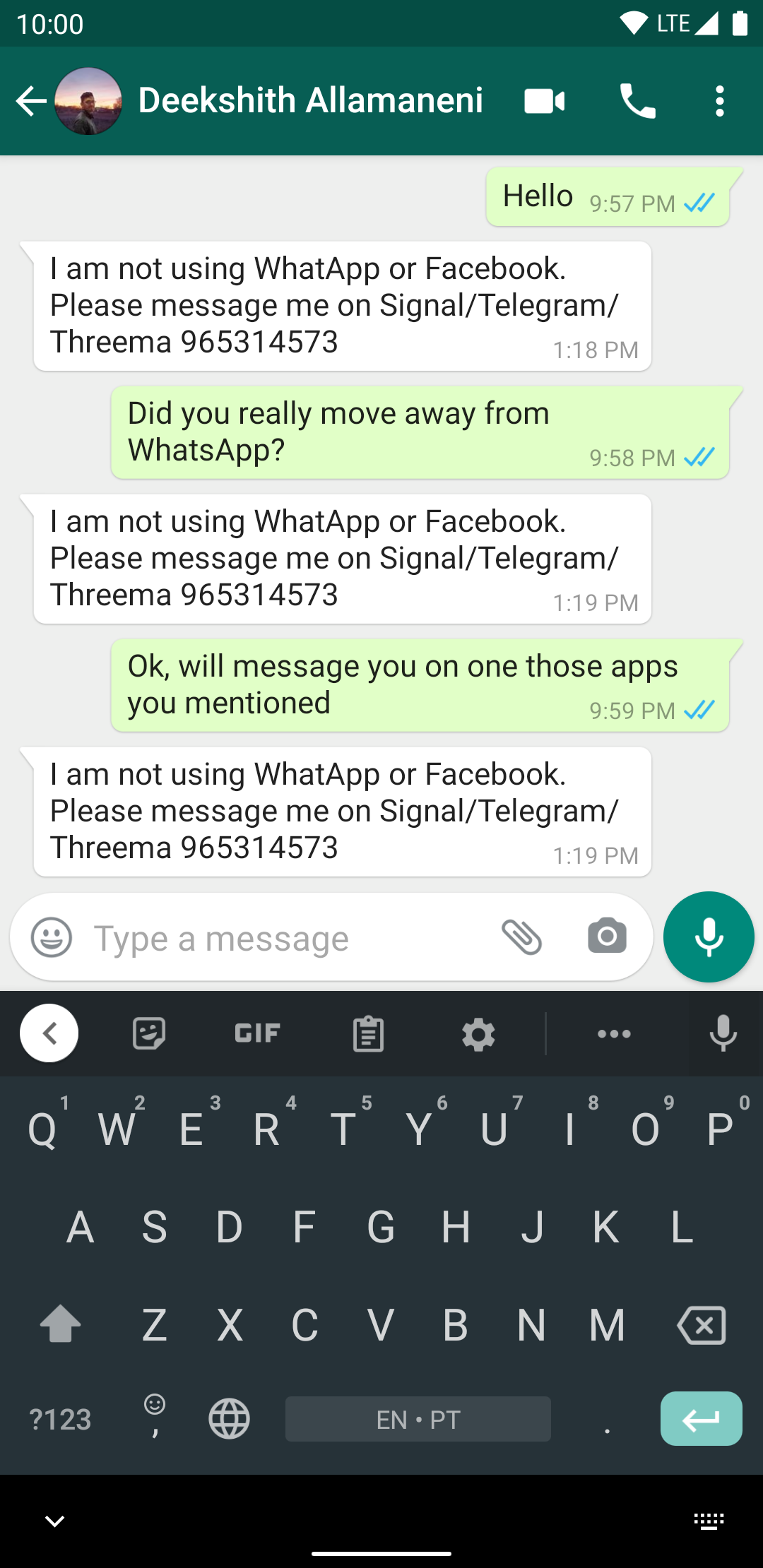
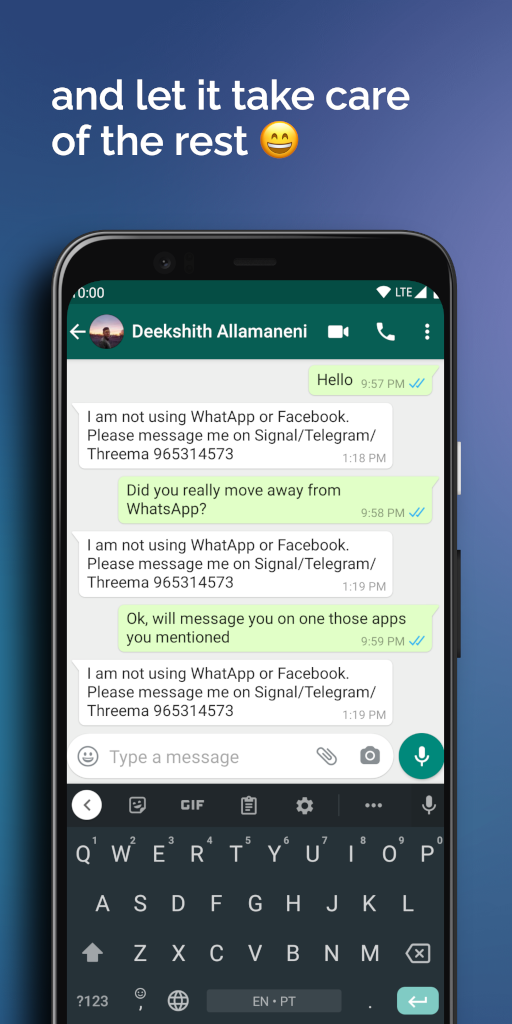
WhatsApp's recent privacy policy changes have triggered a huge migration to more privacy friendly apps like Signal and others. But most of us find it difficult to delete WhatsApp because everyone else uses it. Watomatic tries to make your migration easier by letting your friends automatically know that you are moved to another app. Just set an auto reply message something like “I am not using WhatsApp anymore. Please use Signal…” and let it do the work for you.
Troubleshoot:
Watomatic relies on WhatsApp notifications for auto reply to work. Most users usually have notifications enabled so should work straight out of the box but otherwise please make sure WhatsApp notifications are enabled and WhatsApp fingerprint lock is disabled for this app to work.
This app is not associated with any company including WhatsApp, Facebook, Signal, Telegram.
This uses non standard Android APIs to achieve this so it is not guaranteed to work on all devices.
Screenshots
What’s new
* New feature to exclude or include auto reply based on contacts Hèctor Godoy (#316, #325, #326) * New feature to enable persistent notification to prevent app being put to sleep by SP Uday Kumar (#319) * Translations: * Polish translations by Patryk Prawda * Spanish and Catalan translations by Benet R. i Camps * Macedonian translations by Soma Dima * Basque translations by Joxe Rojas * Russian translations by crlf * Arabic translations by nasyaldnya * Spanish translations by germe
How to install
Download the APK from the button at the top of this page.
Allow “Install unknown apps” for your browser or file manager only, not for every app.
Open the downloaded file and confirm the installation.
If installation fails with “App not installed,” remove an earlier build of the same app first. A signature conflict is the usual cause.
Data safety
Every file is checked against its published SHA-256 before it is listed.
Files are scanned for malware on every update.
The permissions each app requests are listed on its own page.
Read the full safety policy for how we test, flag, and delist files.