QuickWeather is really fast. Just open the app and see the weather right now. There's no loading screen and no wait time. The weather is delivered to you with no extra junk, just clean and clear information.
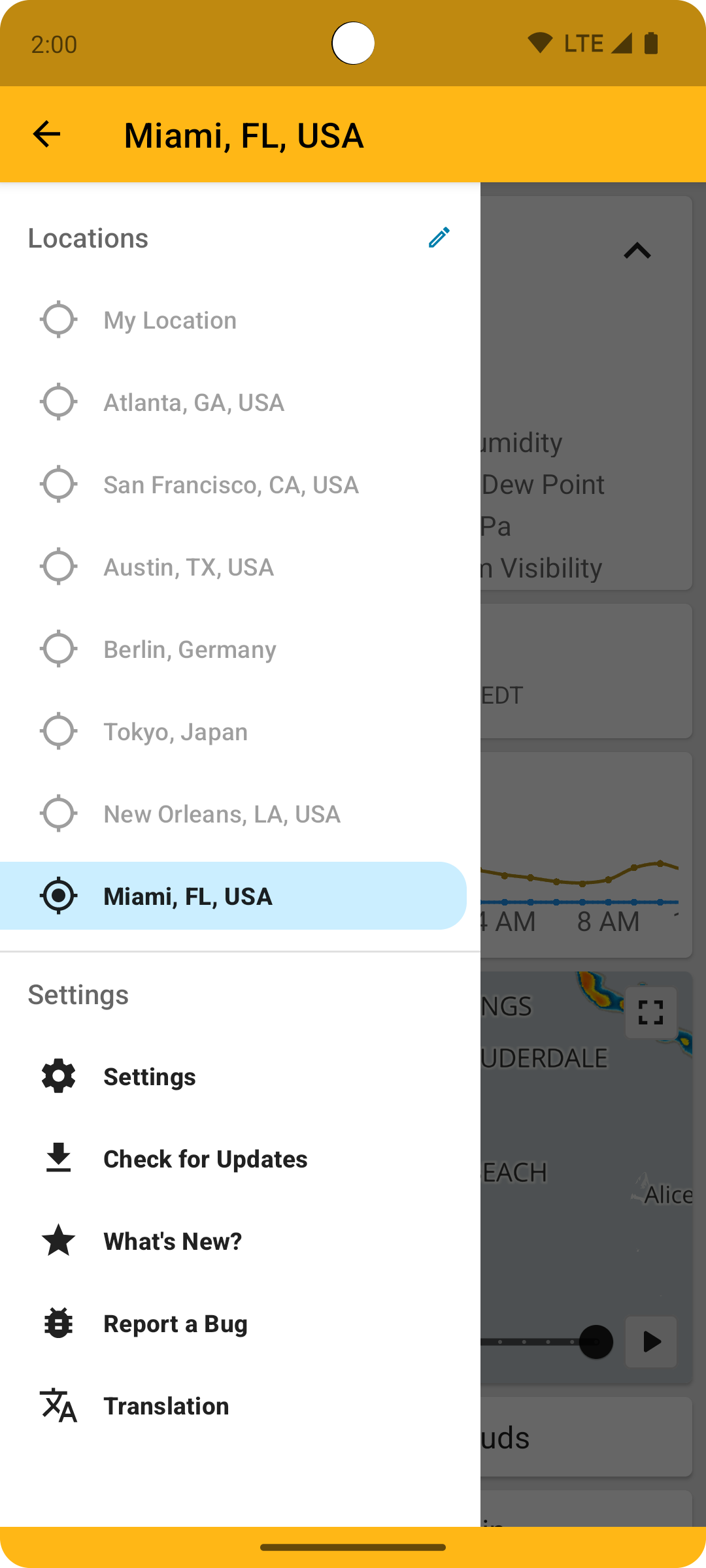
You can add as many locations to the side drawer as you want to have their weather a single tap away. QuickWeather can even determine your current location if you allow it (location information is not collected).
QuickWeather is Always Free (No IAPs or Ads) and Always Open Source
Here's what you get
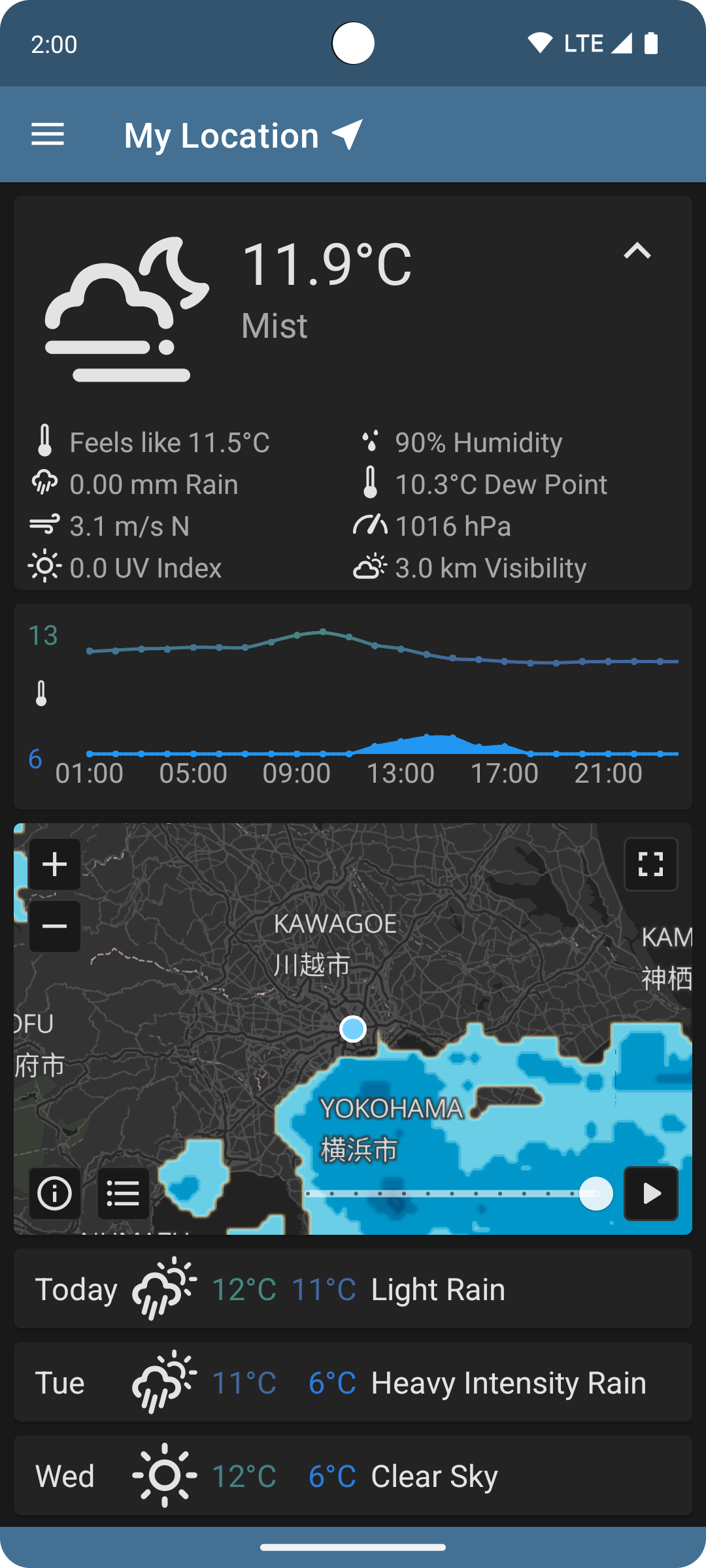
Fullscreen Radar
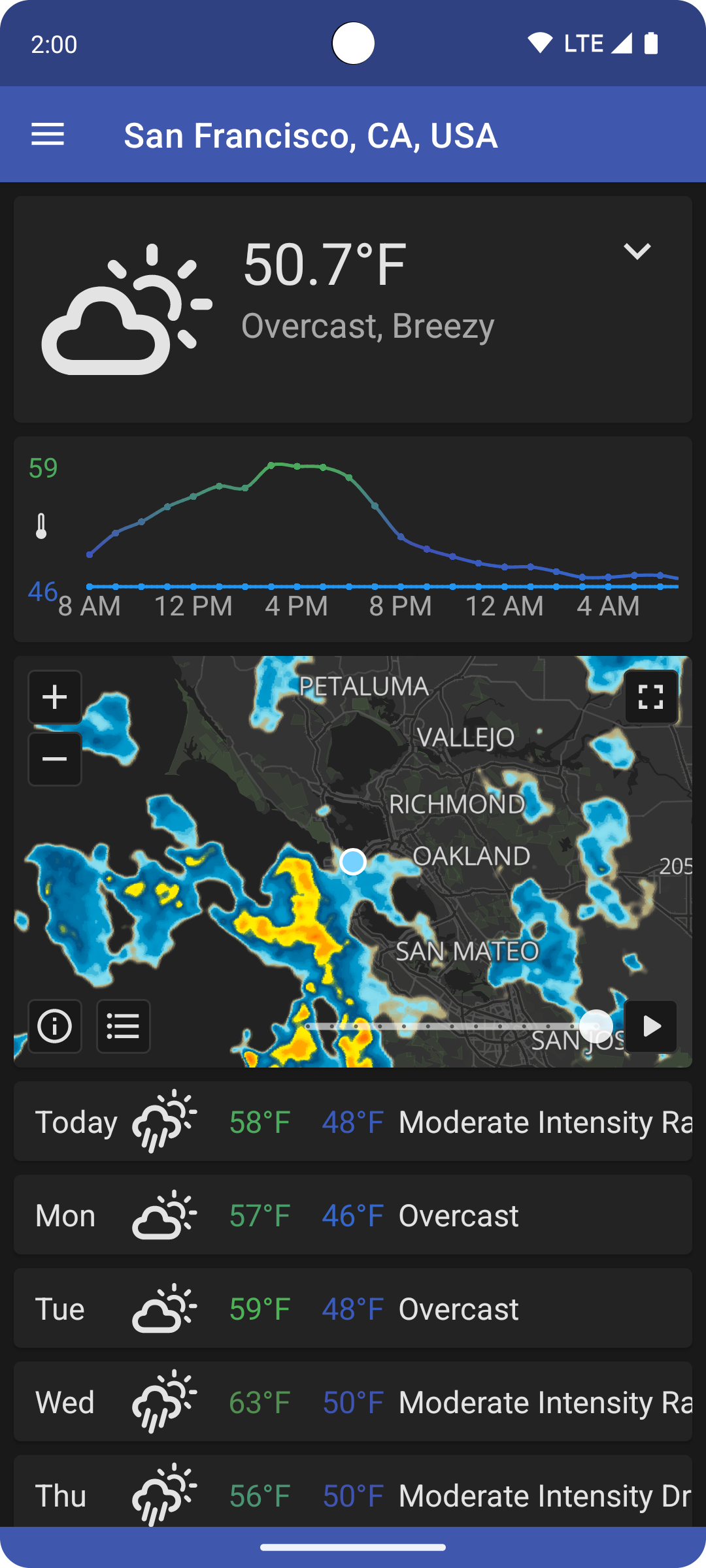
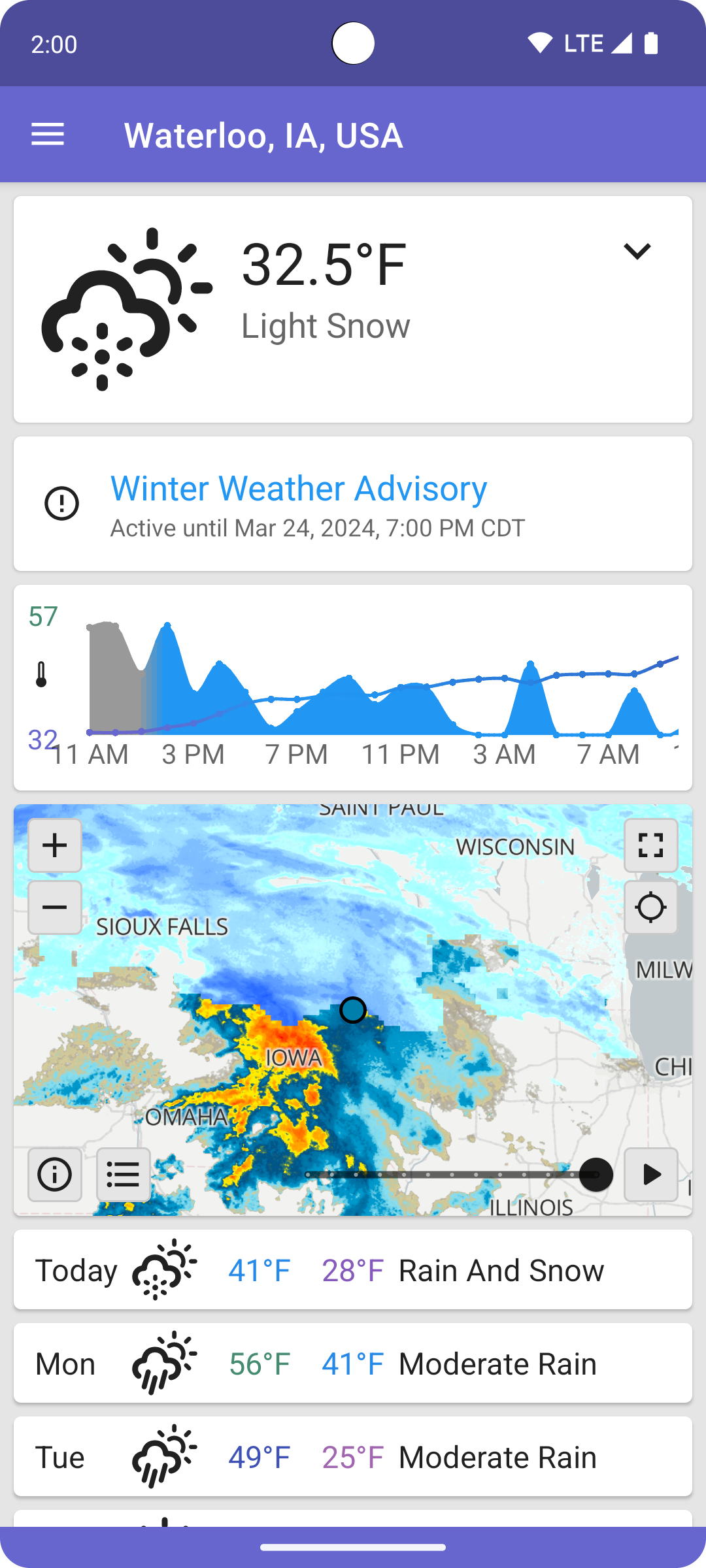
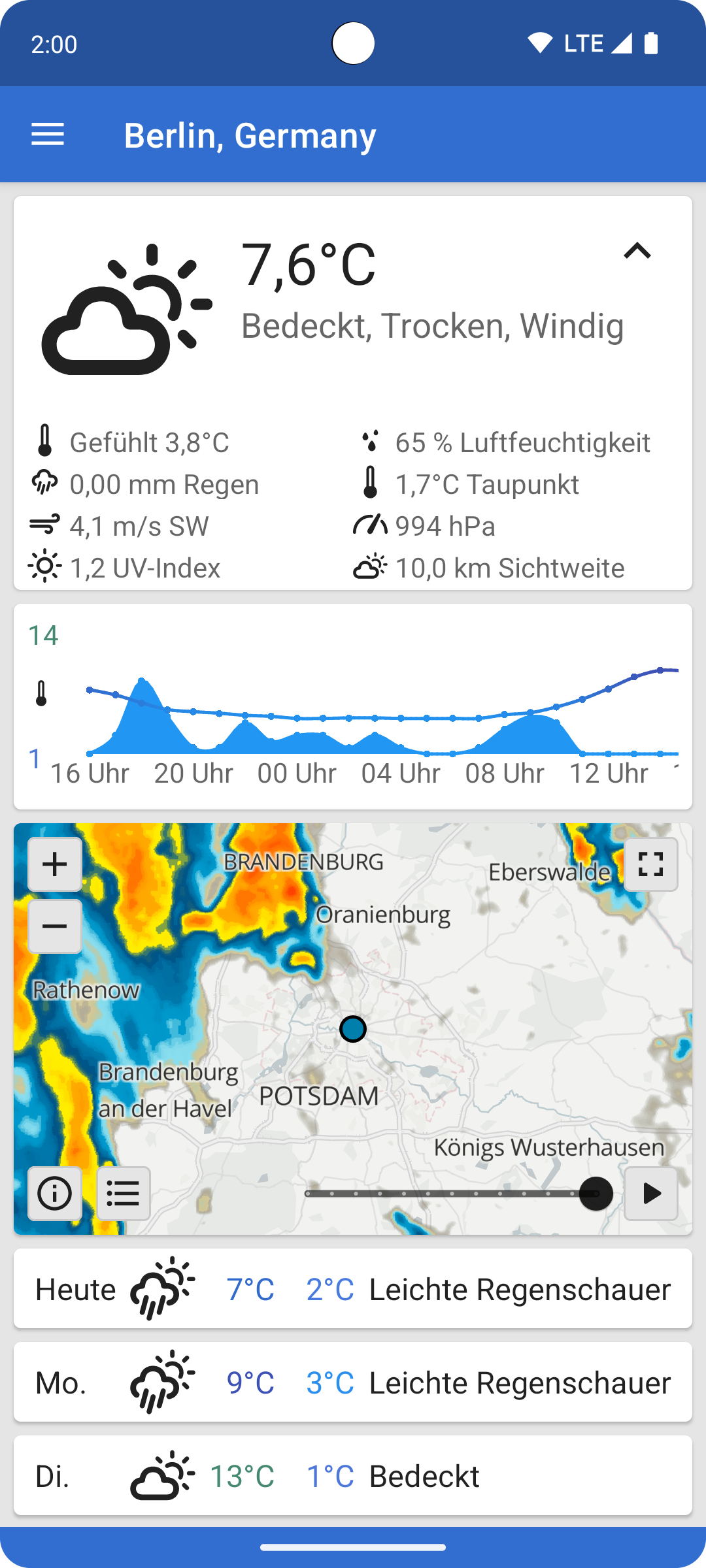
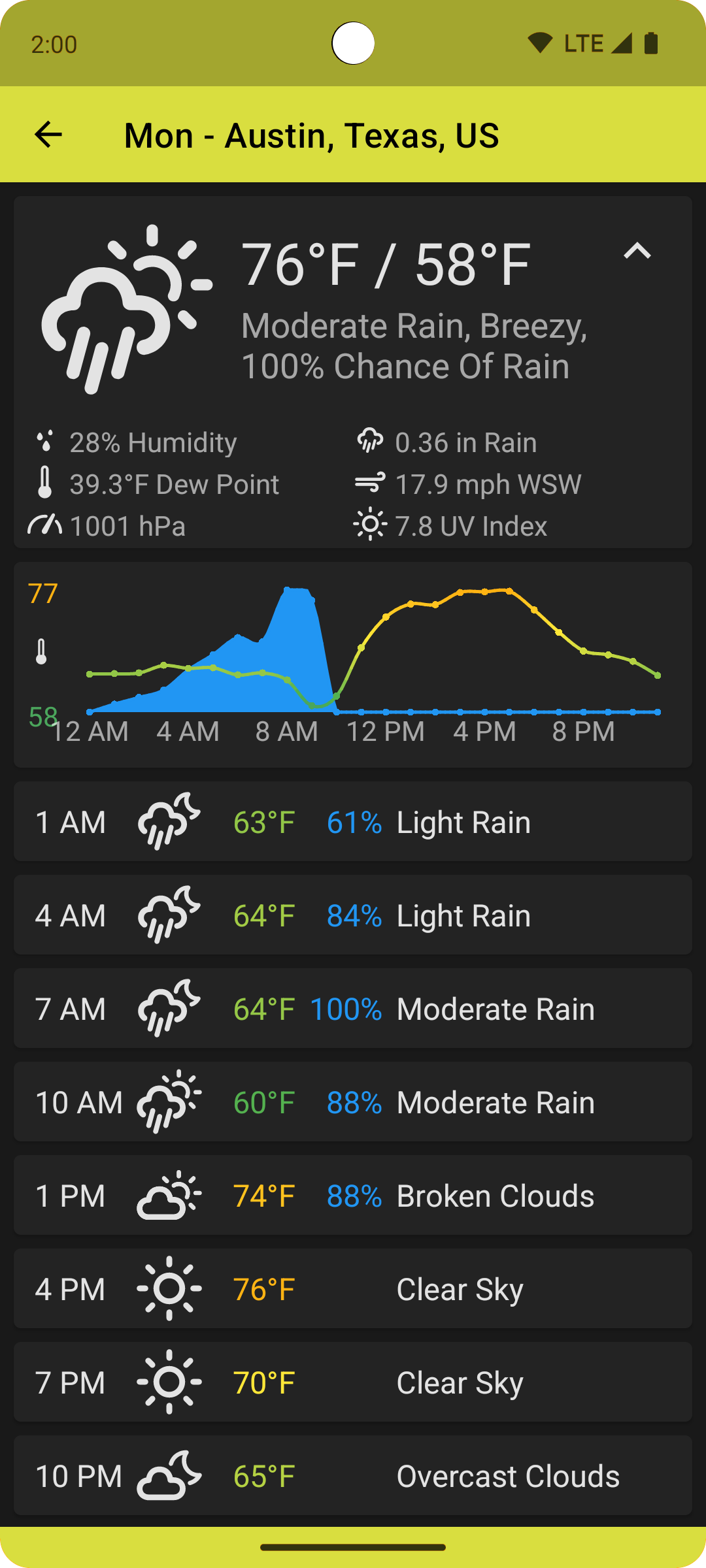
Current Weather, Temperature, "Feels Like" Temperature, Precipitation, Wind Speed, Humidity, Pressure, Dew Point, Visbility
Current and Forecast Temperature and Precipitation Graph
Current Weather Notification
Weather Alert Notifications
Hourly Temperature and Precipitation (48 hours)
3-Hour Temperature and Precipitation (5 days)
Daily Forecast Weather and High and Low Temperature (7 days)
If using OpenWeatherMap, QuickWeather requires an active API key with the "One Call by Call" subscription to the "One Call 3.0" API to function. If you do not have one, you can sign up for a free API key here.
If using Open-Meteo, QuickWeather does not require an API key.
Required Permissions
Internet - Required to connect to the internet and retrieve weather information
Optional Permissions
Location - Required to retrieve the user's current location, if requested
Background Location - Required to retrieve the user's current location for weather notification and alerts, if requested
Receive Boot Completed - Required to reschedule the notification service each boot
Screenshots
What’s new
* RainViewer (radar provider) has removed support for radar themes, and added rate limits * Removed non-functional radar themes * Added retry due to RainViewer rate limits * Added optimization for radar tiles without coverage * Added support for compressed GadgetBridge data (Credit @ThomasKuehne) * Added support for GadgetBridge 0.89.0 (Credit @joserebelo) * Ukrainian Translation via Weblate (Credit @Uaskiff) * Czech Translation via Weblate (Credit Ivan Kološ) * Chinese (Simplified Han script) T
How to install
Download the APK from the button at the top of this page.
Allow “Install unknown apps” for your browser or file manager only, not for every app.
Open the downloaded file and confirm the installation.
If installation fails with “App not installed,” remove an earlier build of the same app first. A signature conflict is the usual cause.
Data safety
Every file is checked against its published SHA-256 before it is listed.
Files are scanned for malware on every update.
The permissions each app requests are listed on its own page.
Read the full safety policy for how we test, flag, and delist files.