Know your geo coordinates using on-device GPS and Network location providers
F-Droid repository metadata
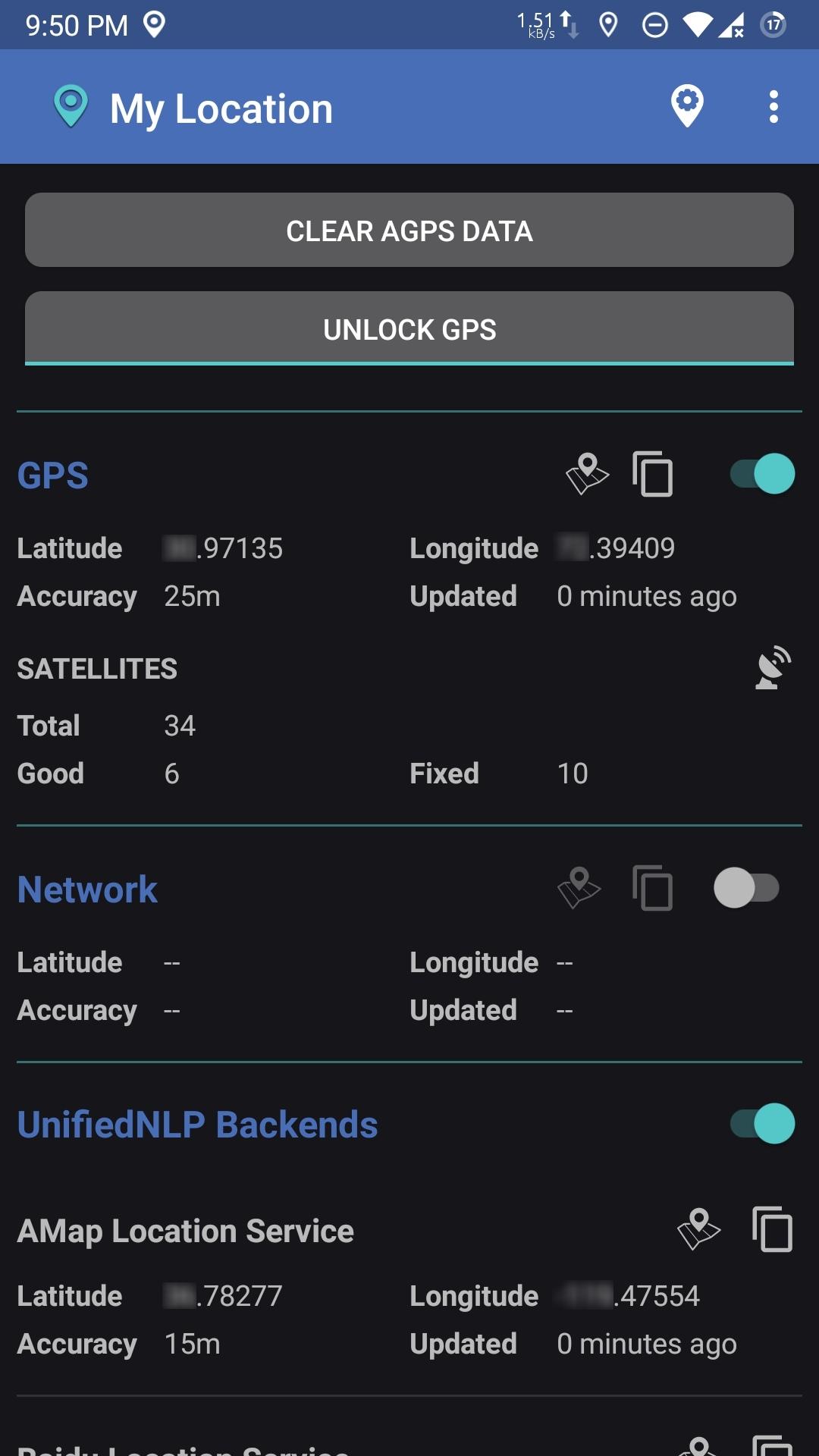
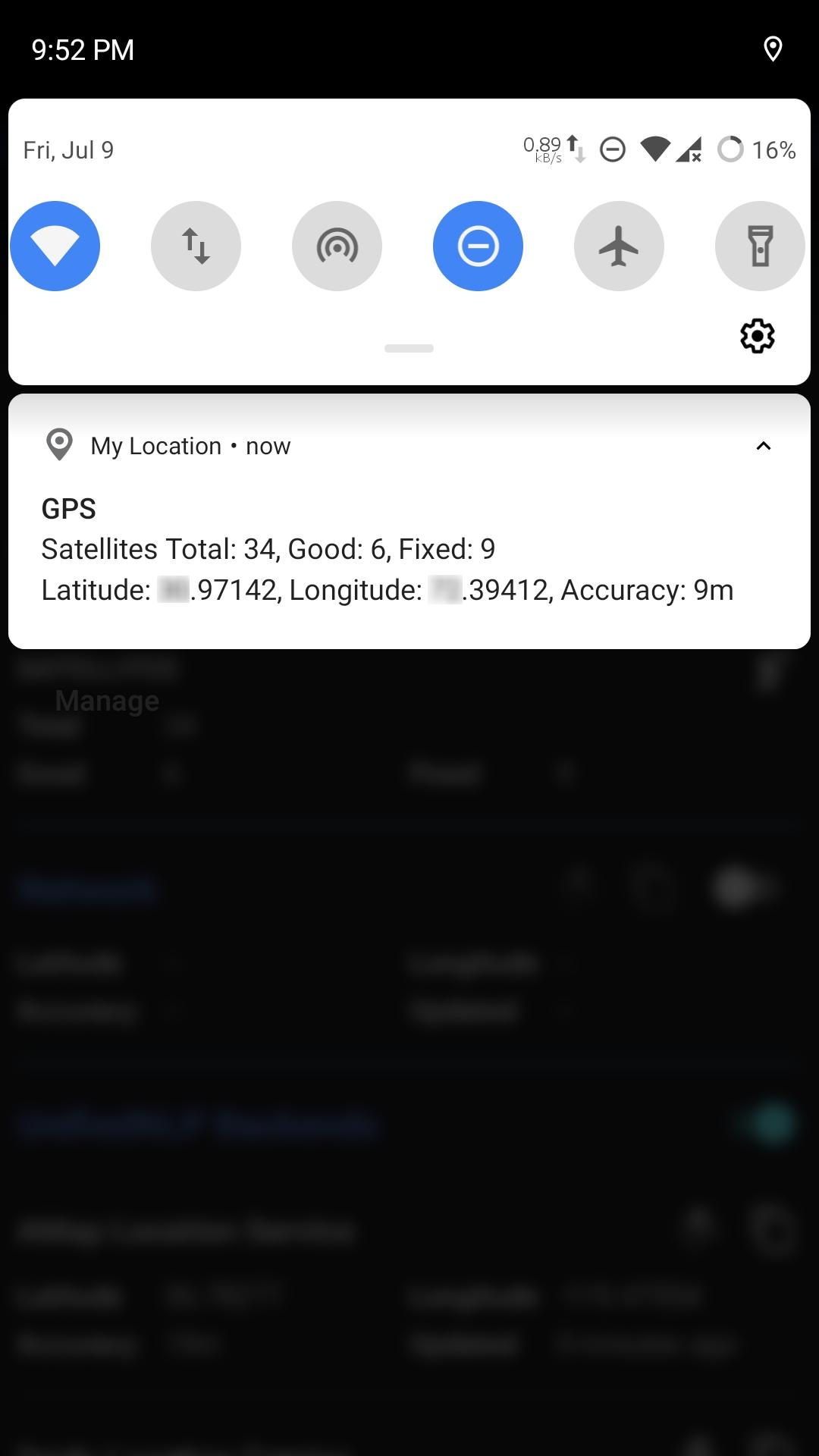
Features:My Location finds your device's location in the following ways:
-GPS is usually the most accurate method. But a position fix may take some time or may not work at all due to signal loss. Lock GPS feature runs a persistent service to keep connected with the satellites.
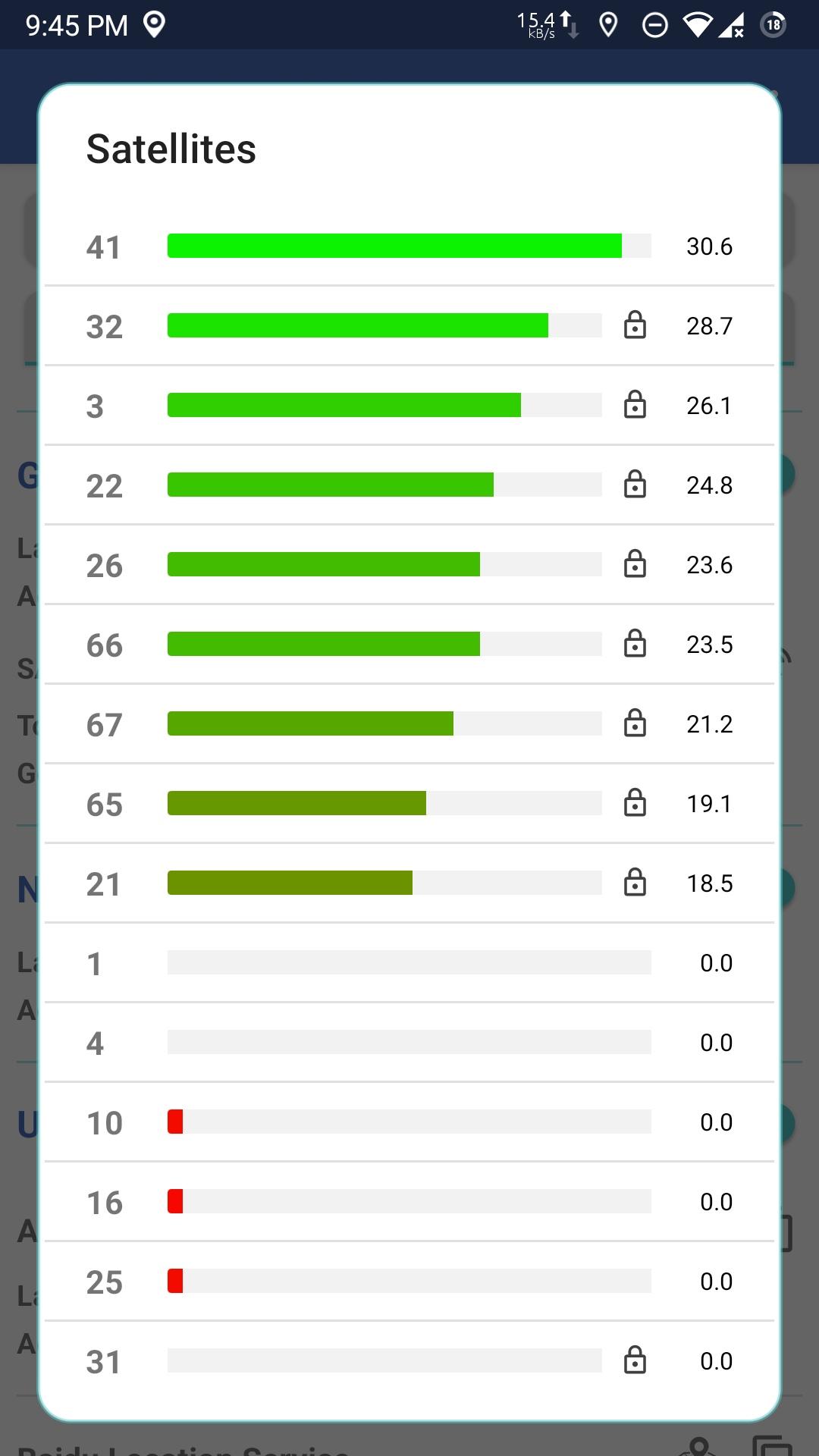
You can also see the list of visible satellites with their PRNs (unique identifiers) and SNR (signal quality).
-Network Location Provider uses Wi-Fi or Cellular ids to estimate the location. On the devices with Google Play Services installed, NLP usually uses Google Location Service at backend.
-UnifiedNLP is an open source API which has been used to develop multiple NLP backends (https://github.com/microg/UnifiedNlp/wiki/Backends).
Furthermore:- Location coordinates can be copied to clipboard or opened in a maps app, if installed.
- Clearing A-GPS aiding data is also supported.
Note that My Location is not a location provider like UnifiedNLP (or microG GmsCore). It just shows the location information received from AOSP location providers (GPS and Network) or directly from UnifiedNLP Backends (whichever are available on the device).
Screenshots
What’s new
- Minor fxes
How to install
Download the APK from the button at the top of this page.
Allow “Install unknown apps” for your browser or file manager only, not for every app.
Open the downloaded file and confirm the installation.
If installation fails with “App not installed,” remove an earlier build of the same app first. A signature conflict is the usual cause.
Data safety
Every file is checked against its published SHA-256 before it is listed.
Files are scanned for malware on every update.
The permissions each app requests are listed on its own page.
Read the full safety policy for how we test, flag, and delist files.