What’s new
Drop legacy v1 (JAR) APK signing so F-Droid can publish the developer-signed APK directly via AllowedAPKSigningKeys. No functional change for users; v2/v3 signing scheme remains and supports all minSdk 26+ devices.

Updated Sep 22, 2026
Admin panel for Synapse homeservers manage users rooms and media
F-Droid repository metadata
Matrix Synapse Manager is an Android app for administering Synapse homeservers. Manage users, devices, rooms, media, federation, and server health across multiple Synapse instances from a single, secure, mobile-first admin panel.
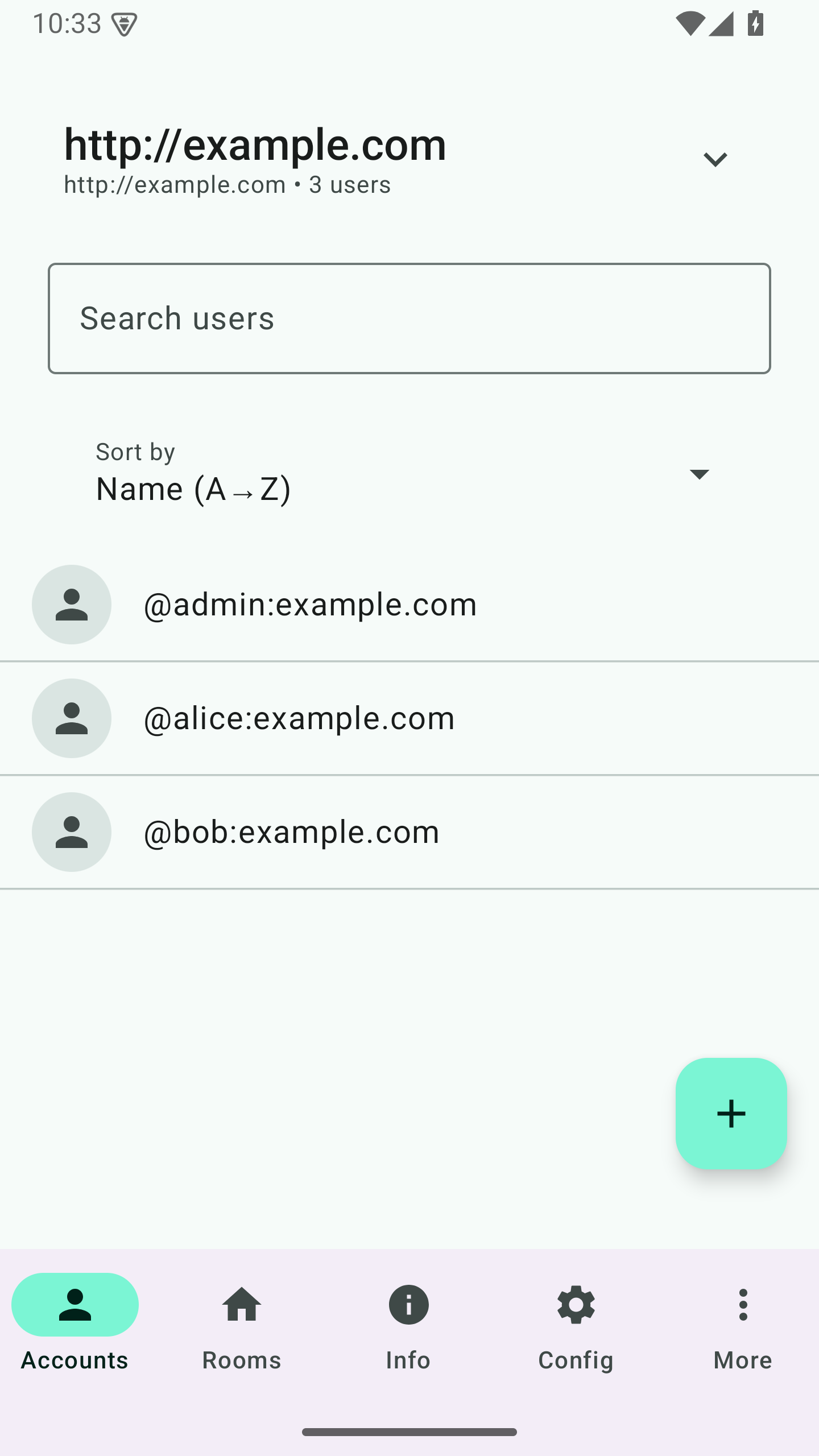
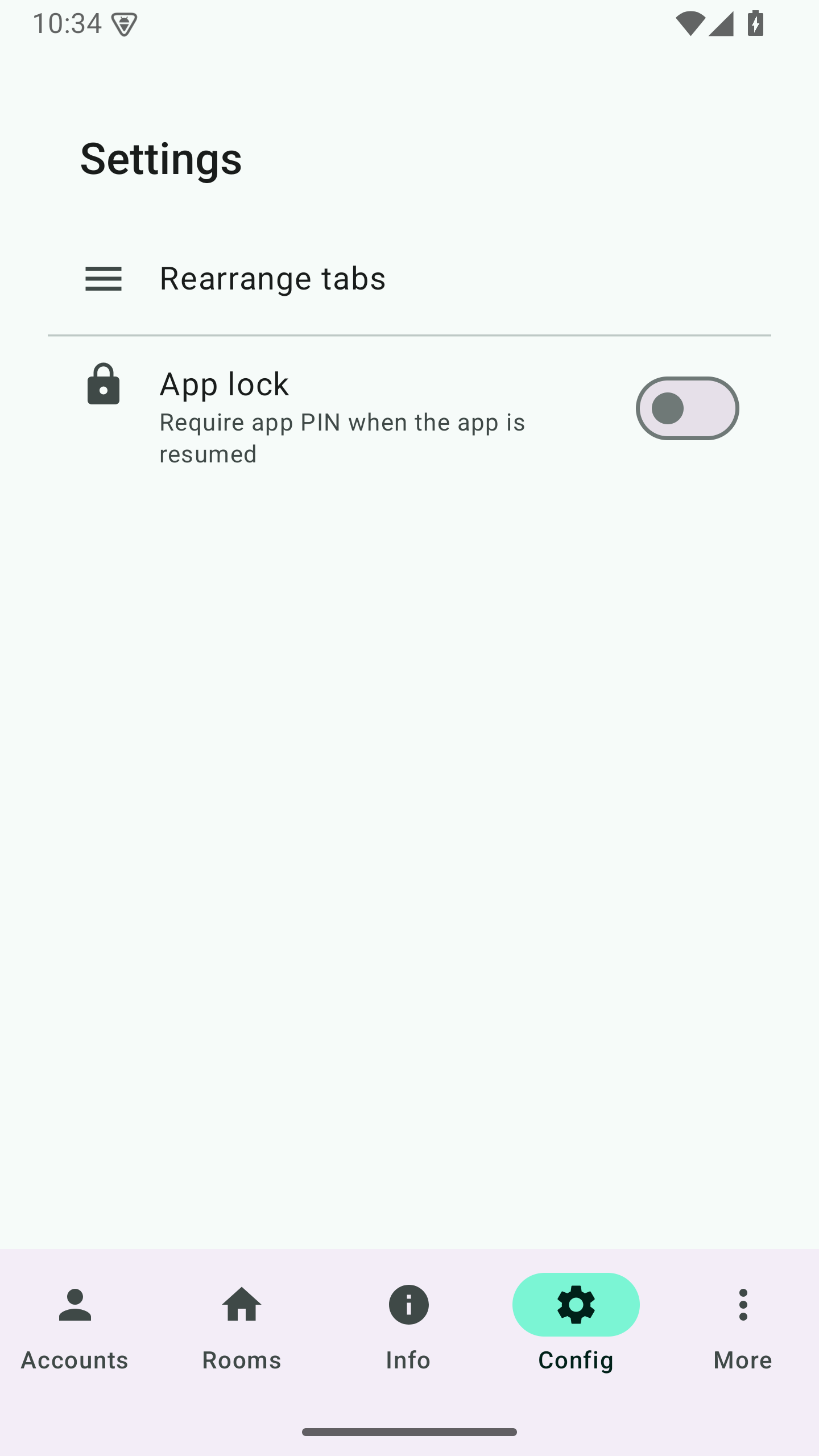
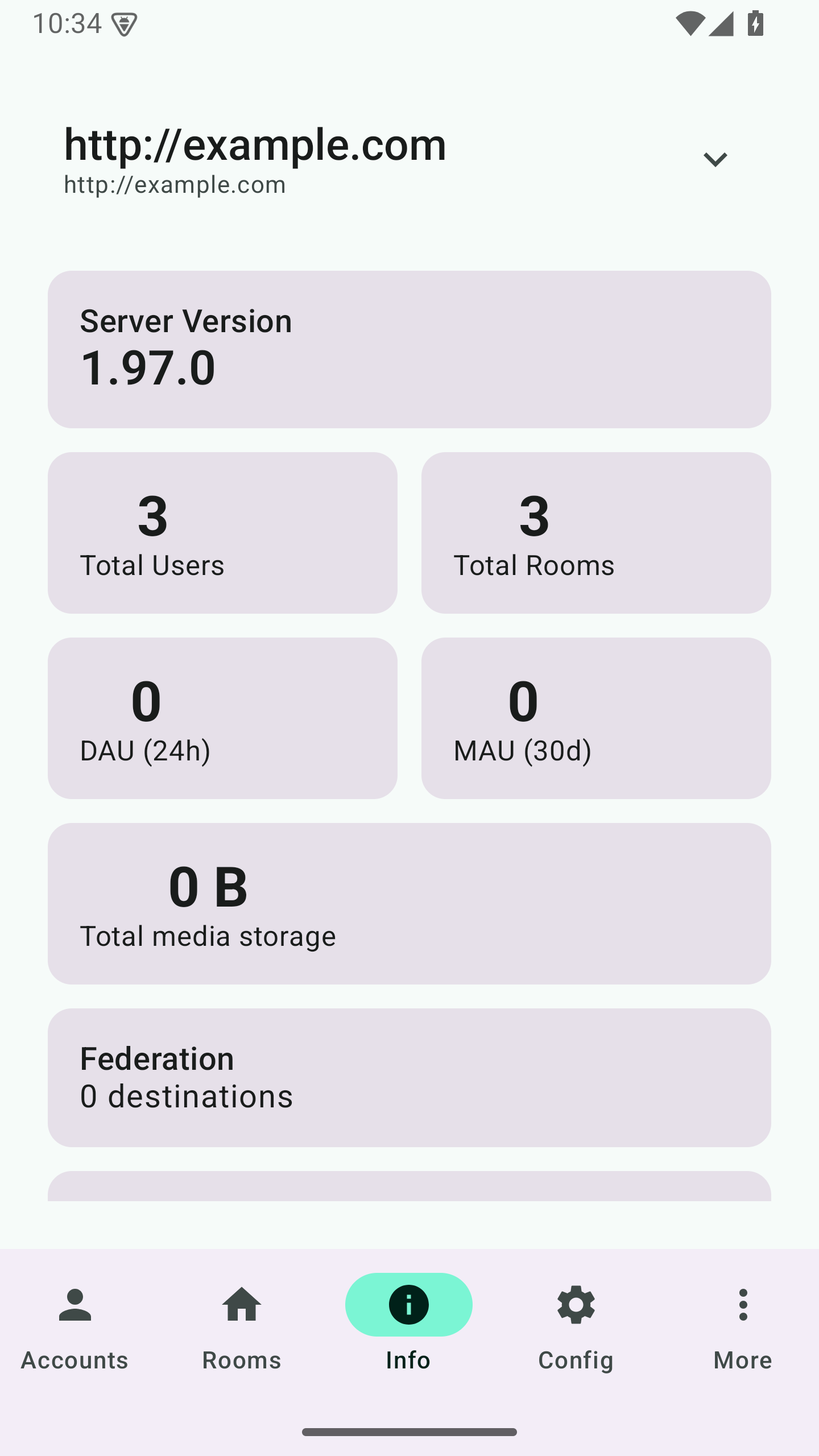
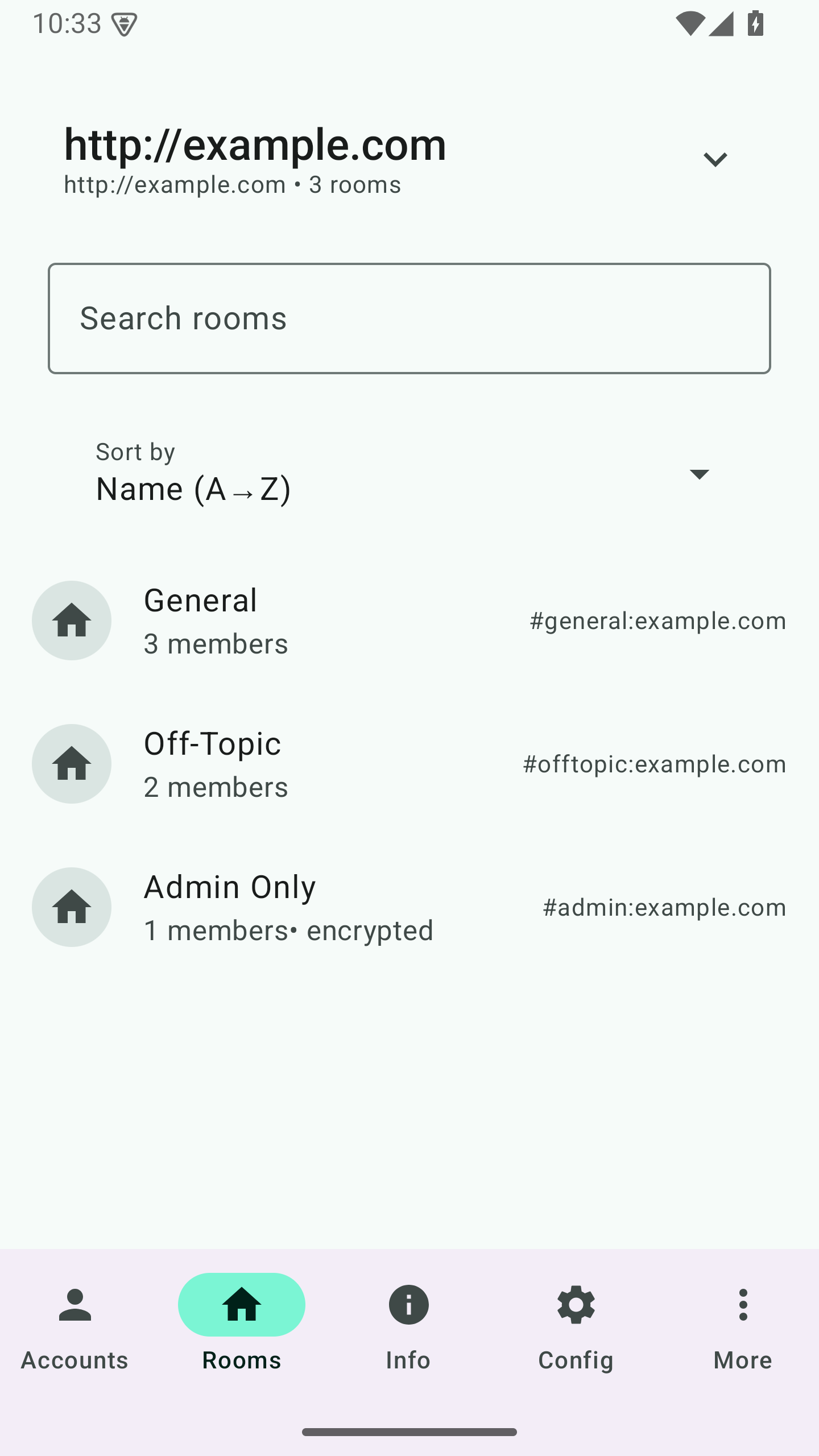
Features: • Multi-server management — Add servers via .well-known or manual URL • Secure authentication — Tokens in Android Keystore; passwords not stored • User lifecycle — List, search, create, edit, lock, suspend, deactivate users • Device & session control — View and revoke device sessions • Rooms — List, block/unblock, delete, add members, set room admin • Media — List by room or user (including MXC links), quarantine, delete; bulk delete and purge remote media cache • Federation — List federated servers, view details, reset connection • Server dashboard — Version, metrics, background jobs (pause/resume, etc.) • Moderation — Event reports list and dismiss • App lock — Optional PIN gate on app resume • Launcher — Adaptive icon with monochrome layer for Material You home screens
Drop legacy v1 (JAR) APK signing so F-Droid can publish the developer-signed APK directly via AllowedAPKSigningKeys. No functional change for users; v2/v3 signing scheme remains and supports all minSdk 26+ devices.
Recent approved comments · sorted by newest
View all comments