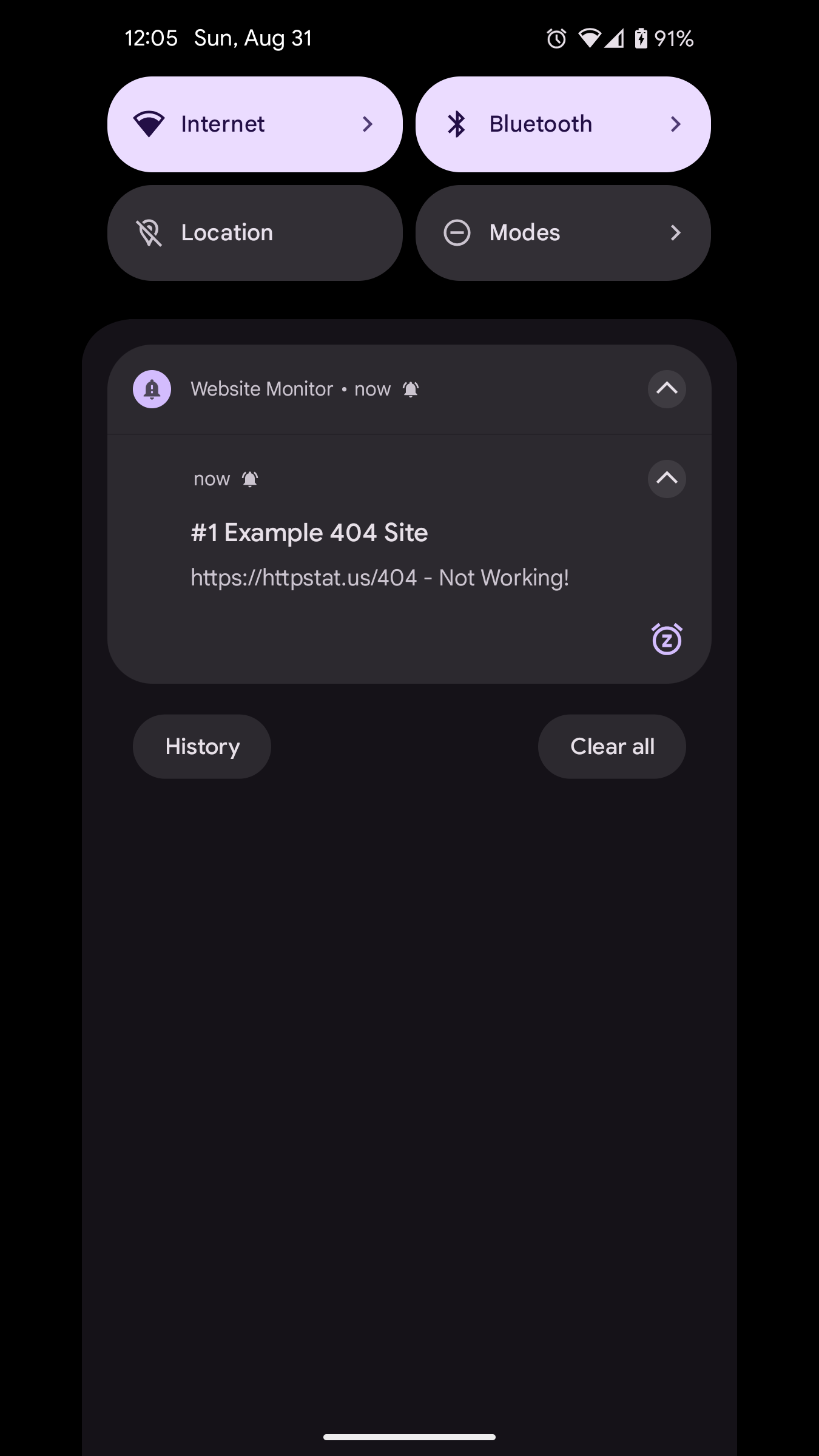
Monitor websites on a schedule and get notified if they go down.
F-Droid repository metadata
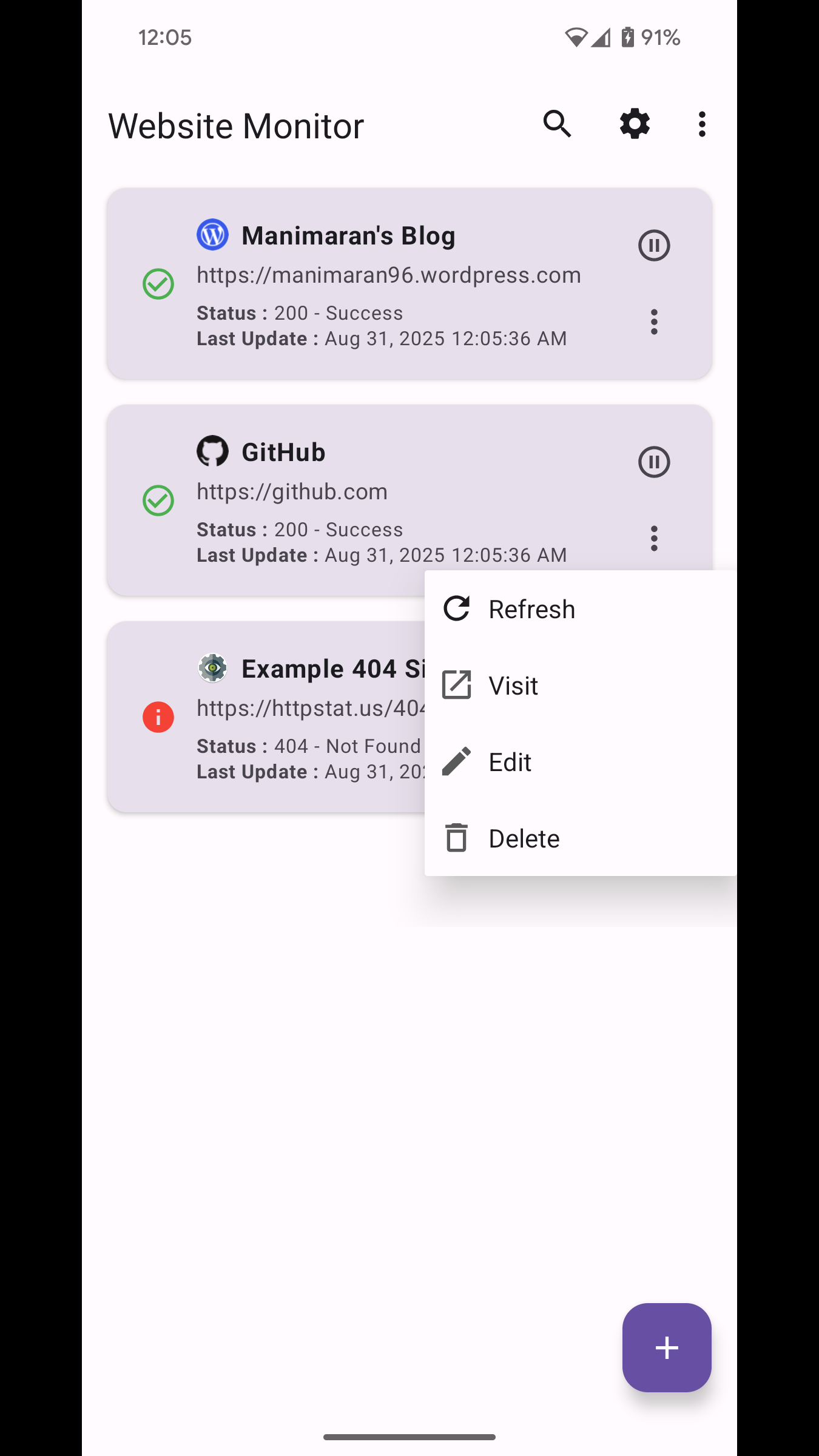
Website Monitor checks your websites on a schedule and notifies you if they go down, so you can act fast.
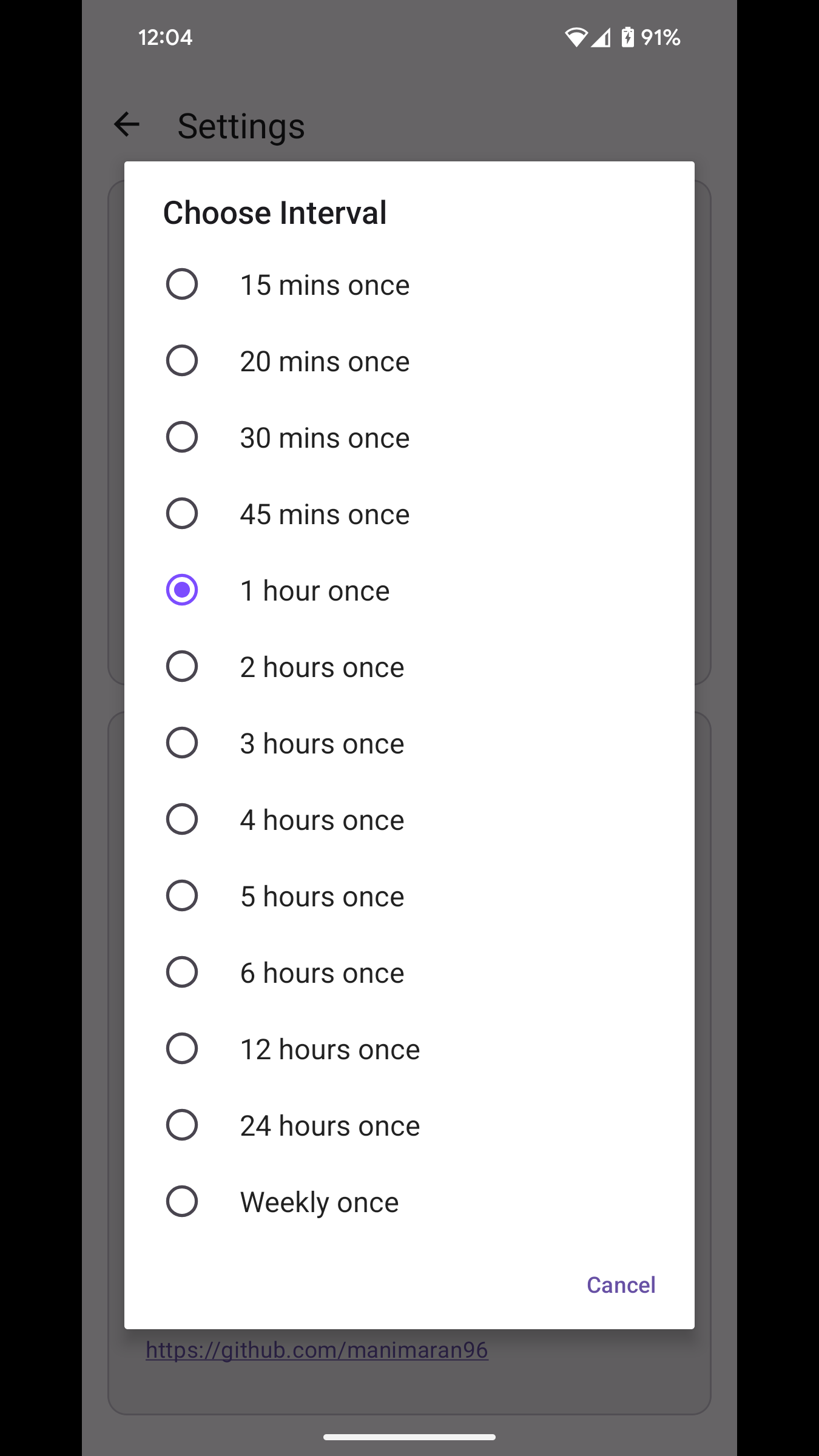
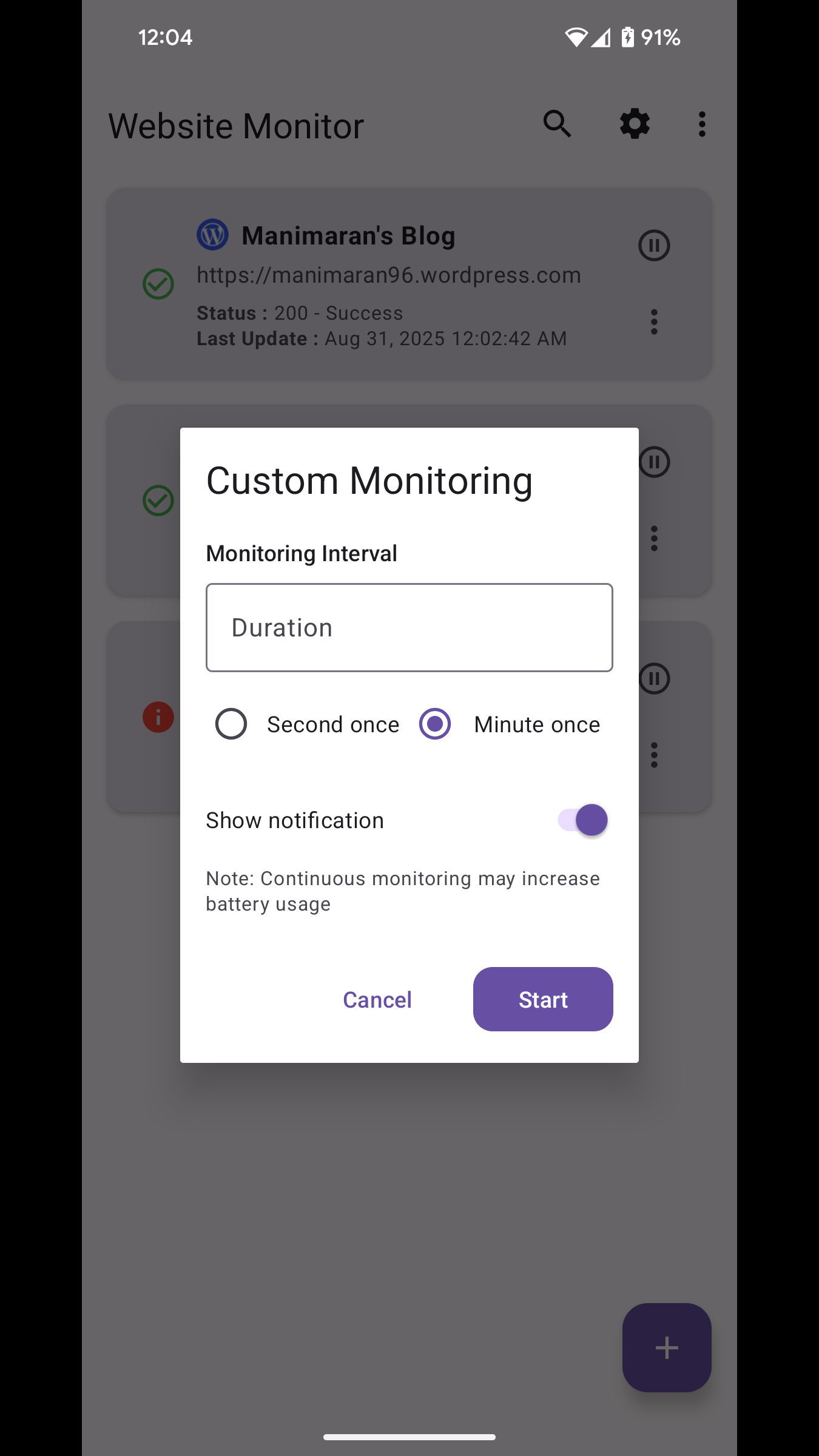
The default interval is once every hour, and you can customize it per site – from seconds/minutes to longer gaps.
Features
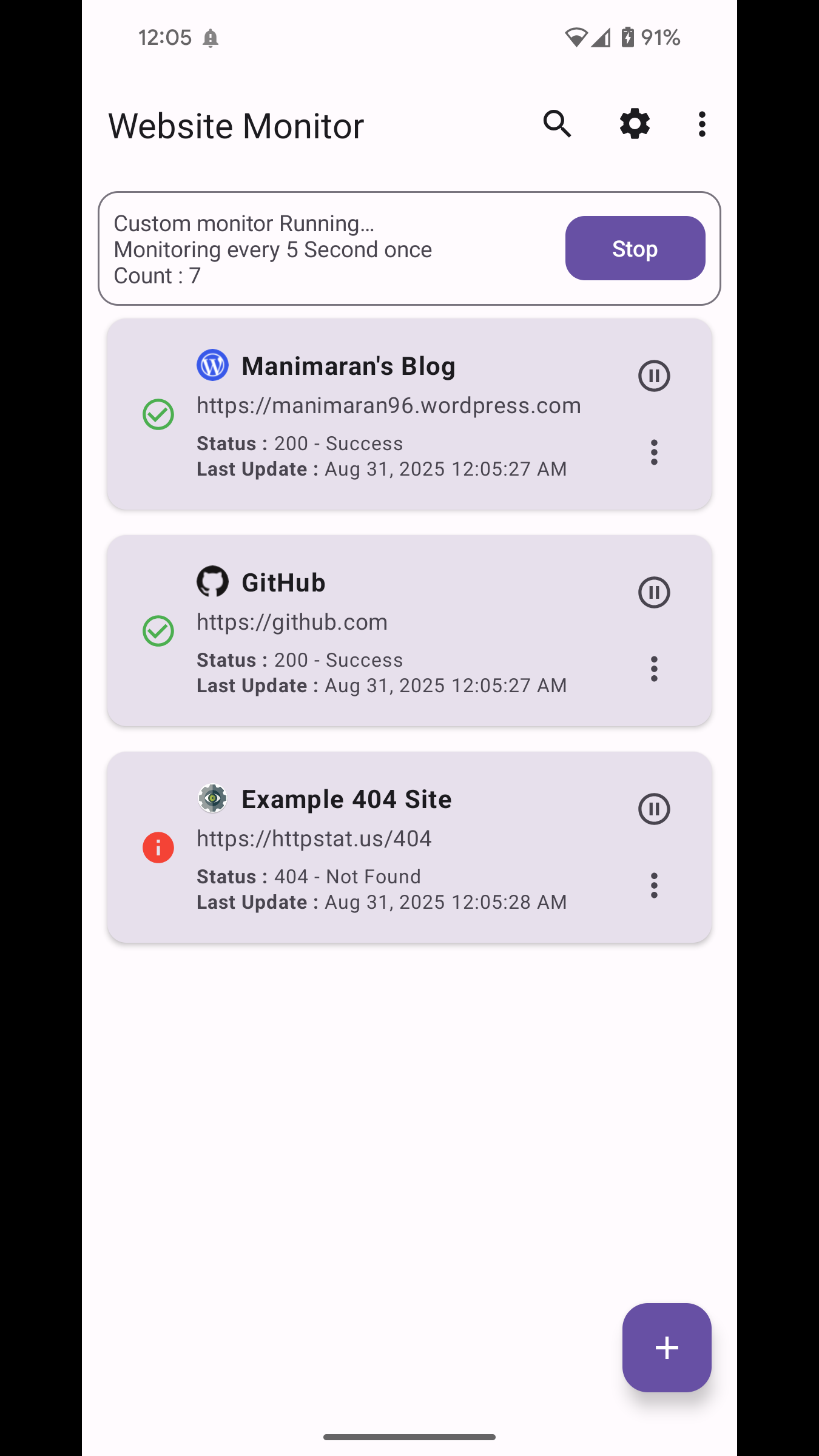
- Monitor websites on a schedule with notifications when a site is down
- Per‑site monitoring intervals (hourly by default; customize from seconds/minutes)
- Custom monitor: continually check every few seconds or minutes
- One‑tap refresh for an individual website
- Pause or resume monitoring per website
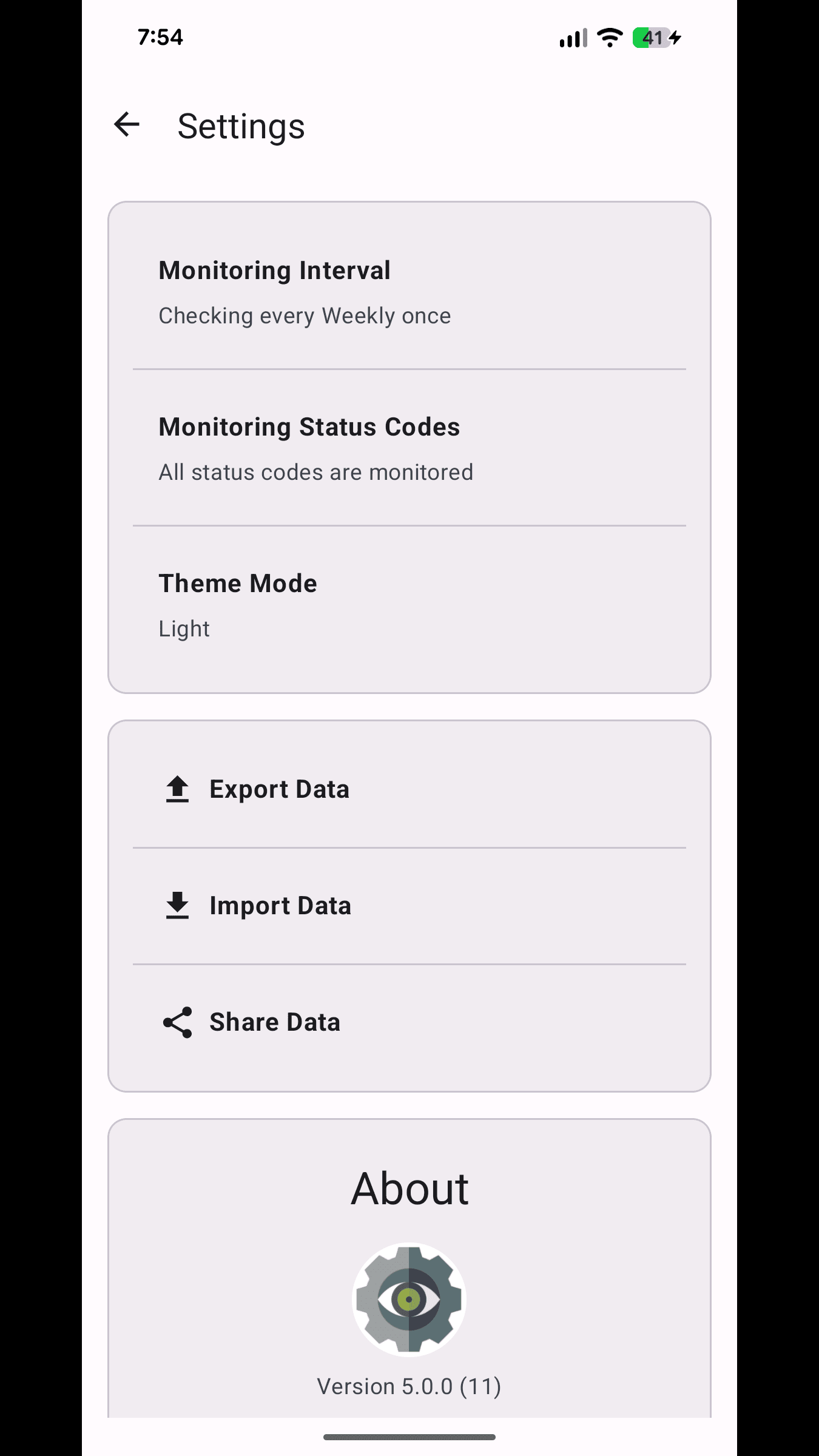
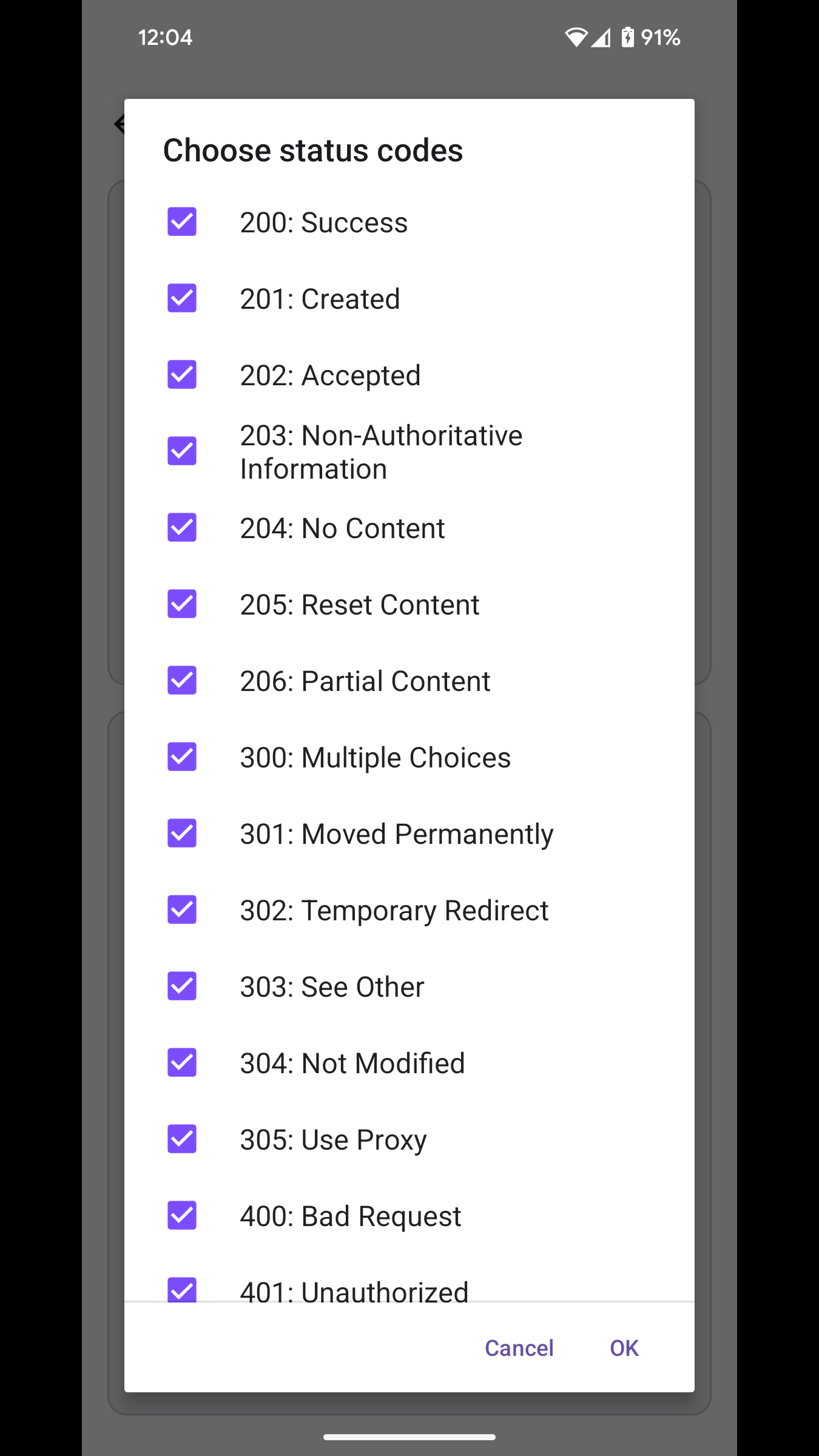
- Choose which HTTP status codes should trigger notifications
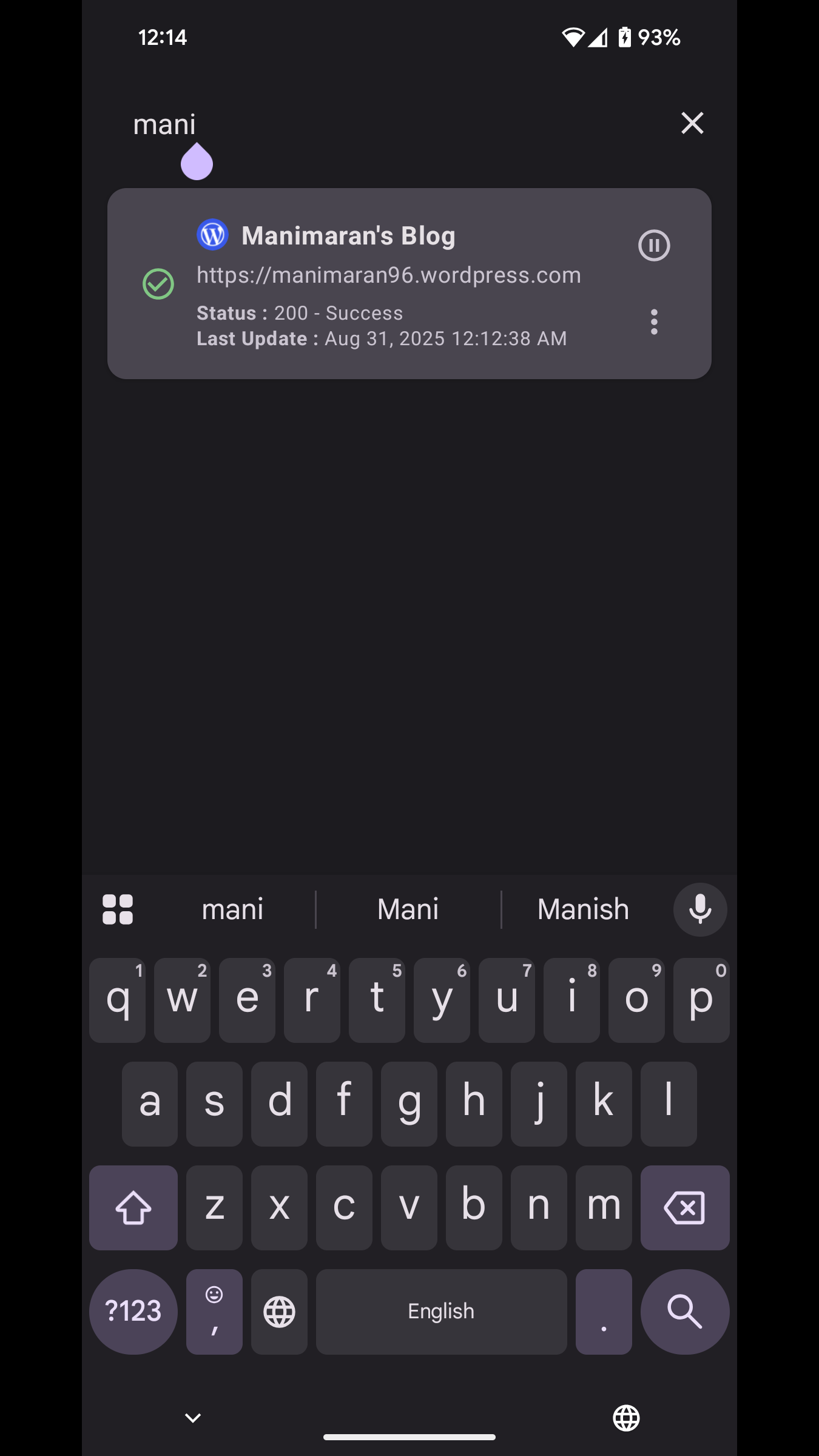
- Search your list and drag to reorder entries
- Backup and restore your list (export to JSON, import from file)
- Share your website list or a single entry
- Smarter website icons with multiple favicon fallbacks
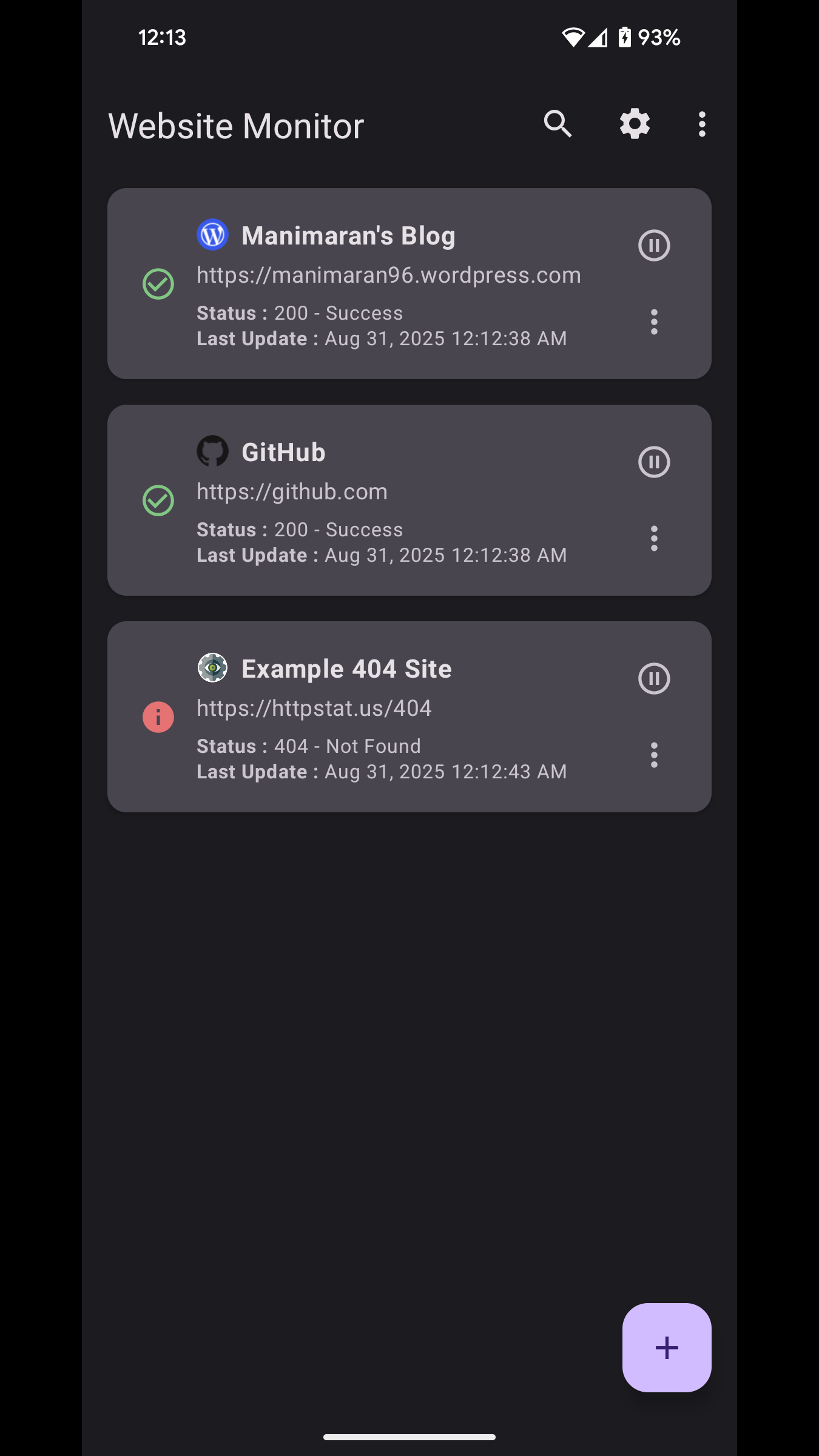
- Simple, modern UI with Material Design 3; Light/Dark/System themes
Privacy
- No login. No tracking. Your data stays on your device.
Open source
- Licensed under GPL‑3.0. Contributions are welcome.
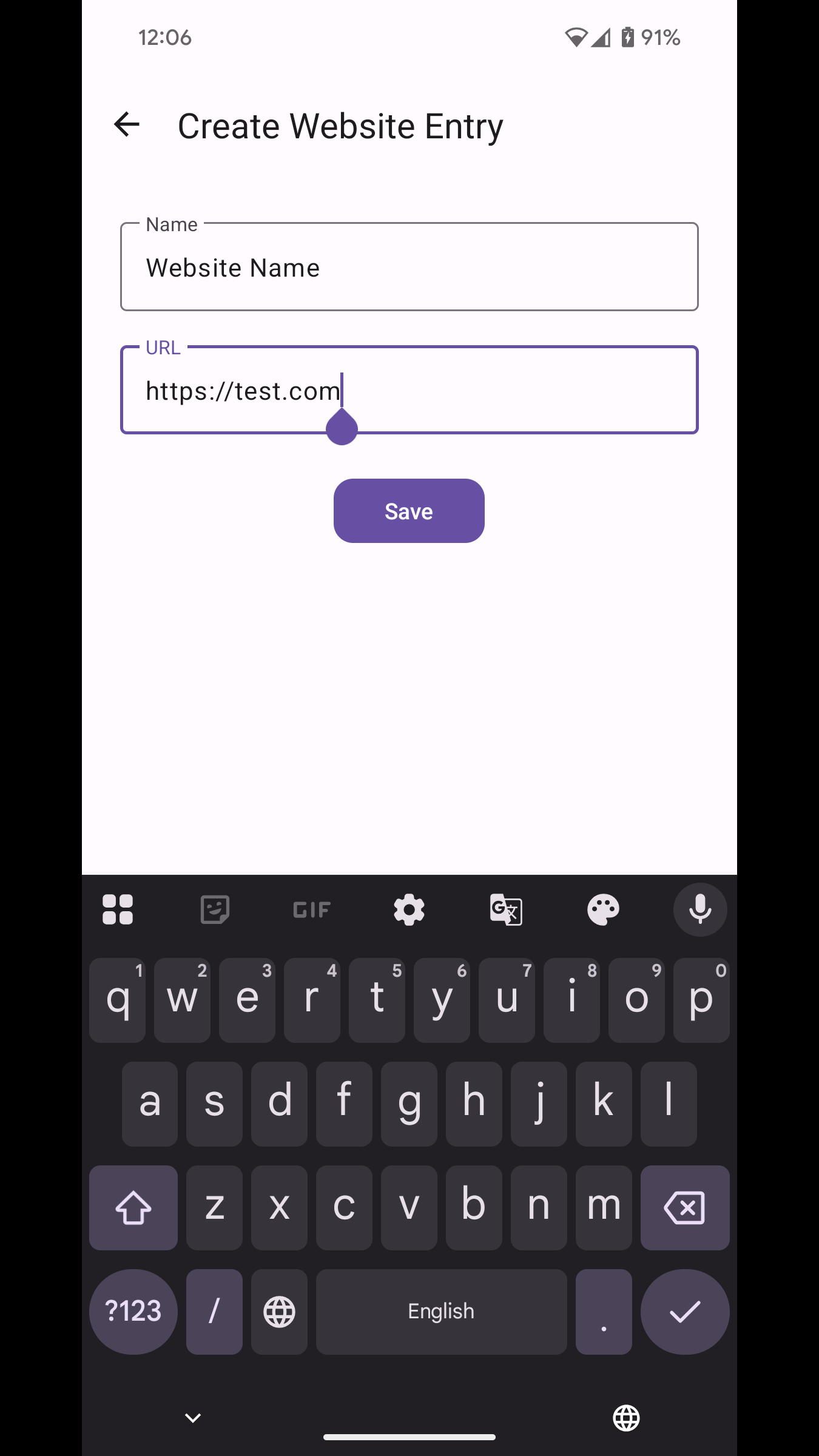
Screenshots
What’s new
- New: Backup and restore your website list (export to JSON and import from file) - New: Share your website list via export/share actions - Improved: Faster, more reliable icon loading with multiple favicon fallbacks - Improved: Network requests and status checks for better stability - Polished: Refined Settings “About” section; removed an unused preference - Misc: Performance improvements and general bug fixes
How to install
Download the APK from the button at the top of this page.
Allow “Install unknown apps” for your browser or file manager only, not for every app.
Open the downloaded file and confirm the installation.
If installation fails with “App not installed,” remove an earlier build of the same app first. A signature conflict is the usual cause.
Data safety
Every file is checked against its published SHA-256 before it is listed.
Files are scanned for malware on every update.
The permissions each app requests are listed on its own page.
Read the full safety policy for how we test, flag, and delist files.