Audio upload tool for Wiktionary words to Wikimedia Commons & Wiki-Dictionary
F-Droid repository metadata
Wikimedia Commons Audio Upload Tool
Spell4Wiki is a mobile application to record and upload audio files for Wiktionary words to Wikimedia Commons. Spell4Wiki also acts as a multilingual Wiki-Dictionary.
App Features:
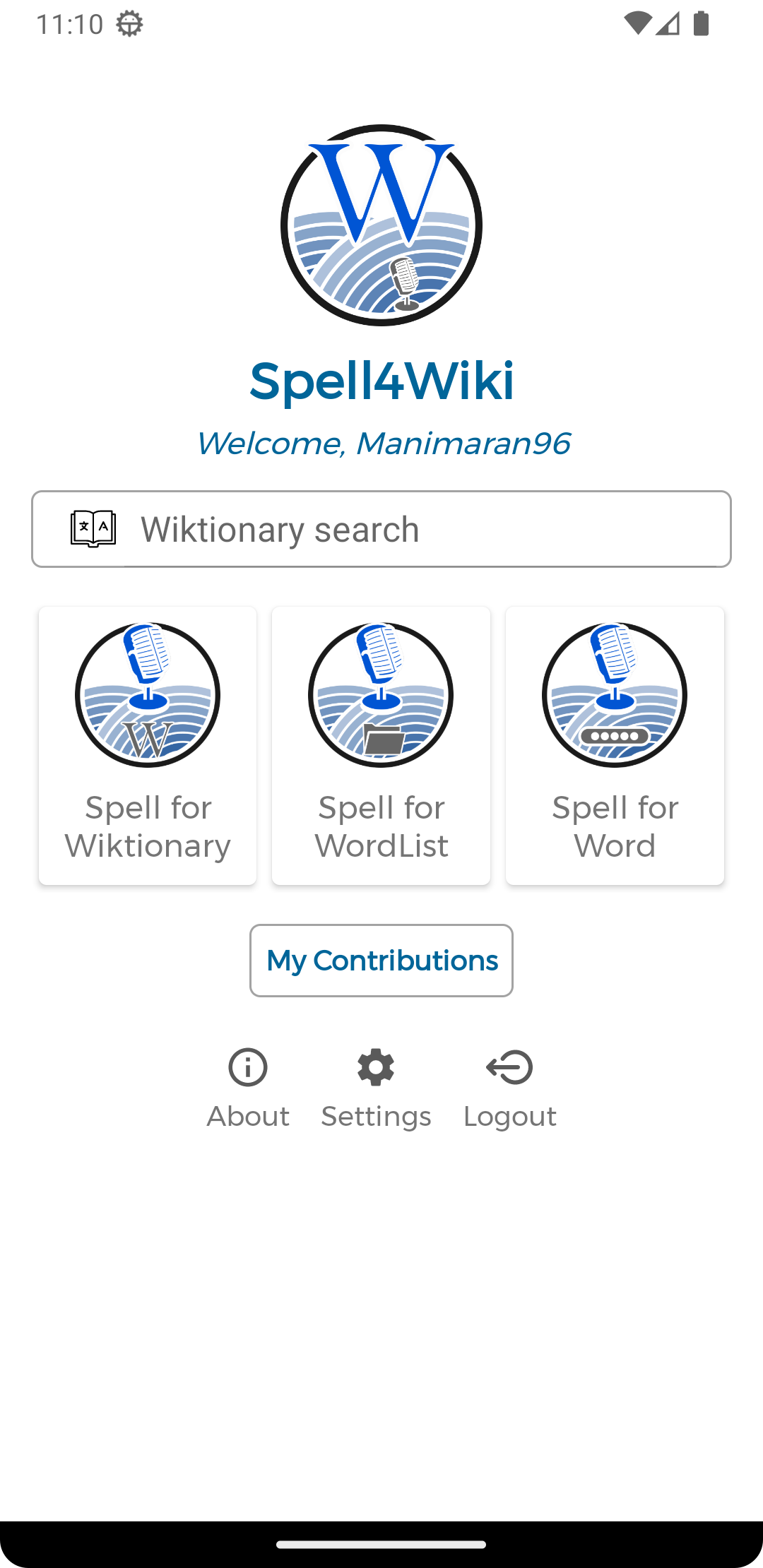
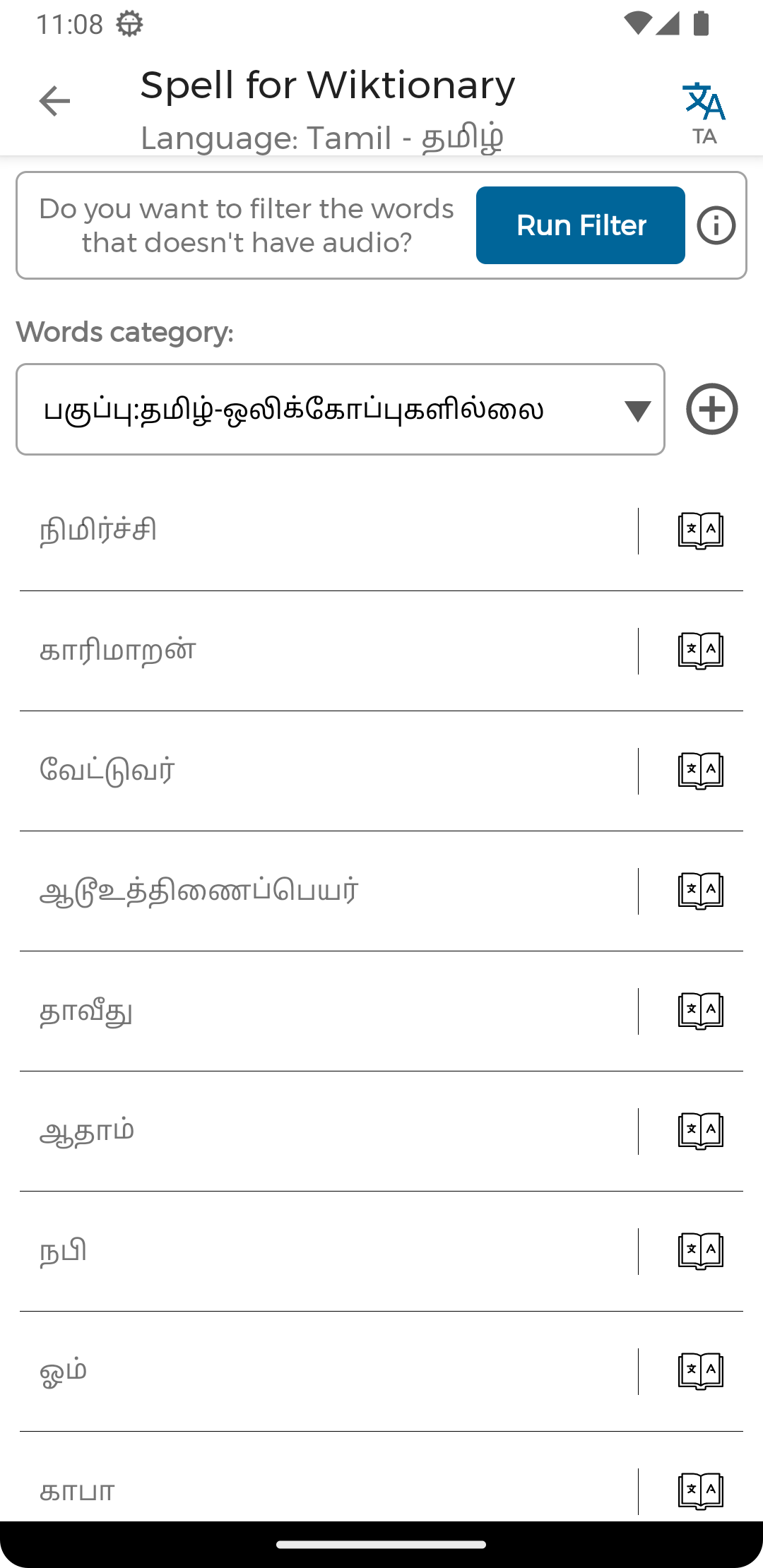
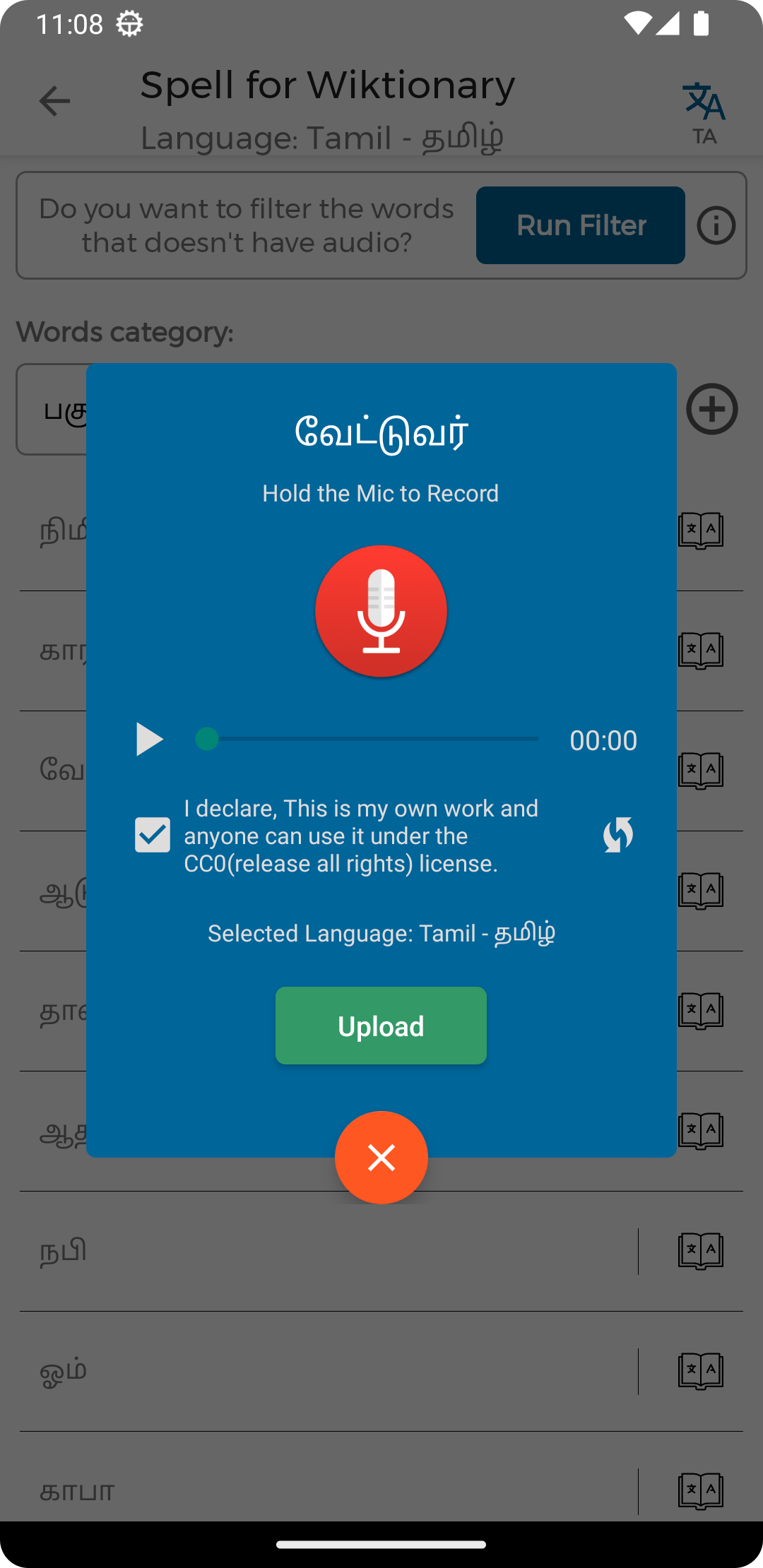
Spell For Wiktionary - Record & upload audio for Wiktionary category-based word lists
Spell For WordList - Upload audio for custom word lists from text files or copy & paste
Spell For Word - Record and upload pronunciation for individual words
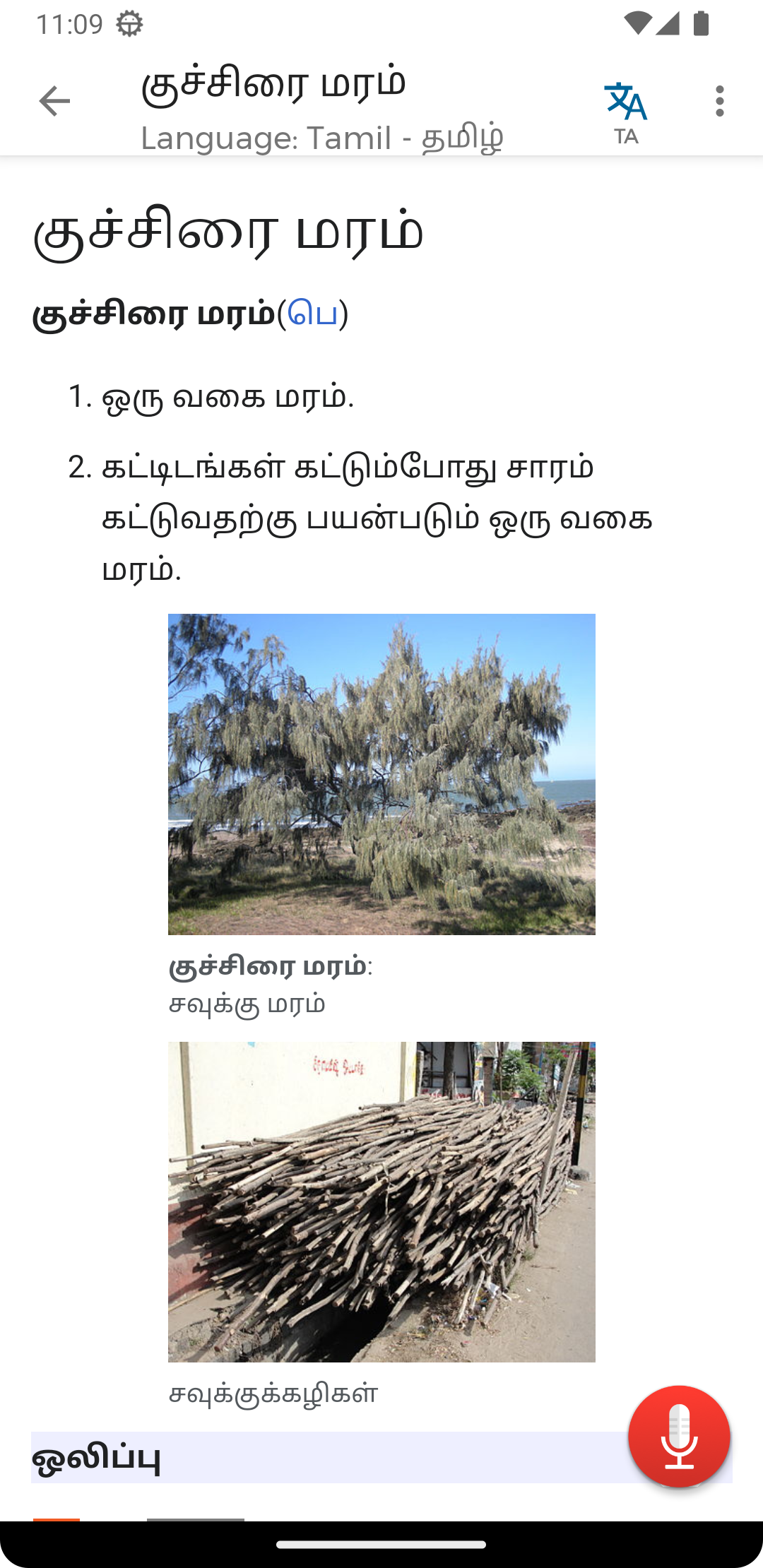
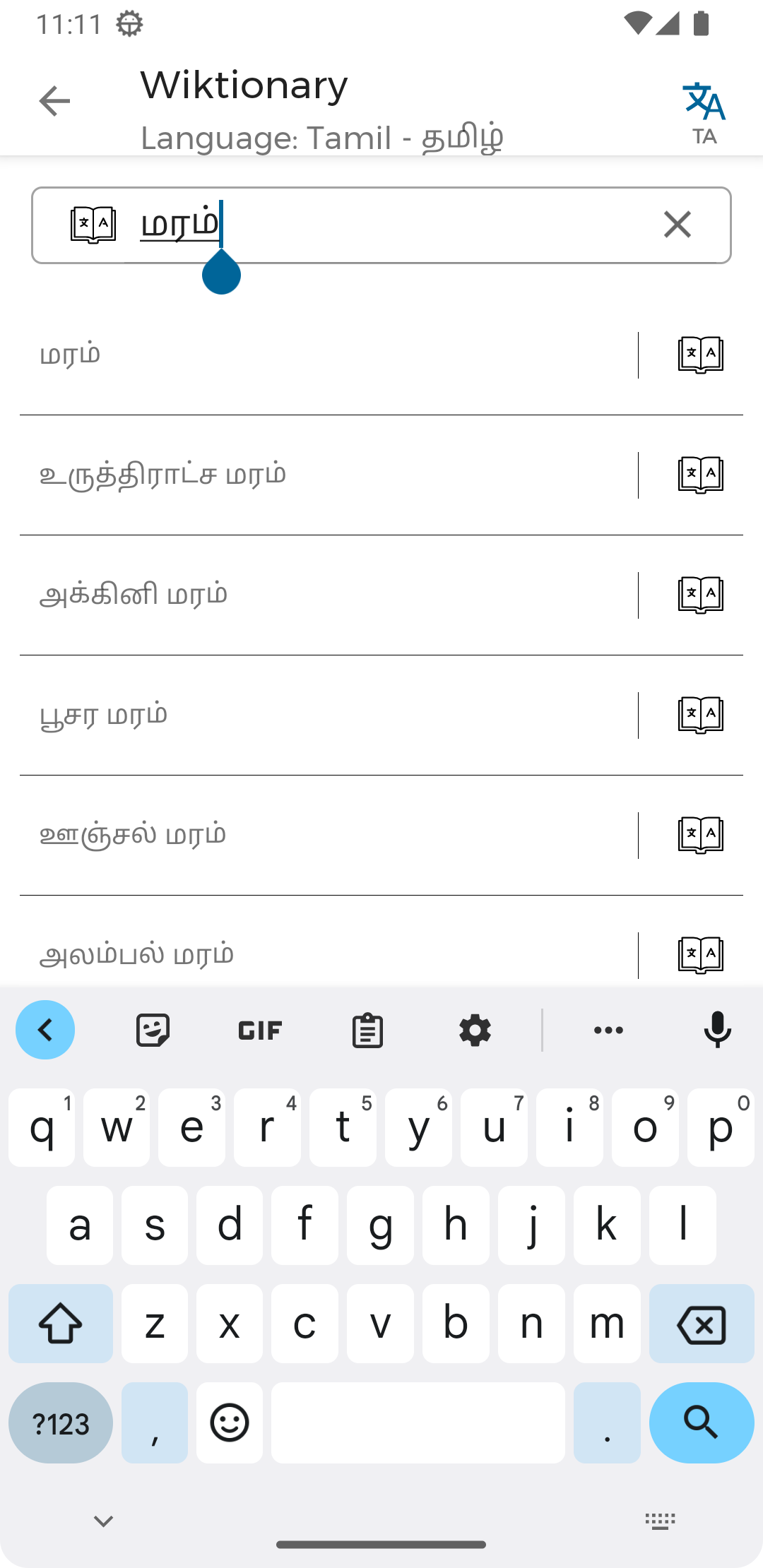
Wiktionary Search - Search word meanings from Wiktionary in multiple languages
What Spell4Wiki App Achieved:
• Supported 250+ Languages for all 4 features
• Uploaded 40,000+ audio files to Wikimedia Commons from various language contributors
• All audio files are categorized under Wikimedia Commons
Purpose of this application
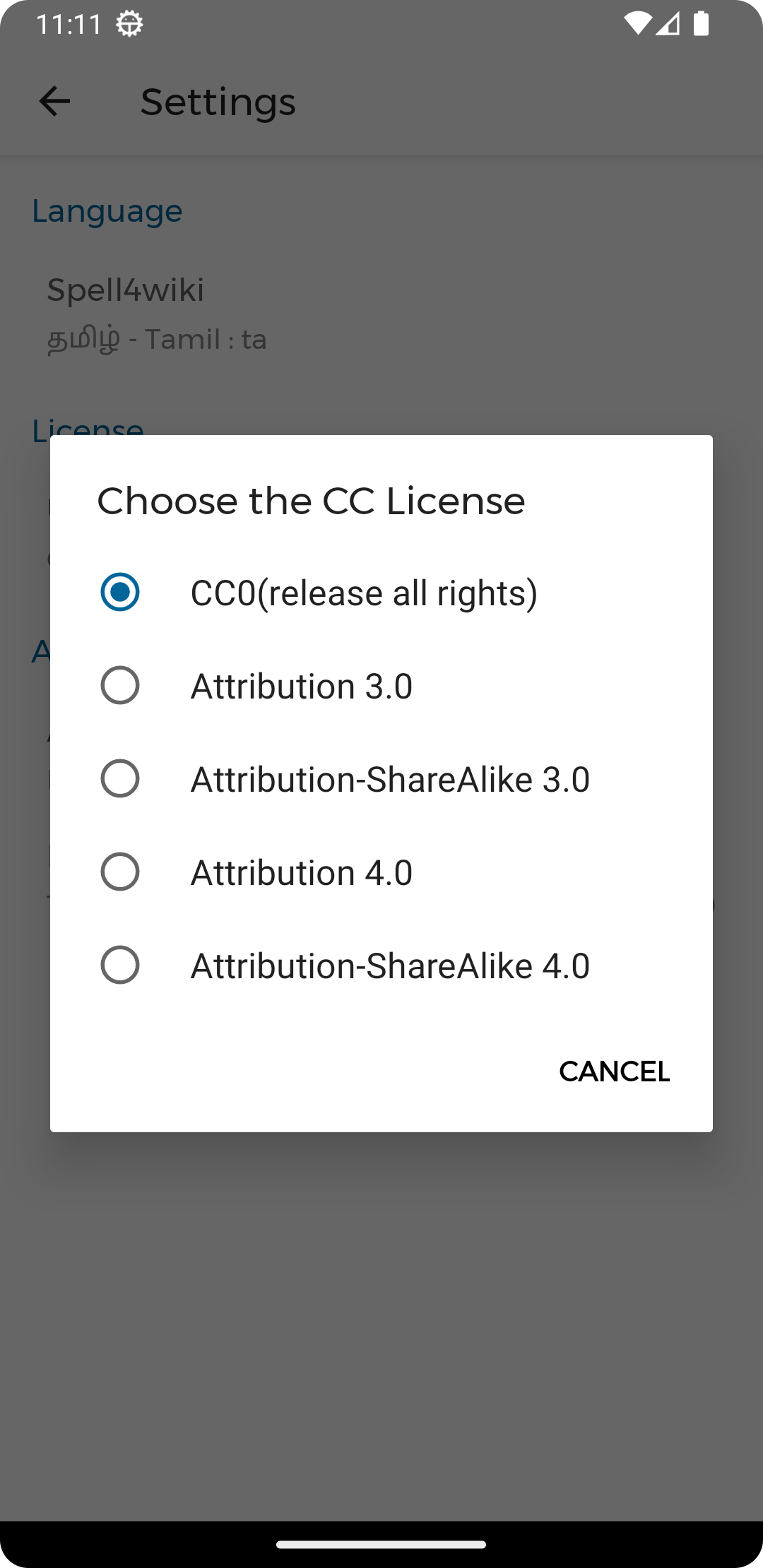
There are plenty of words in the Wiktionary. But they do not have enough pronunciation audio files. So we can upload pronunciation audio for words in a simple way. And we can use those pronunciation for wiki data planning and other technologies like machine learning under CC-license. And other linguists can learn how to pronounce a word.
Technical Features:
• High-quality WAV recording with OGG conversion
• Smart filtering to check words that already have audio
• Direct upload to Wikimedia Commons with proper categorization
• Support for 250+ languages
Powered By
How to Use
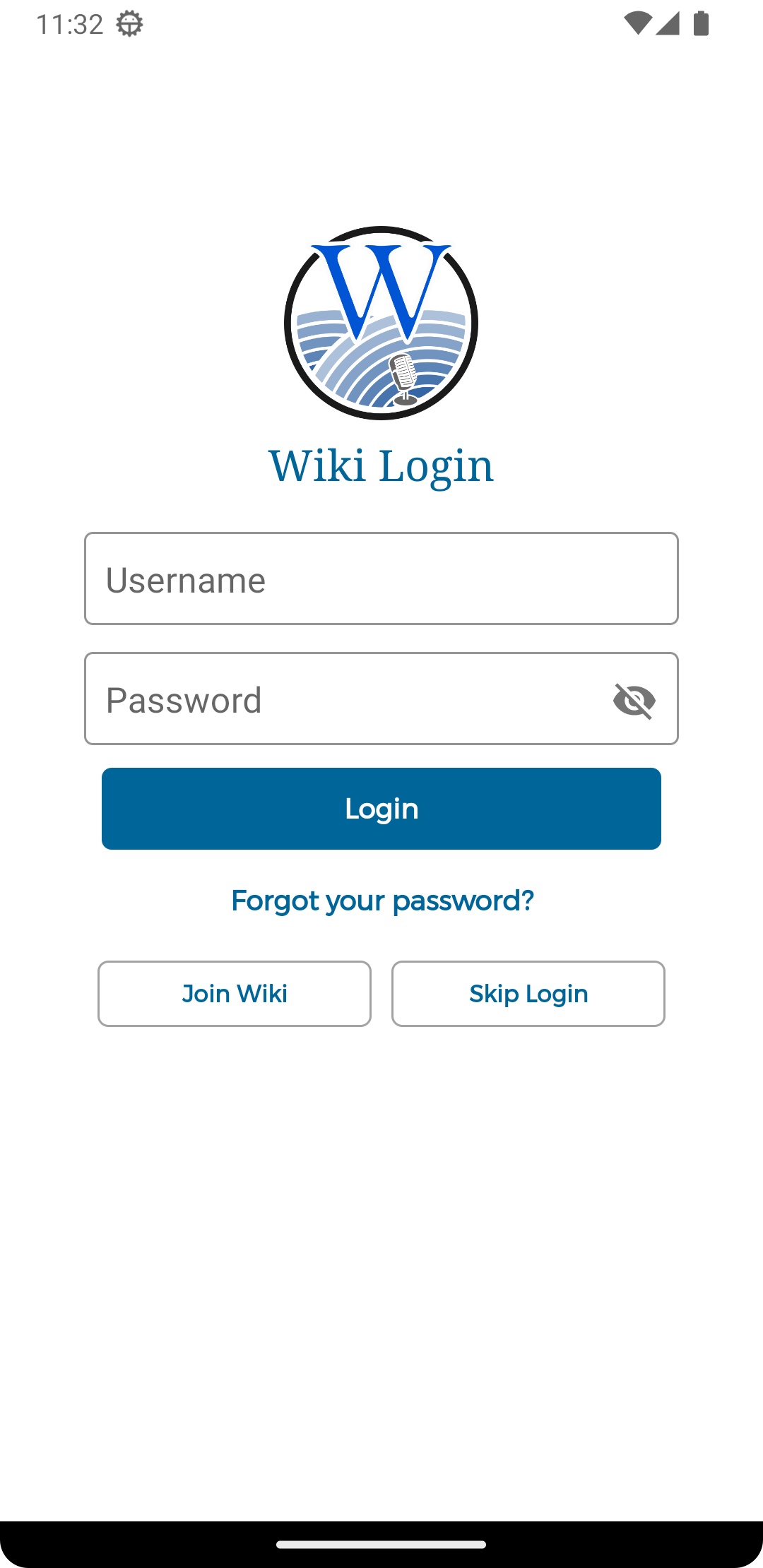
1. Create account in Wikimedia Commons and login (if no account)
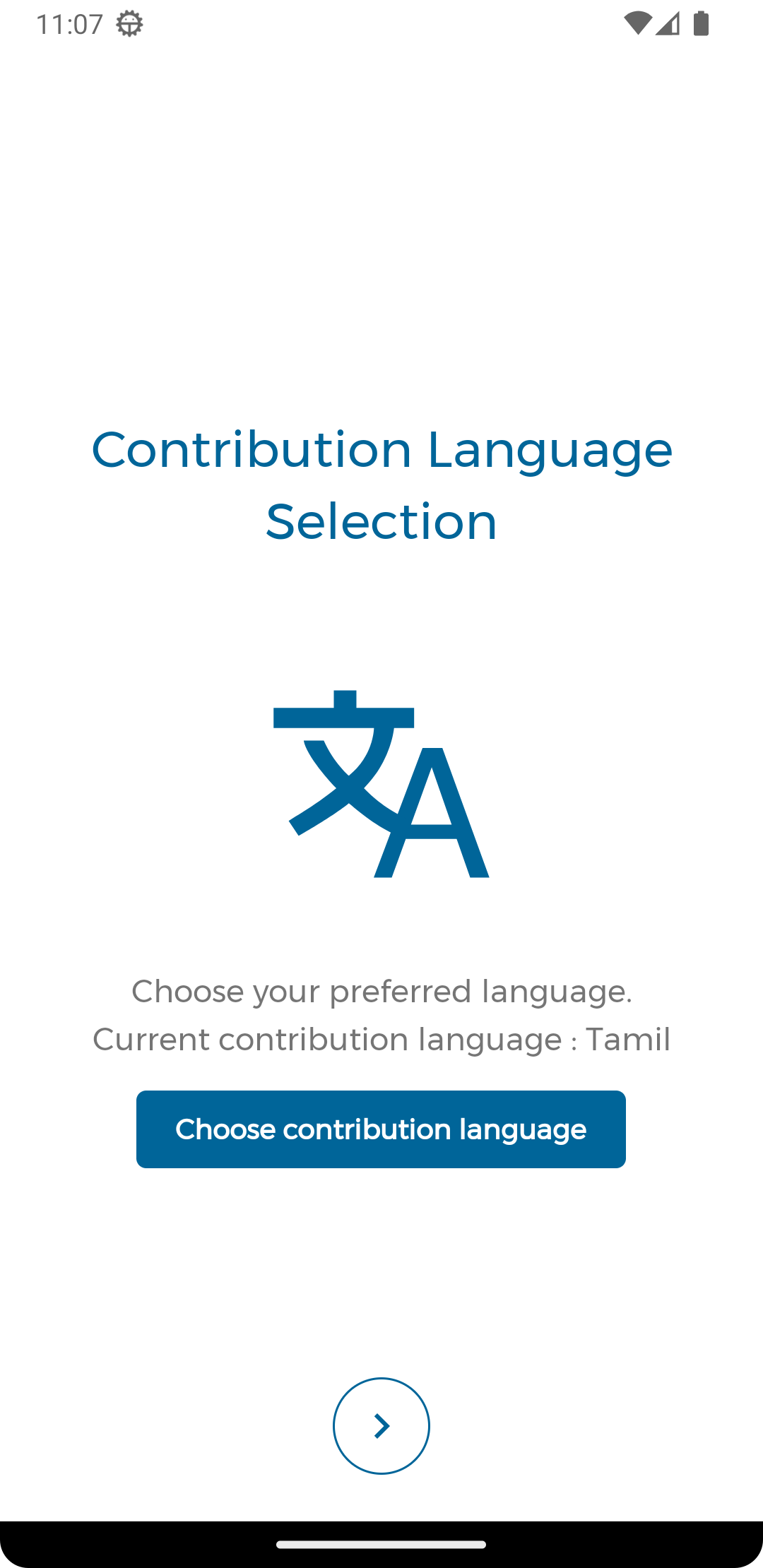
2. Select your language from 250+ options
3. Choose recording mode: Spell4Wiki, Spell4WordList, or Spell4Word
4. Record pronunciation and upload to Wikimedia Commons
Note
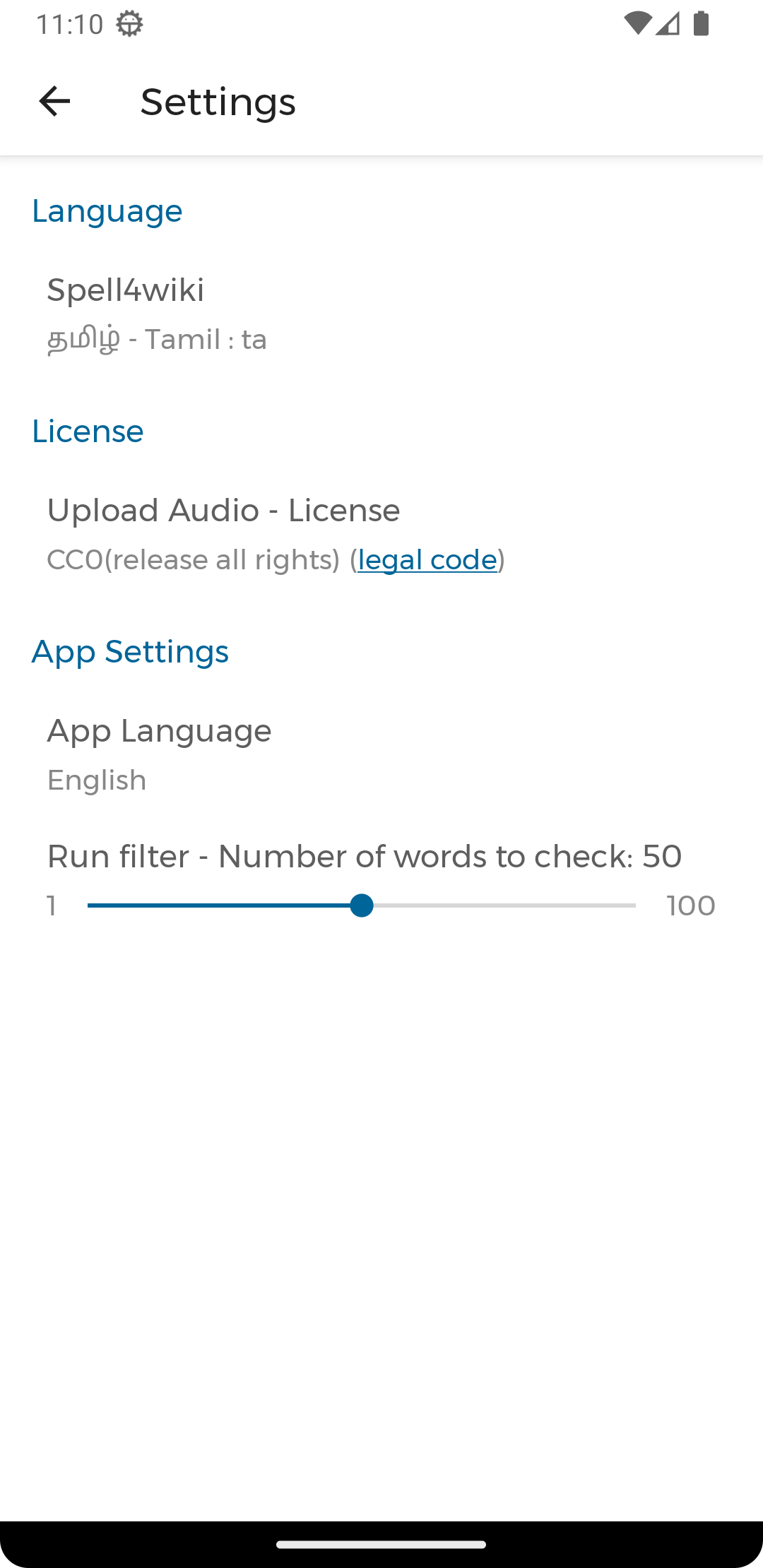
This app loads some configuration (available language list, categories & contributors) details from the app's repo.
Useful Links
- Added: OTP/2FA authentication support for enhanced security - Improved: Login UI with better user experience and flow - Enhanced: API error handling with User-Agent headers - Upgraded: FFmpegKit for better audio conversion performance - Updated: Android 15 compatibility and modern SDK support - Migrated: Build system to Gradle Kotlin DSL for better maintainability - Improved: Storage Access Framework implementation - Enhanced: Dialog styling and UI consistency across the app - Fixed: Broadcast
How to install
Download the APK from the button at the top of this page.
Allow “Install unknown apps” for your browser or file manager only, not for every app.
Open the downloaded file and confirm the installation.
If installation fails with “App not installed,” remove an earlier build of the same app first. A signature conflict is the usual cause.
Data safety
Every file is checked against its published SHA-256 before it is listed.
Files are scanned for malware on every update.
The permissions each app requests are listed on its own page.
Read the full safety policy for how we test, flag, and delist files.