
Quick answer
A lightweight Android app that indexes Termux tools from metadata.
F-Droid repository metadata
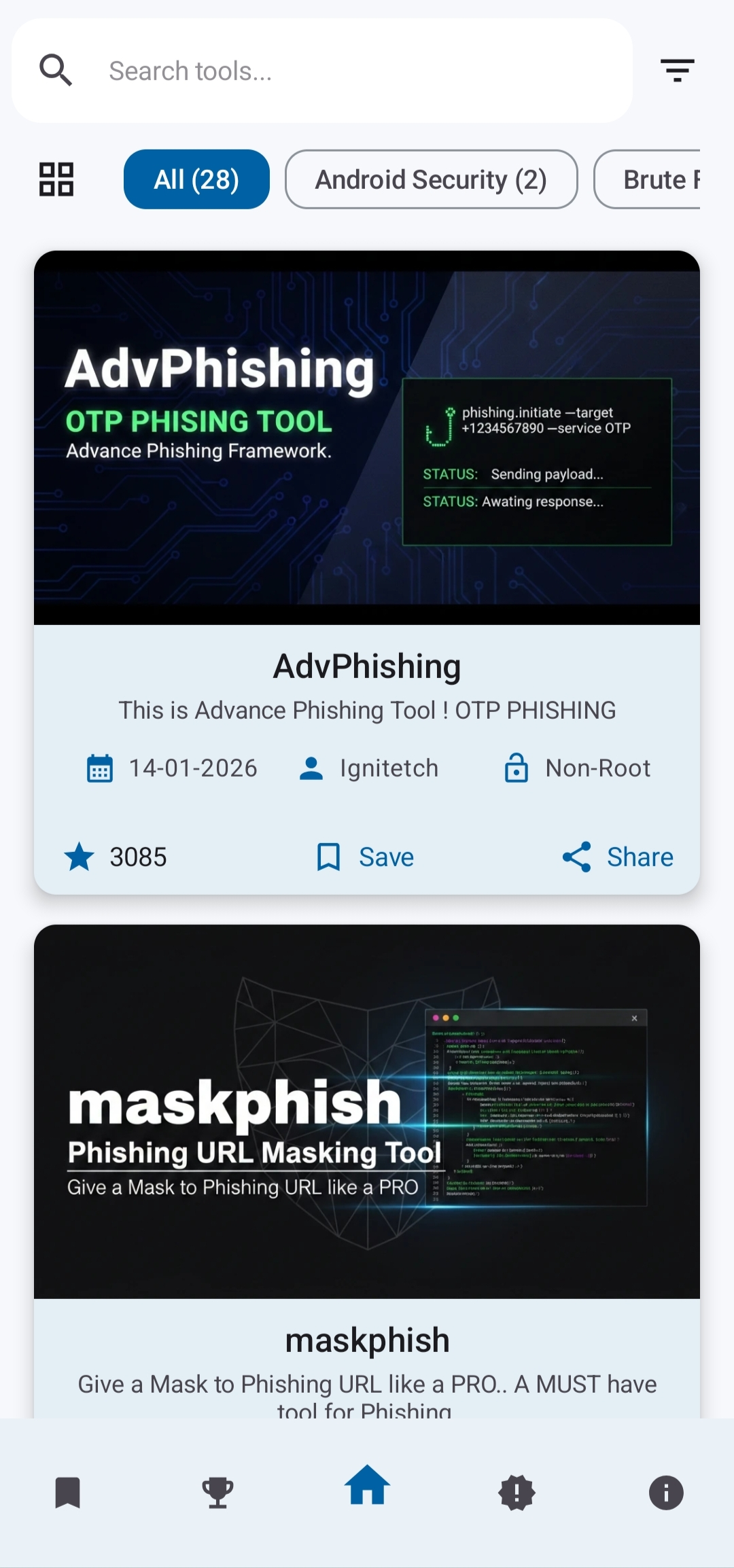
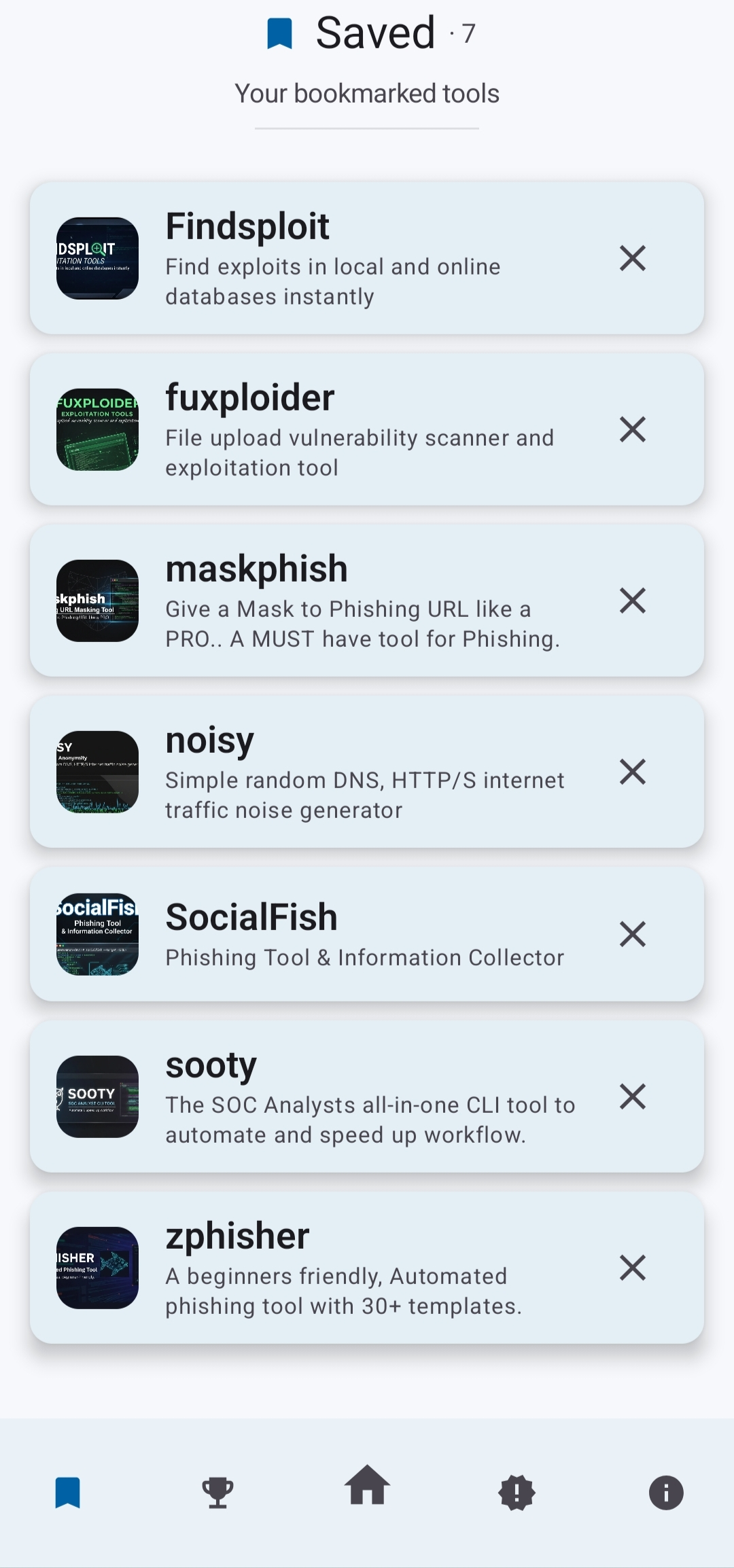
Termux Hub is a lightweight, open-source Android application that indexes and organizes tools designed for use with Termux. It provides a clean, searchable catalog of community tools using a transparent, metadata-driven data pipeline.
The app focuses on reproducibility and reliability. All tool information is processed automatically from a public GitHub repository, validated, and stored locally on your device. Once synced, the local database becomes the single source of truth, ensuring fast access even when offline.
Key features
- Browse and search curated Termux tools by category
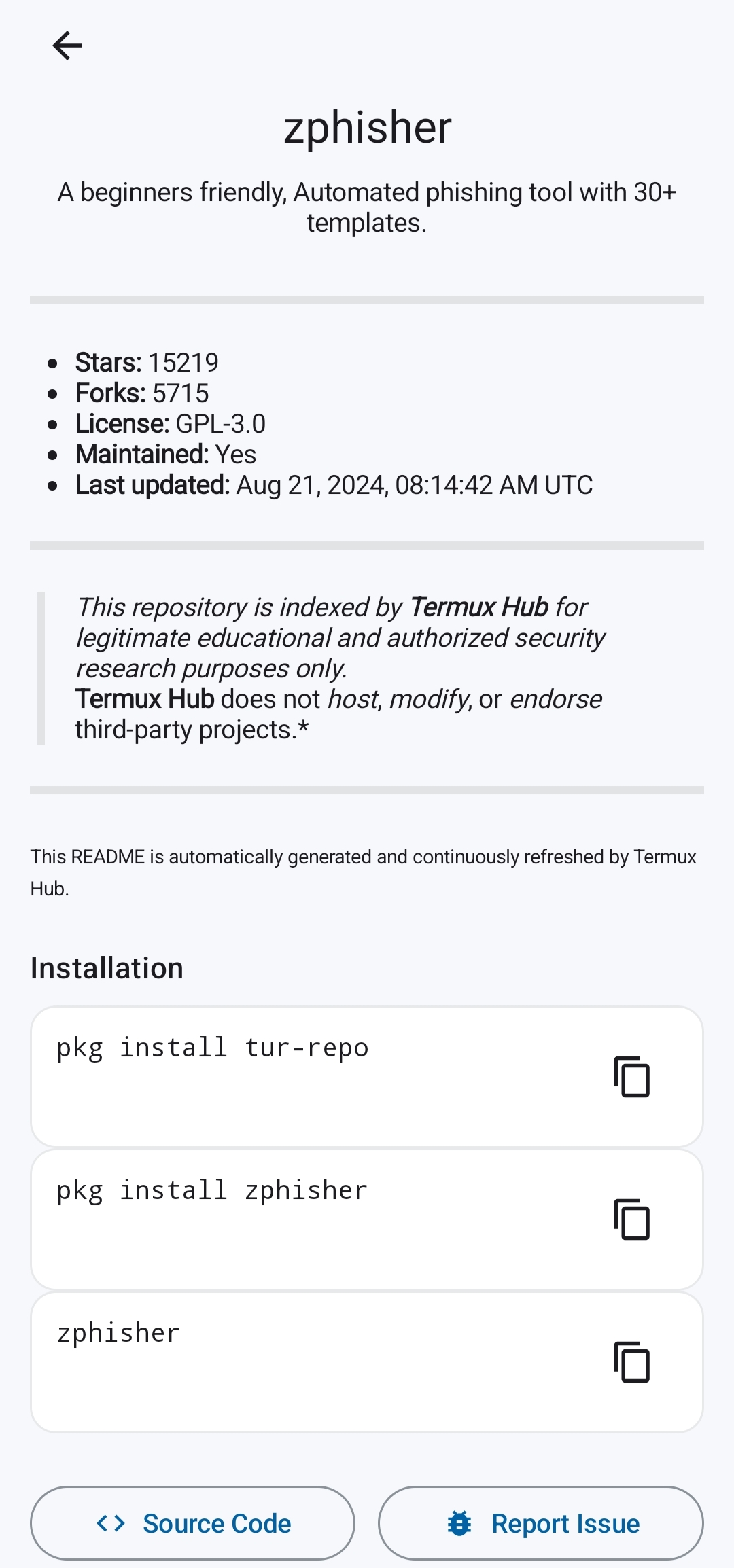
- View detailed tool information, installation commands, and repositories
- Daily updates of GitHub star counts and README content (00:00 UTC)
- Offline-first design with local Room database storage
- No trackers, no analytics, no ads
How it works
Termux Hub fetches static metadata from GitHub and processes tool data, star counts, and README files independently. All validated data is stored in a local Room database. If syncing fails, the app safely falls back to cached or bundled data.
Data sources
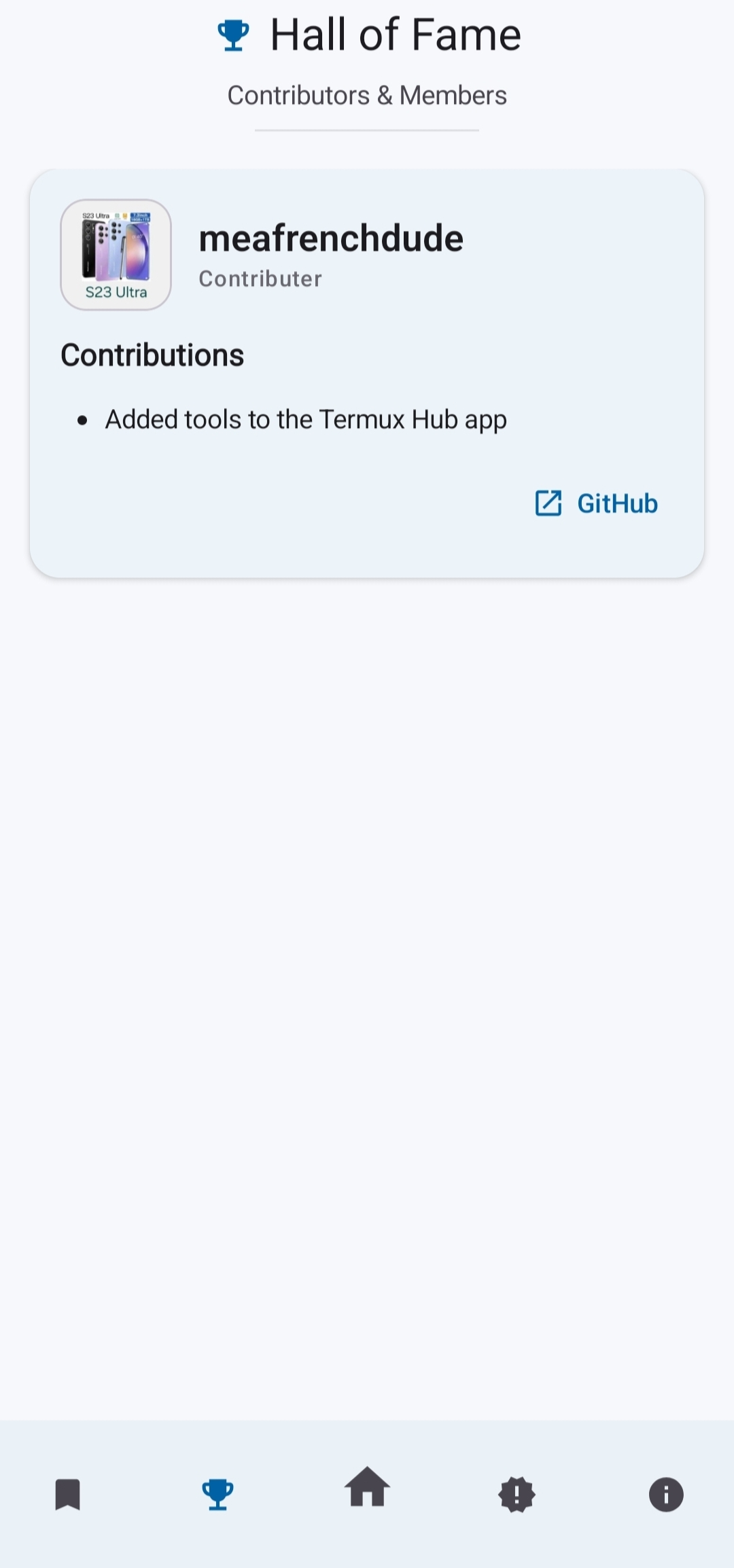
All data is read-only and sourced from the public TermuxHub GitHub repository. This includes tool metadata, repositories, thumbnails, GitHub stars, READMEs, and Hall of Fame entries.
Privacy
Termux Hub does not collect personal data, does not require accounts, and does not include tracking, analytics, or advertising libraries.
Contributing
Anyone can help improve the catalog. To add or update a tool, please see the contribution guidelines in CONTRIBUTING.md.
Screenshots
How to install
- Download the APK from the button at the top of this page.
- Allow “Install unknown apps” for your browser or file manager only, not for every app.
- Open the downloaded file and confirm the installation.
- If installation fails with “App not installed,” remove an earlier build of the same app first. A signature conflict is the usual cause.
Data safety
- Every file is checked against its published SHA-256 before it is listed.
- Files are scanned for malware on every update.
- The permissions each app requests are listed on its own page.
- Read the full safety policy for how we test, flag, and delist files.
Comments
Recent approved comments · sorted by newest
View all comments