Raccoon icon

Raccoon

LiveFast EatTrash
Reading Social Network Internet
Version
0.4.2
Size
34.0 MB
Requires
Android API 26+
3.6 / 5 · 2,471 ratings 0 downloads

Updated Sep 22, 2026

Quick answer

Unlimited social: write as much as you want and enrich posts with formatting

F-Droid repository metadata

Raccoon is a social app designed to bring Friendica and Mastodon to you in a completely new way.

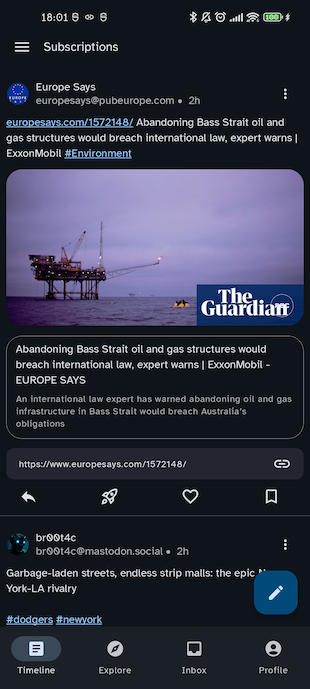
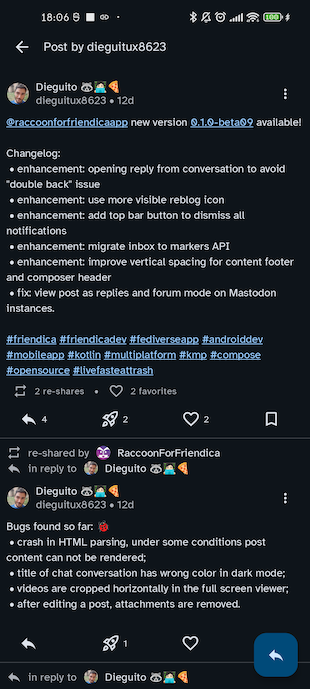
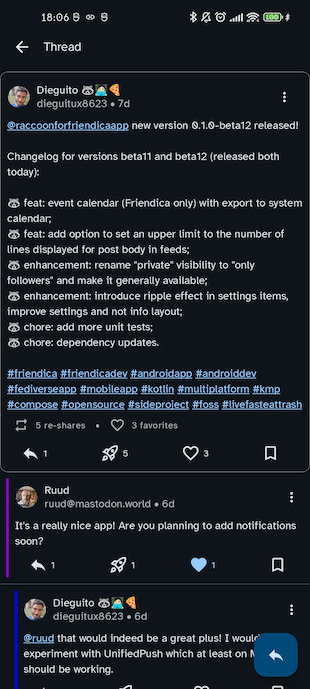
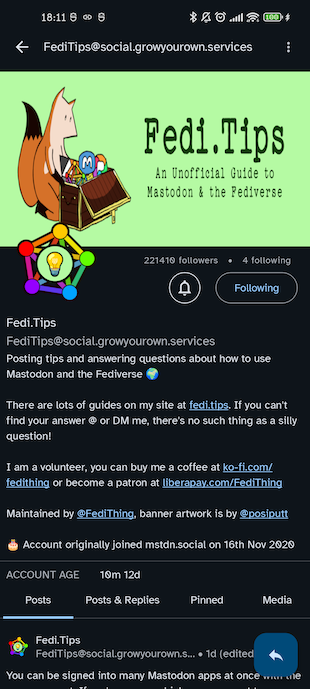
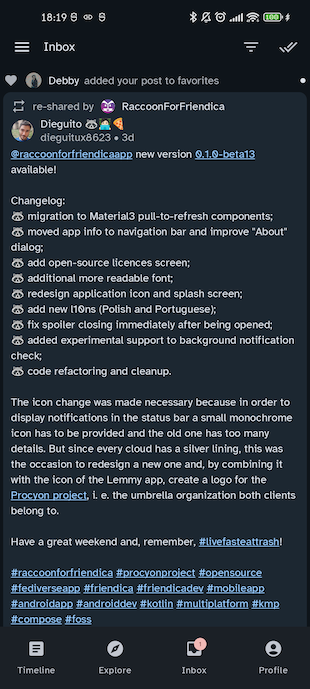
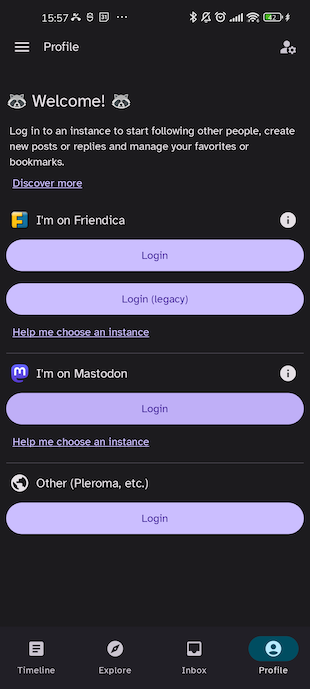
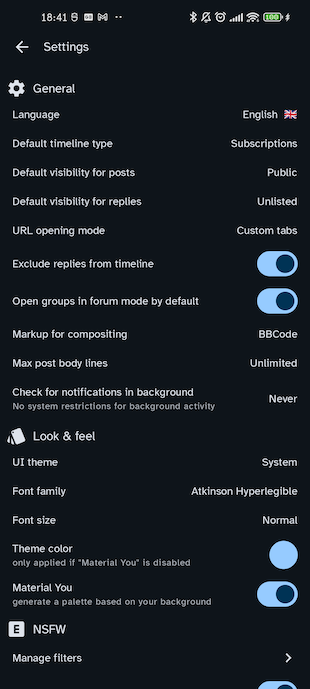
Main features: • "tour" mode: explore the Fediverse without creating an account • view multiple timelines (local, federated, followed, custom lists) • traditional navigation (vertically scroll the message timeline) • simplified navigation (horizontally swipe between posts) • support for long posts, formatting, titles and spoilers • formatting toolbar and message preview • smart insertion of alt-text for attachments • intuitive topic view for ActivityPub groups (Friendica, Lemmy, Gup.pe) • view post details • direct messages • multimedia gallery • circle and list management • social view of blog RSS feeds • integrated event calendar • UI customization (colors, font size, post length, "distraction-free" mode, etc.) • save drafts or schedule message publishing • multi-account • explore in "guest mode": view public timelines of other servers • settings import/export • 100% compatible with Mastodon and Mastodon Glitch-Soc version (long and formatted posts)

Friendica is a social environment integrated in the Fediverse, just like Mastodon and Pixelfed, which is also compatible with Bluesky and Tumblr.

Raccoon intends to make it easier to use Friendica and integrates the features of its web interface in an intuitive and lean view.

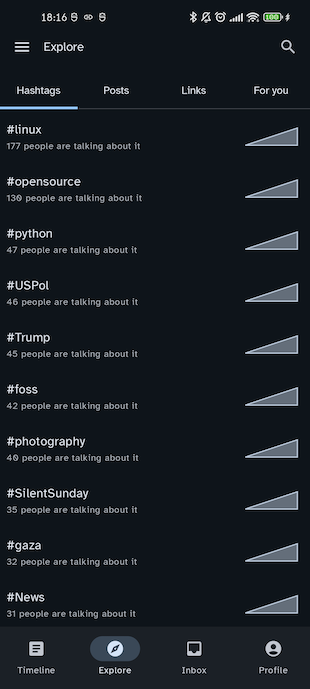
Additional features: • view trending posts, hashtags and follow suggestions • manage follow requests • create post and user reports to moderators • mute/block users, set custom rate limits and exclude terms from your timelines • polls (read-only on Friendica) • profile editing • edit and delete your posts • translate posts to your language • and, of course, much more!

Screenshots

Raccoon screenshot 1
Raccoon screenshot 2
Raccoon screenshot 3
Raccoon screenshot 4
Raccoon screenshot 5
Raccoon screenshot 6
Raccoon screenshot 7
Raccoon screenshot 8

What’s new

- feat: feat: add possibility to open posts in browser
- feat: add support local visibility options
- fix: avoid displaying recover page in profile
- fix: calendar event time zones
- fix: close unfollow request delete confirmation dialog
- fix: profile section selector and links
- fix: restore draft options menu
- enhancement: add support for Bluesky source
- enhancement: phrasing for draft mode and confirm exit dialog
- chore: update l10n
- chore: update dependencies

How to install

  1. Download the APK from the button at the top of this page.
  2. Allow “Install unknown apps” for your browser or file manager only, not for every app.
  3. Open the downloaded file and confirm the installation.
  4. If installation fails with “App not installed,” remove an earlier build of the same app first. A signature conflict is the usual cause.

Data safety

  • Every file is checked against its published SHA-256 before it is listed.
  • Files are scanned for malware on every update.
  • The permissions each app requests are listed on its own page.
  • Read the full safety policy for how we test, flag, and delist files.

Comments

Recent approved comments · sorted by newest

Verification code
Be specific and keep it about the app. No links. Comments are reviewed before publication. Device and Android details are recorded automatically. Privacy policy.

Loading recent comments...

View all comments