
Quick answer
IndieWeb Micropub and Microsub Client
F-Droid repository metadata
An app with extensions for sharing information using your IndieWeb domain or Fediverse account like Mastodon or Pixelfed. More information on
https://indiepass.app and https://indieweb.org/IndiePass
General Functionality:
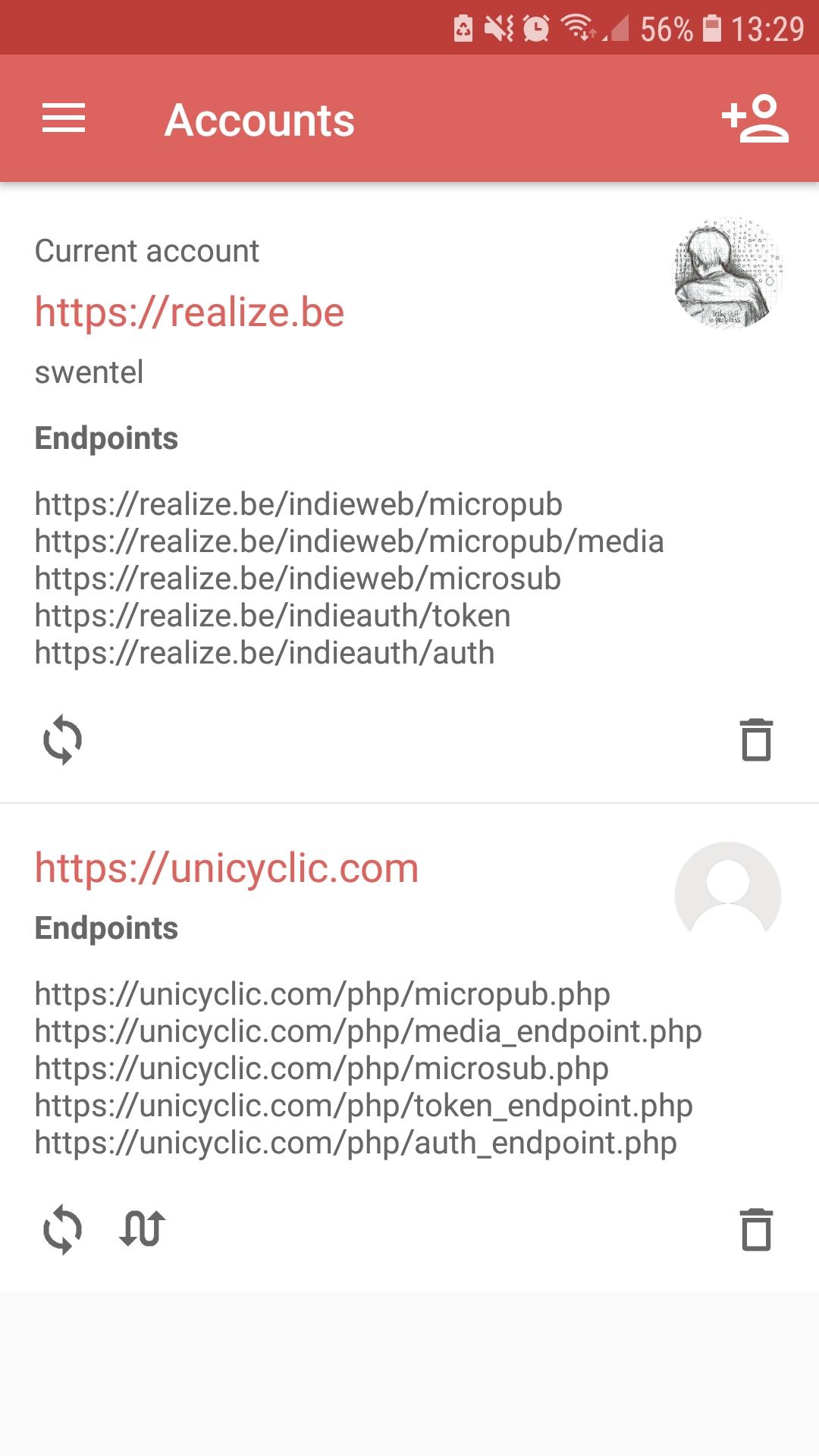
* Login with IndieWeb domains or Fediverse services.
* IndieWeb: discover indieauth, micropub, microsub and media endpoints. The micropub and microsub endpoints are optional, but at least one should be available. PKCE support for additional security when authenticating.
* Fediverse: Mastodon, Pleroma and Pixelfed.
* Share intents: receive text or images from other apps to directly share.
Post functionality:
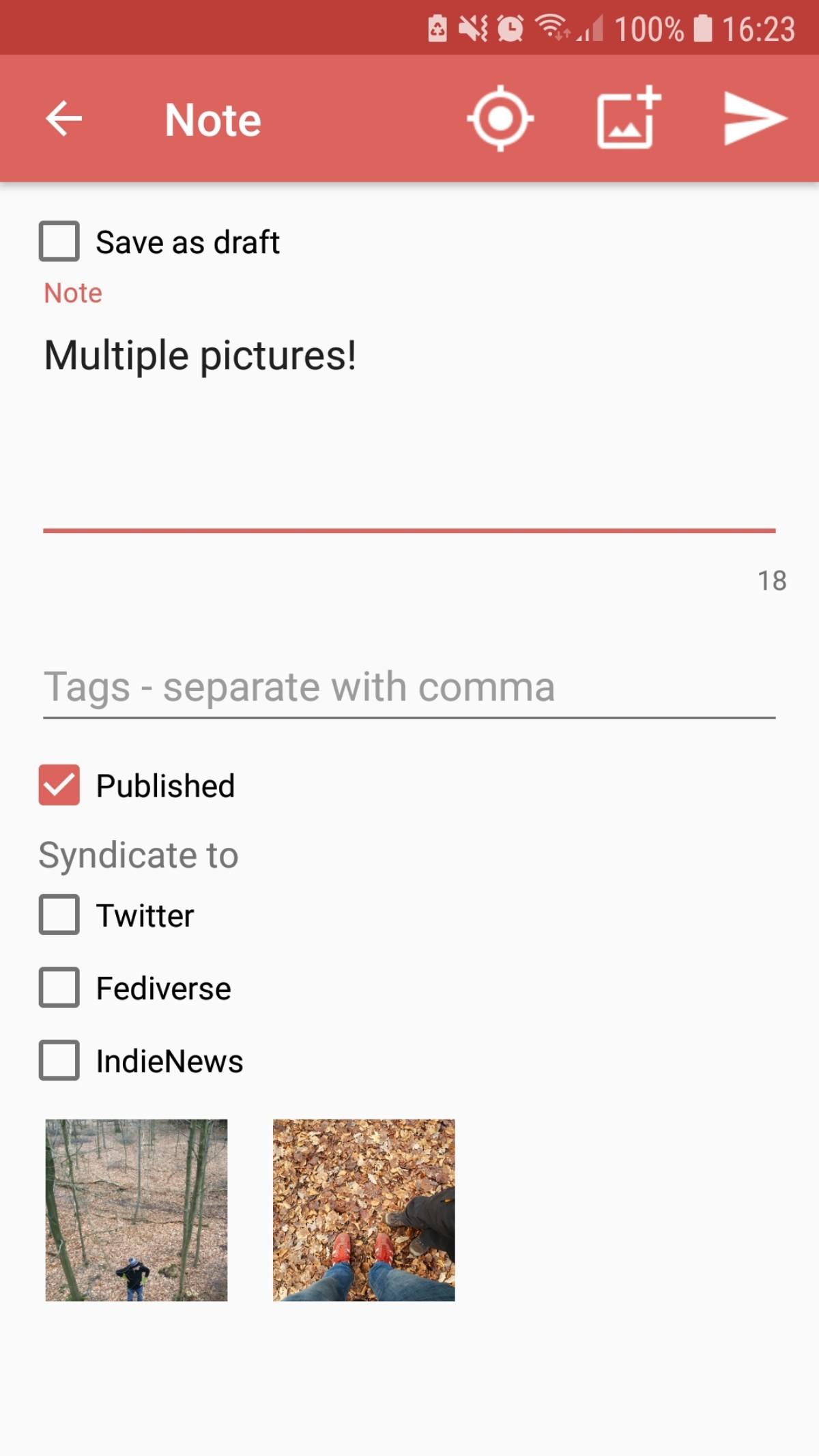
* post types: article, note, reply, repost, like, bookmark, event, issue and rsvp
* add image, tags, toggle syndication targets
* send images to media endpoint
* share location on note, article and event
* Toggle post-status (published vs draft)
* Save articles, notes or replies as draft
* Query, update and delete: get a list of posts and update basic properties (experimental)
Reader functionality:
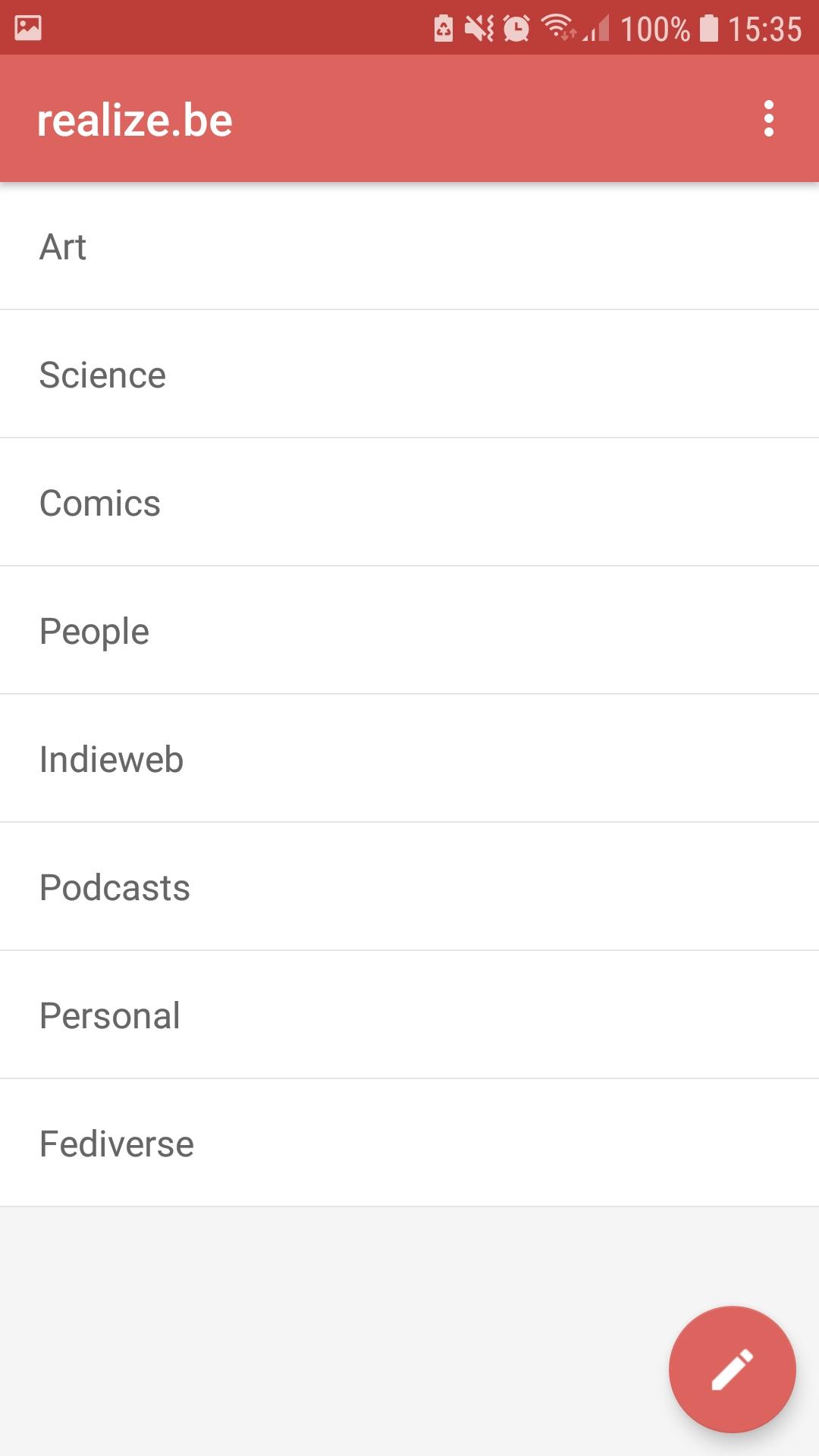
* read channels, with pull to refresh
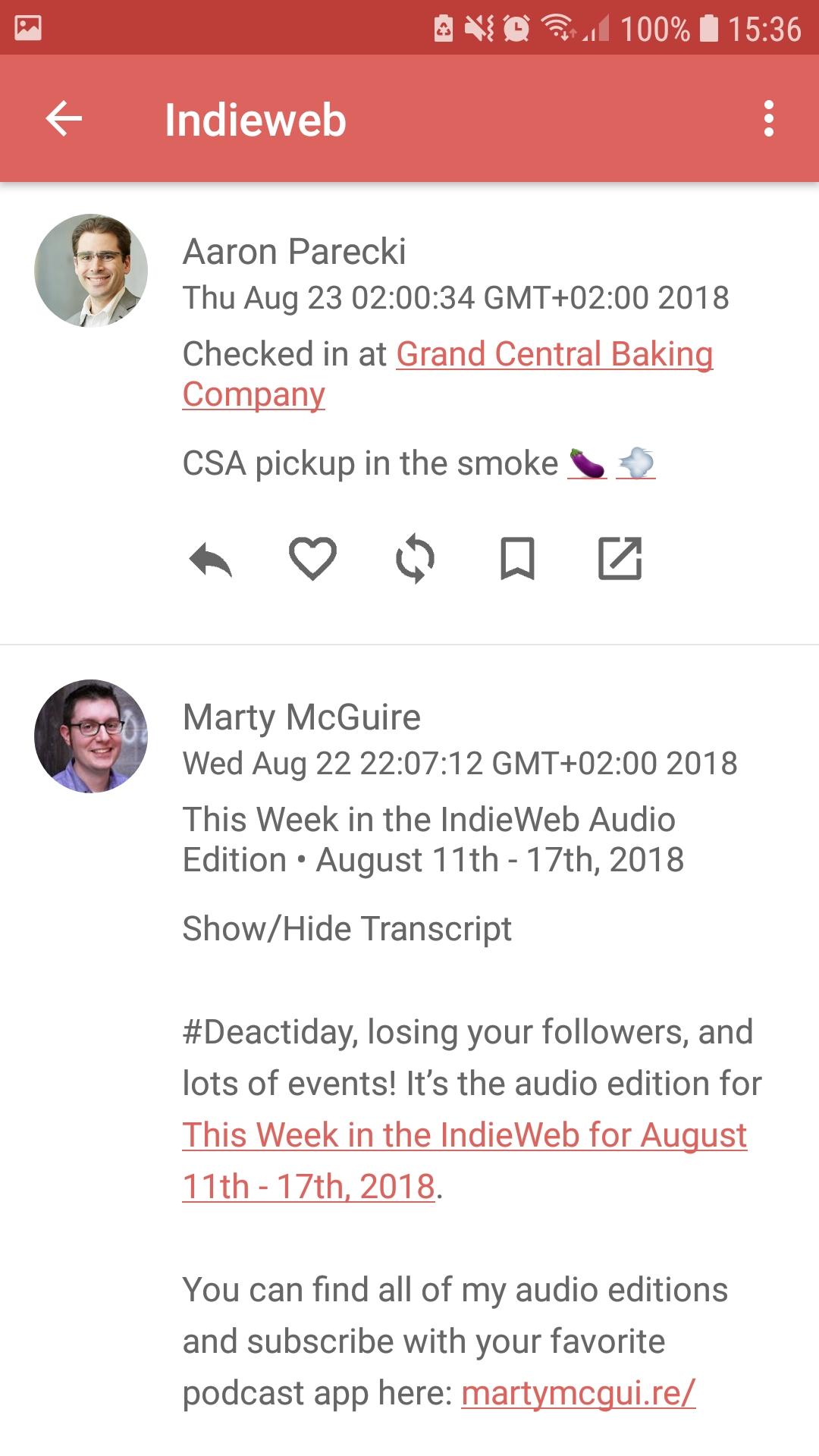
* read items per channel, with pull to refresh
* reply, like, repost, rsvp or bookmark directly
* go to external URL
* listen to audio if available
* watch videos
* view fullscreen images, zoom and pinch
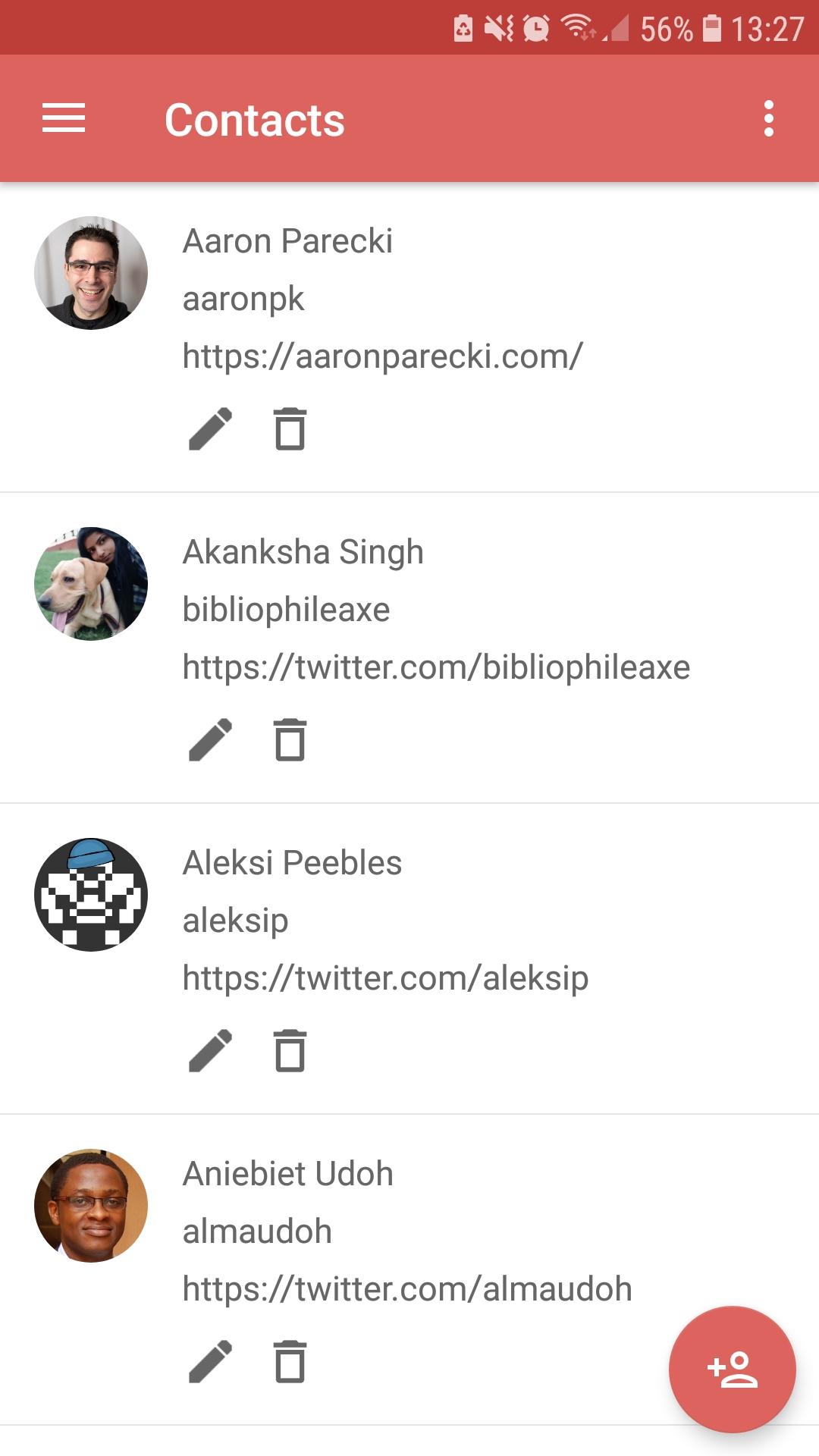
Screenshots
How to install
- Download the APK from the button at the top of this page.
- Allow “Install unknown apps” for your browser or file manager only, not for every app.
- Open the downloaded file and confirm the installation.
- If installation fails with “App not installed,” remove an earlier build of the same app first. A signature conflict is the usual cause.
Data safety
- Every file is checked against its published SHA-256 before it is listed.
- Files are scanned for malware on every update.
- The permissions each app requests are listed on its own page.
- Read the full safety policy for how we test, flag, and delist files.
Comments
Recent approved comments · sorted by newest
View all comments