What’s new
* Newest messages first in the message log viewer.

Updated Sep 22, 2026
See WhatsApp messages & media deleted by the sender.
F-Droid repository metadata
Messages & media are saved to a backup location so that you can access them even if the sender deletes them.
How it works:
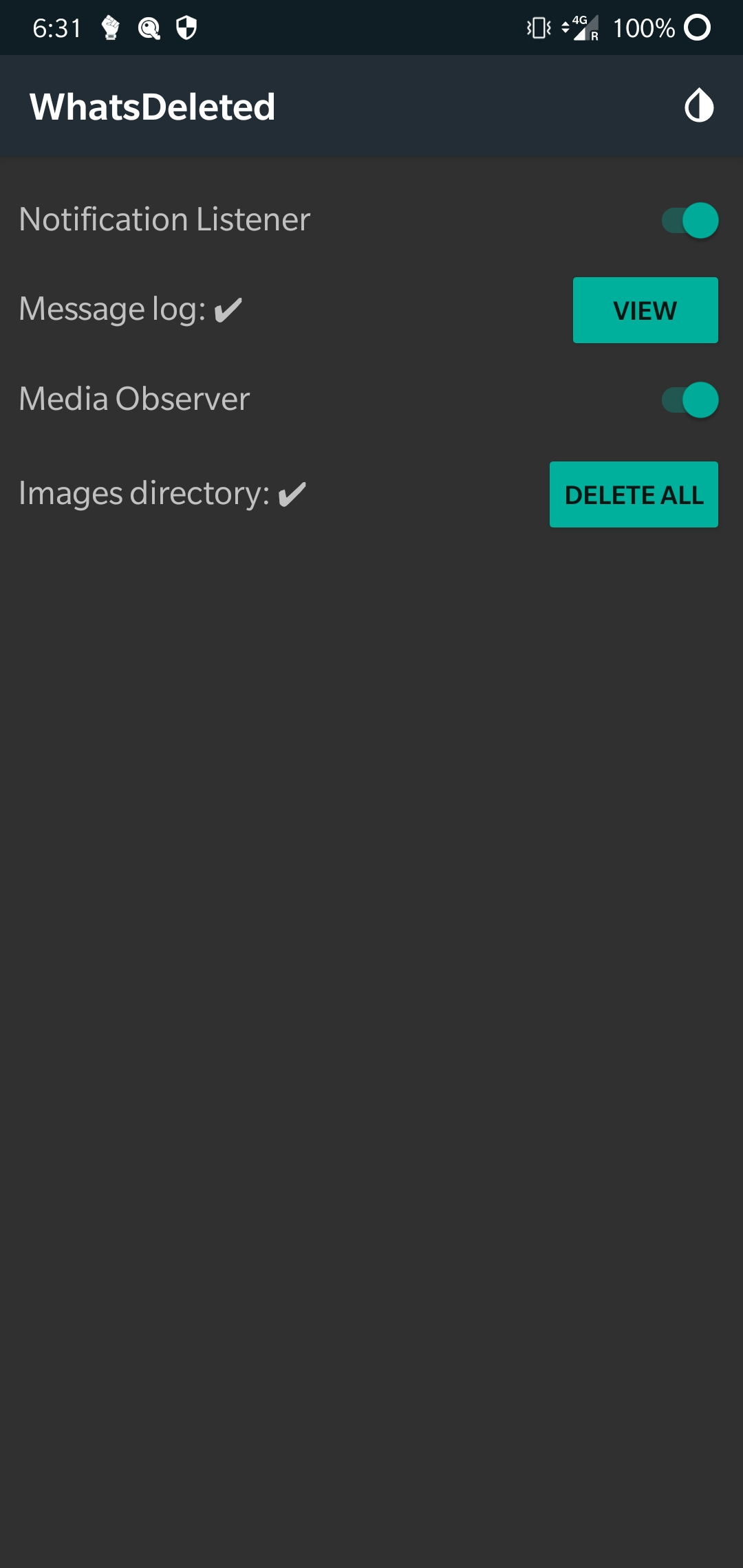
• Notification Listener logs new messages. • Media Observer watches for new images.
How to use:
• Allow storage access. • Allow notification access (tap on the switch next to Notification Listener and follow the instructions). • Media Observer is turned on by default.
Backup Location:
• Images -> External Storage/WhatsDeleted/WhatsDeleted Images/
Points to note:
• Messages received directly in the chat window (and not in the notifications) won't be saved. • Images will be saved to the backup directory only if they were downloaded. • Clear the message log & image directory periodically to save storage space.
* Newest messages first in the message log viewer.
Recent approved comments · sorted by newest
View all comments