
Quick answer
Bitcoin wallet app made to test payment systems against double-spend attacks.
F-Droid repository metadata
Double-spending is no longer a theoretical possibility but a practical reality. Most of the end-user applications used widely today leave their users vulnerable to being defrauded via double-spend attacks. PayNoWay is a tool that you can use to test the applications that you, or your business, depend on to accept on-chain cryptocurrency payments.
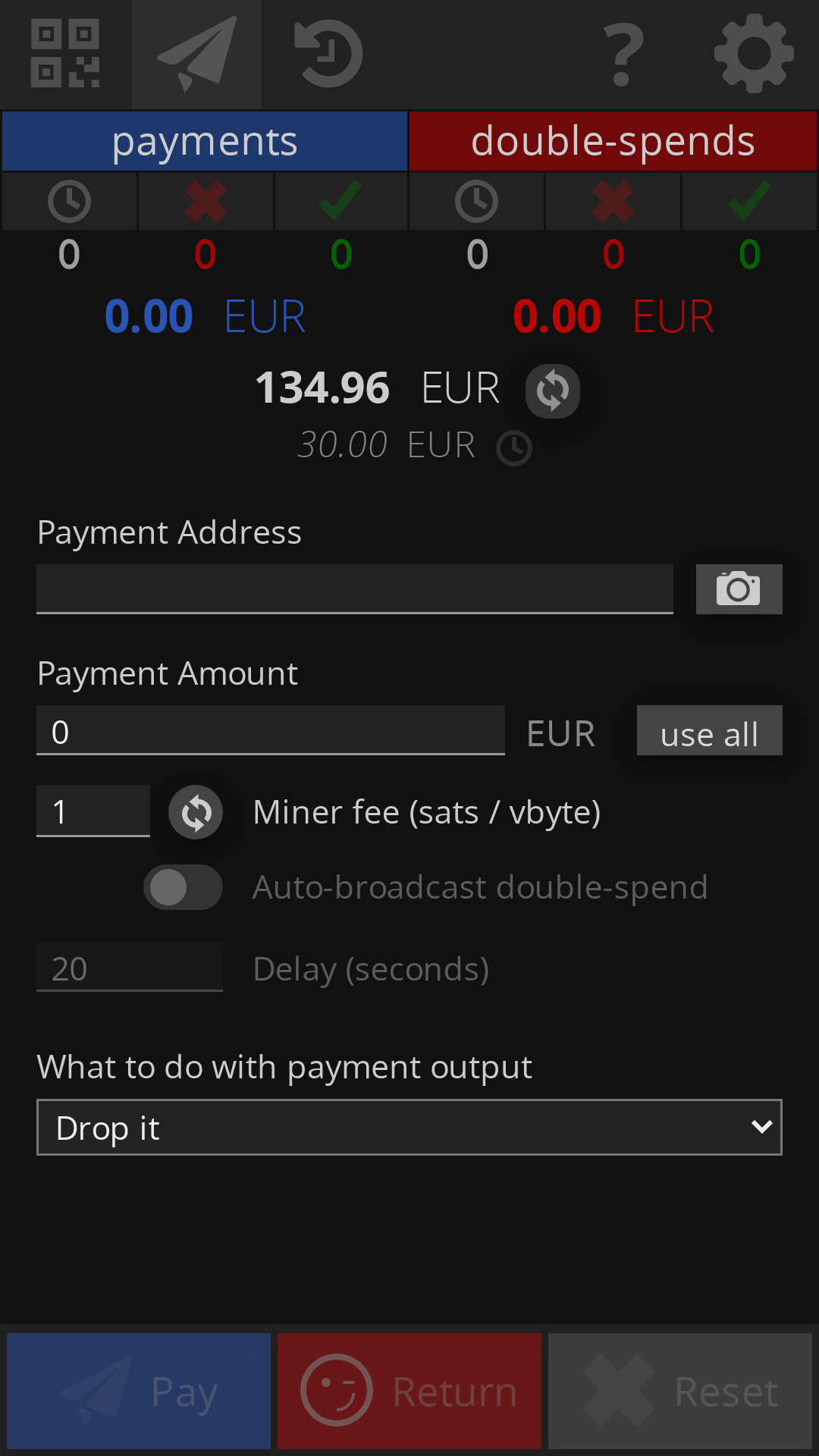
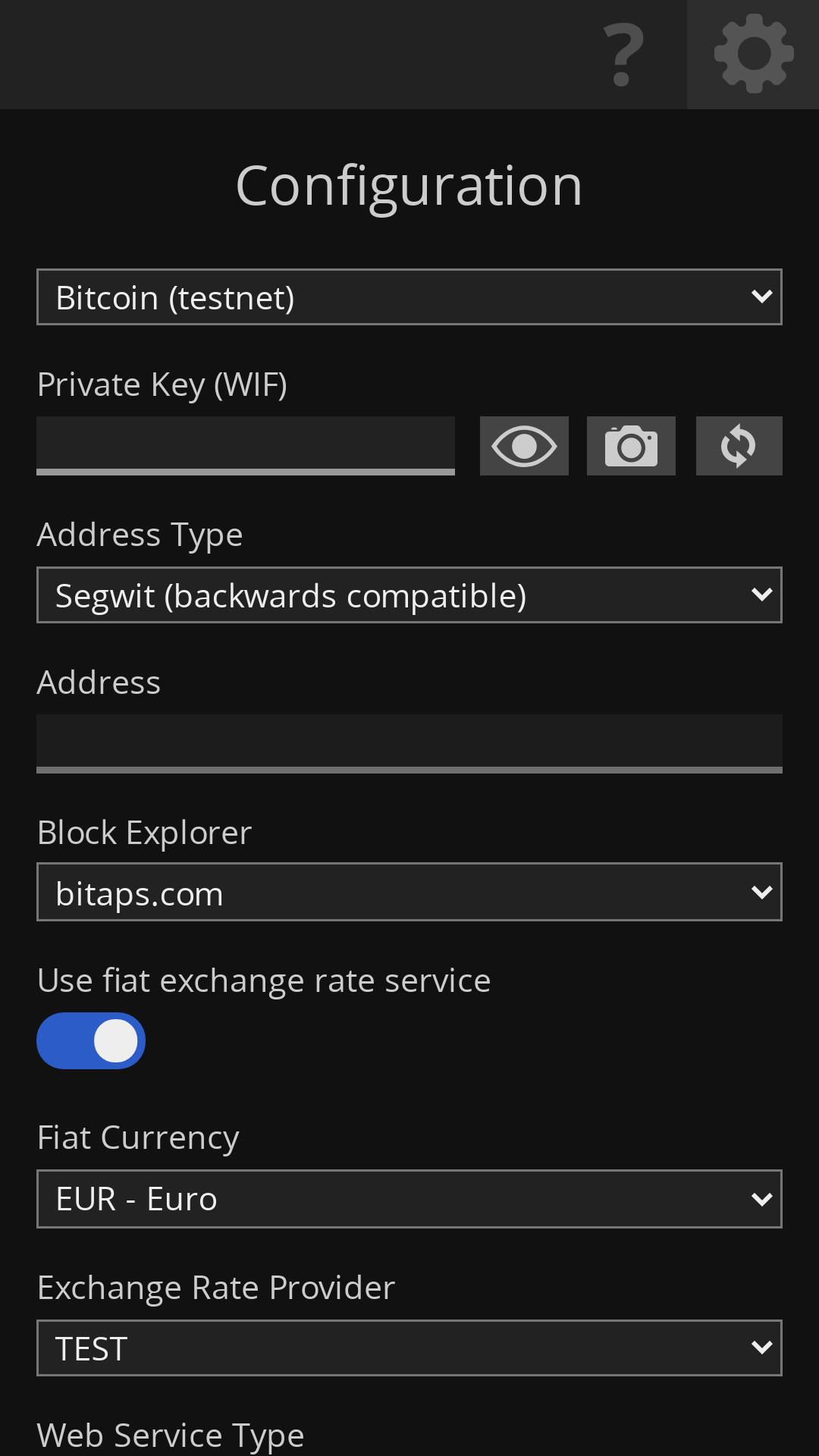
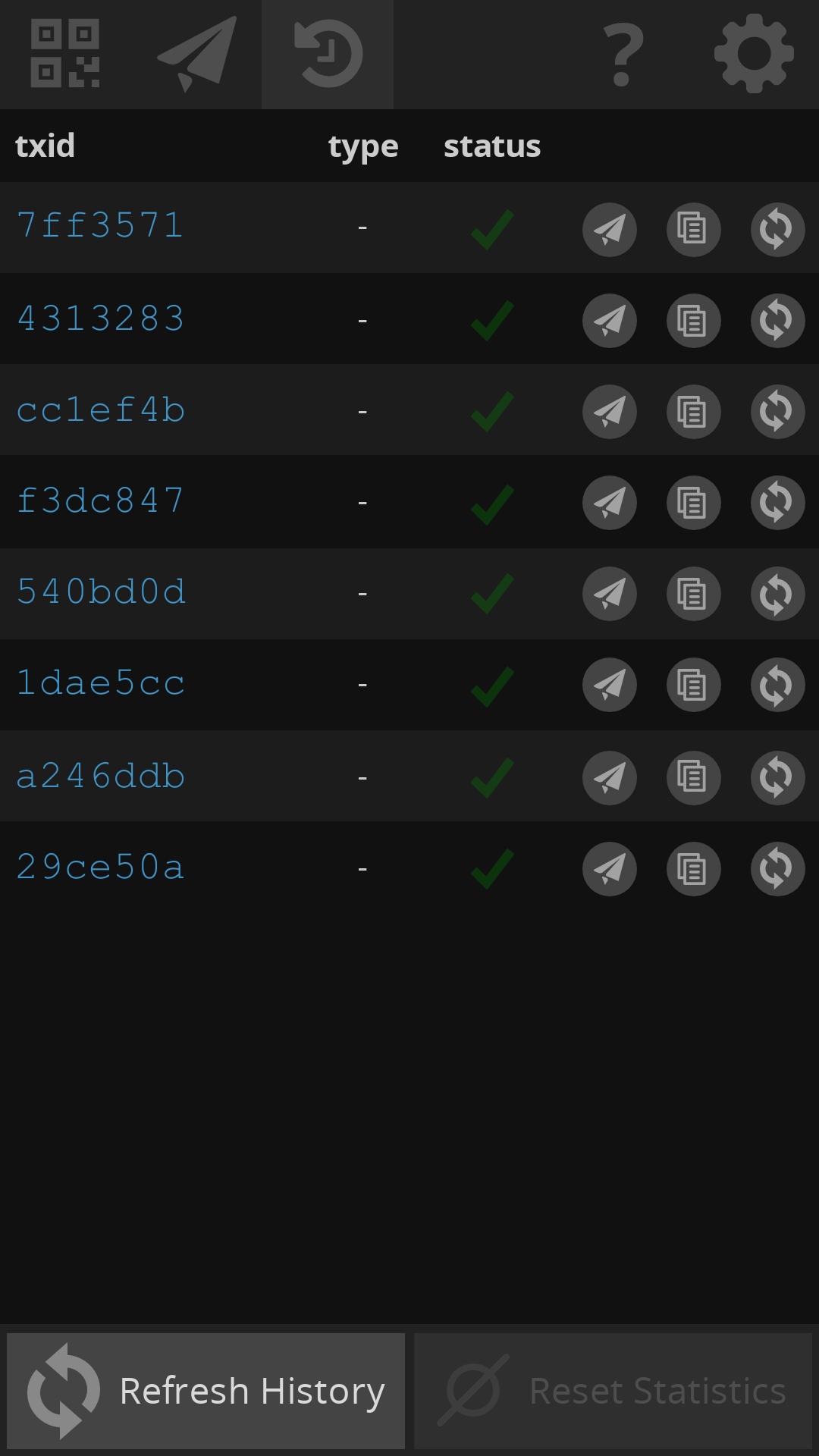
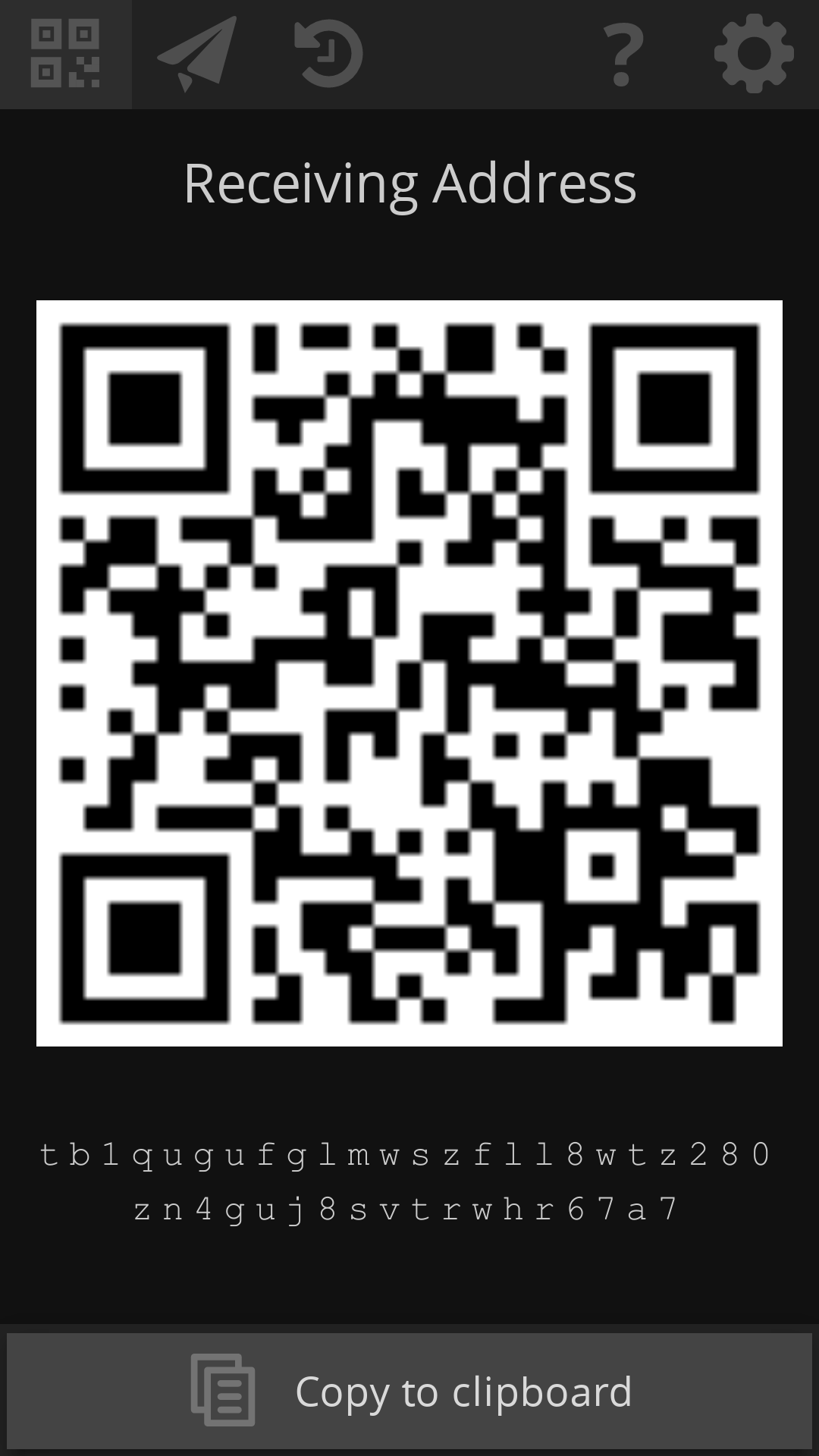
Features: - Send payment transactions with the same UX flow as other wallet applications. - Easily broadcast double-spend transaction after a payment is sent, to return the funds to the internal wallet address. - Fetch current network fee rate, or set a custom value. - Optionally set automatic broadcasting of double-spend transactions. - Control what happens to the payment transaction output - "Drop it" or "Replace with dust". - By default double-spend transactions are broadcast to several web services simultaneously to improve chances of confirmation. - Bitcoin mainnet and testnet networks - Several address types - Legacy (p2pkh), SegWit backwards compatible, SegWit (bech32). - Transaction history view where you can re-broadcast any past transaction, copy to clipboard any transaction as raw hexadecimal, or update any locally stored transaction by fetching it from the configured web service. - Statistics dashboard (Payments vs. Double-spends) which shows total number of transactions as well as their total values. Optionally reset the dashboard at any time.
Disclaimers: - This app is intended to be used for testing and educational purposes. - Please do not use this app to double-spend against merchants without their explicit consent. - A successful double-spend is not guaranteed - use at your own risk. - You are responsible for creating a backup of your private key(s). Without a backup, if you delete the app or lose your device, your funds will be permanently lost.
Permissions: - Camera, flashlight - To scan QR codes that contain an on-chain addresses, payment requests, and optionally a private key (WIF) during configuration. - Access network state - For detecting if the device is offline. This helps provide feedback to you, the user, in case of temporary loss of network connectivity. - Internet - To query web service APIs to broadcast transactions, fetch minimum relay fee rate, fetch transaction history and unspent transaction outputs.
Screenshots
How to install
- Download the APK from the button at the top of this page.
- Allow “Install unknown apps” for your browser or file manager only, not for every app.
- Open the downloaded file and confirm the installation.
- If installation fails with “App not installed,” remove an earlier build of the same app first. A signature conflict is the usual cause.
Data safety
- Every file is checked against its published SHA-256 before it is listed.
- Files are scanned for malware on every update.
- The permissions each app requests are listed on its own page.
- Read the full safety policy for how we test, flag, and delist files.
Comments
Recent approved comments · sorted by newest
View all comments