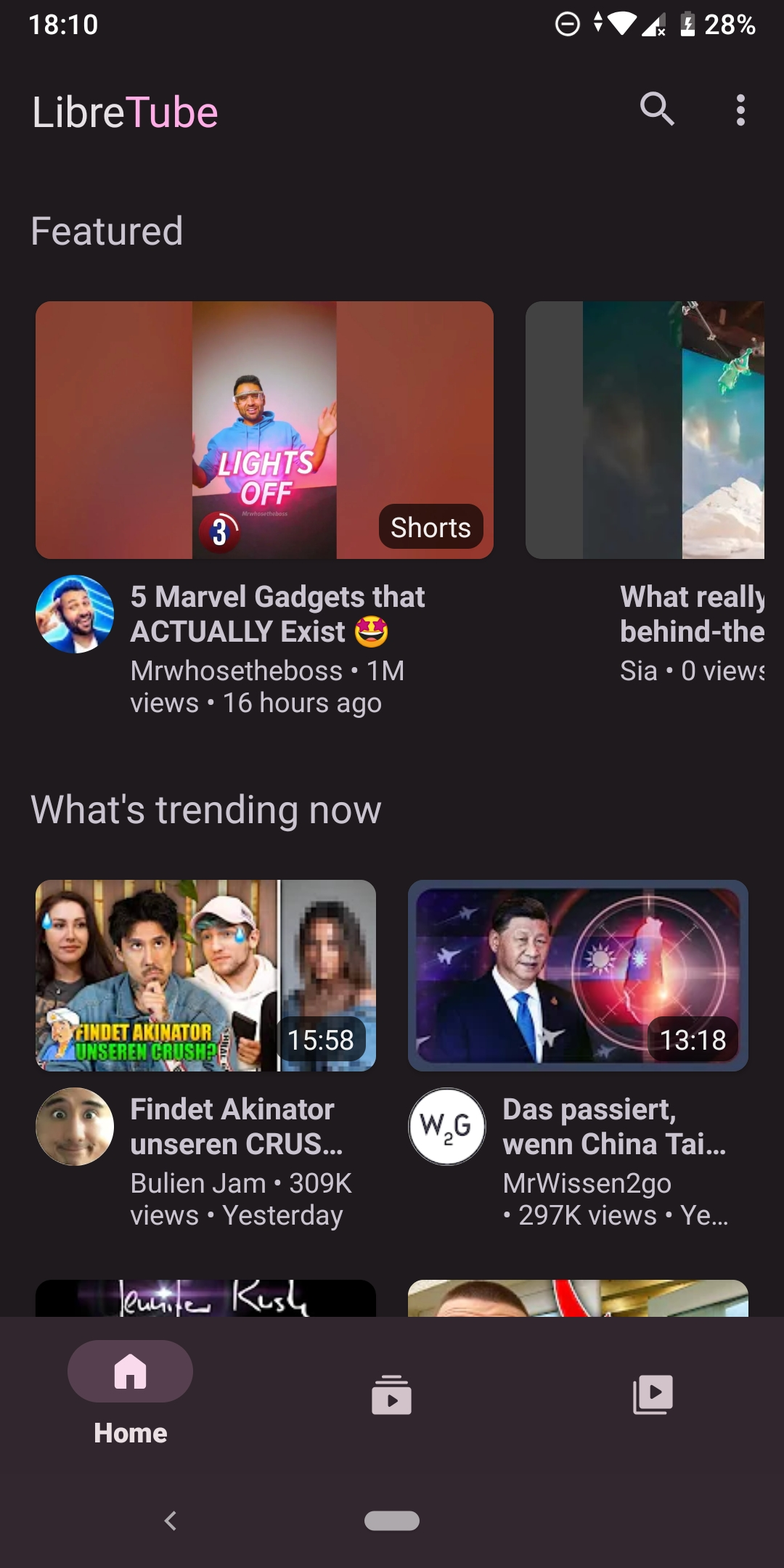
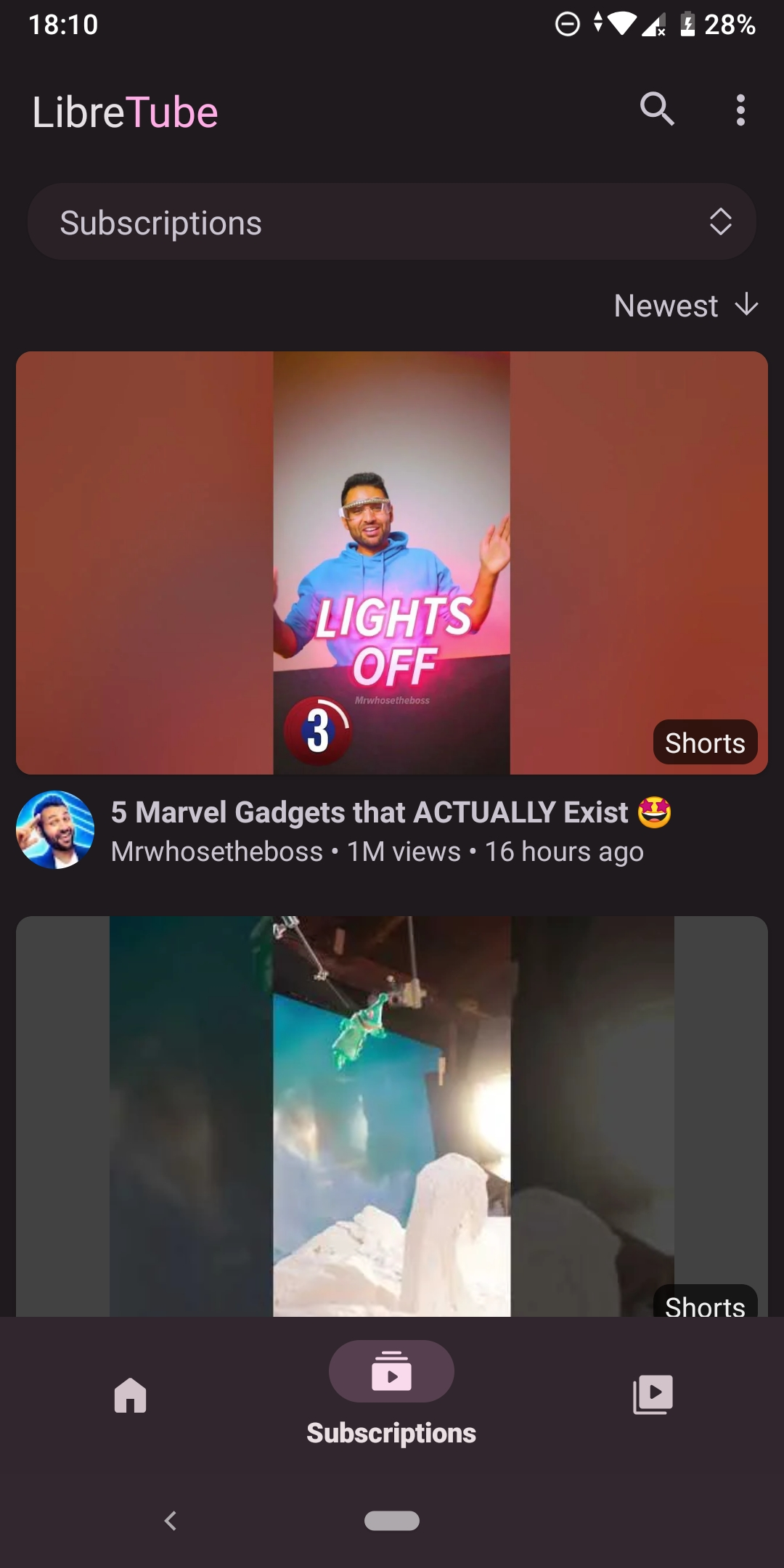
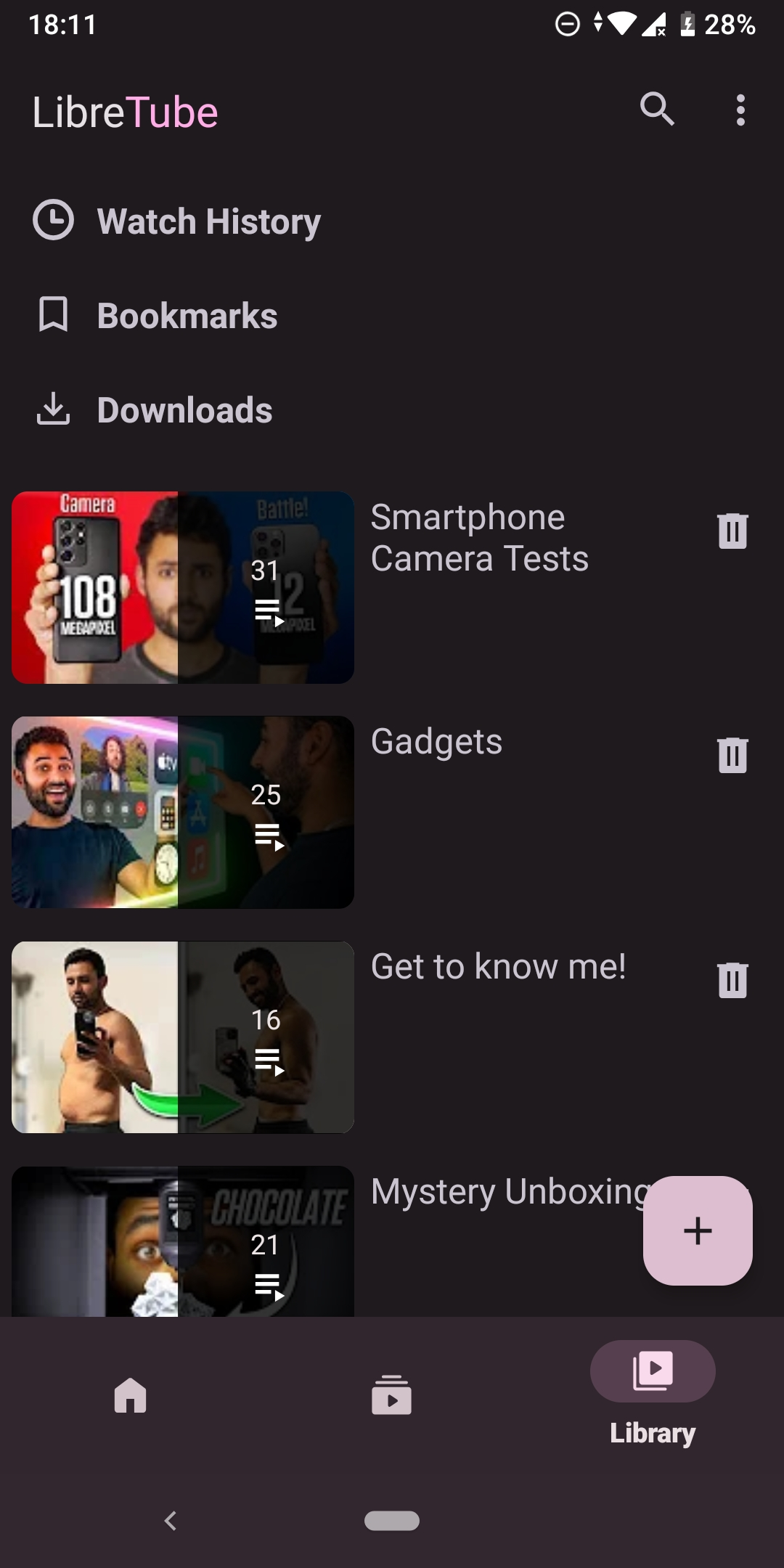
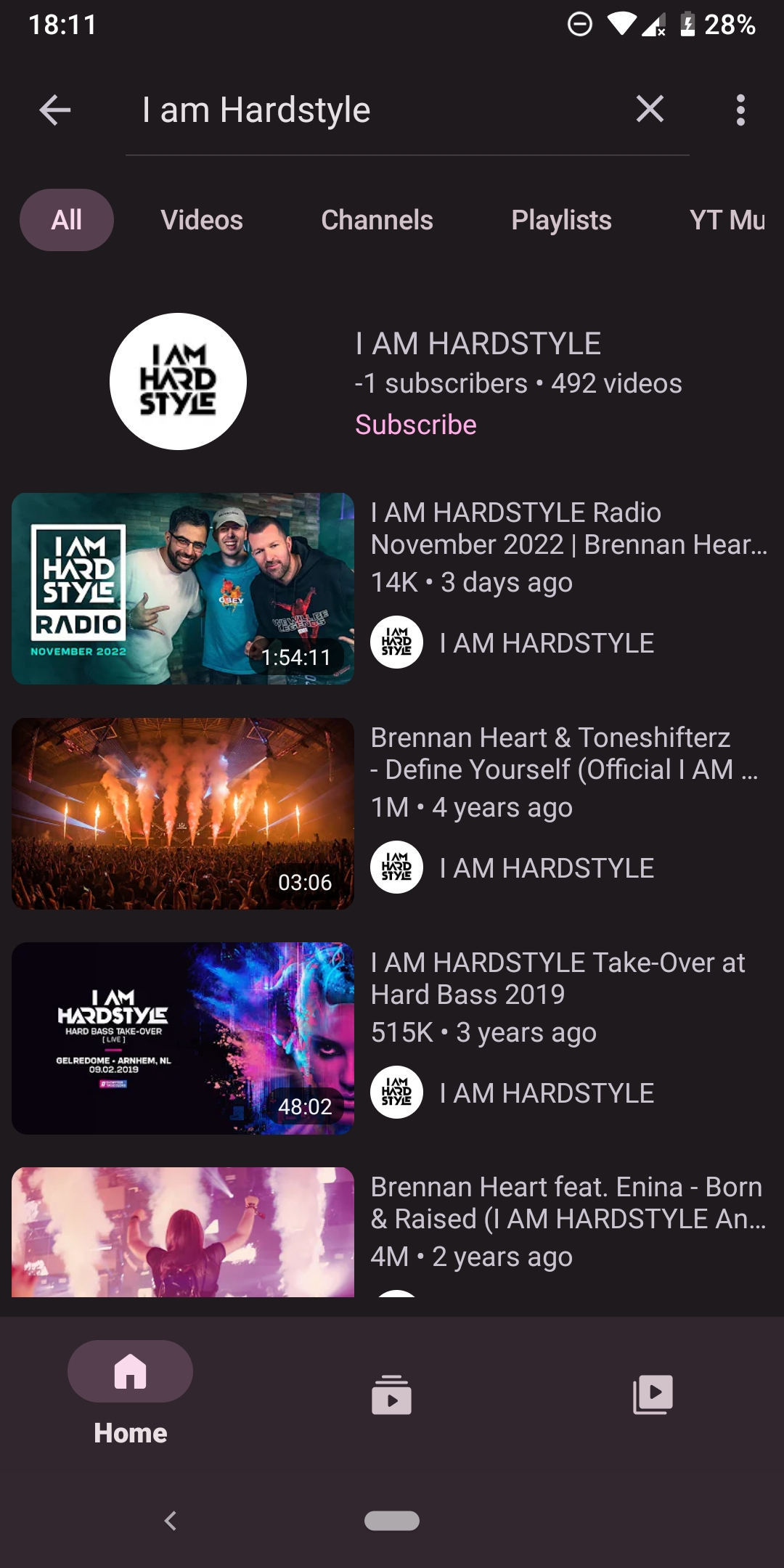
Alternative frontend for YouTube with focus on privacy
F-Droid repository metadata
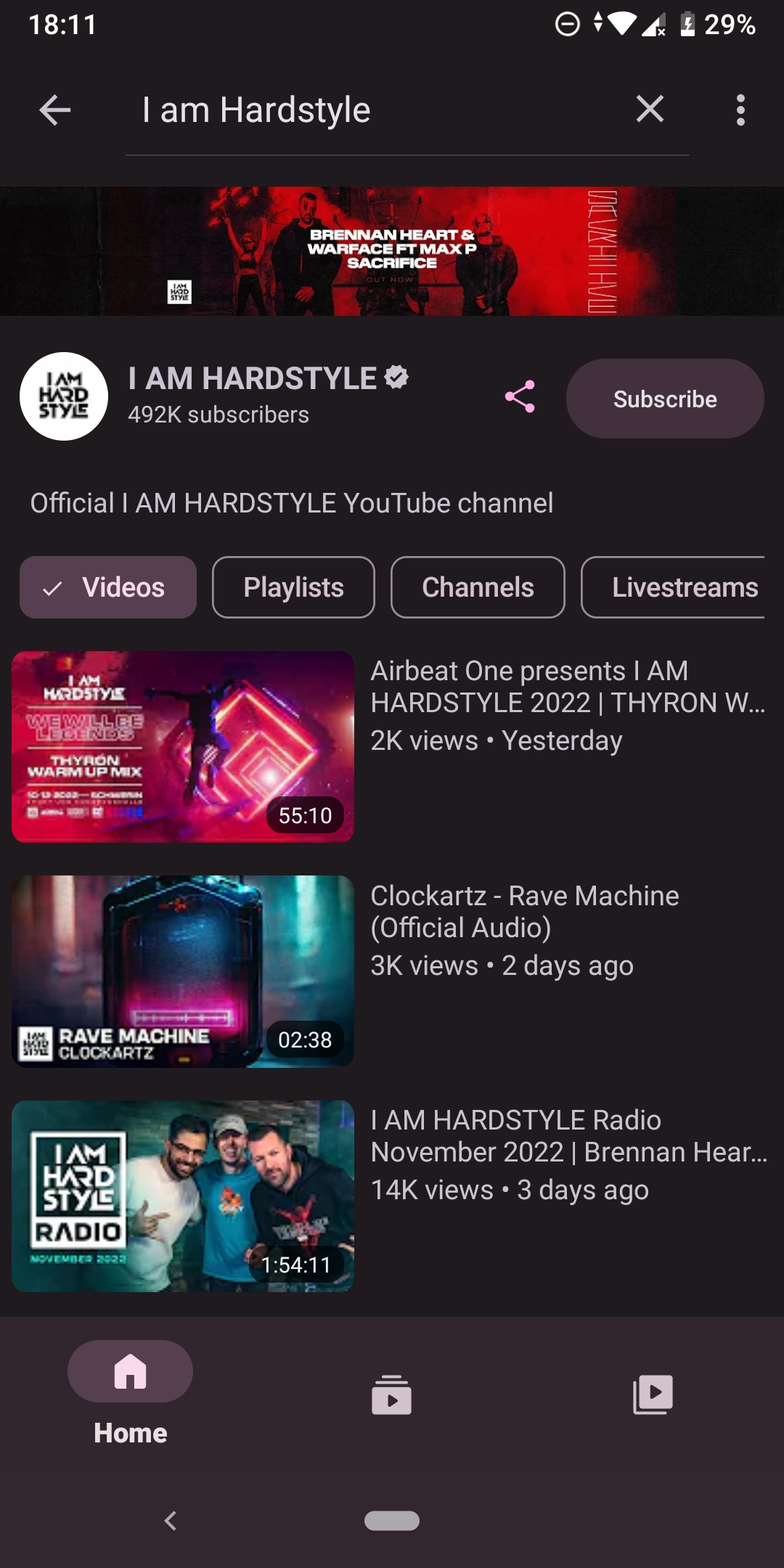
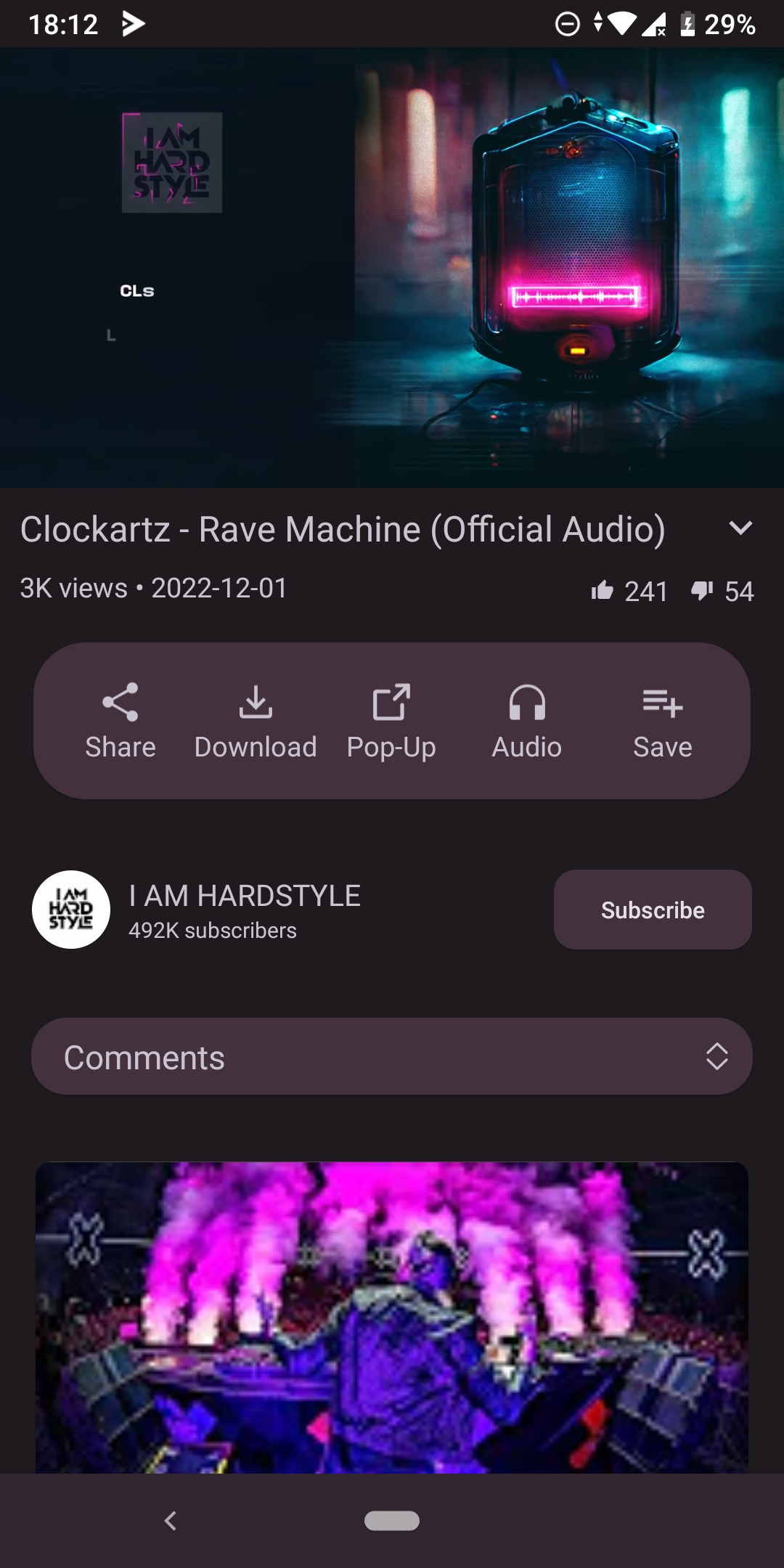
LibreTube is an alternative frontend for YouTube, focusing on user privacy and better watching experience. It doesn't require any YouTube account or Google Services installed on your device.
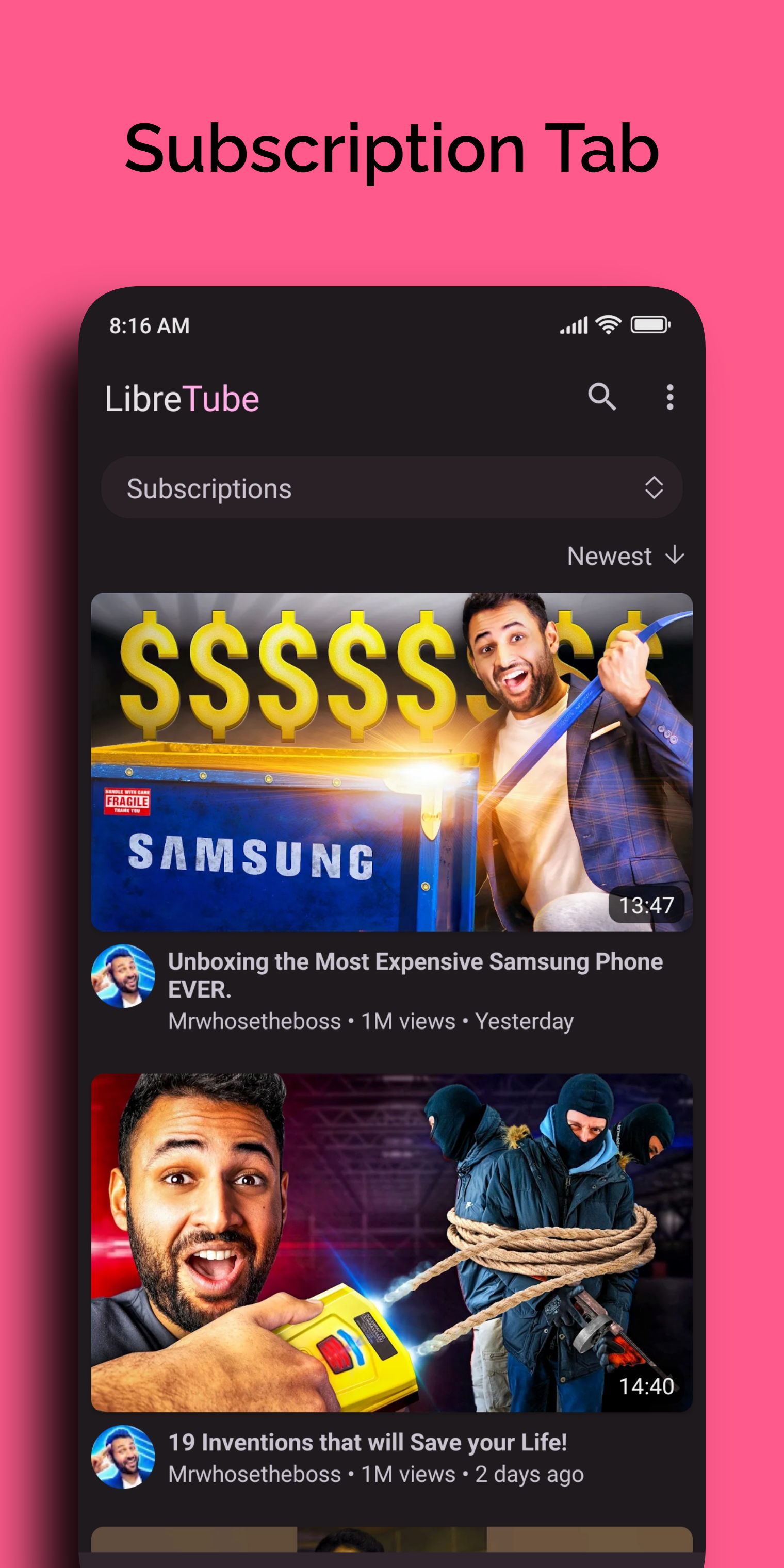
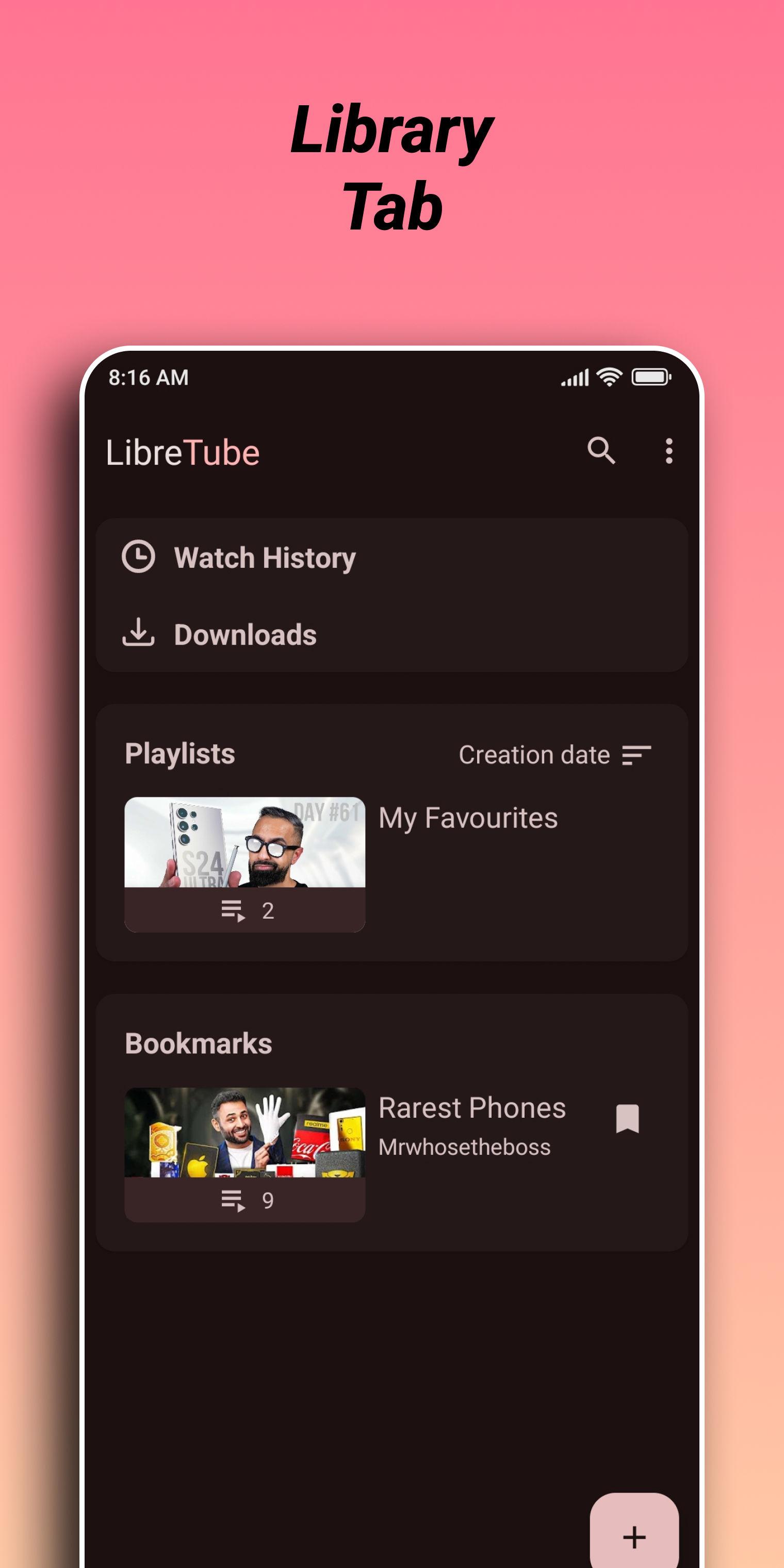
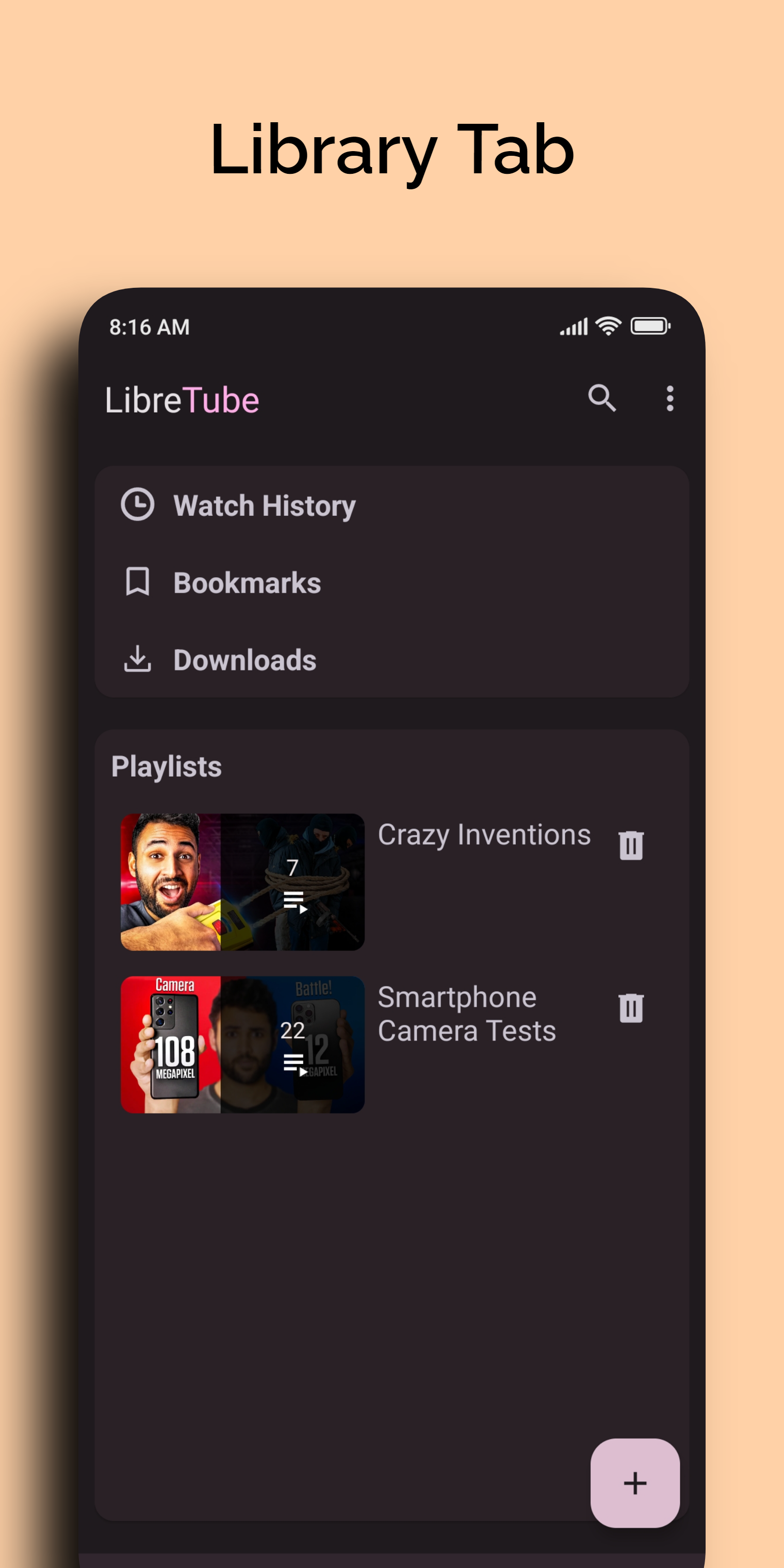
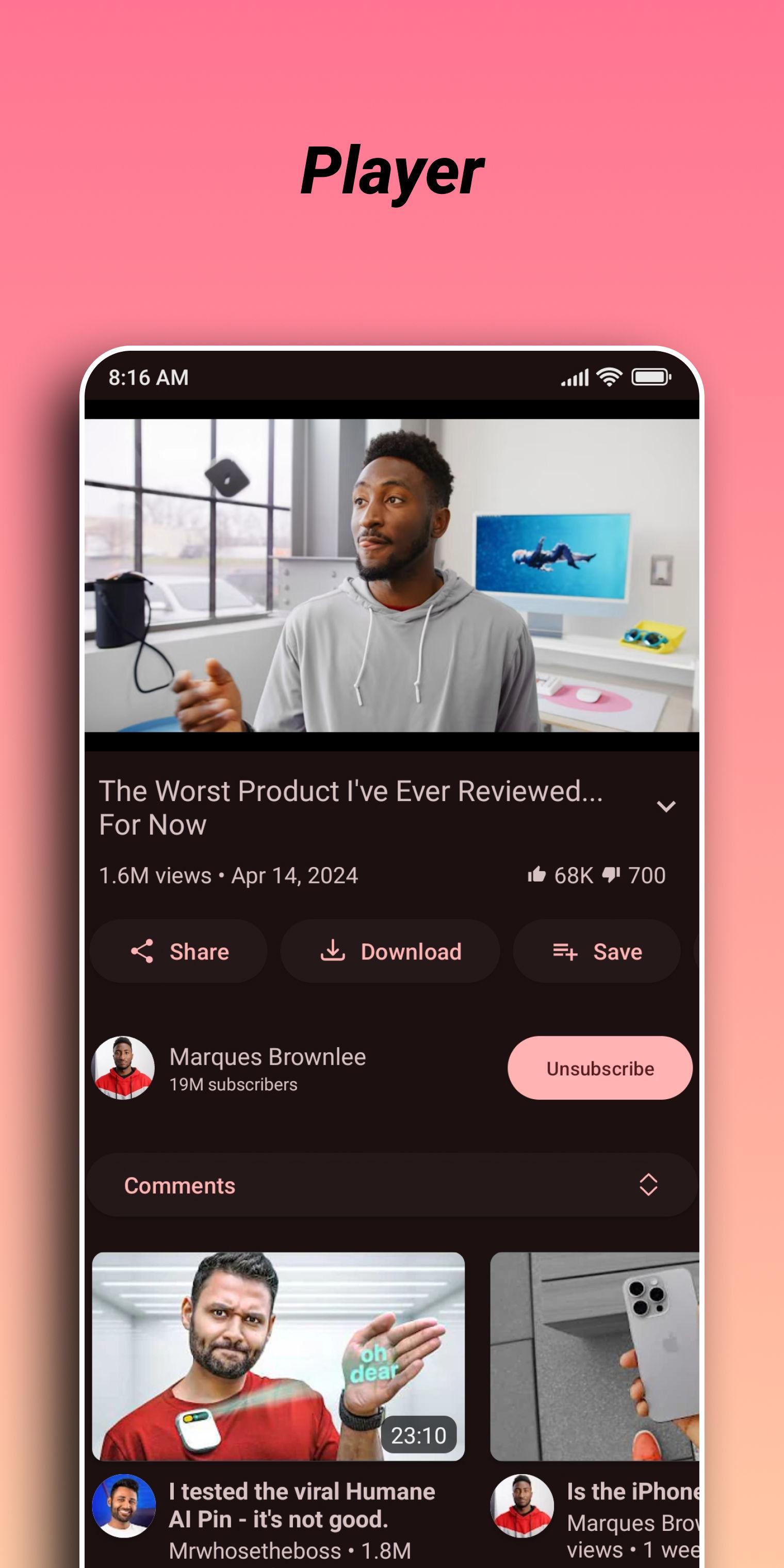
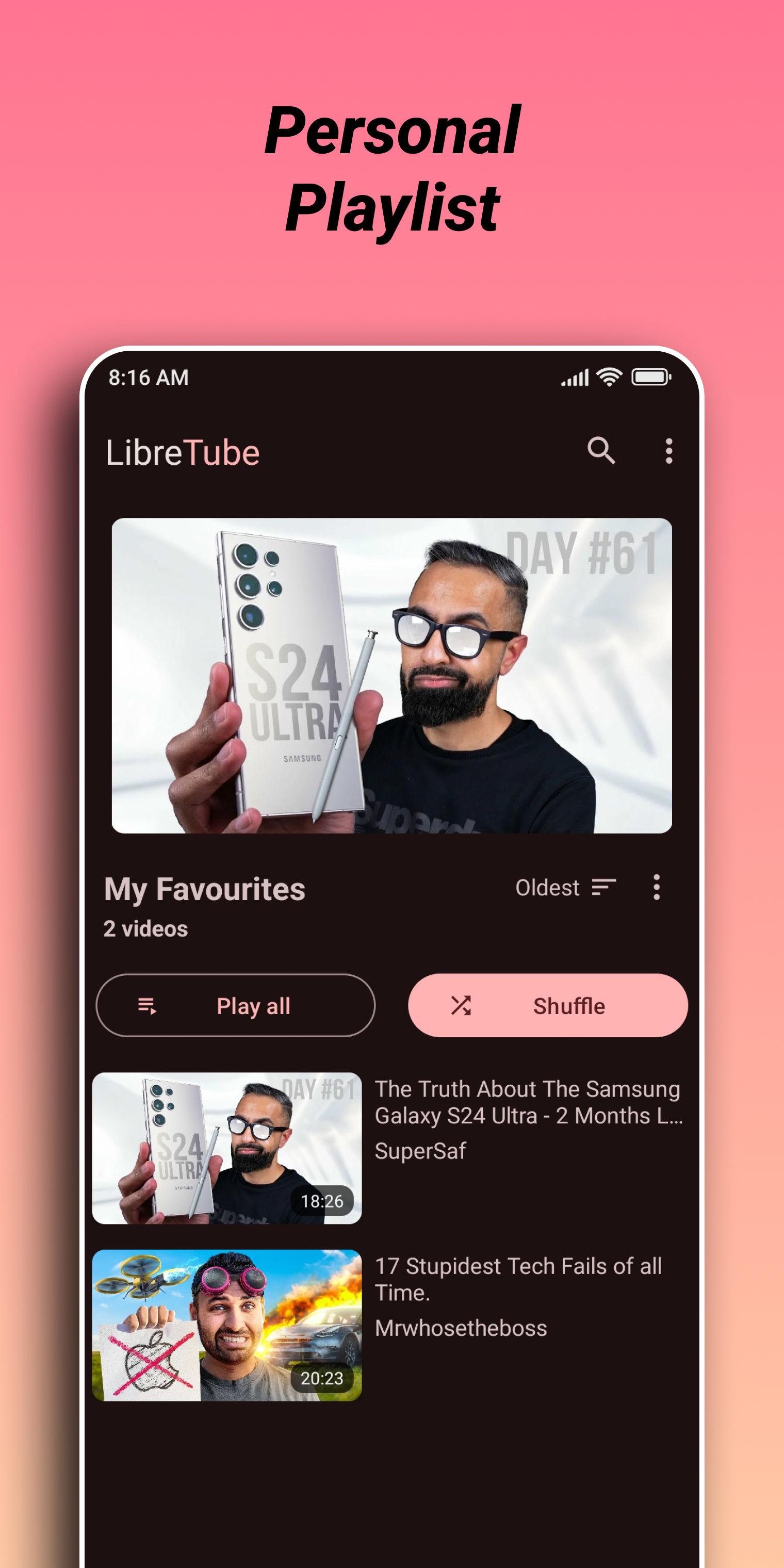
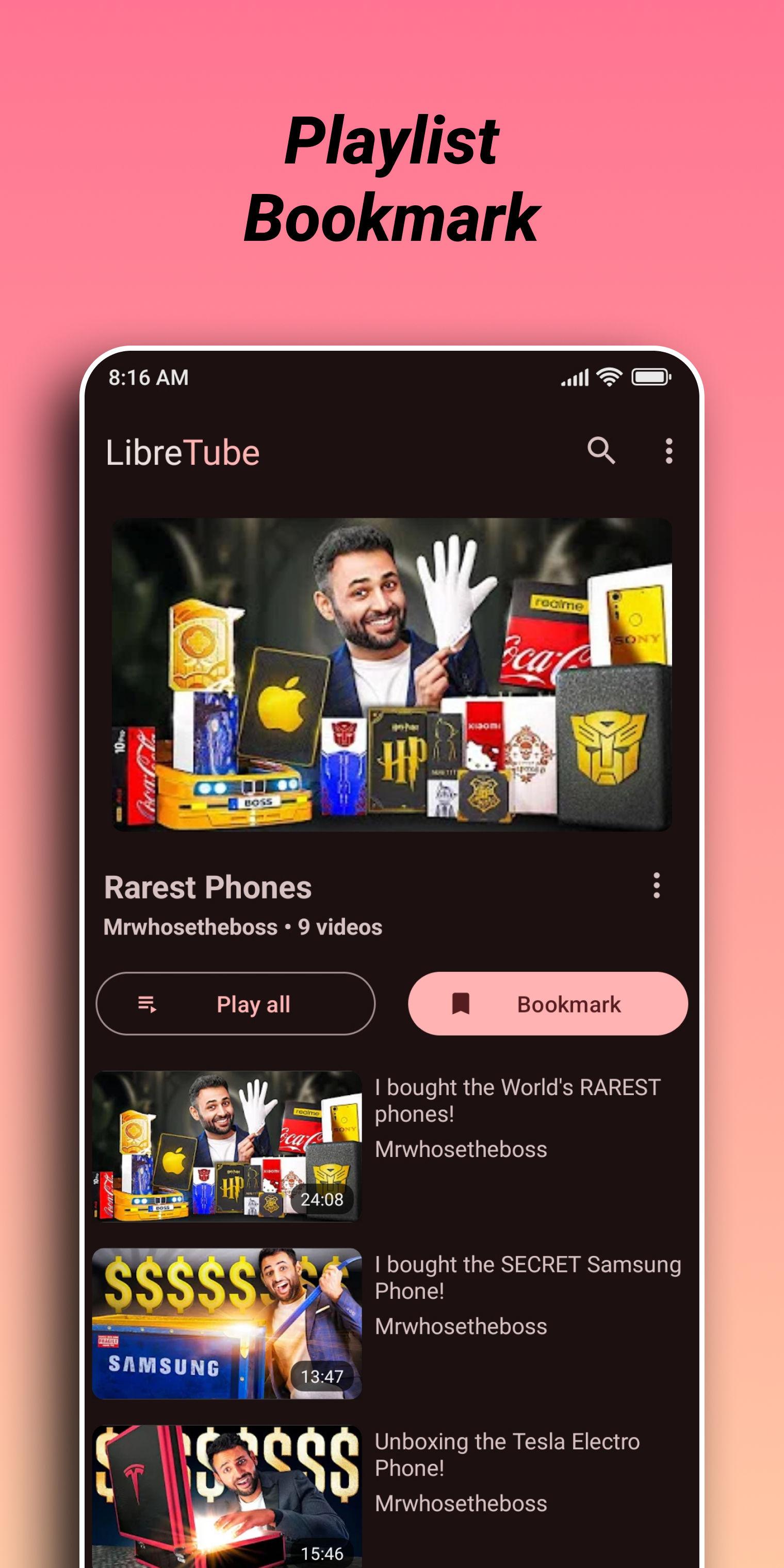
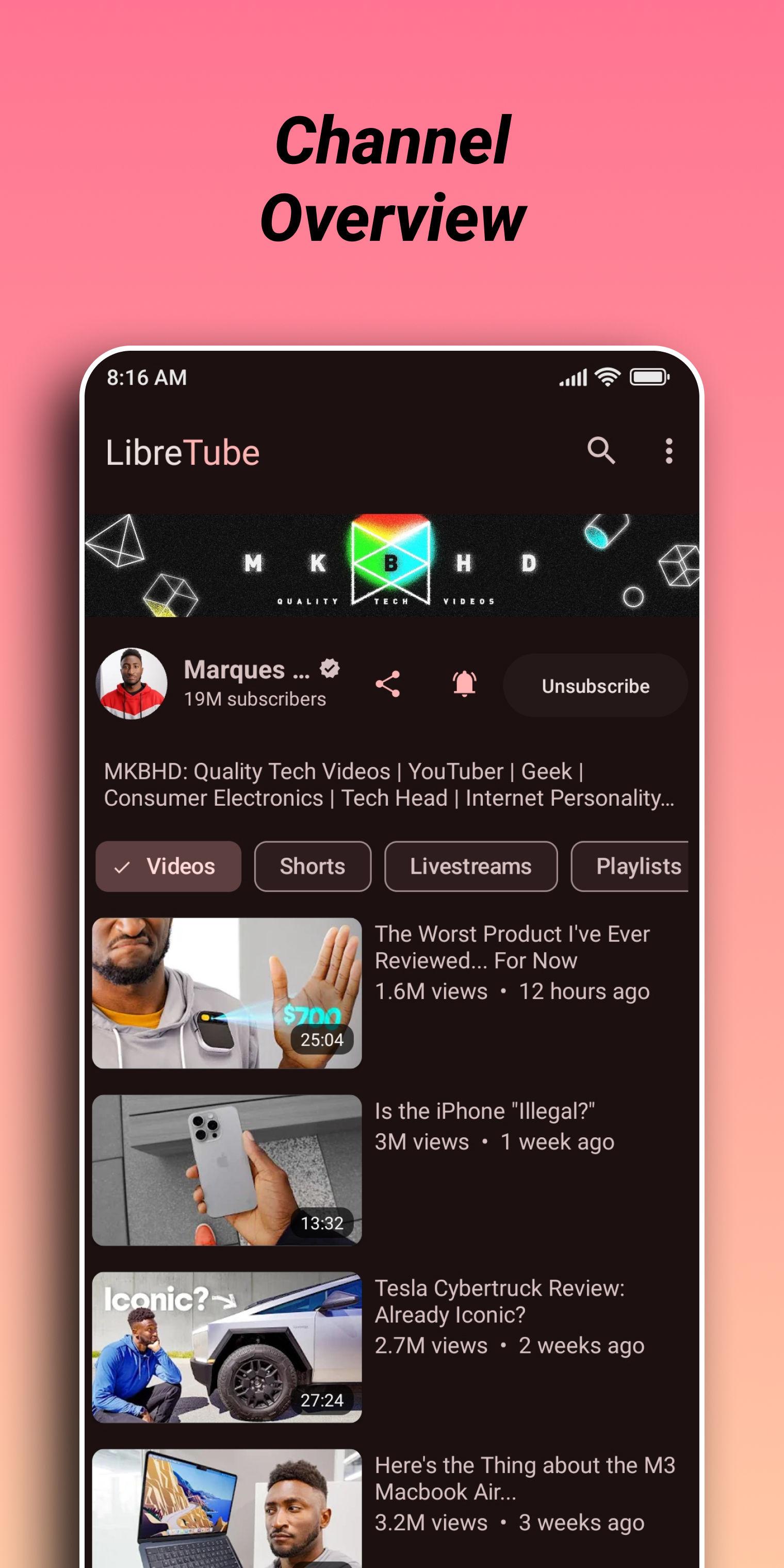
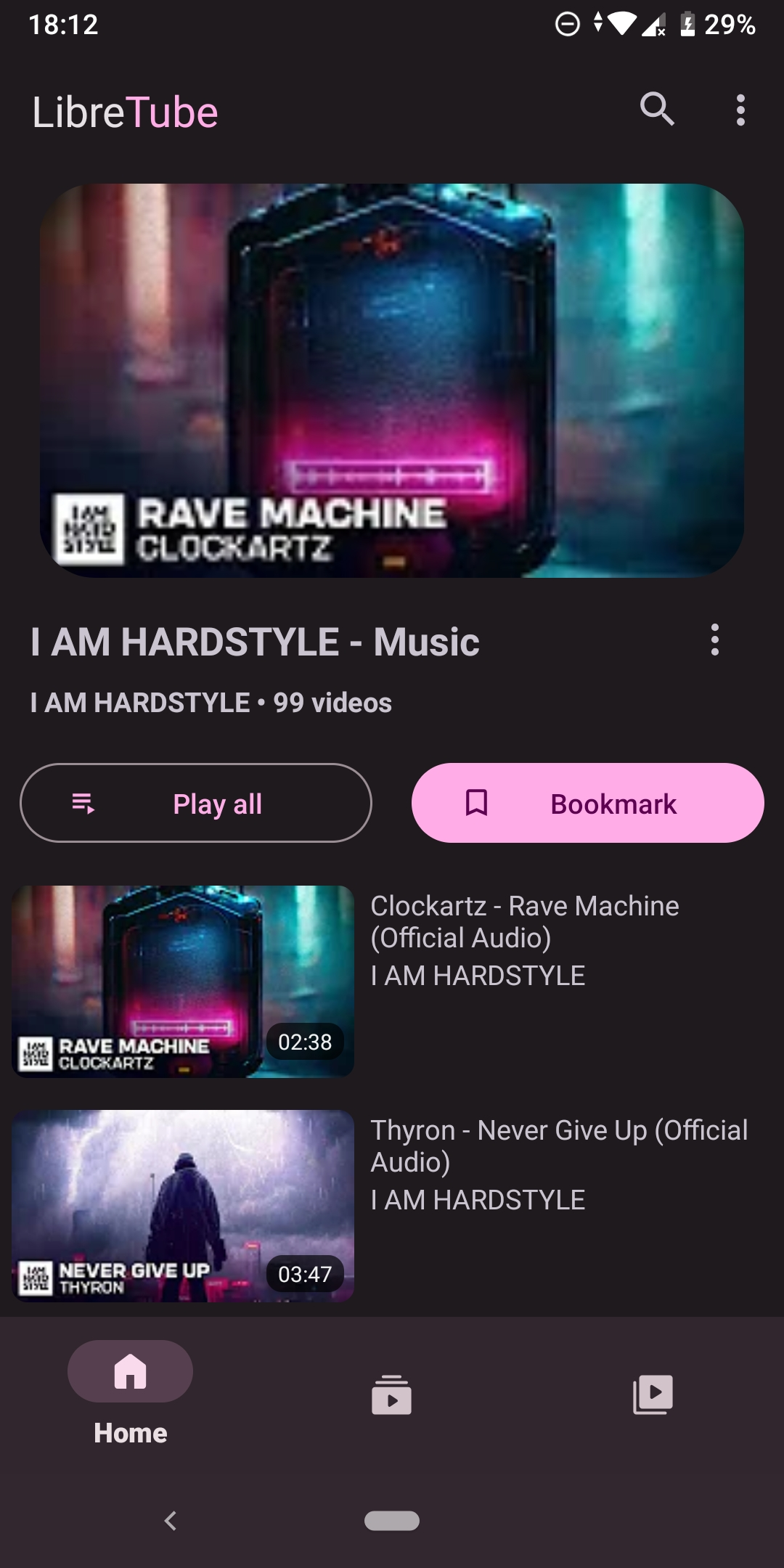
In comparison to YouTube, LibreTube has some additional features like SponsorBlock, DeArrow, Subscription Groups, Playlist bookmarks, and many more. Apart from that, you can subscribe to channels and create private playlists just as you're used to from YouTube.
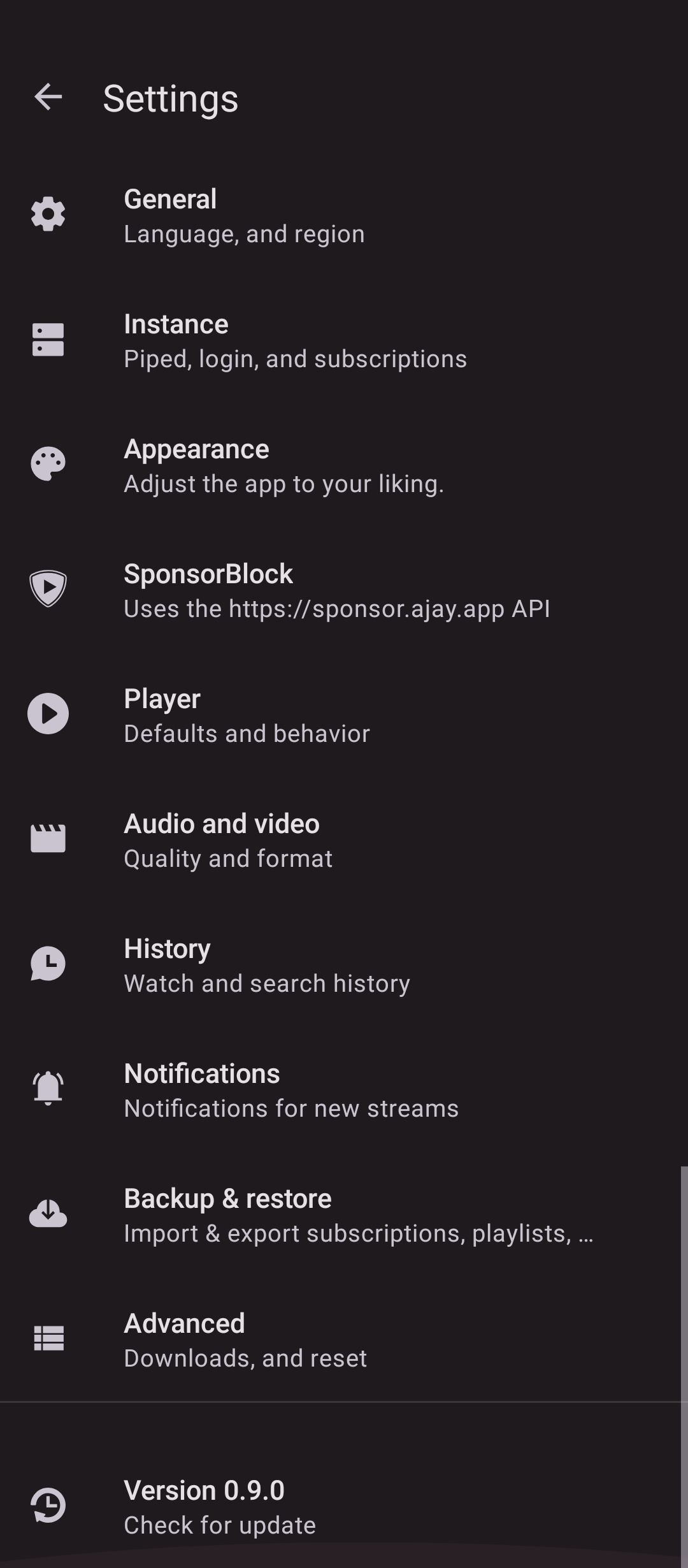
LibreTube optionally allows you to use Piped to load data and play videos for better privacy as well as syncing your subscriptions and playlists between different devices.
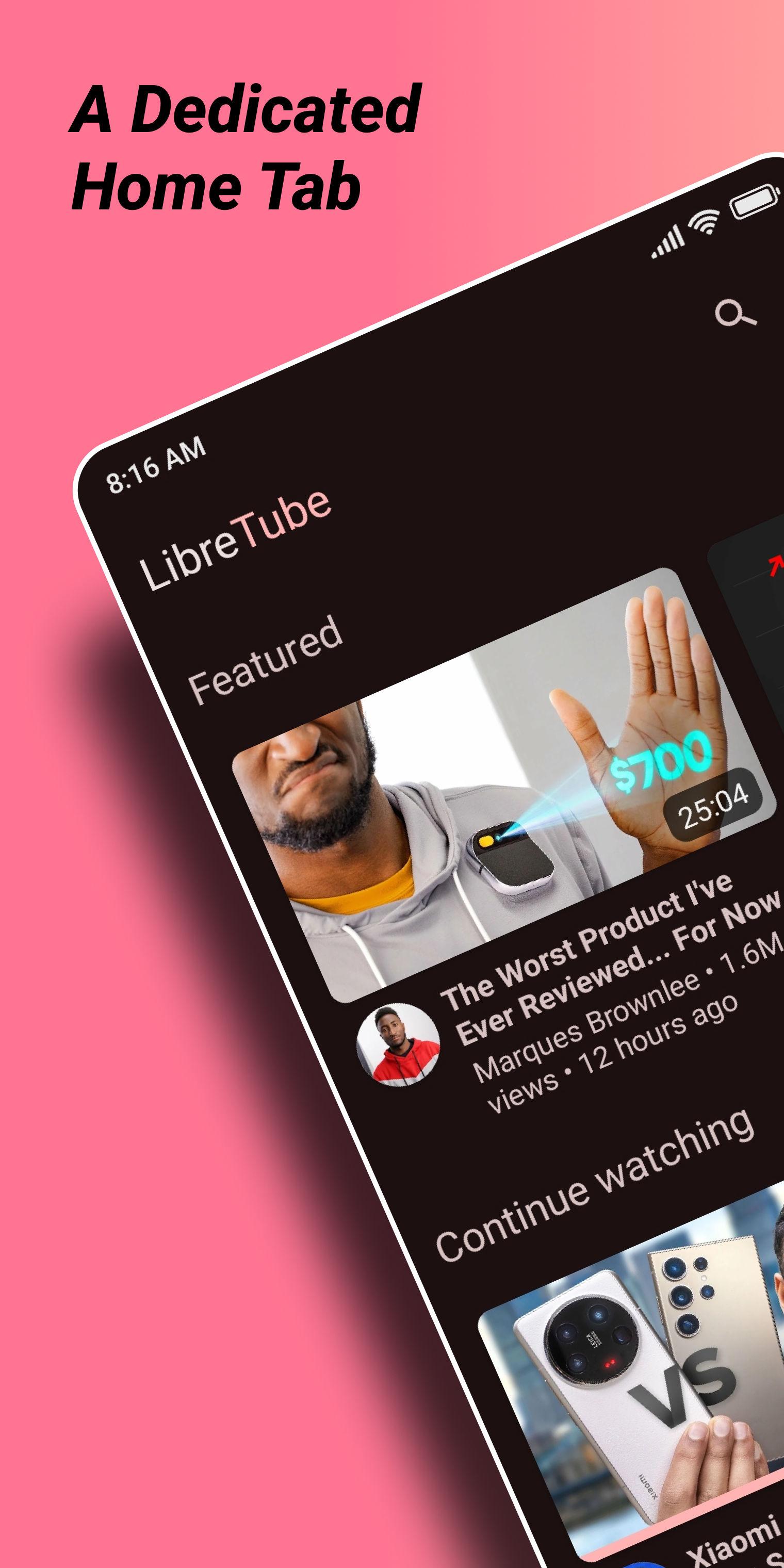
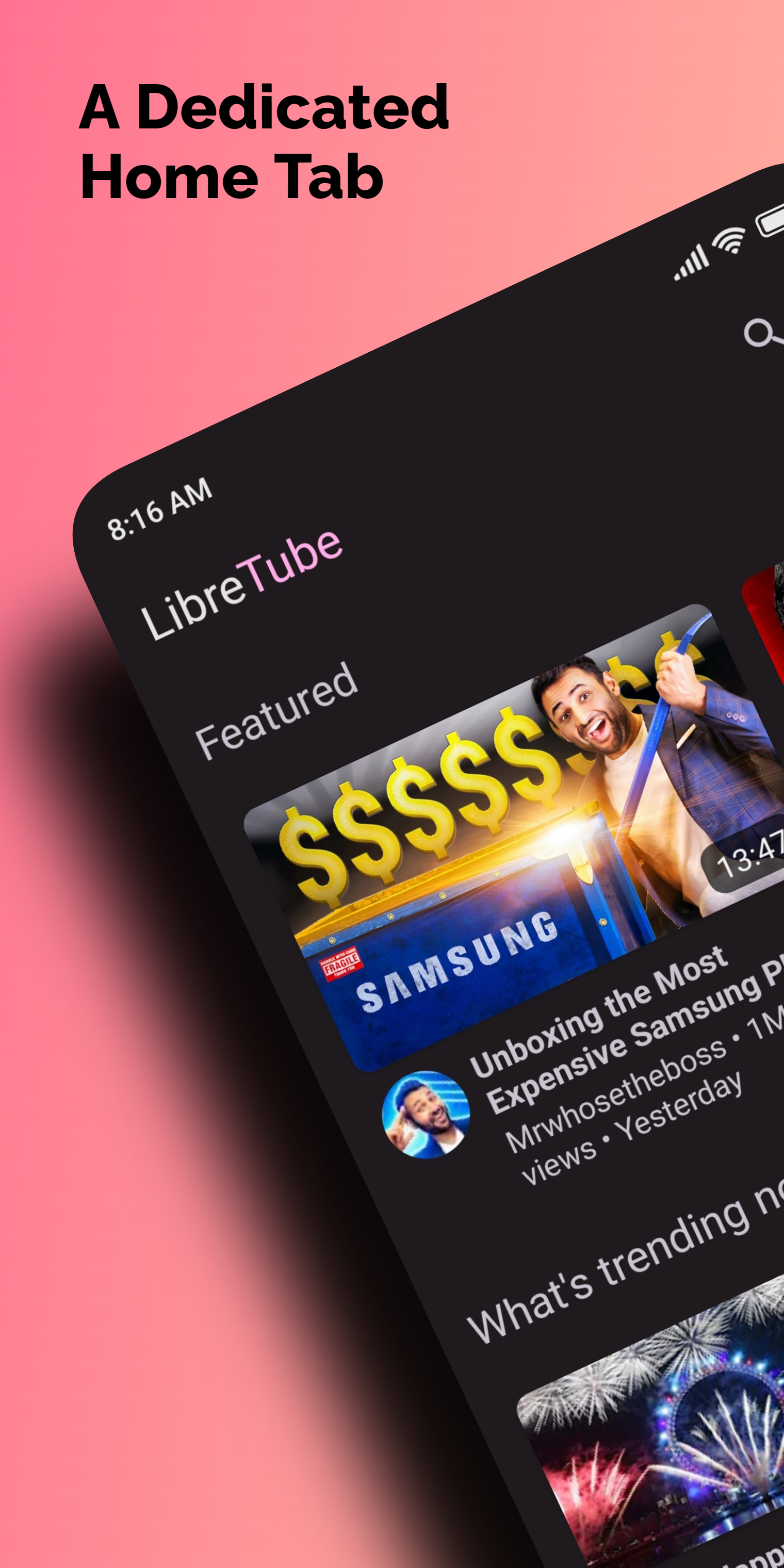
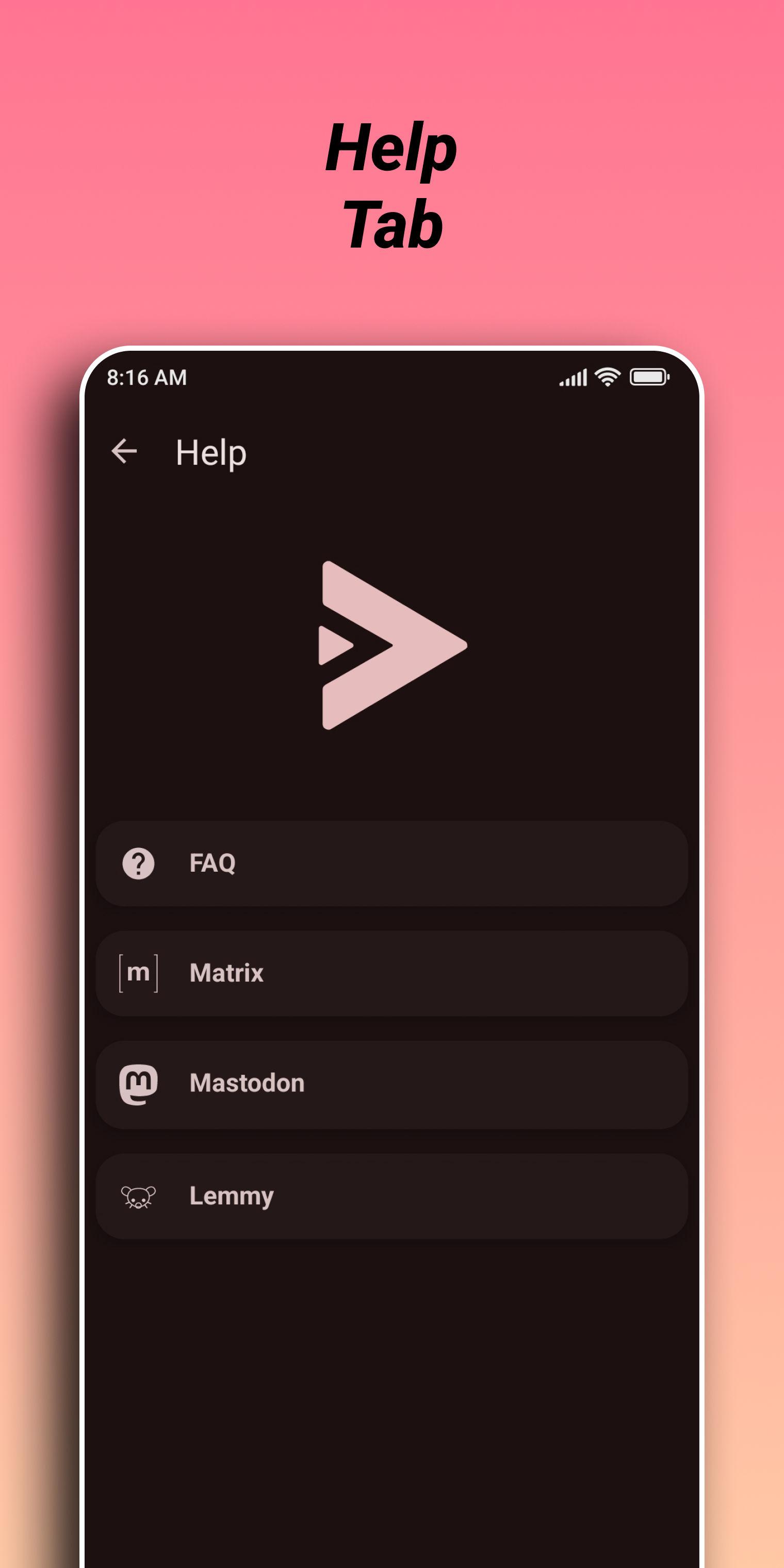
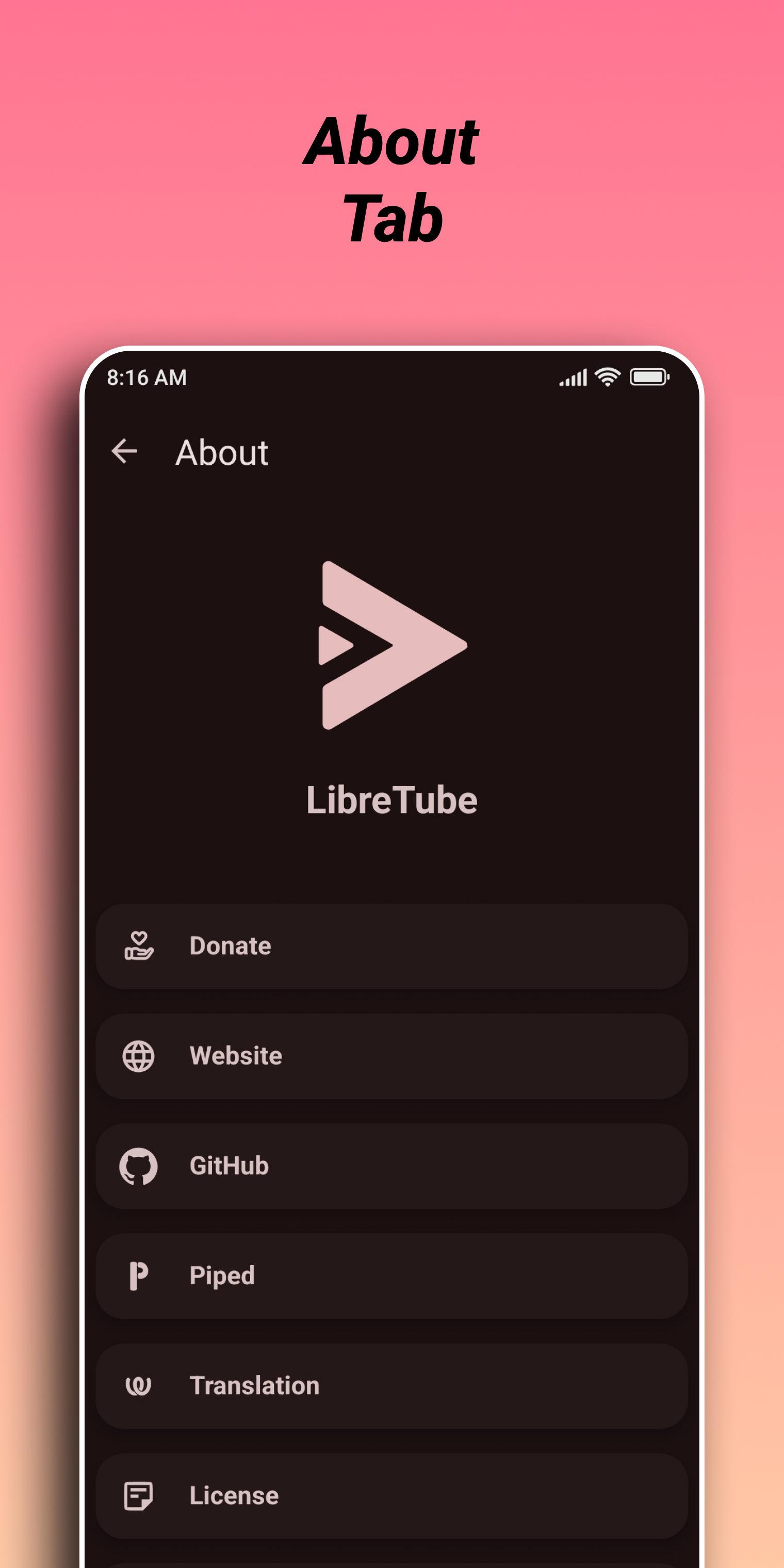
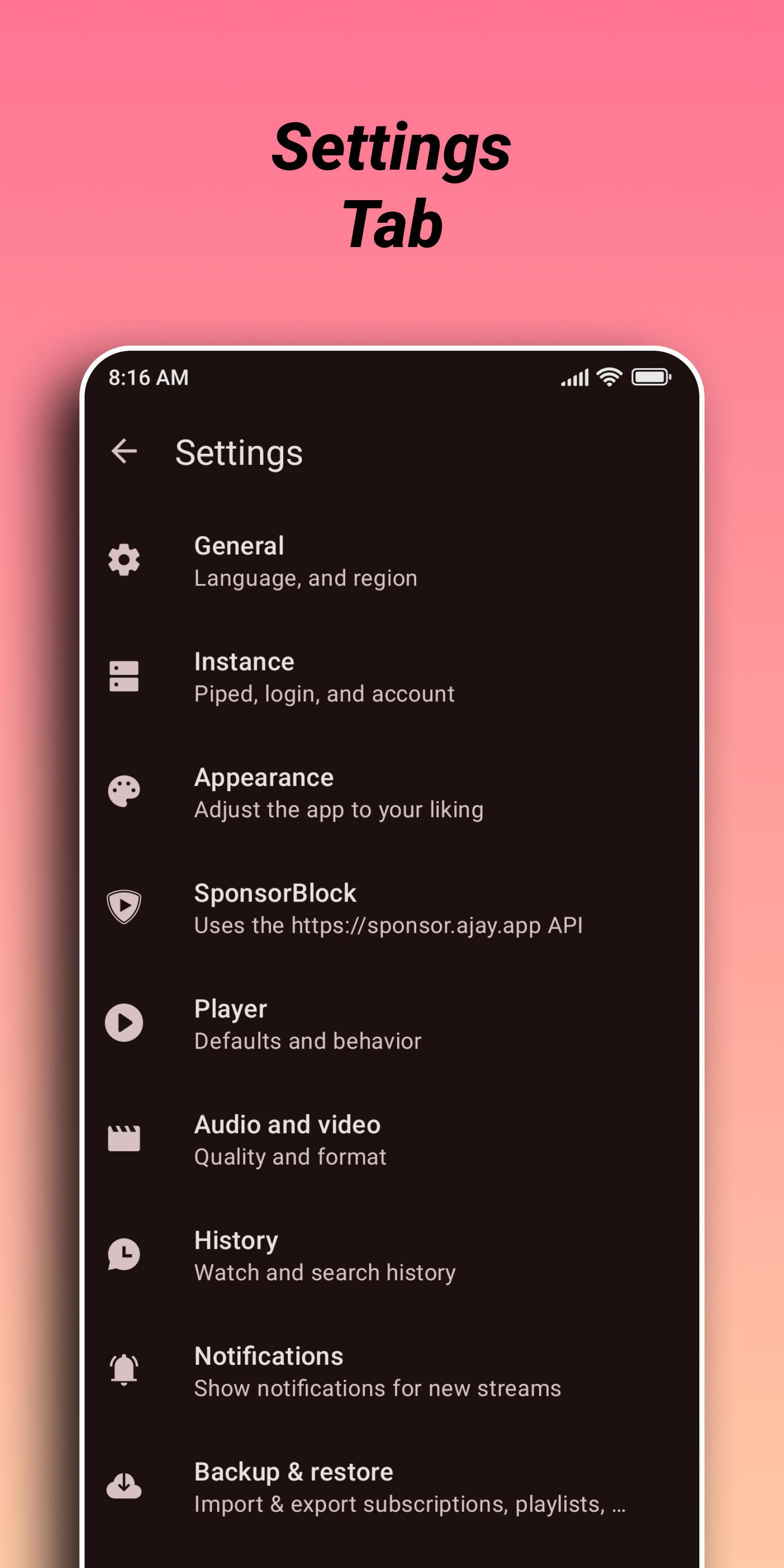
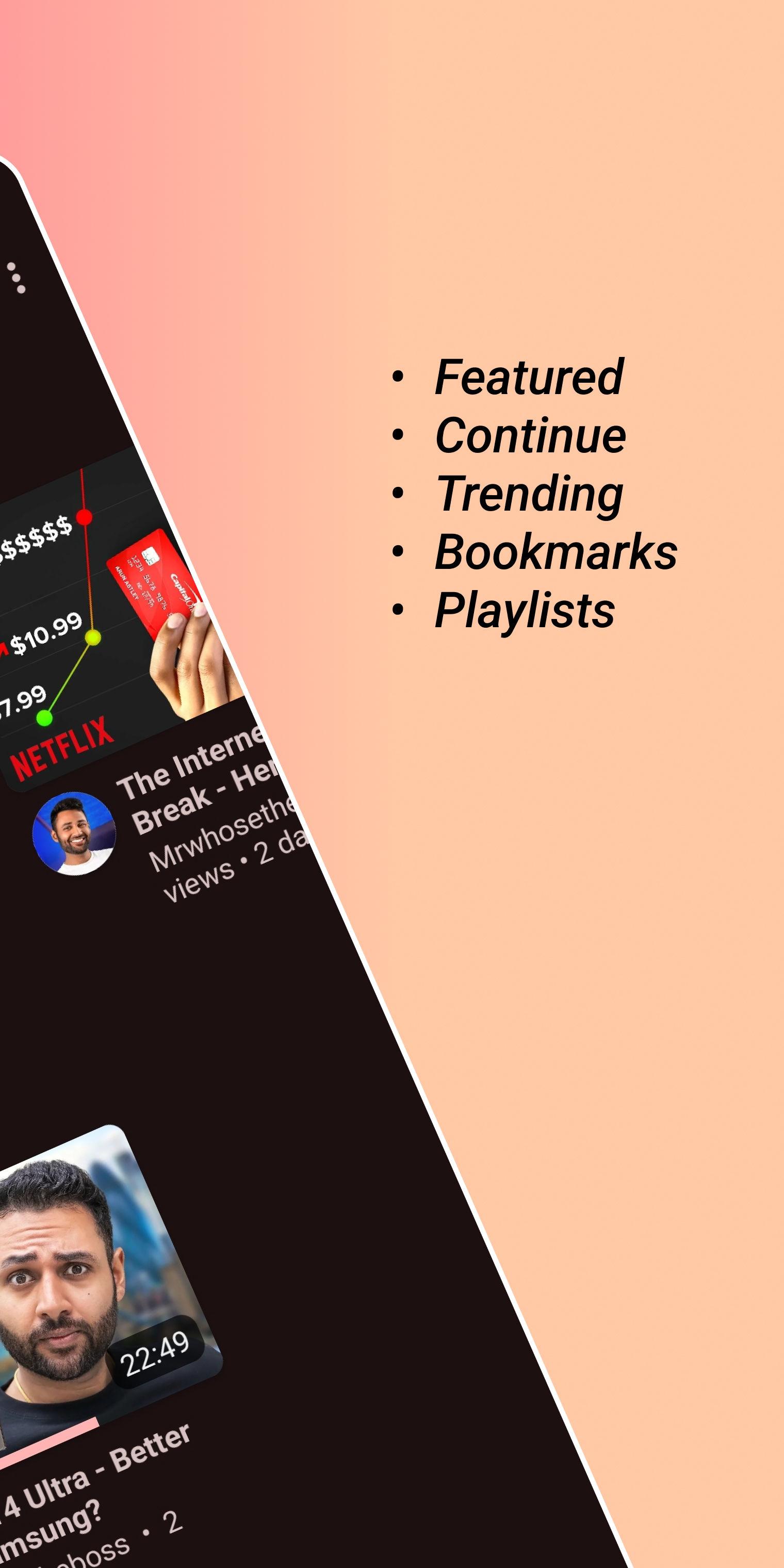
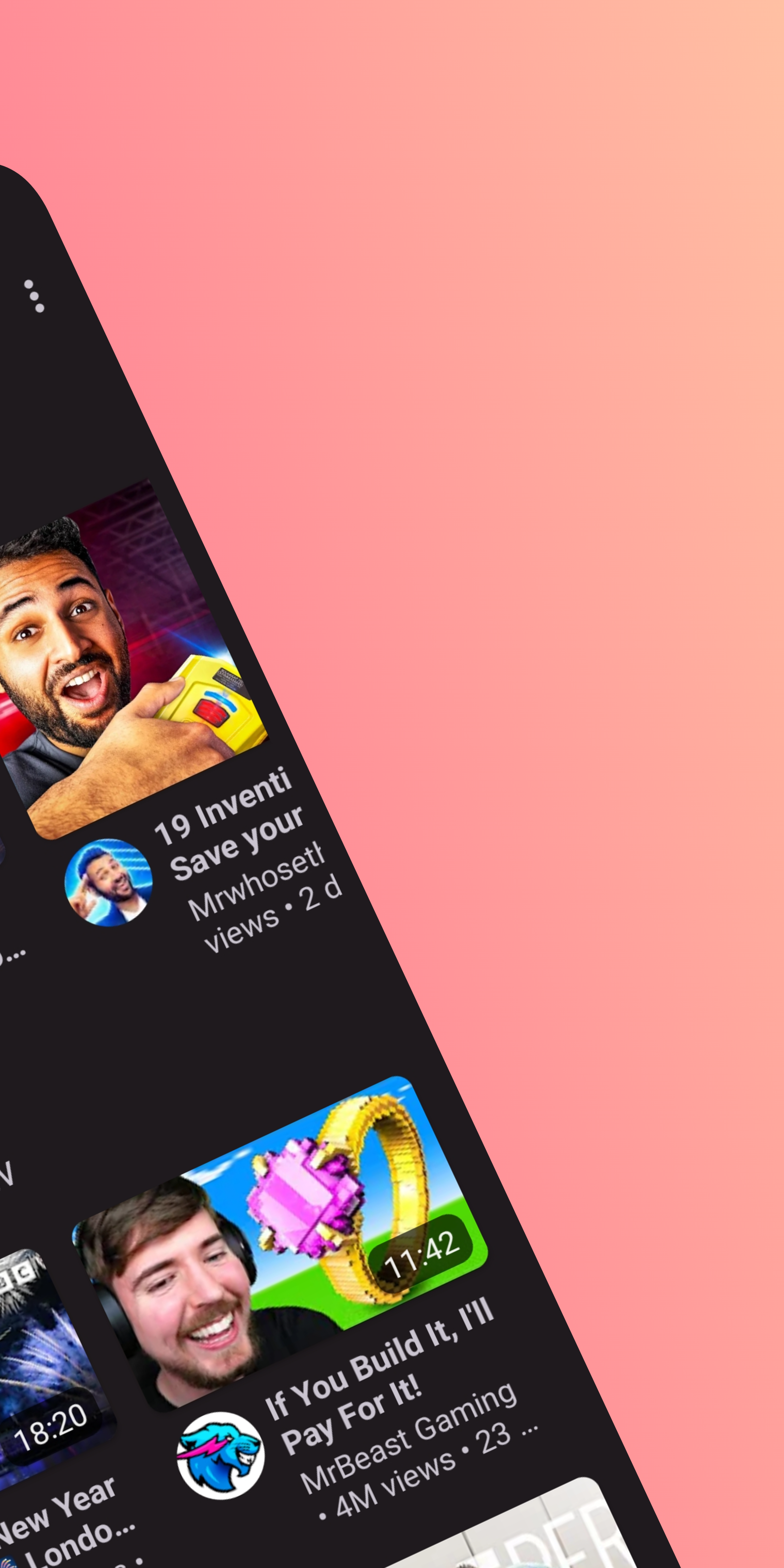
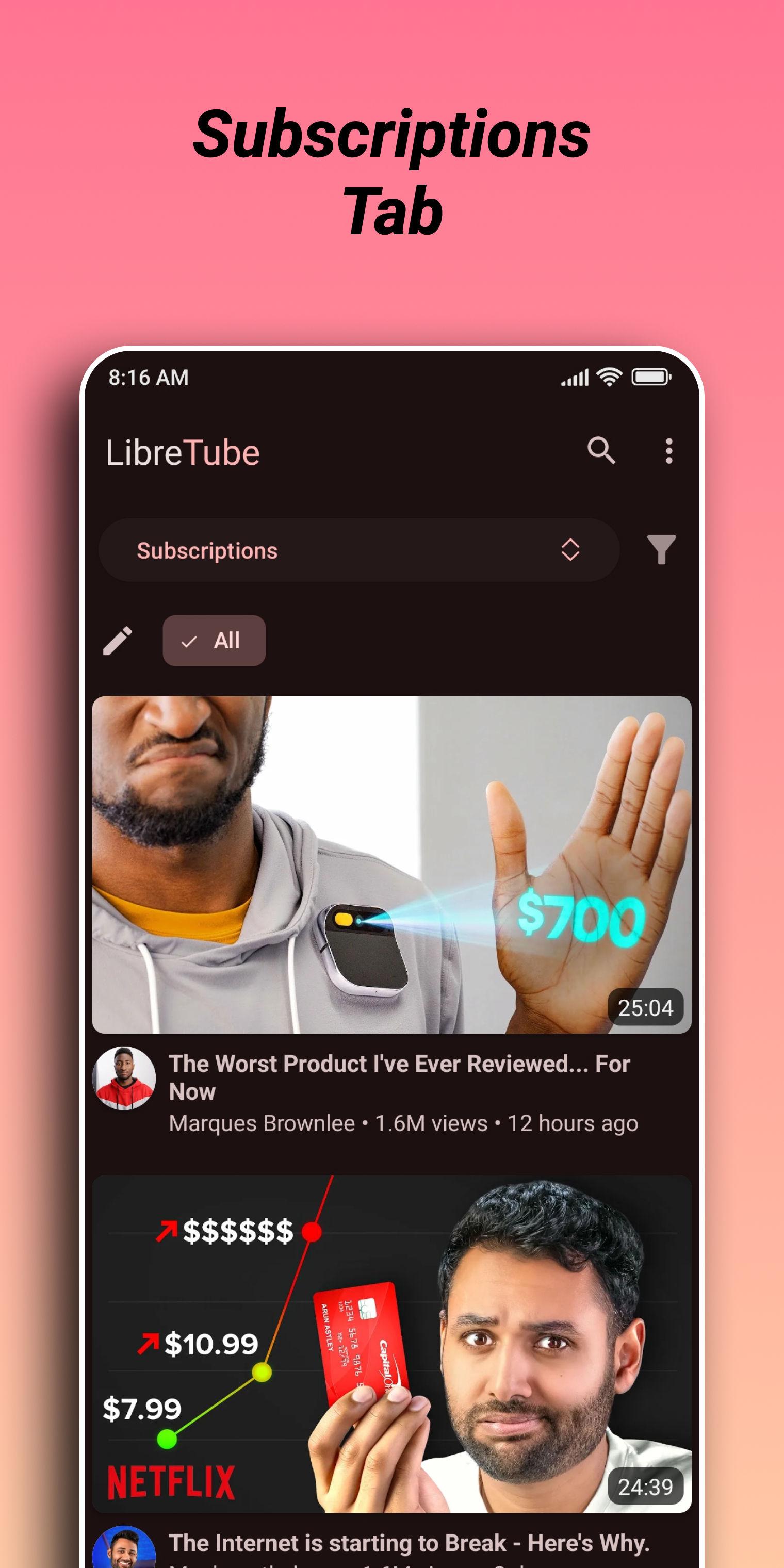
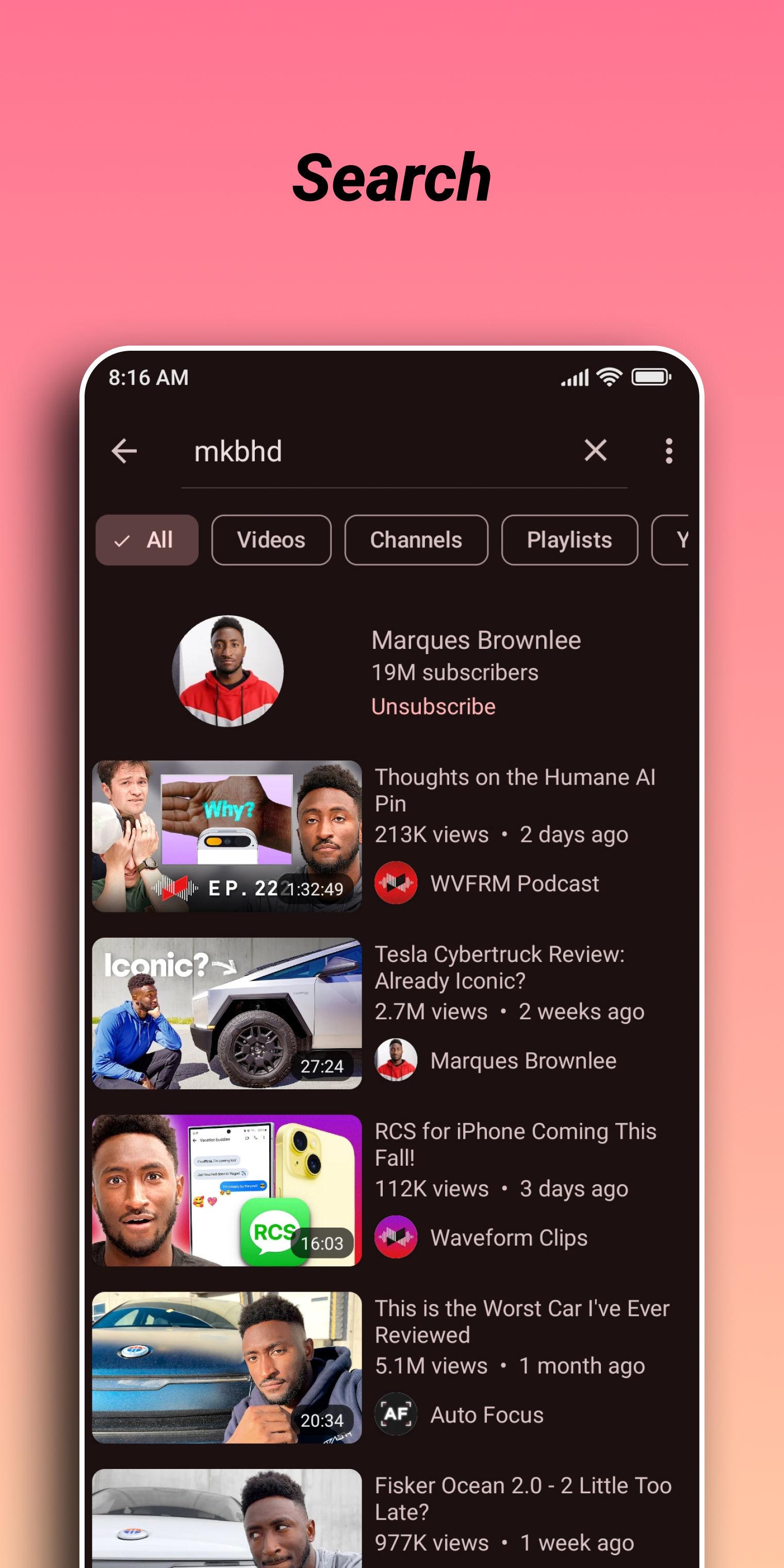
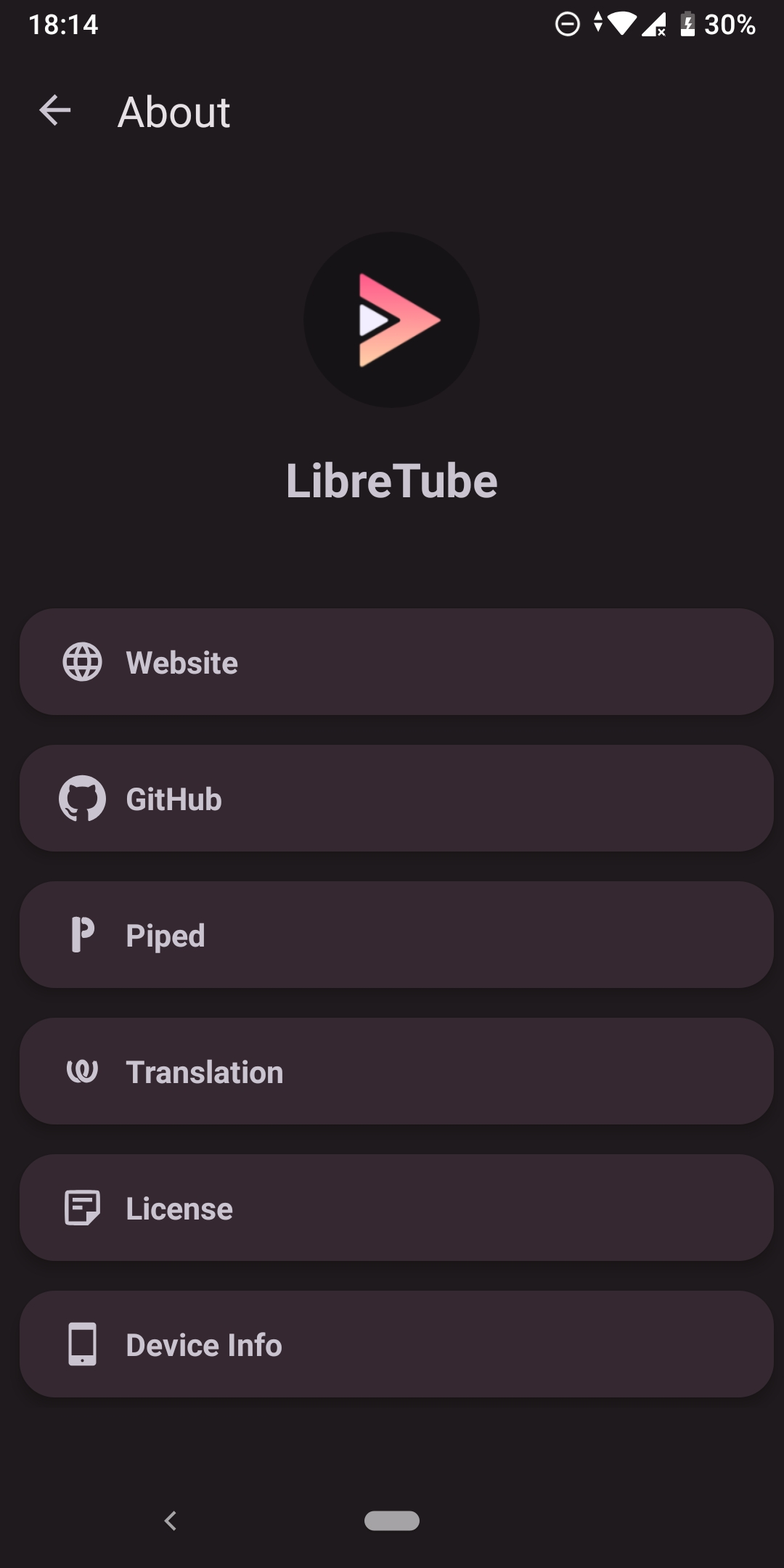
Screenshots
What’s new
This release fixes the recent video playback issues and that playlists contain no videos.
To overcome the video playback issues, we implemented YouTube's new, custom streaming protocol (called SABR). YouTube started to progressively remove support for traditional streaming protocols, so LibreTube's support for the new protocol should make video playback much more reliable.
Apart from this, the release includes support for podcasts and courses tabs on channels, a "resume all" option for downloa
How to install
Download the APK from the button at the top of this page.
Allow “Install unknown apps” for your browser or file manager only, not for every app.
Open the downloaded file and confirm the installation.
If installation fails with “App not installed,” remove an earlier build of the same app first. A signature conflict is the usual cause.
Data safety
Every file is checked against its published SHA-256 before it is listed.
Files are scanned for malware on every update.
The permissions each app requests are listed on its own page.
Read the full safety policy for how we test, flag, and delist files.