What’s new
- minor bugfixes
- updated dependencies
- added new and updated existing translations: thanks translators!

Updated Sep 22, 2026
FediPhoto-Lineage - quickly post photos to the Fediverse.
F-Droid repository metadata
Android app to quickly post photos to the Fediverse.
PLA wrote this app to scratch an itch which was to post photos to the Fediverse frictionlessly while riding his bike. We are continuing his project to honour his memory.
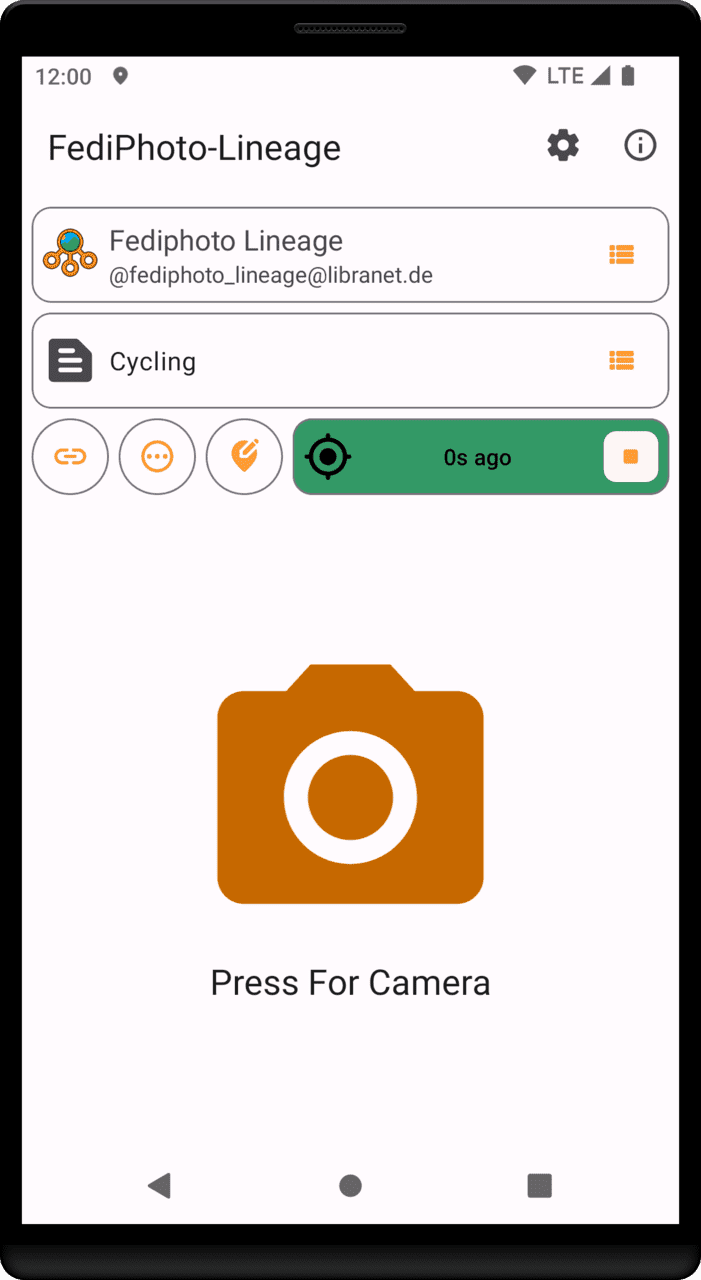
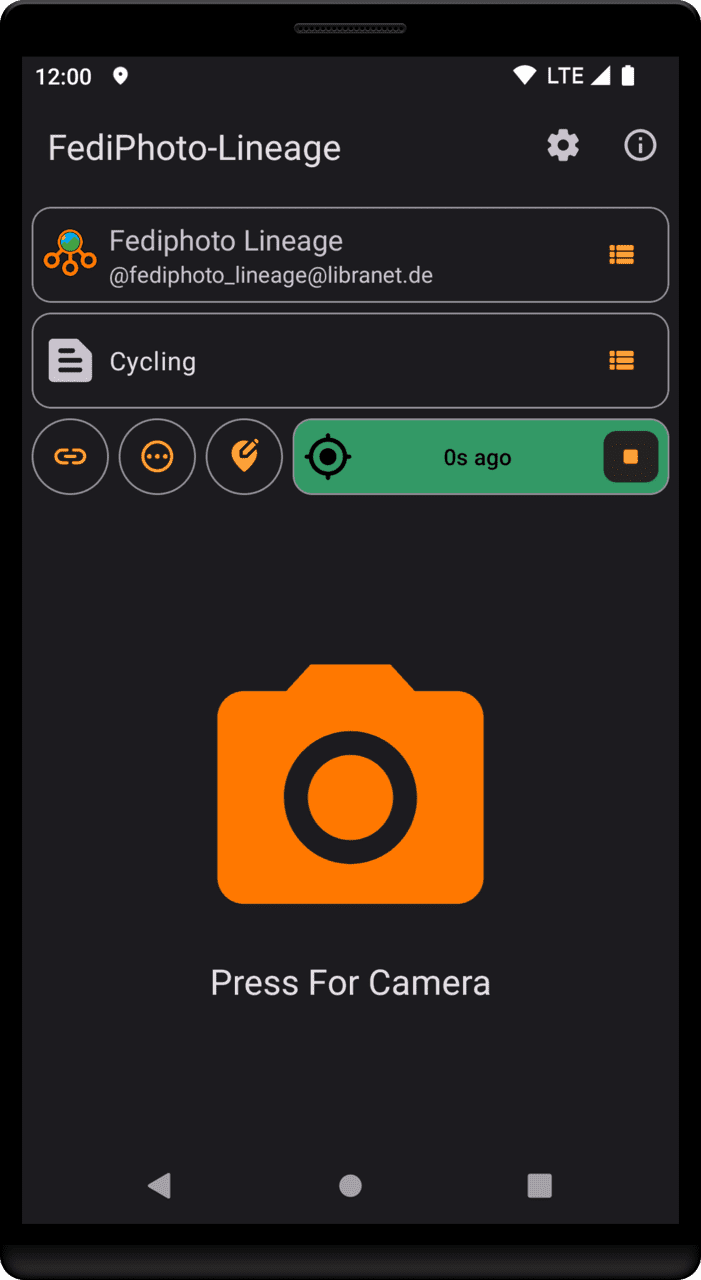
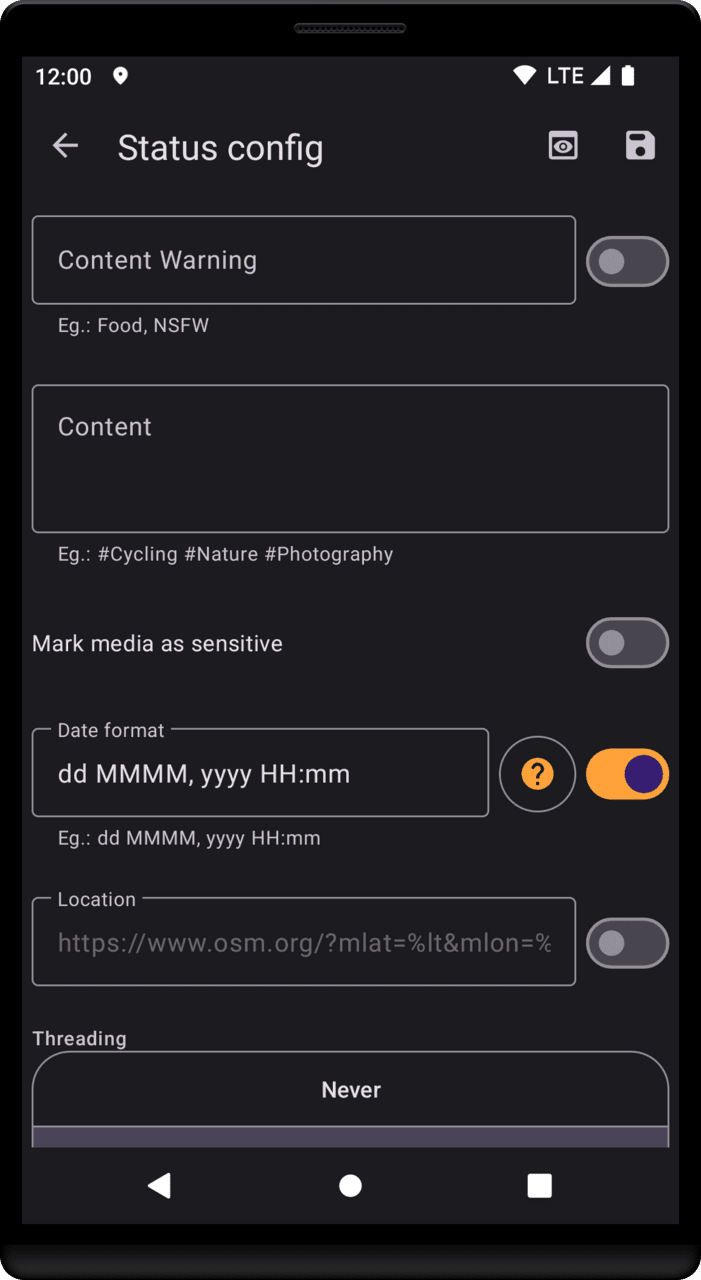
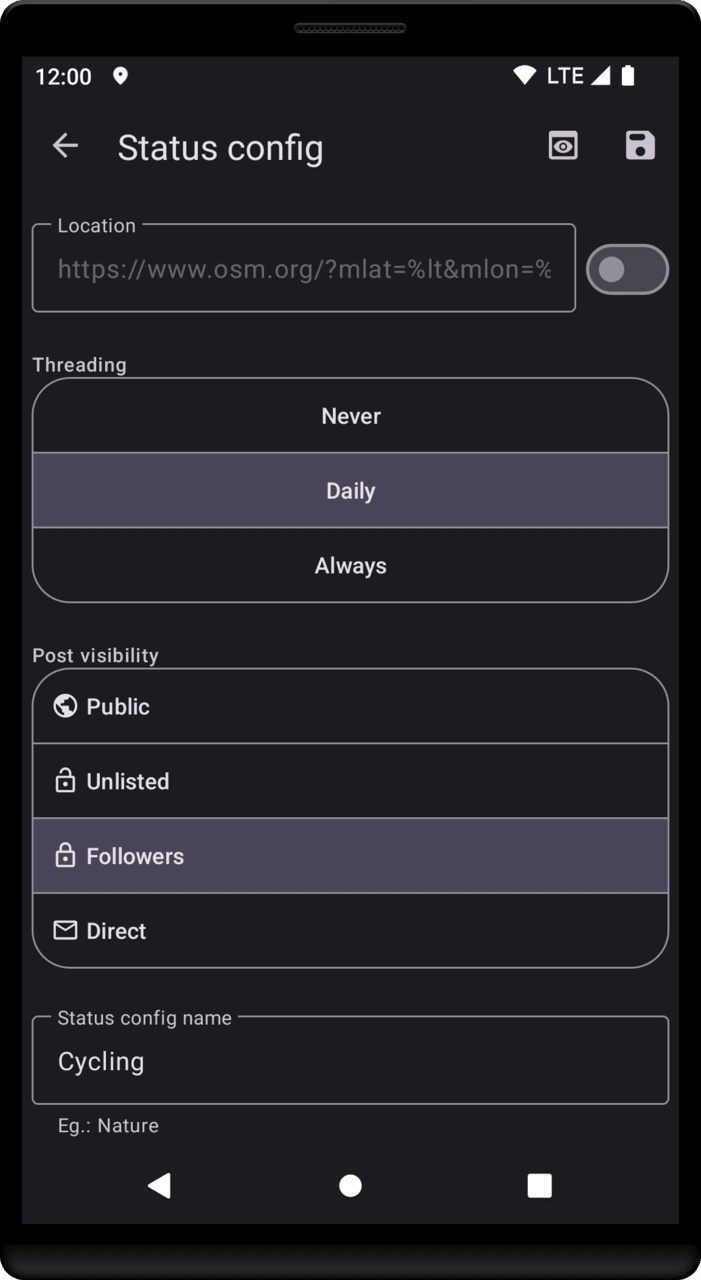
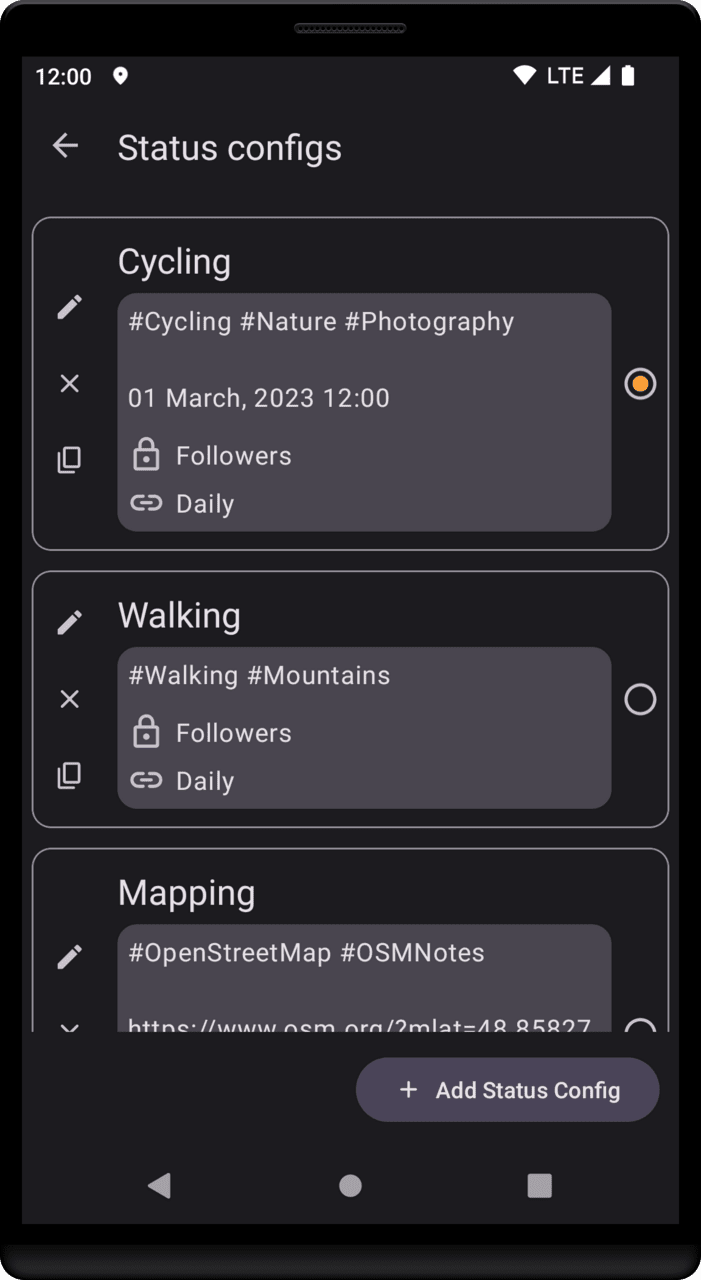
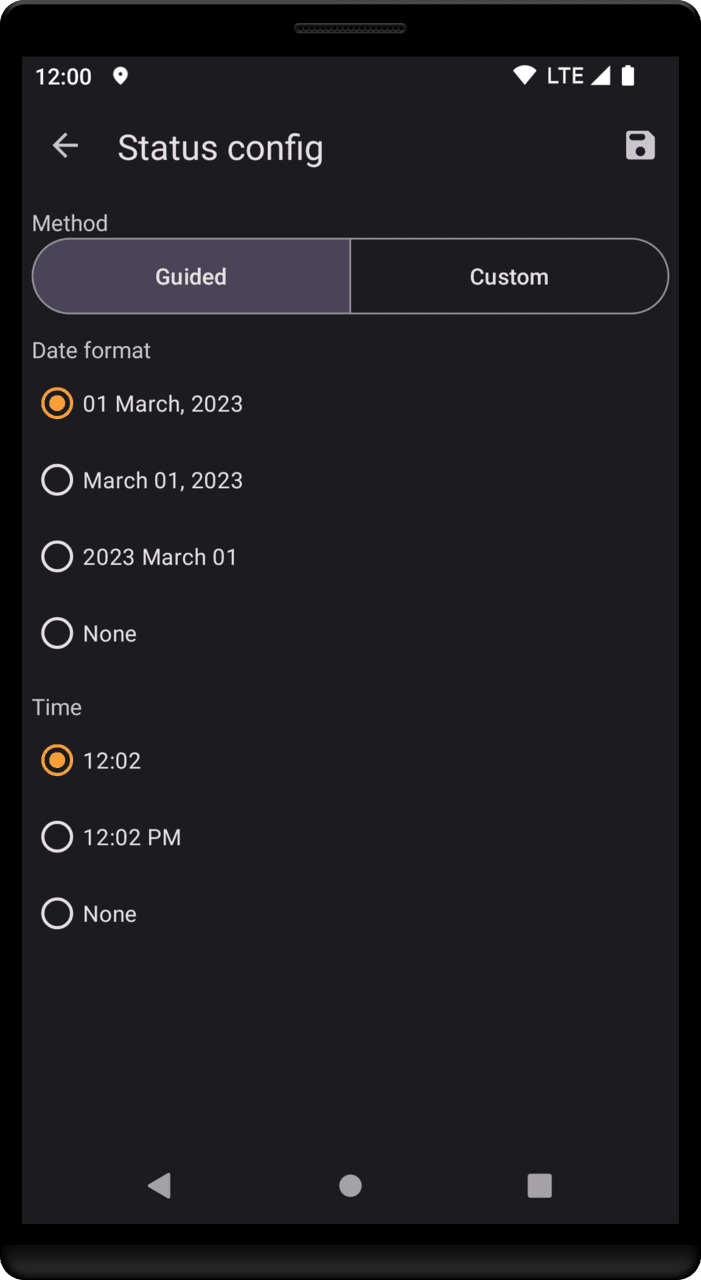
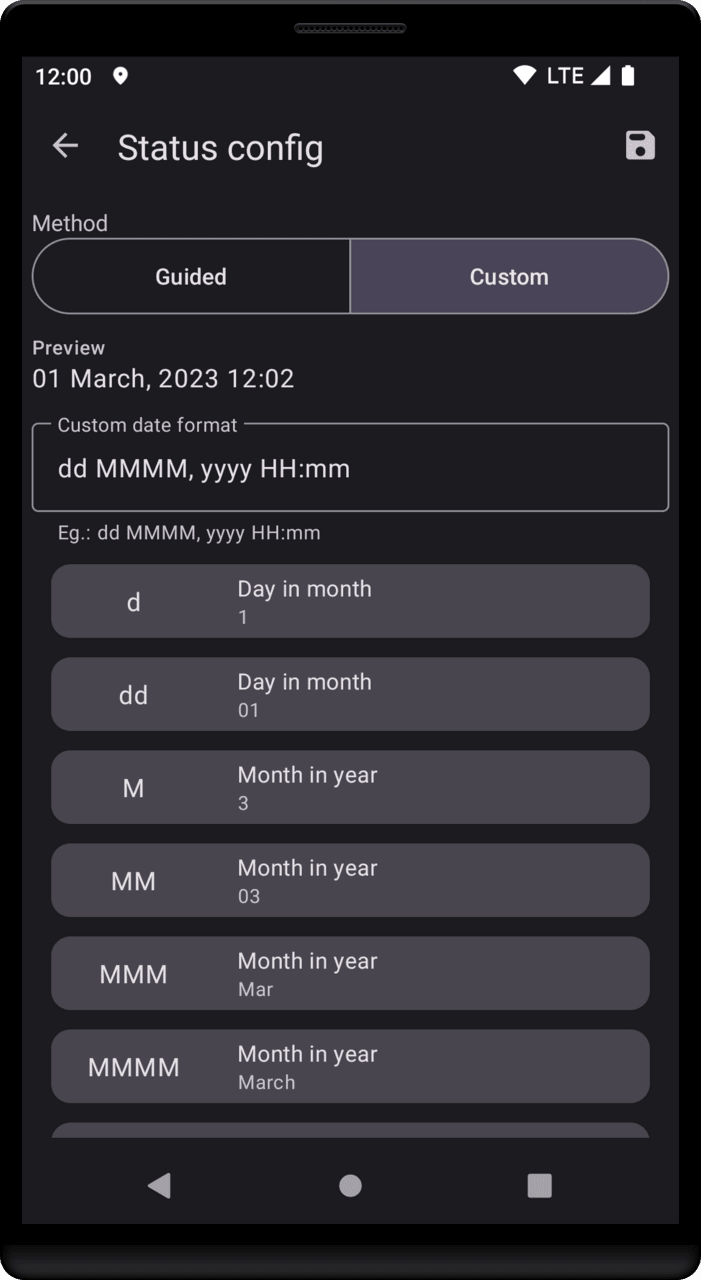
You configure the text and hashtags for the status ahead of time. Then with 3 taps post a photo: * Press for camera. * Frame subject and press to take photo. * Press to accept photo and you are done!
The posting of the photo and status text is performed in the background. If connectivity is bad it will upload when connectivity allows.
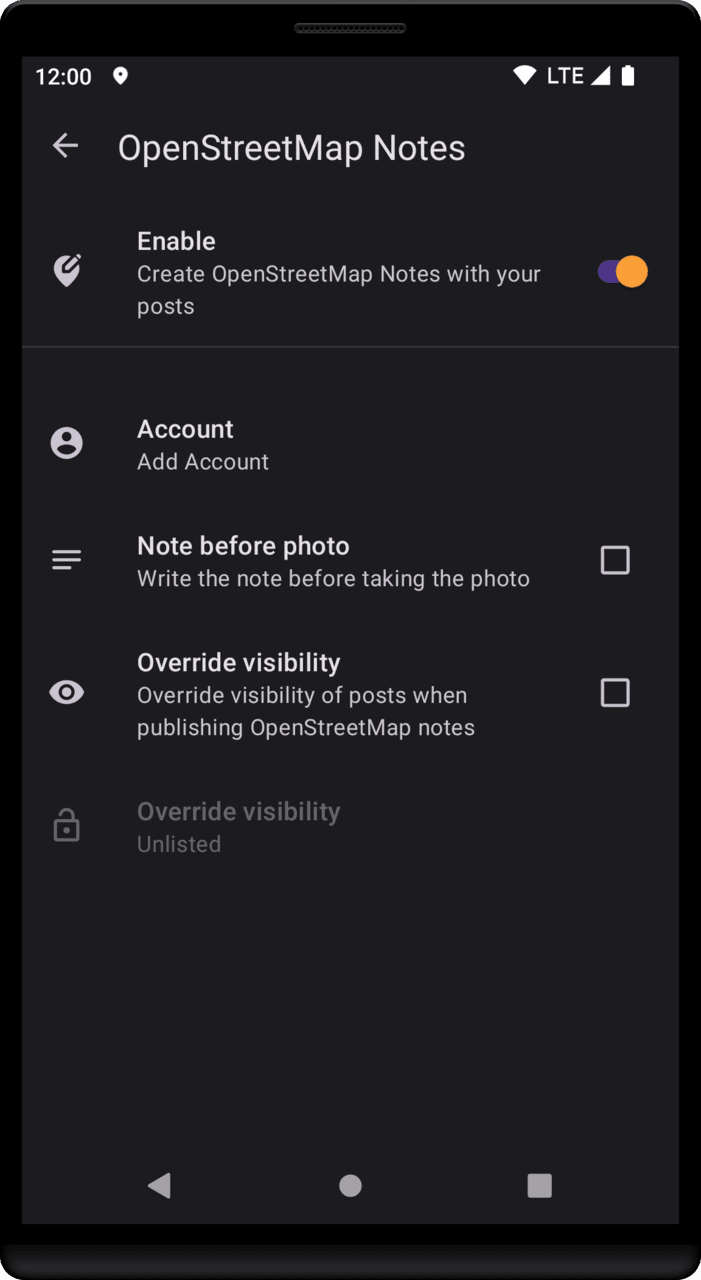
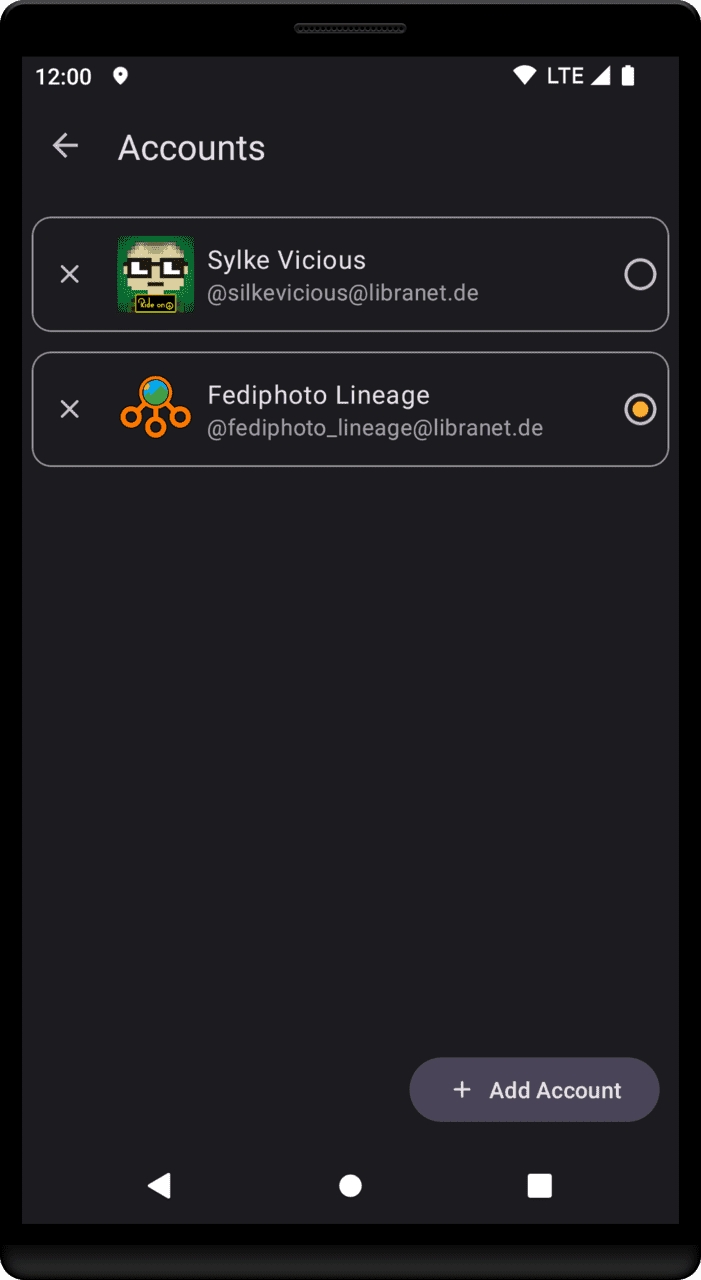
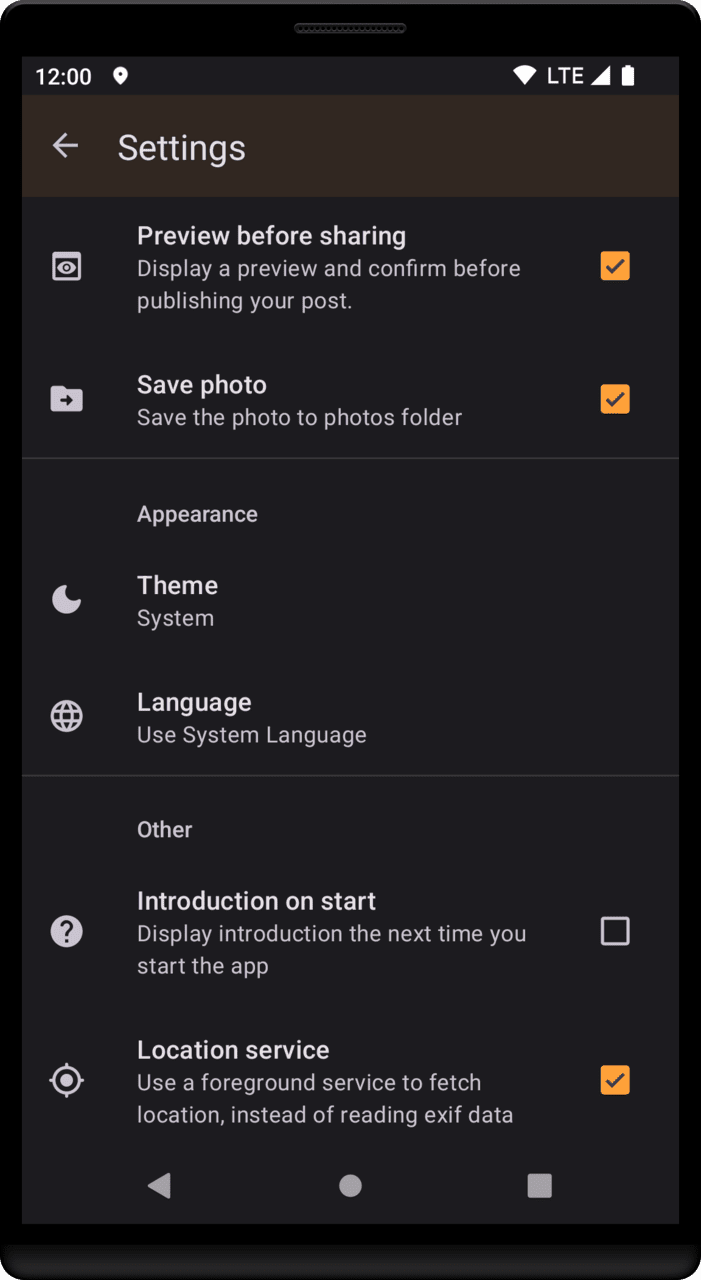
Features: - Multiple fediverse accounts can be added - Multiple status configurations can be set up in advance - Preview before post or post immediately after press shoot - Built-in location service (in case camera can't provide location) - Offline mode (upload posts/photos when internet is back) - Manage taken photos (keep or delete) - Create OSM notes with your photos - Import/Export settings and accounts
https://silkevicious.codeberg.page/fediphoto-lineage.html
- minor bugfixes
- updated dependencies
- added new and updated existing translations: thanks translators!
Recent approved comments · sorted by newest
View all comments