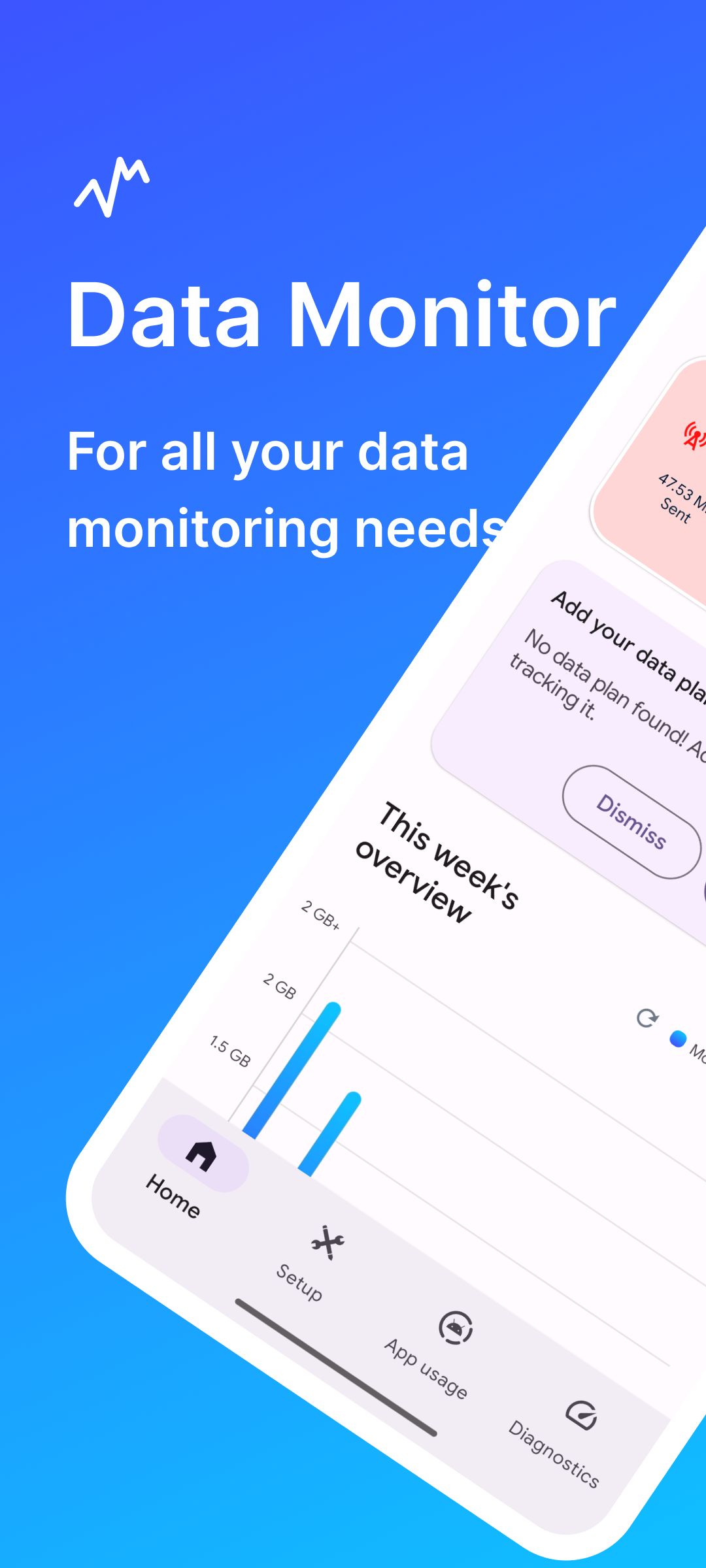
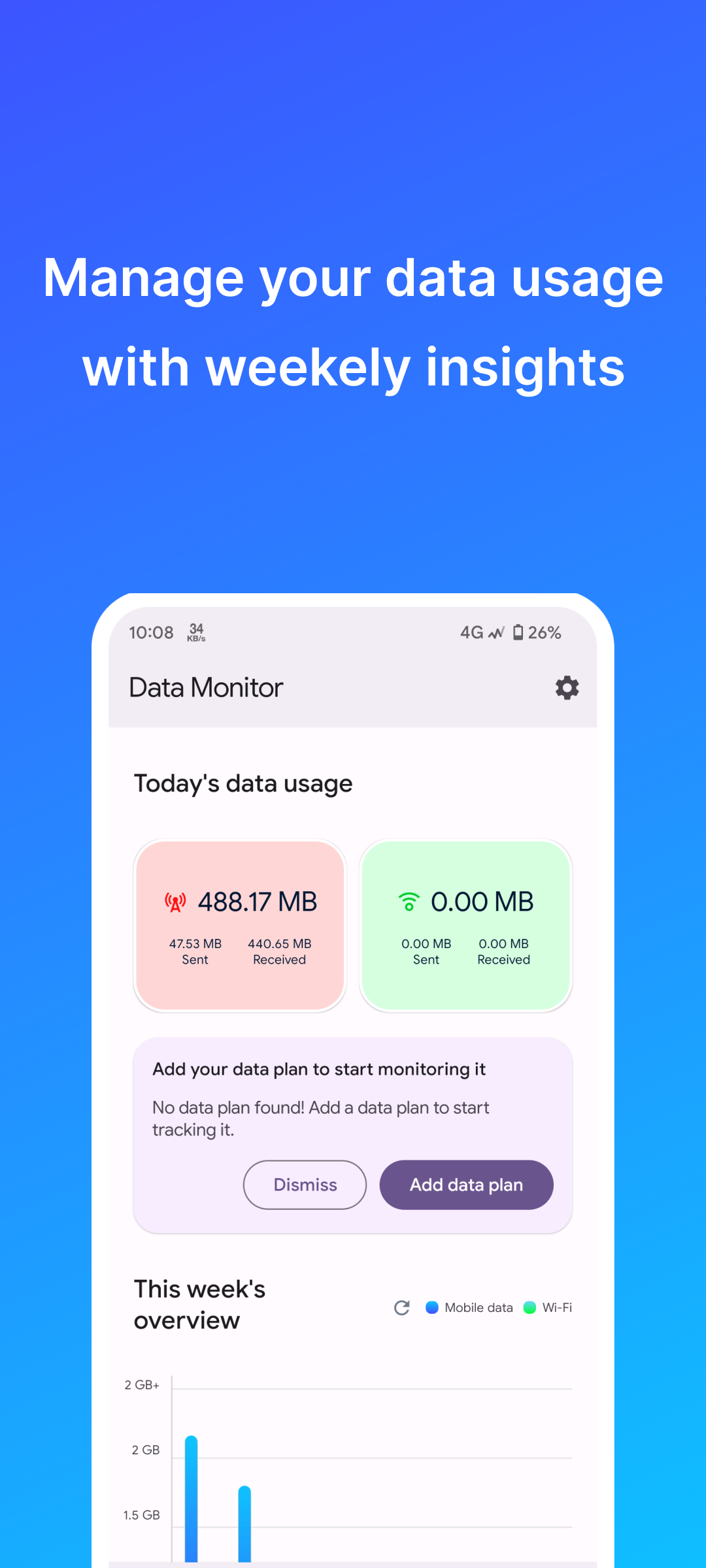
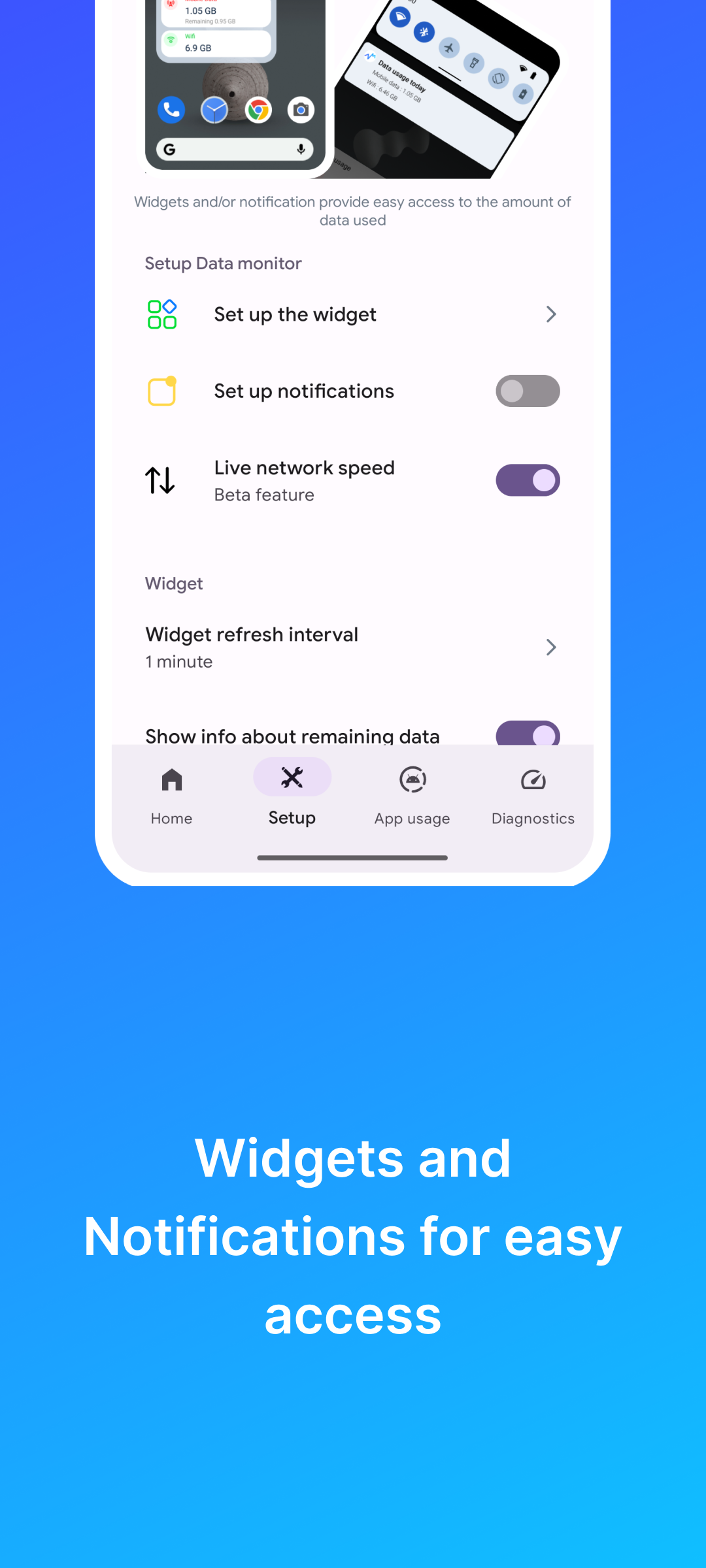
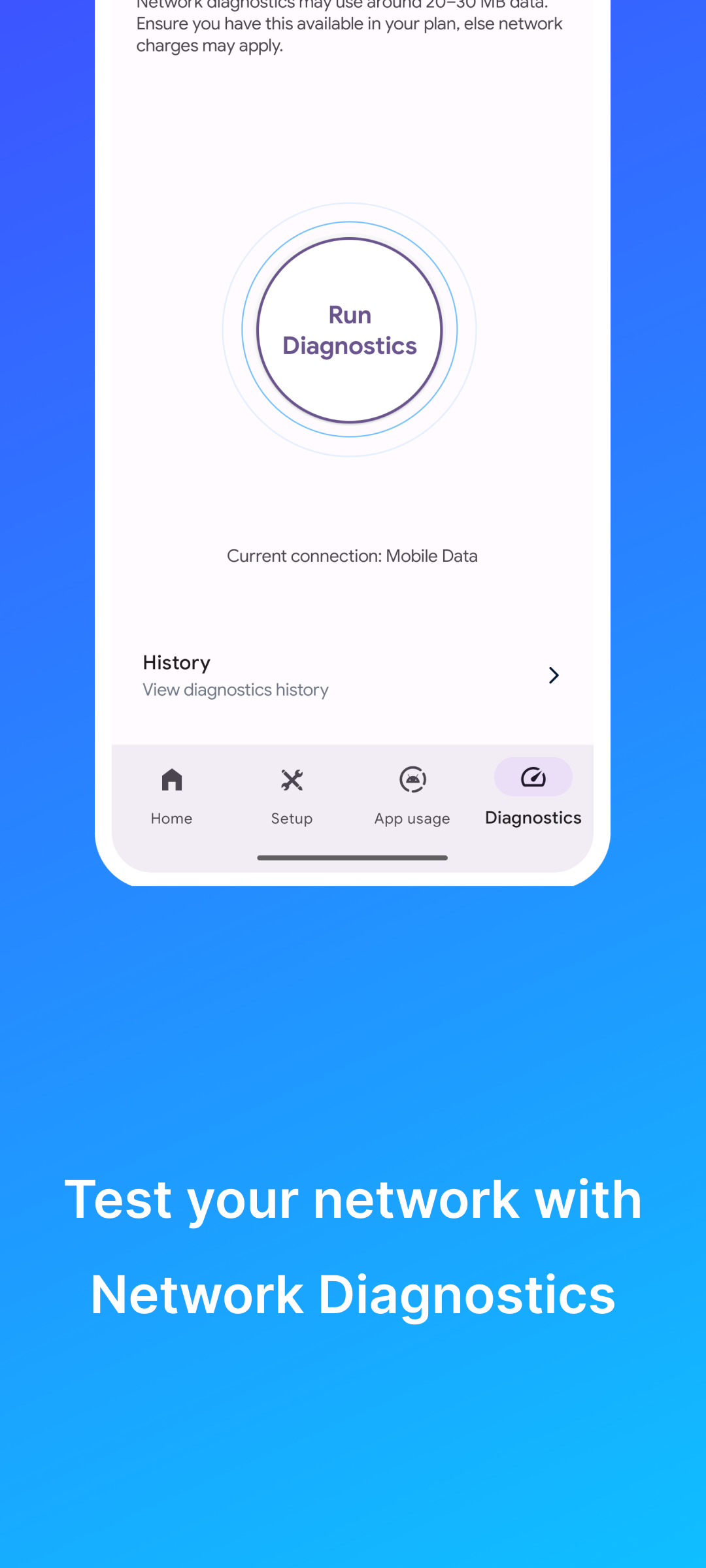
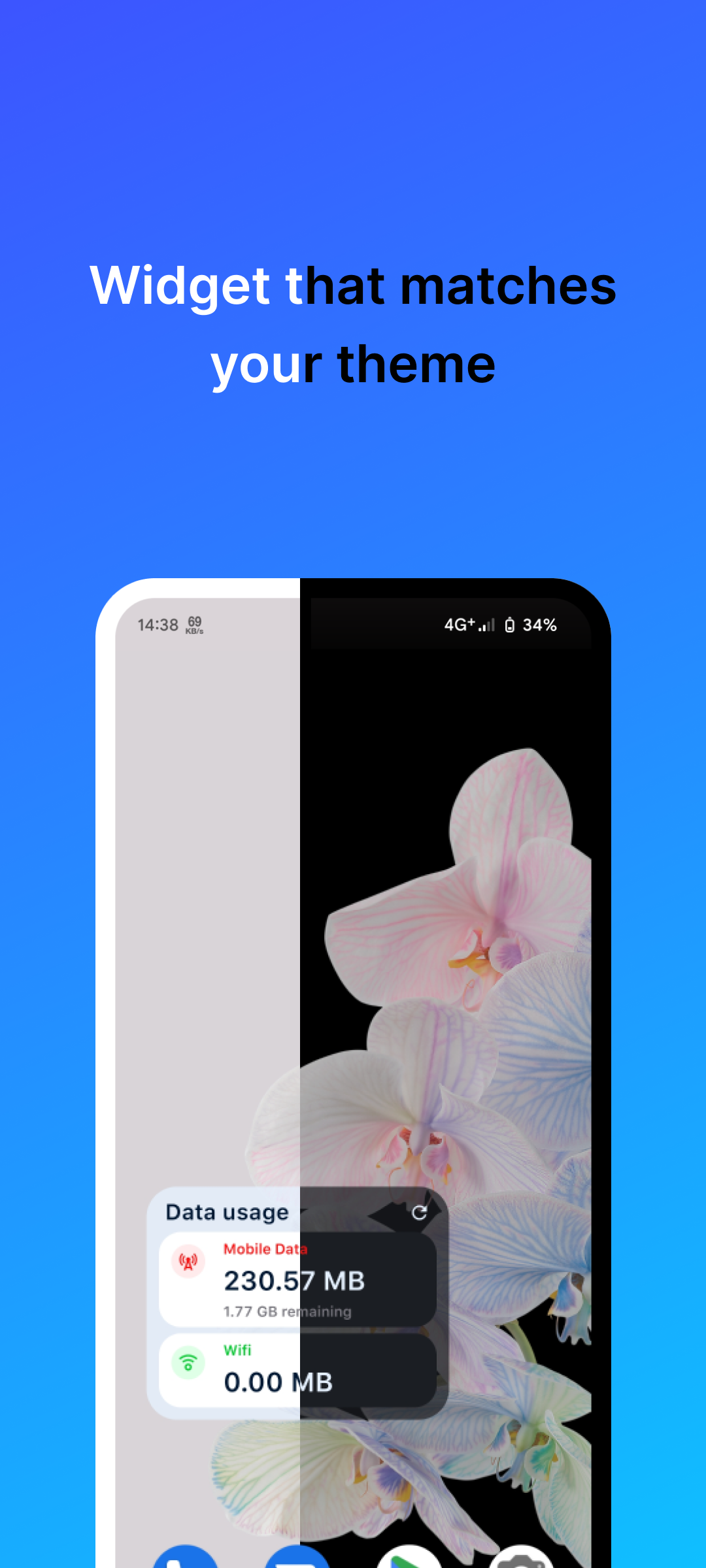
Data Monitor is a user-friendly, free and open source app for you to manage your data usage. Data Monitor helps you to accurately measure your daily data traffic, and analyze the data in a way easy to understand.
Features:
Track daily data usage
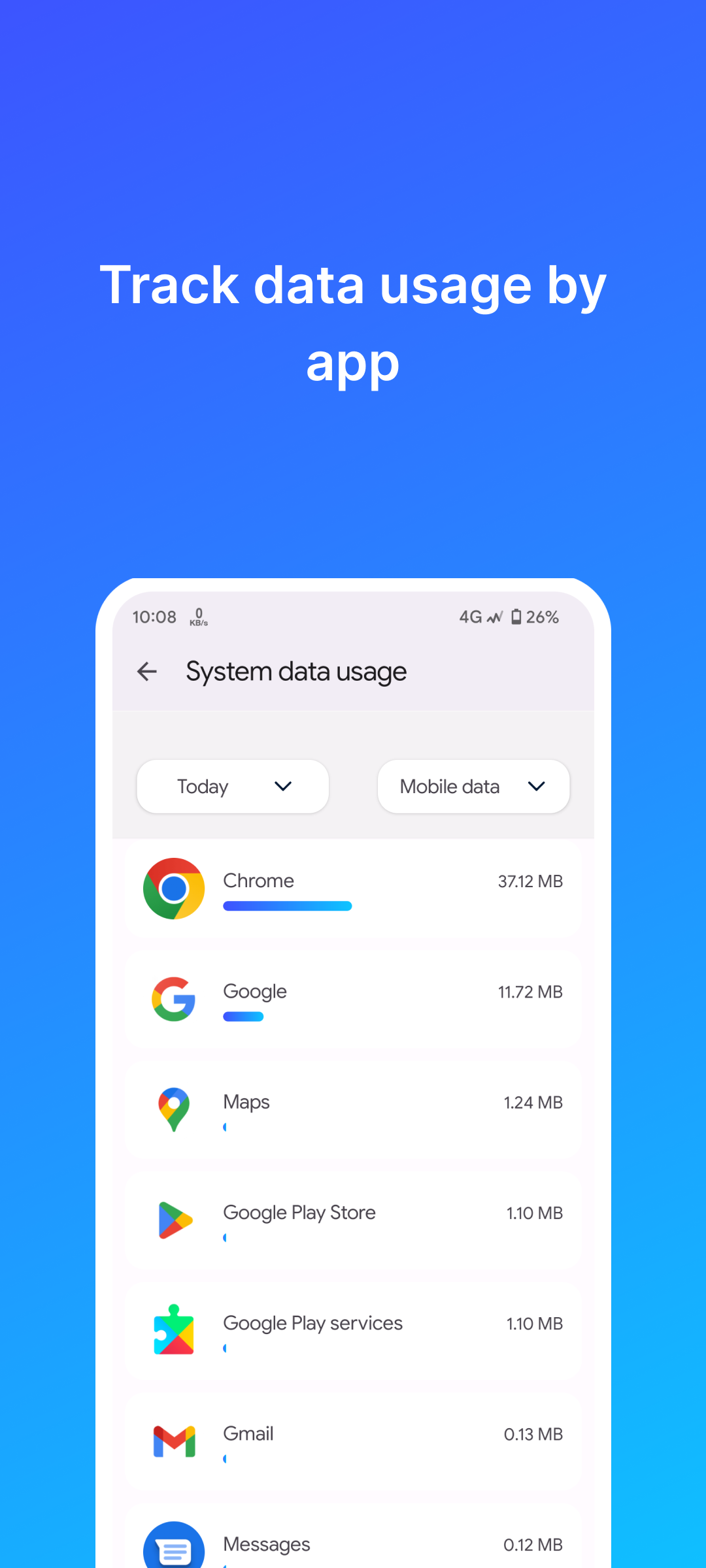
App-wise data usage stats
Stats for different time period (last month, this year, all time etc)
• Introducing Wall of Thanks, a dedicated space to acknowledge and express gratitude to our amazing supporters. • Fixed the crash caused when app language was set to Traditional Chinese. • Fixed the issue causing notifications to stop updating after a while. • Resolved duplication of Live network speed notification. Checkout full changelog here: https://github.com/itsdrnoob/DataMonitor/blob/HEAD/CHANGELOG.md#v232
How to install
Download the APK from the button at the top of this page.
Allow “Install unknown apps” for your browser or file manager only, not for every app.
Open the downloaded file and confirm the installation.
If installation fails with “App not installed,” remove an earlier build of the same app first. A signature conflict is the usual cause.
Data safety
Every file is checked against its published SHA-256 before it is listed.
Files are scanned for malware on every update.
The permissions each app requests are listed on its own page.
Read the full safety policy for how we test, flag, and delist files.