Online dictionary - Translate content directly in your apps
F-Droid repository metadata
Features:
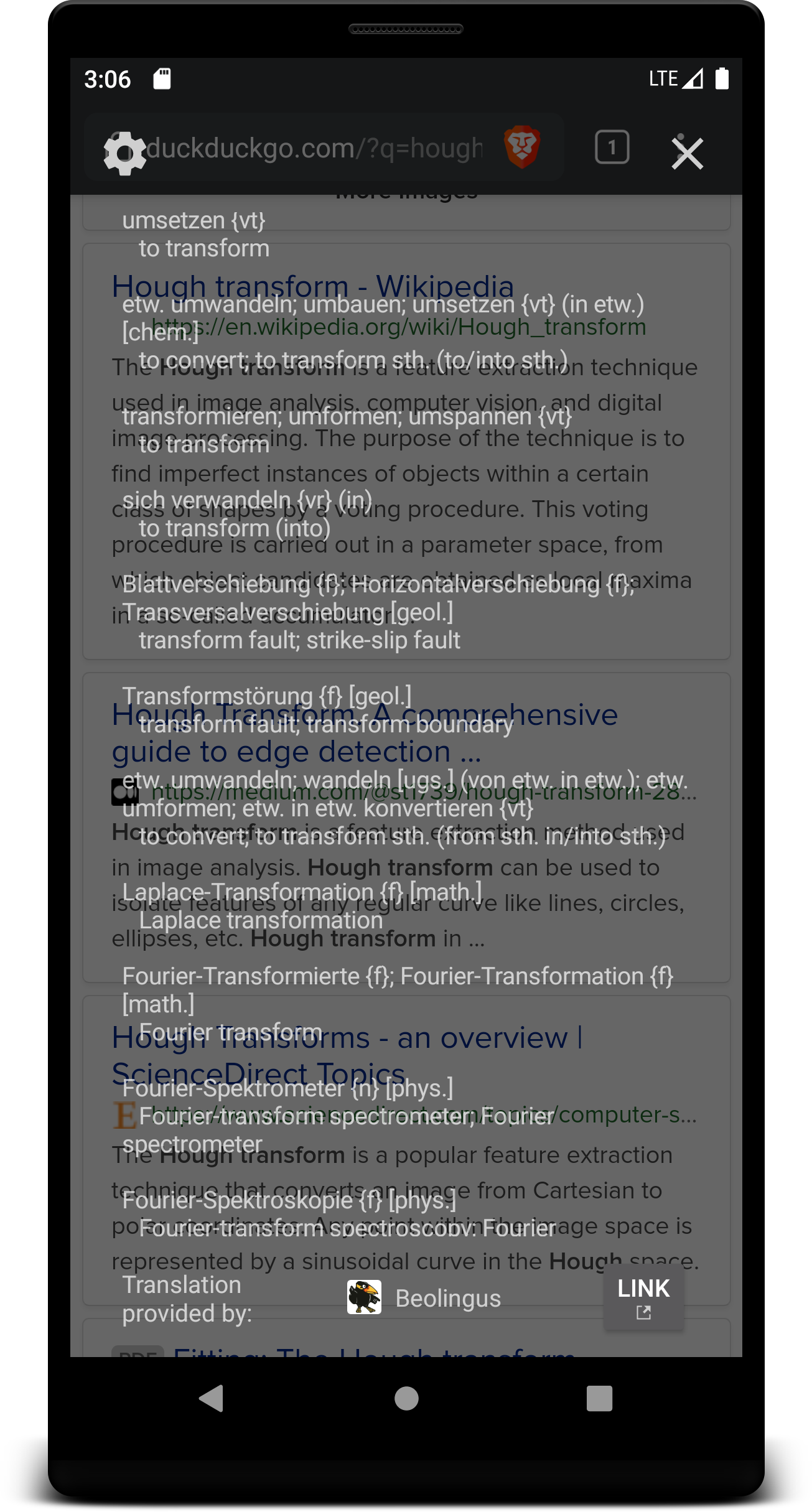
- Distraction-free translation displayed in a semitransparent overlay window
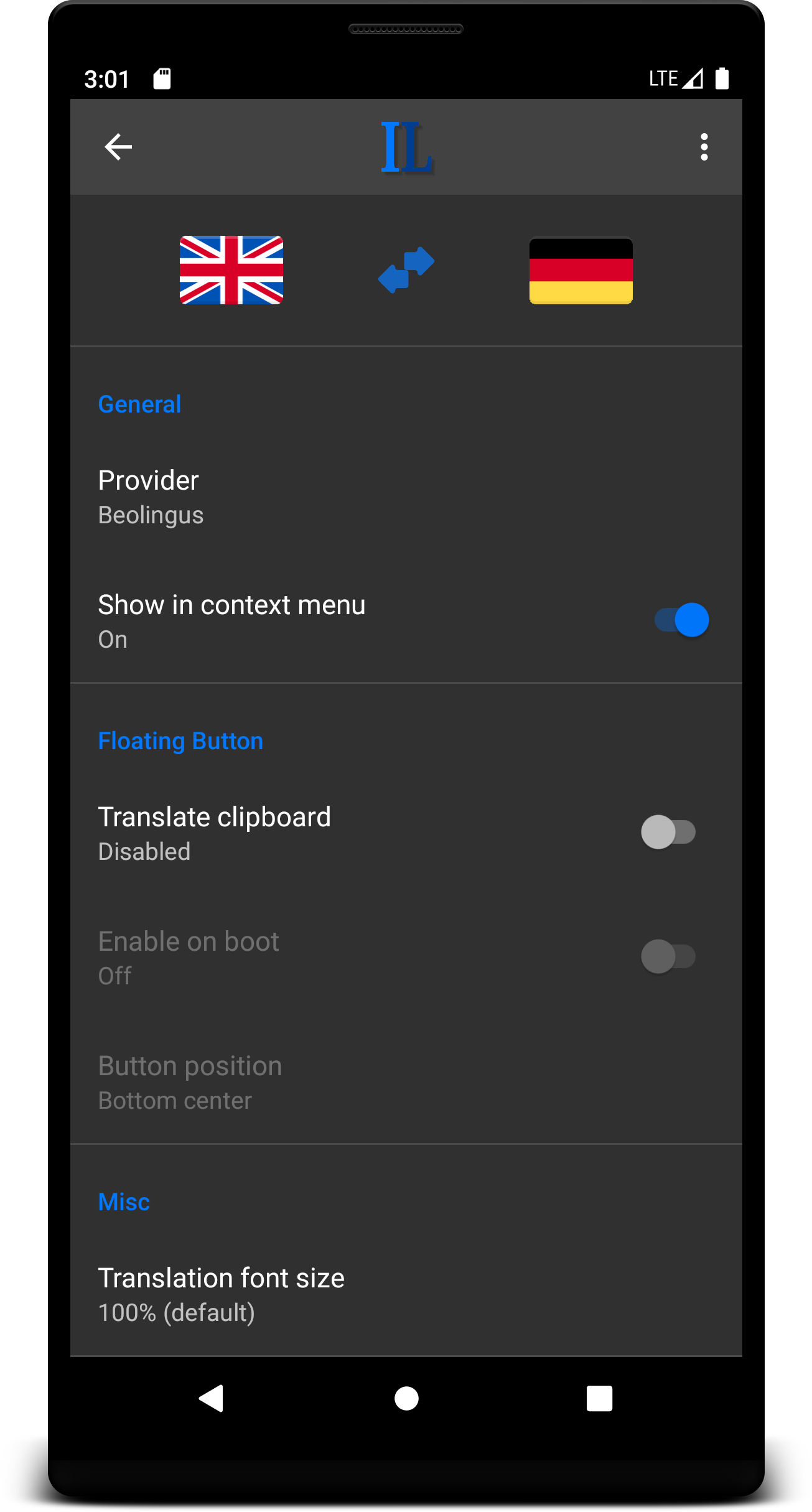
- Choose from many different translation providers
- 3 different trigger modes:
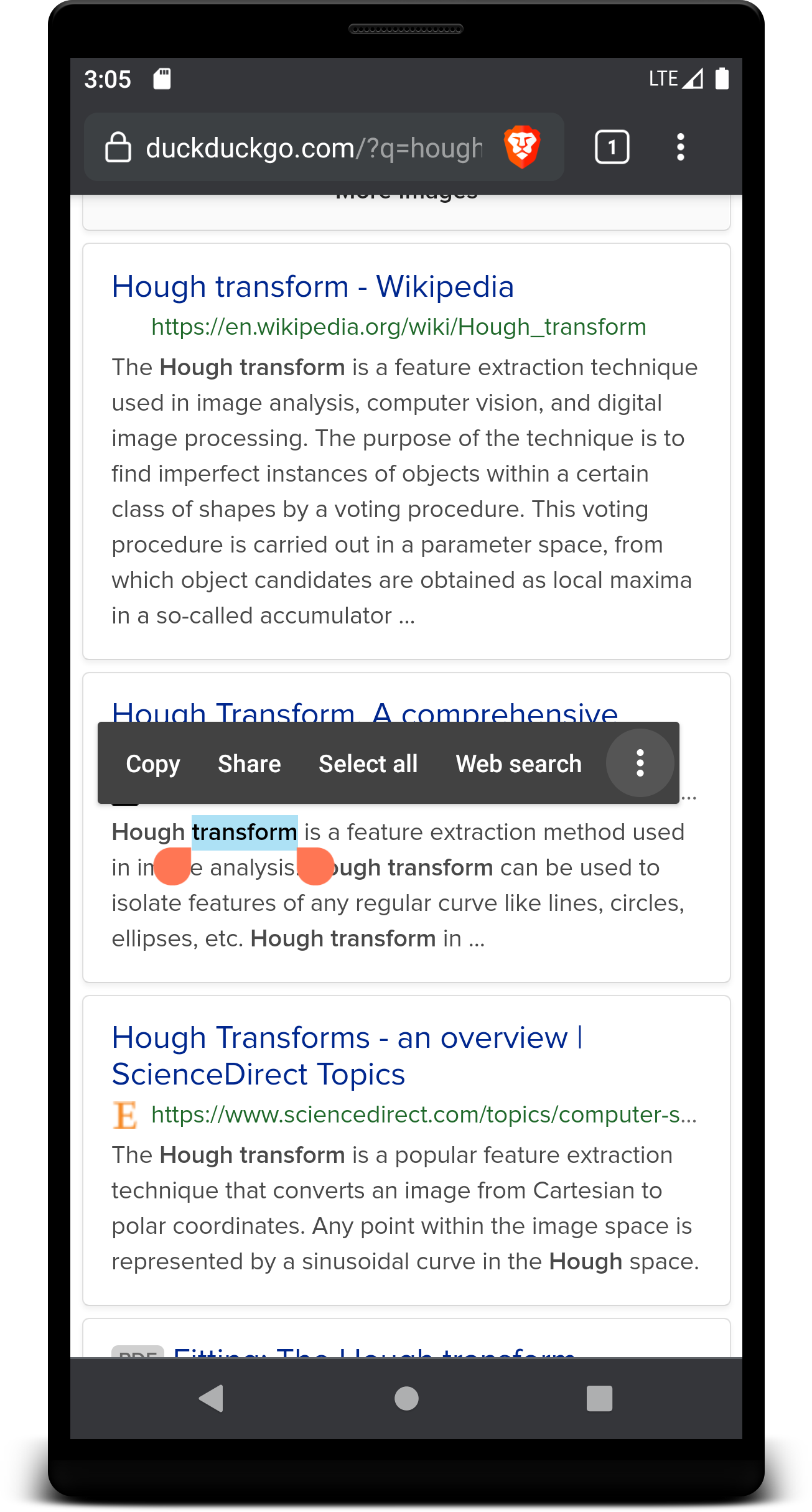
1. Context menu
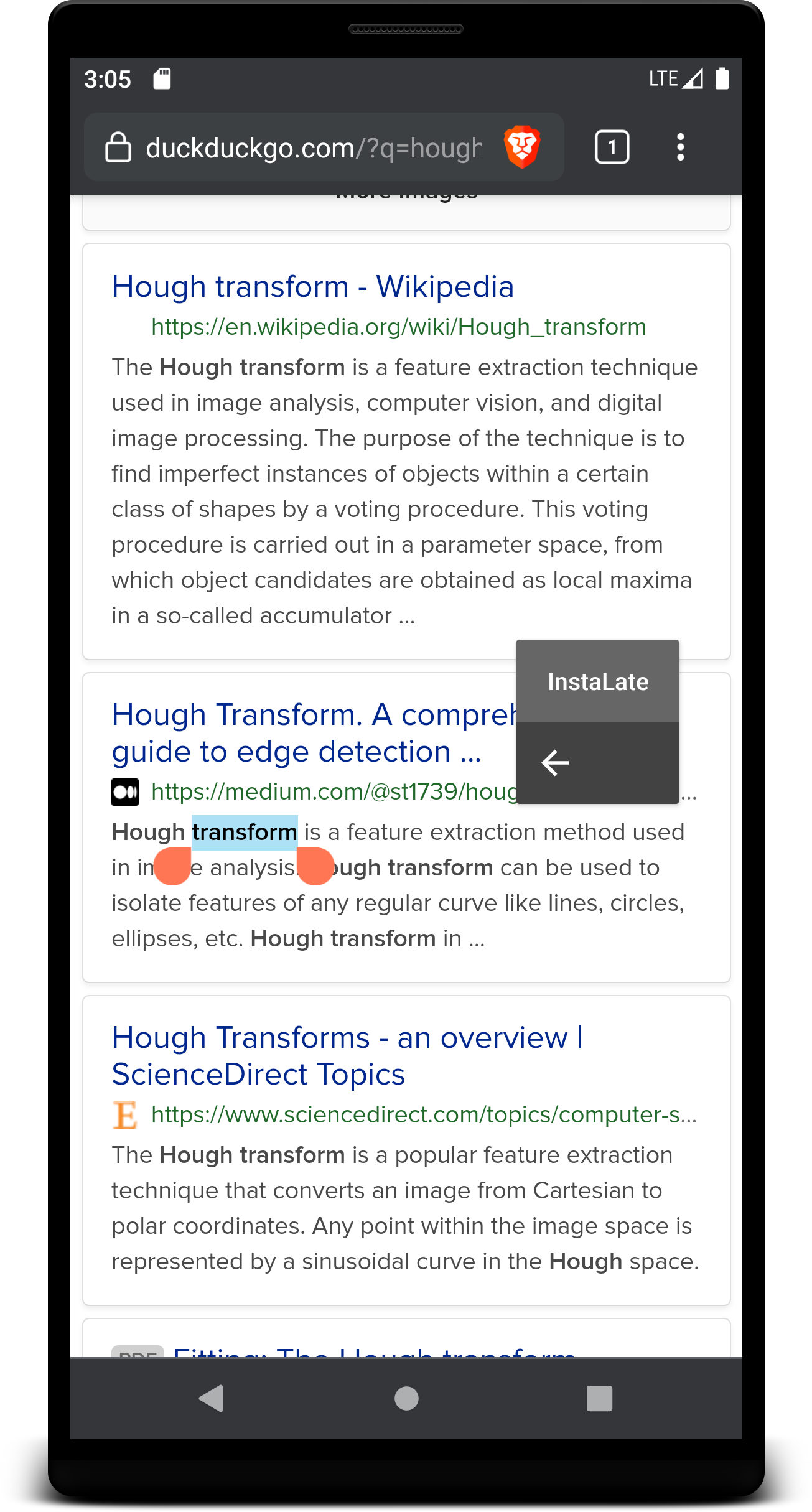
2. "Share" intent
3. Floating button (requires the selection to be copied/cut to the system clipboard first)
- Button freely movable via drag 'n' drop
- Android versions < 10 only: show/hide button automatically
Permissions:
- INTERNET:
Allows InstaLate to connect to the internet to lookup translations
- ACCESS_NETWORK_STATE:
Allows InstaLate to verify if the device is connected to the internet
- FOREGROUND_SERVICE:
Allows InstaLate to run a service that listens to clipboard changes and to show a floating button
- RECEIVE_BOOT_COMPLETED:
Allows InstaLate to optionally start this service during start-up of the device
- SYSTEM_ALERT_WINDOW:
Allows InstaLate to display a floating button over other apps
Privacy:
- No search history is stored locally or remotely by this app (last search term is cached in memory only) but it may or may not be possible that your search is tracked by the selected translation provider
- No client-side JavaScript is executed
- HTTPS communication between app and translation providers
Please be extra cautious to not share sensitive data (passwords etc.) with translation providers by accident! If you're using the floating button don't trigger a translation if sensitive data is located in the system clipboard.
Tips and Tricks:
- If an app has implemented a custom context menu see if the floating button works for you or if the app is able to share text
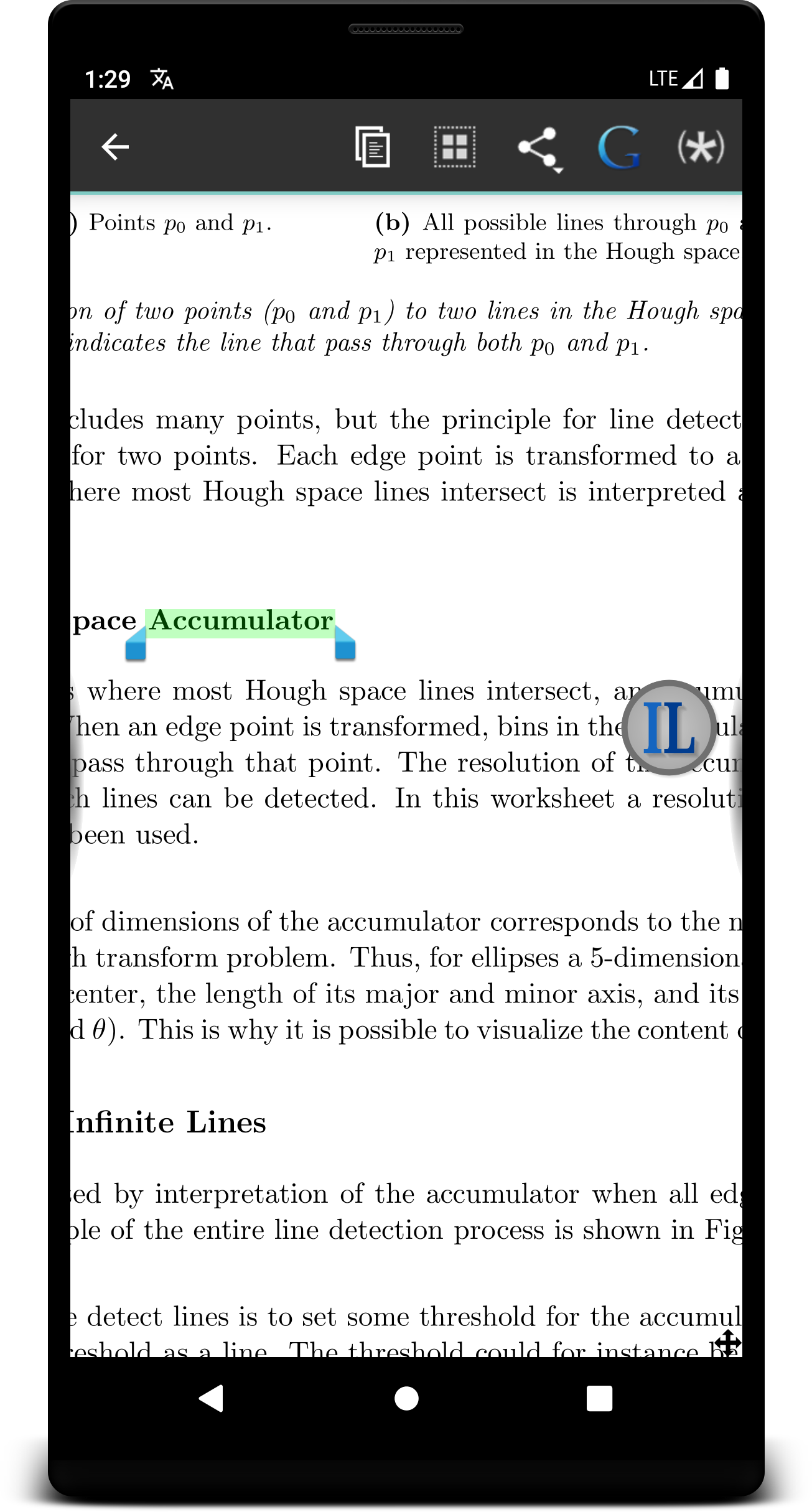
- Integration into "Librera" (FOSS ebook reader):
1. Select any word in the document by long-pressing it (text selection must be supported by the document)
2. In the opening dialog tap the "+" sign at the bottom and select InstaLate
3. Next time you select text you'll have access to the InstaLate button at the bottom
Thanks:
To all translation providers and their awesome services this application would be nothing without (in alphabetical order):
- Beolingus: https://dict.tu-chemnitz.de/
- DeepL: https://www.deepl.com/
- Dict. cc: https://www.dict.cc/
- GNU CIDE: https://gcide.gnu.org.ua/
- Heinzelnisse: https://www.heinzelnisse.info/
- LibreTranslate: https://translate.argosopentech.com/
- Linguee: https://www.linguee.com/
- WikDict: https://www.wikdict.com/
- Wiktionary: https://wiktionary.org/
Screenshots
What’s new
- change LibreTranslate server
How to install
Download the APK from the button at the top of this page.
Allow “Install unknown apps” for your browser or file manager only, not for every app.
Open the downloaded file and confirm the installation.
If installation fails with “App not installed,” remove an earlier build of the same app first. A signature conflict is the usual cause.
Data safety
Every file is checked against its published SHA-256 before it is listed.
Files are scanned for malware on every update.
The permissions each app requests are listed on its own page.
Read the full safety policy for how we test, flag, and delist files.