
Quick answer
Chat on the Jabber network (XMPP protocol); focus on features for gateway users
F-Droid repository metadata
The Cheogram Android app allows you to join a worldwide communication network. It especially focuses on features useful to users who want to contact those on other networks as well, such as SMS-enabled phone numbers.
Based on the app Conversations, but with unique features:
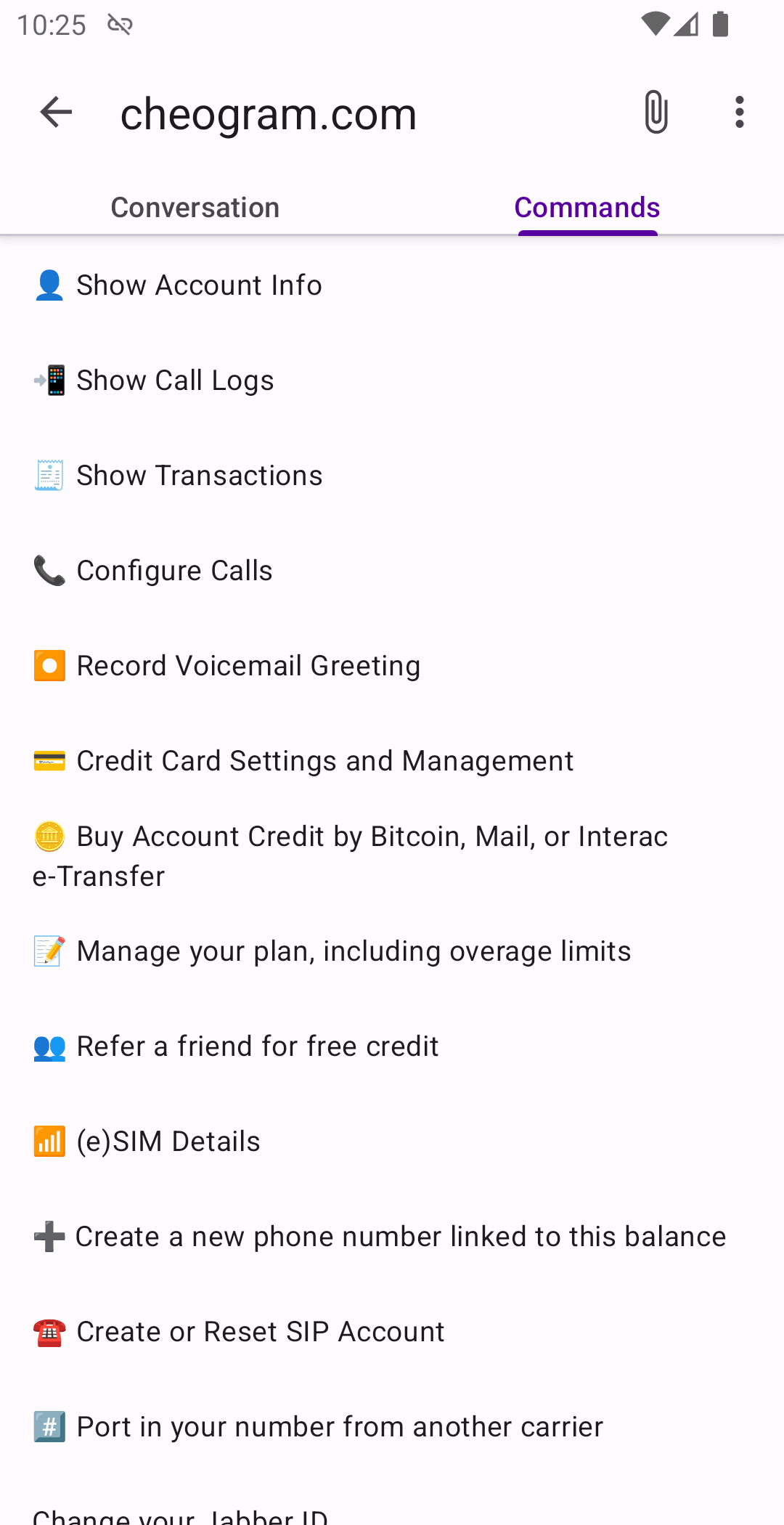
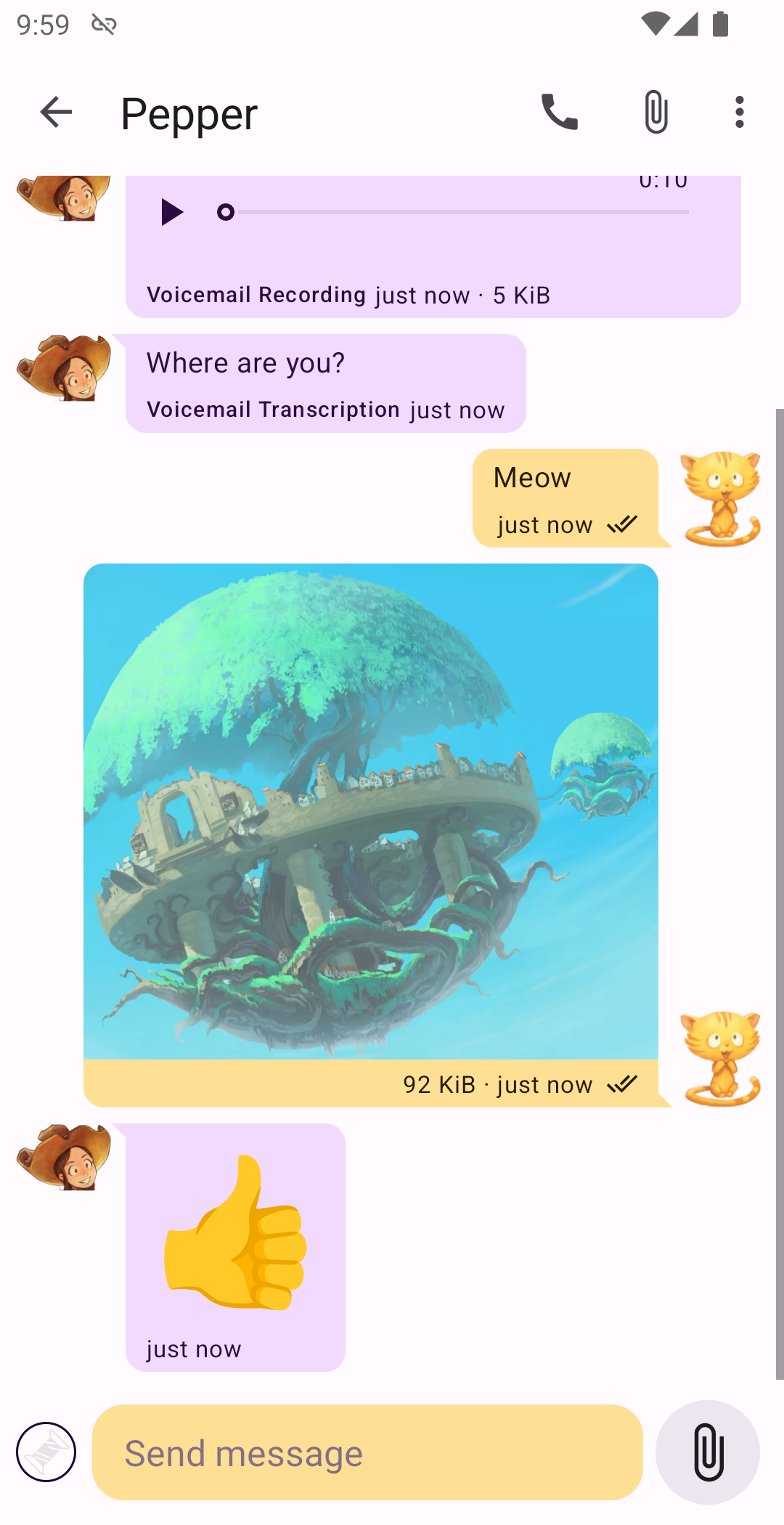
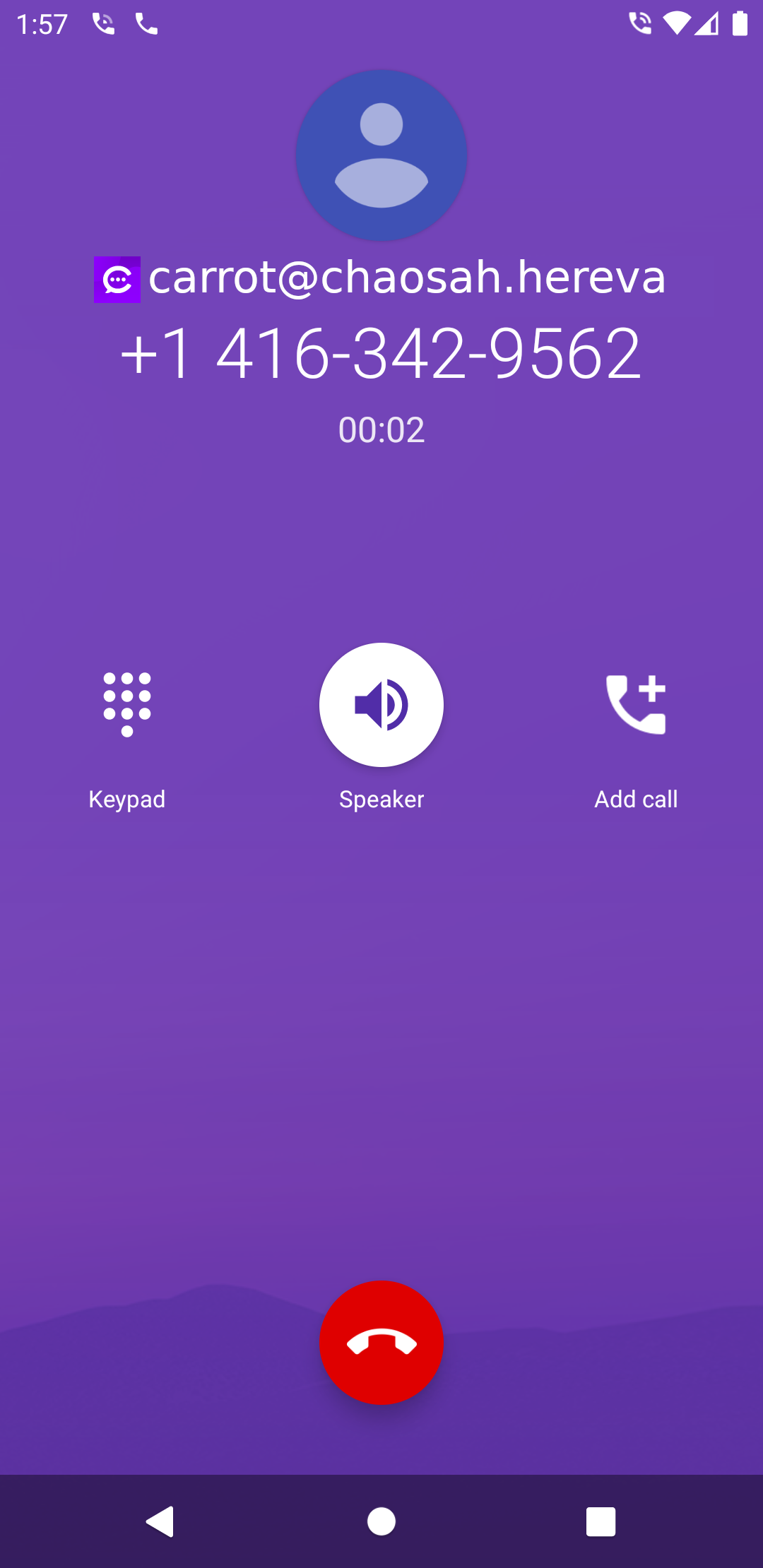
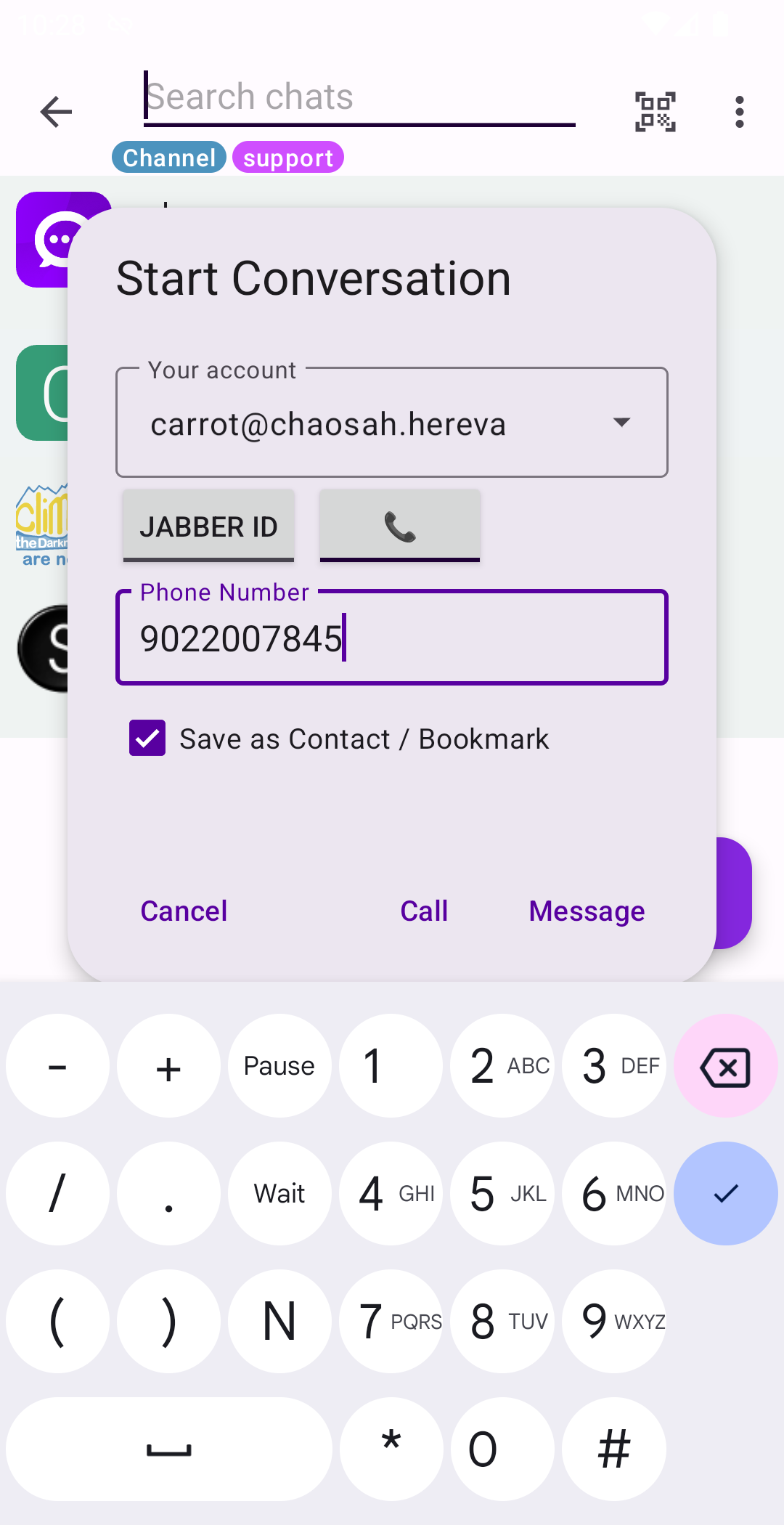
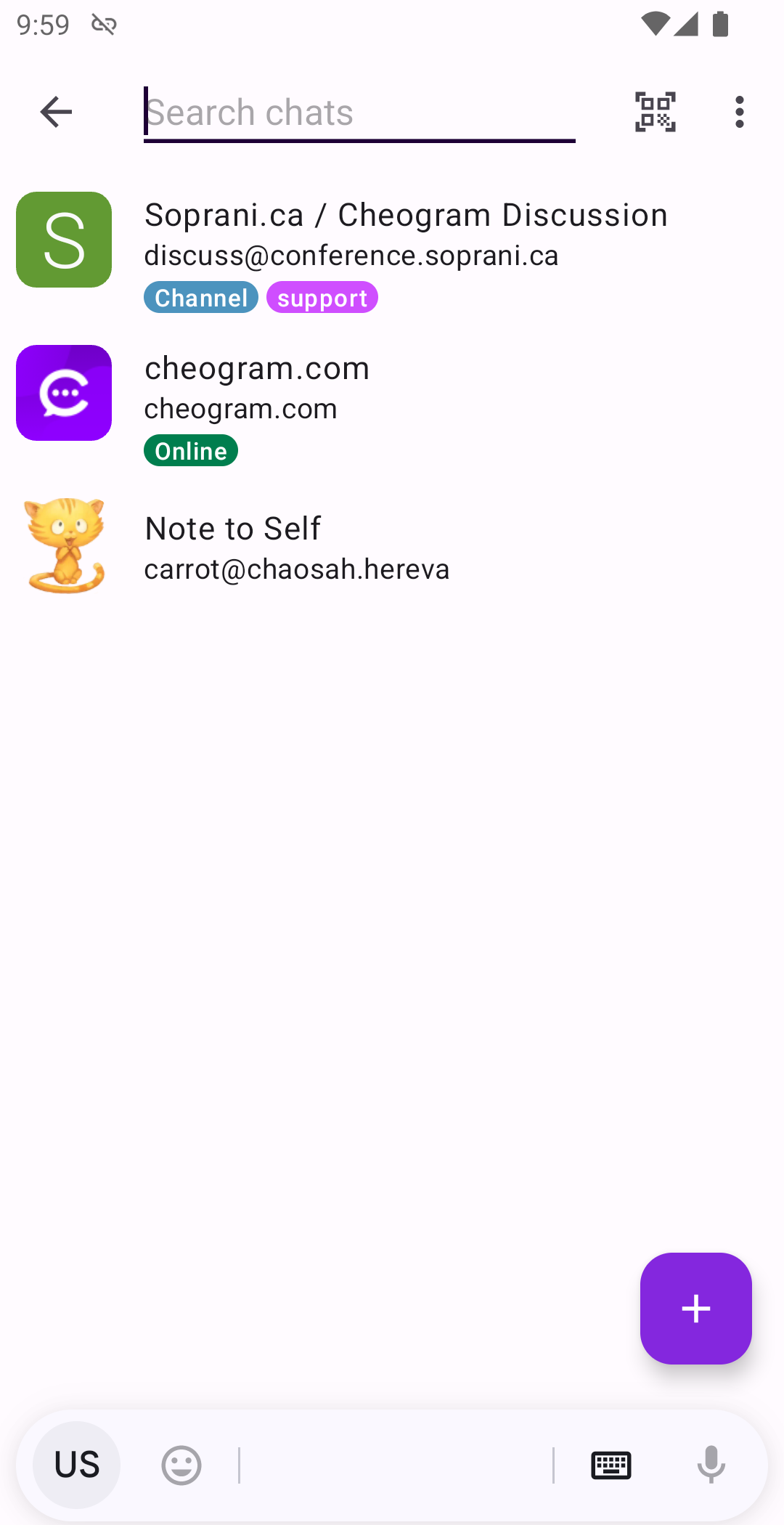
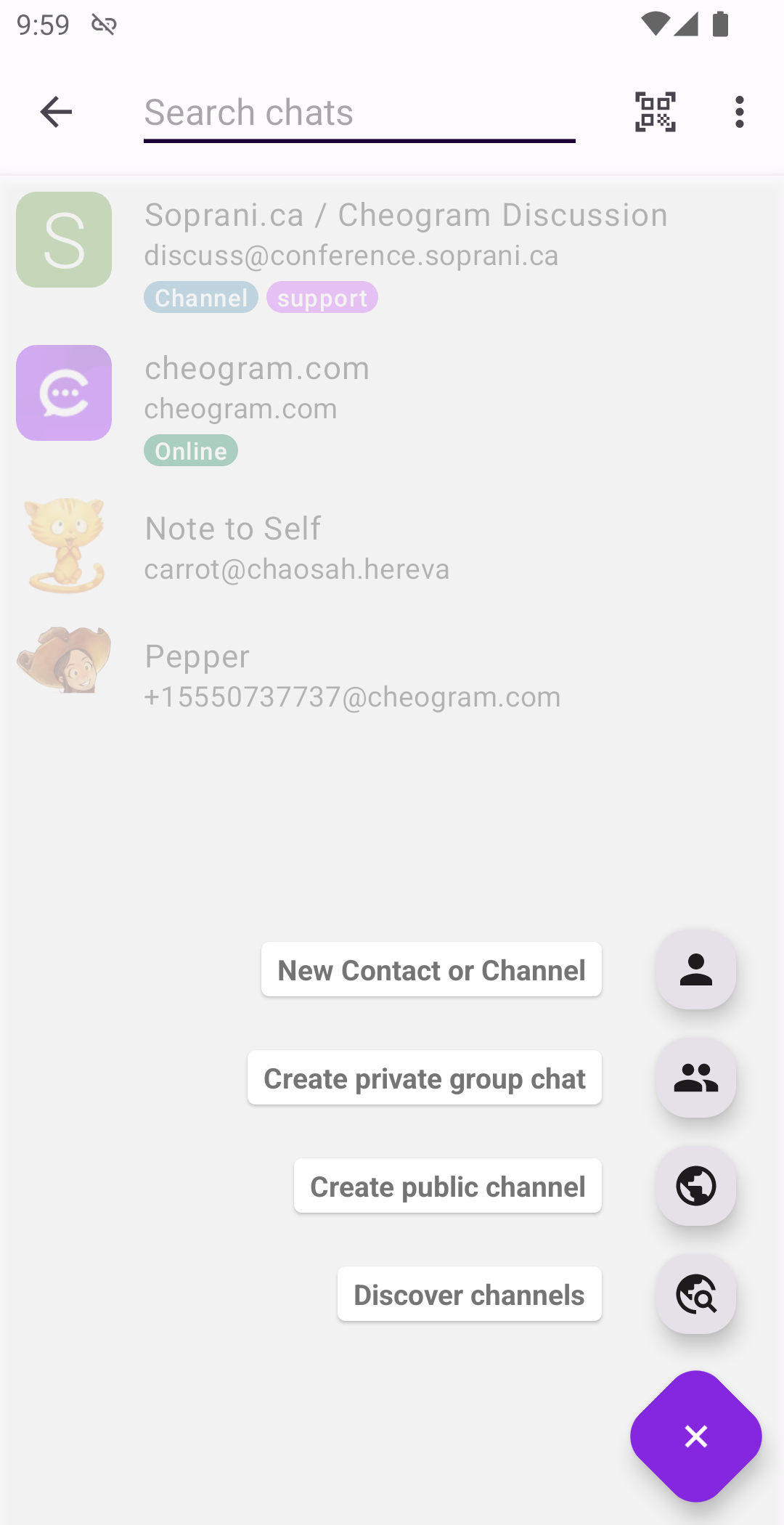
* Messages with both media and text, including animated media * Unobtrusive display of subject lines, where present * Links to known contacts are shown with their name * Show timestamps for calls * Integrates with gateways' add contact flows * When using a gateway to the phone network, integrate with the native Android Phone app * Address book integration * Tag contacts and channels and browse by tag * Command UI
Where to get service:
Cheogram Android requires you have an account with a Jabber service. You can run your own service, or use one provided by someone else, for example: https://snikket.org/hosting/
Art in screenshots is from https://www.peppercarrot.com by David Revoy, CC-BY. Artwork has been modified to crop out sections for avatars and photos, and in some cases add transparency. Use of this artwork does not imply endorsement of this project by the artist.
Screenshots
How to install
- Download the APK from the button at the top of this page.
- Allow “Install unknown apps” for your browser or file manager only, not for every app.
- Open the downloaded file and confirm the installation.
- If installation fails with “App not installed,” remove an earlier build of the same app first. A signature conflict is the usual cause.
Data safety
- Every file is checked against its published SHA-256 before it is listed.
- Files are scanned for malware on every update.
- The permissions each app requests are listed on its own page.
- Read the full safety policy for how we test, flag, and delist files.
Comments
Recent approved comments · sorted by newest
View all comments