
Quick answer
A Forked Version focused on privacy from SESSION
F-Droid repository metadata
# ThreadScoopOnionChat
This version is a fork from " https://github.com/session-foundation/session-android ", enfocado en la privacidad.
## How Did ThreadScoopOnionChat Come About?
I have always been a fan of privacy and security in communications, and I am constantly researching potential security breaches in messaging applications. ThreadScoopOnionChat emerged after the analysis of this blog "https://soatok.blog/2025/01/14/dont-use-session-signal-fork/", in which several aspects are described as to why using Session is not recommended, and I wondered how it is possible that a foundation focused on privacy—with the grants and support it receives—has not been able to improve this protocol. I still do not understand the answer, since my resources are much smaller than those of a foundation compared to that of a person who is simply a fan of privacy and security. In this blog, certain problems were described:
1> "https://soatok.blog/2025/01/14/dont-use-session-signal-fork/#insufficient-entropy-ed25519" 2> "https://soatok.blog/2025/01/14/dont-use-session-signal-fork/#in-band-negotiation" 3> "https://soatok.blog/2025/01/14/dont-use-session-signal-fork/#public-keys-aes-gcm"
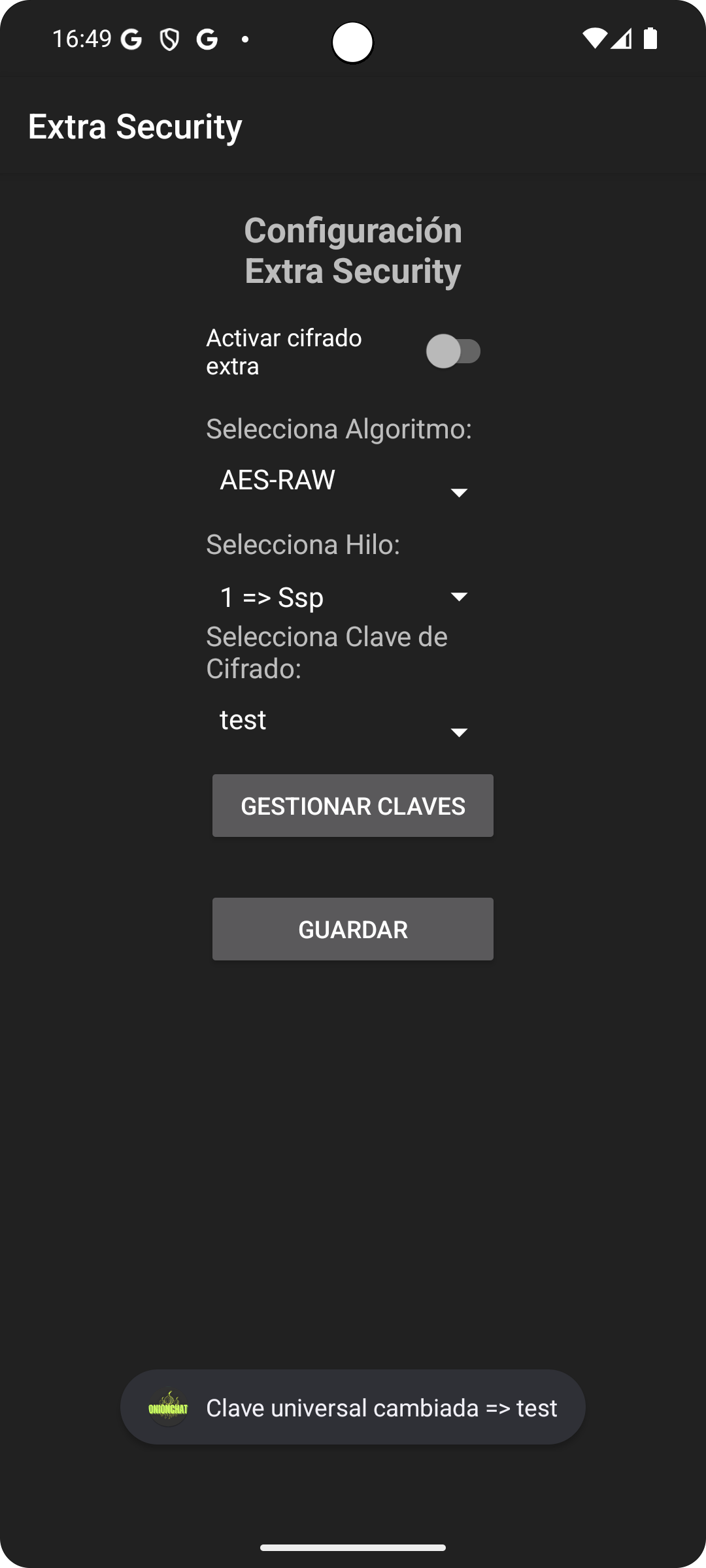
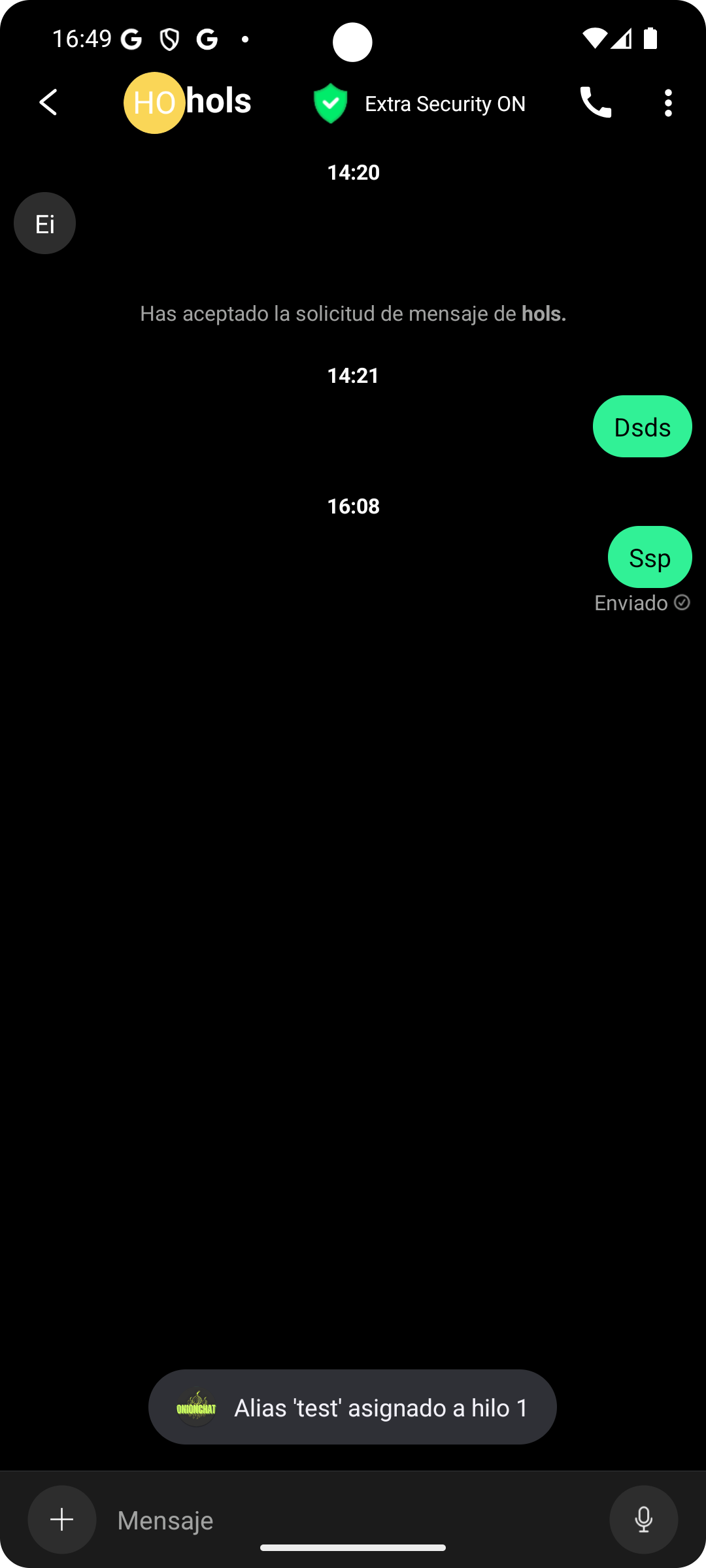
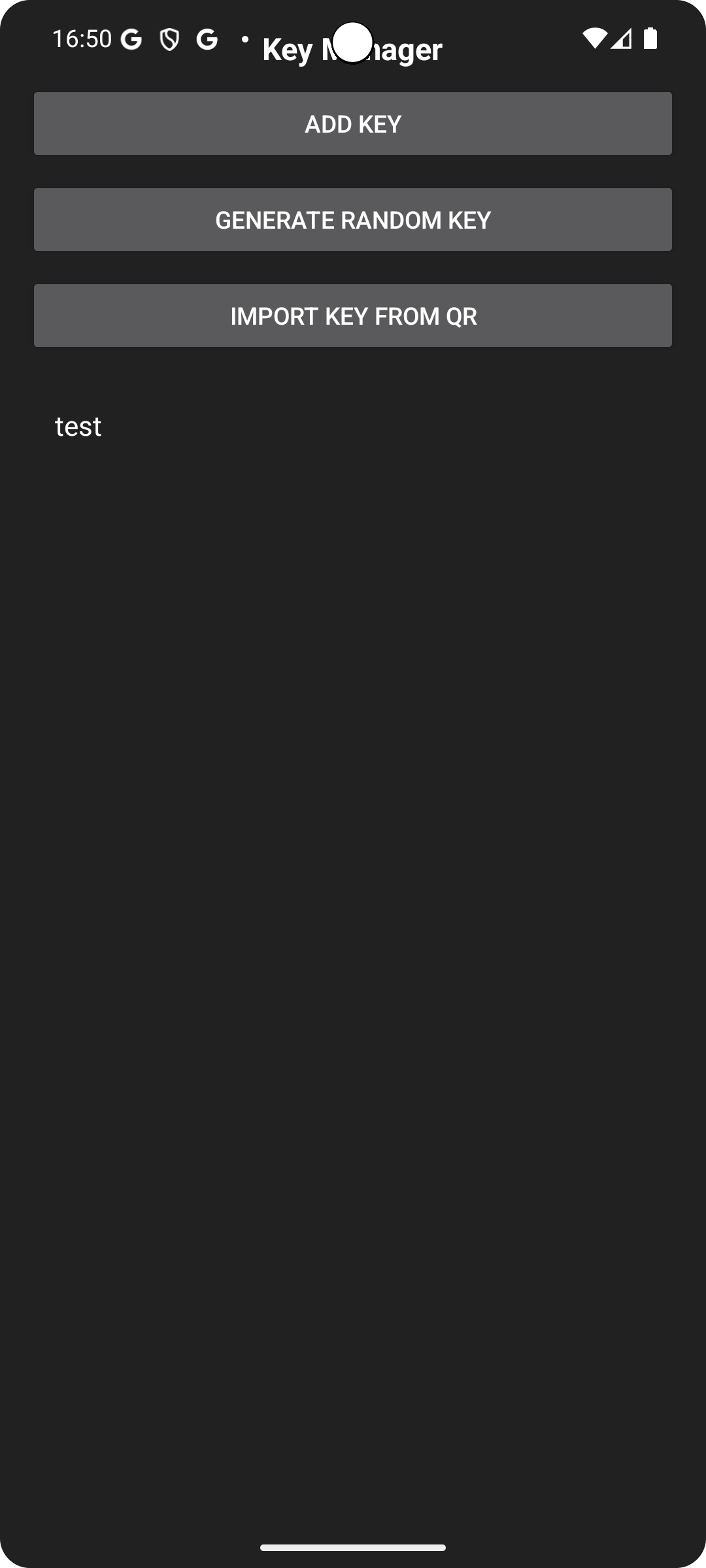
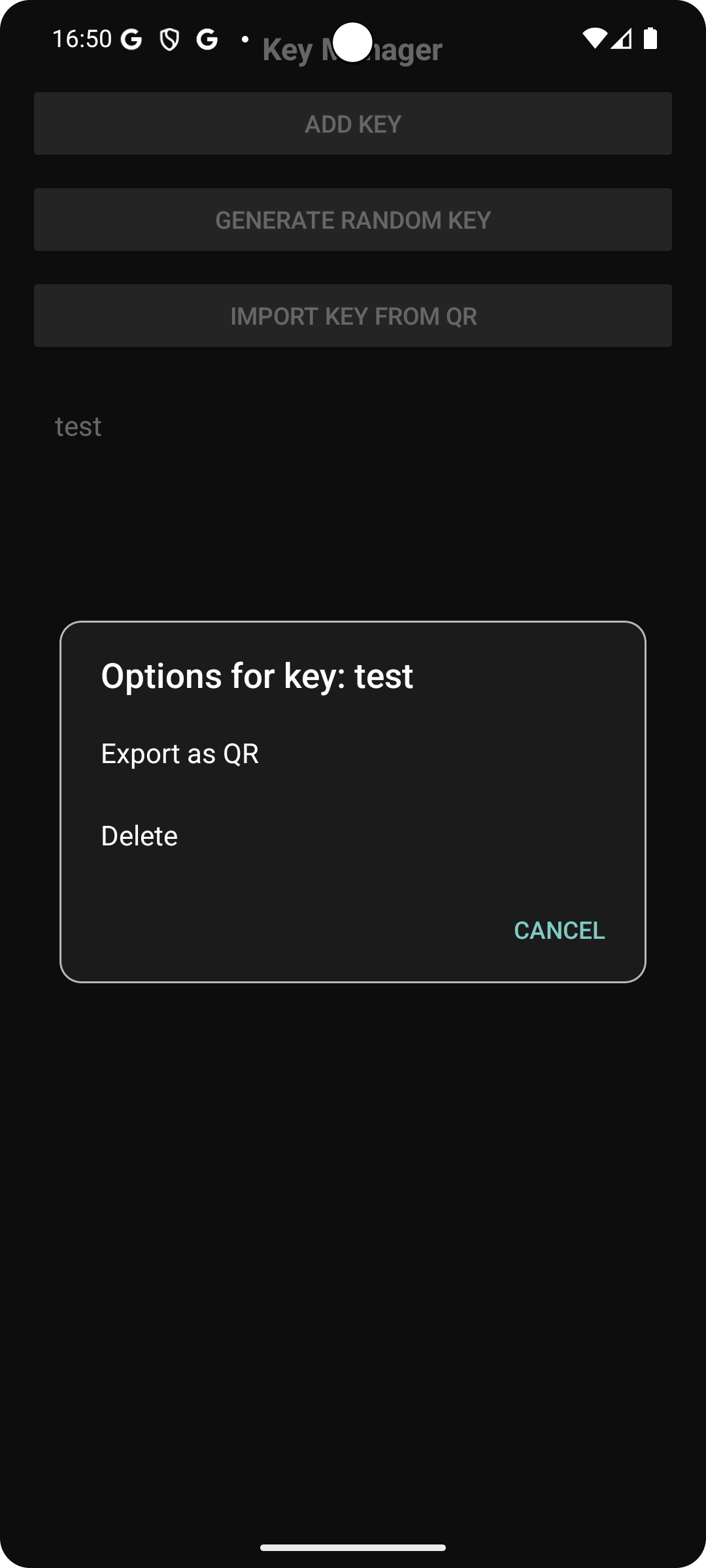
This is a forked version privacy focussed from Session. Go Github to check all features implemented.
Screenshots
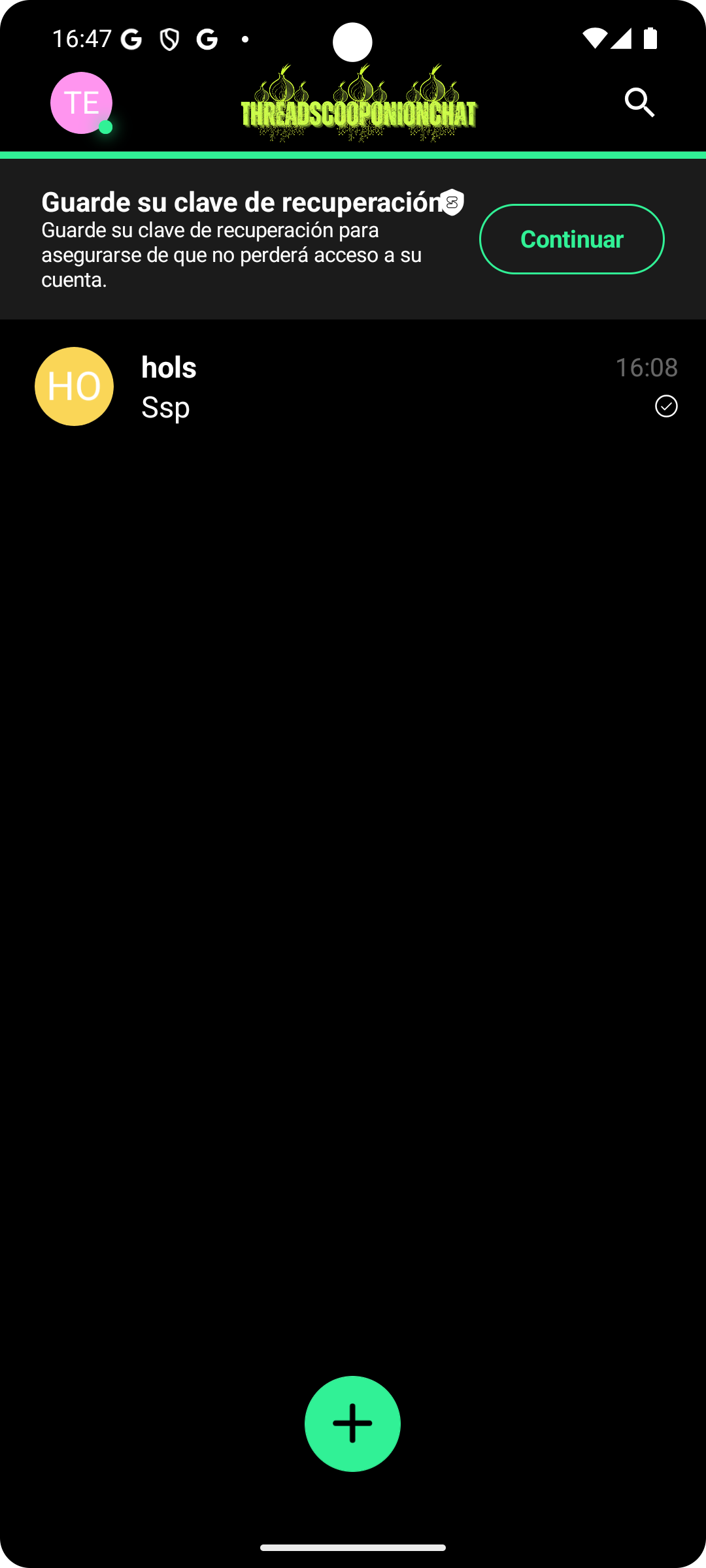
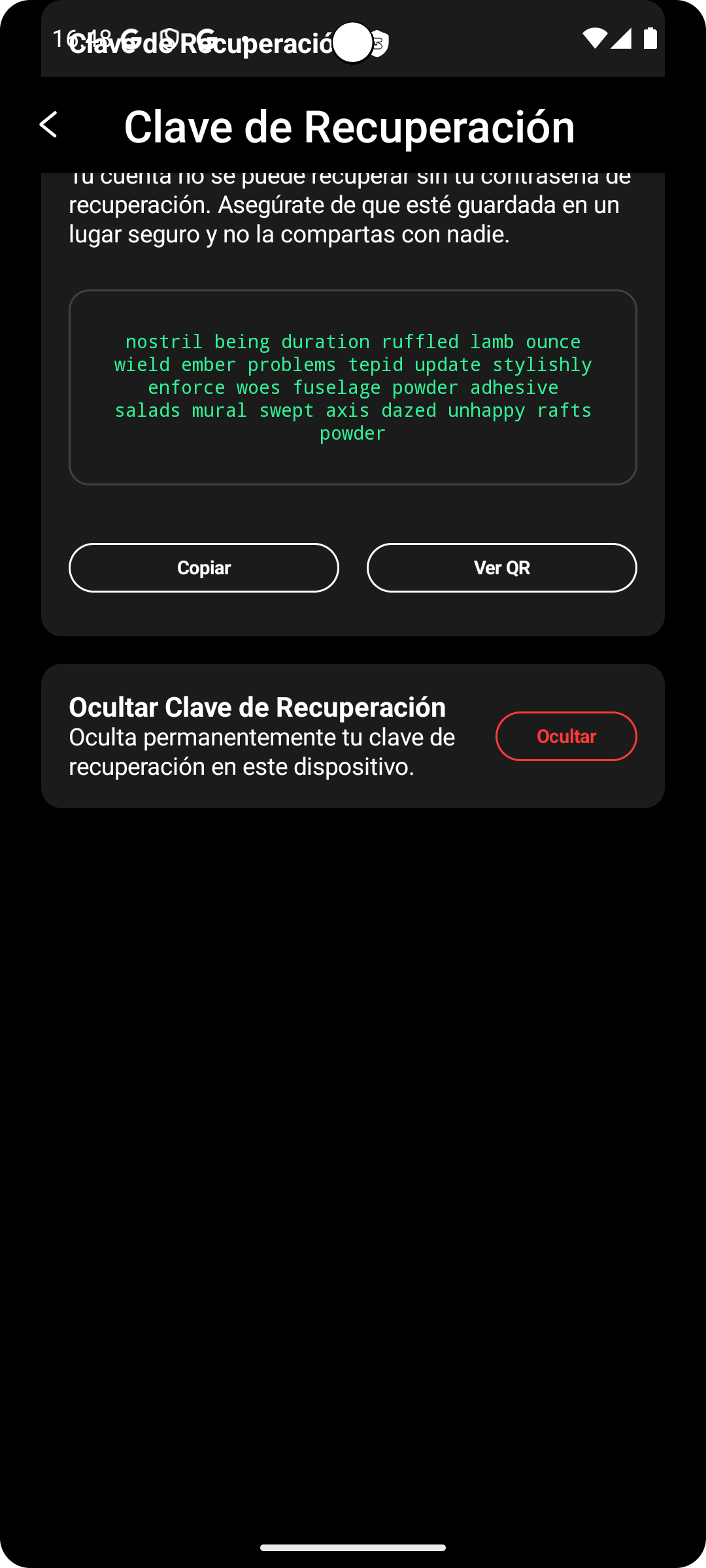
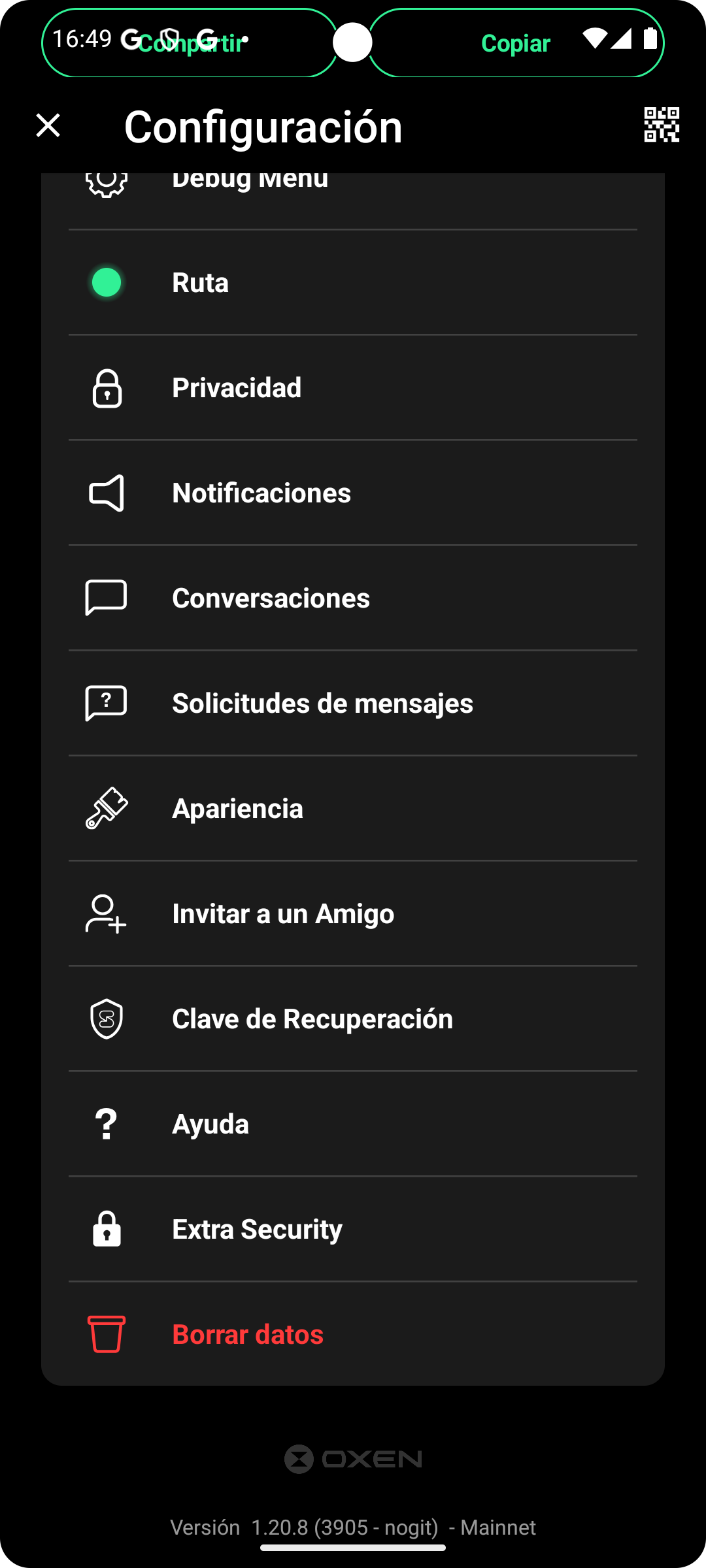
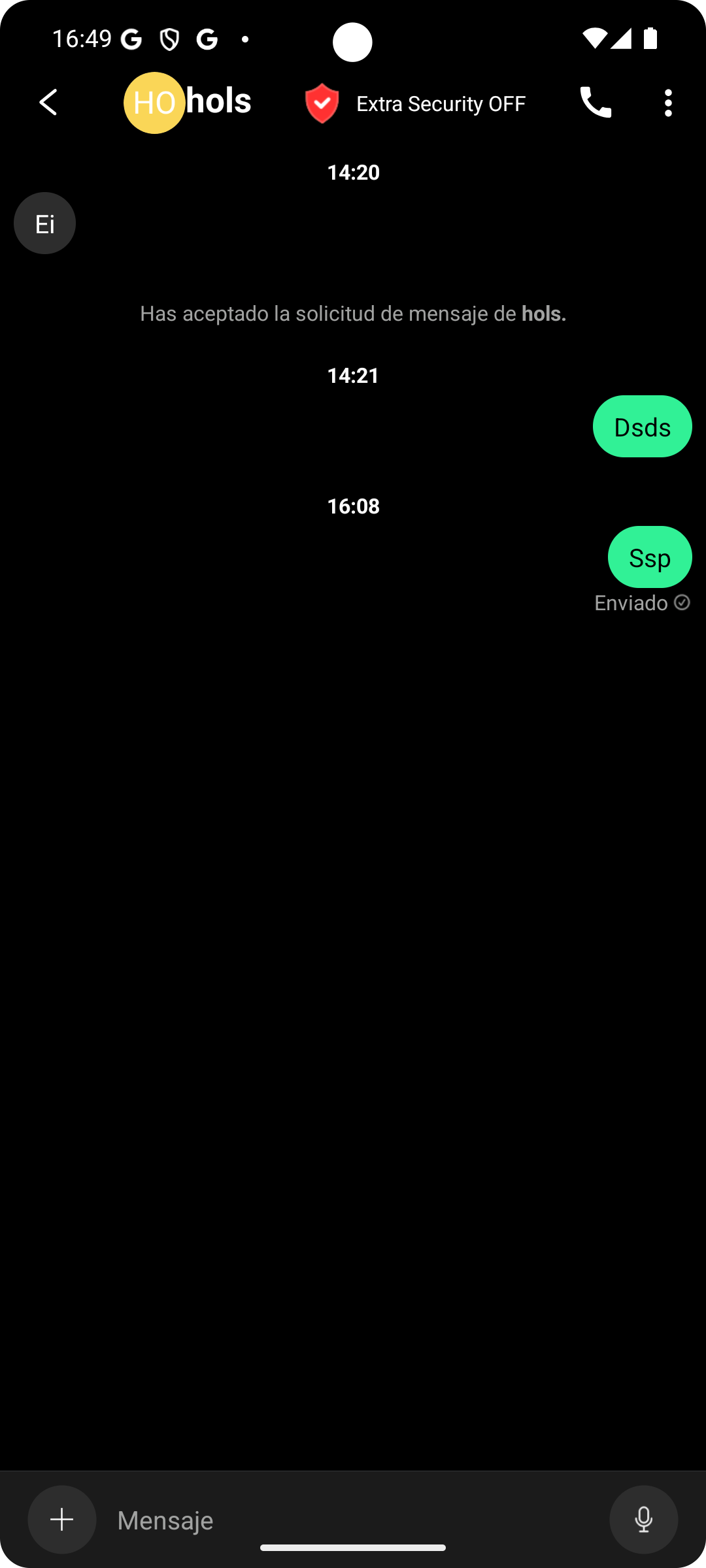
How to install
- Download the APK from the button at the top of this page.
- Allow “Install unknown apps” for your browser or file manager only, not for every app.
- Open the downloaded file and confirm the installation.
- If installation fails with “App not installed,” remove an earlier build of the same app first. A signature conflict is the usual cause.
Data safety
- Every file is checked against its published SHA-256 before it is listed.
- Files are scanned for malware on every update.
- The permissions each app requests are listed on its own page.
- Read the full safety policy for how we test, flag, and delist files.
Comments
Recent approved comments · sorted by newest
View all comments