
Quick answer
Intercept URLs, remove tracking, and redirect to privacy-friendly frontends.
F-Droid repository metadata
Android app that intercepts social media URLs and redirects them to alternative frontends while removing tracking parameters. No apps or accounts needed to access the content shared with you.
Alternative Frontends
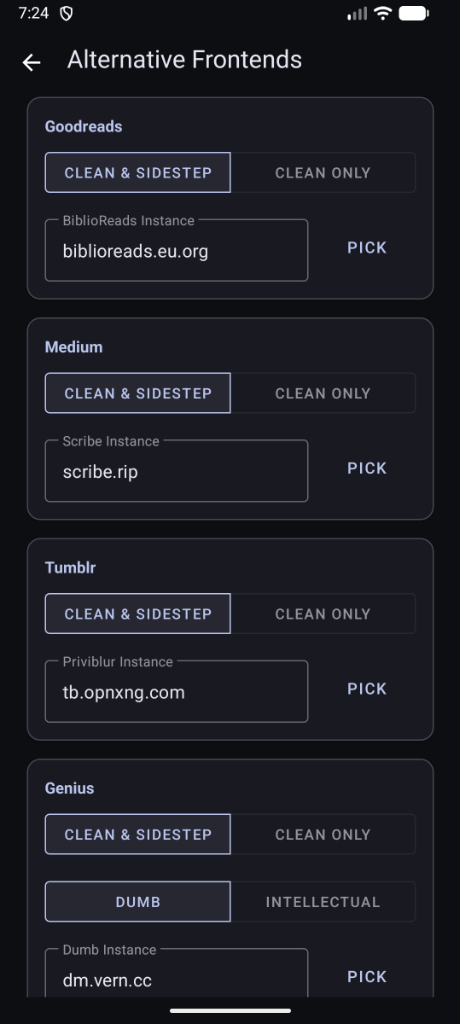
Bypass closed ecosystems and access a more open internet - with a less cluttered web experience. Sidestep supports several major platforms with configurable alternatives:
- Twitter/X → Nitter
- Reddit → Redlib
- YouTube → Invidious, Piped
- Google Maps → OpenStreetMap
- IMDb → LibreMDB
- Medium → Scribe
- Wikipedia → Wikiless
- Goodreads → BiblioReads
- Genius → Dumb, Intellectual
- Tumblr → Priviblur
- UrbanDictionary → RuralDictionary
- Imgur → Rimgo
- GitHub → GotHub
- StackOverflow → AnonymousOverflow
Flexible Configuration & Smart URL Cleaning
Automatically removes tracking parameters from all URLs:
- UTM parameters (utm_source, utm_medium, etc.)
- Platform-specific trackers (Twitter s/t, YouTube si, Instagram igsh)
- E-commerce tracking (Amazon, affiliate links)
- Analytics parameters
Granular control over how URLs are processed:
- Unshorten URLs: Automatically resolves shortened links (bit.ly, t.co, etc.)
- Remove Tracking: Strip analytics and tracking parameters
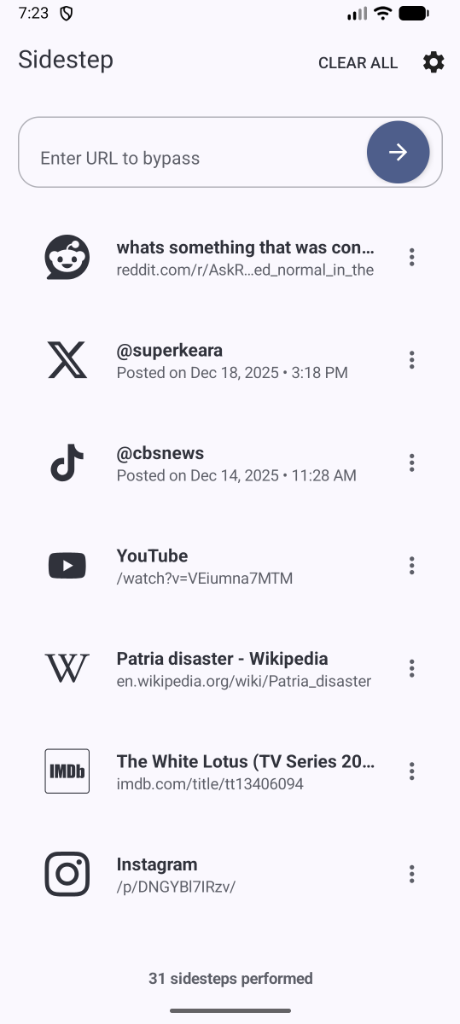
- Immediate Navigation: Automatically open the processed URL in your browser
- Clean Only Mode: Remove tracking without redirecting
- Clean & Sidestep Mode: Remove tracking AND redirect to alternative frontend
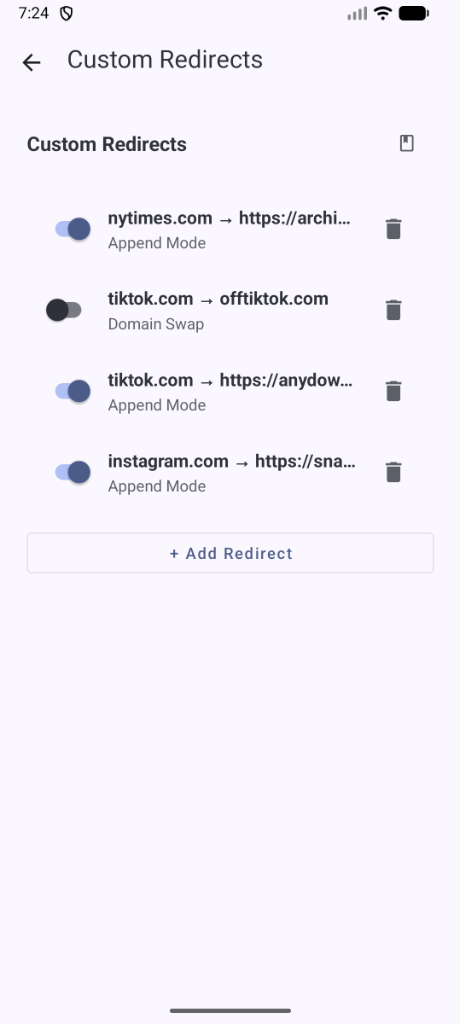
- Custom Redirects: Add your own domain mappings
- Instance Picker: Fetch live, healthy instances sorted by uptime
Tracking-proof
- Previews fetched via DuckDuckGo (optional)
- No Data Collection: Zero analytics, zero tracking
- Local Processing: All URL cleaning happens on-device
Screenshots
How to install
- Download the APK from the button at the top of this page.
- Allow “Install unknown apps” for your browser or file manager only, not for every app.
- Open the downloaded file and confirm the installation.
- If installation fails with “App not installed,” remove an earlier build of the same app first. A signature conflict is the usual cause.
Data safety
- Every file is checked against its published SHA-256 before it is listed.
- Files are scanned for malware on every update.
- The permissions each app requests are listed on its own page.
- Read the full safety policy for how we test, flag, and delist files.
Comments
Recent approved comments · sorted by newest
View all comments