Viewer for Frigate NVR with smart URL switching and notifications
F-Droid repository metadata
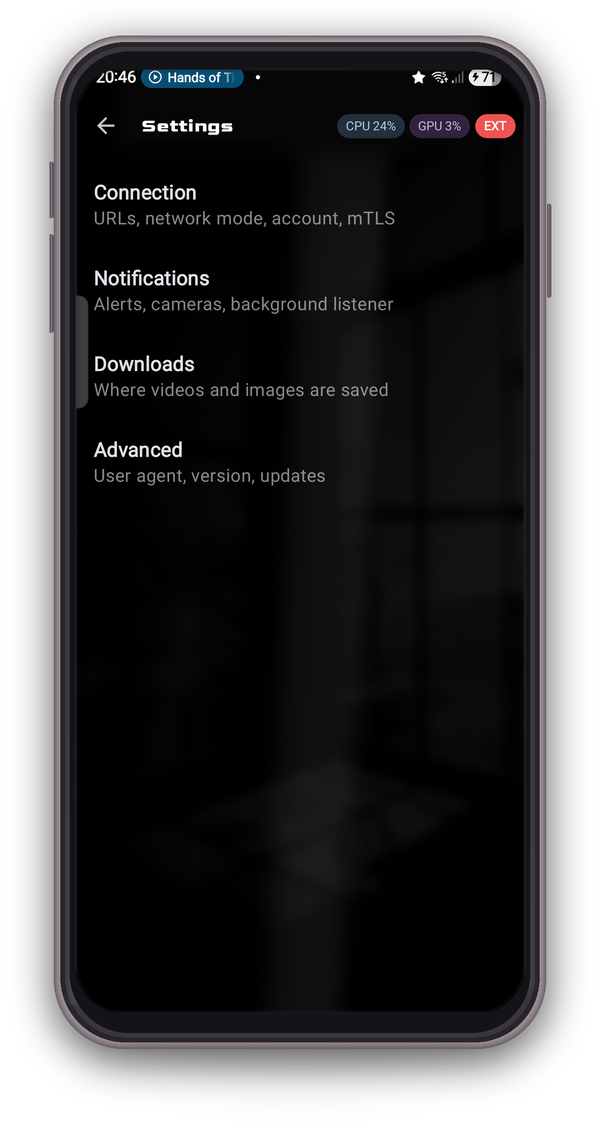
Phylax is an Android viewer for the self-hosted Frigate NVR. Unofficial and not affiliated with the Frigate project.
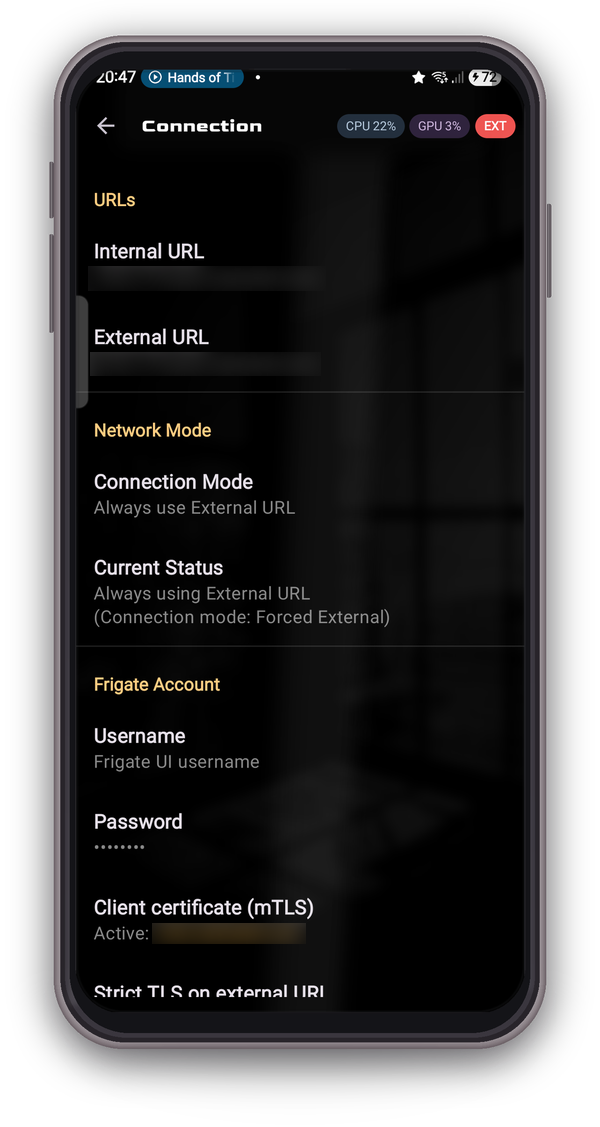
* Auto URL switching between internal (LAN) and external Frigate based on Wi-Fi SSID.
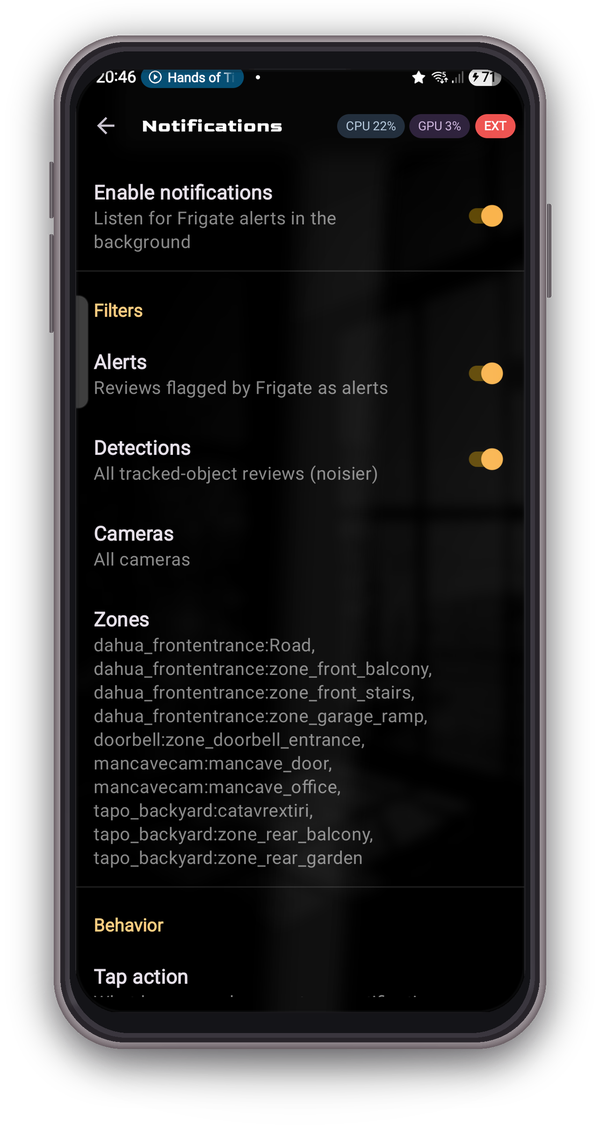
* Background notifications with snapshot thumbnails. Alerts open the Review timeline; detections open the Explore view.
* Per-camera, per-zone and severity filters. One notification per tracked event.
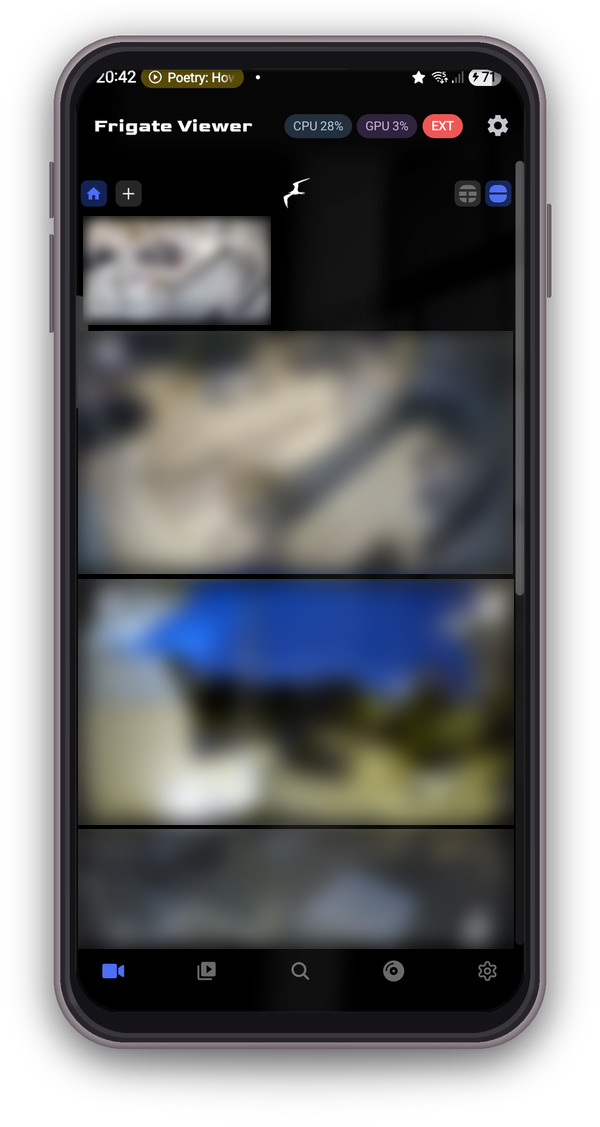
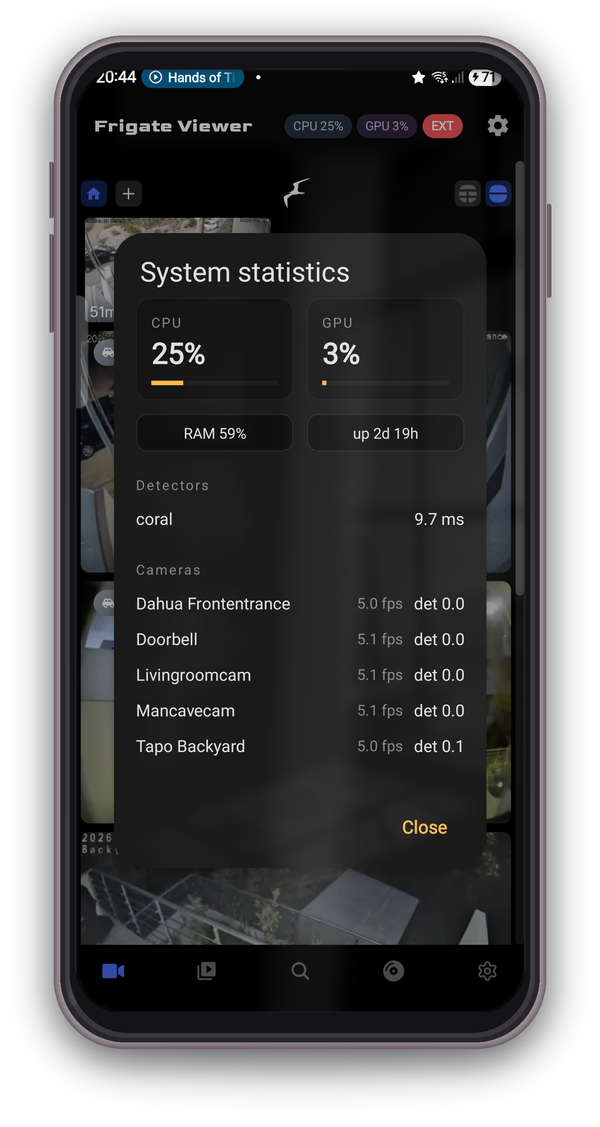
* CPU and GPU badges in the top bar. Tap for RAM, uptime, per-detector inference and per-camera FPS.
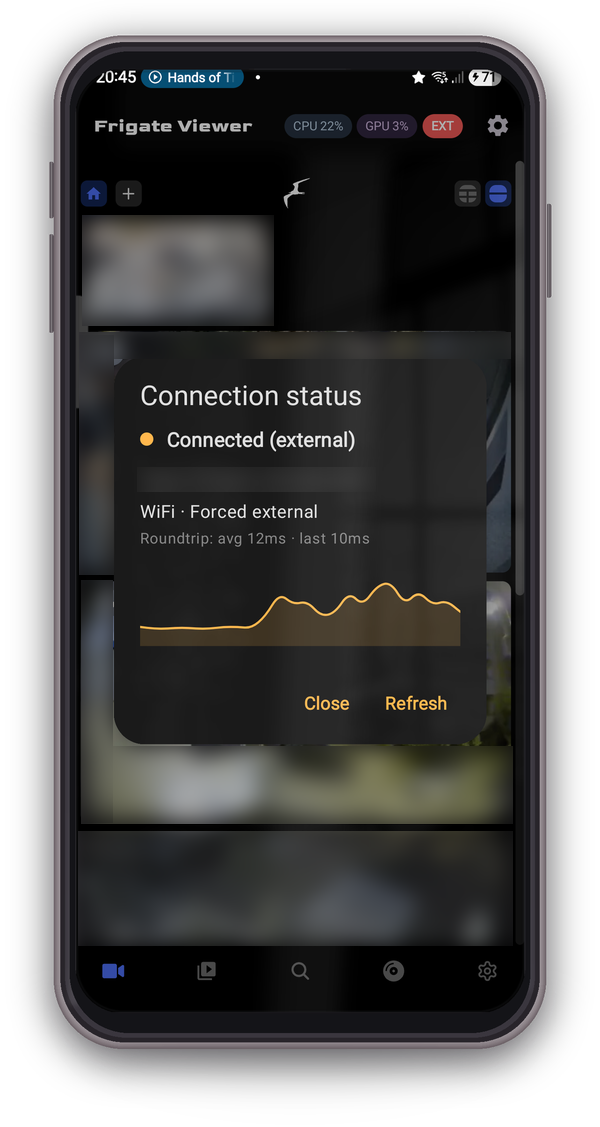
* Connection status dialog with a live latency graph.
* mTLS client certificate support.
* Two-way talk on doorbell and intercom cameras.
* Clip and snapshot downloads.
* Reliable on Android 14+ with SPECIAL_USE foreground service, wake locks and a WorkManager watchdog.
No analytics, no cloud, no account. Credentials kept in encrypted local storage.
Compatible with Frigate 0.12+ for notifications, 0.13 to 0.17 for stats.
Screenshots
What’s new
* Notifications with a client certificate recover on their own when the certificate was not readable yet as the app started
How to install
Download the APK from the button at the top of this page.
Allow “Install unknown apps” for your browser or file manager only, not for every app.
Open the downloaded file and confirm the installation.
If installation fails with “App not installed,” remove an earlier build of the same app first. A signature conflict is the usual cause.
Data safety
Every file is checked against its published SHA-256 before it is listed.
Files are scanned for malware on every update.
The permissions each app requests are listed on its own page.
Read the full safety policy for how we test, flag, and delist files.