Remove or scramble photo metadata before sharing, with configurable templates
F-Droid repository metadata
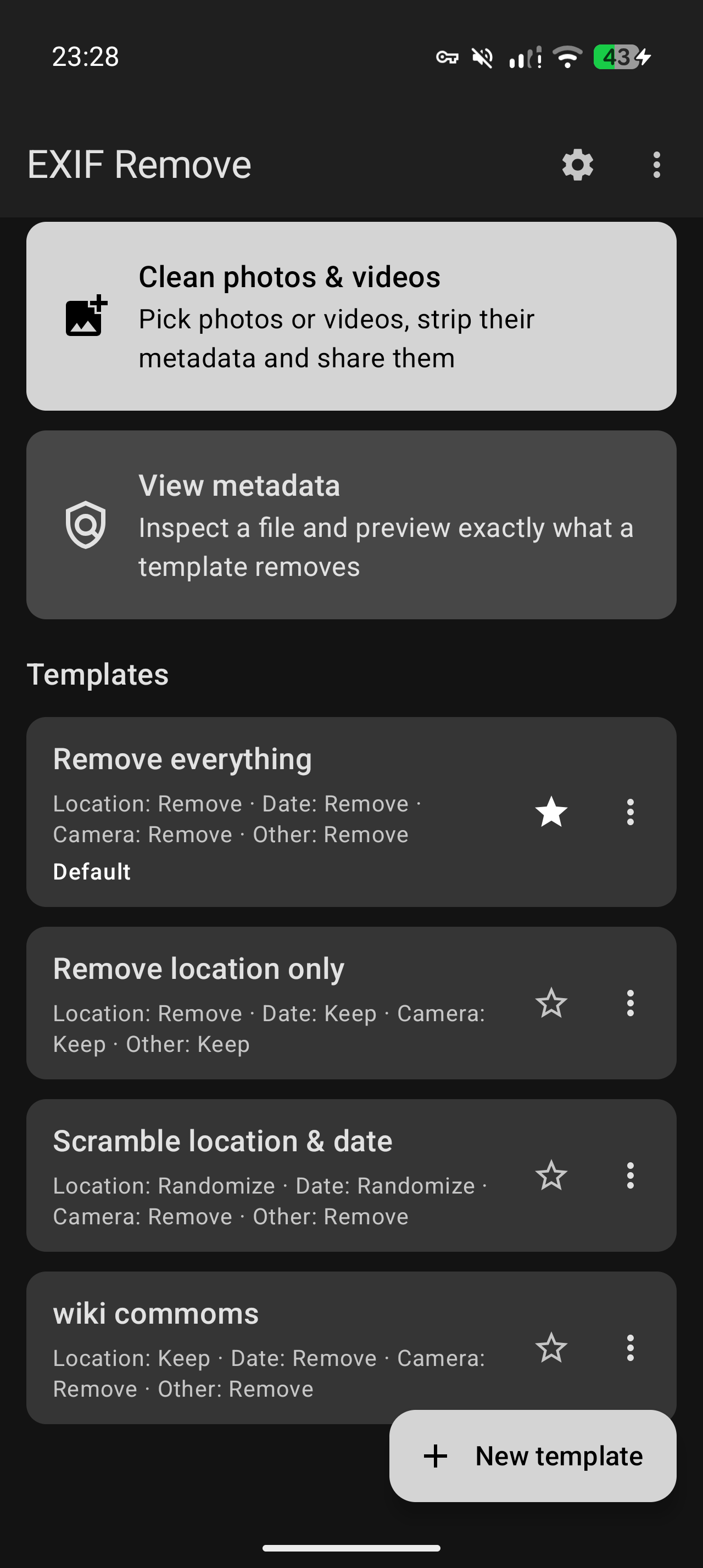
EXIF Remove strips metadata from photos and videos before you share them, so you don't hand over your location, the time a photo was taken, or the device that took it.
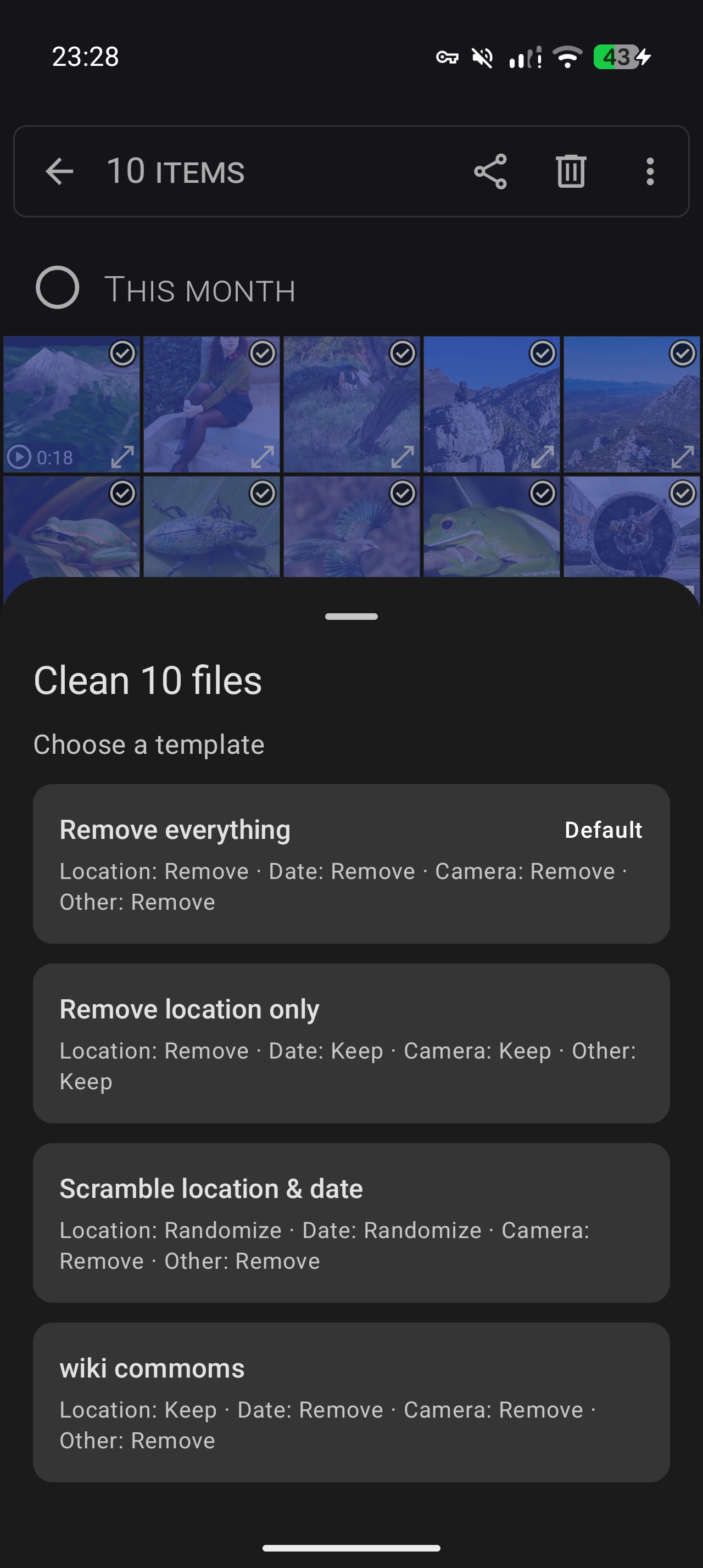
Share files to EXIF Remove from any app, pick a template, and pass the cleaned copies on. Or open the app and pick files directly.
Templates control what happens to each category:
* Location (GPS): keep, remove or randomize
* Date and time: keep, remove or randomize
* Camera, software and author info: keep or remove
* Other metadata: keep or remove
Three built-in templates come ready to edit: Remove everything, Remove location only, and Scramble location and date. Add your own, set a default, and skip the picker to clean in one tap.
What gets cleaned
JPEG, PNG and WebP are cleaned without re-encoding, so the pixels are untouched. HEIC and AVIF are converted to clean JPEGs. Videos (MP4, MOV and 3GP) are cleaned in place, also without re-encoding, so even large recordings finish instantly.
XMP, IPTC, comments and embedded thumbnails are always removed. ICC color profiles are kept, so colors never change. Cleaned files can be given random names, because file names leak information too.
Phones also hide whole files after the end of an image: a motion photo's video, an Ultra HDR gain map, a second copy of the picture. Each carries its own record of where you were and what device you own. EXIF Remove drops those as well.
See what was removed
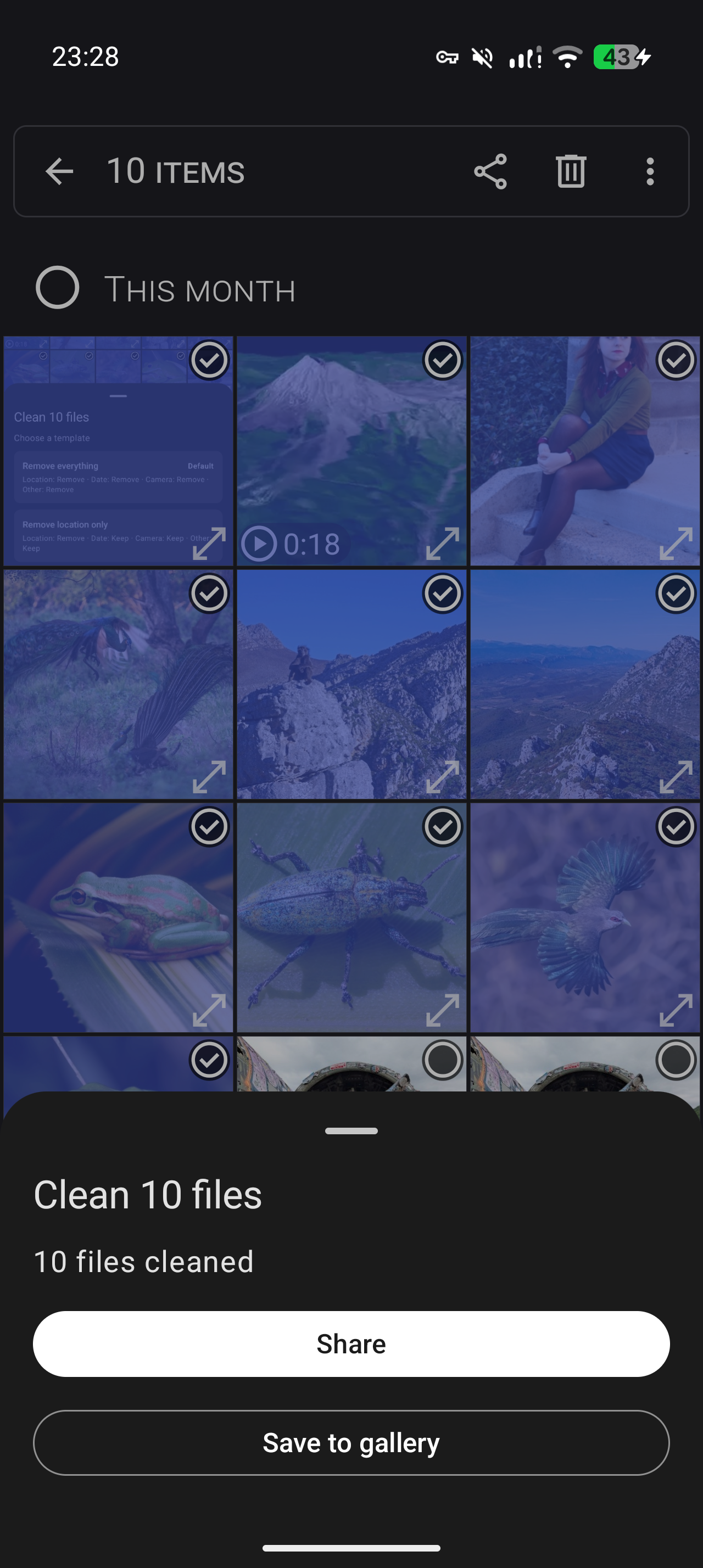
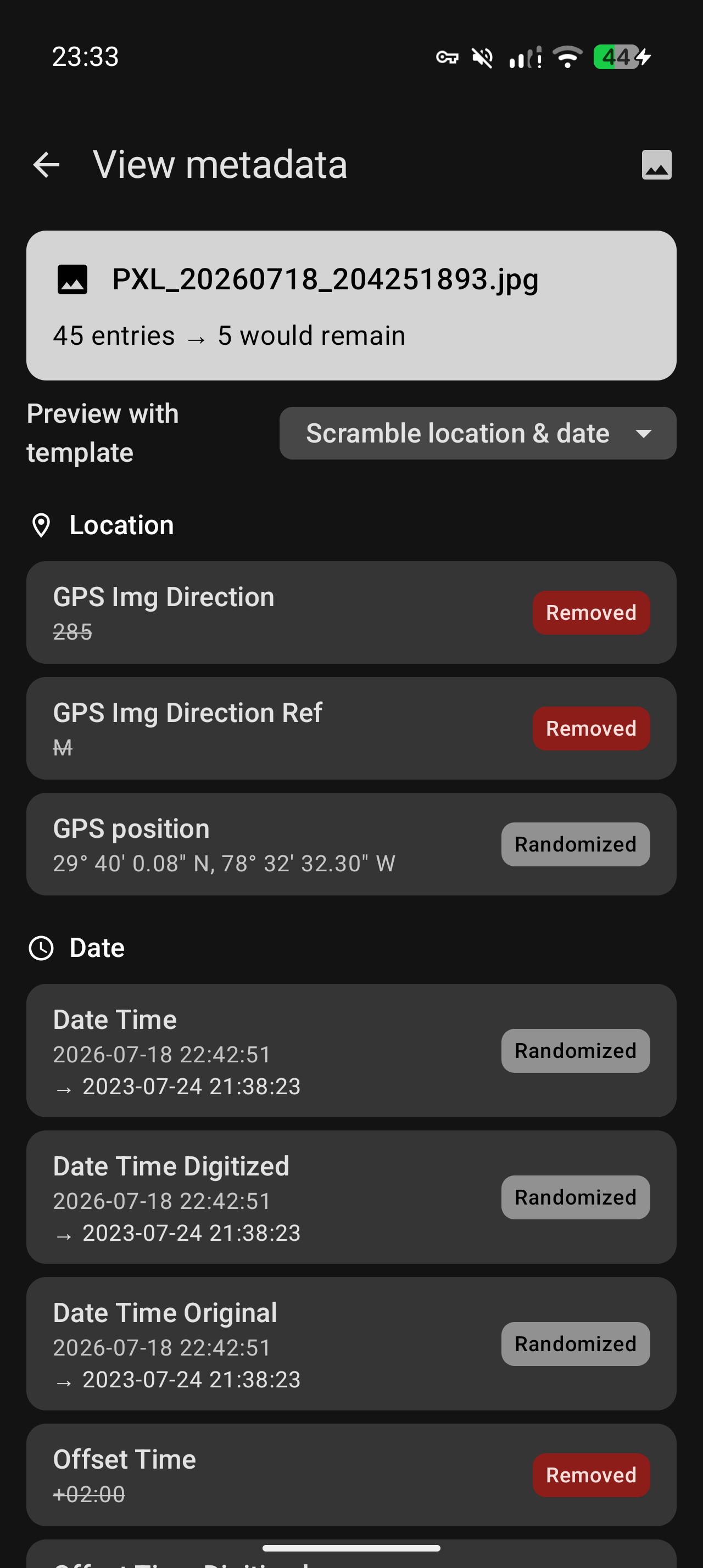
After each clean you get a report for every file: what was removed, what was kept, and what was hidden inside. Each cleaned image is then re-parsed from scratch and withheld if it cannot be proven free of metadata.
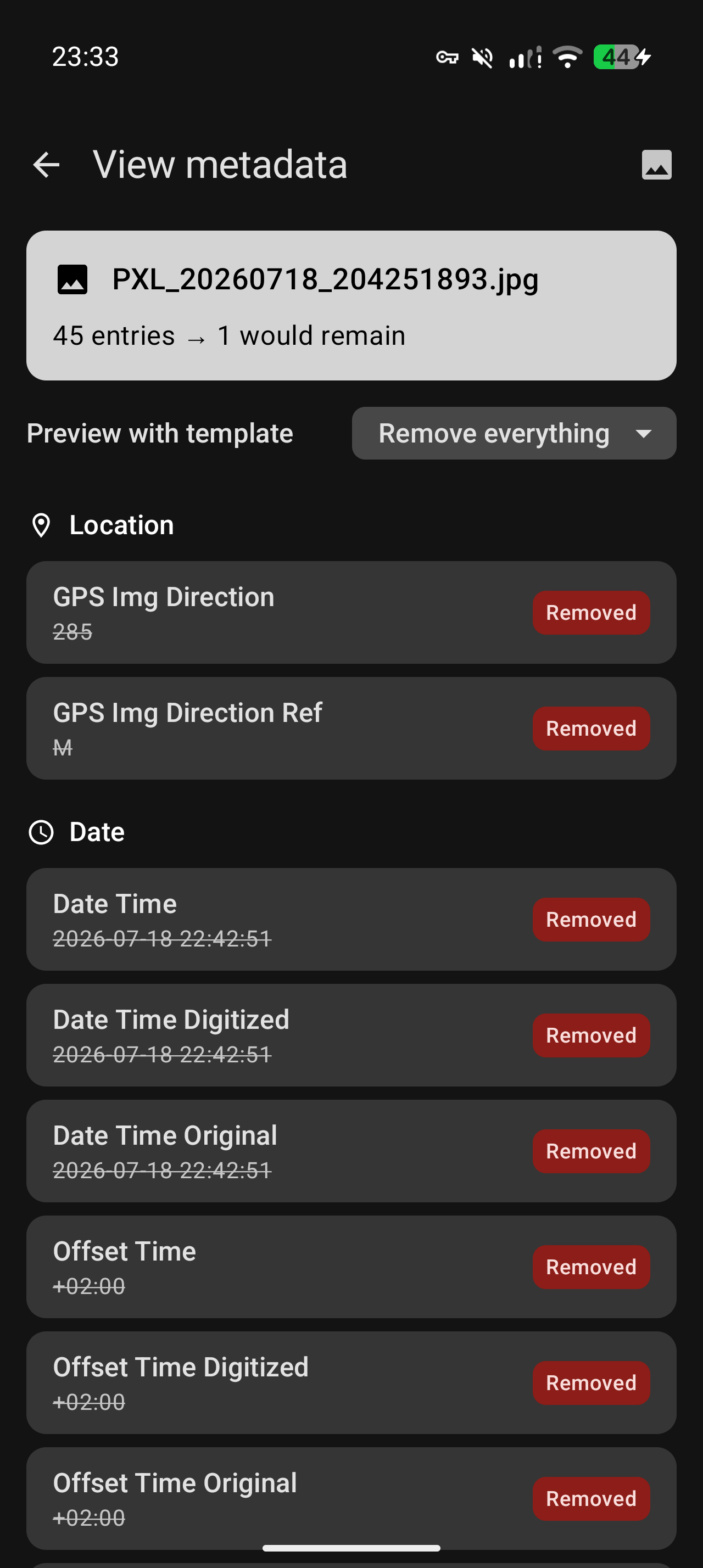
The built-in metadata viewer lets you inspect any photo or video yourself and preview exactly what a template would do to it.
No network access: the app does not request the internet permission, so Android blocks it at the system level. No tracking, no ads. Free software under the GNU GPL v3 or later.
Screenshots
What’s new
* Cleaning now shows a progress bar with the file count and the name of the file being worked on, so a large batch no longer looks frozen. Progress is weighted by file size, so the bar reflects the time left rather than just how many files are done. * Verification can be turned off in settings if you prefer speed. It stays on by default, and files cleaned without it are not marked as verified. * Verification is about twice as fast, so it costs less than it used to.
How to install
Download the APK from the button at the top of this page.
Allow “Install unknown apps” for your browser or file manager only, not for every app.
Open the downloaded file and confirm the installation.
If installation fails with “App not installed,” remove an earlier build of the same app first. A signature conflict is the usual cause.
Data safety
Every file is checked against its published SHA-256 before it is listed.
Files are scanned for malware on every update.
The permissions each app requests are listed on its own page.
Read the full safety policy for how we test, flag, and delist files.