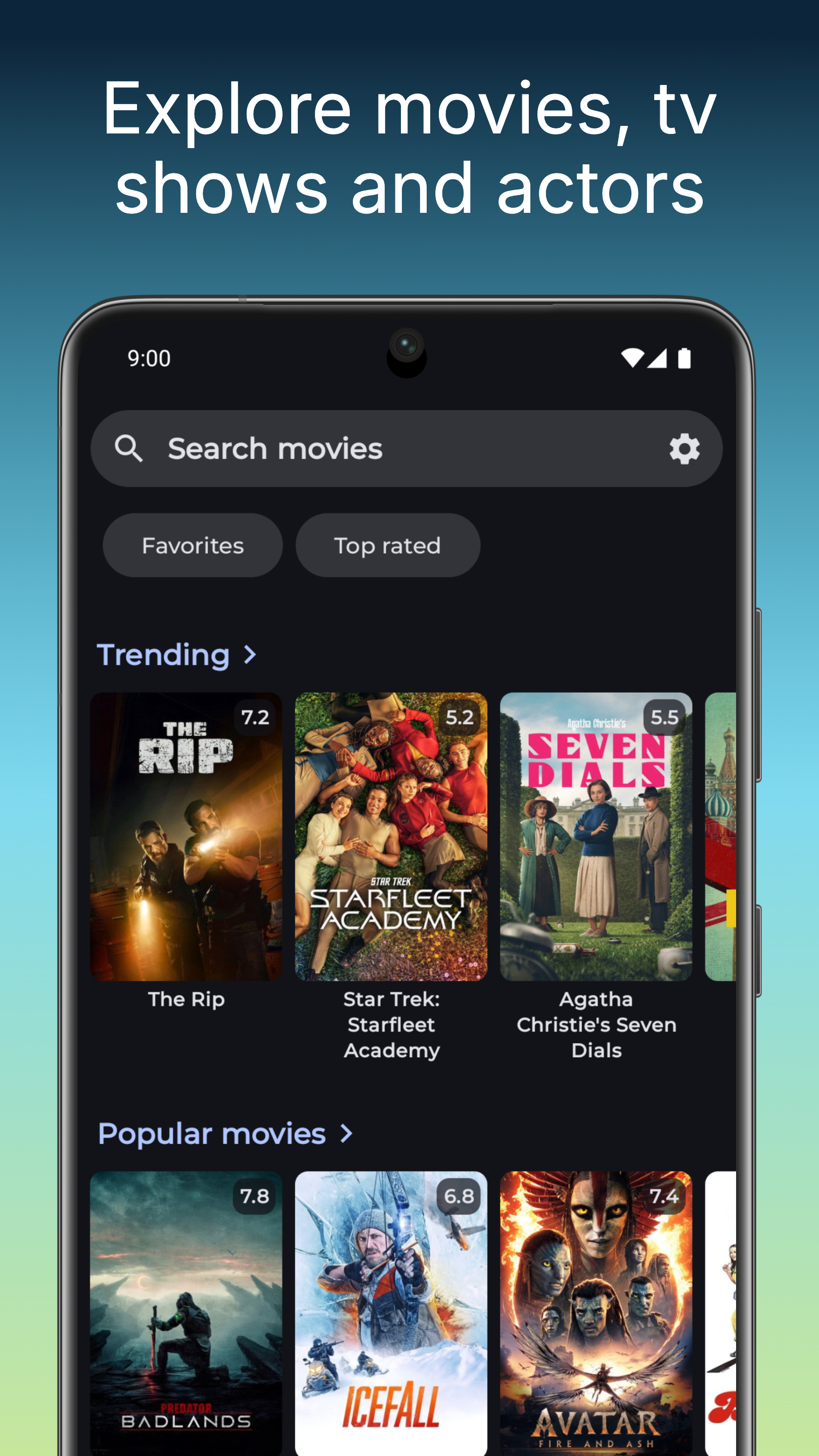
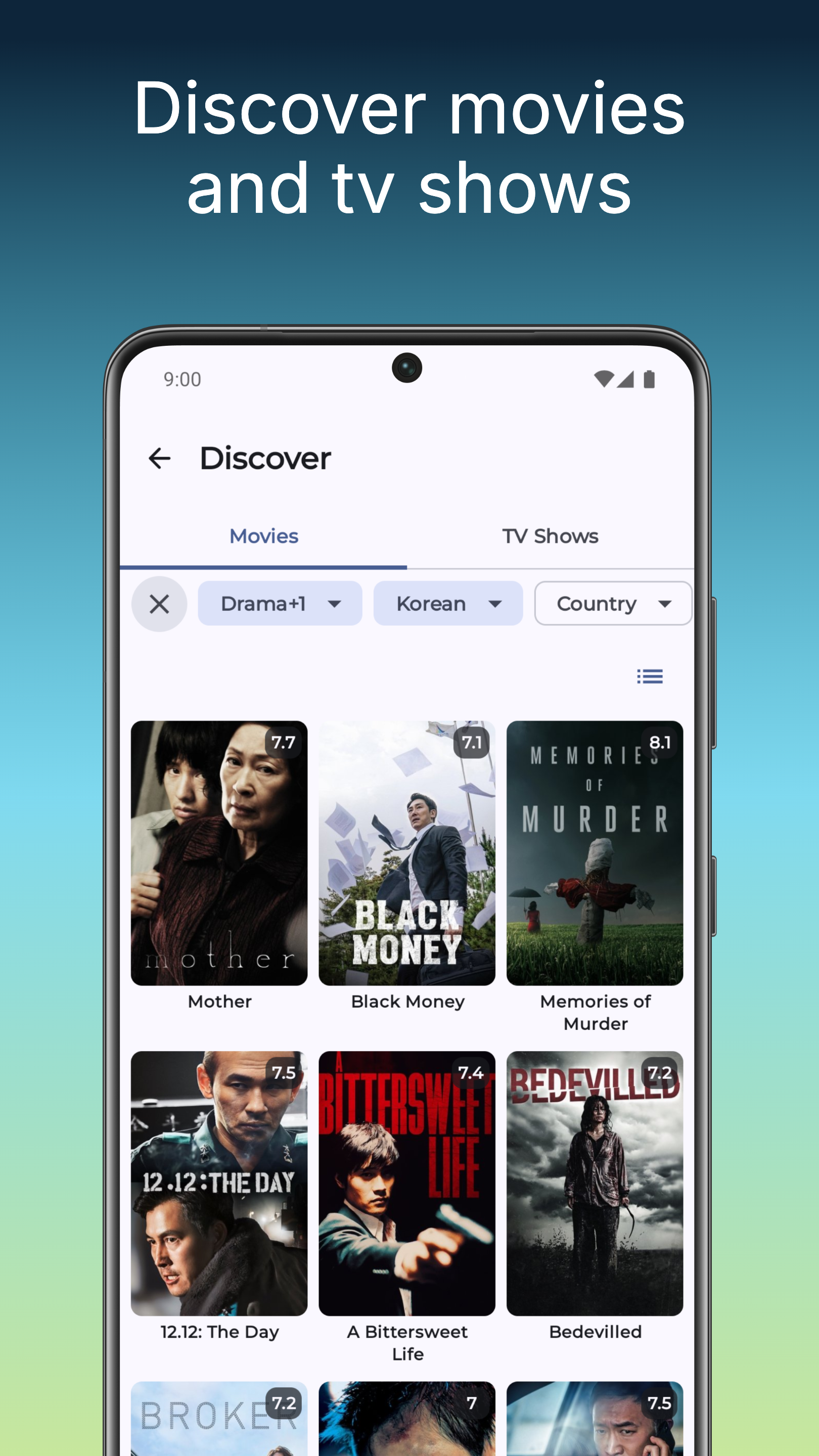
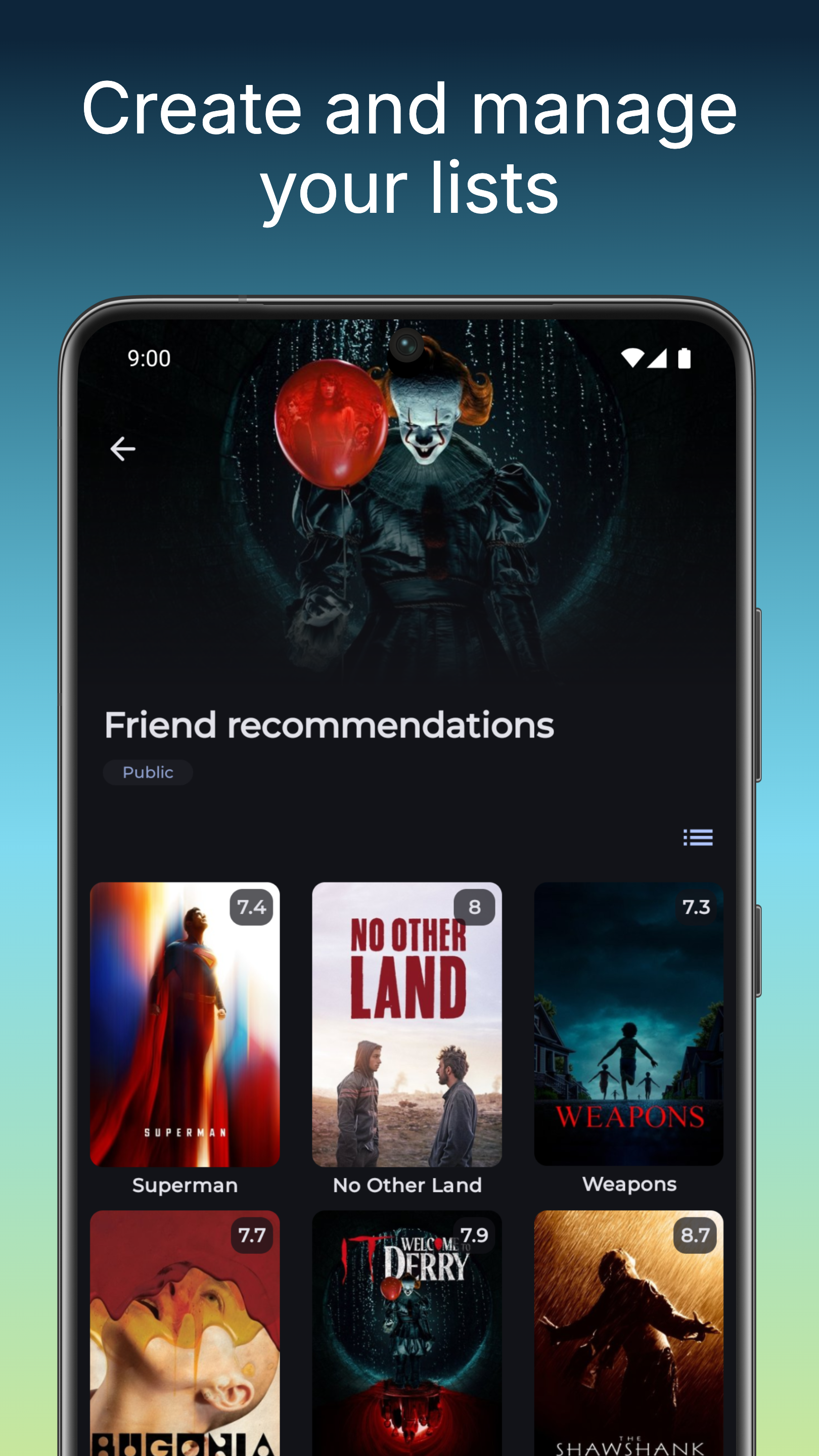
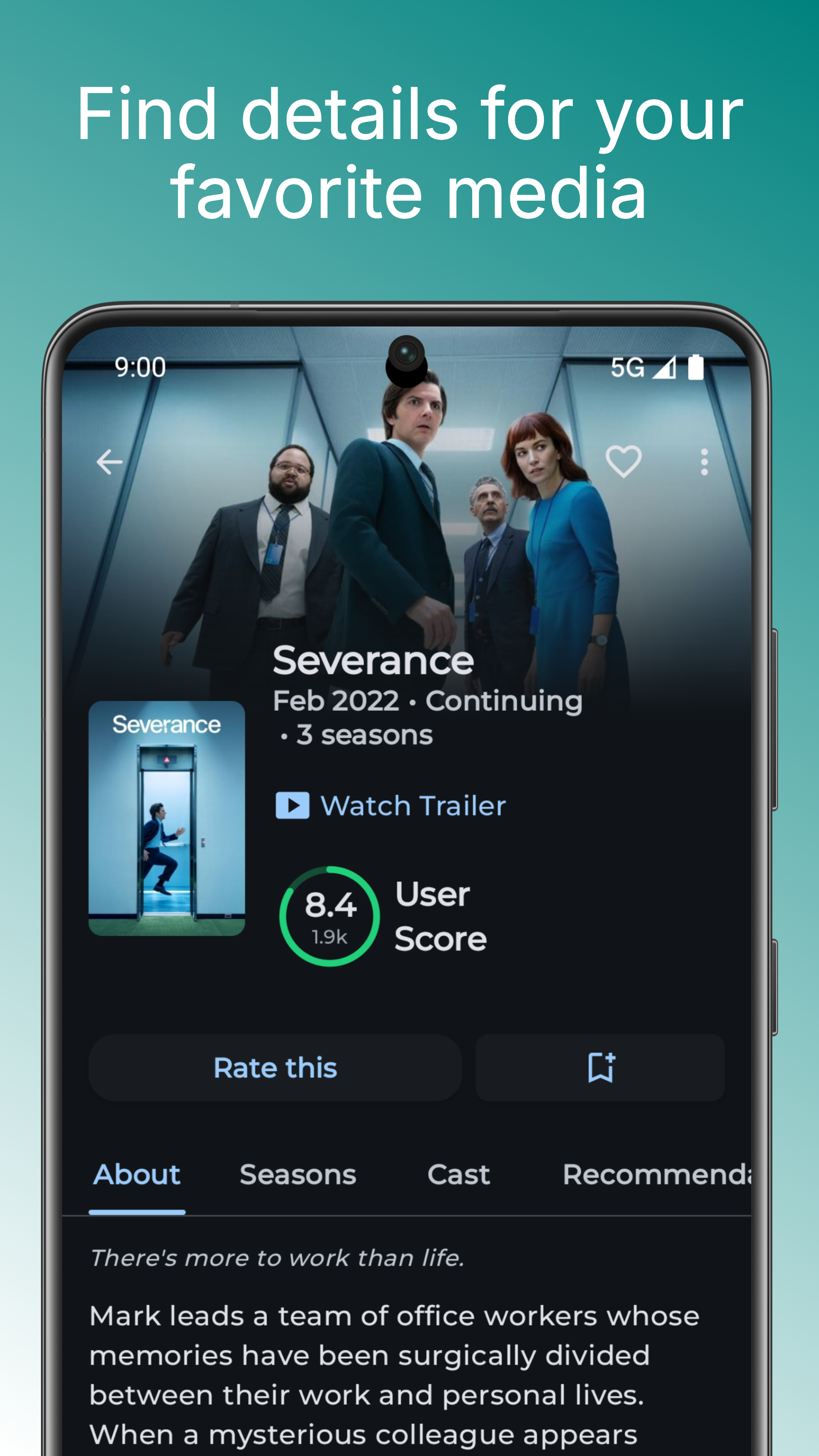
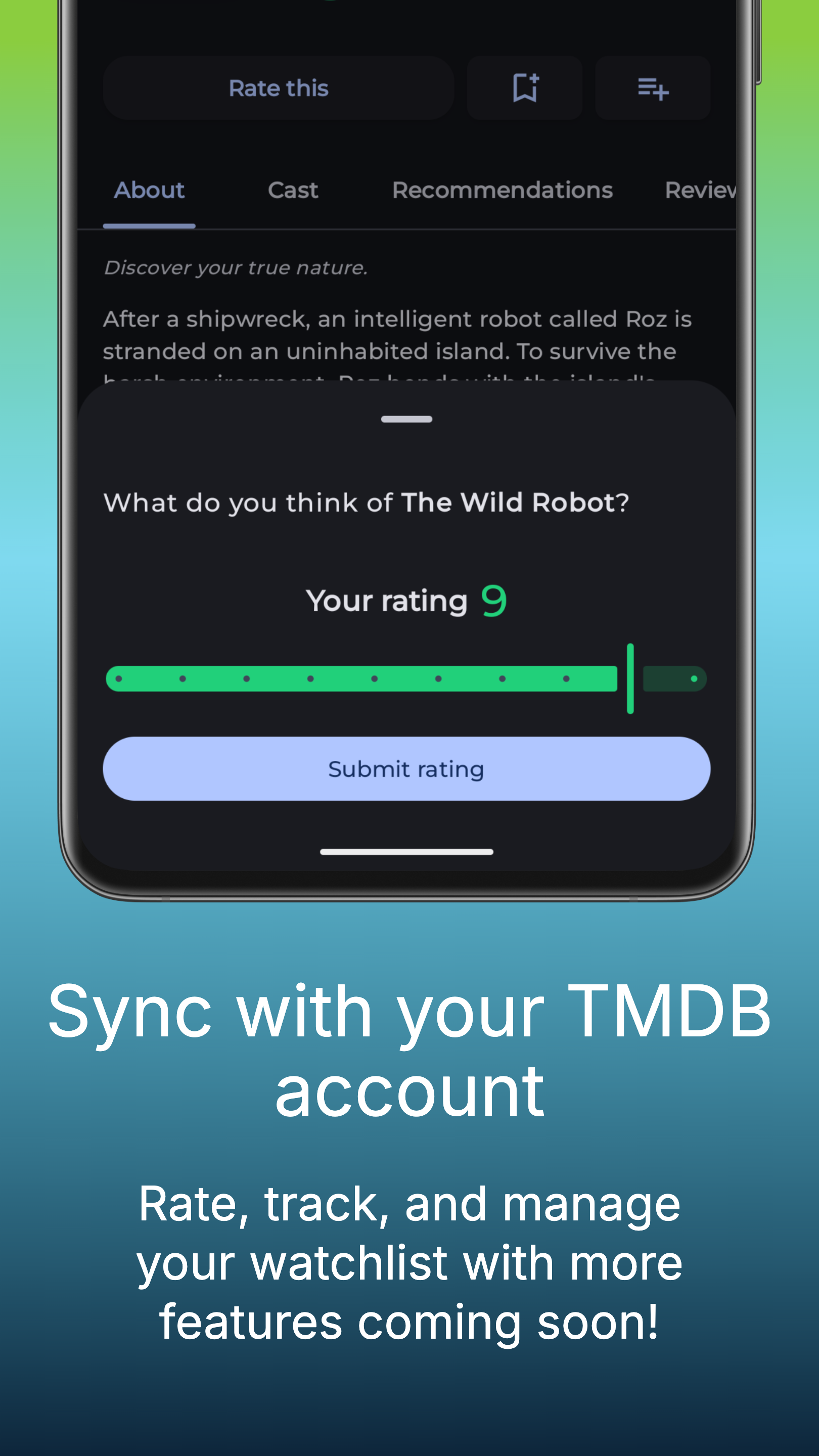
ScenePeek is a TMDB & Seerr Android client designed to provide you with comprehensive information on movies and TV shows.
Explore detailed information about your favorite movies and TV shows, complete with cast and crew details, plot summaries, and reviews.
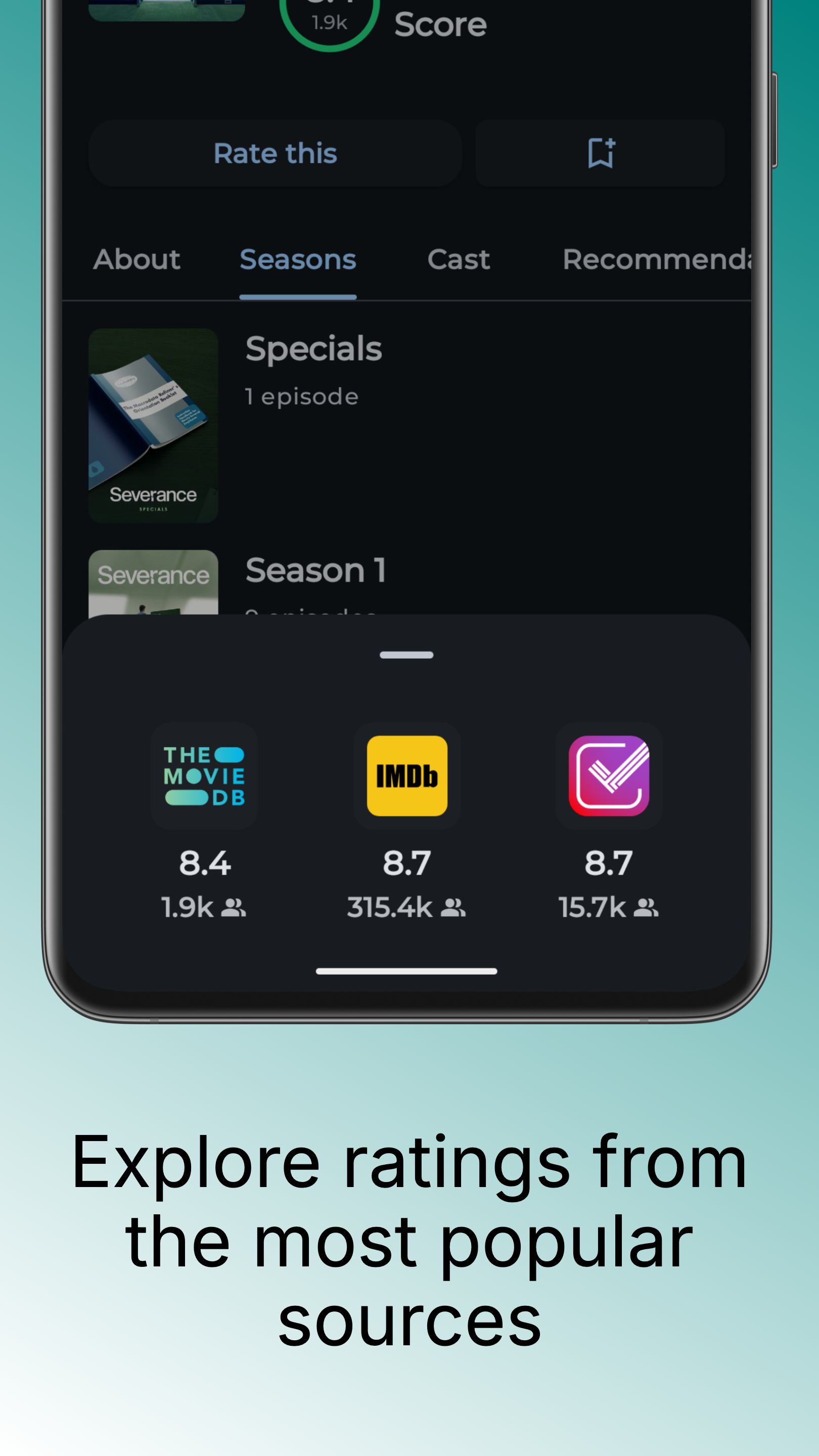
ScenePeek also aggregates ratings from trusted sources like IMDb and Trakt, giving you a holistic view of popular entertainment content.
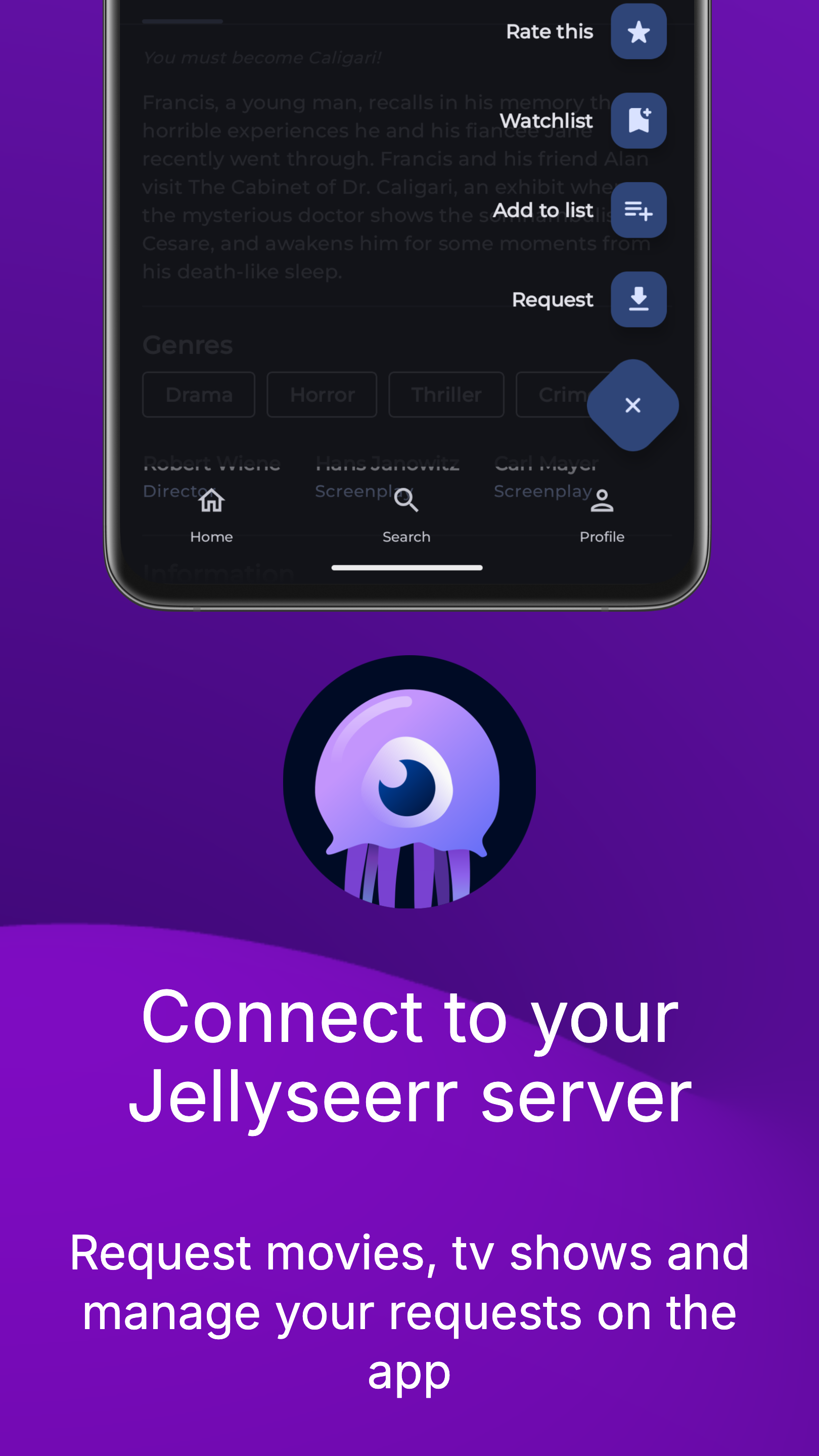
Use your seerr account and request media to your server on the go!
ScenePeek does not stream movies or TV shows.
Note that you need to have a running seerr server if you want to access the seerr features.
This app uses TMDB and Seerr APIs but is not endorsed or affiliated with either service.
Screenshots
What’s new
🎉 Update v0.37.0
- Add sorting options on lists - Add company filter on discover - You can now click on any company name in the details section to browse content filtered by that studio
We're constantly working on improvements and new features. Stay tuned for more updates!
How to install
Download the APK from the button at the top of this page.
Allow “Install unknown apps” for your browser or file manager only, not for every app.
Open the downloaded file and confirm the installation.
If installation fails with “App not installed,” remove an earlier build of the same app first. A signature conflict is the usual cause.
Data safety
Every file is checked against its published SHA-256 before it is listed.
Files are scanned for malware on every update.
The permissions each app requests are listed on its own page.
Read the full safety policy for how we test, flag, and delist files.