
Quick answer
Submit HTTP Requests from Shortcuts on your Home Screen
F-Droid repository metadata
Place shortcuts or widgets on your home screen to submit HTTP requests to all your favorite RESTful APIs, webservices and other URL resources. Great for home automation projects!
- HTTP and HTTPS
- GET, POST, PUT, DELETE, PATCH, HEAD, OPTIONS and TRACE
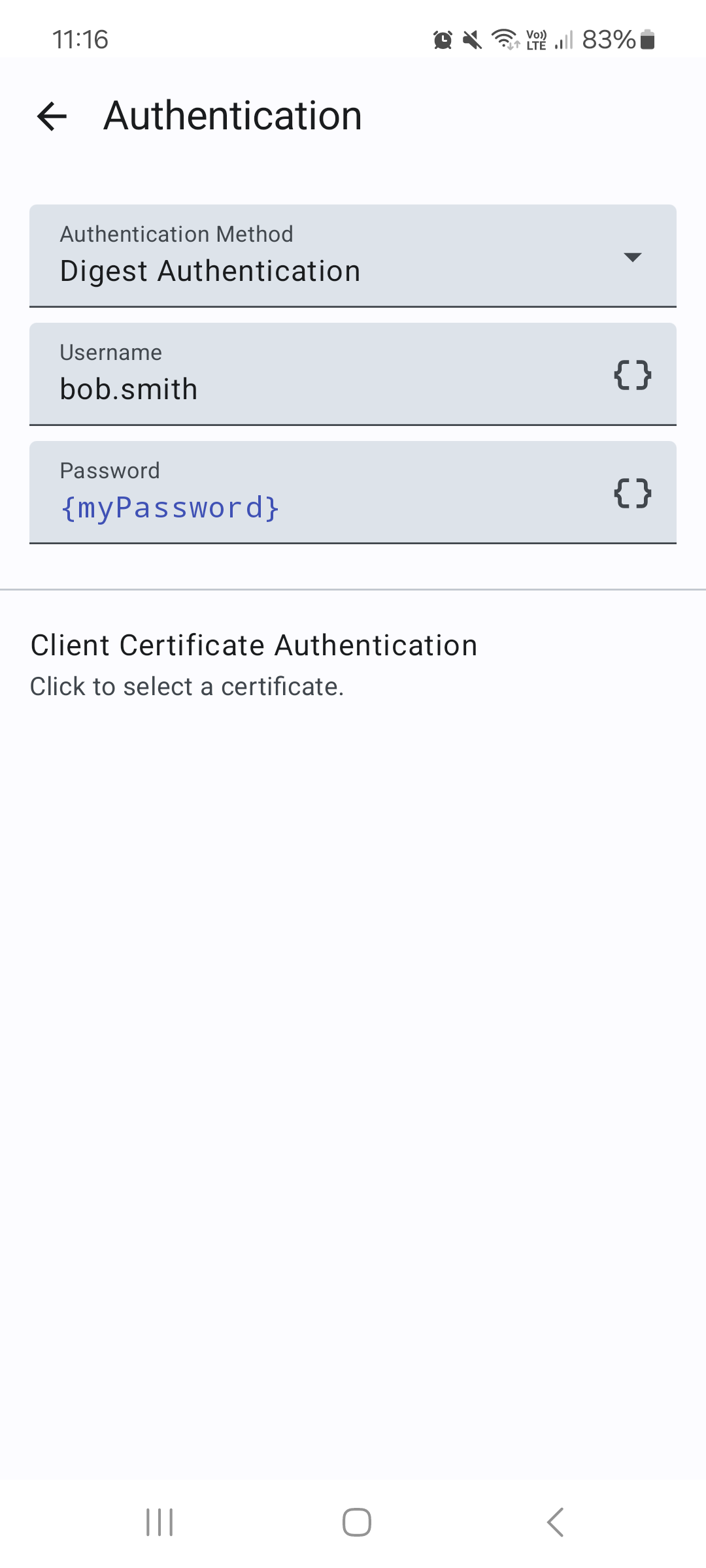
- Basic Authentication, Digest Authentication, Bearer Authentication & Client Certificate Authentication
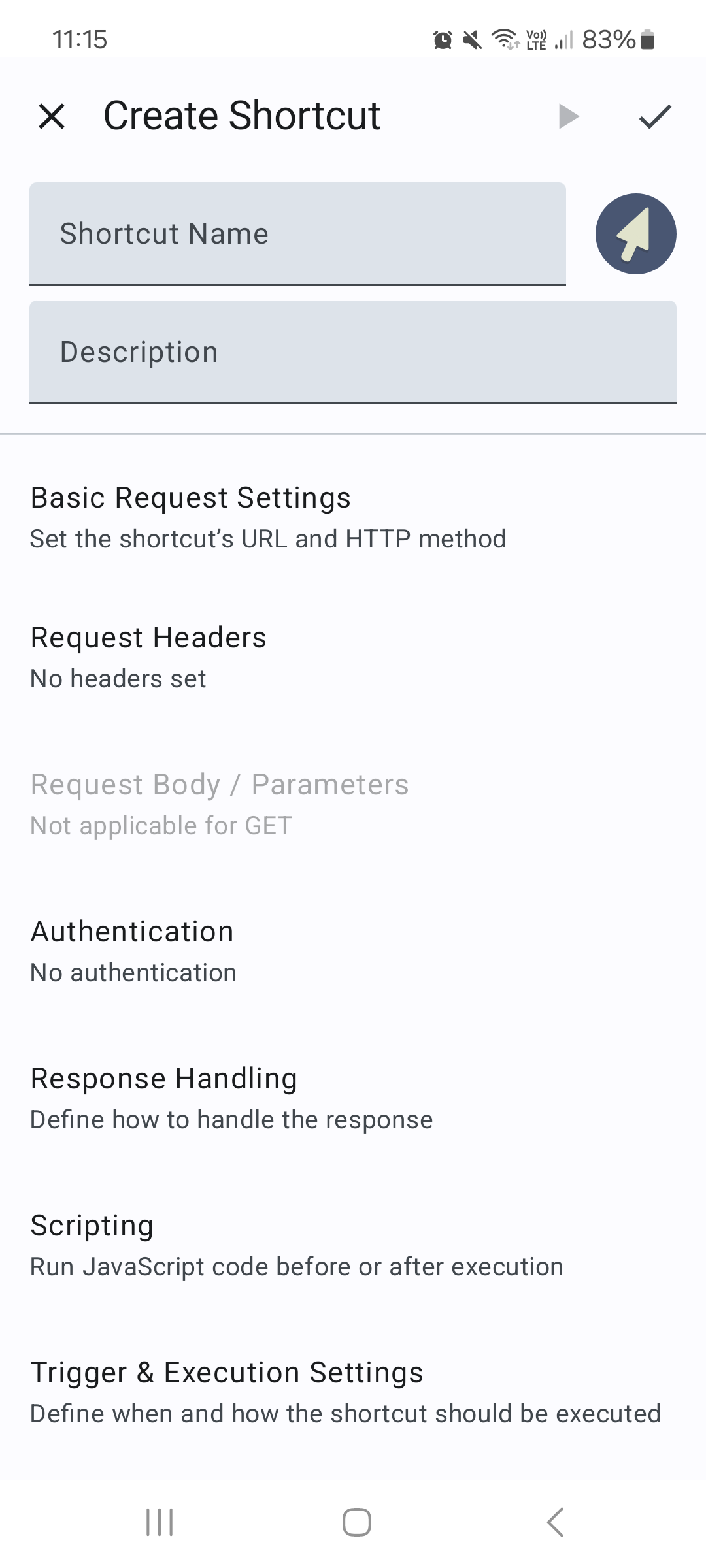
- Custom request headers
- Custom request body (text only)
- Upload files as form-data or request body
- Support for HTTP proxies
- Support for self-signed certificates
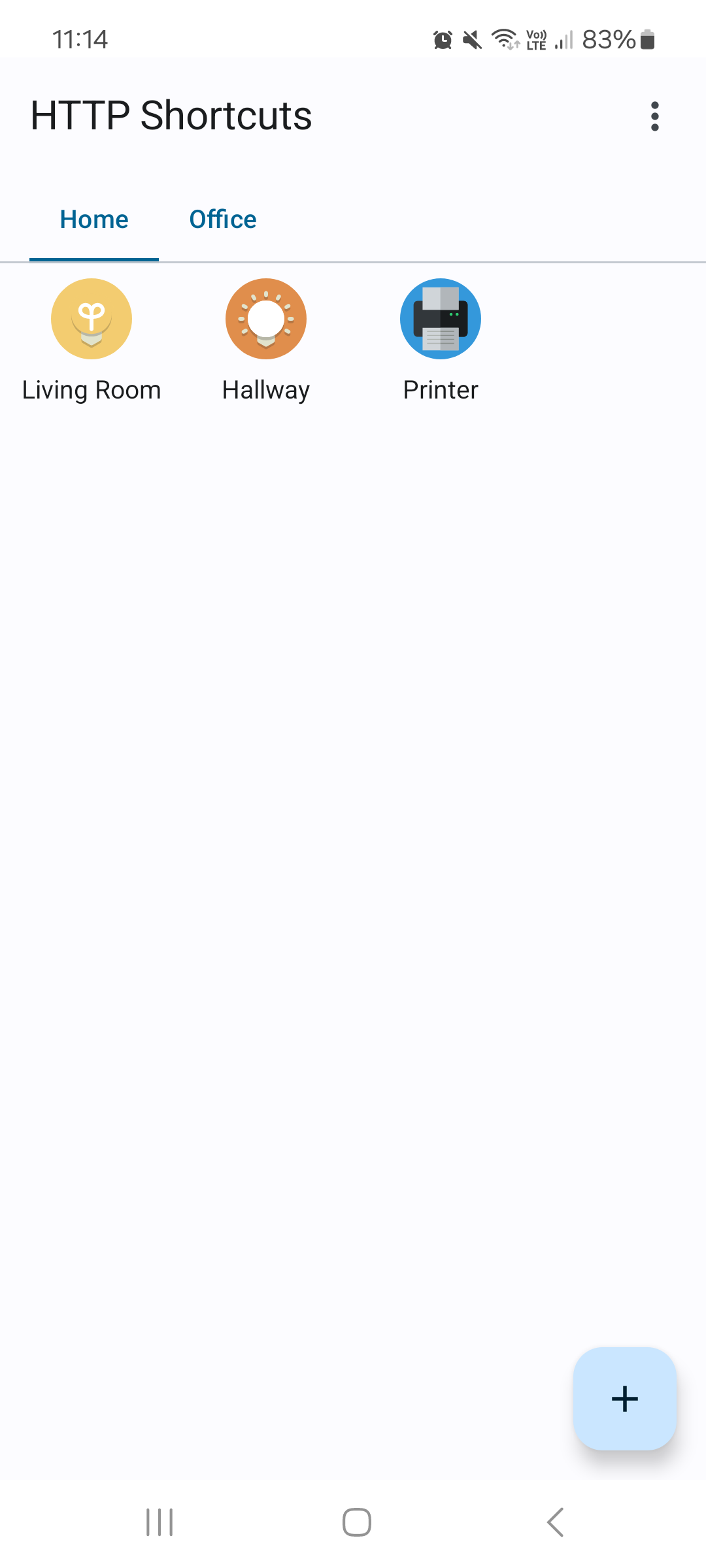
- Built-in icons, support for custom icons or using a site's favicon
- Display response as a toast, window or dialog, or run silently
- Grouping into categories through tabs
- Value injection through variables (e.g., text, numbers, passwords, selections, colors, dates, …)
- Run arbitrary JavaScript before & after execution, including special actions, such as (but not limited to):
- show dialogs
- show toasts
- prompt for user input (e.g. asking for dates, passwords, text, ...)
- parse JSON or XML responses
- compute HMAC
- store values into global variables for later use
- vibrate
- play notification sounds
- send TCP or UDP packets
- send MQTT messages to a broker
- wake-on-lan
- send Android intents
- trigger Tasker tasks
- read QR code (via 3rd party app)
- read current physical location
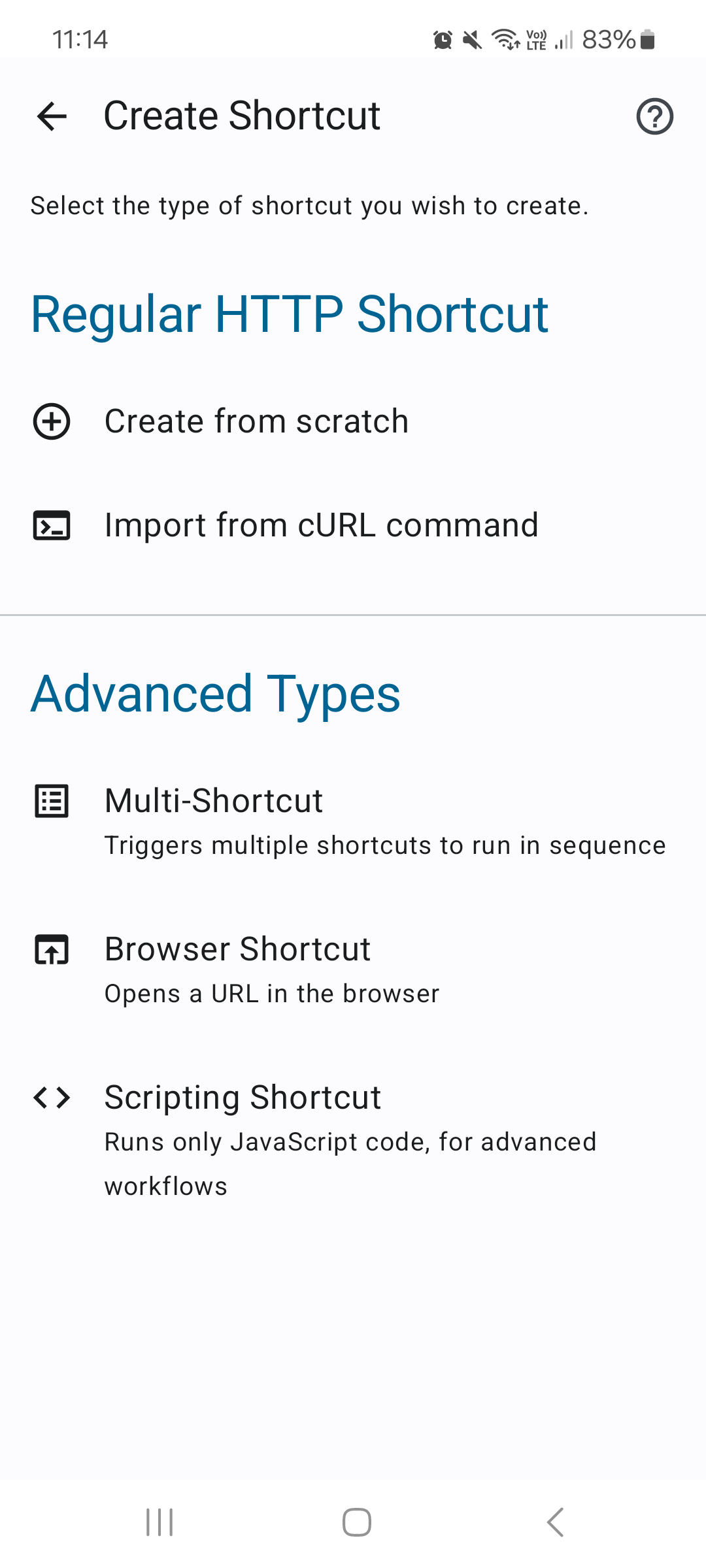
- Import & Export in JSON or cURL format
- 3rd party integration (e.g. Tasker)
- Dark Mode support
- Execute a script on your web server
- Control your home automation system and IoT devices
- Interact with your RaspberryPi and Arduino tinkering projects
- Automate workflows
- Download files
Screenshots
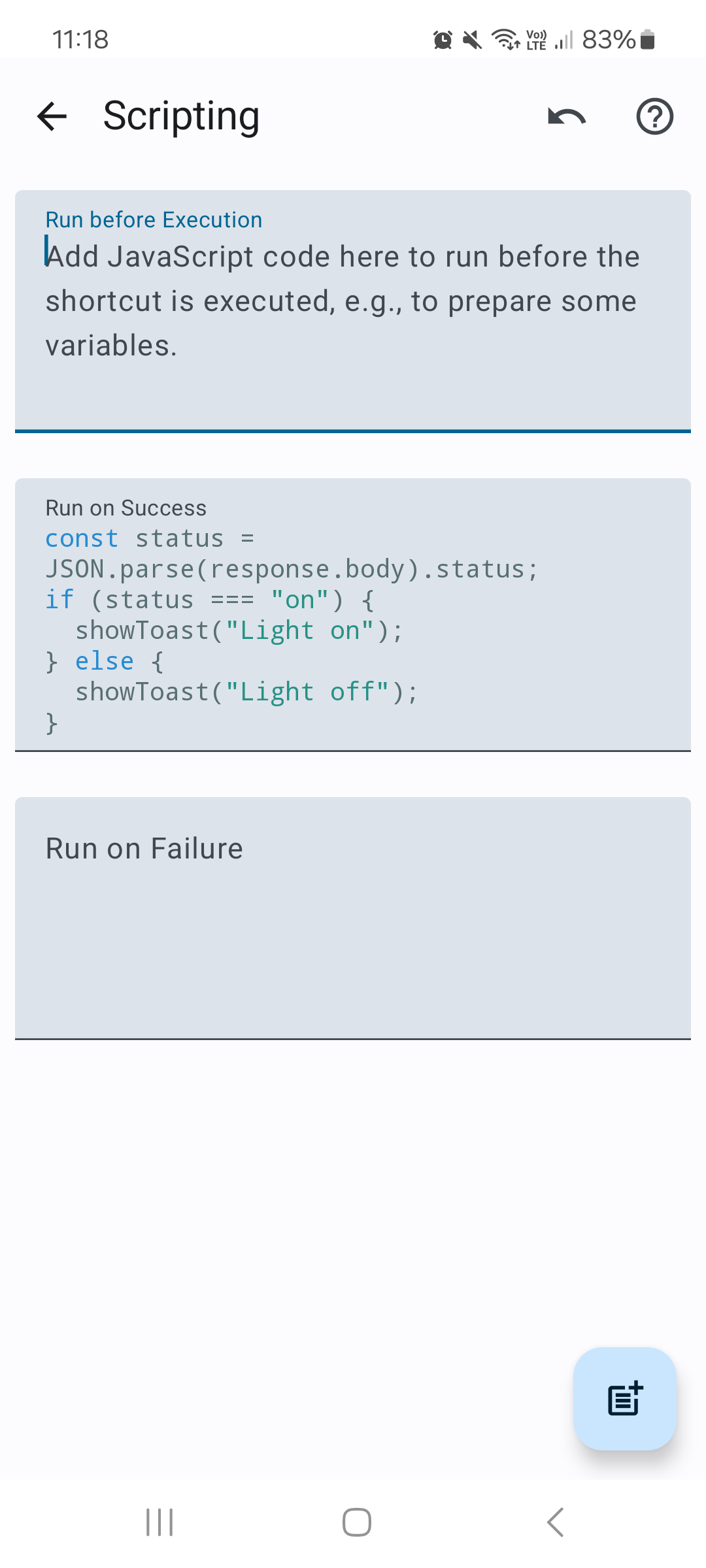
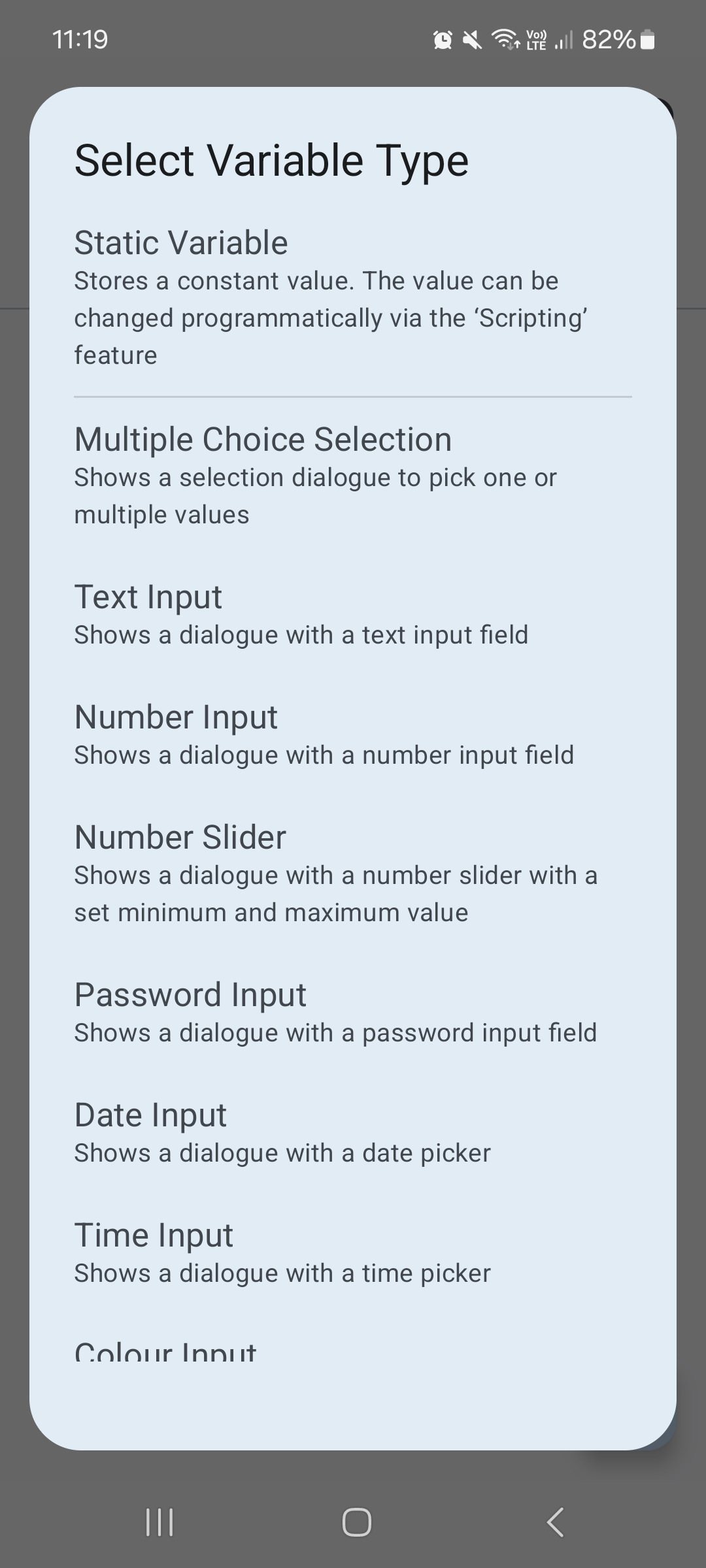
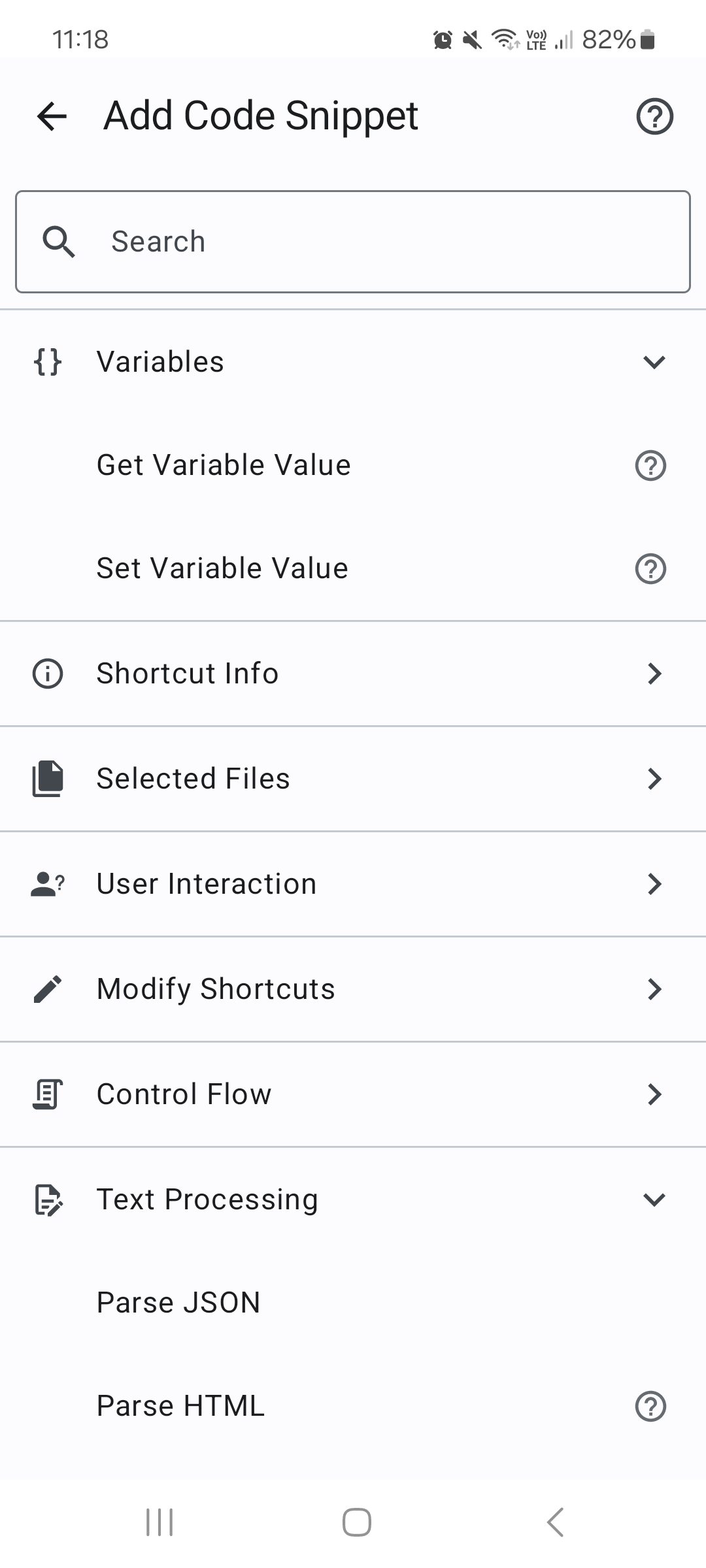
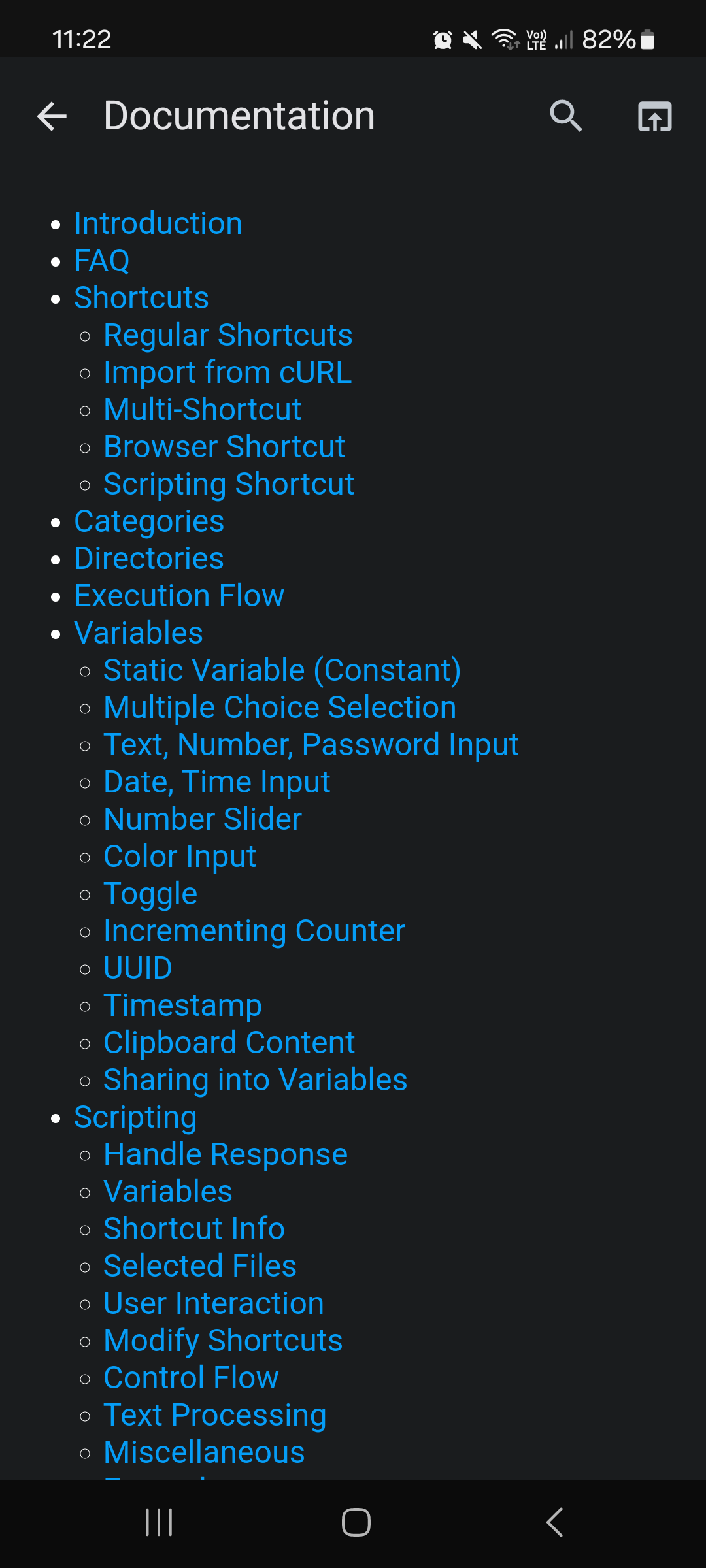
How to install
- Download the APK from the button at the top of this page.
- Allow “Install unknown apps” for your browser or file manager only, not for every app.
- Open the downloaded file and confirm the installation.
- If installation fails with “App not installed,” remove an earlier build of the same app first. A signature conflict is the usual cause.
Data safety
- Every file is checked against its published SHA-256 before it is listed.
- Files are scanned for malware on every update.
- The permissions each app requests are listed on its own page.
- Read the full safety policy for how we test, flag, and delist files.
Comments
Recent approved comments · sorted by newest
View all comments