Private offline flight logbook for aviation enthusiasts
F-Droid repository metadata
Flybook is a private, offline flight logbook for Android. Your logbook lives entirely on your device — no account, no cloud, no tracking.
Features:
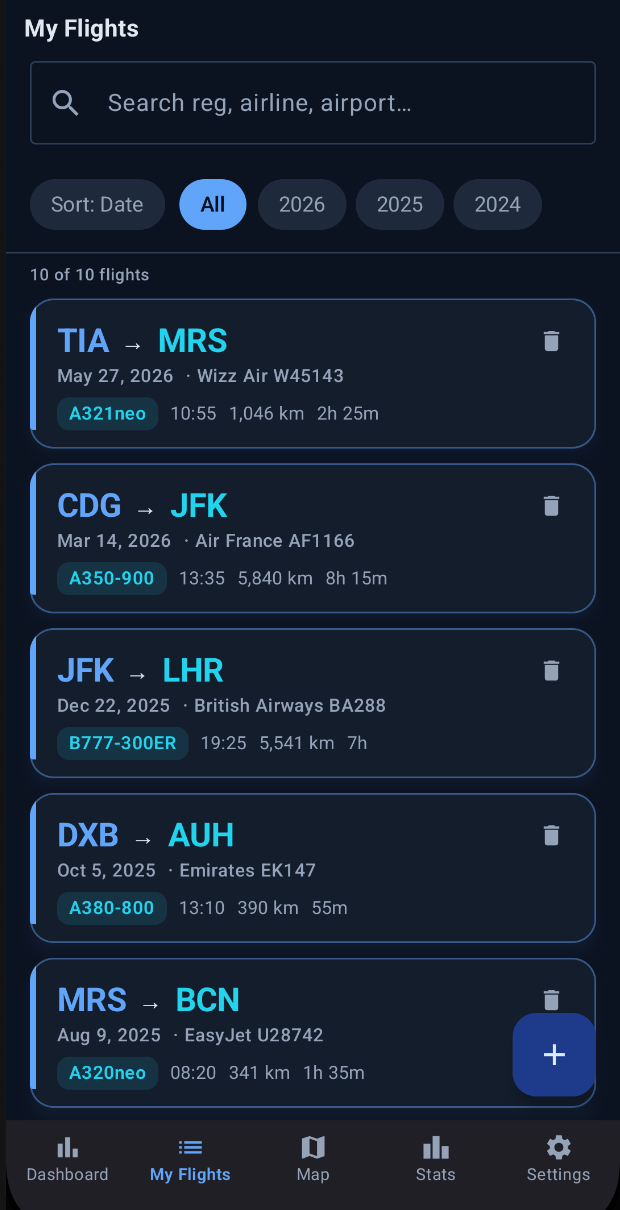
Log flights with date, flight number, airline, departure and arrival airports, aircraft, registration, seat, cabin class, times, distance, and notes
Smart auto-enrichment: enter airport IATA/ICAO codes and an airline, and Flybook fills in names, cities, countries, aircraft types, great-circle distance, and estimated duration from bundled reference data
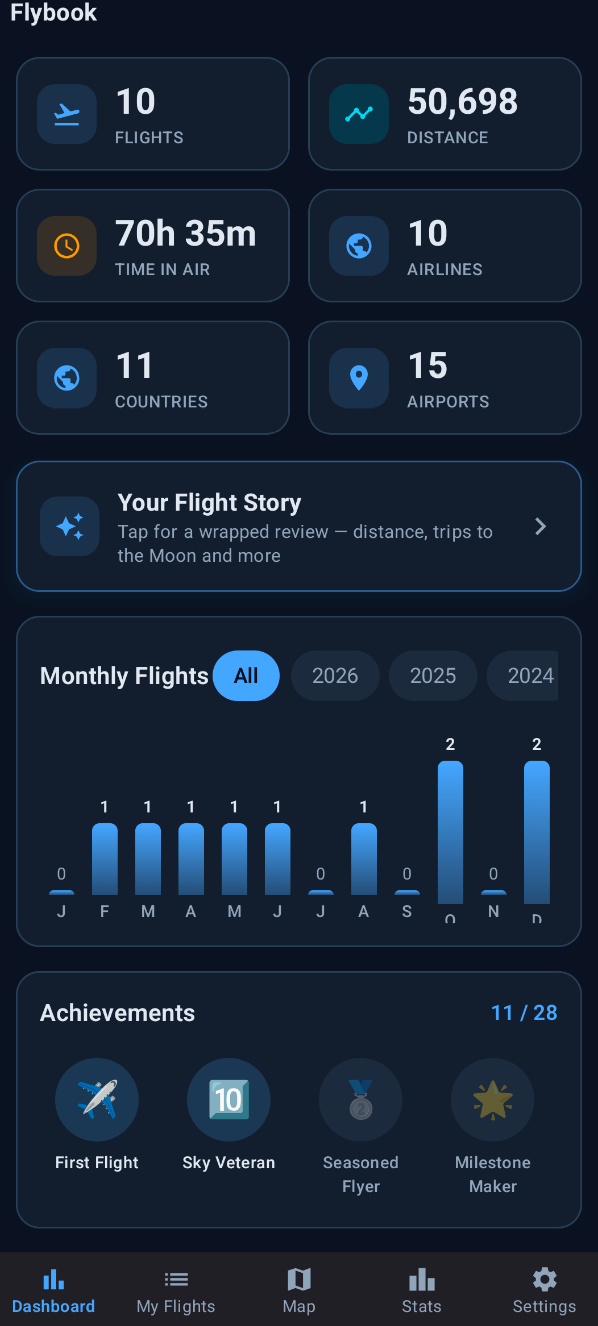
Dashboard with at-a-glance stats: flights, distance, time in air, airlines, countries, and airports, plus a monthly activity chart and unlockable achievements
Your Flight Story: a wrapped-style review of your flying history
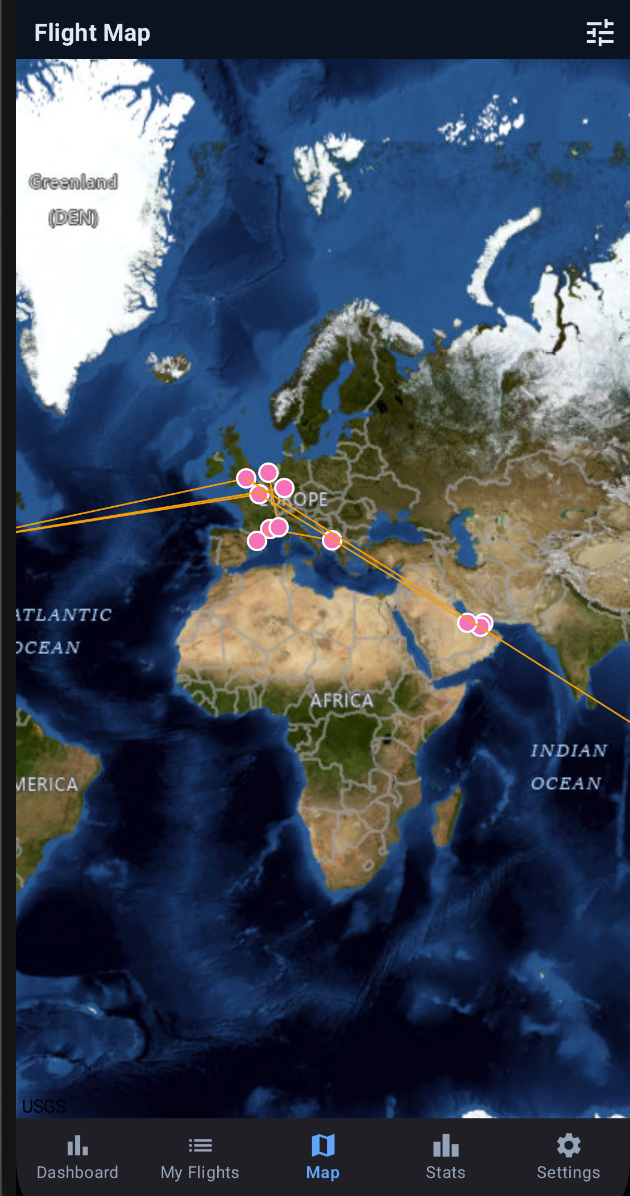
Flight map: every route drawn on an interactive map with multiple base styles, geodesic route lines, and color customization
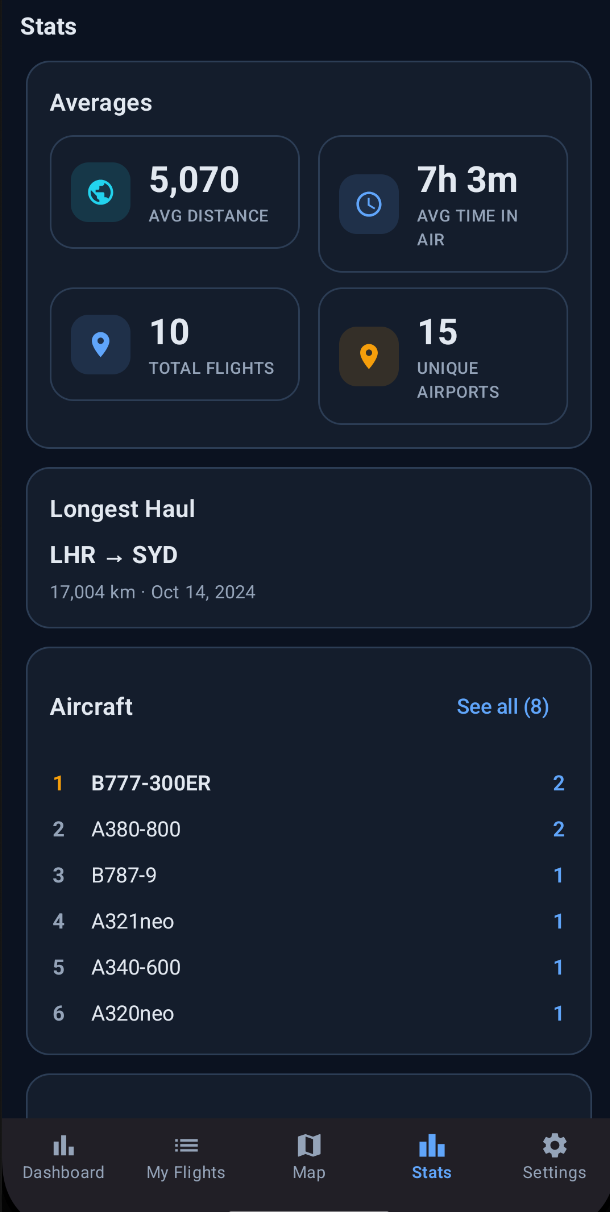
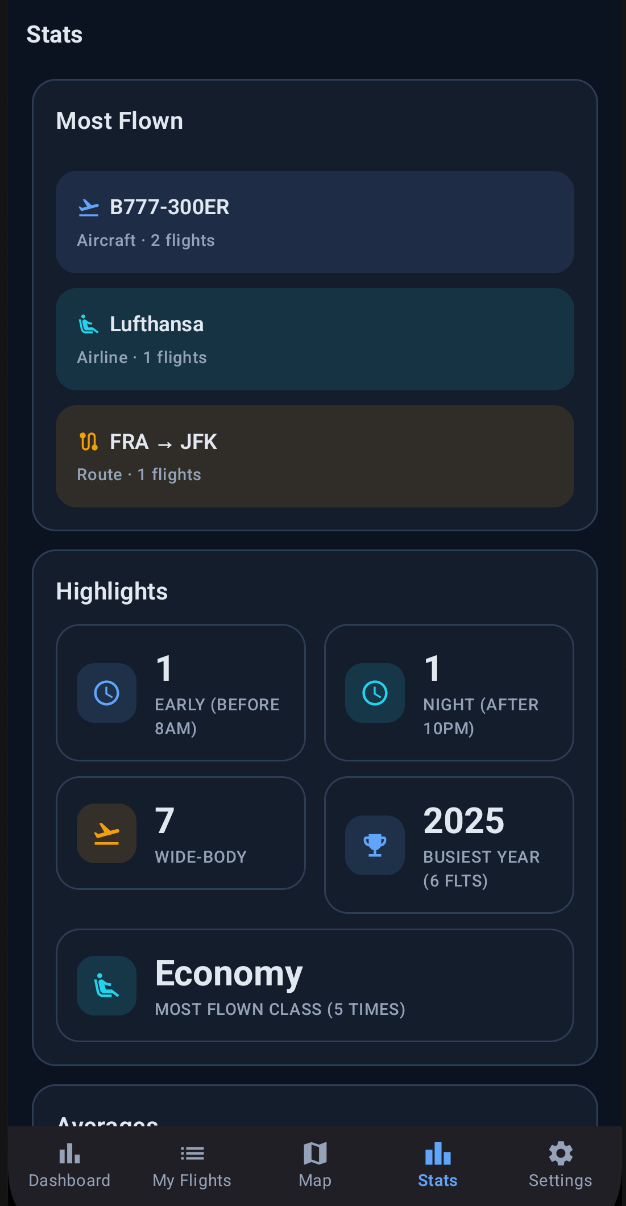
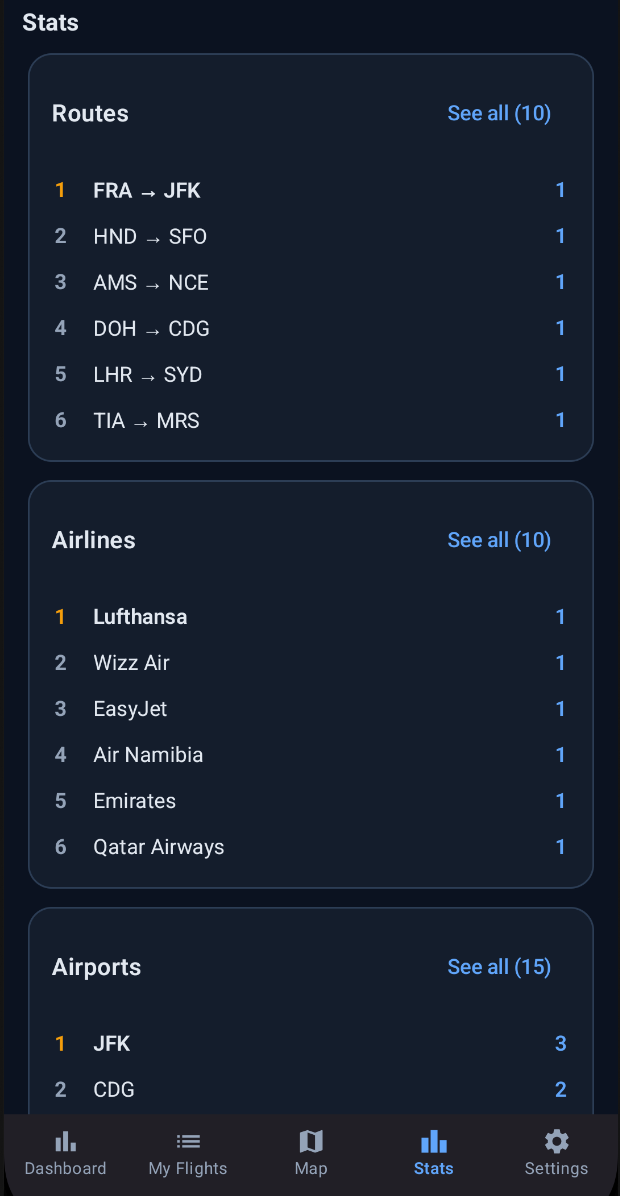
Stats and rankings: most-flown aircraft, airlines, routes, airports, tail registrations, seats, and countries
Import and export your logbook as CSV or JSON, including my.flightradar24.com export format
Fully offline: the only network access is map tiles from OpenStreetMap-based servers, fetched only when you open the map
Screenshots
What’s new
Fixes from the F-Droid on-device review: - Airline is now saved correctly when picked from the dropdown (2-letter codes like LH, AC, W6 no longer get dropped) - Autocomplete dropdowns are more reliable and rank exact codes first - CSV export/import now keeps registration, departure/arrival times and duration - Stats screen cards are tappable to drill into the flights behind each number
Also new: - Import CSV asks whether to add or replace the logbook - Loading sample flights now warns that it r
How to install
Download the APK from the button at the top of this page.
Allow “Install unknown apps” for your browser or file manager only, not for every app.
Open the downloaded file and confirm the installation.
If installation fails with “App not installed,” remove an earlier build of the same app first. A signature conflict is the usual cause.
Data safety
Every file is checked against its published SHA-256 before it is listed.
Files are scanned for malware on every update.
The permissions each app requests are listed on its own page.
Read the full safety policy for how we test, flag, and delist files.