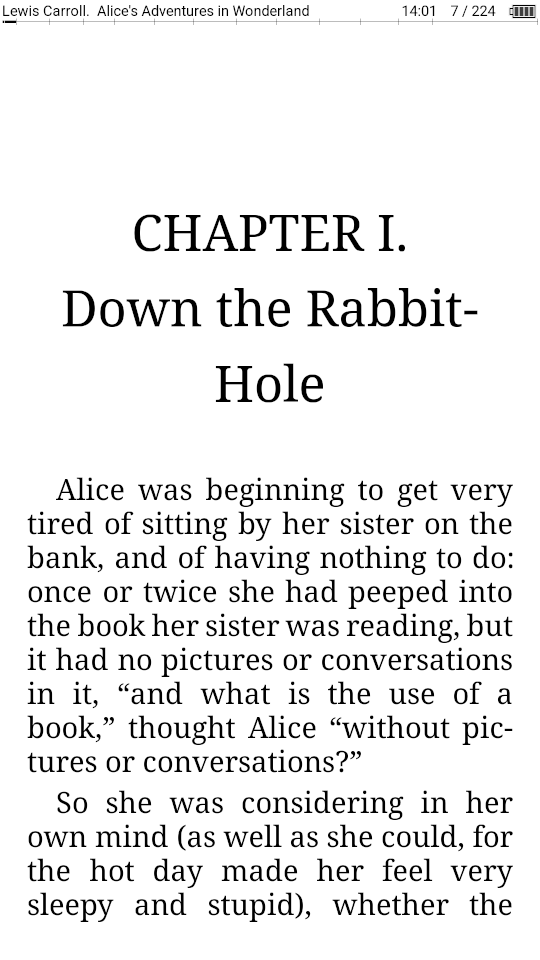
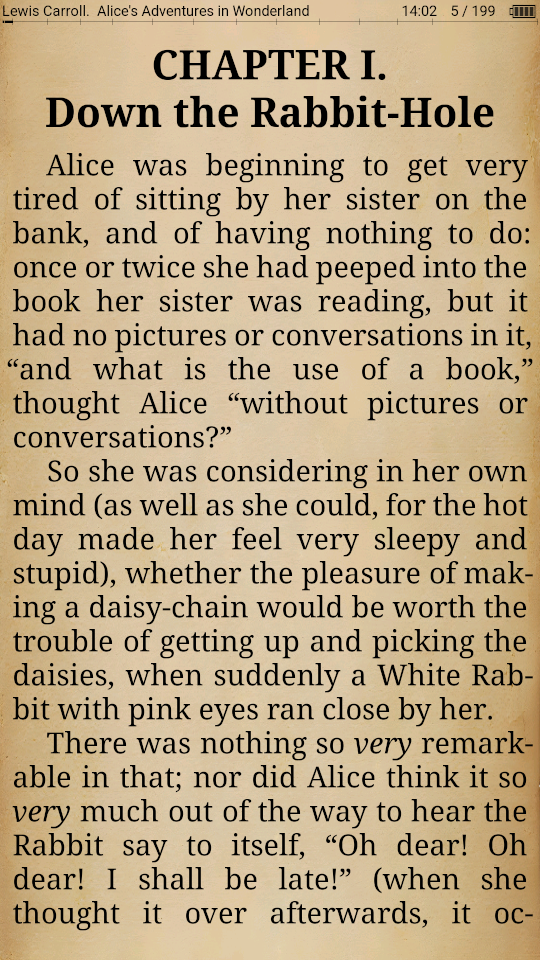
Supported e-book formats through the use of the crengine-ng library: fb2, fb3 (incomplete), epub (non-DRM), doc, docx, odt, rtf, pdb, mobi (non-DRM), txt, html, Markdown, chm, tcr.
Main features:
Most complete support for FB2 - styles, tables, footnotes at the bottom of the page
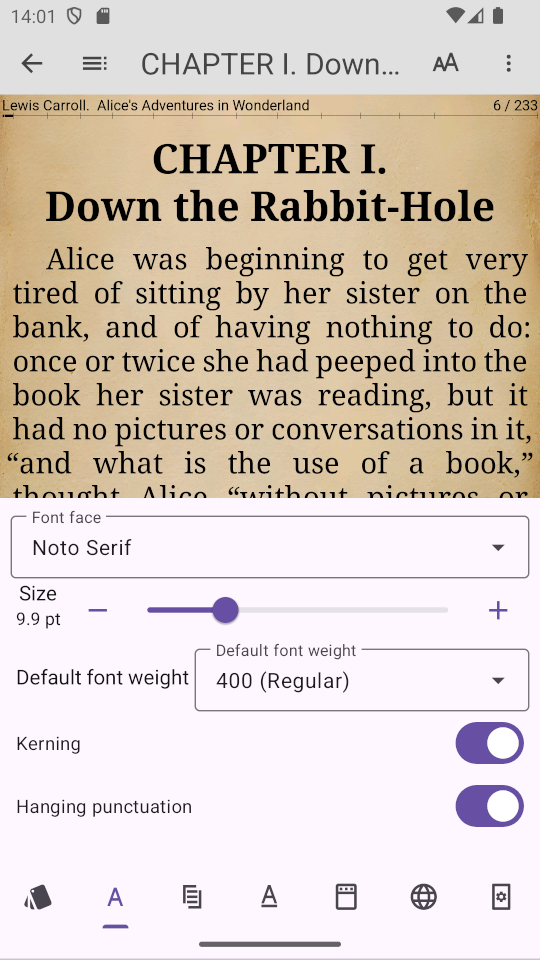
Extensive font rendering capabilities: use of ligatures, kerning, hinting option selection, floating punctuation, simultaneous use of several fonts, including fallback fonts
Word hyphenation using hyphenation dictionaries
Ability to display 2 pages at the same time
Displaying and Navigating Book Contents
Ability to use bookmarks
Reading books directly from a ZIP archive
TXT auto reformat, automatic encoding recognition
Flexible styling with CSS files
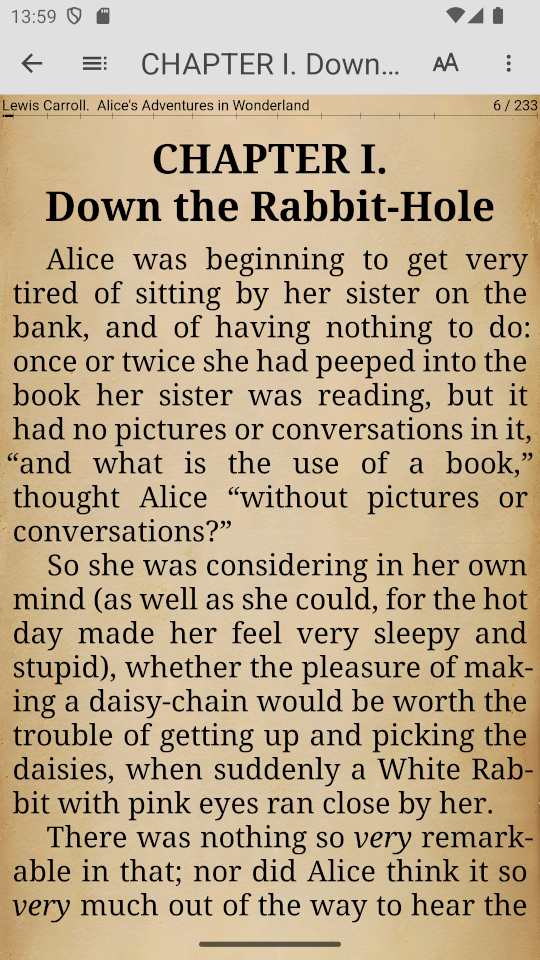
Background pictures, textures, or solid background
Animation of turning pages - like in a paper book or simple shift
Customizable actions for touch screen zones
View illustrations with scrolling and zooming - by long pressing on the illustration
Select text and send it either to the clipboard or to another application, etc.
Reading aloud with the possibility of using accent dictionary
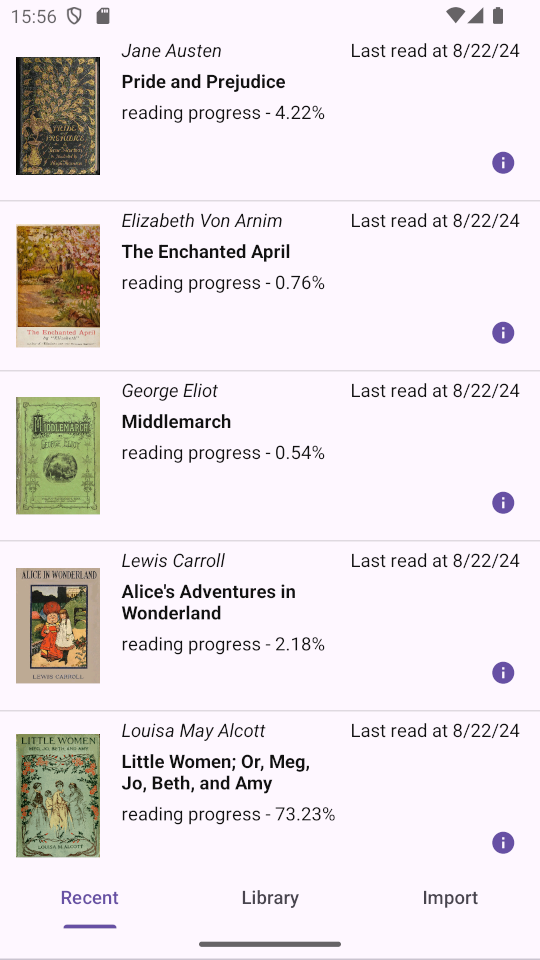
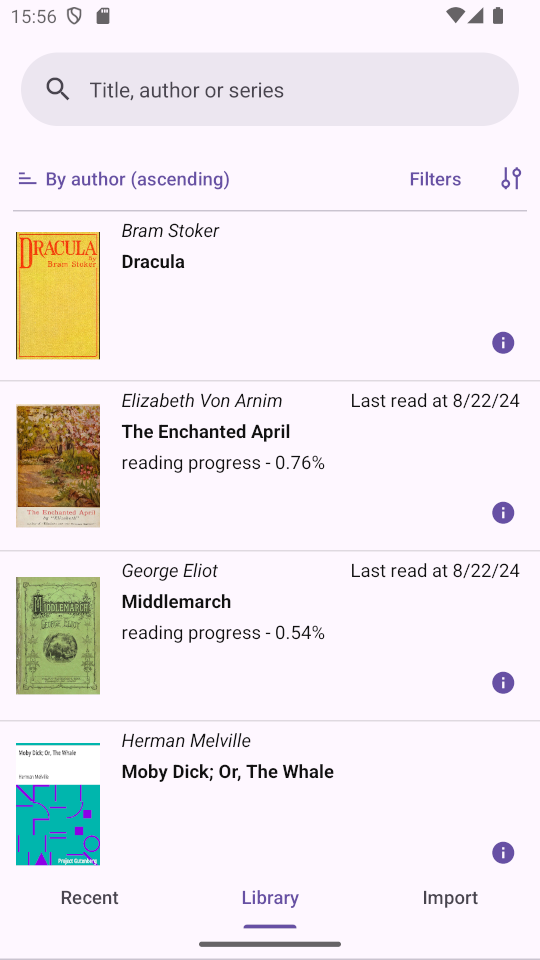
Built-in book library with search and/or filtering
Simple built-in file manager for viewing the list of files on the device
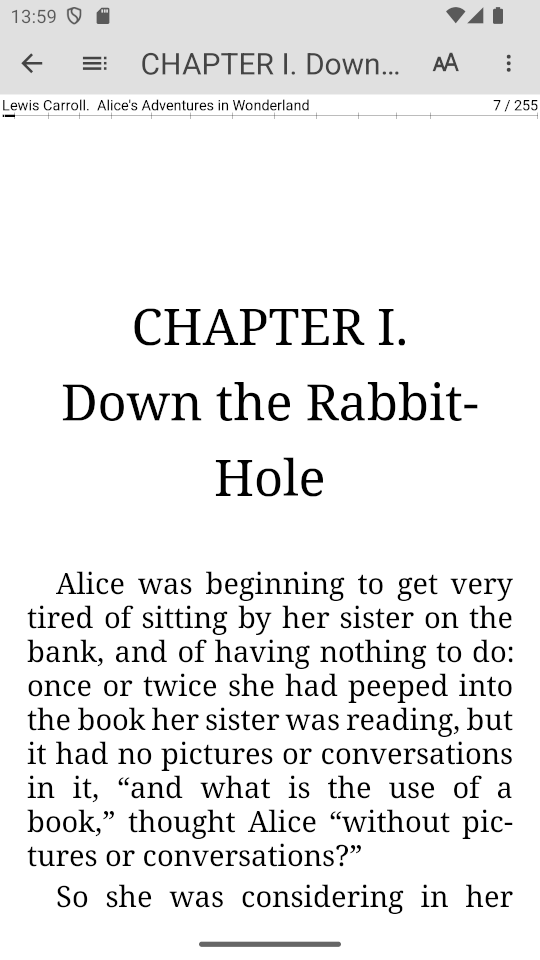
Screenshots
What’s new
Added support for webp images in books (using crengine-ng-0.9.13). Third-party libraries have been updated.
How to install
Download the APK from the button at the top of this page.
Allow “Install unknown apps” for your browser or file manager only, not for every app.
Open the downloaded file and confirm the installation.
If installation fails with “App not installed,” remove an earlier build of the same app first. A signature conflict is the usual cause.
Data safety
Every file is checked against its published SHA-256 before it is listed.
Files are scanned for malware on every update.
The permissions each app requests are listed on its own page.
Read the full safety policy for how we test, flag, and delist files.
Frequently asked questions
What is LxReader?
E-book reader
Who develops LxReader?
LxReader is developed by Aleksey Chernov.
Which Android version does LxReader require?
LxReader requires Android API 21 or later.
What is the current version of LxReader?
The synchronized F-Droid version is 0.8.6 (fdroid).
Which license does LxReader use?
The signed F-Droid metadata lists GPL-3.0-or-later.