
Quick answer
Open-source manga reader for Android
Usagi is a free and open-source manga reader for Android, inspired by Kotatsu
Usagi's unique features:
- Bypass internet firewalls with tunnels built into the app, expanding access to more content. - Integrate more new user interface styles (Modern, Classic, etc.) - Improve the ability to customize / read offline / downloaded manga. - The accompanying services are regularly updated (Sync server / client, bot, proxy, etc.) - Optimized for low-end devices / phones, continue to maintain / support for Android 5.0+ - Providing access to content with external plugins / extensions. - Provides bug fixes for features that previously existed in Kotatsu. - Provides more options to customize the user interface (style, background, etc.).
Main features from Kotatsu:
- Search manga by name, genres and more filters - Favorites organized by user-defined categories - Reading history, bookmarks and incognito mode support - Download manga and read it offline. Third-party CBZ archives are also supported - Clean and convenient Material You UI, optimized for phones, tablets and desktop - Standard and Webtoon-optimized customizable reader, gesture support on reading interface - Notifications about new chapters with updates feed, manga recommendations (with filters) - Integration with manga tracking services: Shikimori, AniList, MyAnimeList, Kitsu - Password / fingerprint-protected access to the app - Automatically sync app data with other devices on the same account - Support for older devices running Android 6.0+
Screenshots
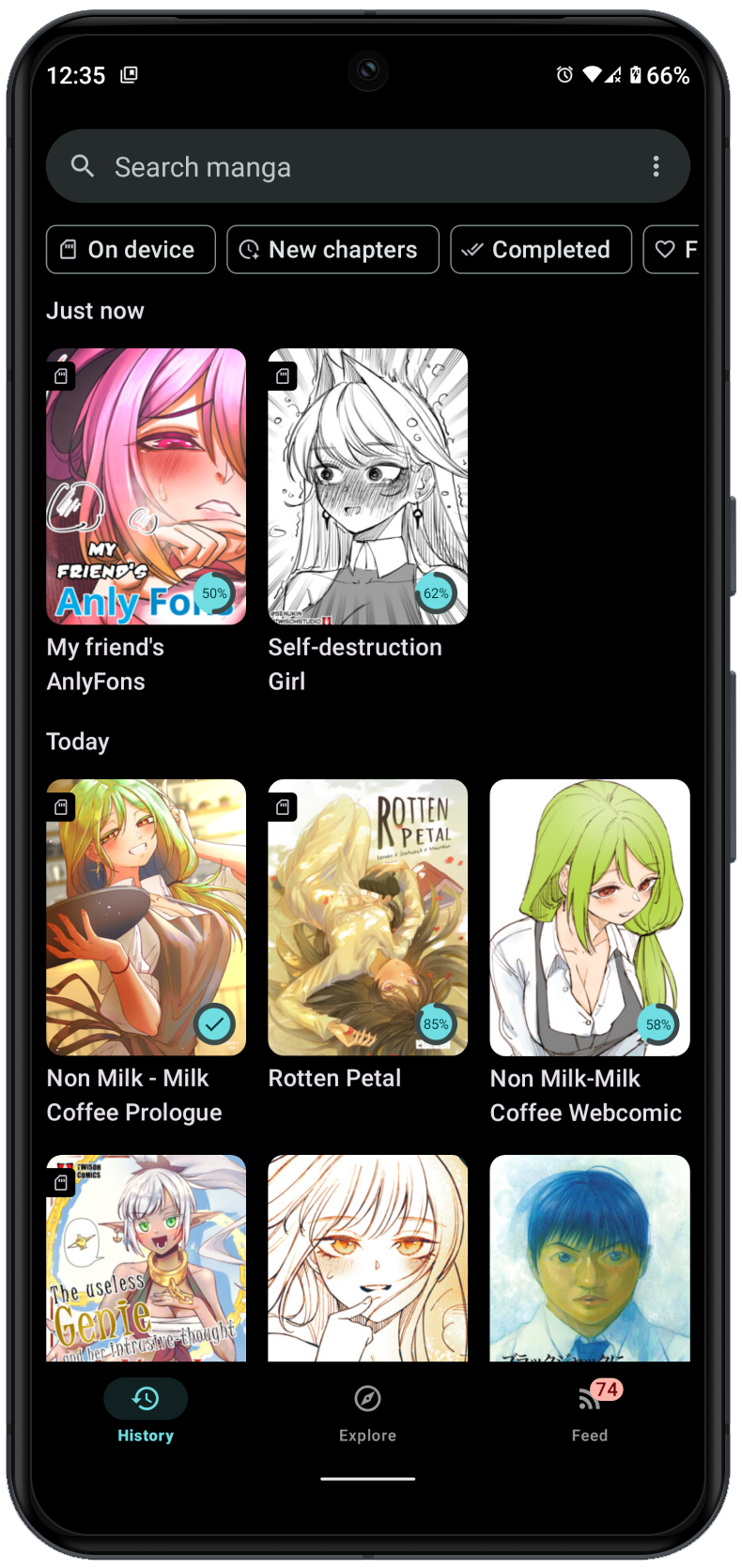
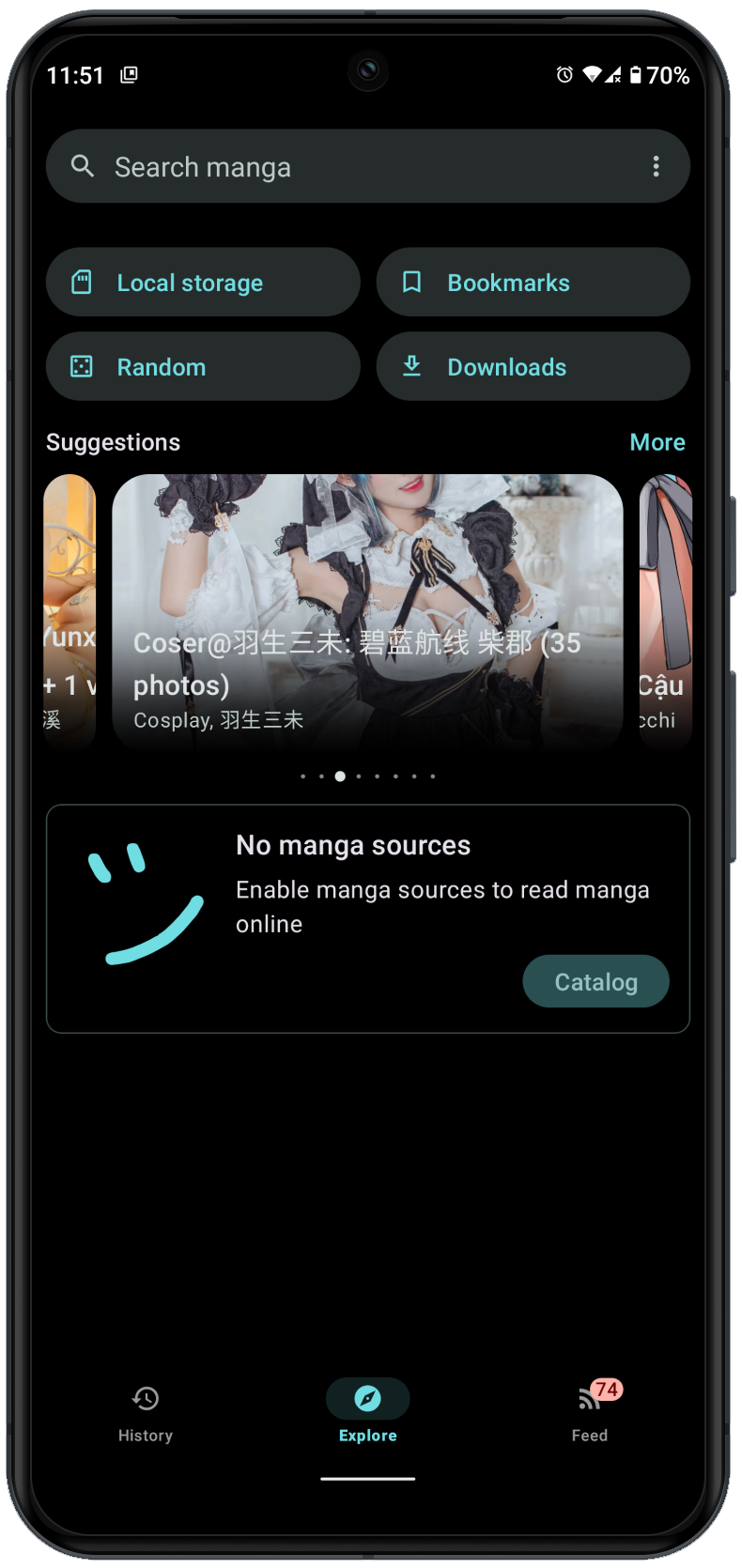
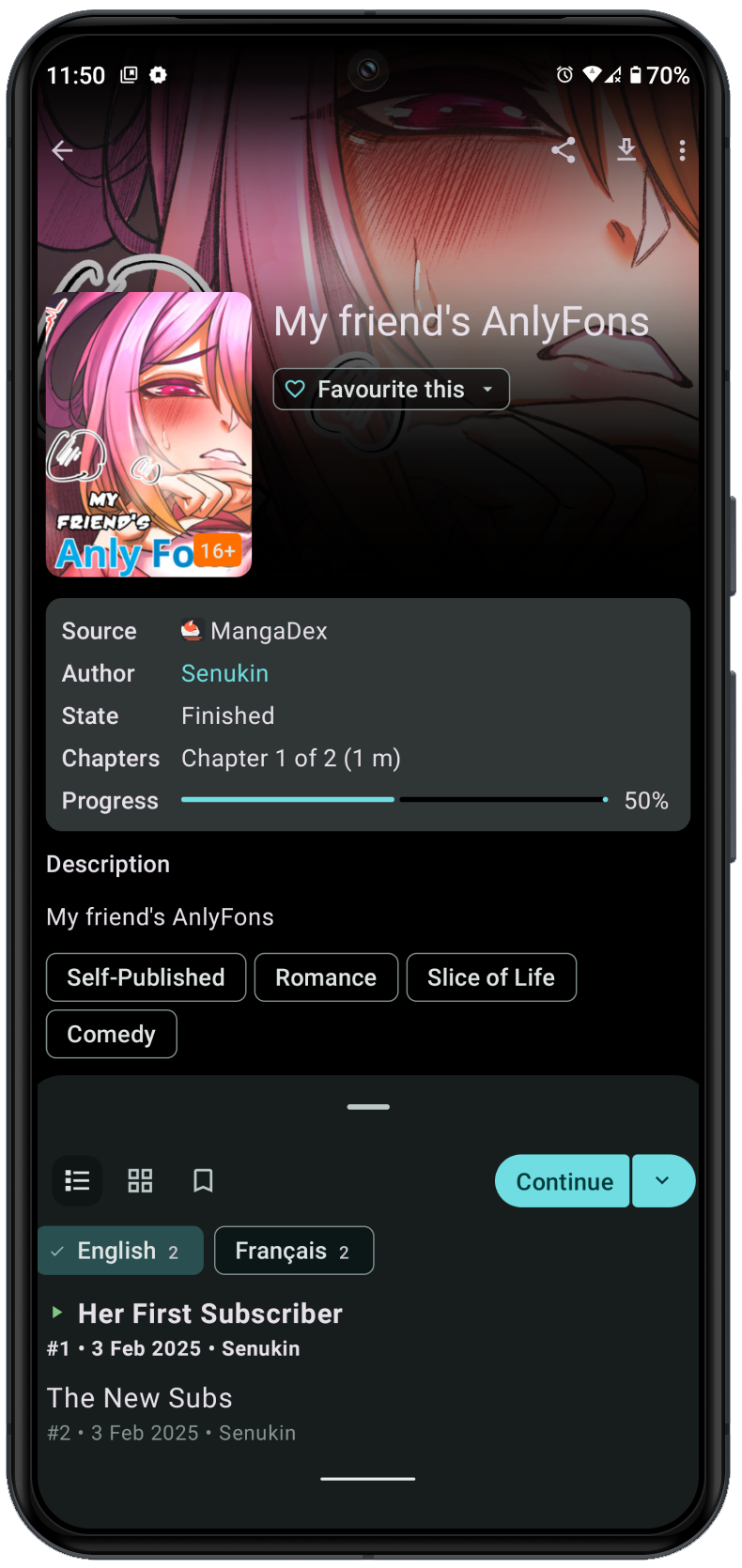
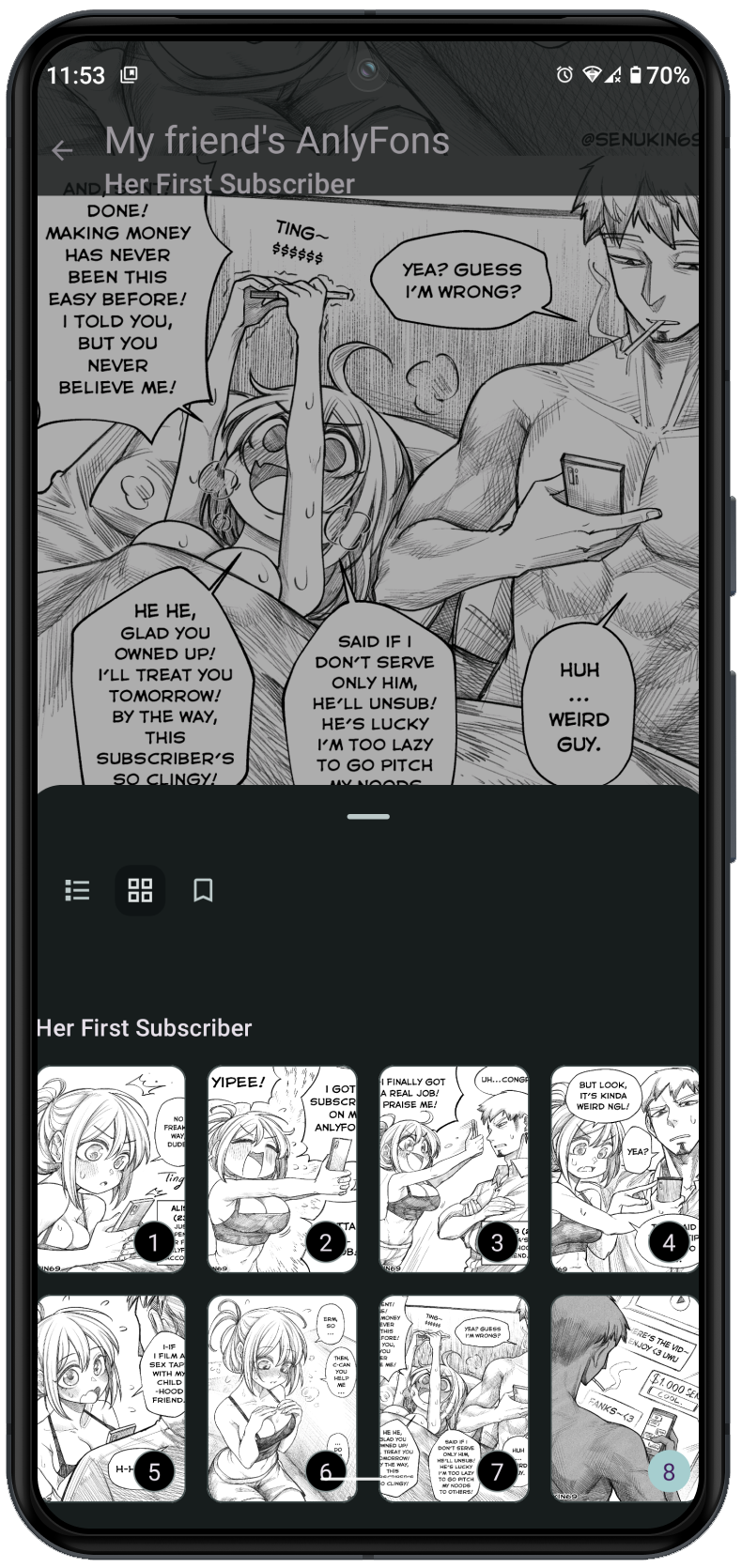
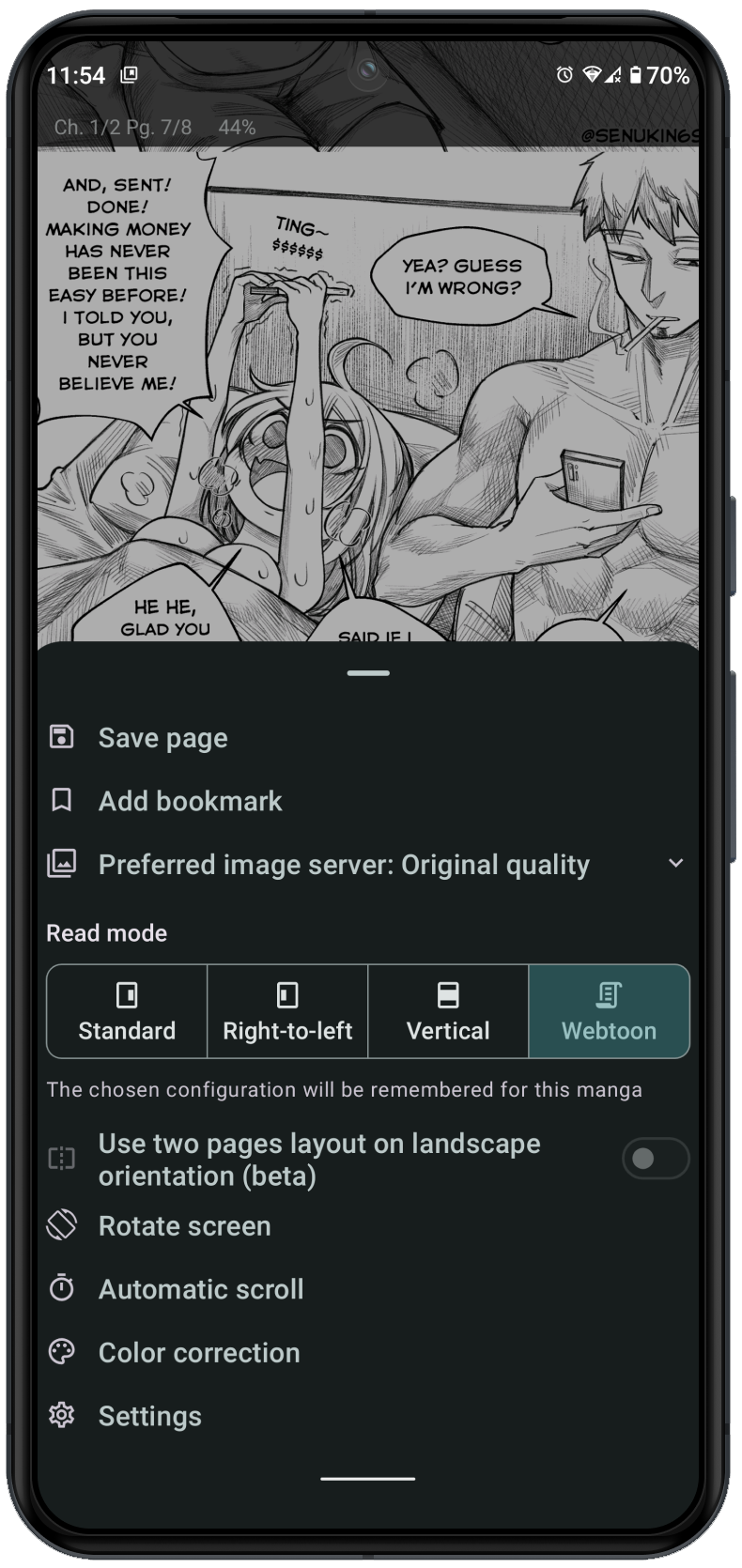
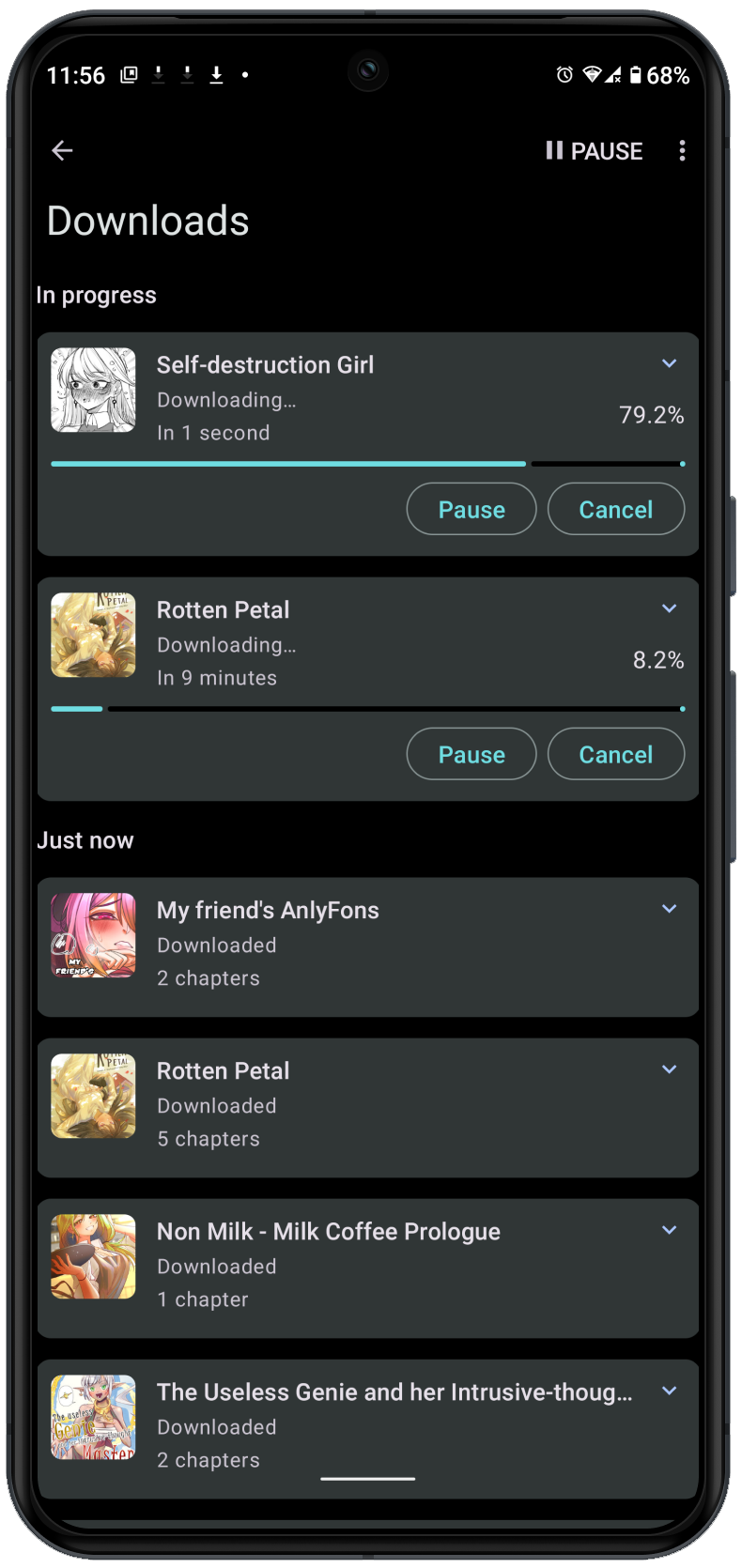
How to install
- Download the APK from the button at the top of this page.
- Allow “Install unknown apps” for your browser or file manager only, not for every app.
- Open the downloaded file and confirm the installation.
- If installation fails with “App not installed,” remove an earlier build of the same app first. A signature conflict is the usual cause.
Data safety
- Every file is checked against its published SHA-256 before it is listed.
- Files are scanned for malware on every update.
- The permissions each app requests are listed on its own page.
- Read the full safety policy for how we test, flag, and delist files.
Frequently asked questions
What is Usagi?
Open-source manga reader for Android
Who develops Usagi?
Usagi is developed by Draken.
Which Android version does Usagi require?
Usagi requires Android API 21 or later.
What is the current version of Usagi?
The synchronized F-Droid version is 1.0.0-rc2.
Which license does Usagi use?
The signed F-Droid metadata lists GPL-3.0-only.
Where is the source code for Usagi?
https://github.com/UsagiApp/Usagi
Comments
Recent approved comments · sorted by newest
View all comments