
Quick answer
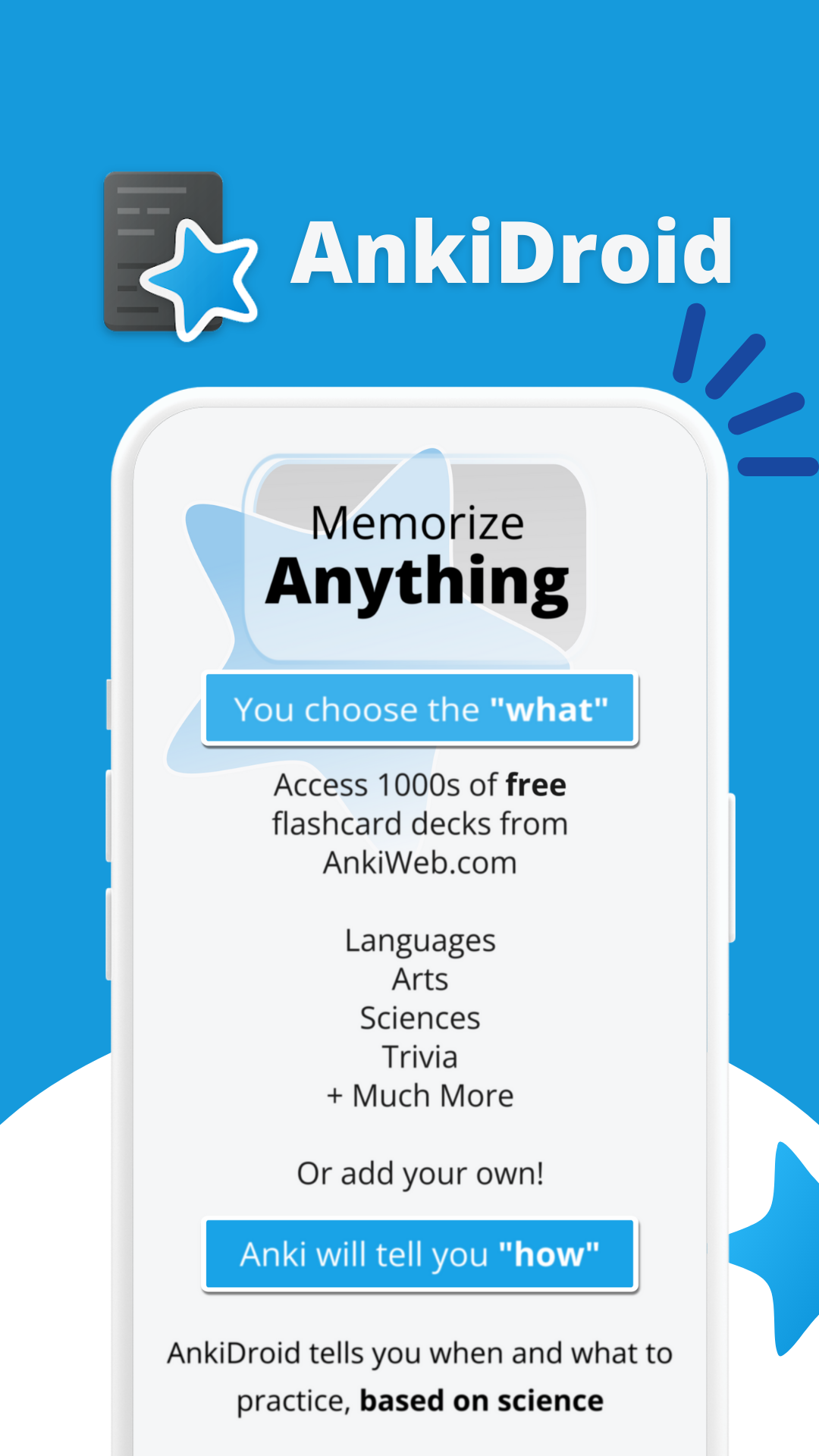
Memorize anything with AnkiDroid!
F-Droid repository metadata
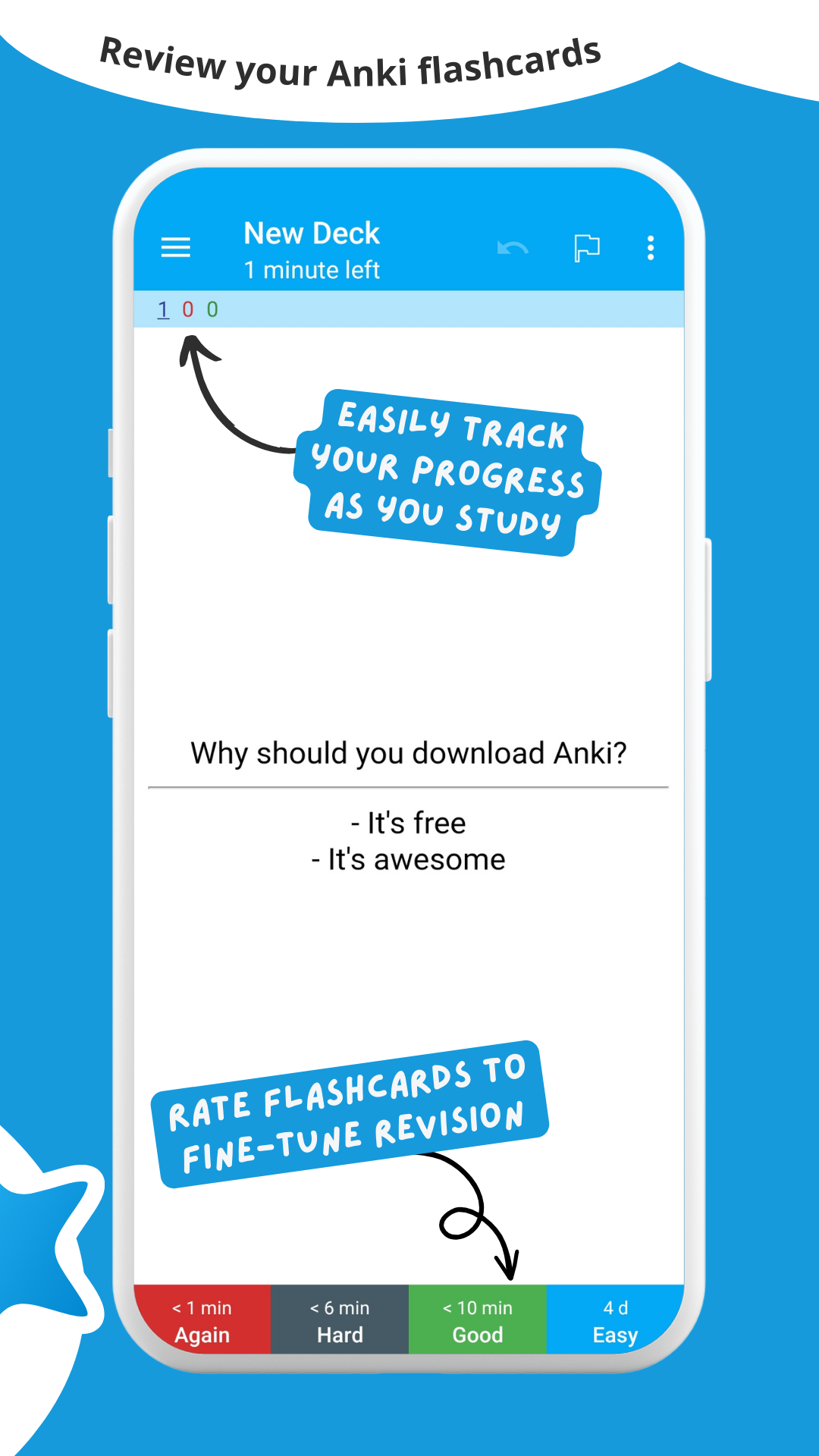
AnkiDroid lets you learn flashcards very efficiently by showing them just before you will forget. It is fully compatible with the spaced repetition software Anki (including synchronization), which is available for Windows, Linux and macOS.
Study all sorts of things wherever and whenever you want. Make good use of idle times on bus trips, in supermarket queues or any other waiting situation!
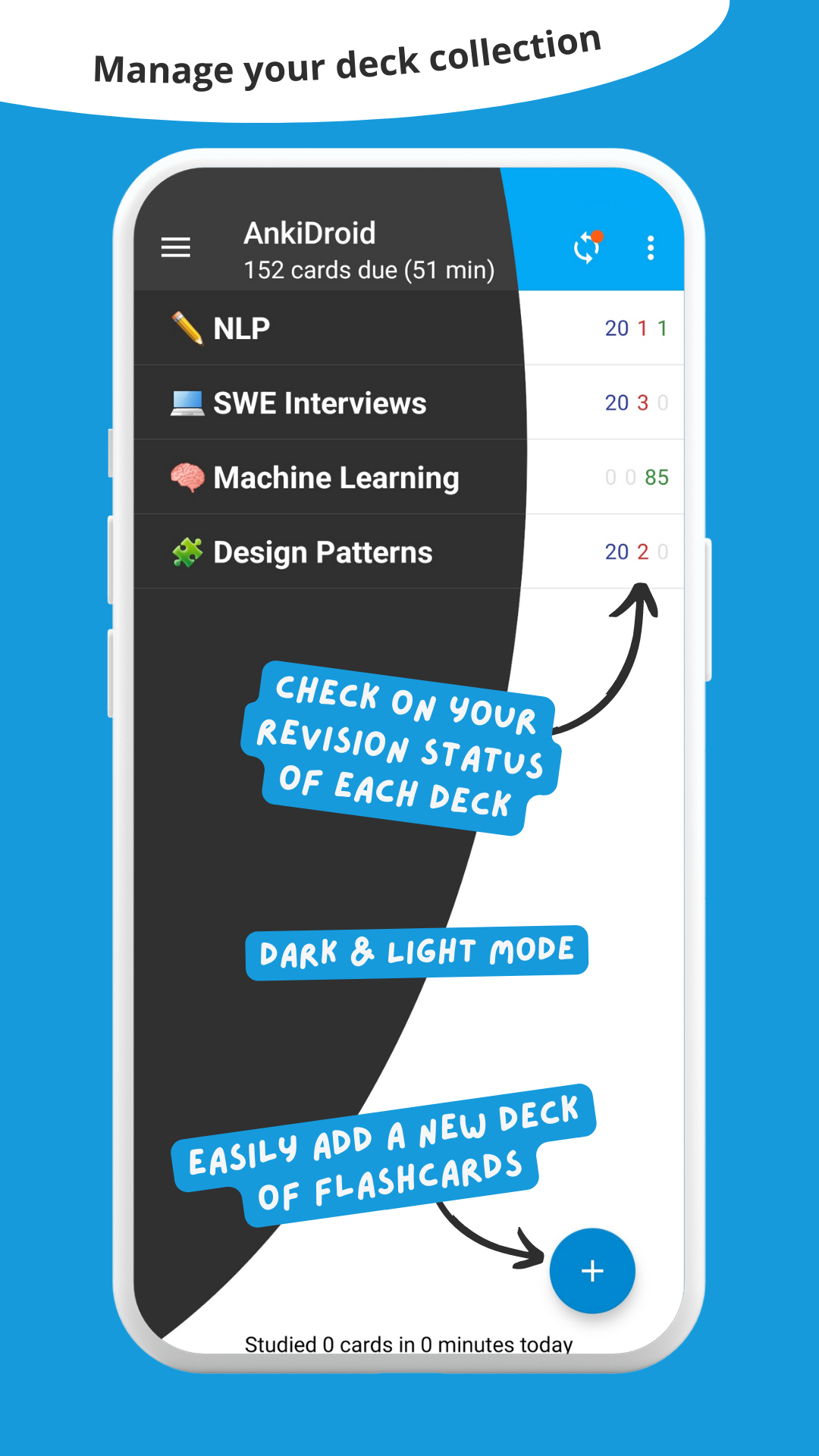
Create your own flashcard decks or download free decks compiled for many languages and topics (more than 6000 available).
Add material through the desktop application Anki or directly through AnkiDroid. The application even supports adding material automatically from a dictionary!
★ Key features:
- supported flashcard contents: text, images, sounds, video, mathjax, LaTeX
- spaced repetition
- text-to-speech integration
- more than 6000 premade decks
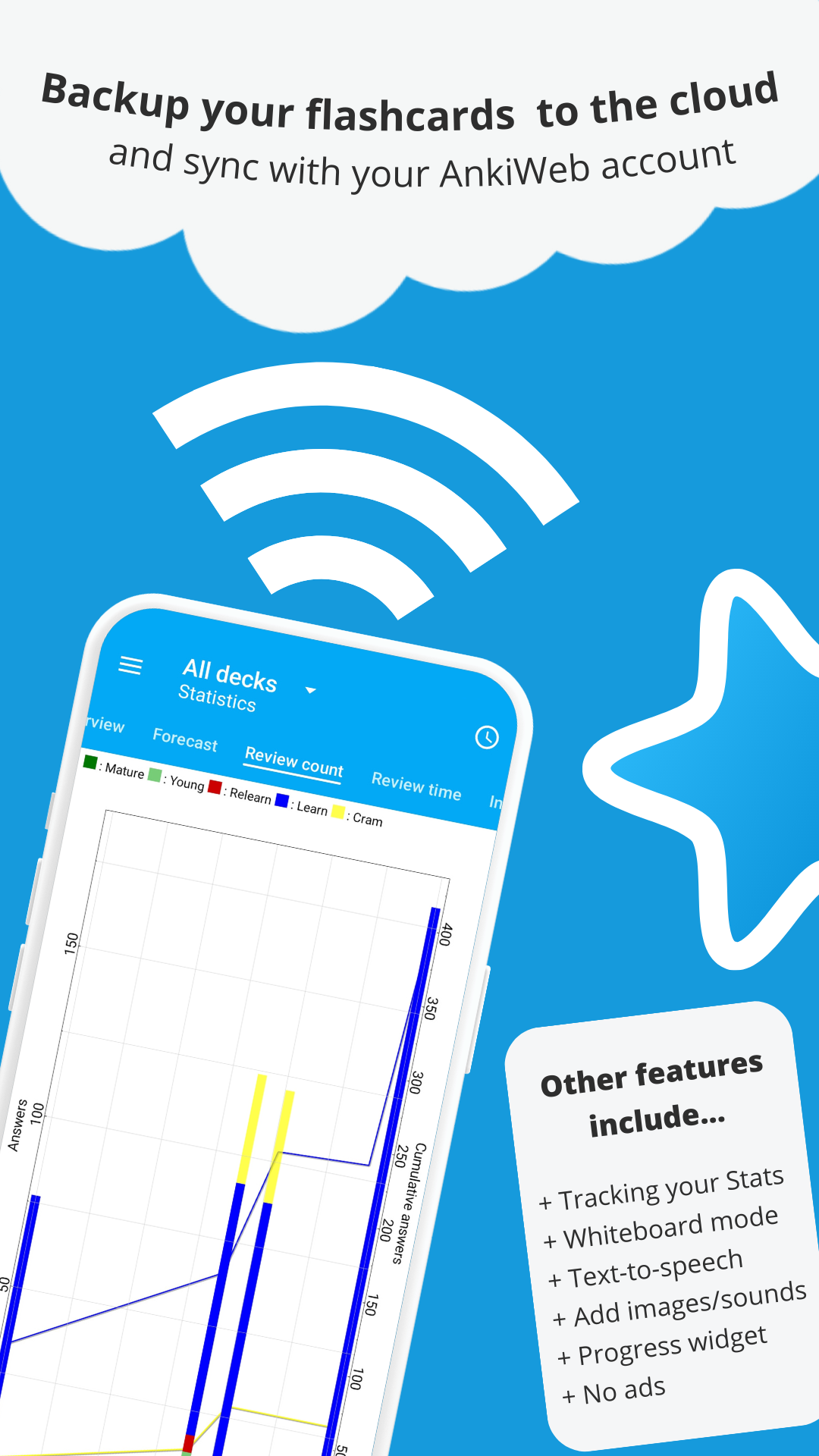
- progress widget
- detailed statistics
- syncing with AnkiWeb
- open source
★ Additional features:
- write answers (optional)
- whiteboard
- card editor/adder
- card browser
- tablet layout
- import existing collection files
- dictionary integration (ColorDict, GoldenDict, Leo.org, Aedict, diverse web dictionaries)
- add cards by intent from other applications like dictionaries
- custom font support
- full backup system
- navigation by swipe, tap, shake
- fully customisable
- dynamic deck handling
- night mode
- dozens of localisations
- all previous AnkiDroid versions can be downloaded from the website
NOTE:
Opt-in synchronization uses the non-libre AnkiWeb service by default, but this can be changed in the settings to use an instance of the unofficial Anki Sync Server).
Opt-in / off-by-default crash reporting will send data to a private / AnkiDroid open source team controlled crash reporting server if enabled. This data is only used to help fix crash bugs.
Opt-in / off-by-default analytics will send data to Google Analytics via an an open-source implementation of the analytics API if enabled. This data is only used to focus developer efforts on popular features.
Screenshots
How to install
- Download the APK from the button at the top of this page.
- Allow “Install unknown apps” for your browser or file manager only, not for every app.
- Open the downloaded file and confirm the installation.
- If installation fails with “App not installed,” remove an earlier build of the same app first. A signature conflict is the usual cause.
Data safety
- Every file is checked against its published SHA-256 before it is listed.
- Files are scanned for malware on every update.
- The permissions each app requests are listed on its own page.
- Read the full safety policy for how we test, flag, and delist files.
Comments
Recent approved comments · sorted by newest
View all comments