Lector icon

Lector

Brian Kilgore
Science & Education
Version
0.6.3
Size
7.2 MB
Requires
Android API 26+
4.6 / 5 · 11,764 ratings 68,746 downloads

Updated Oct 28, 2026

Quick answer

Read any text, PDF, or EPUB aloud — free, private, offline.

Lector reads your documents aloud — beautifully, privately, and completely free.

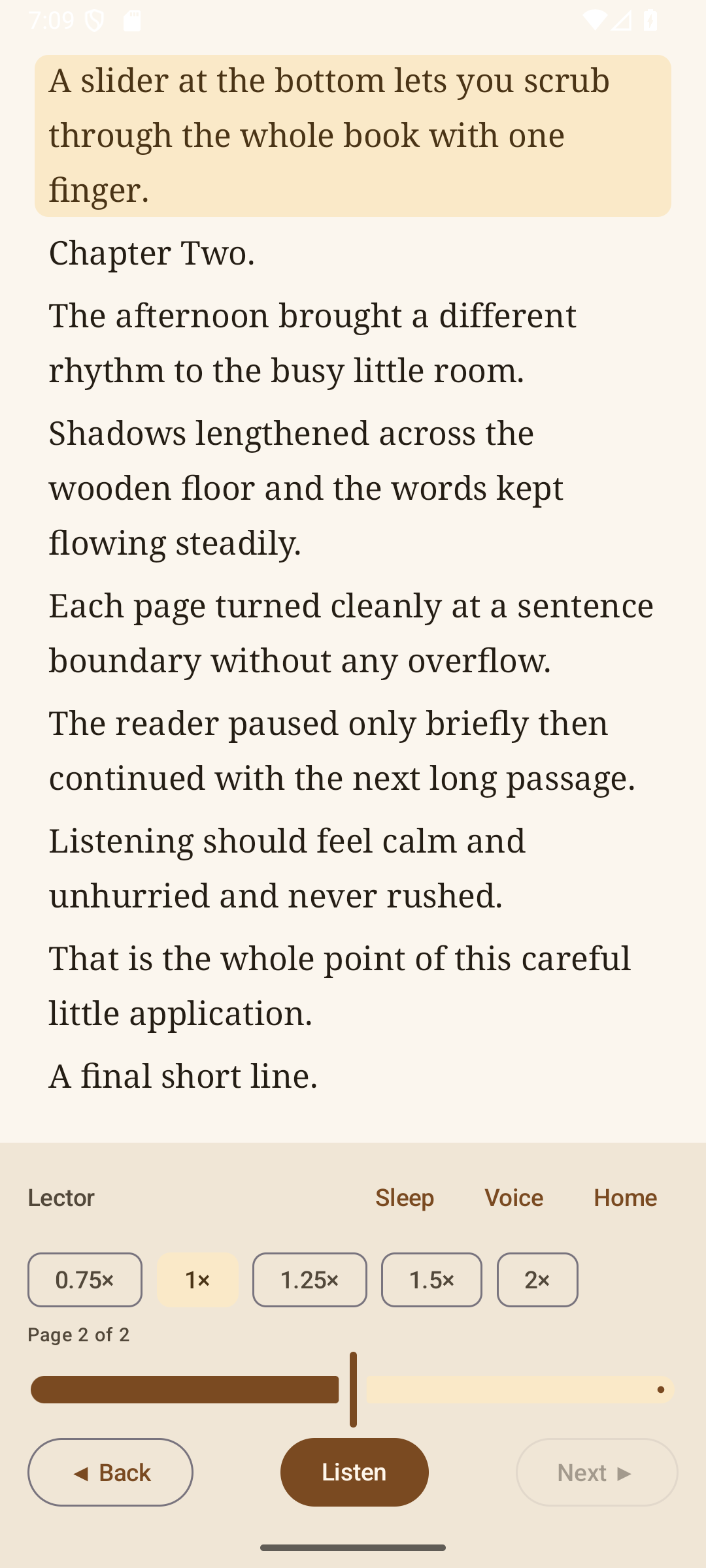
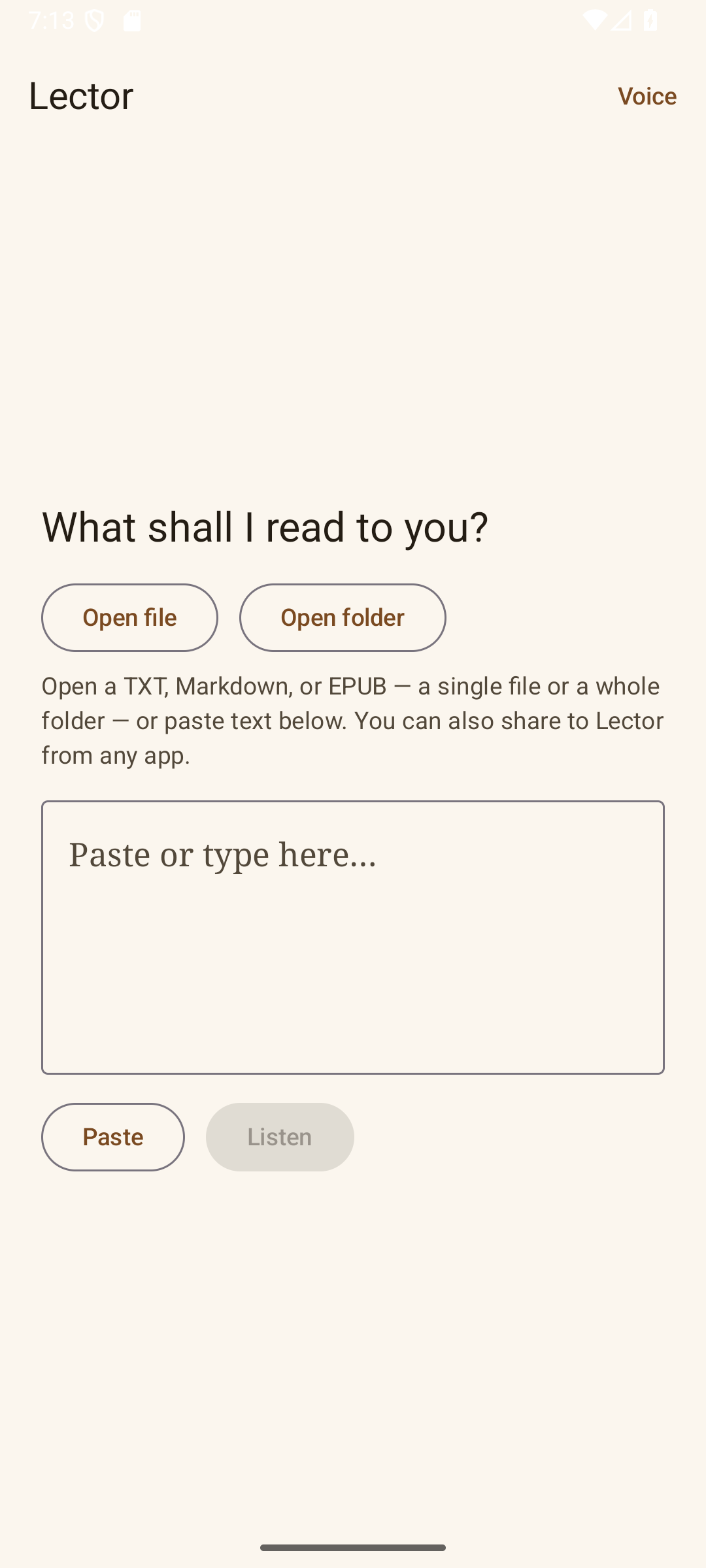
Open a TXT, Markdown, EPUB, or PDF — a single file or a whole folder — or paste text, or share to Lector from any app. Lector turns it into a clean, paged reader and reads it to you using your device's own voices, highlighting the current sentence as it goes.

Features: * Reads TXT, Markdown, EPUB, PDF, and other text files * A real library: scan a folder and Lector remembers your books * Picks up where you left off in every document * Page view with a slider to move through a whole book * Adjustable speed, sleep timer, and background-friendly controls

Private by design: no ads, no accounts, no trackers, no network access, and no permissions at all. Your text never leaves your device. Reading aloud uses the text-to-speech engine already on your phone.

Free and open source (GPLv3).

Screenshots

Lector screenshot 1
Lector screenshot 2
Lector screenshot 3

What’s new

Bugfix: opening Voice no longer crashes when the device has multiple system TTS voices that share a short name (for example several Chinese voices all named "zh"). Voice ids are now unique per language/locale. Still private, offline, zero permissions.

How to install

  1. Download the APK from the button at the top of this page.
  2. Allow “Install unknown apps” for your browser or file manager only, not for every app.
  3. Open the downloaded file and confirm the installation.
  4. If installation fails with “App not installed,” remove an earlier build of the same app first. A signature conflict is the usual cause.

Data safety

  • Every file is checked against its published SHA-256 before it is listed.
  • Files are scanned for malware on every update.
  • The permissions each app requests are listed on its own page.
  • Read the full safety policy for how we test, flag, and delist files.

Frequently asked questions

What is Lector?
Read any text, PDF, or EPUB aloud — free, private, offline.
Who develops Lector?
Lector is developed by Brian Kilgore.
Which Android version does Lector require?
Lector requires Android API 26 or later.
What is the current version of Lector?
The synchronized F-Droid version is 0.6.3.
Which license does Lector use?
The signed F-Droid metadata lists GPL-3.0-only.
Where is the source code for Lector?
https://github.com/QuantEmber/lector

Comments

Recent approved comments · sorted by newest

Verification code
Be specific and keep it about the app. No links. Comments are reviewed before publication. Device and Android details are recorded automatically. Privacy policy.

Loading recent comments...

View all comments