PdfCraft icon

PdfCraft

artcraft-android
OCR Science & Education
Version
0.0.5-beta
Size
42.7 MB
Requires
Android API 29+
4.7 / 5 · 15,598 ratings 90,322 downloads

Updated Oct 28, 2026

Quick answer

Read, comment, fill, sign and edit PDFs on your phone, all on the device

An open-source, reimplementation of Adobe Acrobat Reader in Rust while using Kotlin as the UI framework.

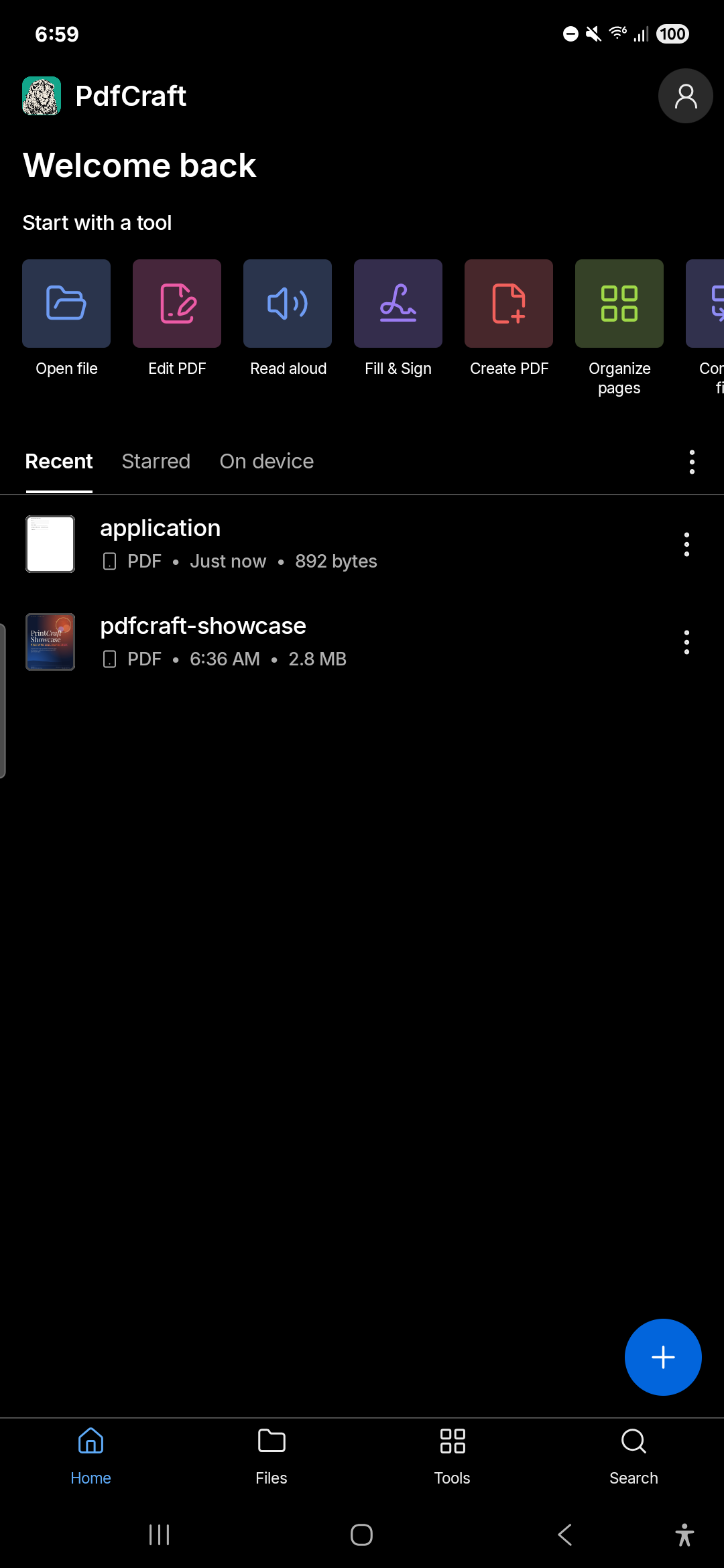
PdfCraft is a PDF reader and editor for Android, built on the PdfCraft engine. It follows the layout and the tools of Acrobat Reader for phones, and everything stays on your phone: no account, no cloud.

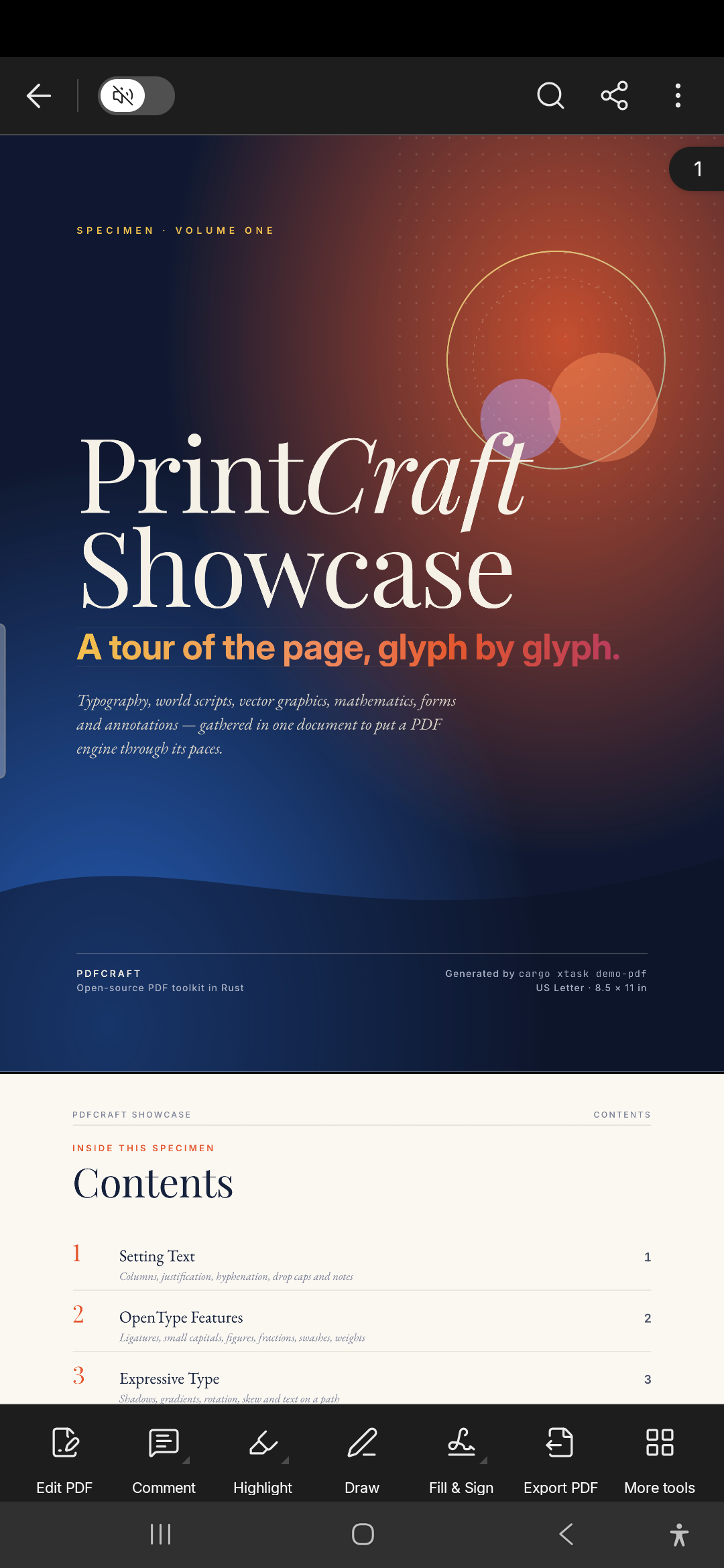
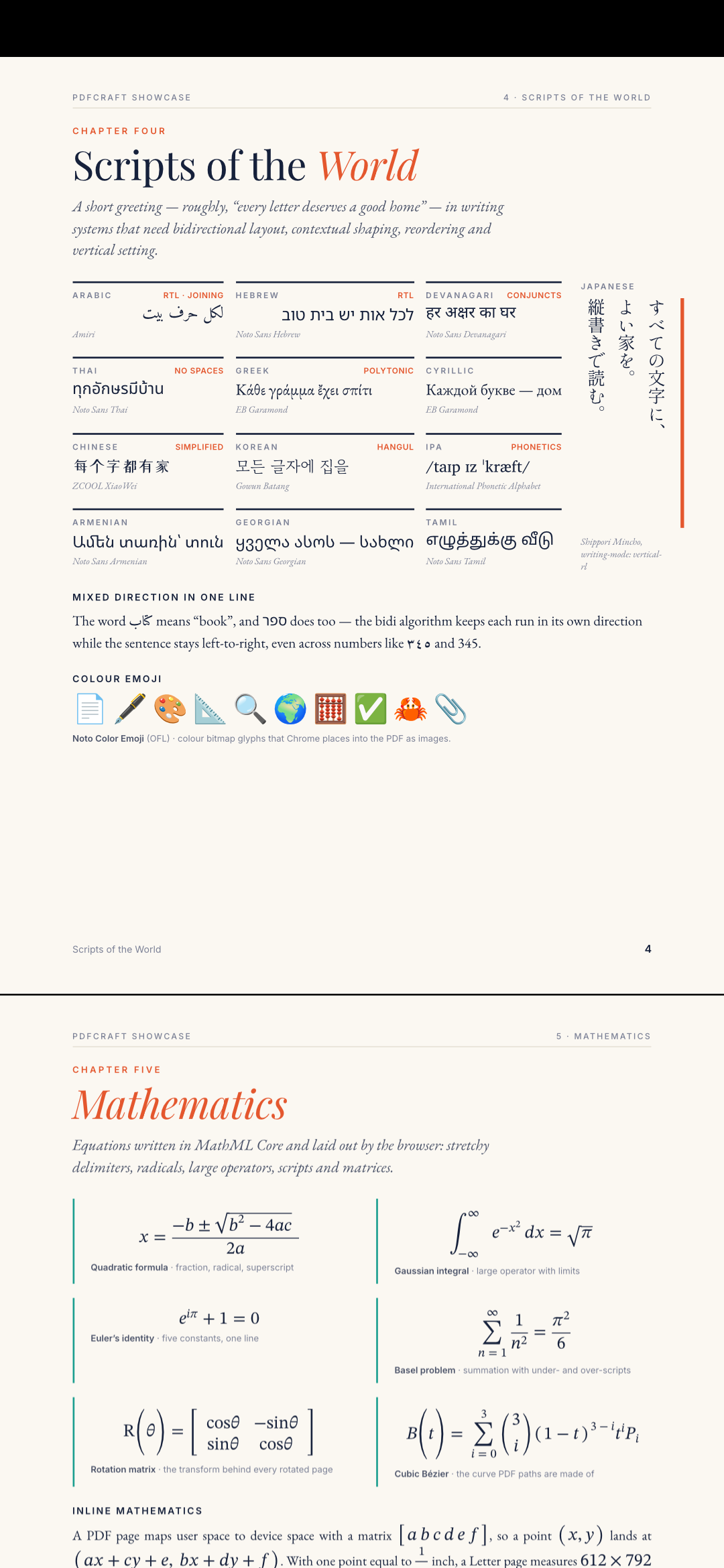
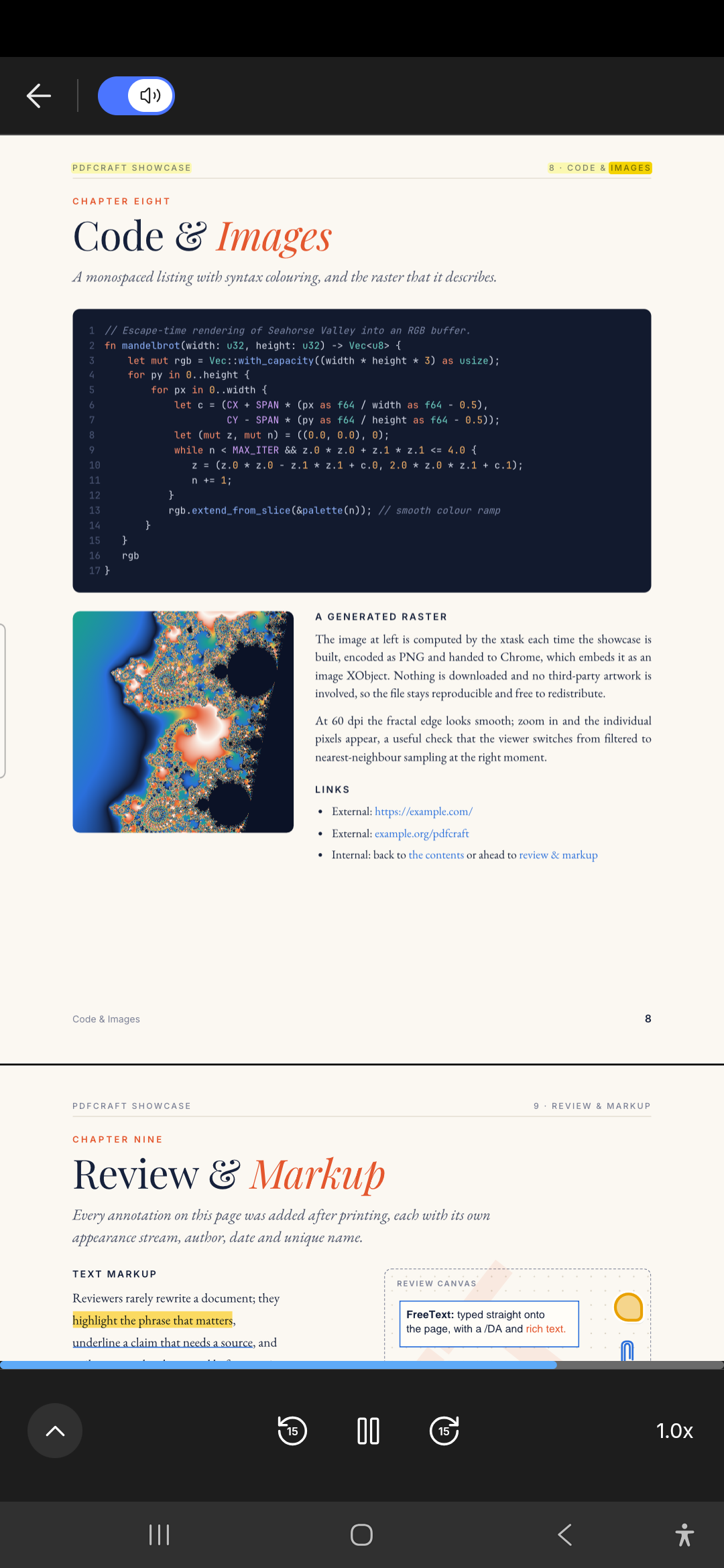
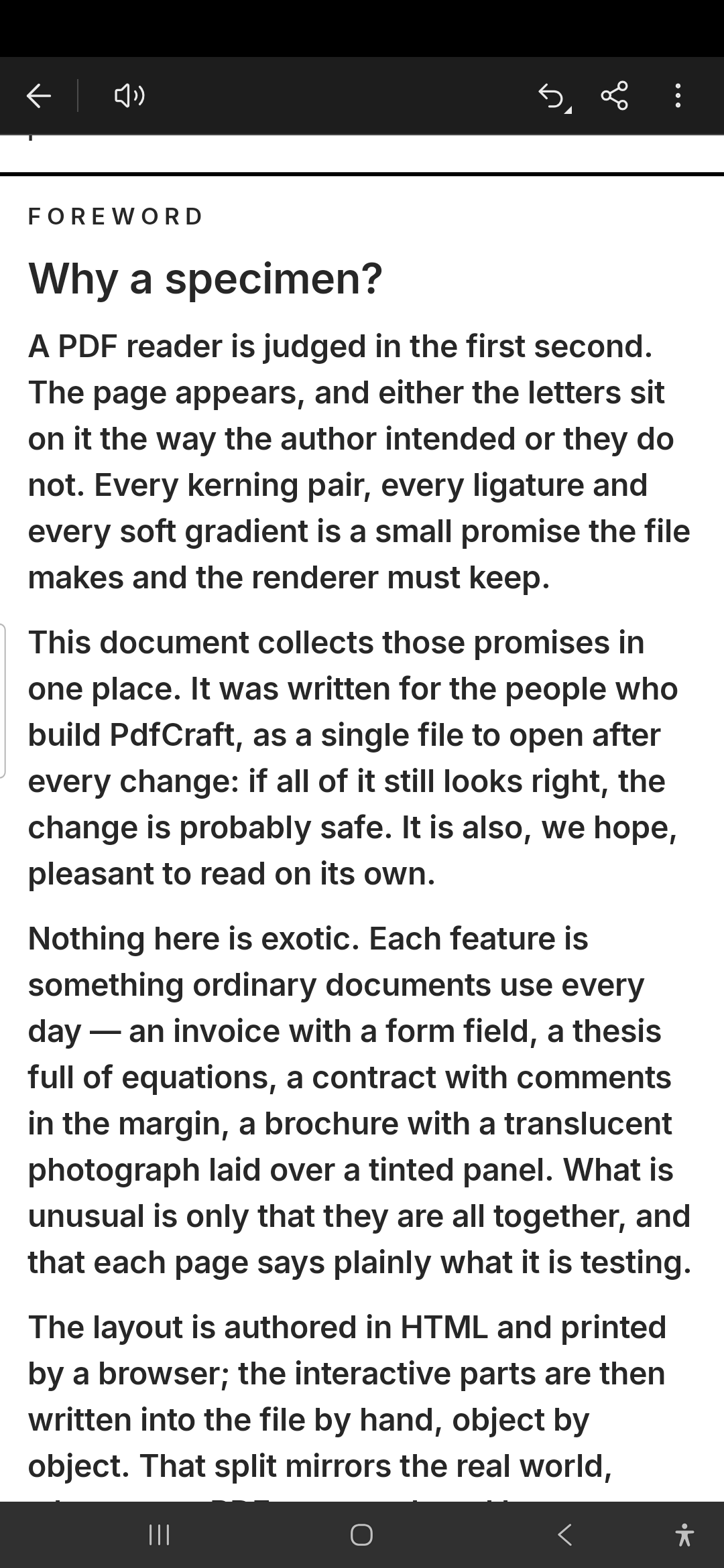
Read * Continuous or single page, Reading Mode (text reflowed to the screen), Night Mode * Find, text selection, links, bookmarks and the table of contents, attachments * Read aloud with the phone's voice, the words marked as they're read

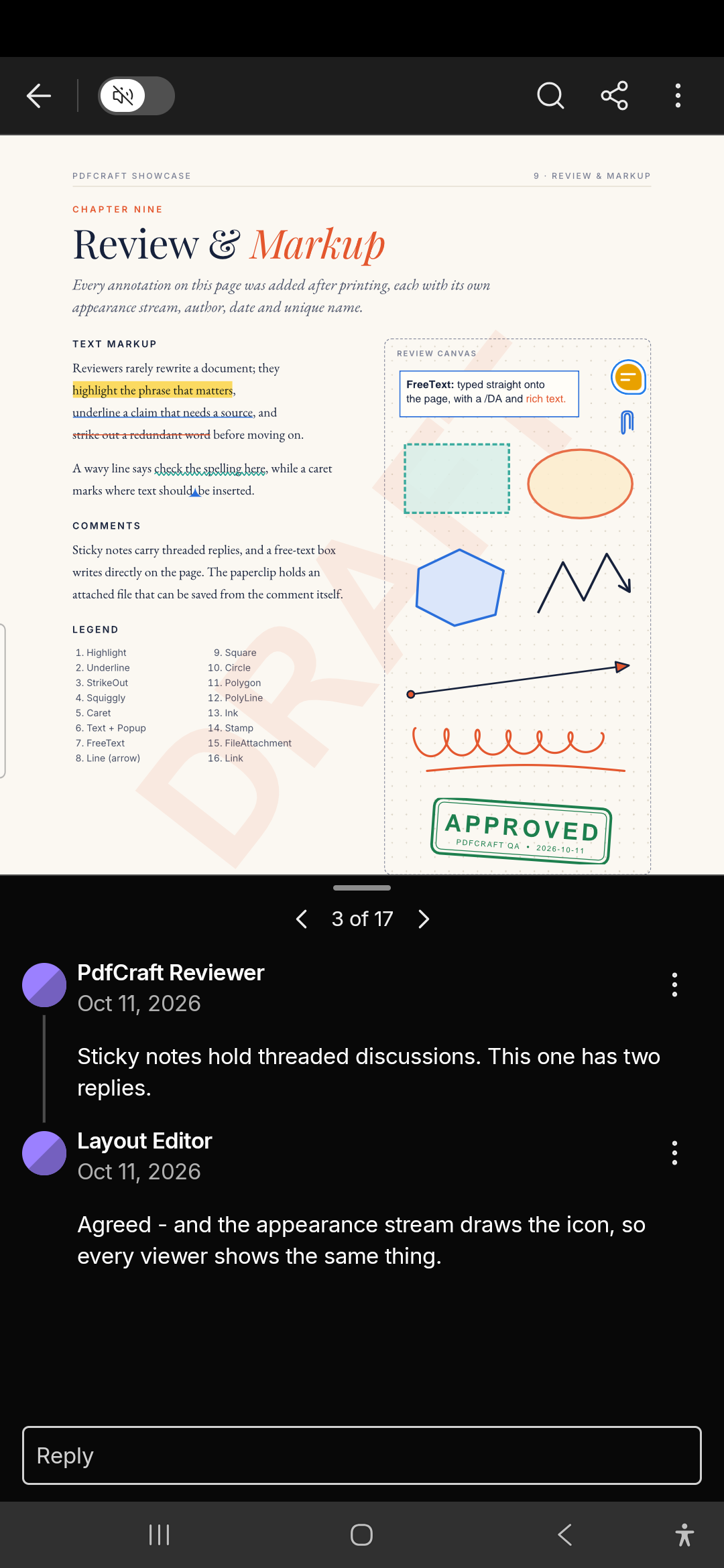
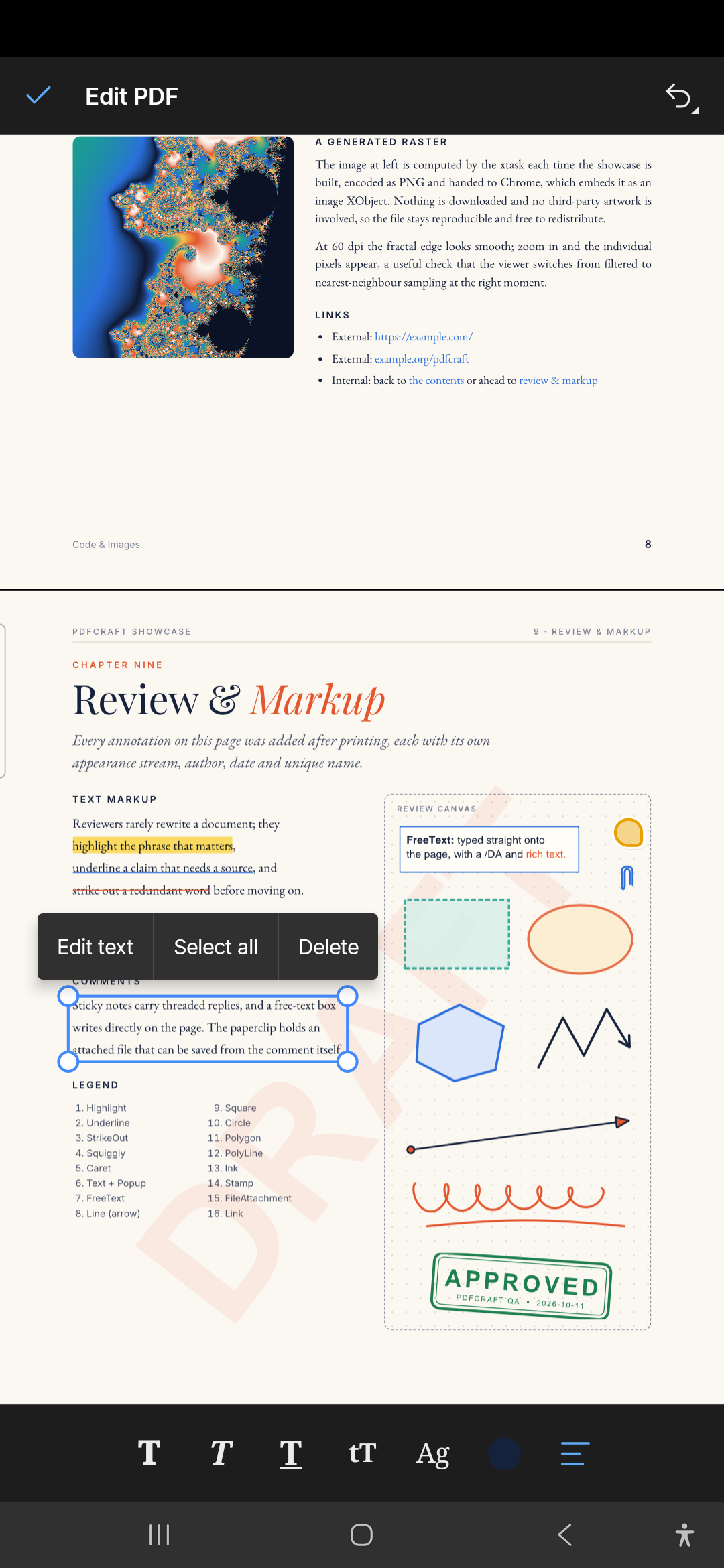
Comment * Notes and voice comments, highlight, underline, strikethrough, drawing (snap to shape) and text * The Comment List, threads and replies

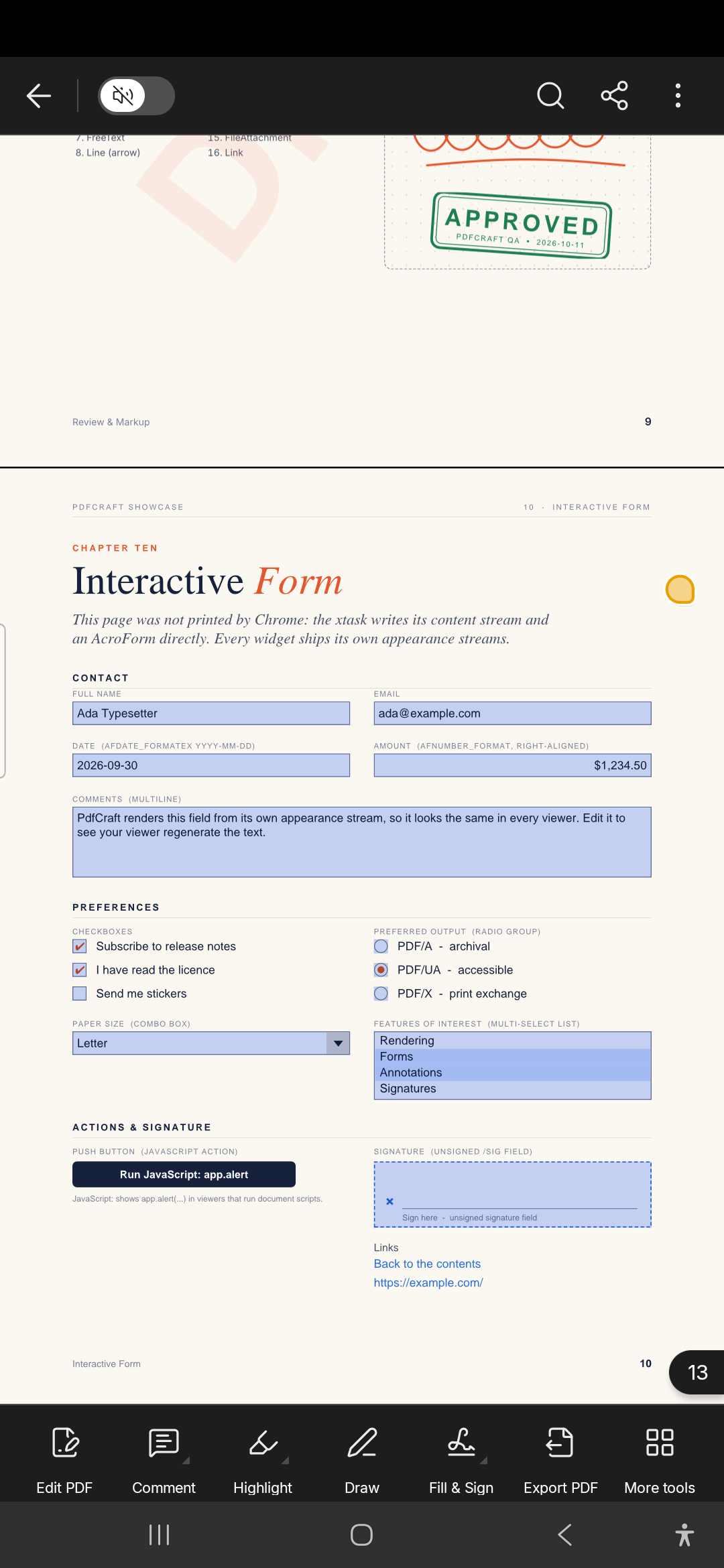
Fill and sign * Fill in form fields, or use Fill & Sign: text, marks and a drawn or imported signature

Edit * Edit text, add text and images, move, resize and turn pictures * Organize pages: move, turn, insert, extract and delete; crop pages

Make new files * Compress, combine, set a password, create PDFs from images, text or office documents, scan * Export to Word, RTF, Excel, PowerPoint, JPEG or PNG * Recognize text on scanned pages

Changes are saved back into the file you opened. Works upright and sideways, in the light and dark themes. PdfCraft is in beta.

PdfCraft is not affiliated with or endorsed by Adobe. Acrobat is a trademark of Adobe Inc.
Screenshots

PdfCraft screenshot 1
PdfCraft screenshot 2
PdfCraft screenshot 3
PdfCraft screenshot 4
PdfCraft screenshot 5
PdfCraft screenshot 6
PdfCraft screenshot 7
PdfCraft screenshot 8

What’s new

* Sign with a digital ID (a .p12 / .pfx file, or one made in the app), check a document's signatures and trust signers
* An APK for 32-bit ARM phones
* Changes to a file that can't be written back (like one picked from the file picker's Recent) are offered as a copy when you close it instead of being lost
* The app's text is ready to be translated

How to install

  1. Download the APK from the button at the top of this page.
  2. Allow “Install unknown apps” for your browser or file manager only, not for every app.
  3. Open the downloaded file and confirm the installation.
  4. If installation fails with “App not installed,” remove an earlier build of the same app first. A signature conflict is the usual cause.

Data safety

  • Every file is checked against its published SHA-256 before it is listed.
  • Files are scanned for malware on every update.
  • The permissions each app requests are listed on its own page.
  • Read the full safety policy for how we test, flag, and delist files.

Frequently asked questions

What is PdfCraft?
Read, comment, fill, sign and edit PDFs on your phone, all on the device
Who develops PdfCraft?
PdfCraft is developed by artcraft-android.
Which Android version does PdfCraft require?
PdfCraft requires Android API 29 or later.
What is the current version of PdfCraft?
The synchronized F-Droid version is 0.0.5-beta.
Which license does PdfCraft use?
The signed F-Droid metadata lists MIT.
Where is the source code for PdfCraft?
https://github.com/artcraft-android/pdfcraft-android

Comments

Recent approved comments · sorted by newest

Verification code
Be specific and keep it about the app. No links. Comments are reviewed before publication. Device and Android details are recorded automatically. Privacy policy.

Loading recent comments...

View all comments