What’s new
- Improved build system compatibility and stability.
- Technical updates: Upgraded internal build tools to Gradle 9.6.0.
- General maintenance and project cleanup.

Updated Sep 22, 2026
Search compounds, structures, reference and use practical chemistry tools.
F-Droid repository metadata
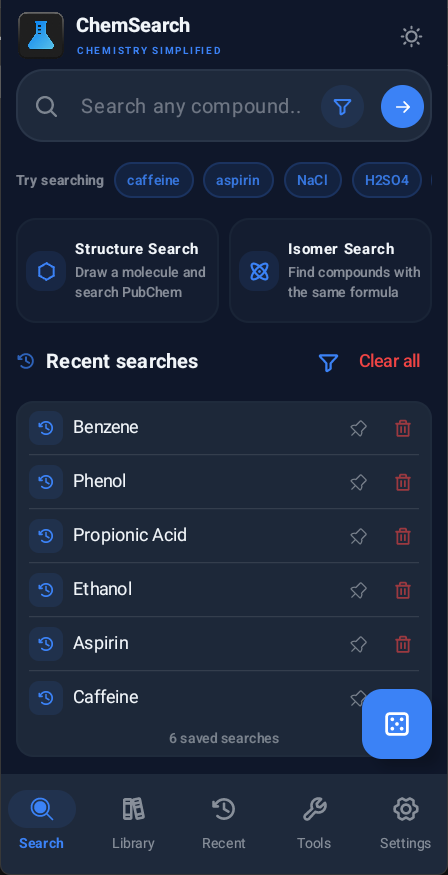
ChemSearch is a quick and simple chemistry reference app for Android.
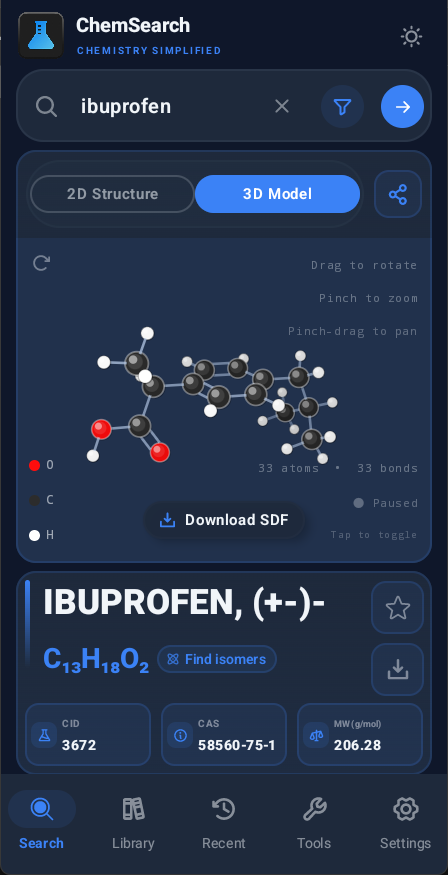
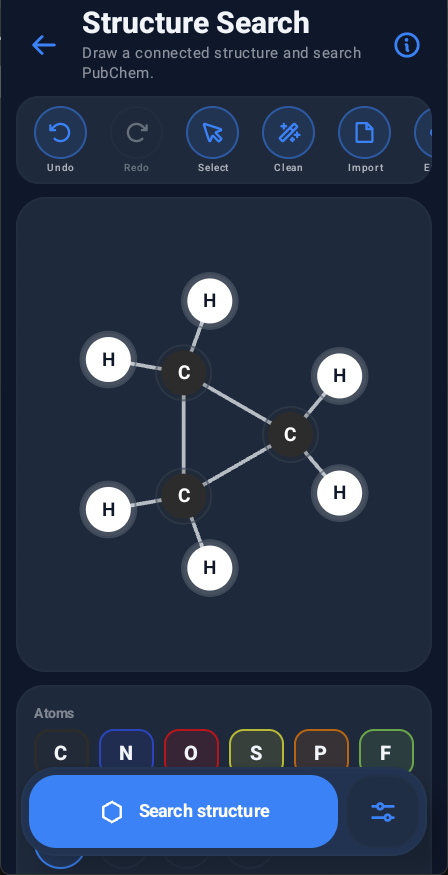
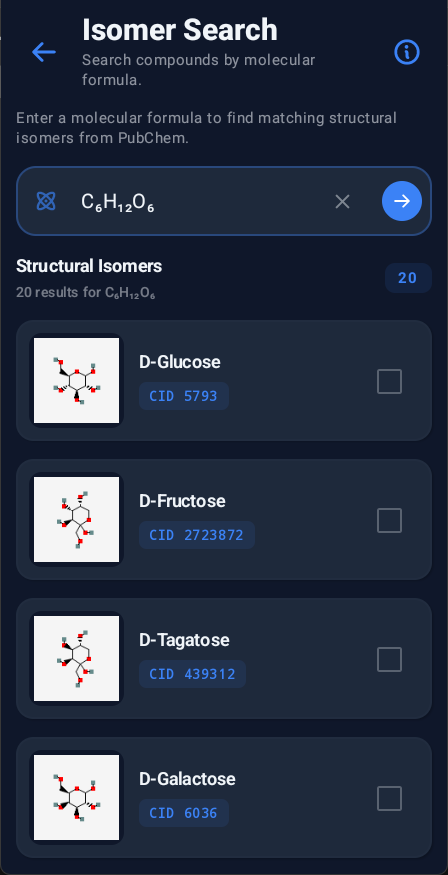
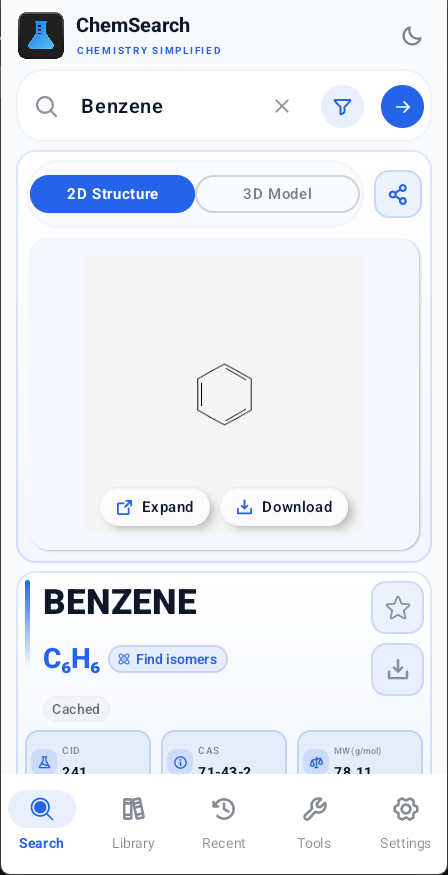
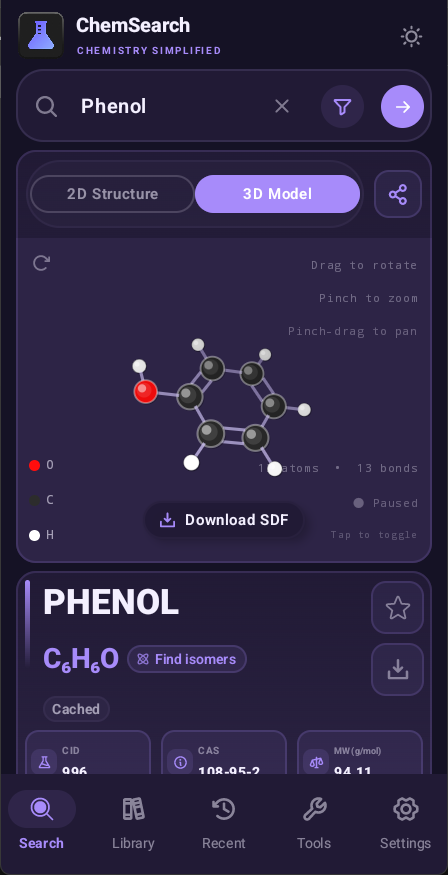
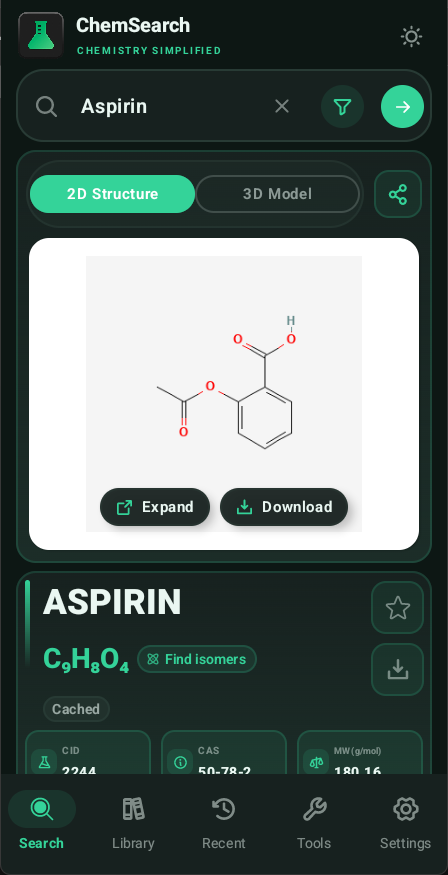
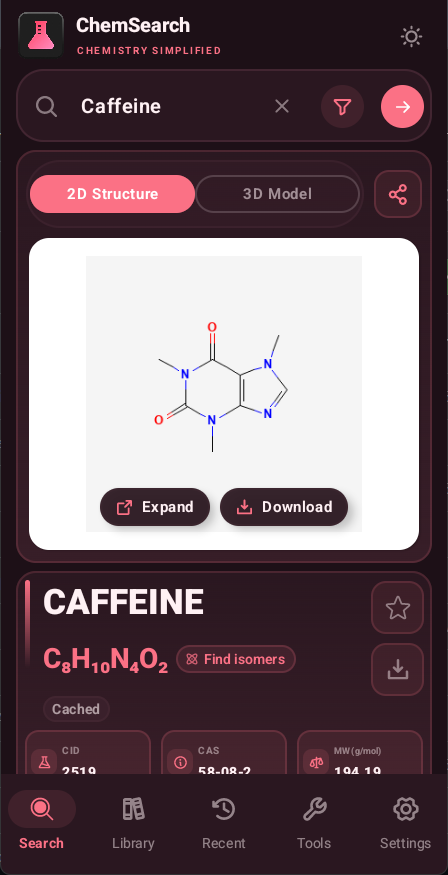
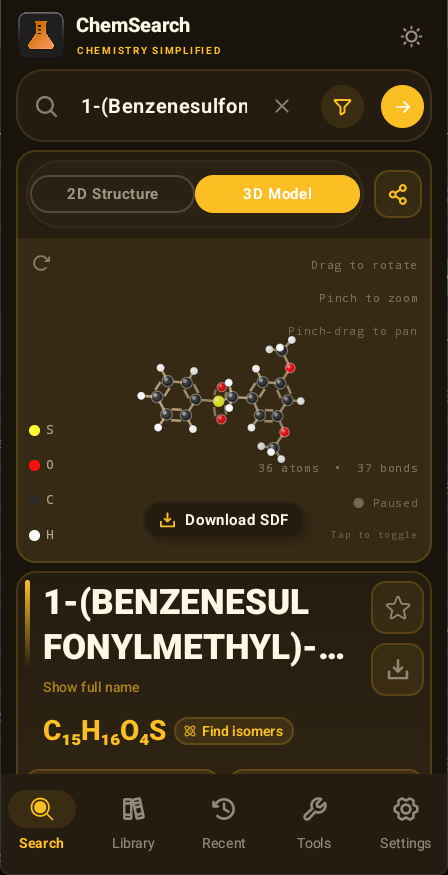
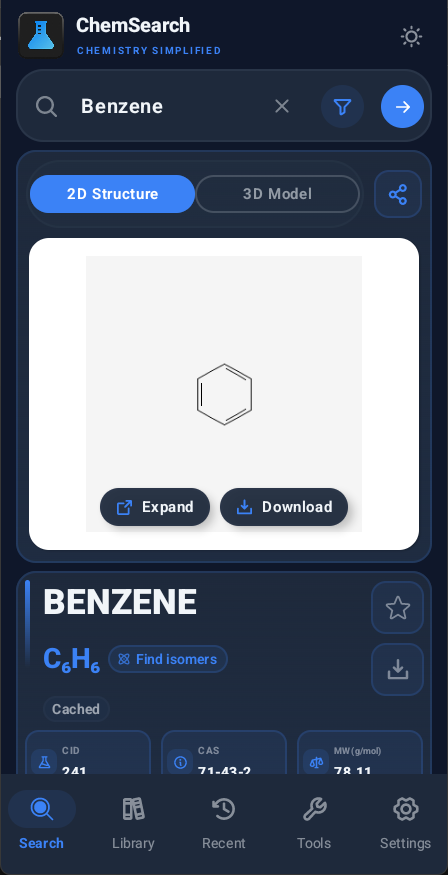
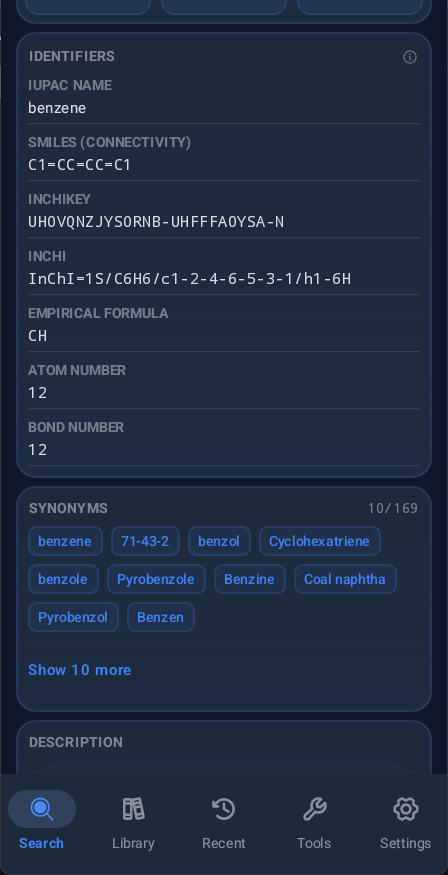
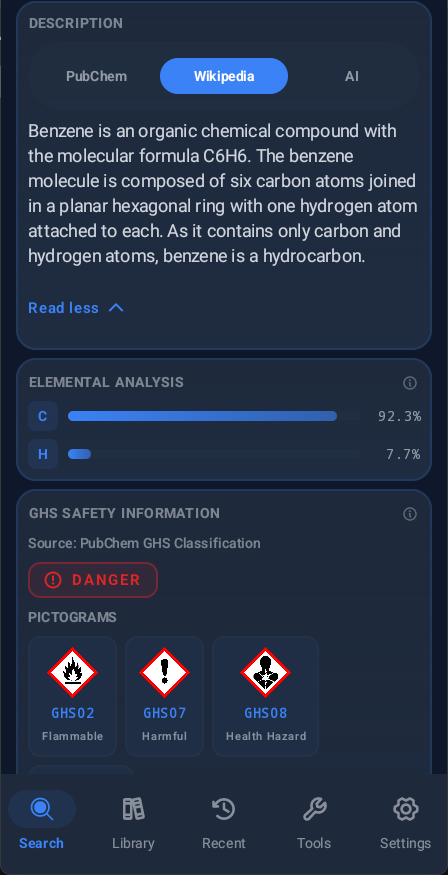
Search compounds by name, CAS number, formula, PubChem CID, or drawn structure. Open formulas, identifiers, 2D structures, 3D models, descriptions, synonyms, and GHS safety summaries when source data is available.
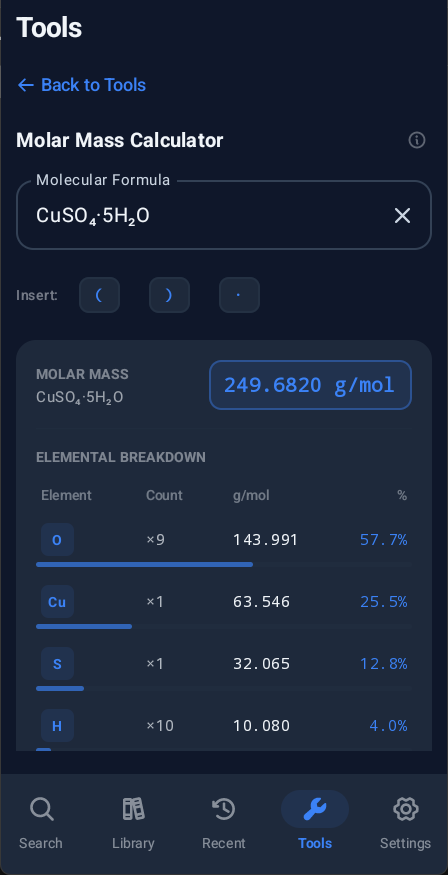
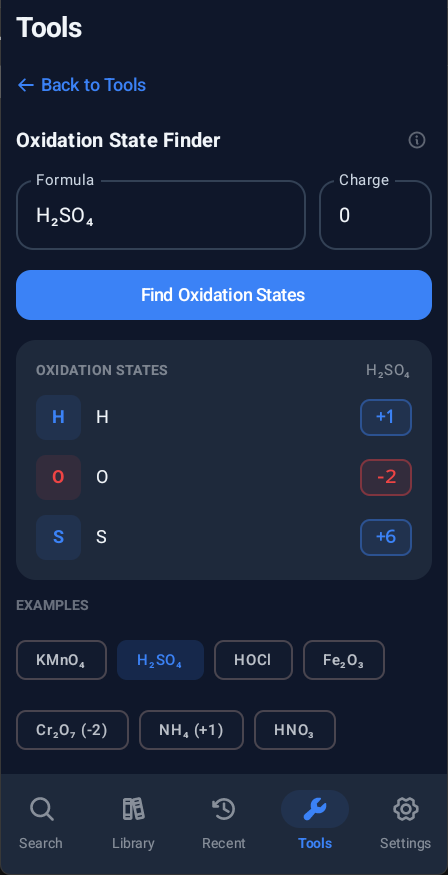
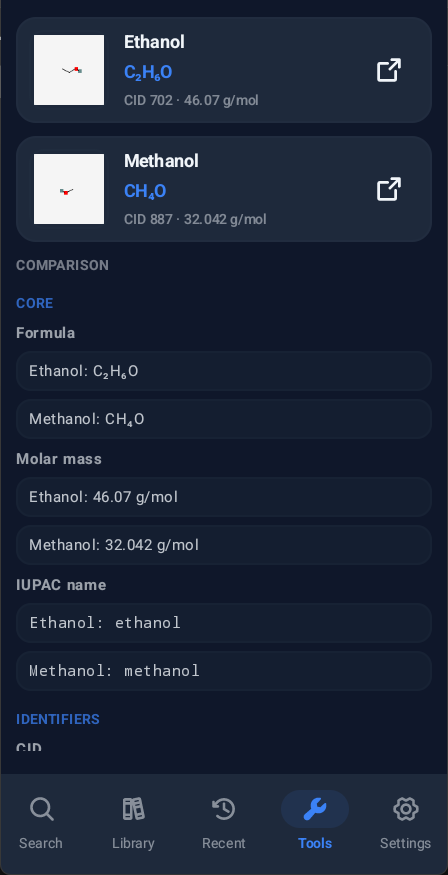
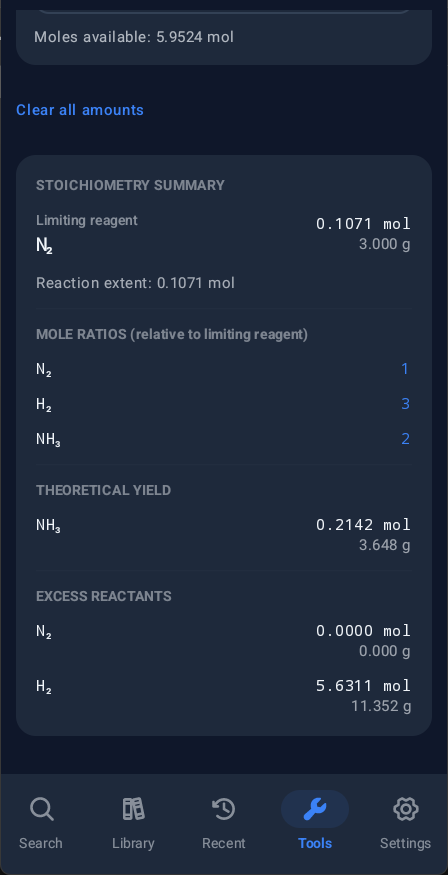
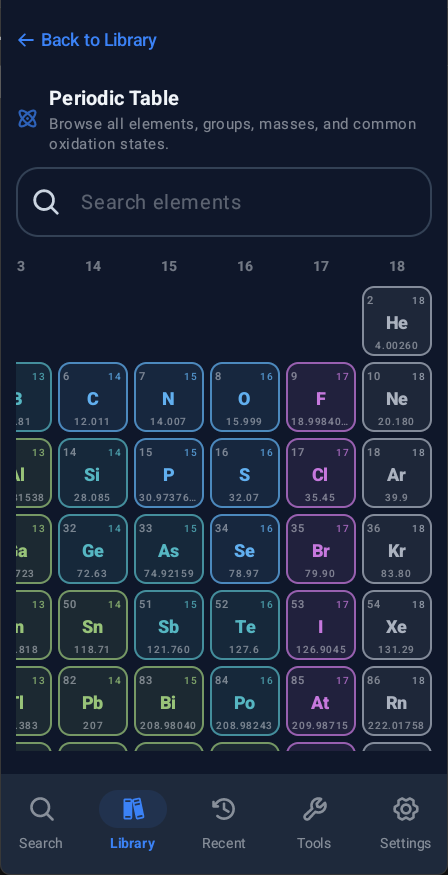
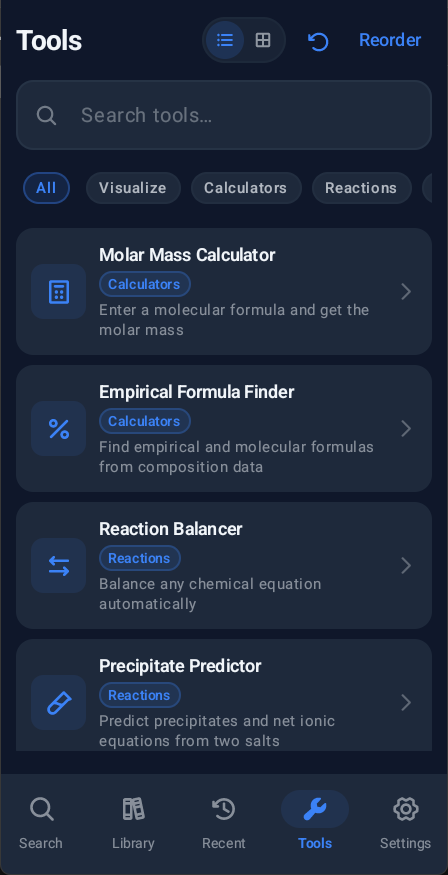
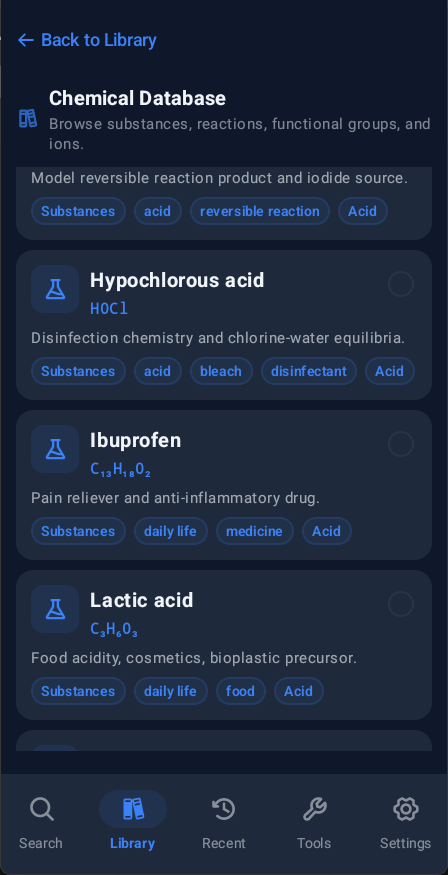
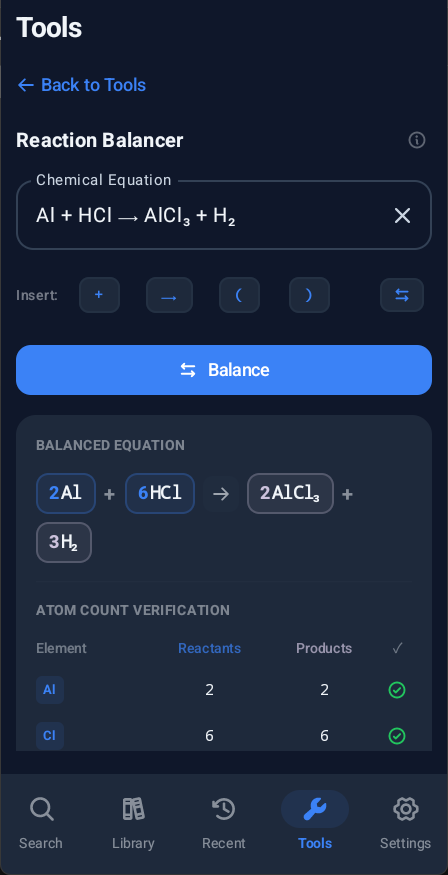
The app also includes a periodic table, a built-in chemical database, offline compound saves, recent searches, favorites, compound comparison, and practical chemistry tools such as molar mass, empirical formula, pH/pOH, oxidation state, reaction balancing, precipitation, stoichiometry, dilution, gas laws, SMILES lookup, and a local 3D molecule viewer.
Most chemistry data comes from public sources such as PubChem, Wikipedia, Wikimedia Commons, UNECE GHS pictograms, Bowserinator/Periodic-Table-JSON on Github, and the NCI/CADD resolver.
AI descriptions are optional and require the user to add their own API key for the chosen provider.
Safety information is for quick reference only. Always follow the official SDS, lab rules, and local safety requirements for real handling decisions.
- Improved build system compatibility and stability.
- Technical updates: Upgraded internal build tools to Gradle 9.6.0.
- General maintenance and project cleanup.
Recent approved comments · sorted by newest
View all comments